peak design M-BM-AB-BK-WEB-1 Universal Bar Mount Instructions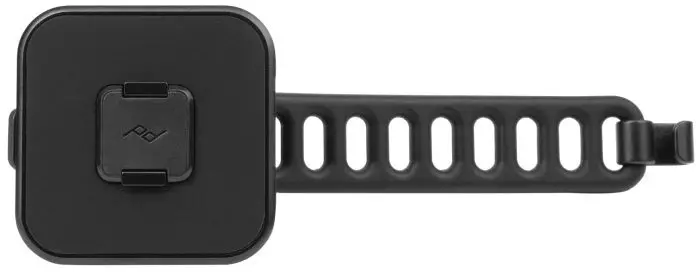
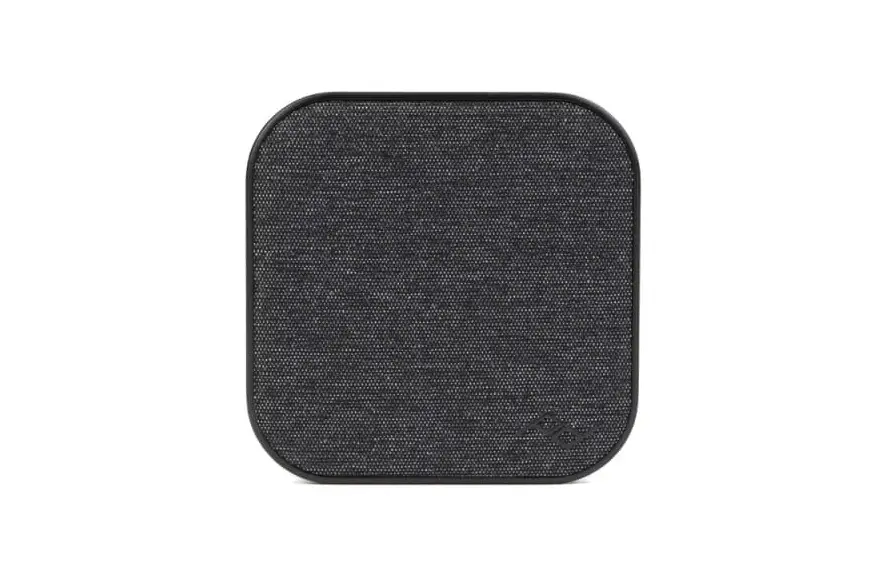
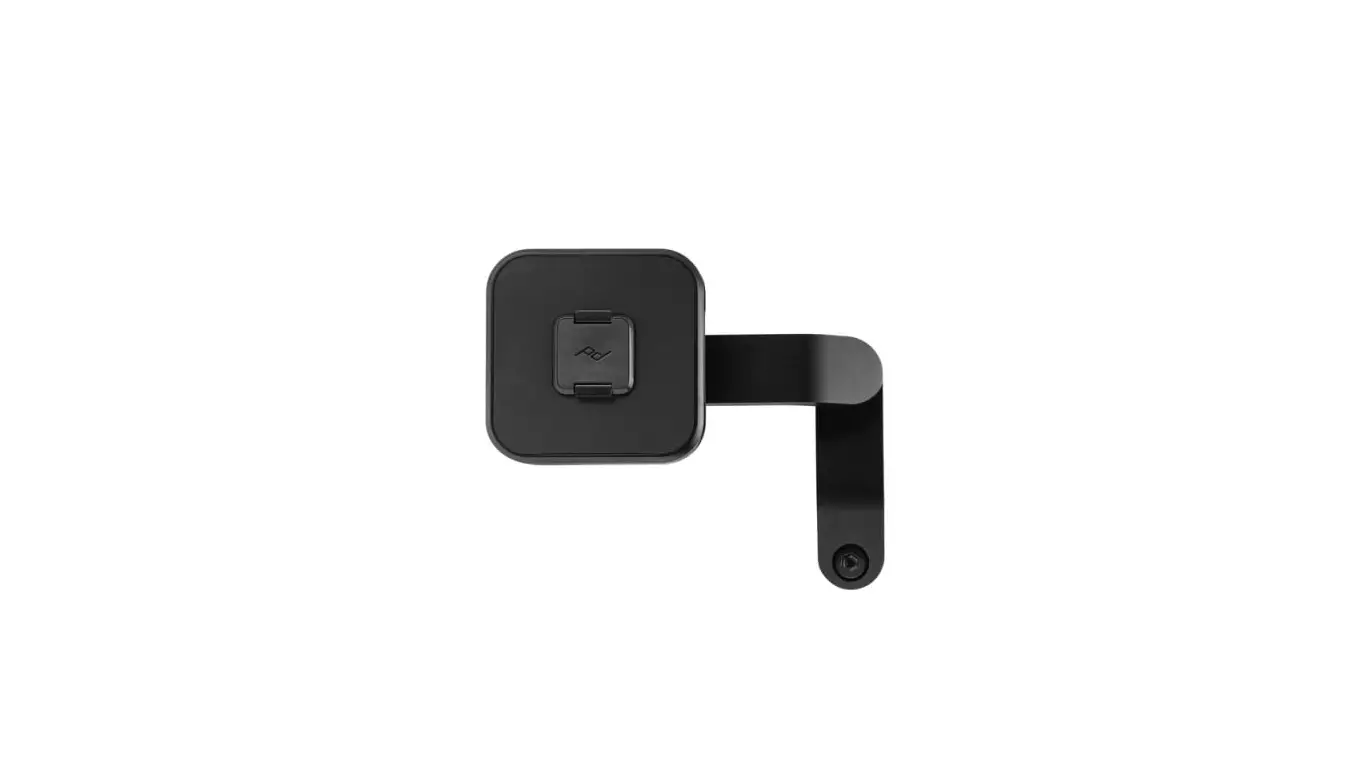
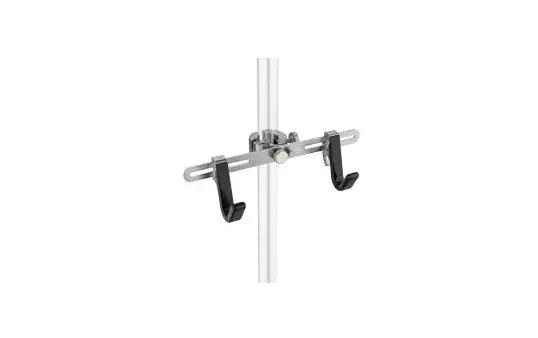
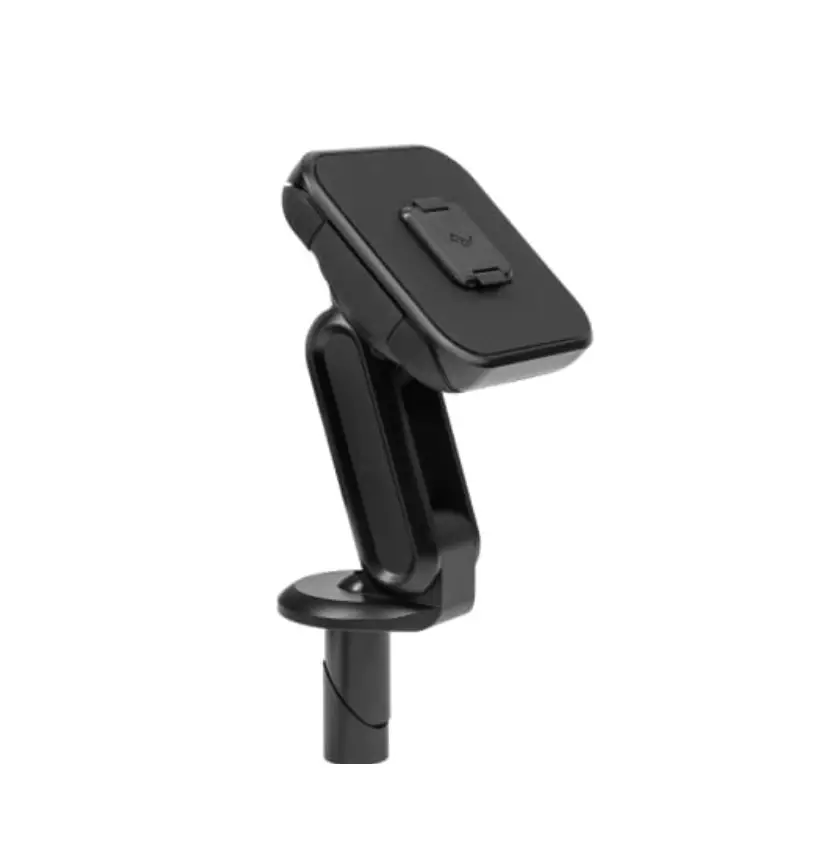
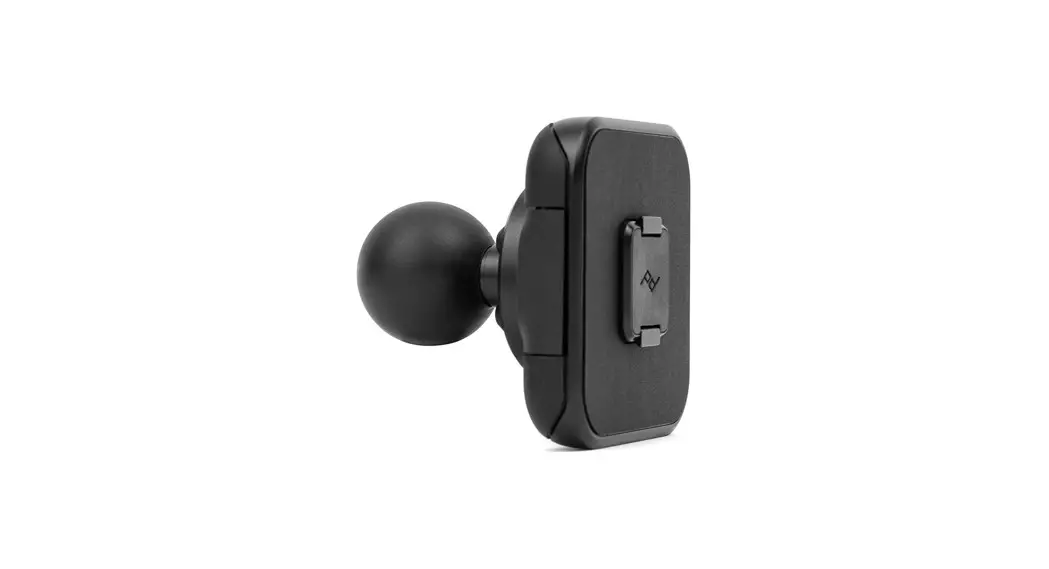
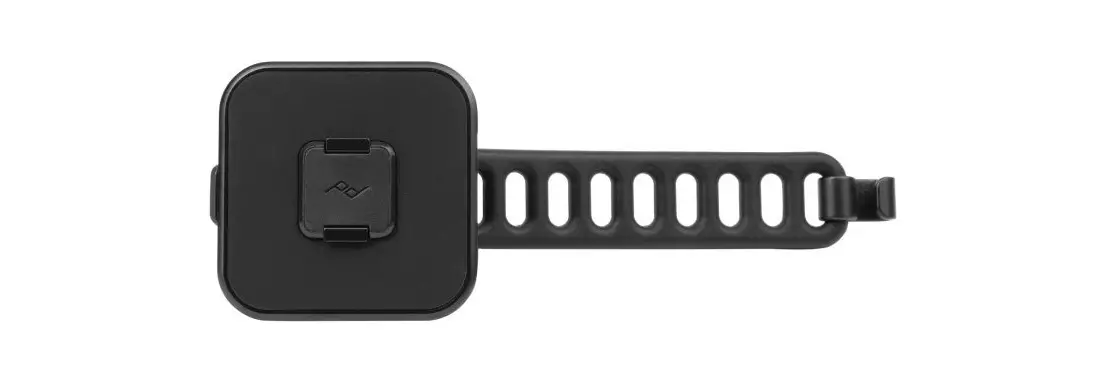
GET TO KNOW YOUR MOUNT
Requires Peak Design Case not included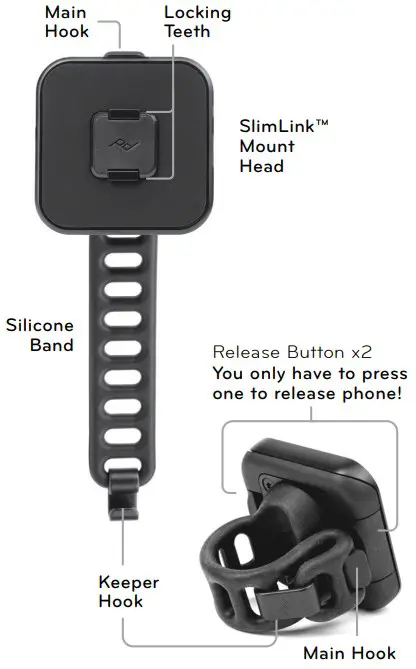
INSTALL
- Wrap the Silicone Strap around the bar, pull snug, and connect to Main Hook.
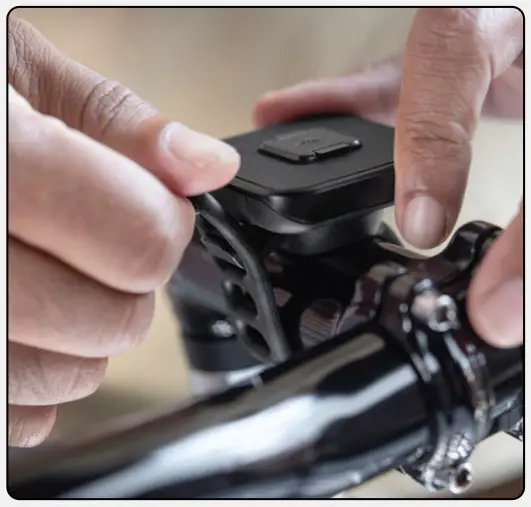
- Secure excess Silicone Band by connecting Keeper Hook.

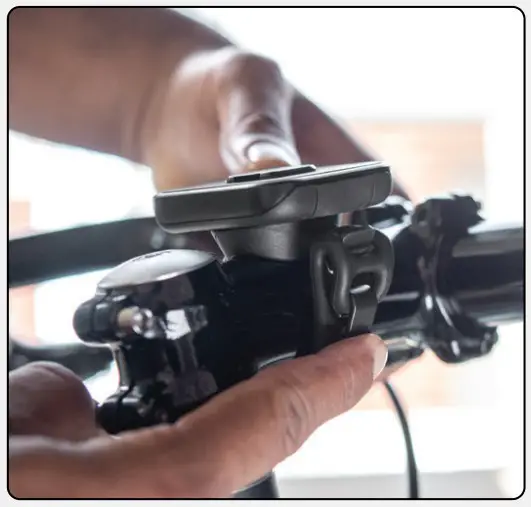
UNINSTALL
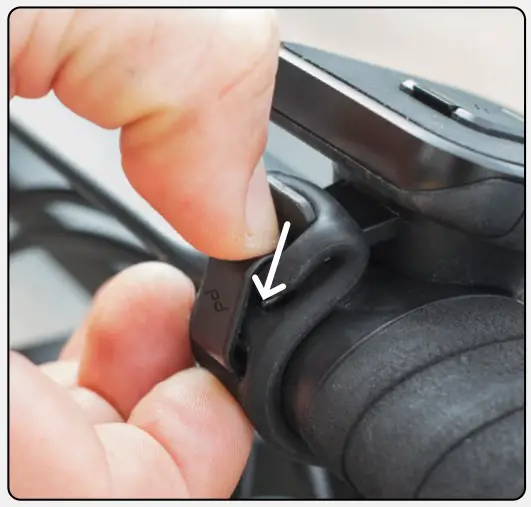
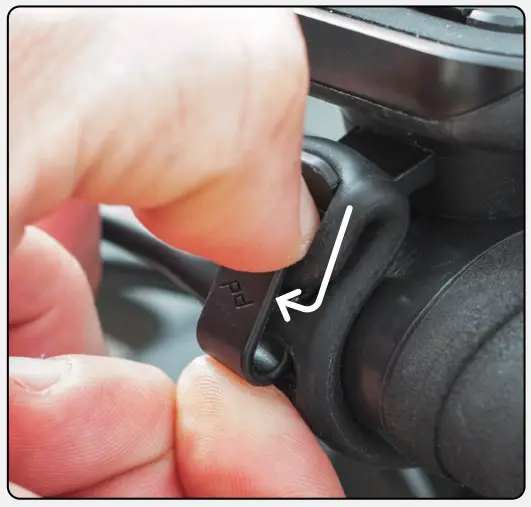
- Push down on Keeper Hook.
- Lift Keeper Hook away from Silicone Band.
USE
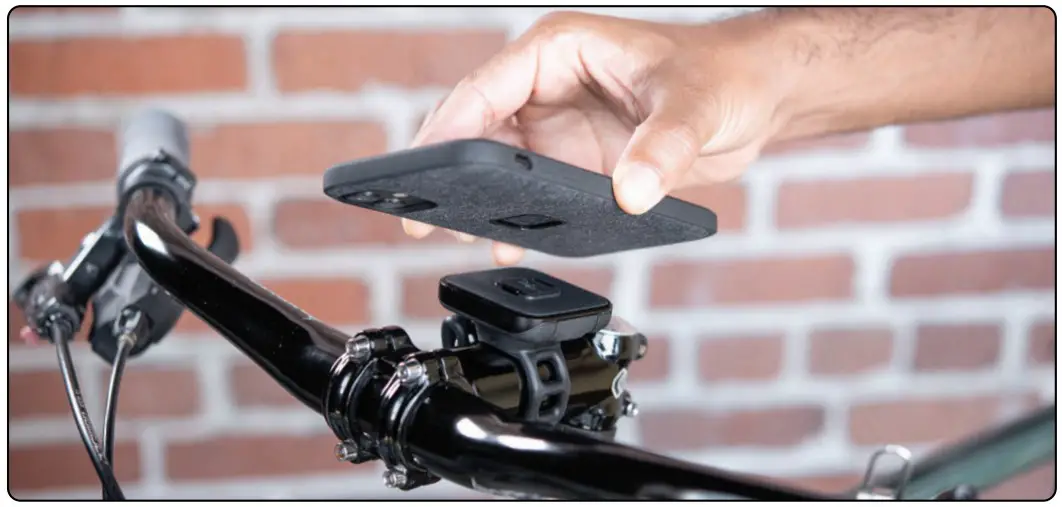
Attach/Detach Phone
To attach, place phone on mount and listen for “click” to ensure phone is locked.
Requires Peak Design Case (sold separately).
To remove, push just one of either the Release Buttons and pull phone outward.
Rotate
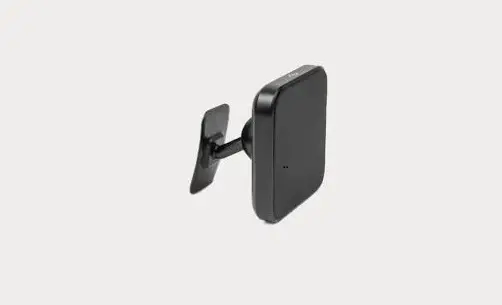
The SlimLink™ Mount Head can rotate to the perfect viewing position. Simply apply pressure in a turning motion (either direction).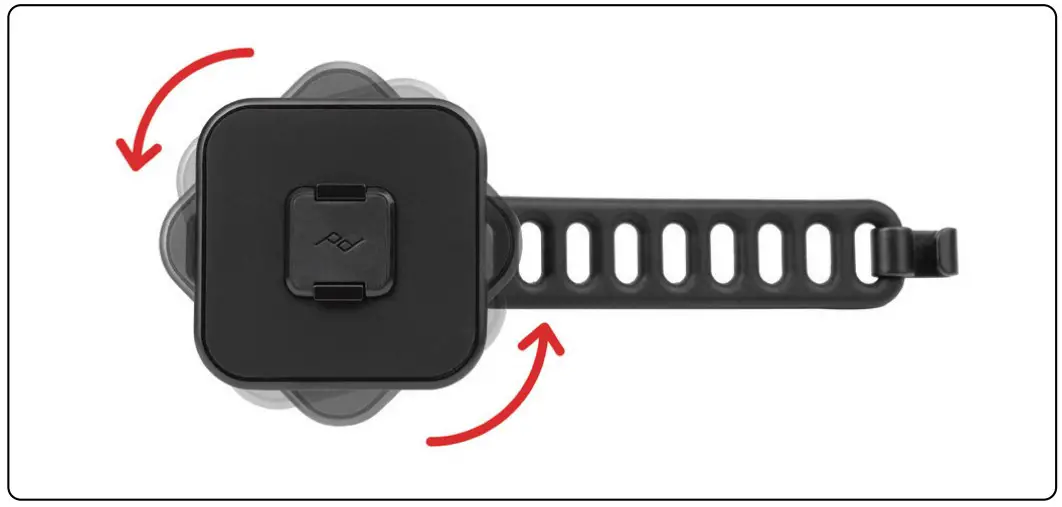
more info: pkdsn.com/universalbarmount
 Bags + Camera Gear | Peak Design Official Site