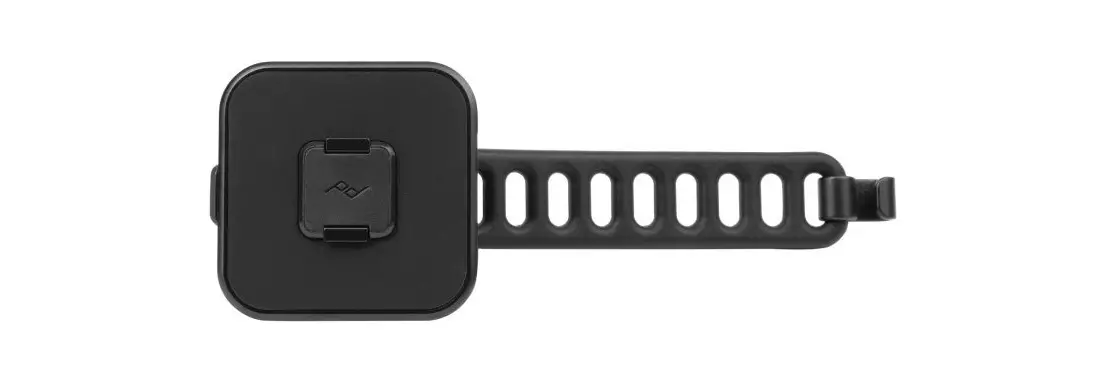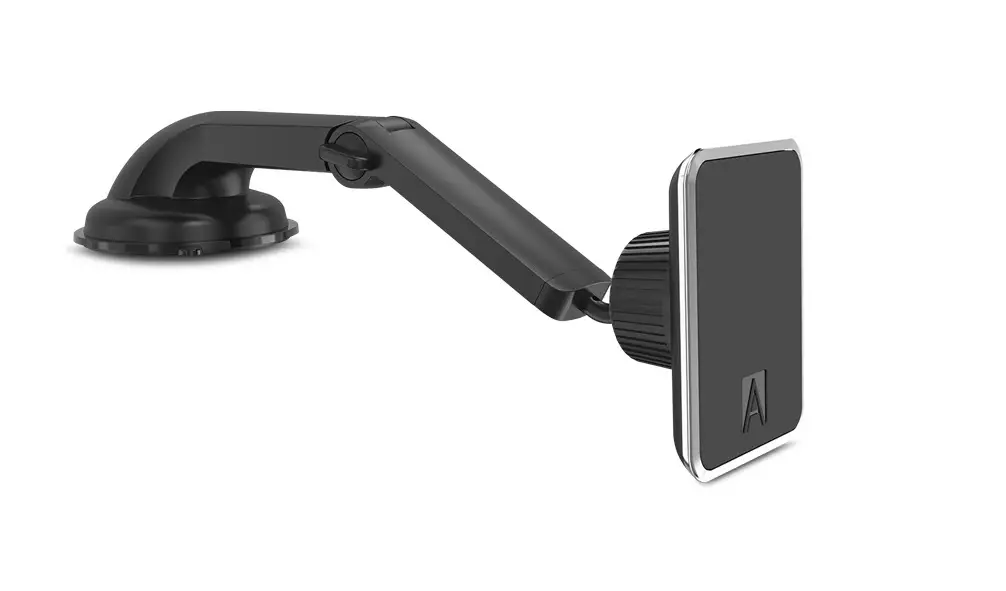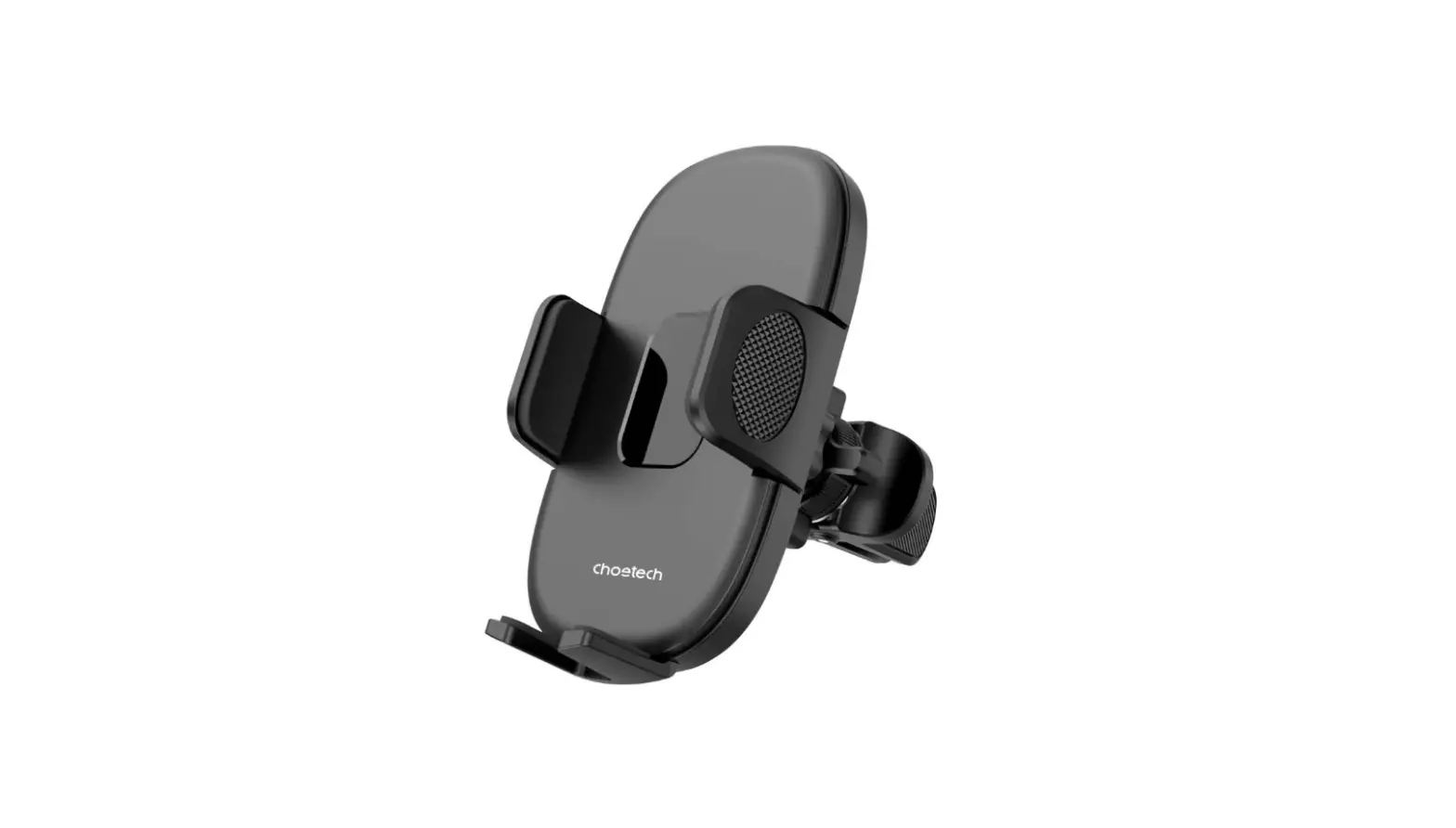
peak design M-CM-AC-BK-WEB-1 Vent Mount Instructions
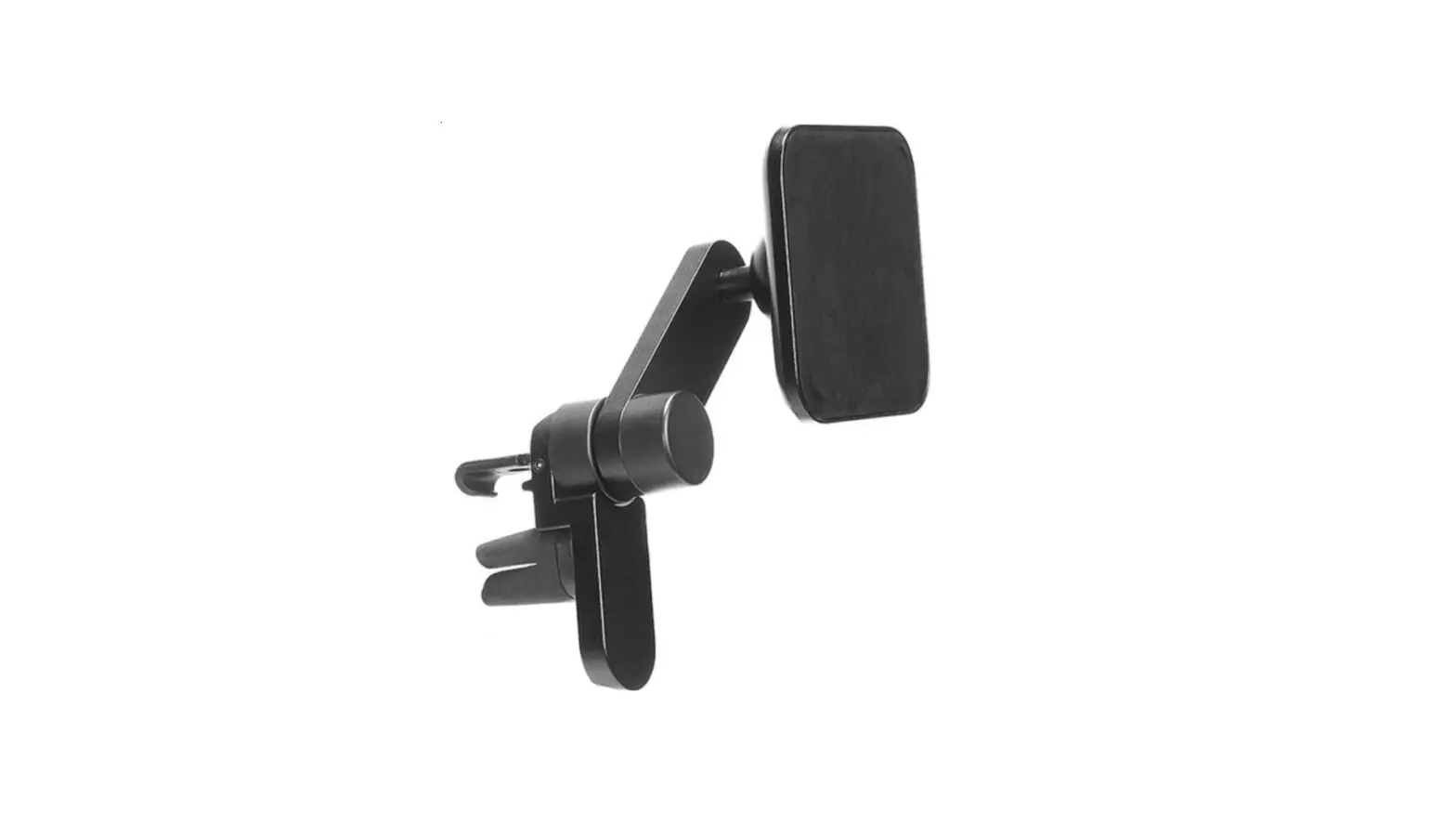
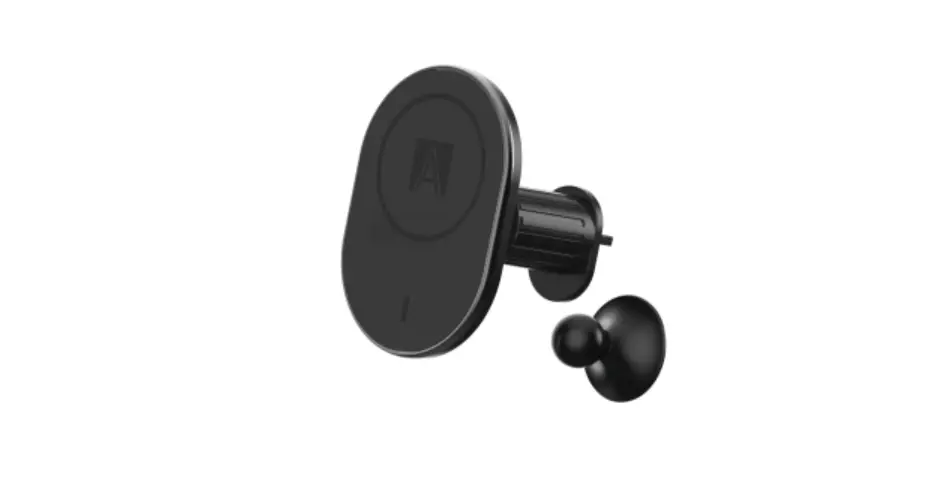
WHAT’S IN THE BOX
requires Peak Design Case not included
ARE MY VENTS SUITABLE?
For the Vent Mount to perform optimally, your vehicle must be equipped with the correct style of vents: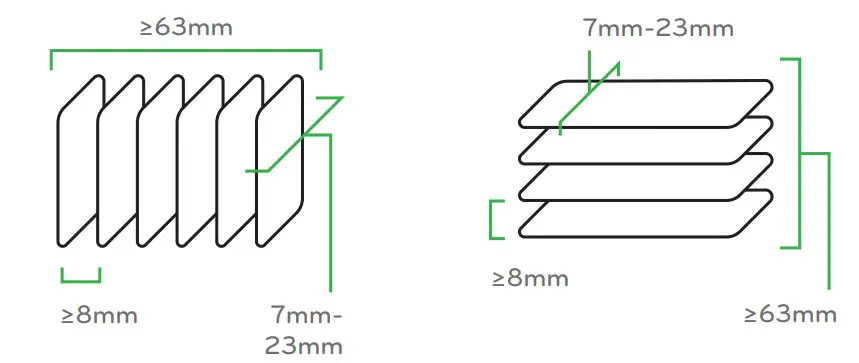
- Straight blades that are 7-23mm (1/4-7/8”) deep.
- Secure, not easily-removable blades.
- Minimum 8mm (5/16”) gap between blades.
- Minimum 63mm (2 1/2″) vent body width for vents with vertical blades.
- Minimum 63mm (2 1/2”) vent body height for vents with horizontal blades.
These work:
These do not
INSTALLATION
NOTE: In general, HVAC vents are not designed with accessory mounting in mind. As such, exercise caution during installation.
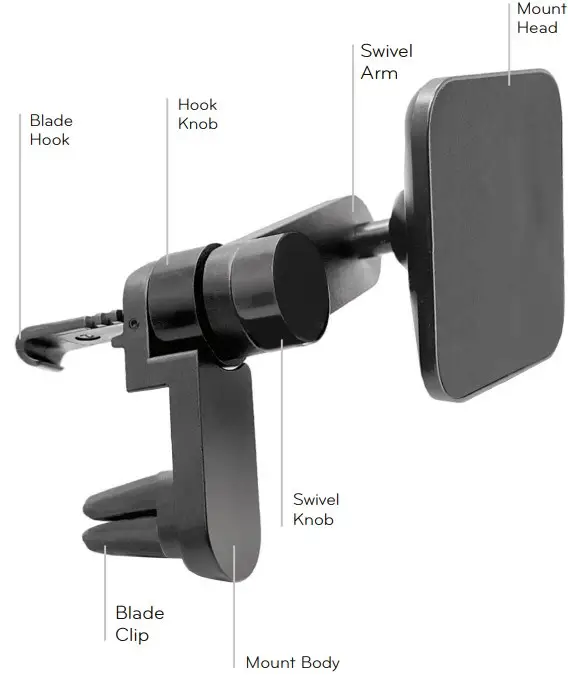
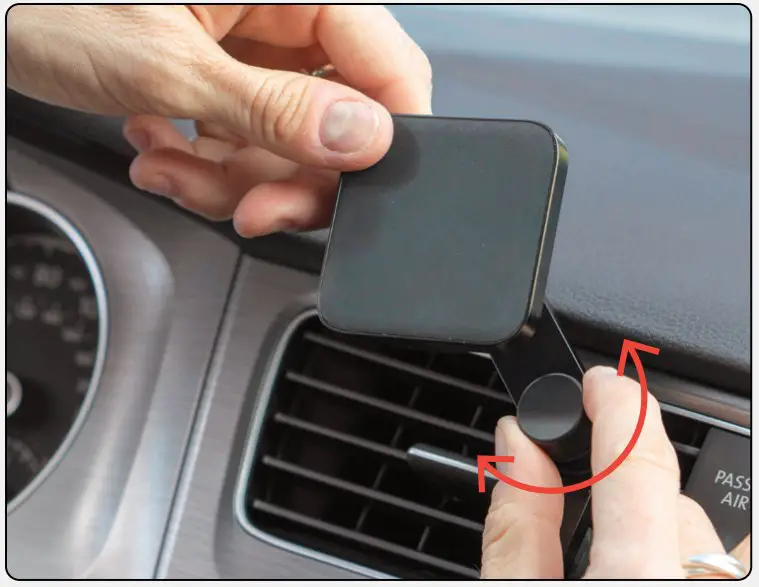
- Loosen Swivel Knob ½ turn and rotate Swivel Arm so it is aligned with the Mount Body. Note that this may require some force to initially move Swivel Arm.
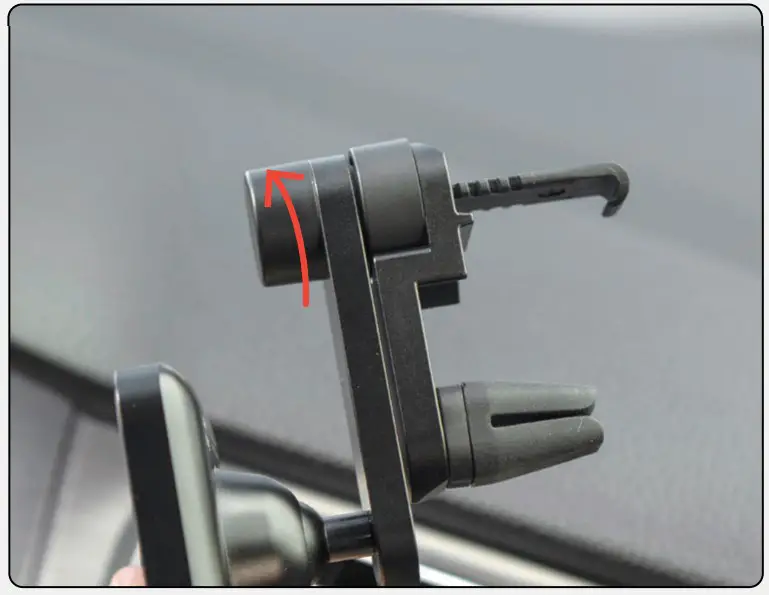
- Fully Extend the Blade Hook by turning the Hook Knob.
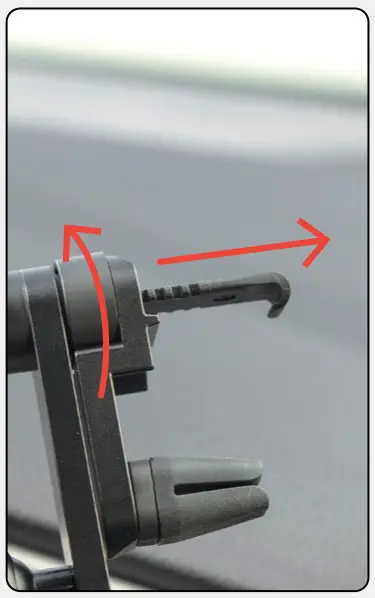
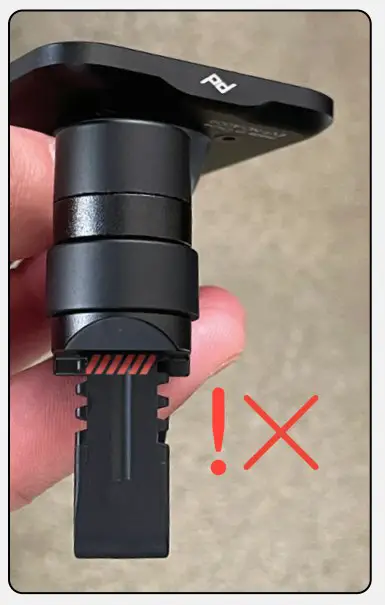
 Do not over-extend the Blade Hook, this can damage the mount! Stop at the warning!
 - Adjust your car’s vent to a fully open position
- Align the Blade Hook just above the blade on which you plan to attach. Align the Blade Clip 1-2 blades down from the Hook. Ideal position is car/vent dependent.
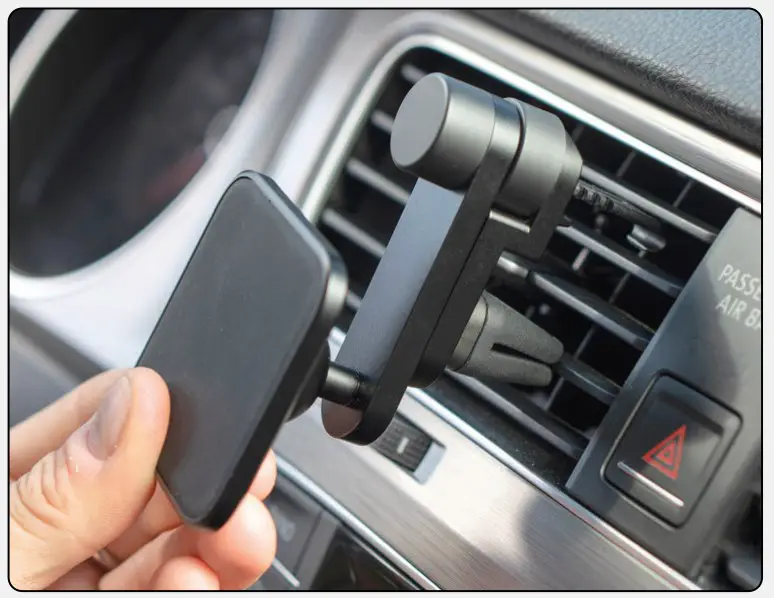
- Insert both Blade Hook and Blade Clip fully into the vent.
- Drop the Hook over the vent blade and secure it by rotating the Hook Knob.
Do not overtighten the Hook Knob, ! this can damage the vent!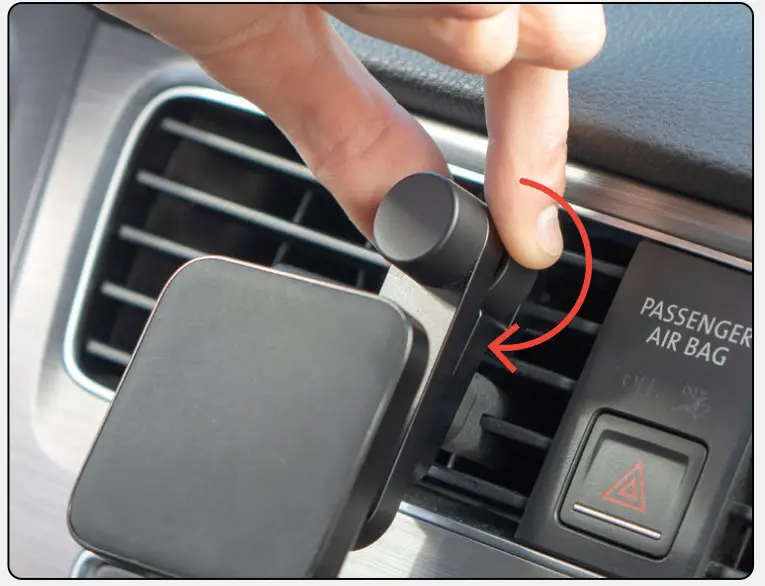
- Loosen Swivel Knob, adjust the Swivel Arm to desired position then secure it by retightening the Swivel Knob.
USE
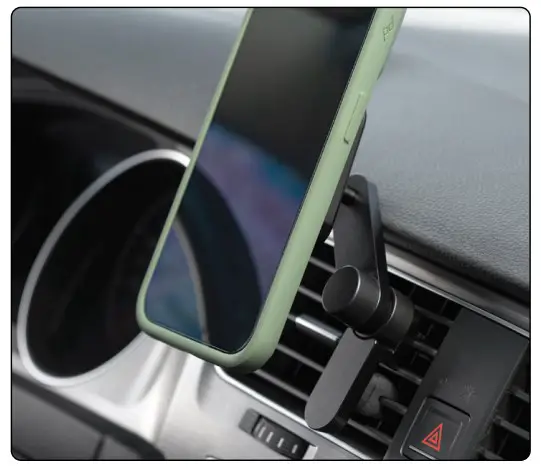
Wireless Charging Car Vent Mount magnetically connects to the back of your phone. Requires Peak Design Everyday Case or MagSafe Phone/Case.
WARNINGS
WARNING: A phone mounted on vent ! may overheat when heat is on.
Vent Mount may prevent vent from ! articulating fully
If not attached correctly, product and/or phone may dislodge or be thrown into air in event of crash. Consult your car’s manual to ensure mount does not cover or interfere with operation of airbag.
Stay safe. Follow local regulations for ! phone use while driving
 Car Vent Mount | Peak Design Official Site