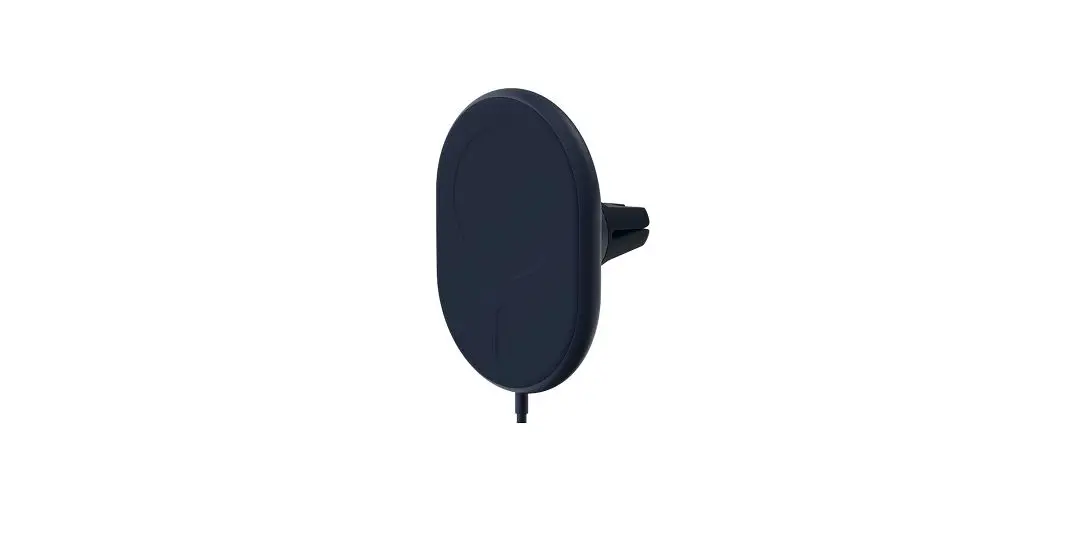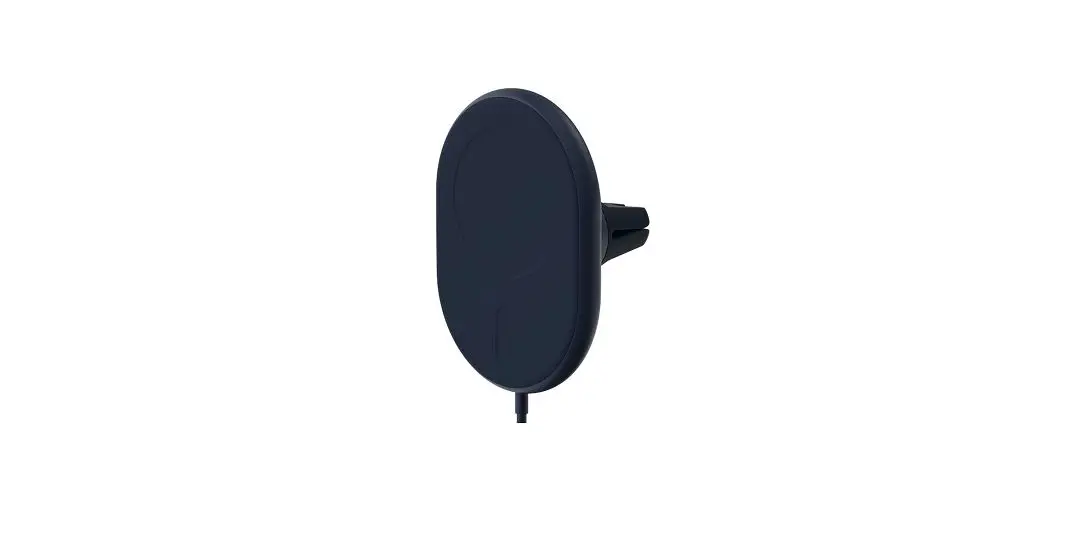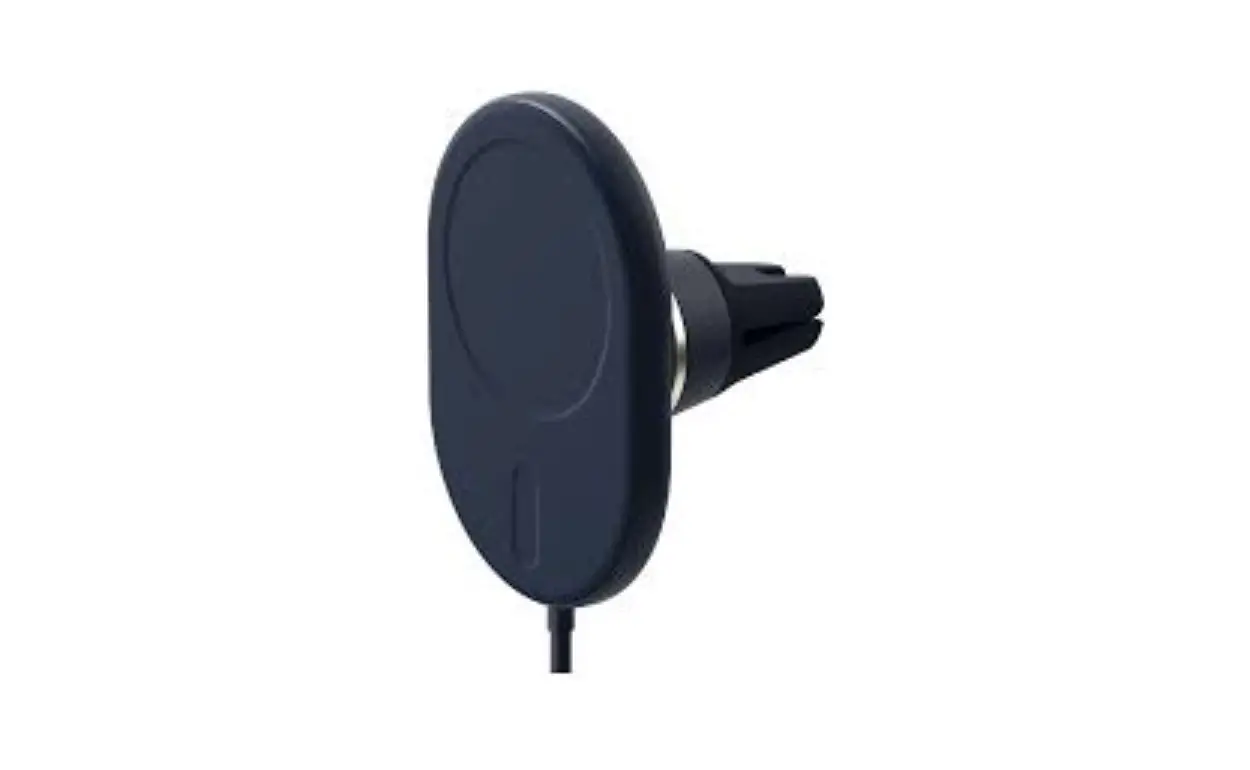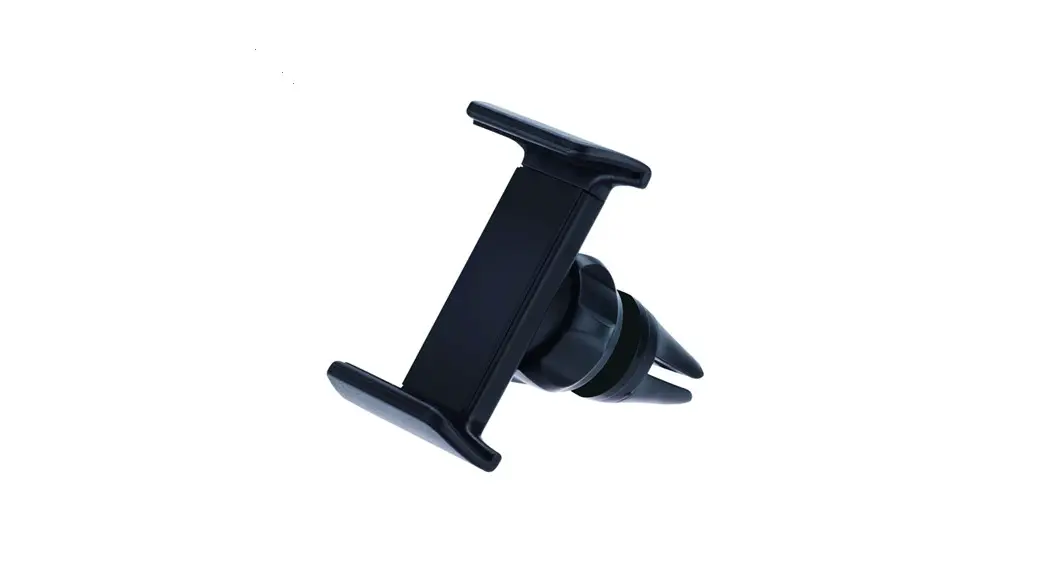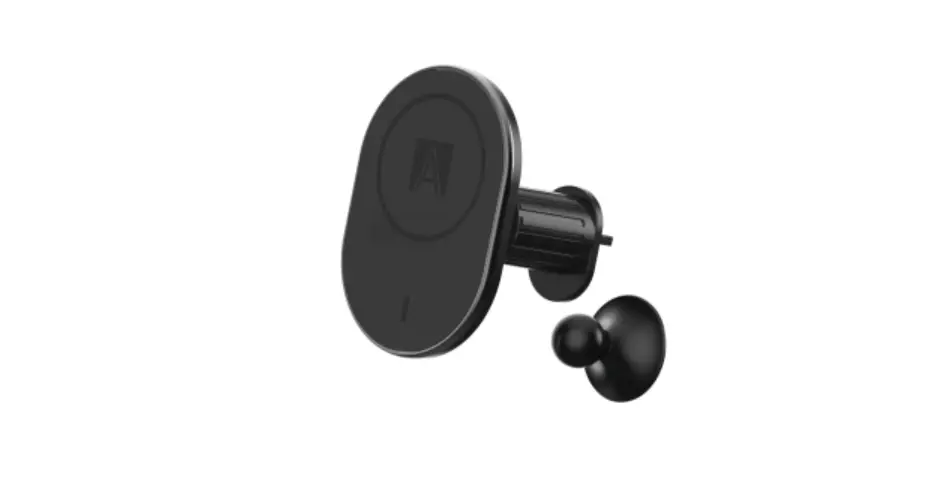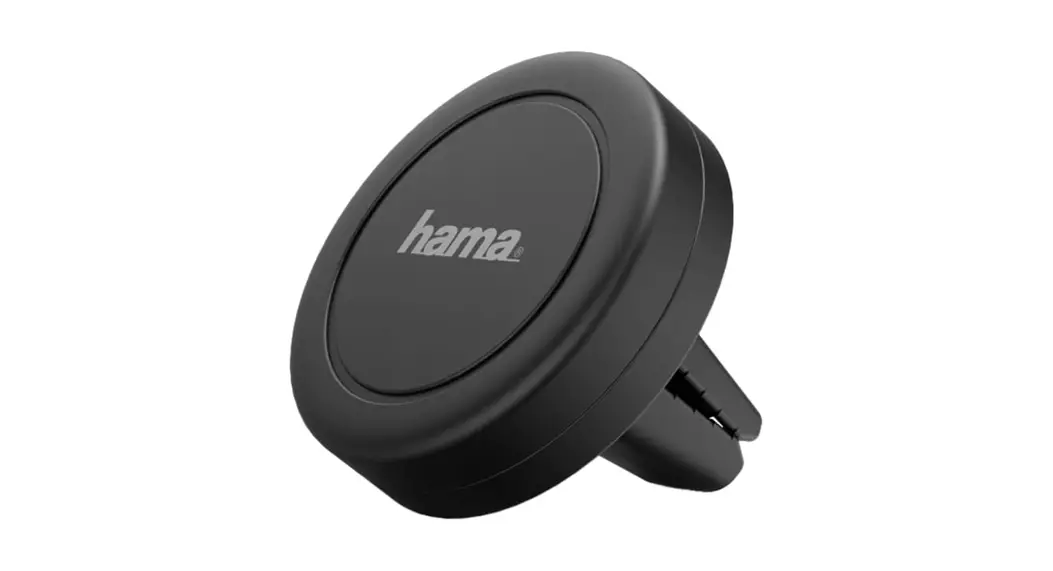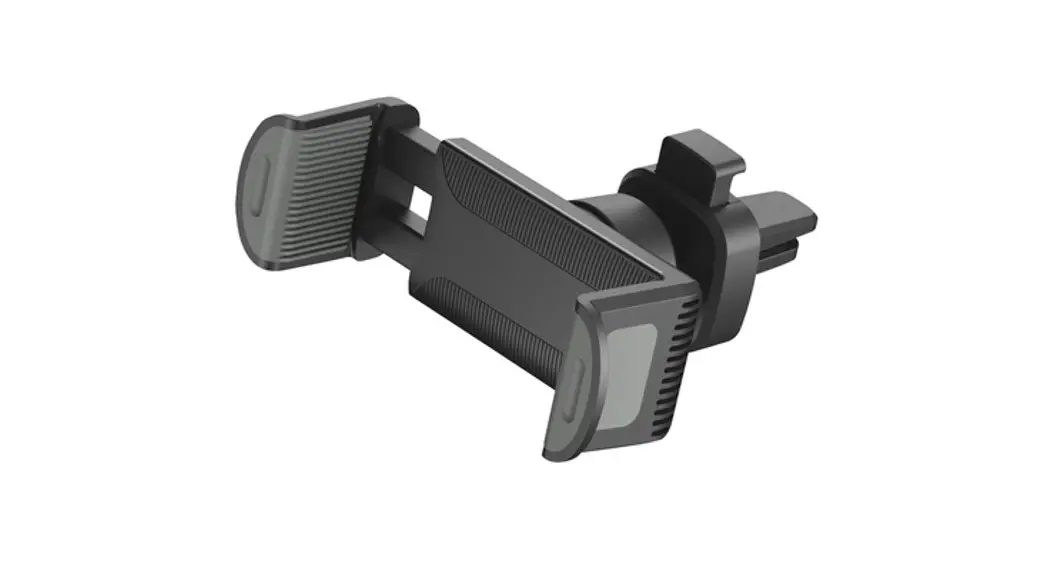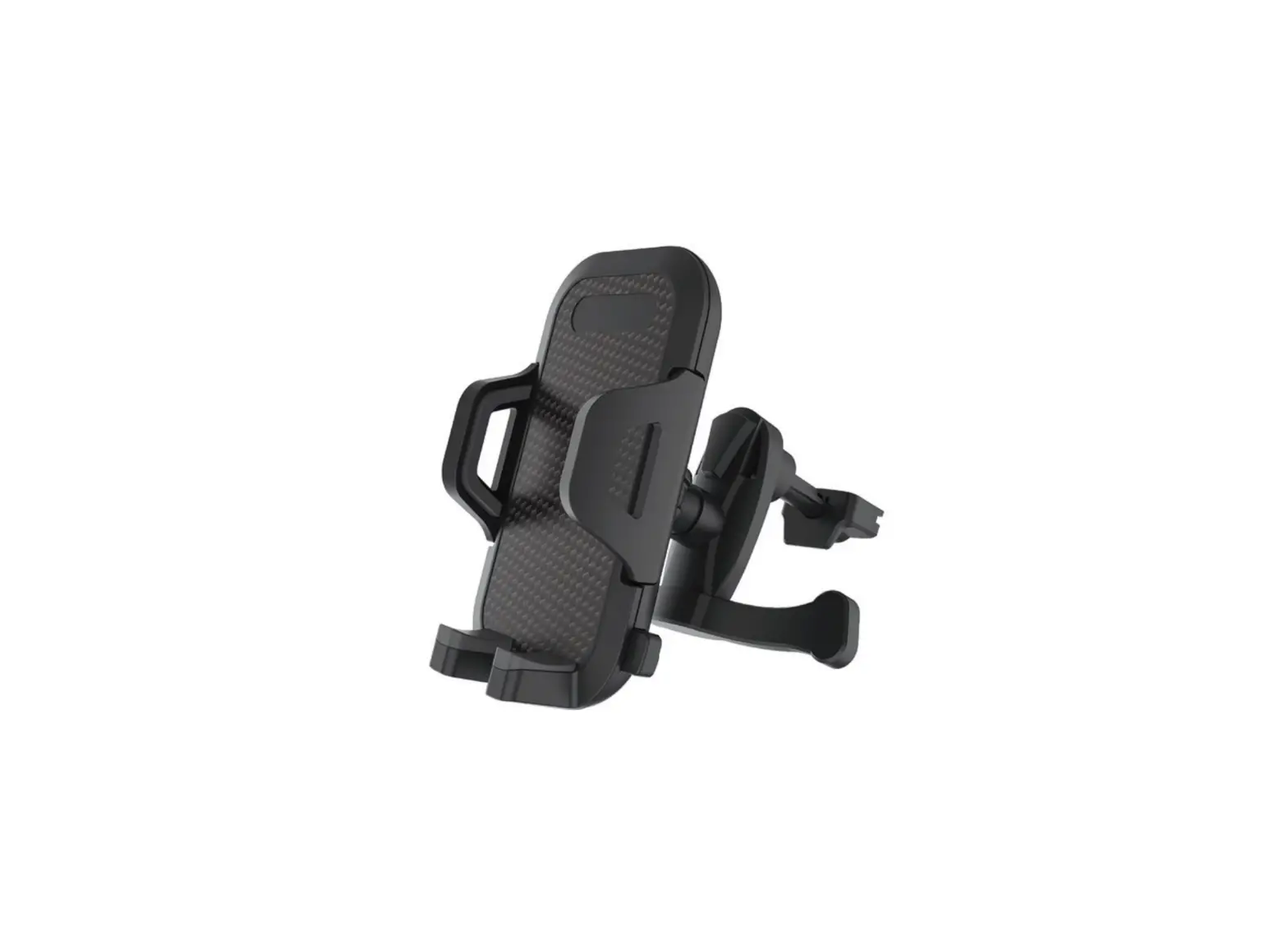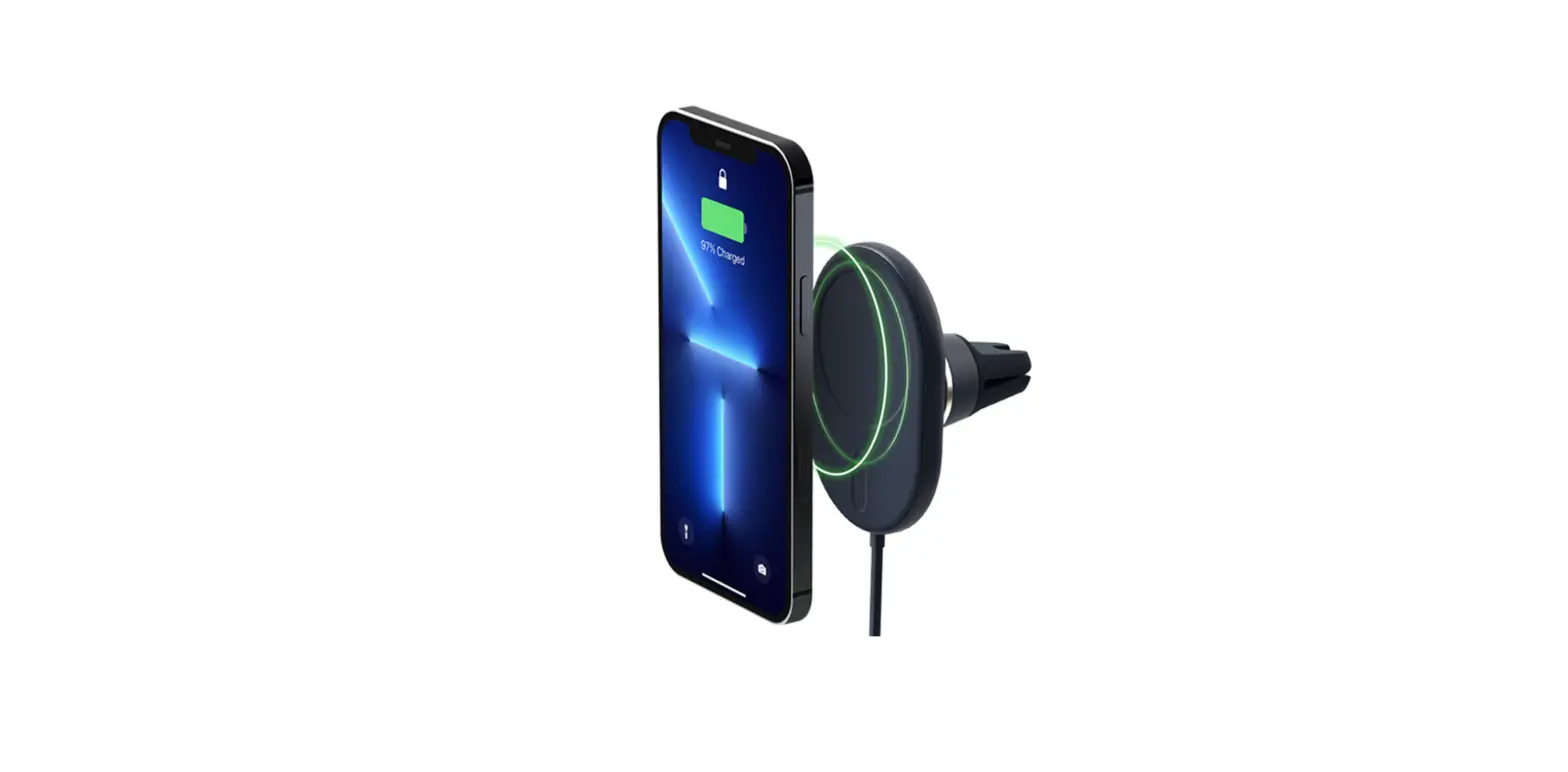

TELLUR TLL171031 Magnetic Air Vent Mount
Description
Thank you for choosing Tellur!
To ensure optimum performance and safety, please read this user manual carefully before using the product. Keep this user manual safe for future reference.
INSTRUCTIONS
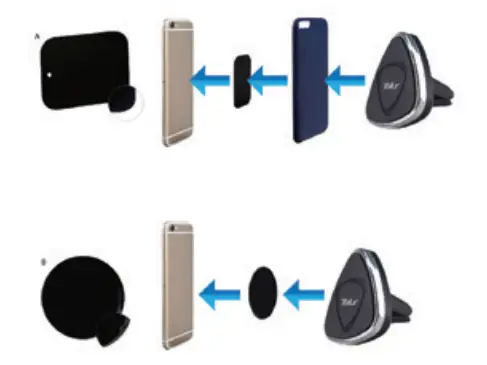
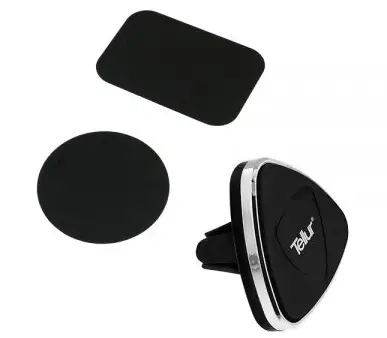
Mounting with rectangular metal plate:
- Fix the metal plate between the phone and its case, having the textile surface on the phone’s back.
- Put the phone on the magnetic support.
Mounting with round metal plate:
- Peel off the transparent foil from the round metal plate.
- Stick the adhesive part on the back of your phone.
- Put the phone on the magnetic support.