
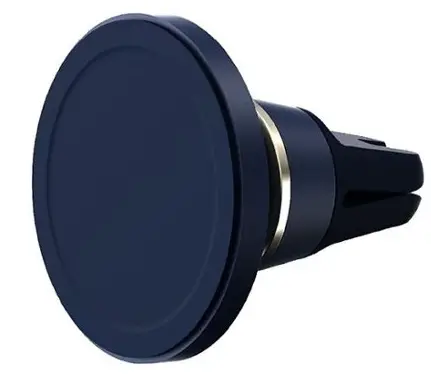
iottie MGSFIO102 Velox Magnetic Air Vent Mount Product Information
 Product Information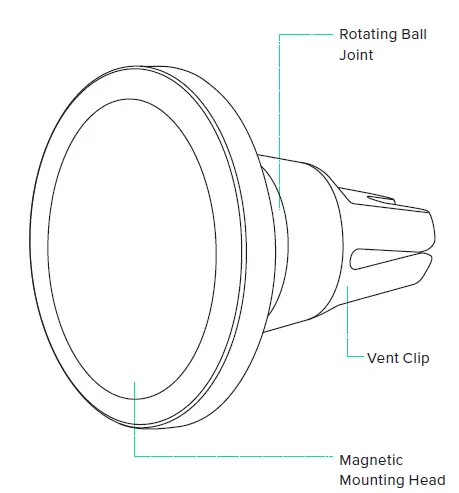
- Product Information At a Glance Device Compatibility Product Specifications
- Installing the Magnetic Air Vent Mount Attaching the Air Vent Mount Mounting your phone
Device Compatibility
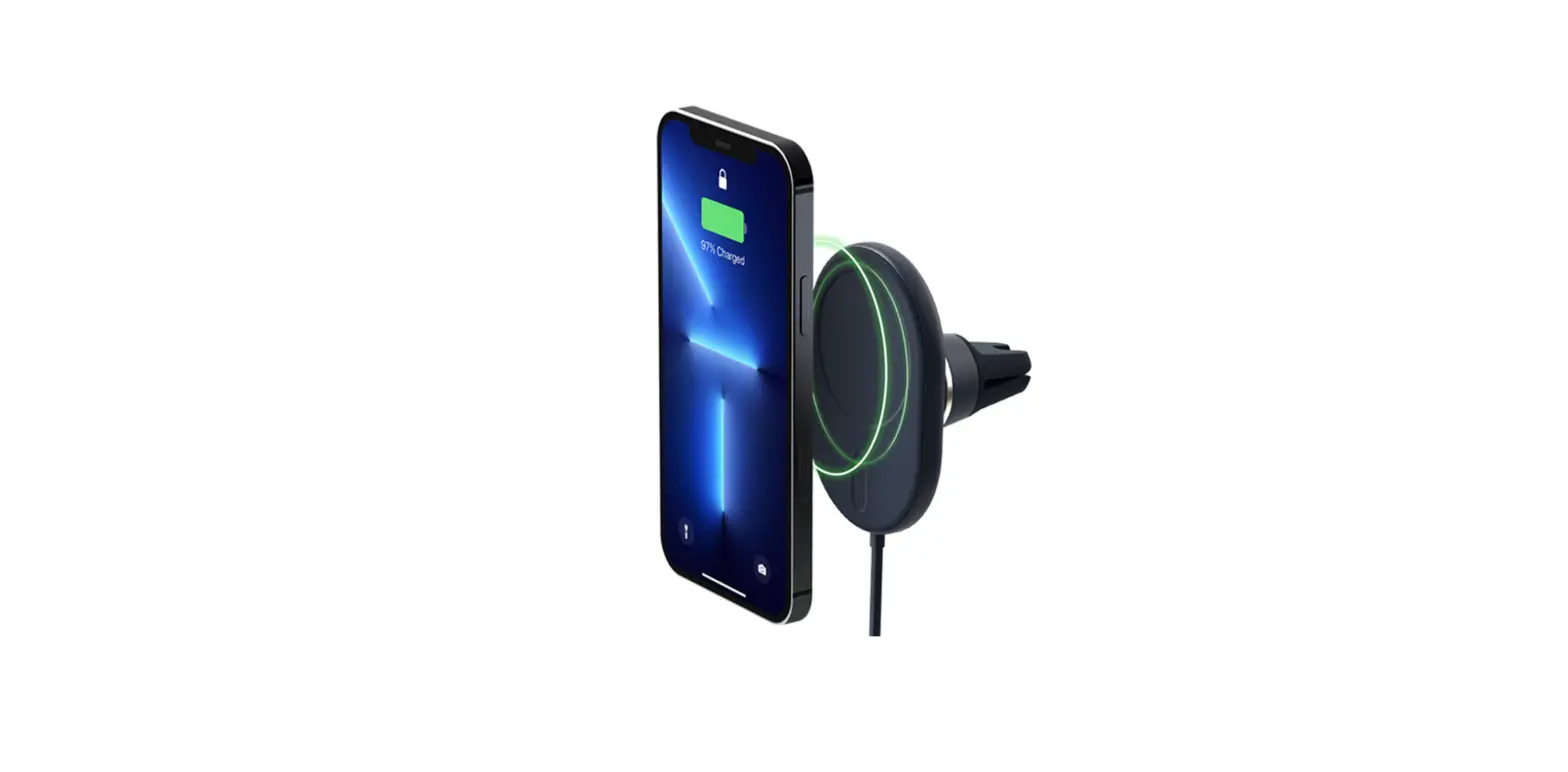
Velox products are designed for use with MagSafe Compatible iPhones and cases. Compatible devices include iPhone 13, iPhone 13 mini, iPhone 13 Pro, iPhone 13 Pro Max and iPhone 12 Series. 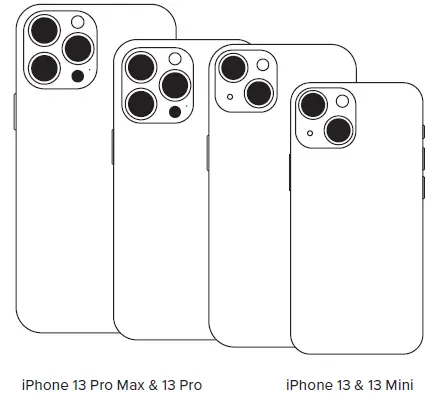
Product Specifications
| Item | Specification |
| Mount Length | 2.3″ |
| Mount Width | 2.3″ |
| Mount Height | 2.31″ |
| Mount Weight | 1.85 oz. |
Installing the Magnetic Air Vent Mount
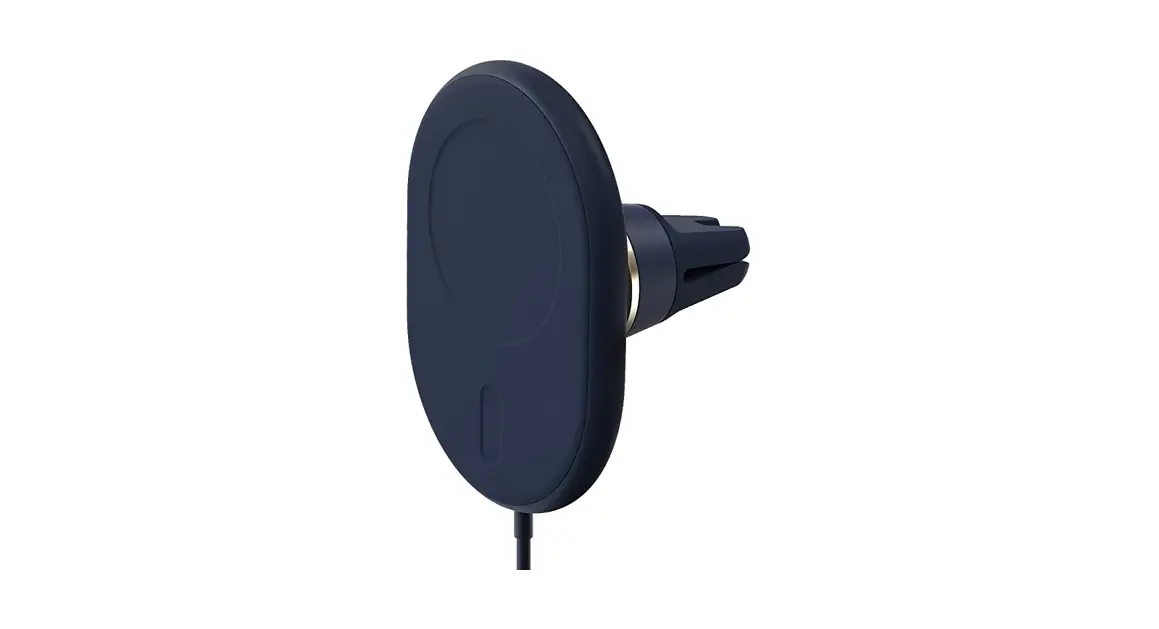
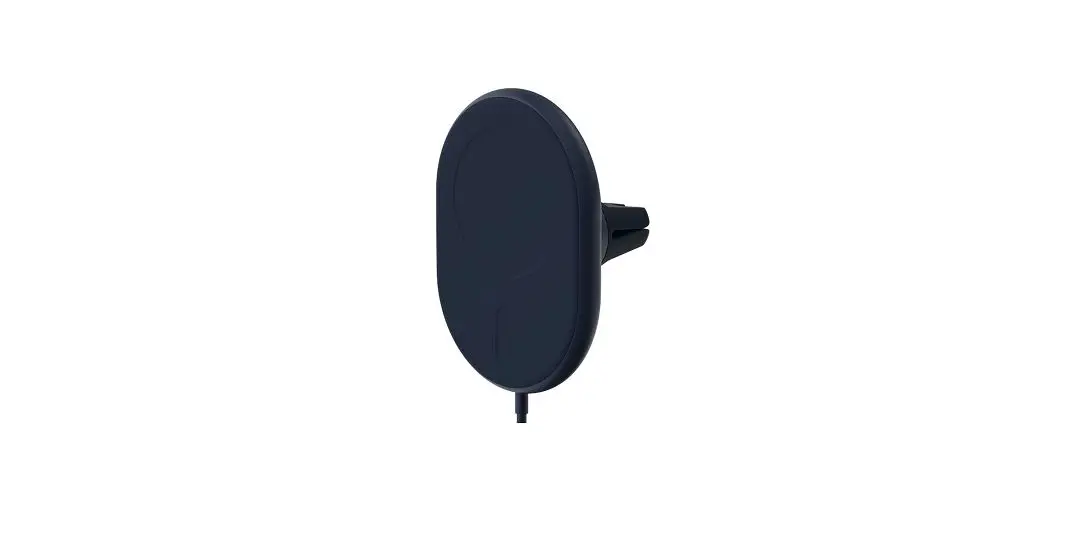
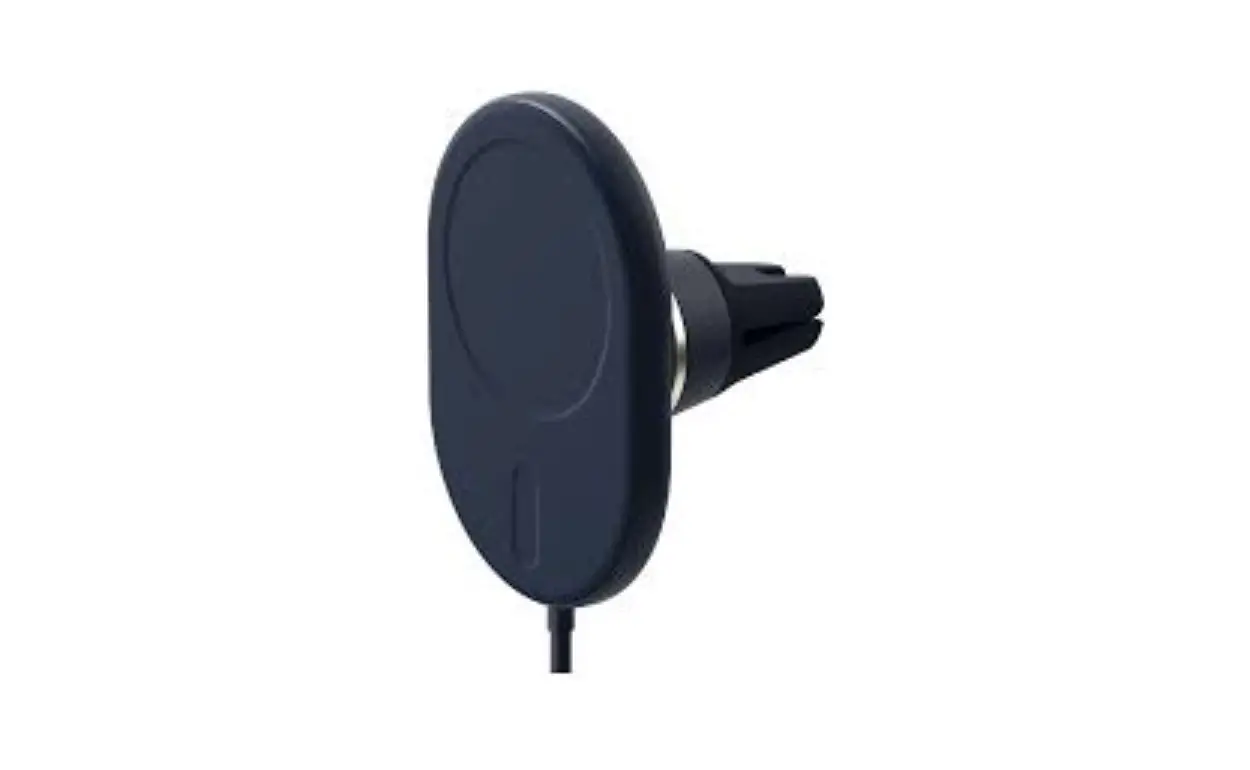
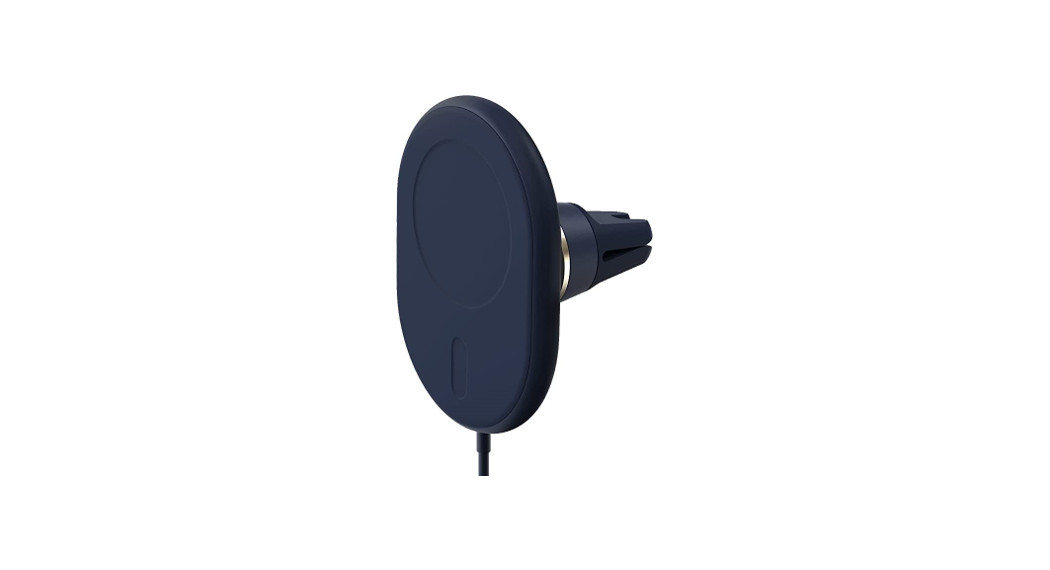
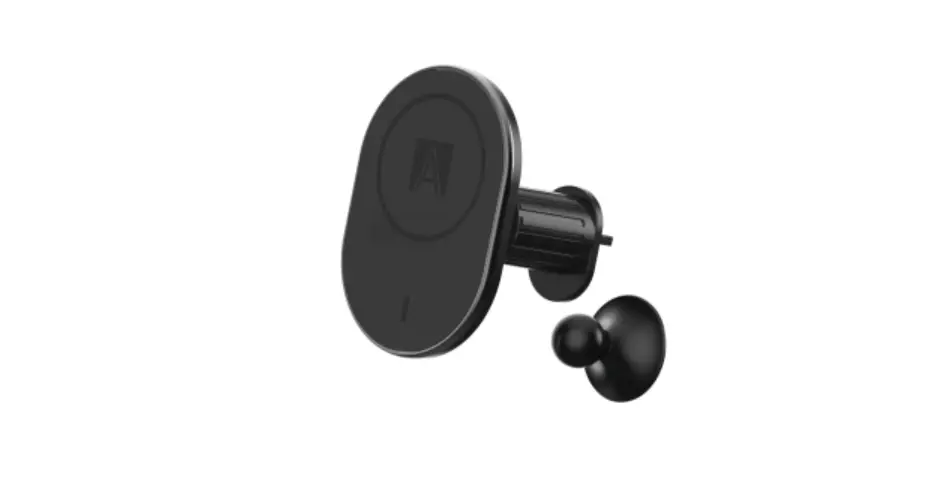
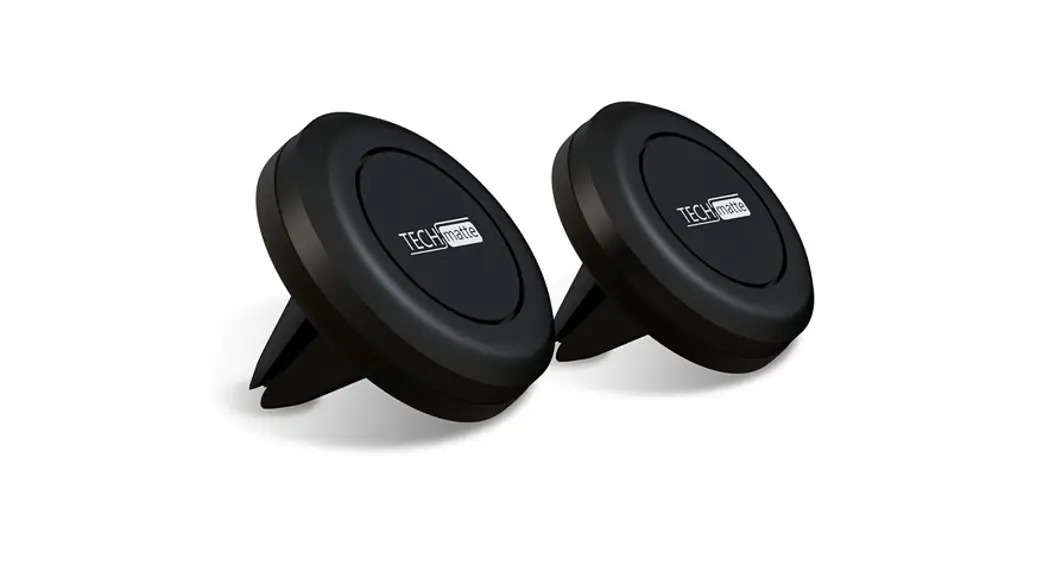
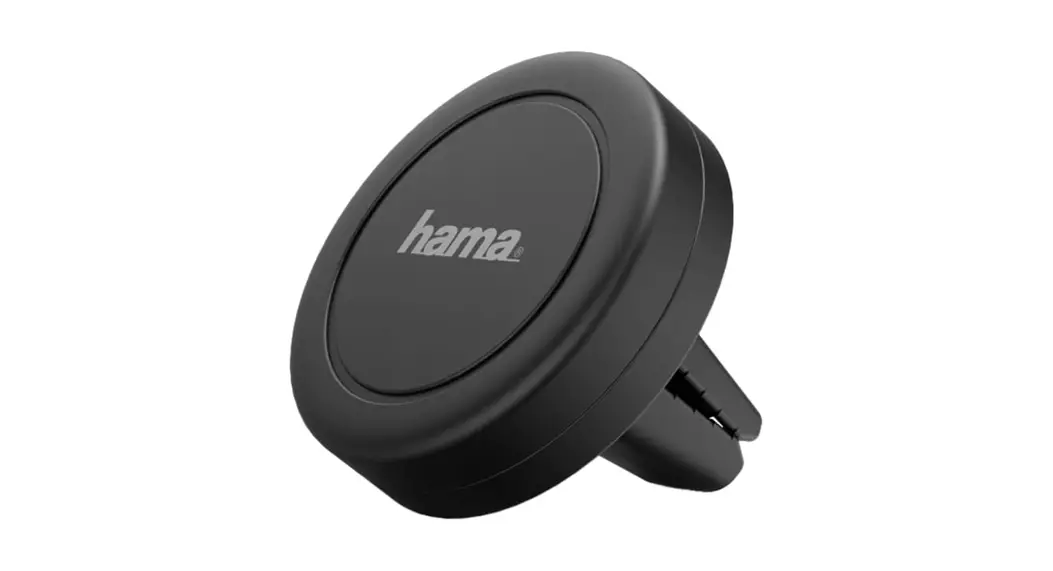
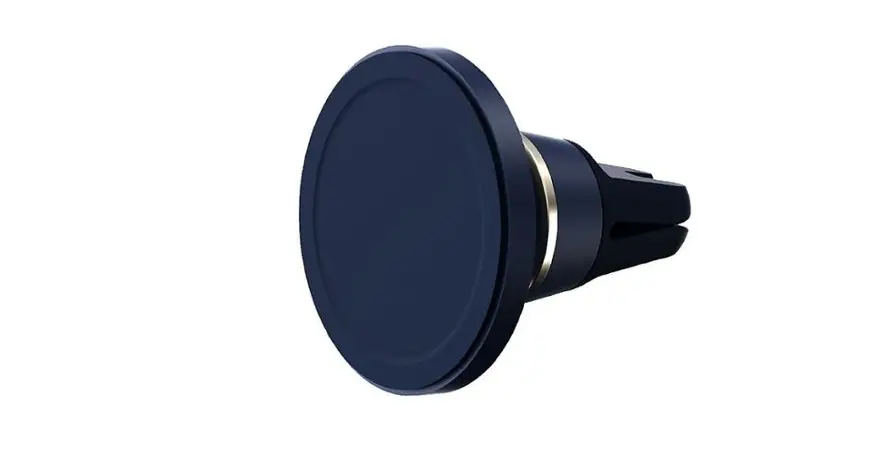
Attaching the Air Vent Mount Simply push the Velox mount onto the blade of your vehicle’s air vent. The silicon texture of the prongs will ensure that the mount does not fall off even when driving on rough roads.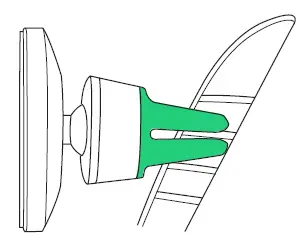
*Mount is designed to be used only with FLAT air vent blades.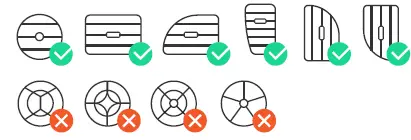
Mounting your phone Simply place your phone against the mount, and the magnets will hold it in place, charging will start automatically. You are now ready to start driving.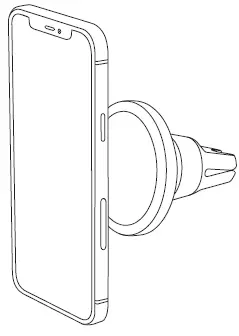
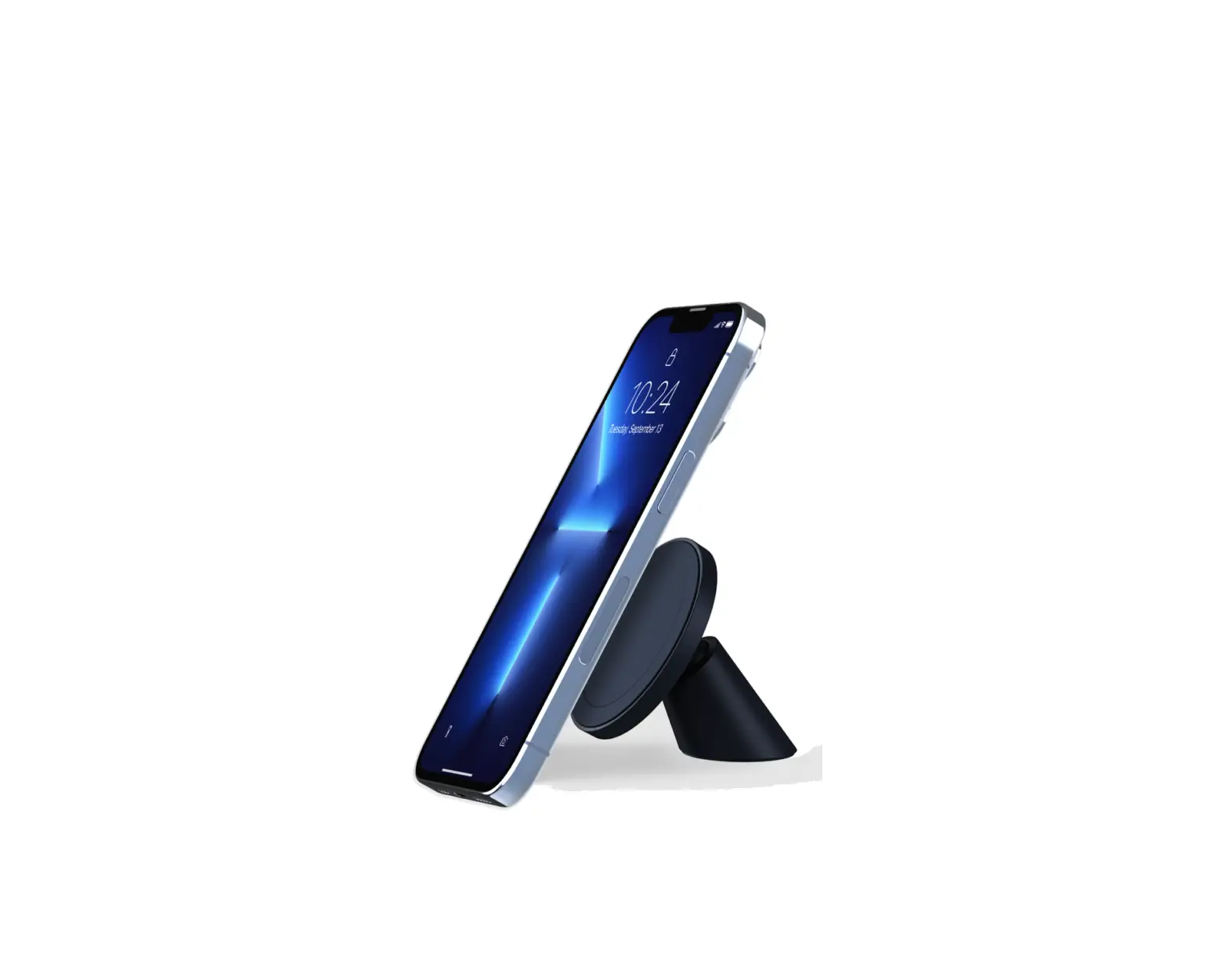
Additional Information Mount can also be used as a kickstand for your smartphone.