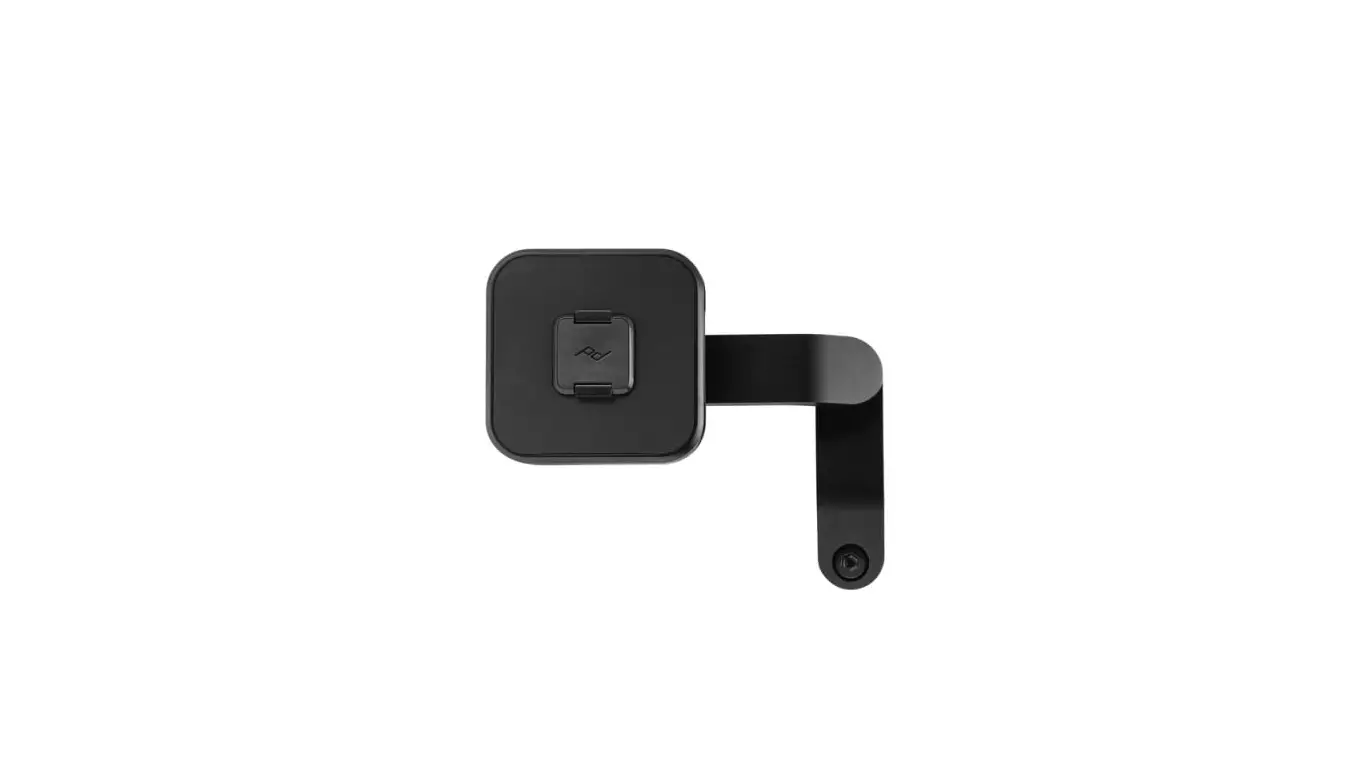

peak design M-MM-AB-BK-WEB-1 Motorcycle Bar Mount for Smartphone
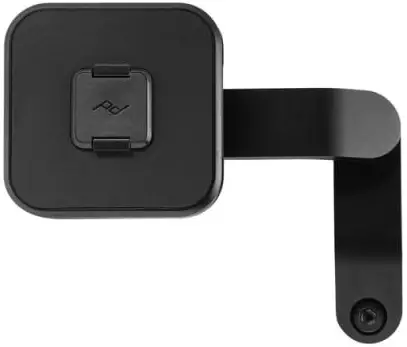
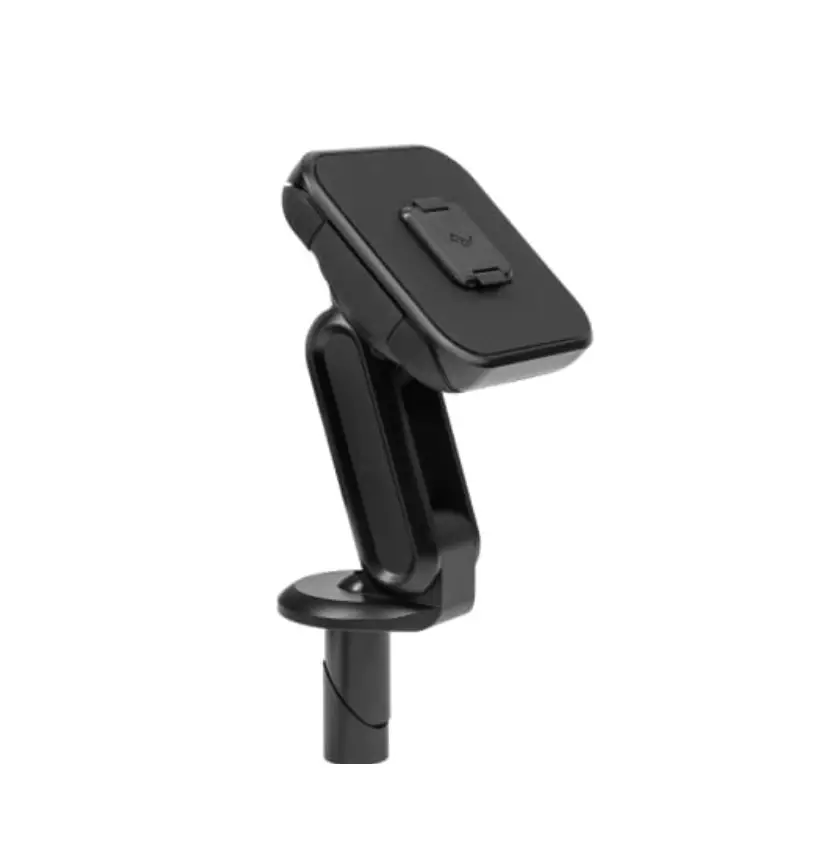
GET TO KNOW YOUR MOUNT
Requires Peak Design Case
not included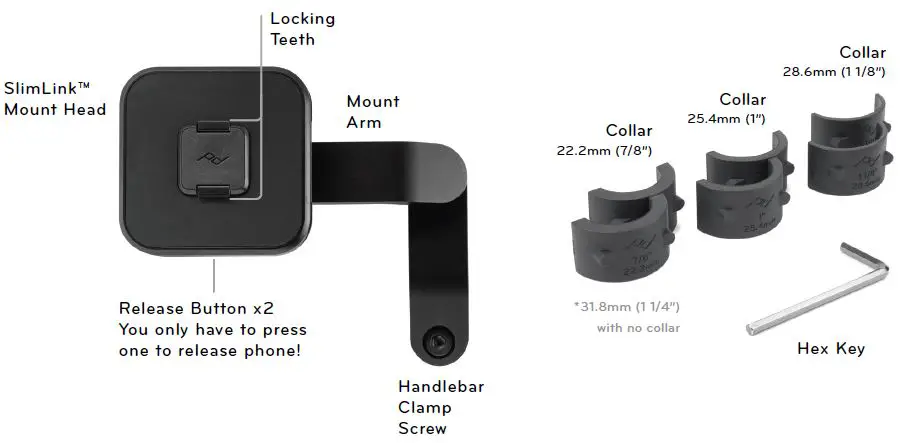
INSTALLATION
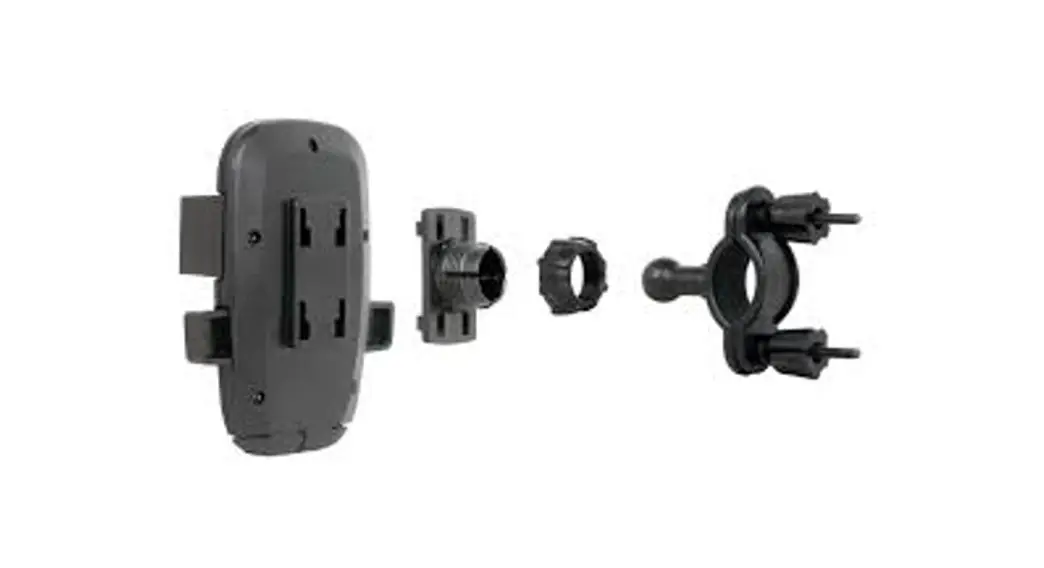
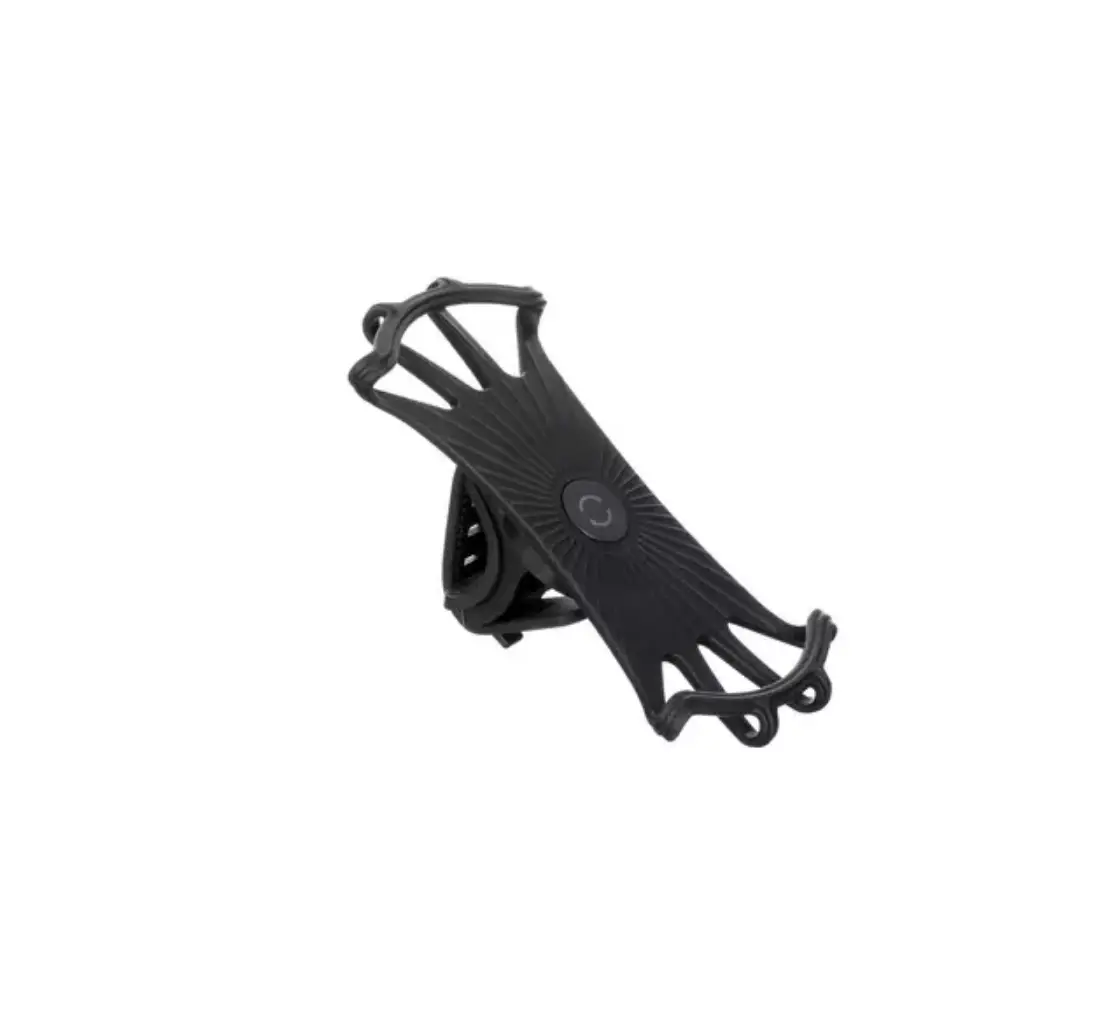
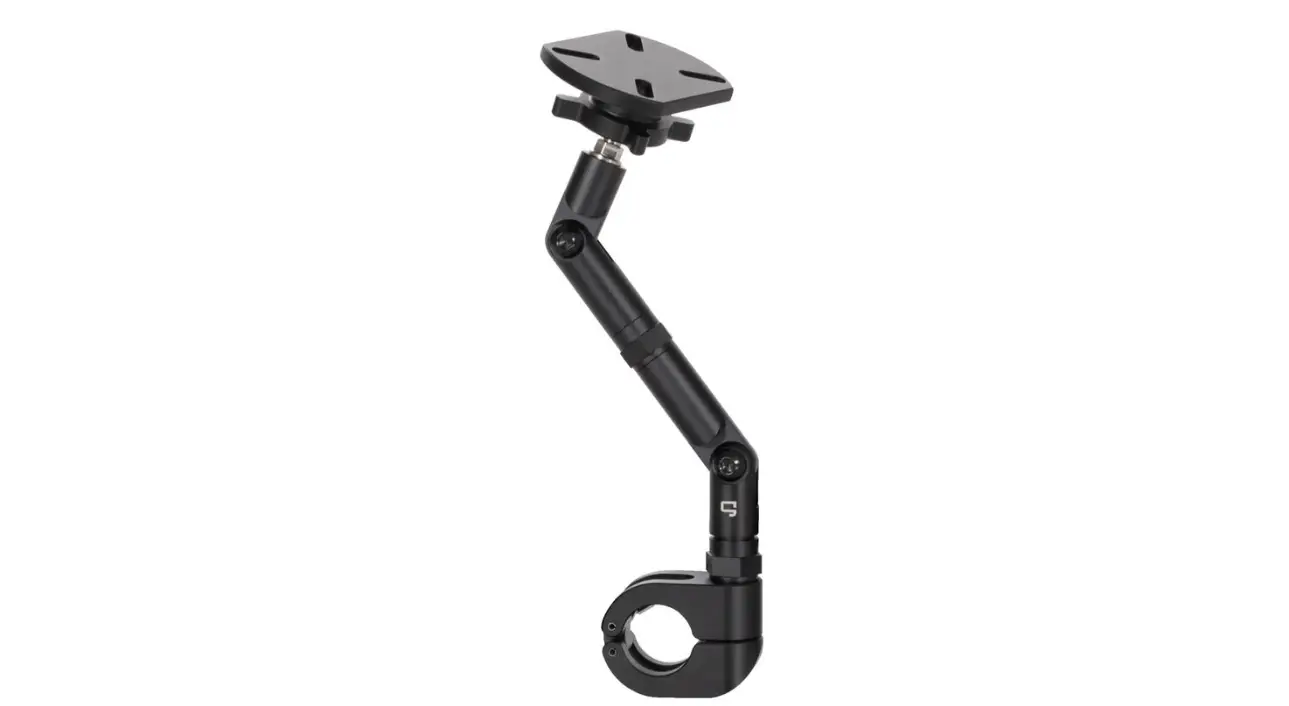
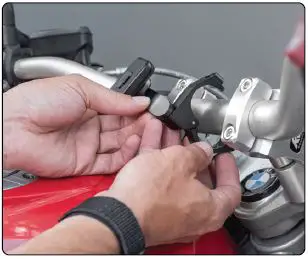
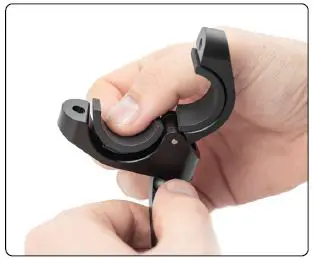
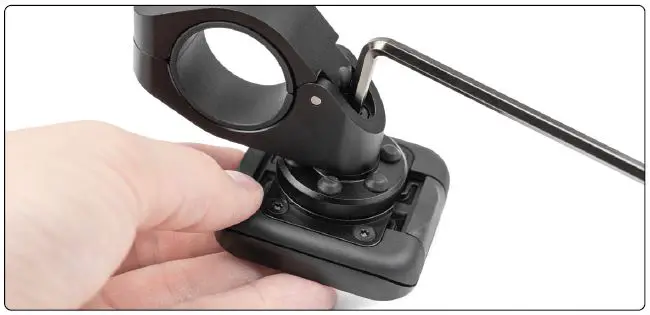
- Use provided Hex Key to remove the screw on the Handlebar Clamp. Next, loosen both screws on the bottom of the Arm such that the arm pivots at two points.

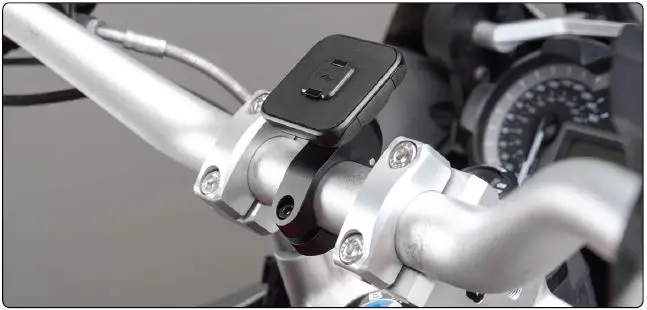
- Select a location for the Bar Mount. Rotate the Arm and Head to the desired angle, and tighten Arm in place. Then, tighten Handlebar Clamp.
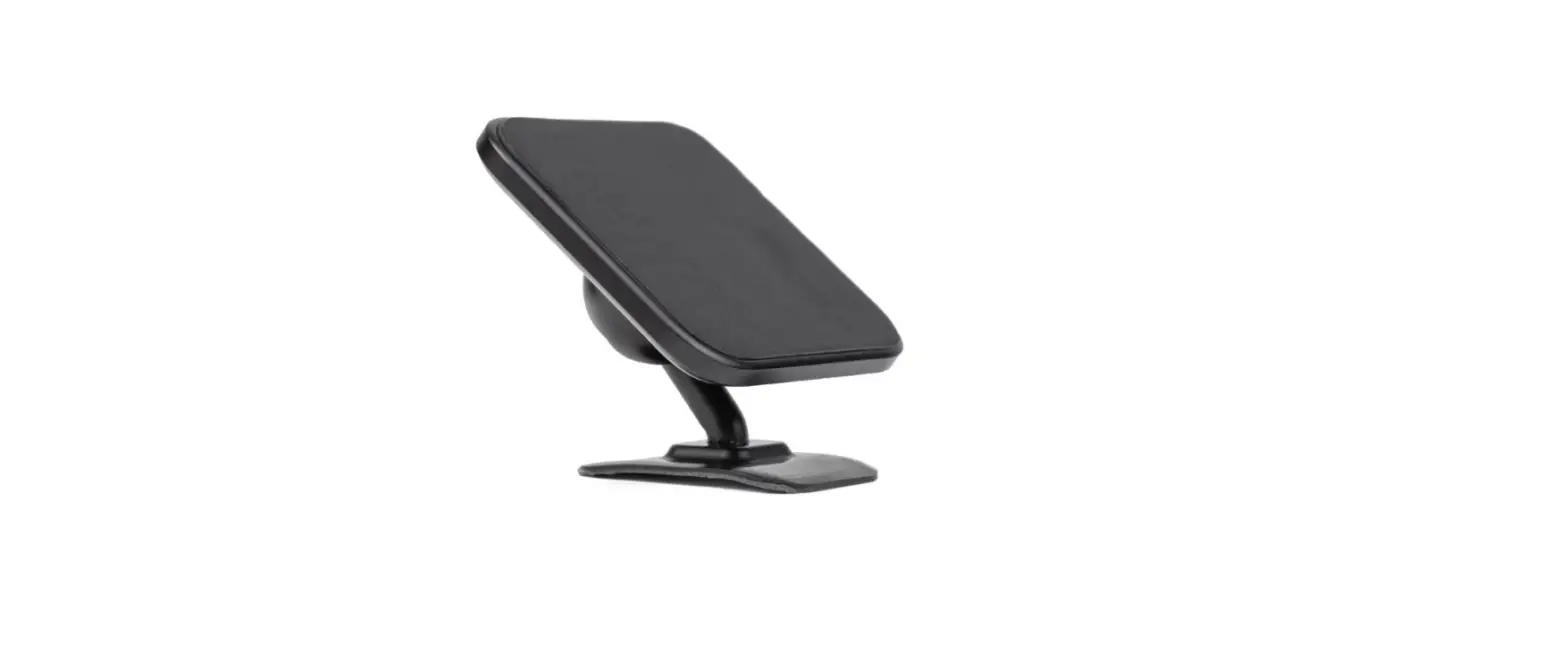
See Armless Mount Option for a low-profile mount option.
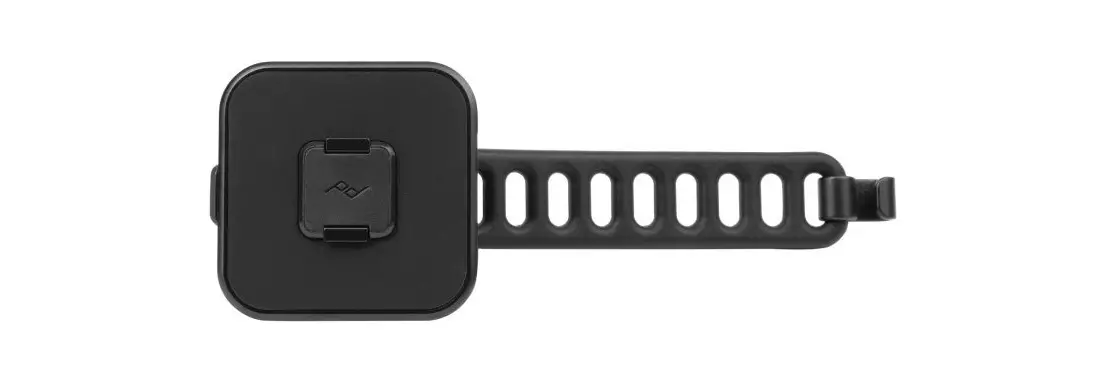
- If needed, add a Collar Set to fit your handlebars. Push each Collar half into the corresponding notches on the Handlebar Clamp.
Note: With no collar the mount fits 1-1/4” bars.
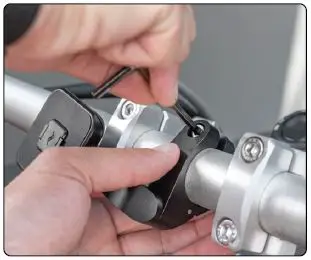
- Lastly, tighten the Handlebar Clamp Screw to secure the mount in place.
Max torque: 4 N•m.
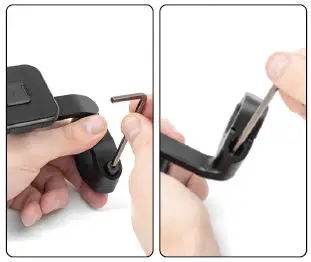
ARMLESS MOUNT INSTALLATION
Mount directly to the handlebar with no Mount Arm
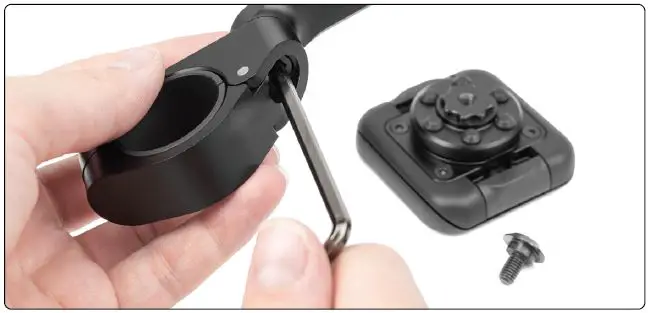
- Detach the Mount Arm by removing both screws from the underside of the Arm.

- Reinstall the SlimLink™ Mount Head directly to the Handlebar Clamp.

- Mount in the armless configuration per the installation instruction. Jump to step 3 on installation instructions and proceed.

Vibration Dampener
The Bar Mount includes a Vibration Dampener designed to prevent engine vibration from impacting your phone camera. By design, the Vibration Dampener allows the SlimLink™ Mount Head some wiggle.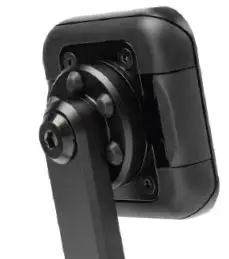
USE
Attach/Detach Phone
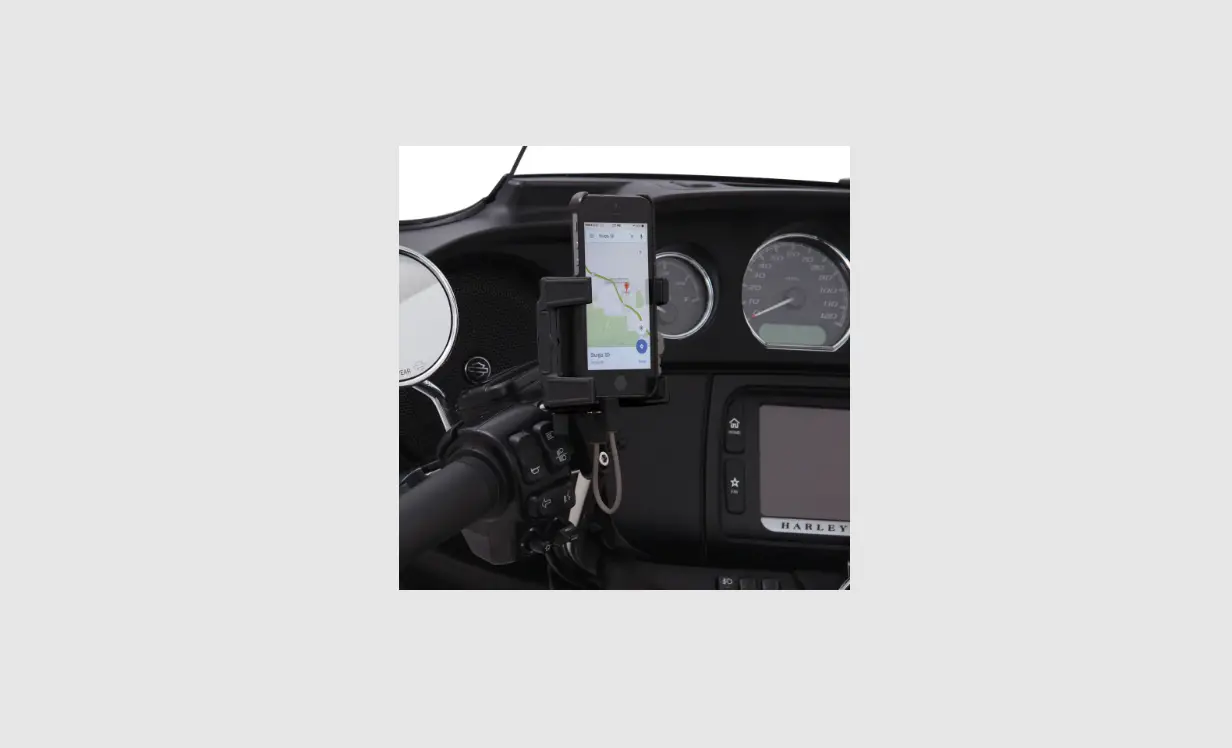
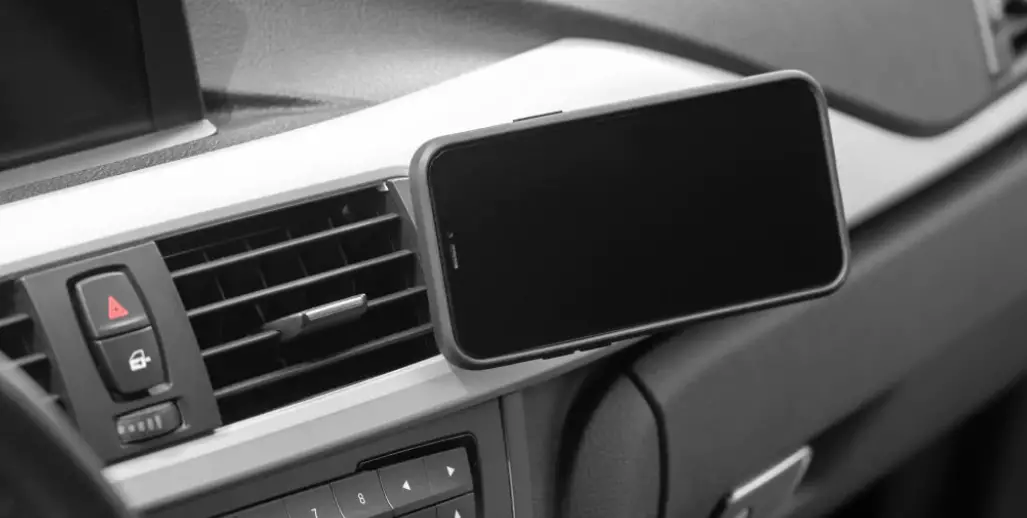
To attach, place the phone on the mount and listen for a “click” to ensure the phone is locked. Requires Peak Design Case (sold separately).
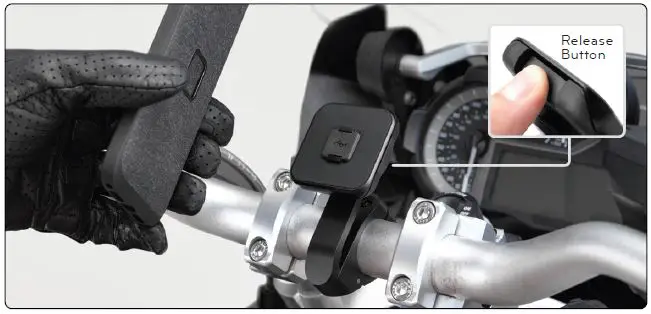
To remove, push just one of the Release Buttons and pull the phone outward.
Warning!
Screws may loosen over time due to vibration. Periodically check screw tightness.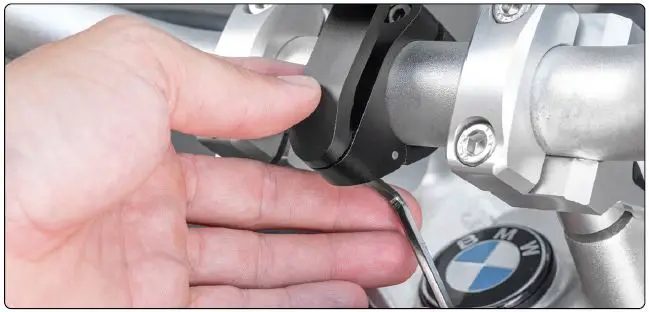
Stay safe. Do not interact with or remove the phone from the mount while in motion.
 Motorcycle Bar Mount | Peak Design Official Site