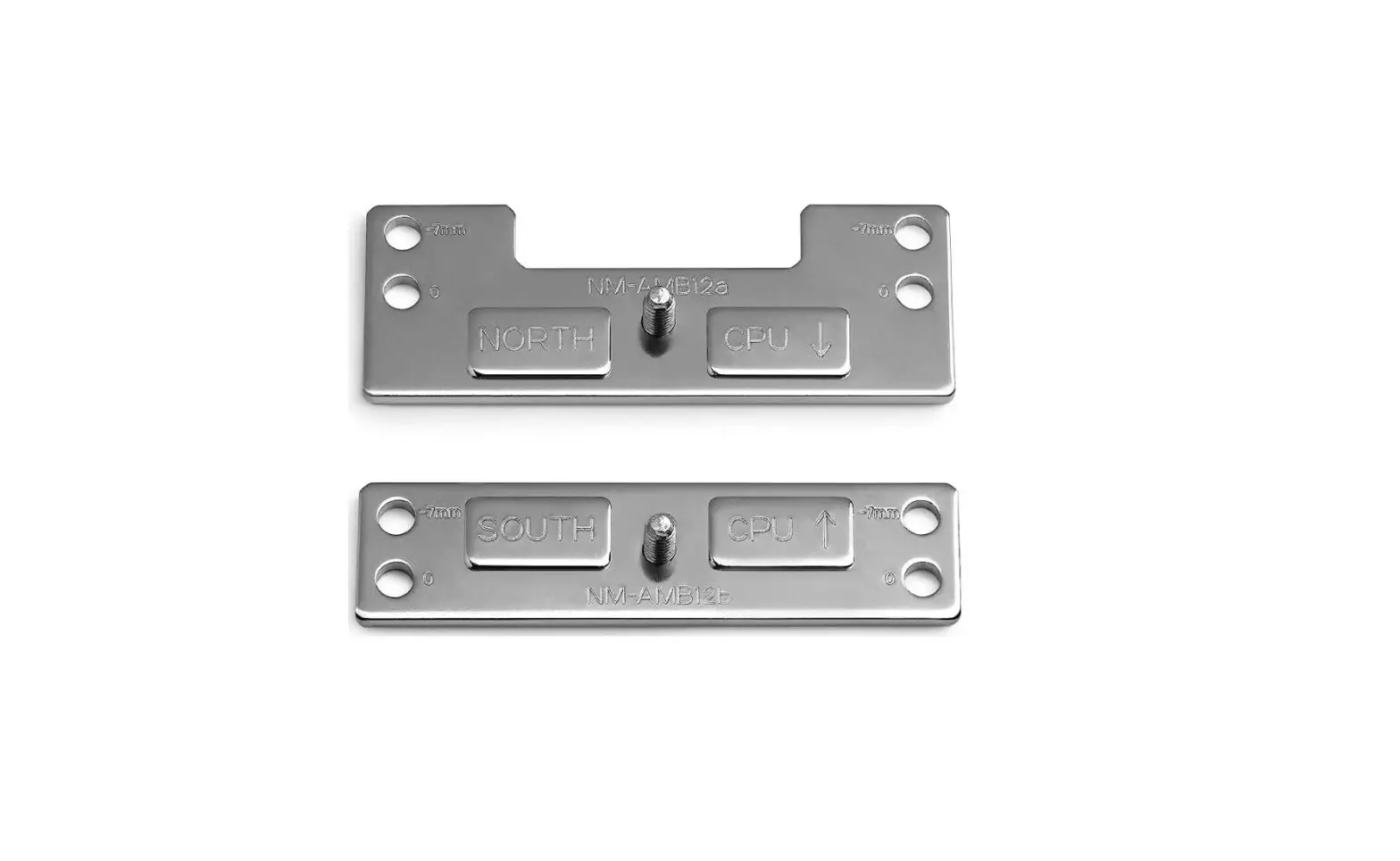
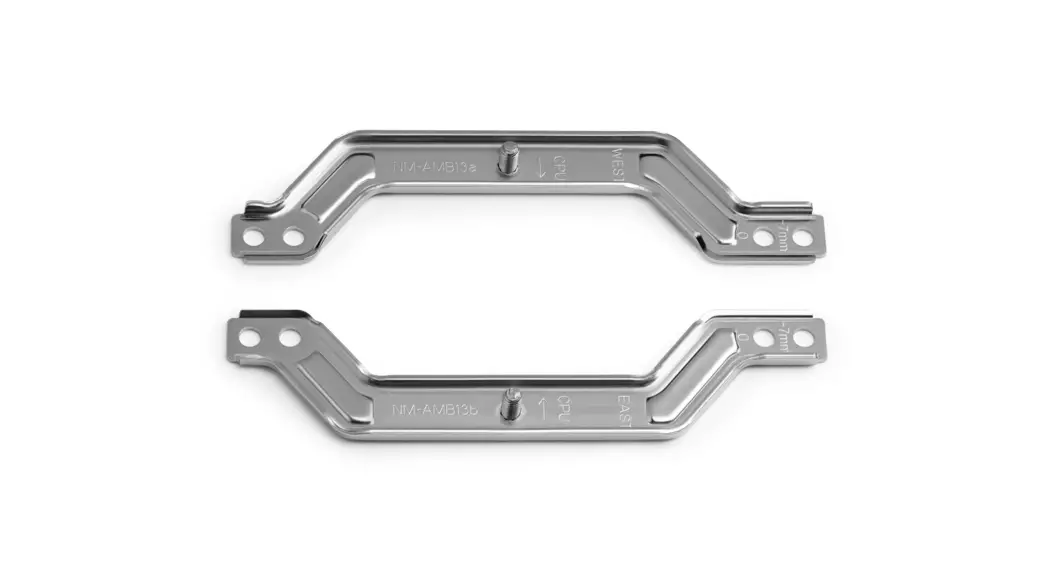
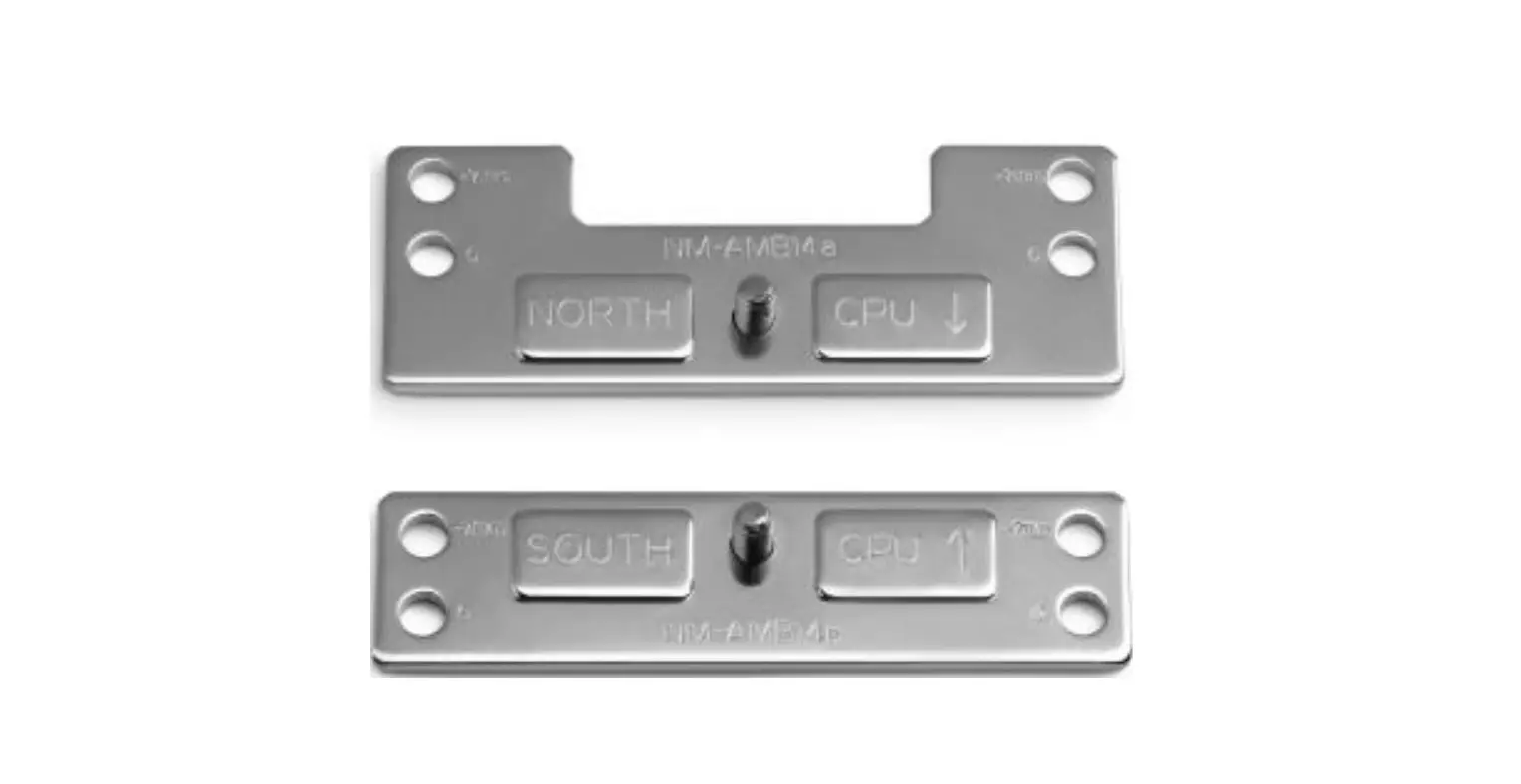
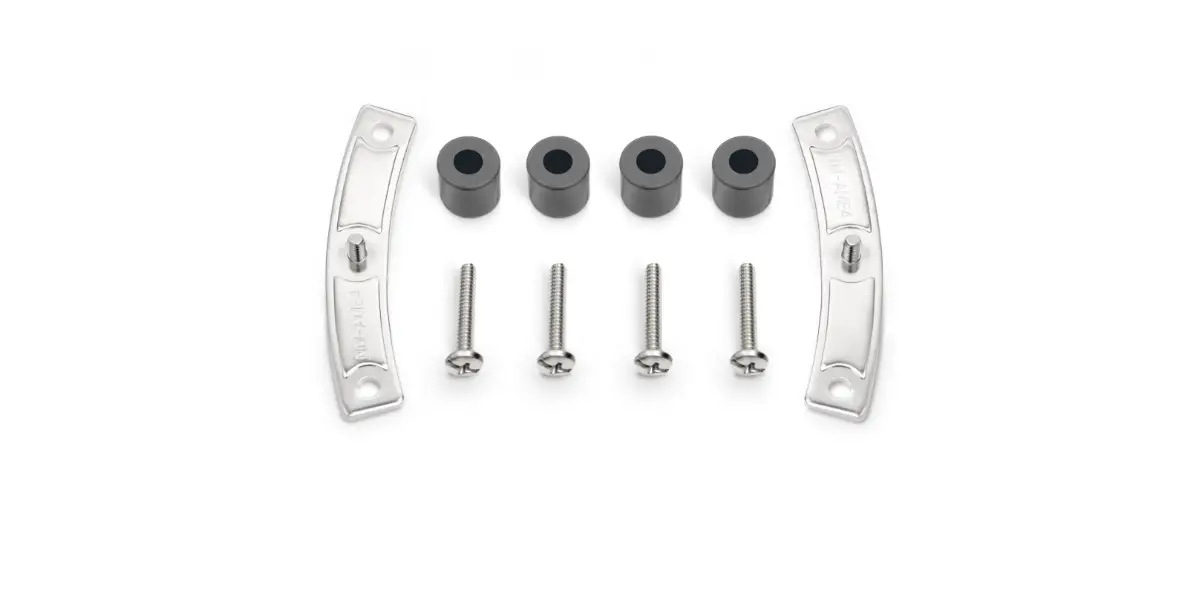
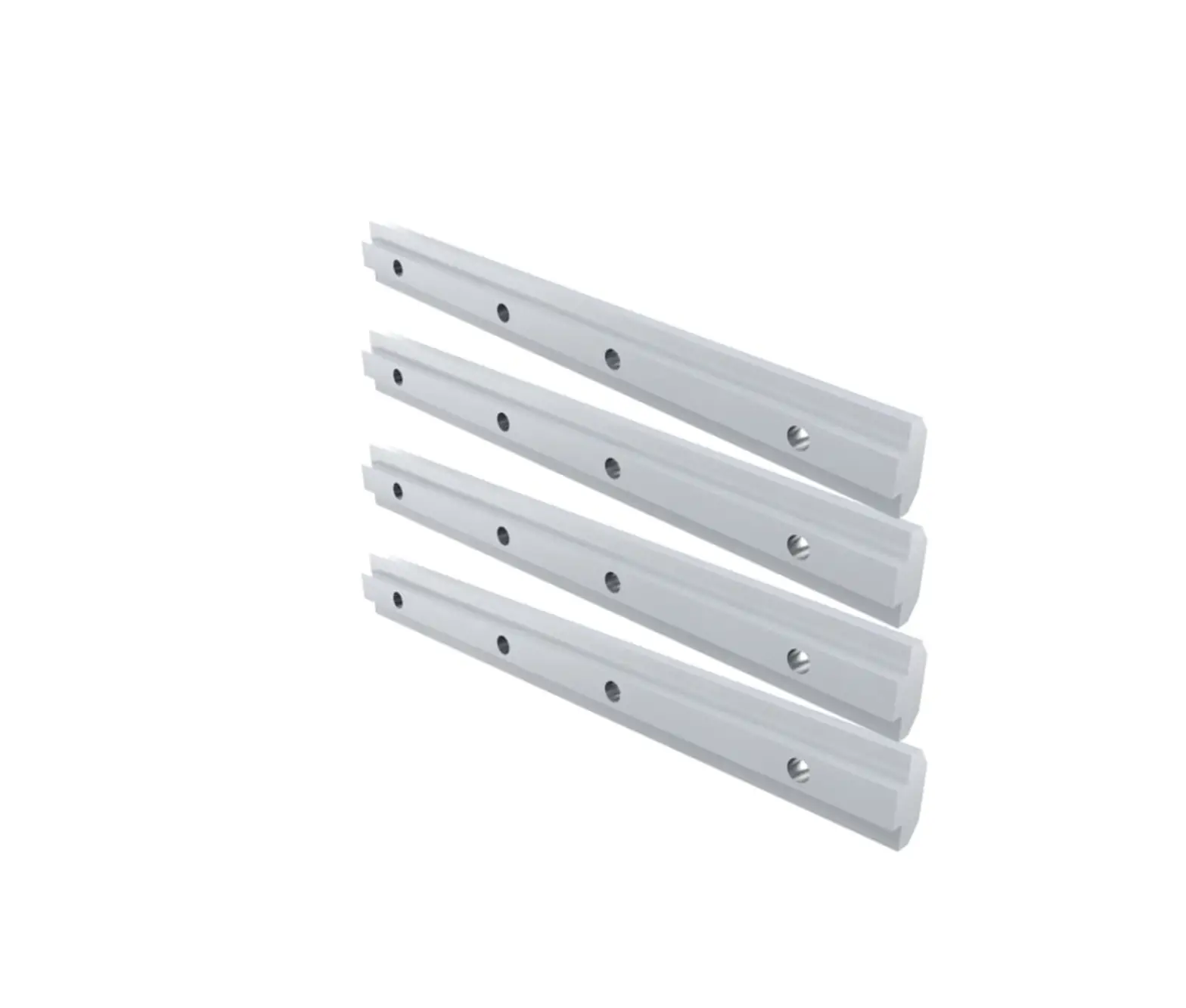
NM-AMB15 Offset Mounting Bars
Product Information:
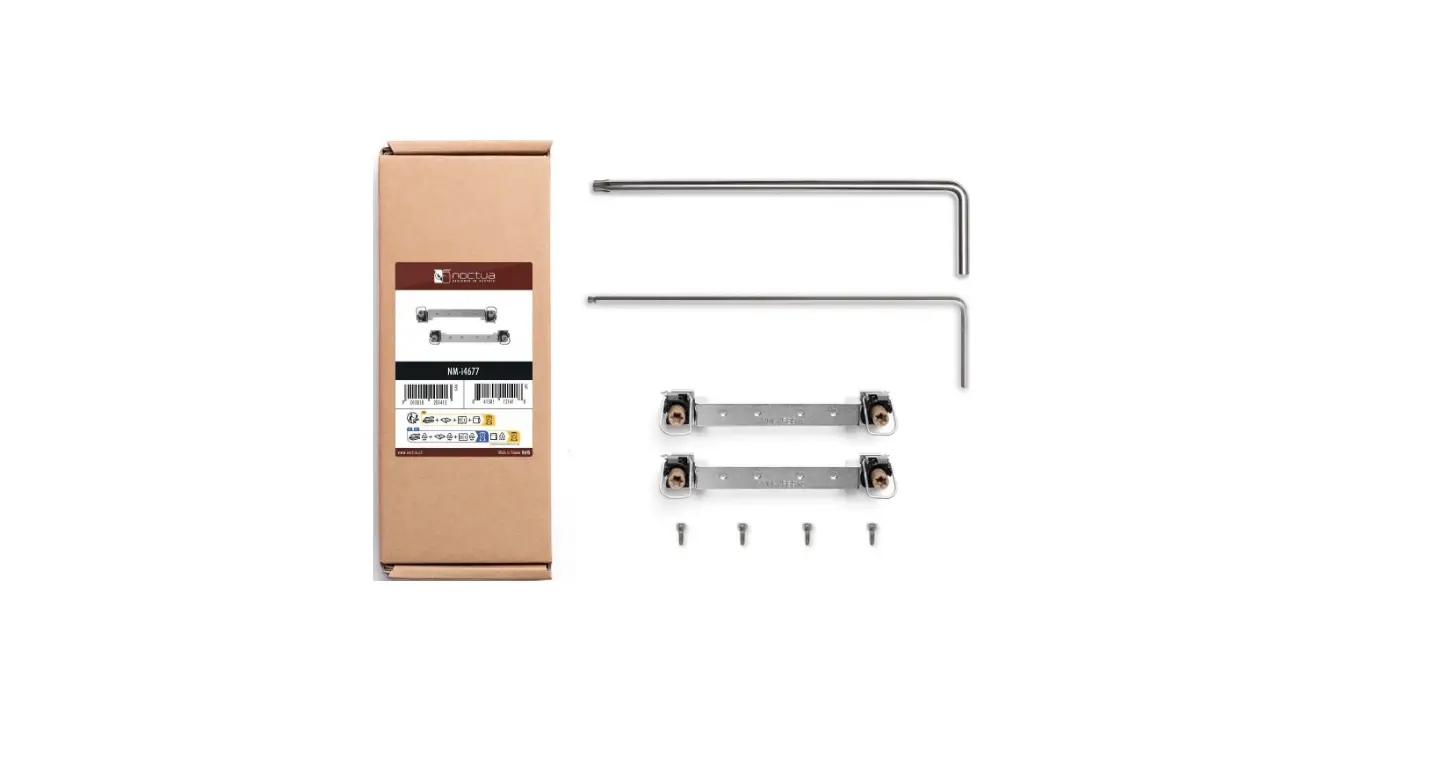
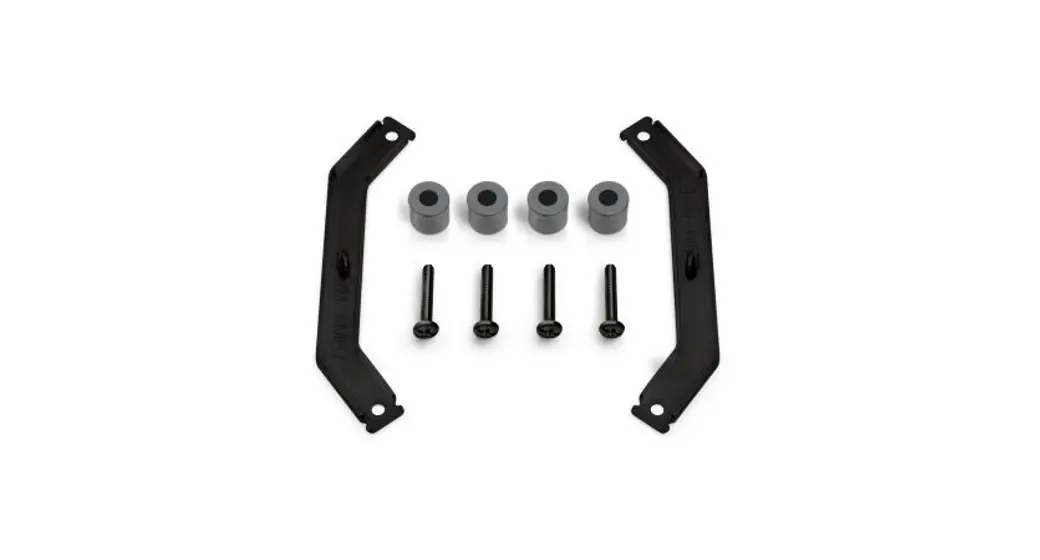
The product is the NOCTUA NM-AMB15, an installation kit for
mounting a CPU cooler on an AMD motherboard. It includes the
necessary mounting parts, such as the NM-AMB15a and NM-AMB15b
mounting bars. The kit is designed to provide optimal contact
quality and performance for AM5 and Ryzen 5000/3000 series AM4
CPUs.
Product Usage Instructions:
Follow the steps below to install the NOCTUA NM-AMB15 on your
AMD motherboard:
- Scan the provided code to access multilingual manuals on your
phone. - Ensure you have the required mounting parts: AMD stock
backplate (pre-installed on the motherboard), NM-AMB15a mounting
bar, and NM-AMB15b mounting bar. - If there are any compatibility issues or if you are using other
AM4 CPUs, choose the standard position (0) for mounting. Otherwise,
select the offset position (-7mm). - Caution: Make sure that the CPU markings on the CPU are
pointing towards the CPU. Install the NM-AMB15a bar with the WEST
marking on the left side of the socket and the NM-AMB15b bar with
the EAST marking on the right side of the socket. - Fix the offset mounting bars using the screws provided with the
cooler. Gently tighten the screws until they stop, but do not use
excessive force (maximum torque 0.6 Nm). - If your CPU cooler is already installed, unscrew it from the
original mounting bars and remove them from the backplate. - If your CPU cooler is not yet installed, remove the
motherboard’s heatsink retention module and place the 4x NM-APS4
grey plastic spacers over the threads of the motherboard’s
backplate, following the instructions in the cooler’s manual. - Once the offset mounting bars are securely attached to the
backplate, proceed by applying thermal paste and installing the
cooler to the mounting bars, following the instructions provided in
the cooler’s manual.
Note: The NOCTUA NM-APS4 grey plastic spacers and NM-ALS1 long
screws are not included in the installation kit. Please refer to
the cooler’s manual for further instructions on obtaining and using
these parts.
Scan this code to display multilingual manuals on your phone.
NOCTUA NM-AMB15 INSTALLATION MANUAL
Required mounting parts:
AMD stock backplate (pre-installed on the motherboard)
NM-AMB15a mounting bar
NM-AMB15b mounting bar
On other AM4 CPUs, or if there are any compatibility issues in the offset position (e.g. clearance with motherboard heatsinks), please choose the standard position (0).
Offset position
Standard position (no offset)
-7mm
0
-7mm
0
Offset position
Caution: Make sure that the “CPU ” markings point towards the CPU and that the NM-AMB15a bar with the “WEST” marking is installed on the west (left) side of the socket and the NM-AMB15b bar with the “EAST” marking is installed on the east (right) side of the socket.
Fix the offset bars using the screws that came with the cooler.
Caution: Gently tighten the screws until they stop, but do not use excessive force (max. torque 0.6 Nm).
Once you have screwed the offset mounting bars to the backplate, proceed by applying thermal paste and installing the cooler to the mounting bars, as described in the manual that came with the cooler.
4x NM-APS4 grey plastic spacers
(not included)
4x NM-ALS1 long screws (not included)
-7mm
! Caution
If your CPU cooler is already installed, please first unscrew it from the original mounting bars. Then, unscrew the original mounting bars from the backplate and remove them.
If your CPU cooler is not yet installed, please first remove the motherboard’s heatsink retention module and put the plastic spacers over the threads of the motherboard’s backplate, as described in the manual that came with the cooler.
1 Installing the mounting bars
Install the offset mounting bars as shown below:
-7mm -7mm
Standard position (no offset)
0
On AM5 and Ryzen 5000/3000 series AM4 CPUs,
0
choose the -7mm offset hole position to ensure optimal
contact quality and performance.