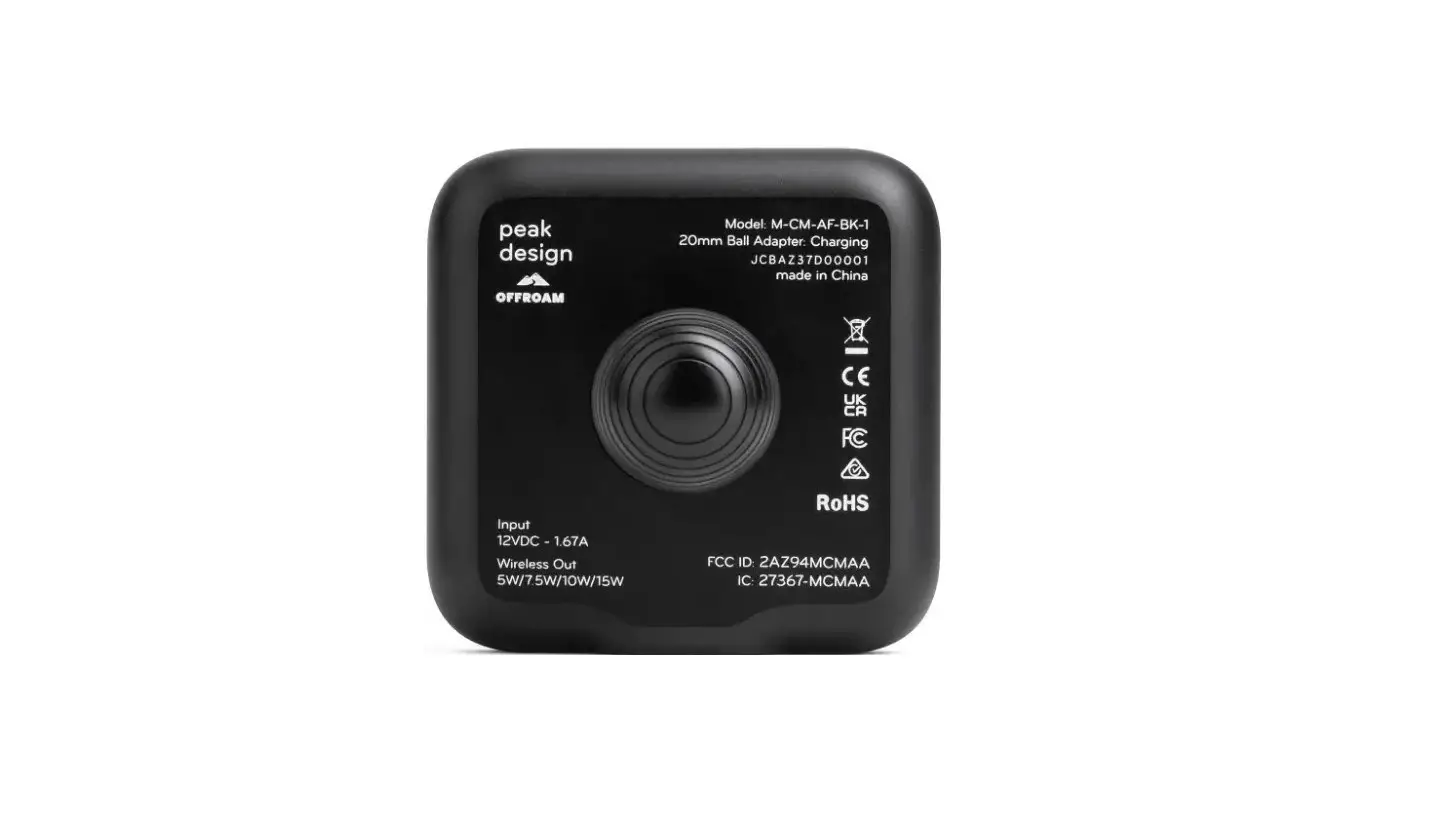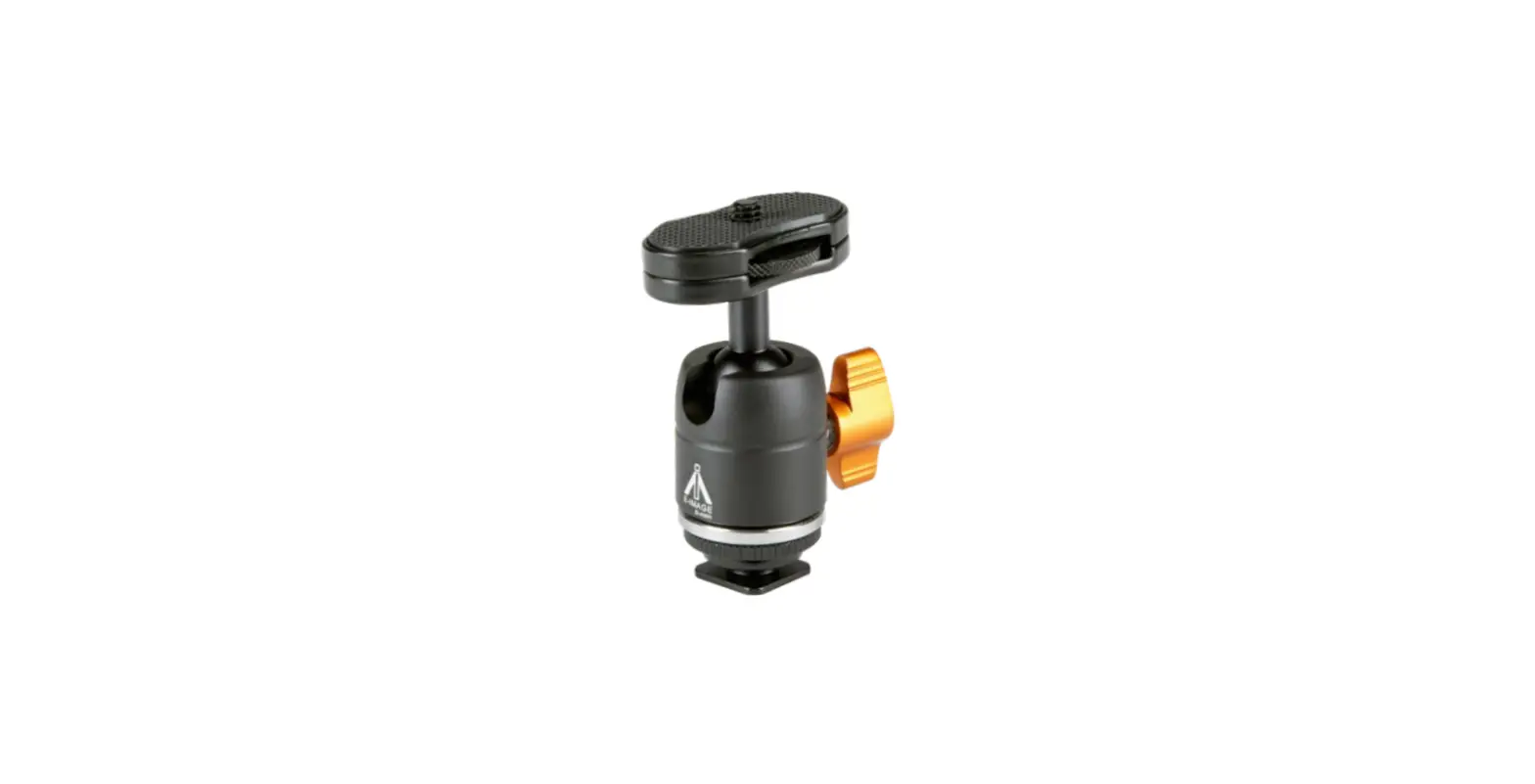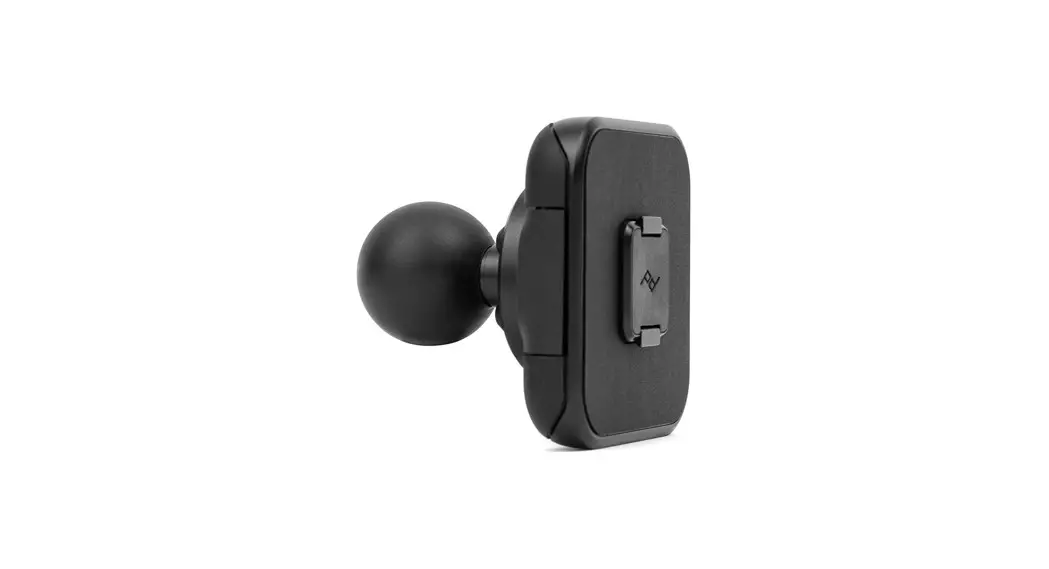
 1″ BALL ADAPTER CHARGING
INSTRUCTIONS
more info
pkdsn.com/chargingballadapter
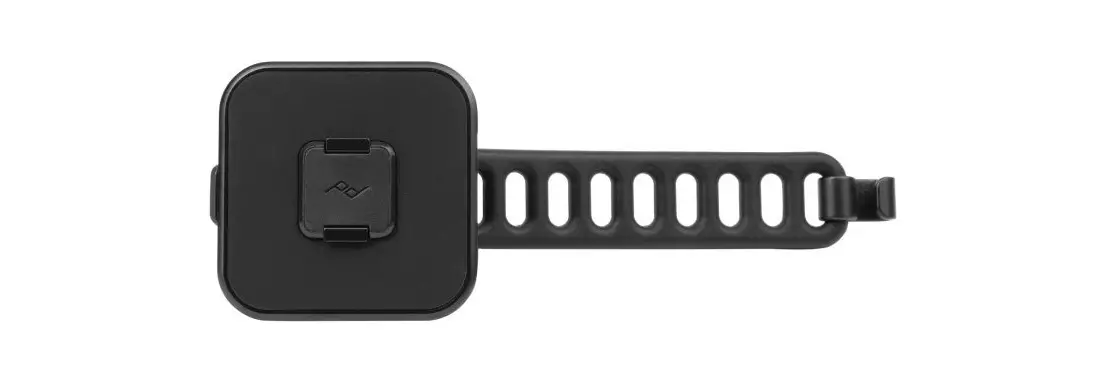
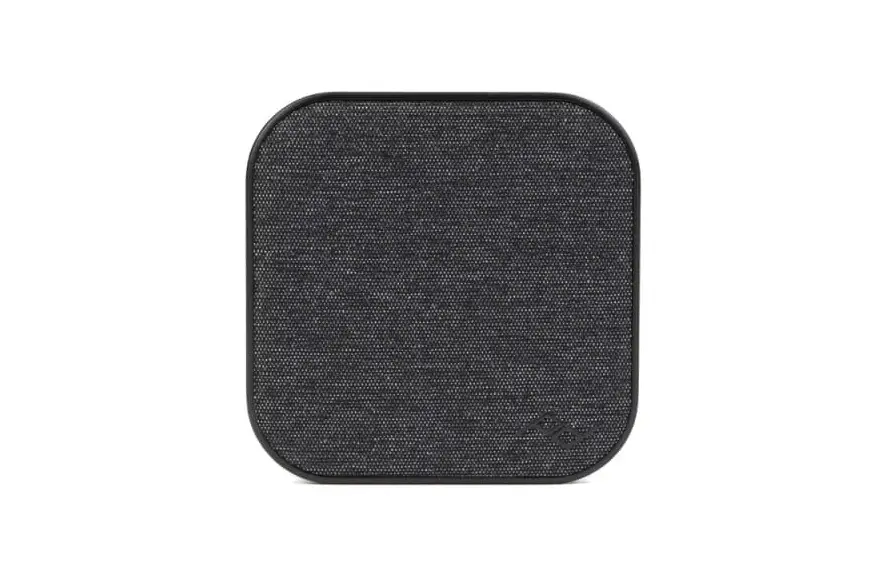
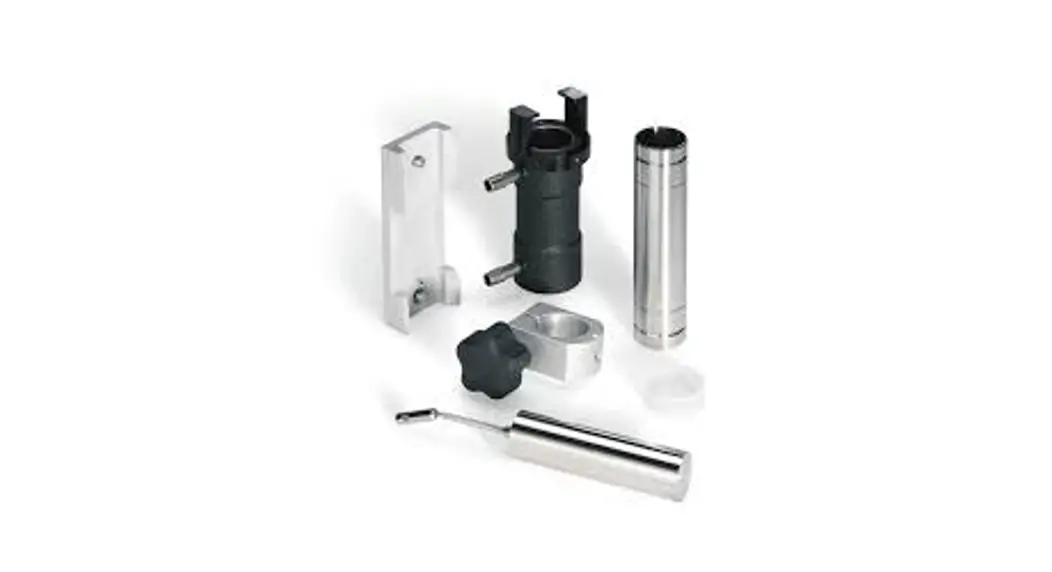
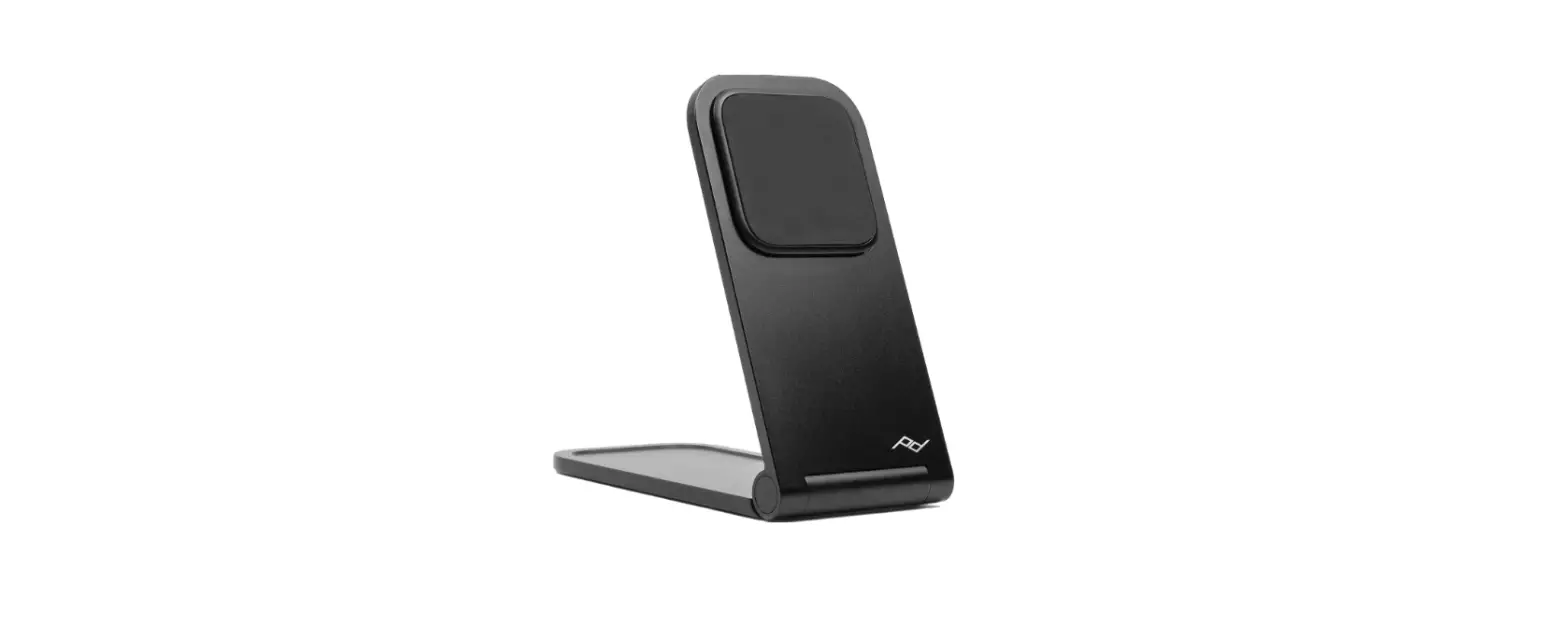
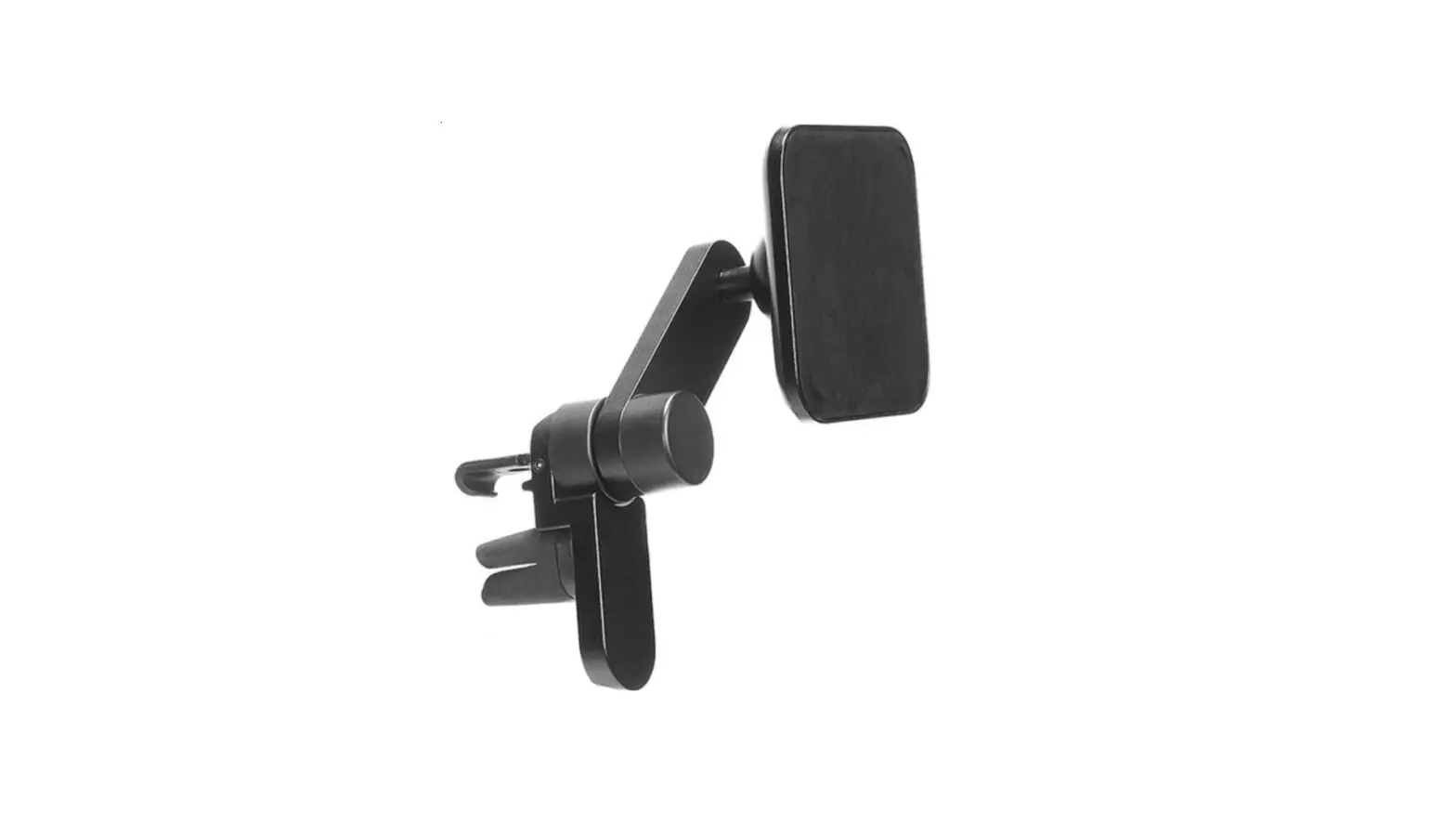
GET TO KNOW YOUR MOUNT
requires Peak Design Case or MagSafe Phone/Case not included
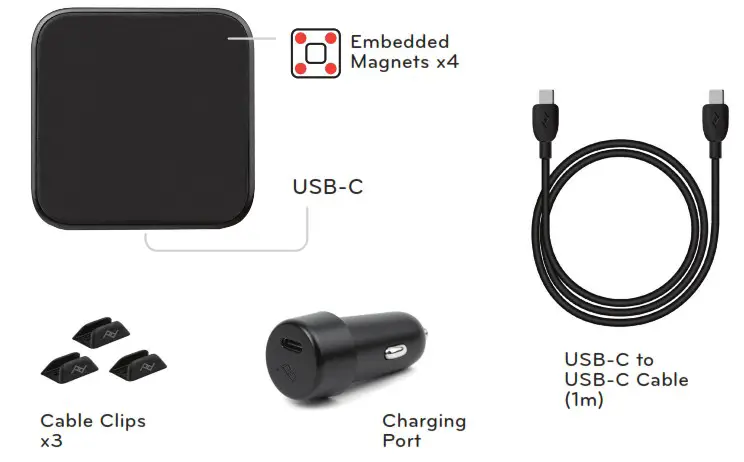
INSTALLATION
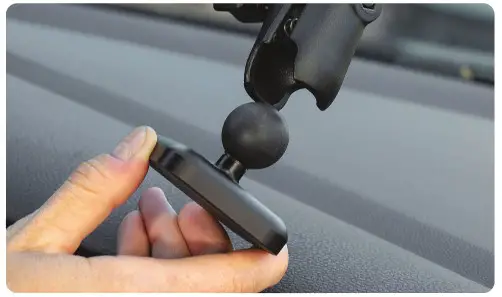
Connect Peak Design 1″ Ball Adapter to 3rd party 1″ ball and socket mount. Tighten to 3rd-party specifications.
Allow alcohol to dry when using included wipe to clean surfaces for Cable Clips.
! Stay safe. Do not interact with or remove your phone from the mount while in motion.
ATTACH/DETACH PHONE
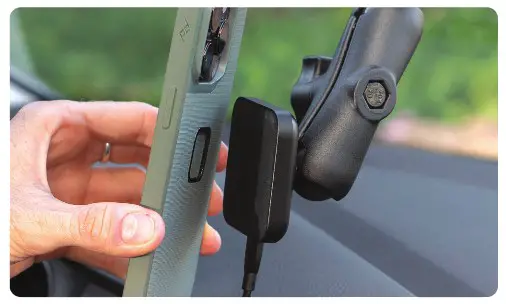
The Mount Head magnetically connects to the back of your phone. Once connected, confirm phone is charging via phone screen.
WARNING: If not attached correctly, product and/or phone may dislodge or be thrown into air in event of crash. Consult your car’s manual to ensure mount does not cover or interfere with operation of airbag.
 Ball Mount Adapter | Peak Design Official Site