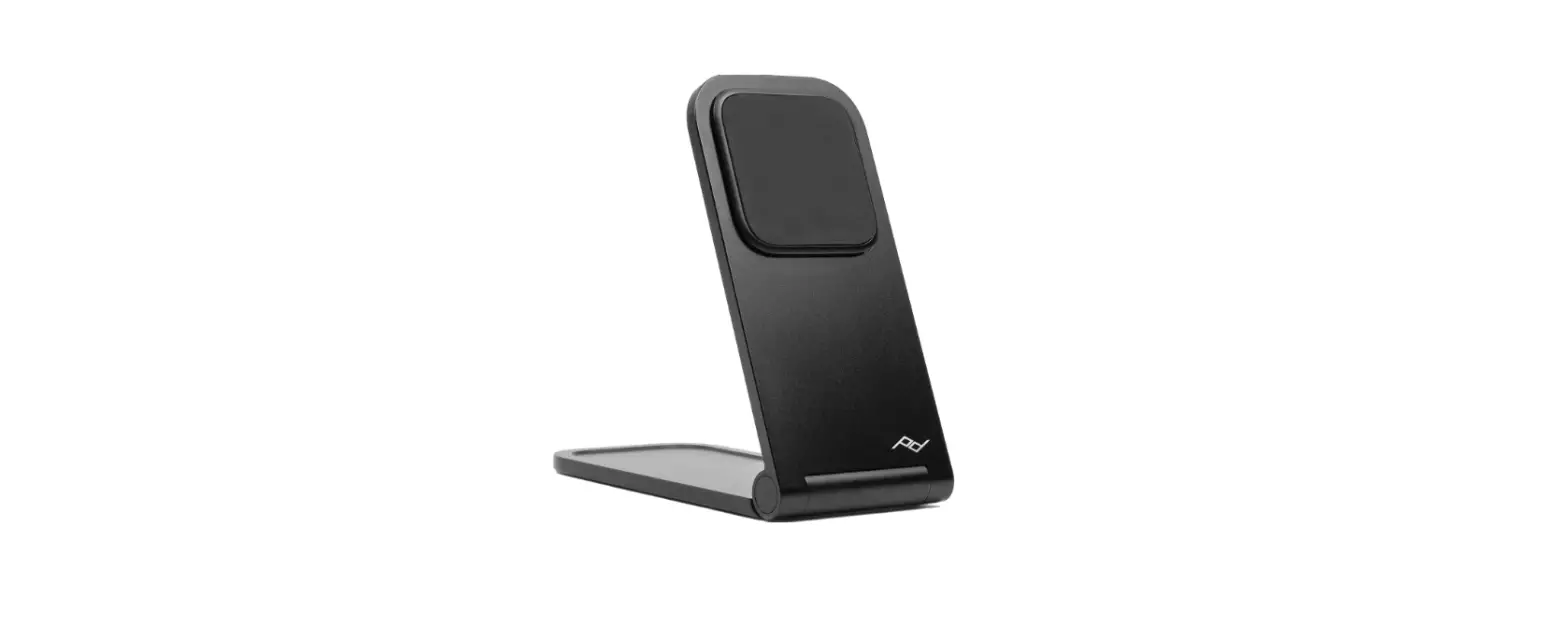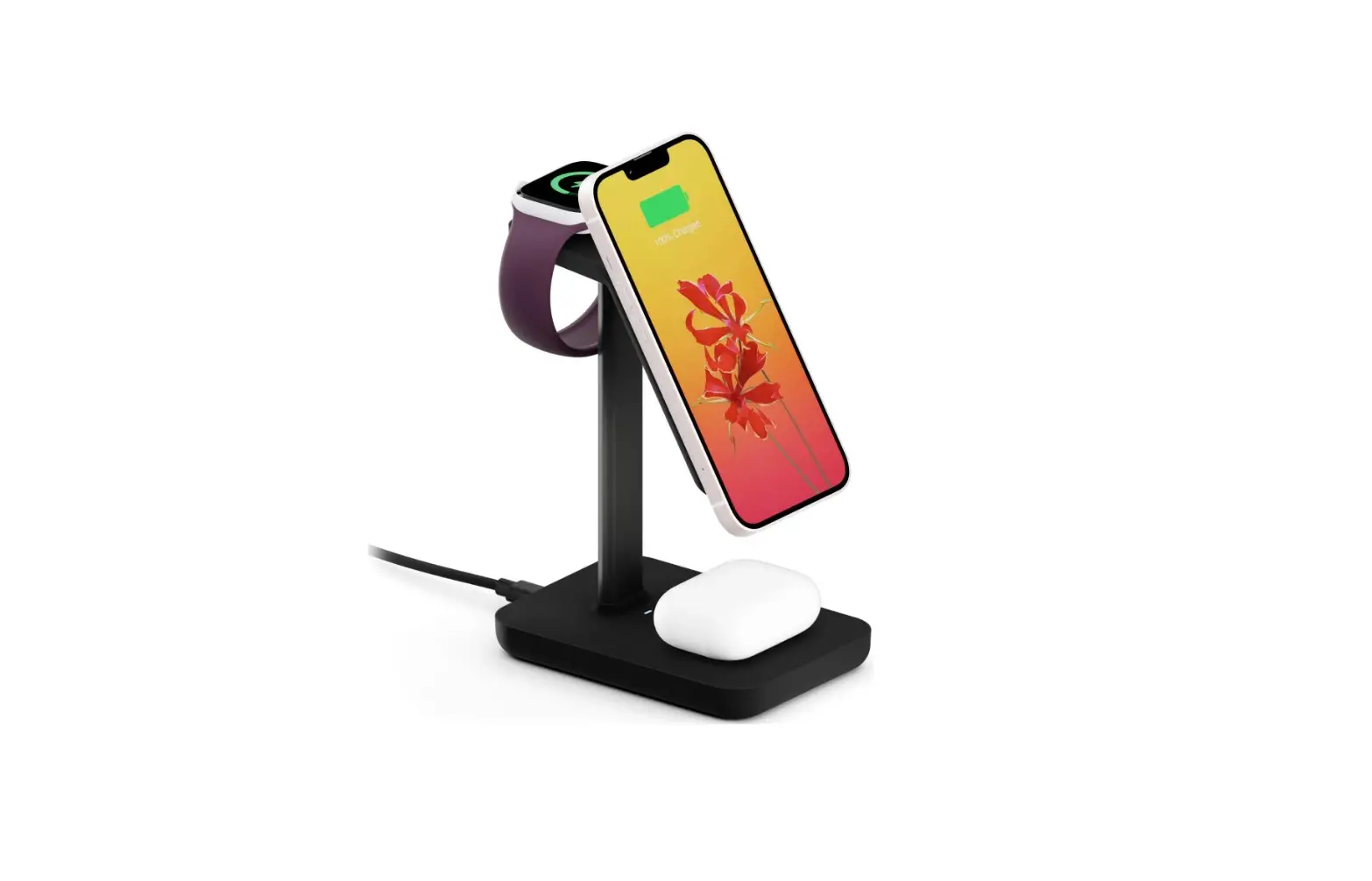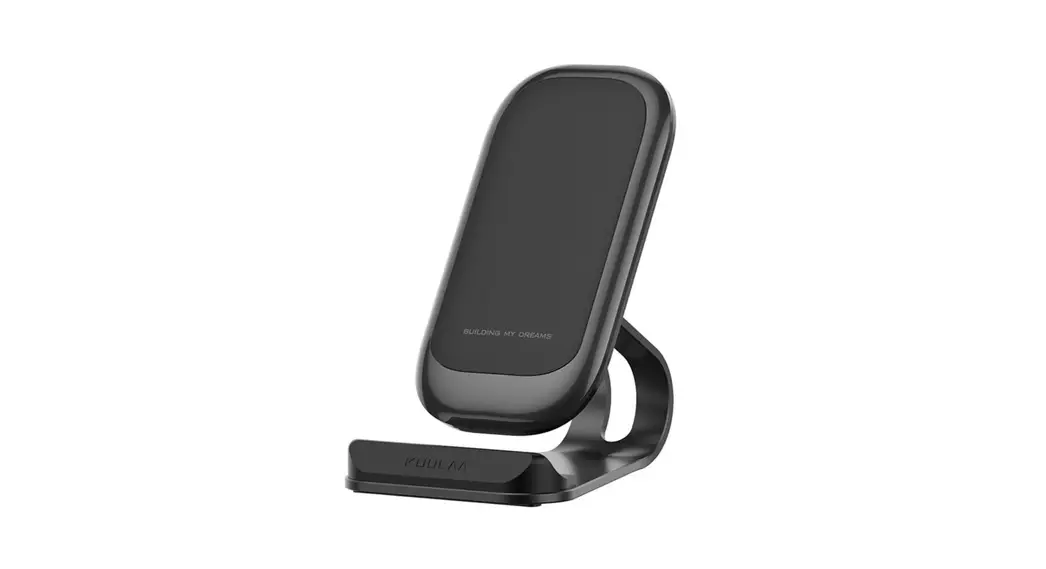

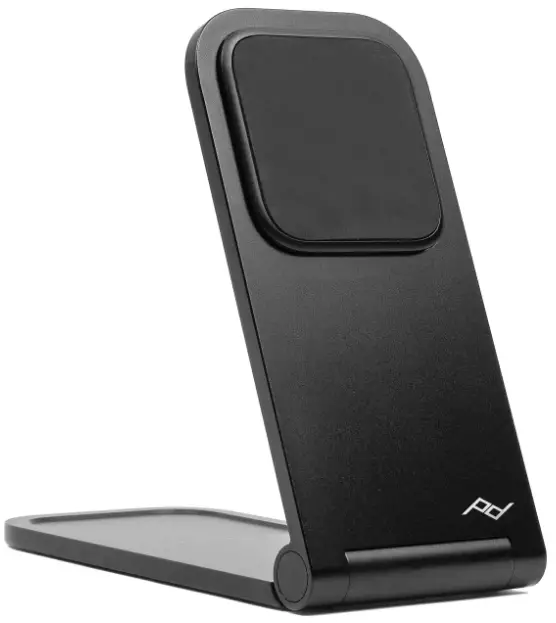
Peak Design M-CS-BK Wireless Charging Stand
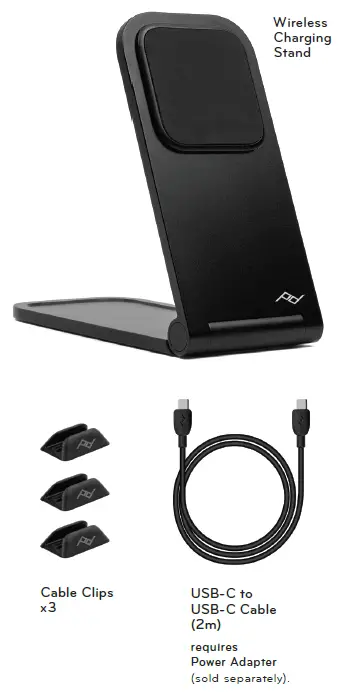
WHAT’S IN THE BOX
requires Peak Design Case or MagSafe Phone/Case not included
USE
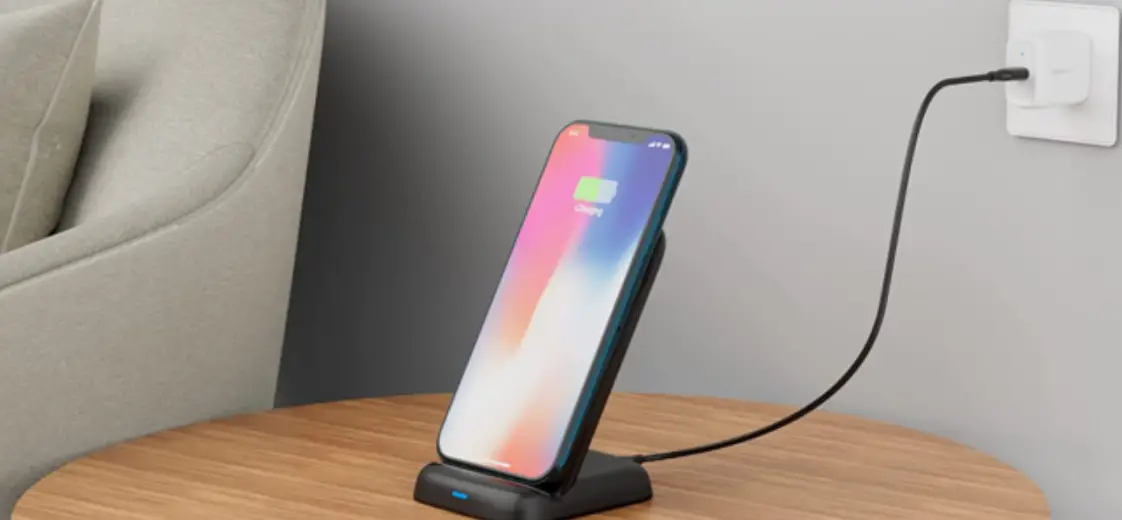
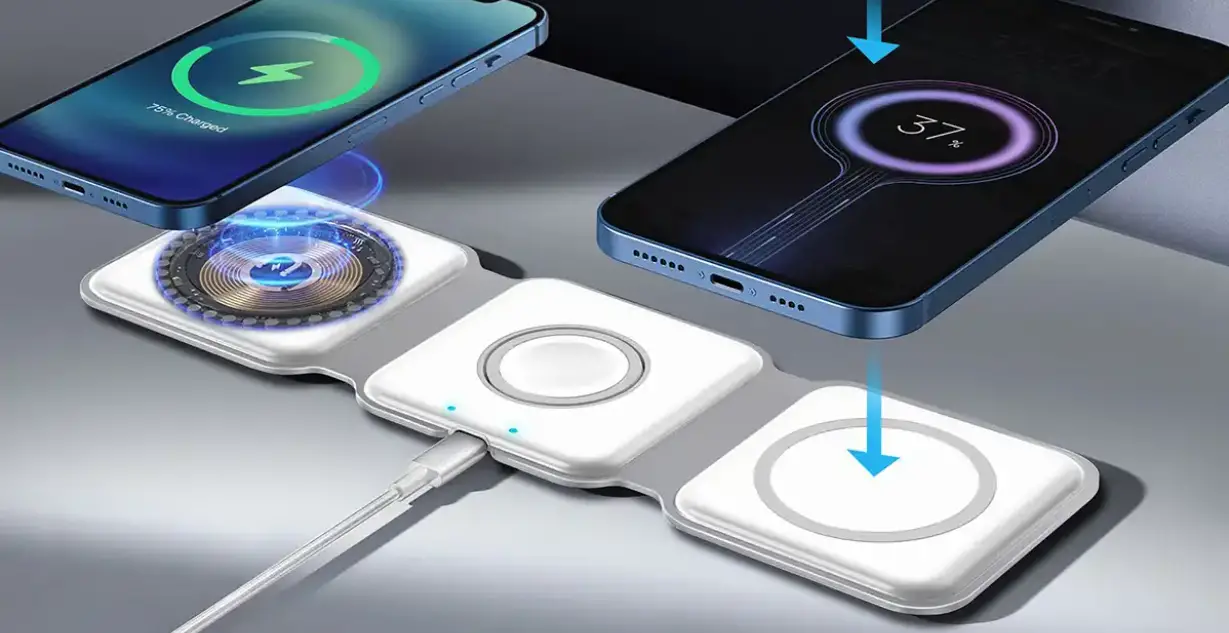
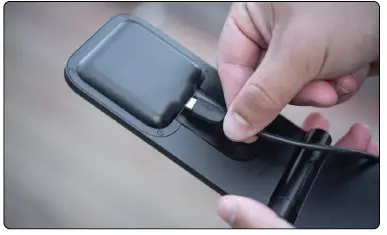
Attach USB-C Cable to the back of your Stand and plug into wall using your Peak Design Power Adapter (sold separately).
Attaching Phone
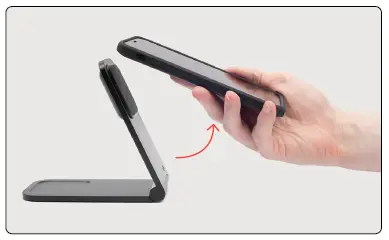
Wireless Charging Stand magnetically connects to the back of your phone. Requires Peak Design Case or MagSafe Phone /Case. Once connected, confirm phone is charging via phone screen
more info pkdsn.com/stand
 Wireless Charging Stand | Peak Design Official Site