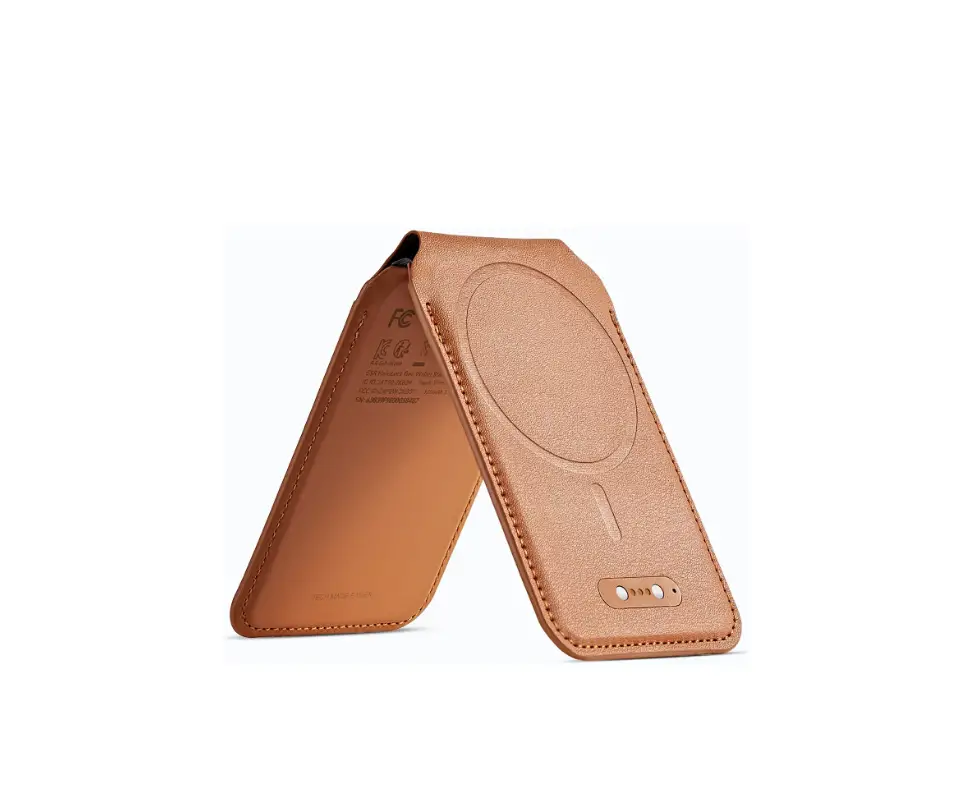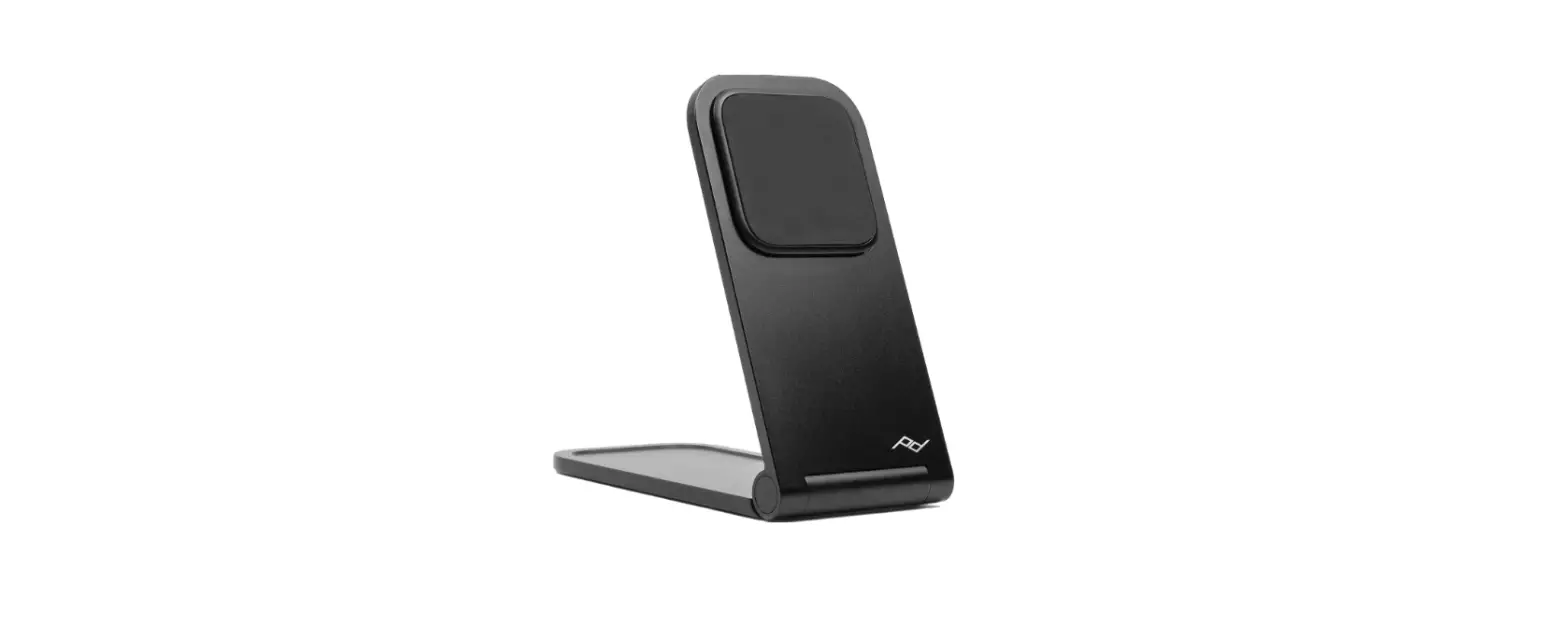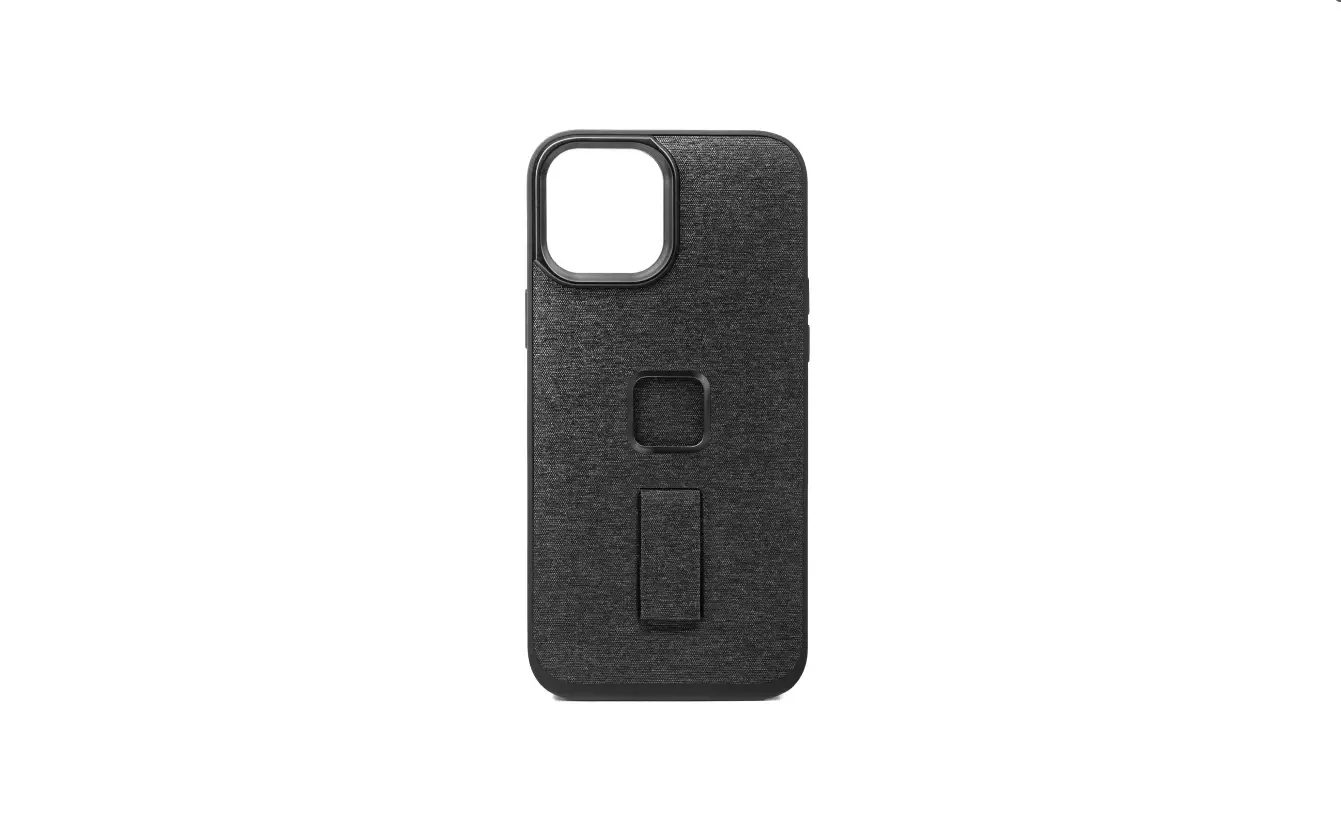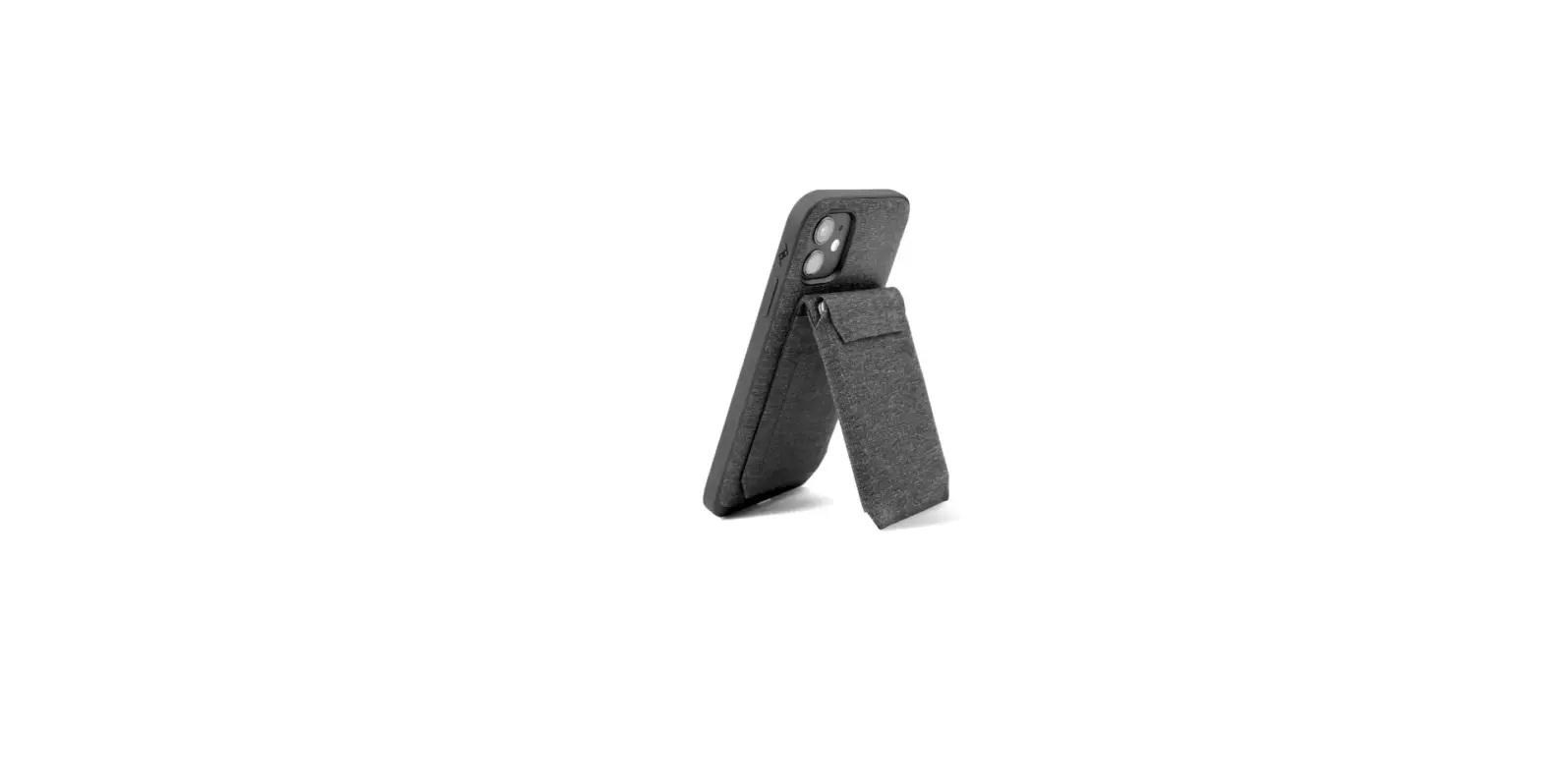

Peak Design Stand Wallet
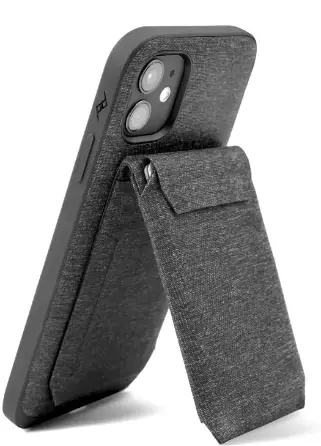
INSTRUCTION
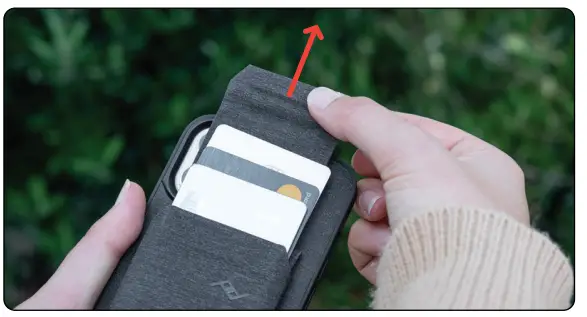
- To access cards, open Magnetic Tab and pull up.

- To close, push cards down then close the Magnetic Tab.
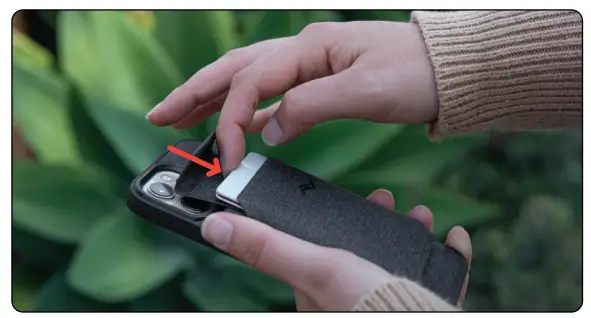
Note: Wallet does not demagnetize cards.
Pro Tip: Push upwards on bottom of wallet when loading cards for secure grip.
more info
pkdsn.com/wallet
 Mobile Wallet | Peak Design Official Site