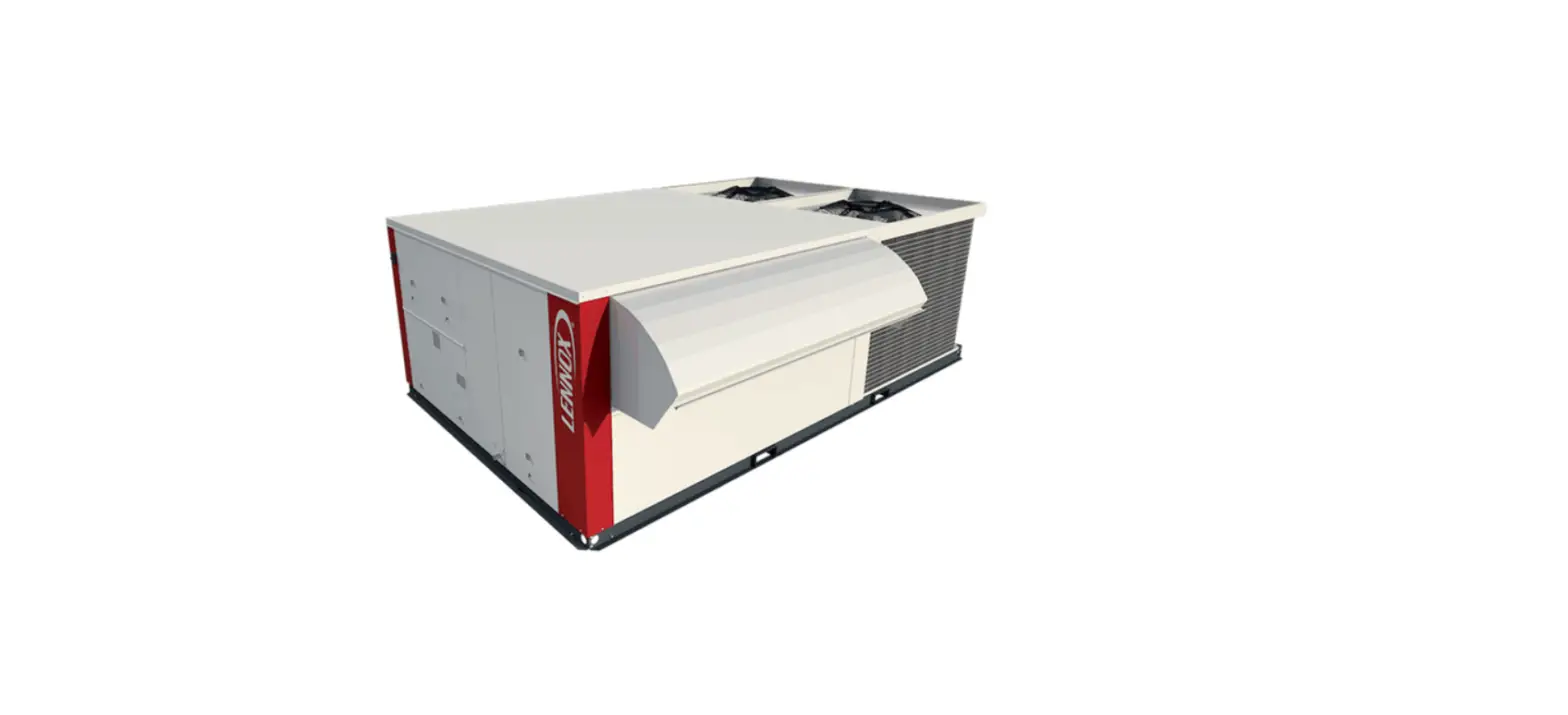
Rooftop Unit to the CORE Service App
Product Information: Commercial Training Toolbox Tips
The Commercial Training Toolbox Tips is a product that helps in
pairing the Model L Rooftop Unit to the Lennox CORE Service App. It
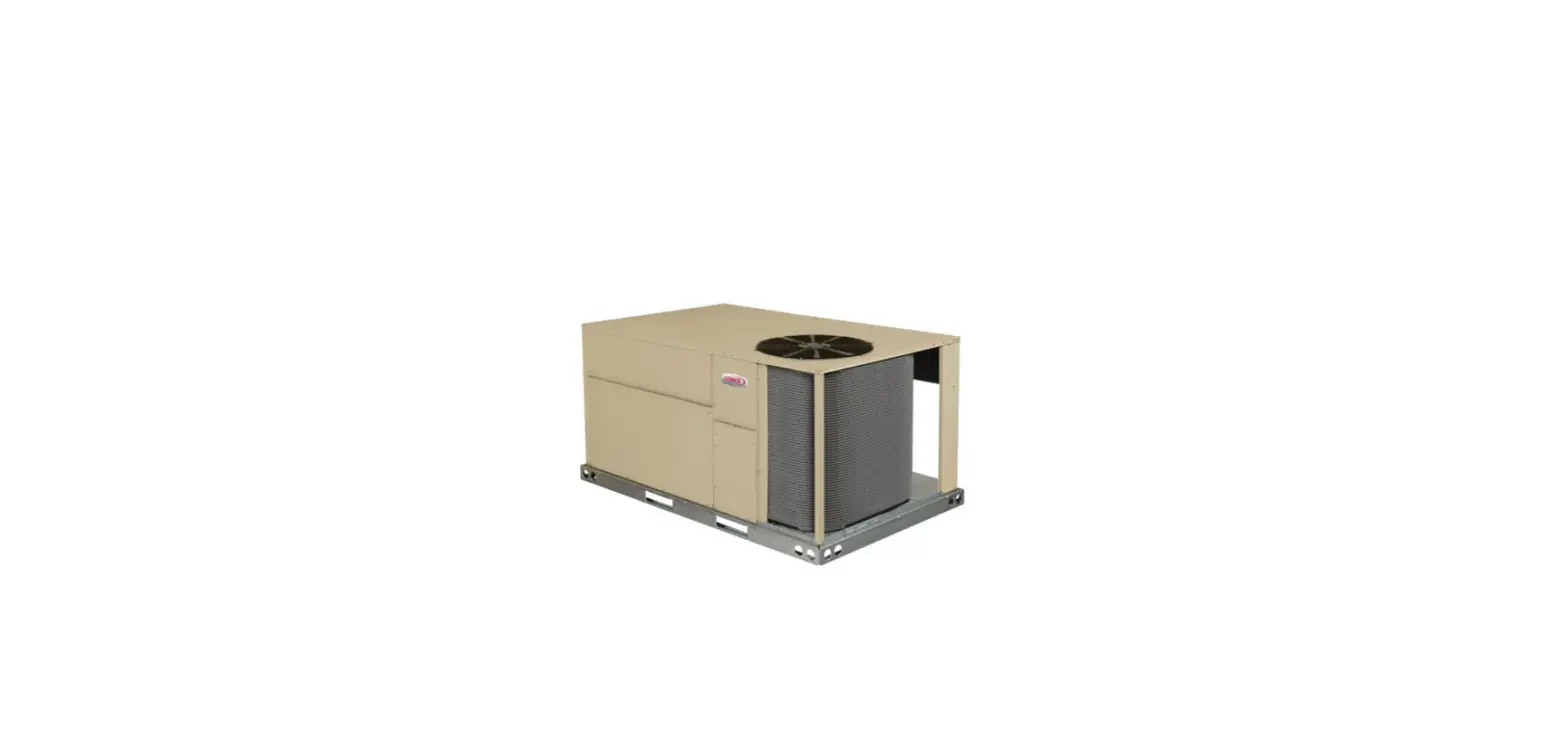
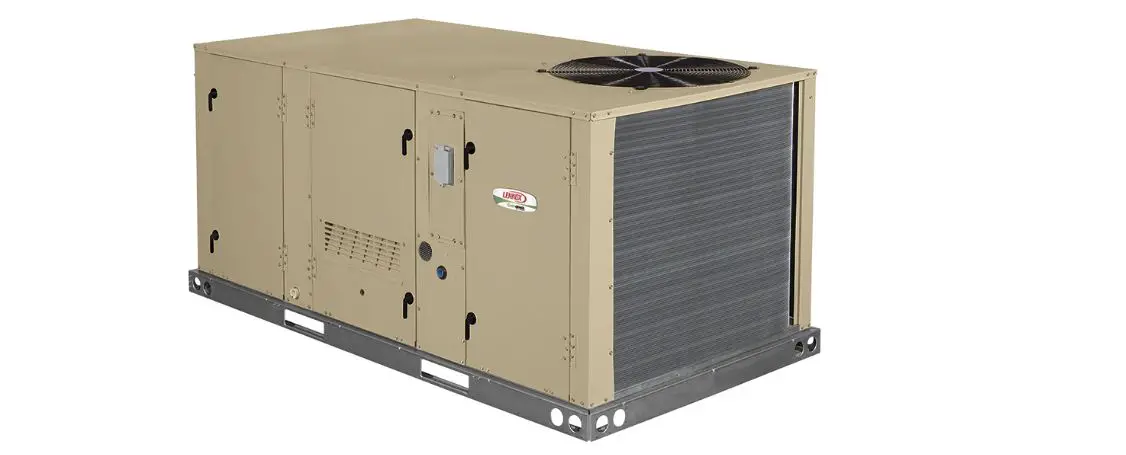
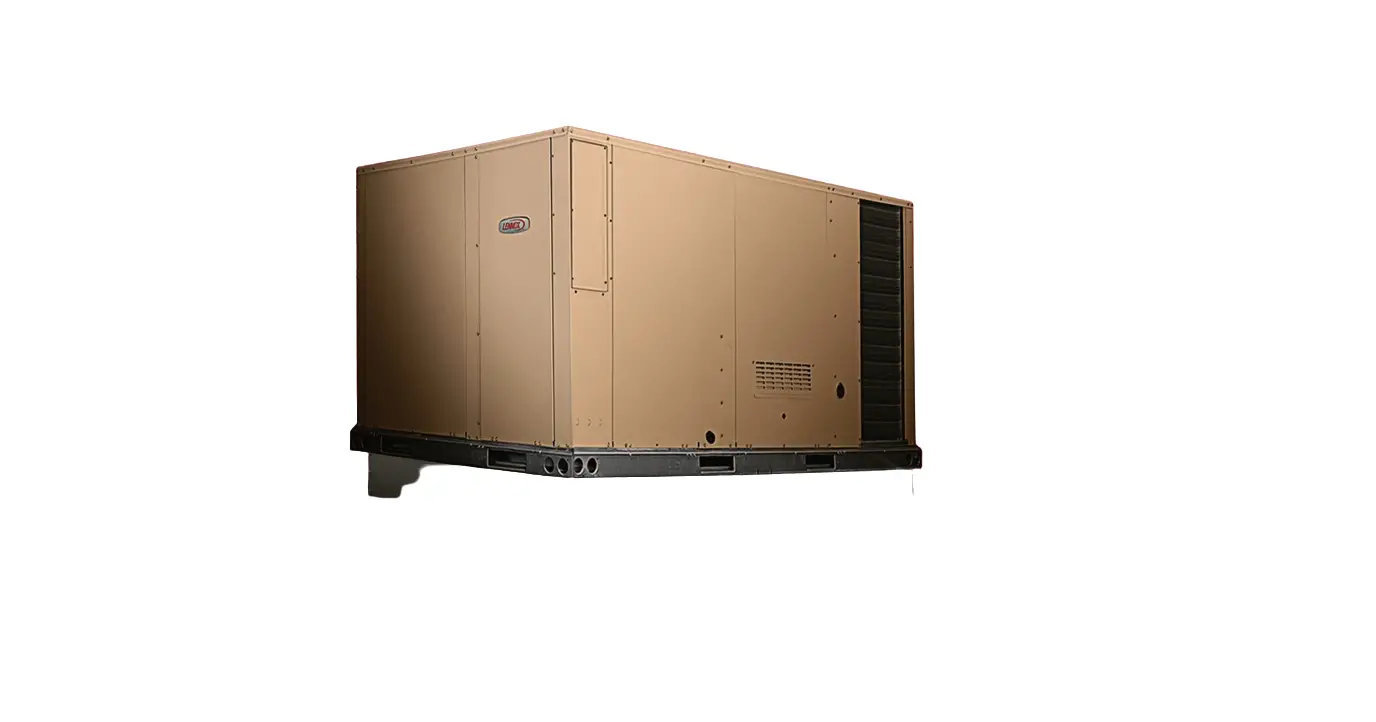
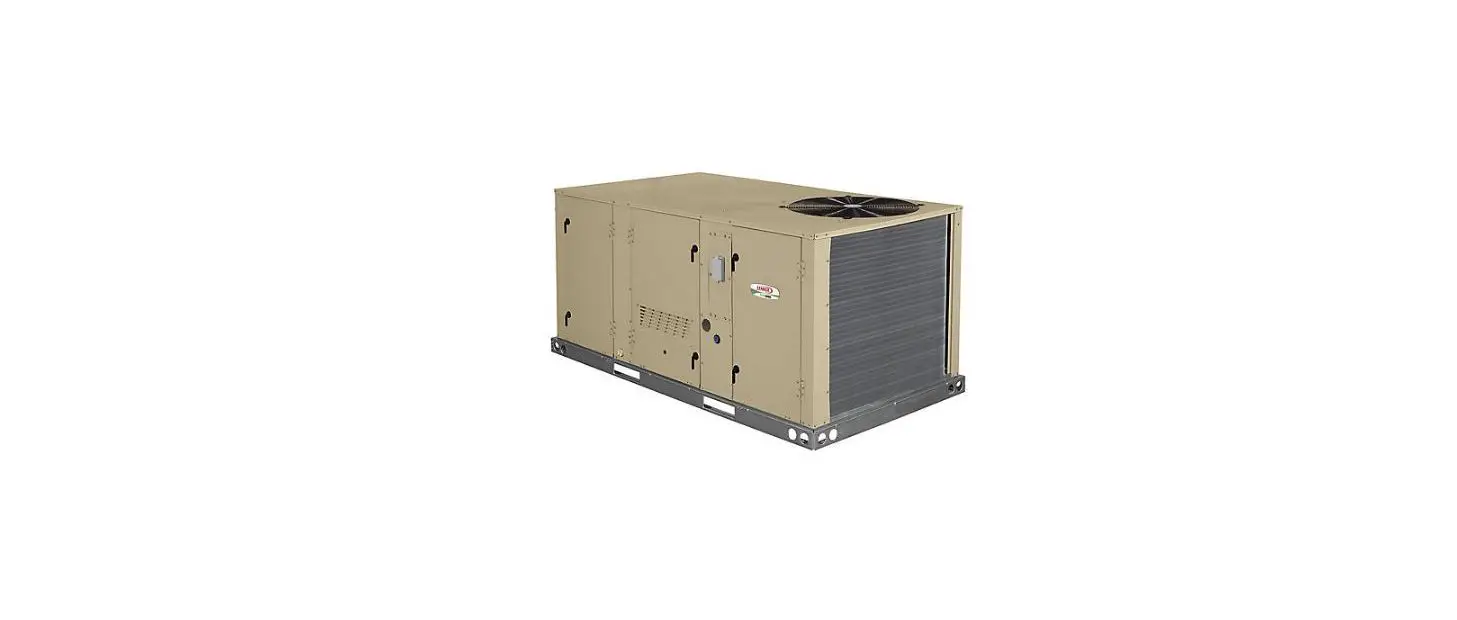
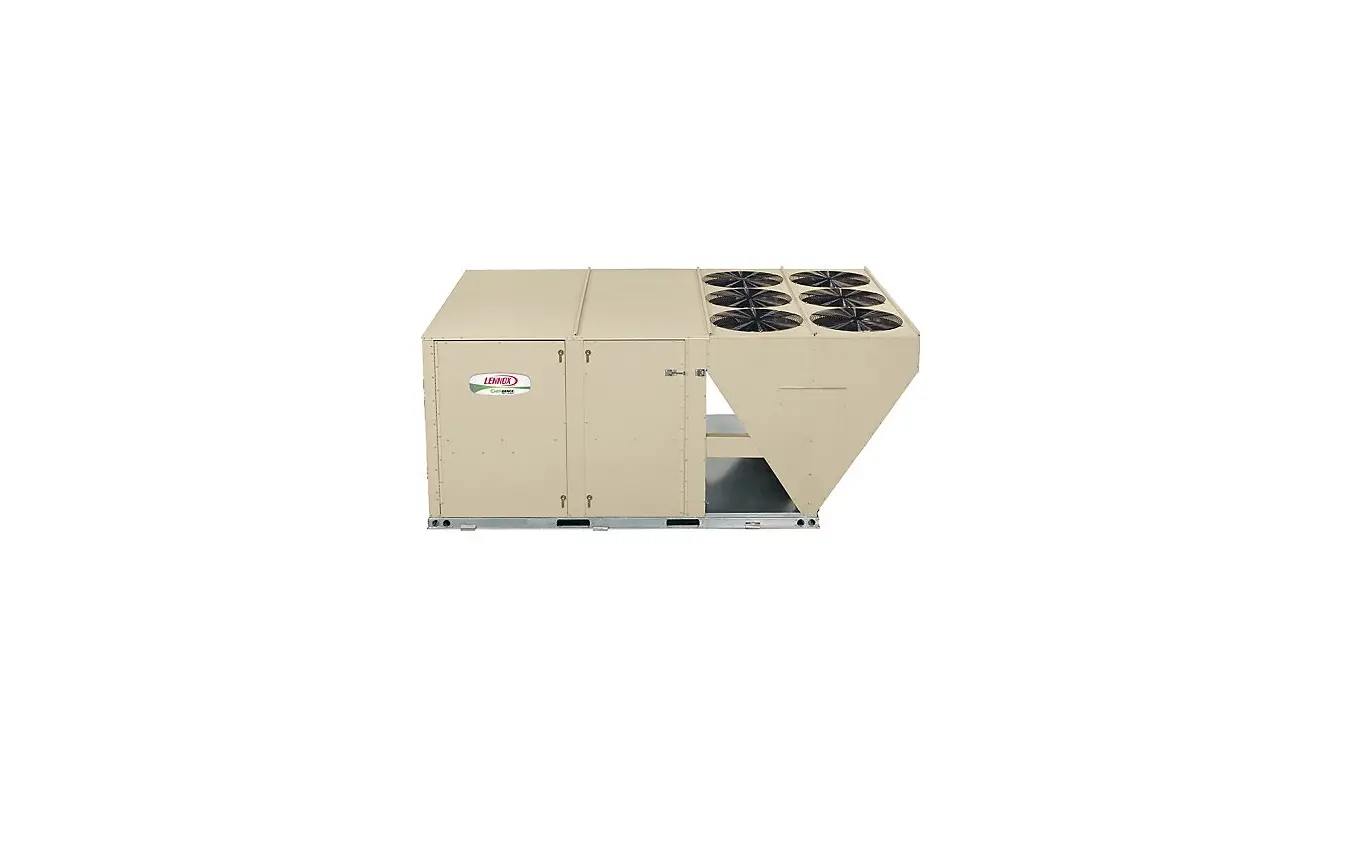
is applicable for Lennox Model L and Enlight Rooftop Units 3-25
tons. The product provides various helpful resources such as
installation and service literature downloads, CORE Service App
Reference Guide, online CORE Service Curriculum, and Lennox Model L
and CORE Control System videos on YouTube. The product requires the
CORE Service App to be downloaded on mobile devices to pair with
the Lennox CORE Control System for performing most setup, startup,
or troubleshooting processes.
Product Usage Instructions:
- Download the CORE Service App on your mobile device by scanning
the QR codes provided. - Open the CORE Service App on your device.
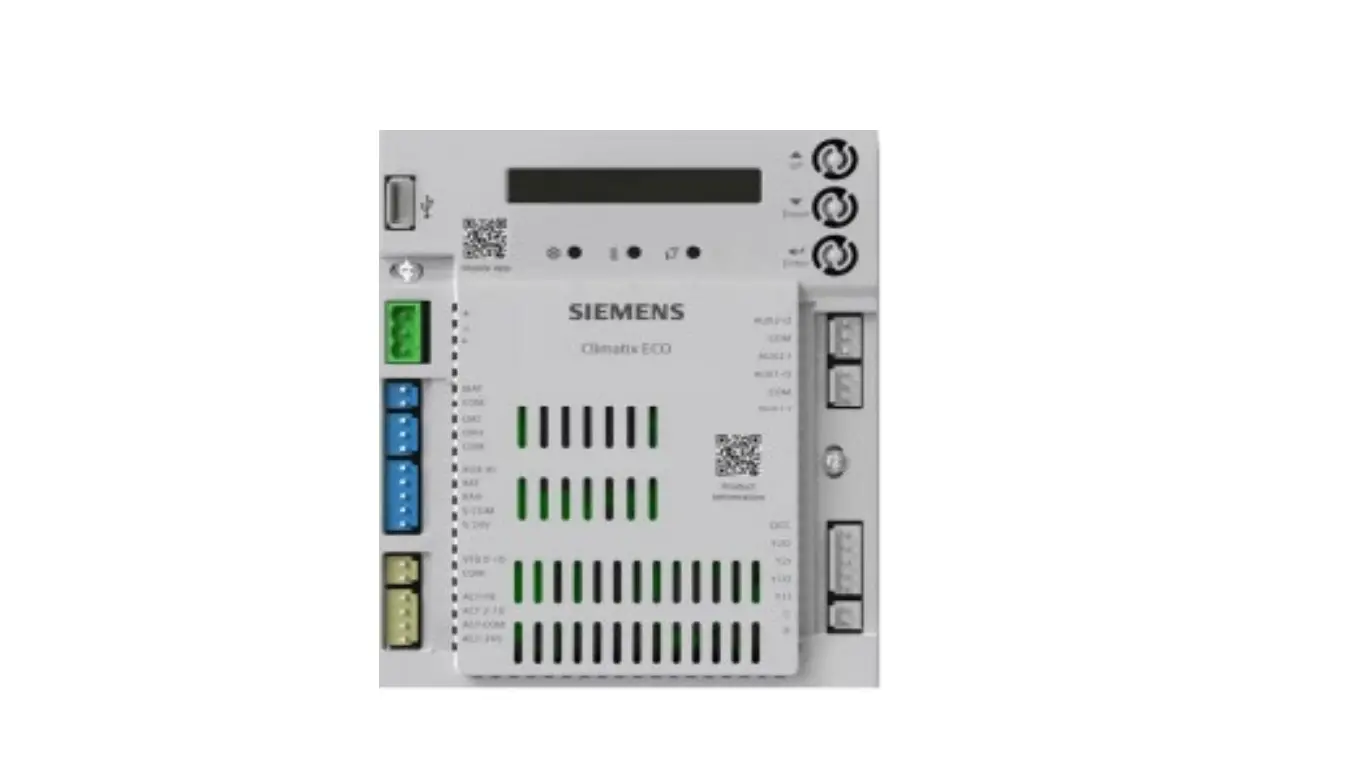
- Press the Pair button on the CORE Control System for 5
seconds. - Refer to the CORE Service App Reference Guide for complete
instructions on pairing your device with the Lennox CORE Control
System. - Once paired, you can use the device to perform setup, startup,
or troubleshooting processes. - For technical support, click on the black logos provided to
download the apps or register for technical training webinars.
COMMERCIAL TRAINING TOOLBOX TIPS
Pair the Model L Rooftop Unit to the Lennox CORE Service App
Applies to Lennox Model L and Enlight Rooftop Units 3-25 tons
Helpful Resources 1. Download installation and service literature from LennoxCommercial.com or LennoxPros.com. 2. CORE Service App Reference Guide takes you step-by-step through the startup and commissioning procedures. 3. Log in to LennoxPros.com to start the online CORE Service Curriculum. 4. View Lennox Model L and CORE Control System videos on YouTube. Required Tools 1. Download the CORE Service App to your mobile devices by scanning these QR codes.
You will need to pair your device to the Lennox CORE Control System to perform most setup, startup, or troubleshooting processes. Open the CORE Service App on your device. Press the Pair button on the CORE Control System for 5 seconds. See the excerpt from the CORE Service App Reference Guide below. Complete instructions are included in the guide.
Self-Service Technical Support with No Wait Times Click on the black logos below to download these apps
Download all Training Toolbox Tips Register for Technical Training Webinars
COM-01-033a
 Commercial Air Conditioning & Heating Units | Lennox Commercial
 LennoxPros - HVAC Lennox Catalog, Tools and Resources | LennoxPROs.com