Introduction
ZoneSafe tags are Active RFID devices that work in conjunction
with particular detection devices or function units within the
ZoneSafe product range. They are an integral part of the vehicle
mounted ZoneSafe RFID Detection System, where Antenna Units are
installed to detect ZoneSafe Tags.
How it Works
Tags entering the Detection Zone of a ZoneSafe device will
‘talk’ to the device and certain actions will be performed as a
result of this interaction. In the case of the vehicle mounted
Antenna Unit, it will alert the driver to the proximity of the
person wearing the tag. Tags detected within the Detection Zone
will be logged by the device.
Tags must be kept clear of electronic devices (mobile phones and
metal items) as these can interfere with the tag.
Installation of a Tag
Tags intended for pedestrian use and typically work on a
lanyard, pocket or armband. ZoneSafe’s primary asset tag, is
installed into the neck of a safety cone and can be used to protect
static assets or zone off specific areas (safety cones not sold by
Brigade Electronics).
ZoneSafe Tag Types
Further information can be found on each different type of tag
below and on the following pages. Yellow pedestrian tags are called
driver tags and are for use with the Control Unit on a vehicle
system. Grey versions, called ‘pedestrian tags’ cannot be used for
this purpose.
Pedestrian and Driver Rechargeable VibraTag
The Pedestrian and Driver Rechargeable VibraTag comes in yellow
color and is for use with the Control Unit on a vehicle system.
AssetTag
The AssetTag is designed to fit into PVC safety cones with an
internal neck diameter of between 39mm and 44mm/ 1.5 and 1.75.
AssetTag Installation
The diagram below shows how to install the AssetTag into a
flexible PVC safety cone.
- Connect and fit the battery and tighten the cap.
- Take off the top cap and fit the tag through the neck of the
cone from the inside. Hold the cone horizontally and extend your
arm to help push it through the neck or place on top of another
cone to push the tag through. - Squeeze the neck of the cone and screw the top cap on.
Checking Tag Battery Status
Users can check the battery status of their ZoneSafe tags to
ensure they are fully charged and ready for use.
ZoneSafe tags are rechargeable and can be charged using a
charging dock or cable provided with the product.
Tag Storage
When not in use, ZoneSafe tags should be stored in a cool, dry
place away from direct sunlight and extreme temperatures.
Tag Care
ZoneSafe tags should be handled with care and not dropped or
subjected to impact or pressure. Users should also avoid exposing
the tags to water or other liquids.
WEEE Directive
The Waste Electrical and Electronic Equipment (WEEE) Directive
aims to minimize the environmental impact of electrical and
electronic equipment by promoting their reuse, recycling, and
recovery.
Disclaimer
Information in this document is subject to change without
notice. You do not have permission to reproduce, publish or share
any part of this document either electronically or printed in part
or full without prior written consent from Brigade Electronics.
Approvals
The ZoneSafe tags have received approvals from various
regulatory bodies for their safety and compliance with relevant
standards.
FCC Compliance Information
The ZoneSafe tags comply with the regulations set by the Federal
Communications Commission (FCC) for their safe and effective
use.
Applicable FCC IDs:
- ZS-1000-DVT
- ZS-1001-DVT(NA)
- ZS-1000-PVT
- ZS-1001-PVT(NA)
- ZS-1000-AT
- ZS-1001-AT(NA)
D E F
ZoneSafe Tags
User Manual Driver VibraTag – ZS-1000-DVT/ZS-1001-DVT(NA)
Pedestrian VibraTag ZS-1000-PVT/ZS-1001-PVT(NA) AssetTag – ZS-1000-AT/ZS-1001-AT(NA)
www.brigade-electronics.com
1
Document Name ZoneSafeTM Tag Manual
Contents
1. Introduction
4
2. How it Works
4
3. Installation of a Tag
4
4. ZoneSafe Tag Types
5
4.1 Pedestrian and Driver Rechargeable VibraTag
5
4.2 AssetTag
5
4.2.1 AssetTag Installation
5
5. Checking Tag Battery Status
6
6. Charging Tags
7
7. Tag Storage
7
7.1. Tag Care
7
8. WEEE Directive
8
9. Disclaimer
8
10. Approvals
8
11. FCC Compliance Information
9
12. Applicable FCC IDs:
9
Information in this document is subject to change without notice. You do not have permission to reproduce, publish or share any part of this document either electronically or printed in part or full without prior written consent from Brigade Electronics.
2
3
1. Introduction
ZoneSafe tags are Active RFID devices that work in conjunction with particular detection devices or function units within the ZoneSafe product range. They are an integral part of the vehicle mounted ZoneSafe RFID Detection System, where Antenna Units are installed to detect ZoneSafe Tags.
2. How it Works
Tags entering the Detection Zone of a ZoneSafe device will `talk’ to the device and certain actions will be performed as a result of this interaction. In the case of the vehicle mounted Antenna Unit, it will alert the driver to the proximity of the person wearing the tag. Tags detected within the Detection Zone will be logged by the device.
How Tags Interact With Our RFID Detection System
2. Tag transmits to all Antenna Units within range.
3. On Tag detection, the Antenna relays to the ZoneSafe Control Unit.
1. Antenna Unit forces Tag to transmit. Tag will also vibrate.
Control Unit creates visual and audible alarms to the driver and also has the option to activate a relay.
Tags must be kept clear of electronic devices (mobile phones and metal items) as these can interfere with the tag.
3. Installation of a Tag
Tags intended for pedestrian use and typically work on a lanyard, pocket or armband. ZoneSafe’s primary asset tag, is installed into the neck of a safety cone and can be used to protect static assets or zone off specific areas (safety cones not sold by Brigade Electronics).
4
4. ZoneSafe Tag Types
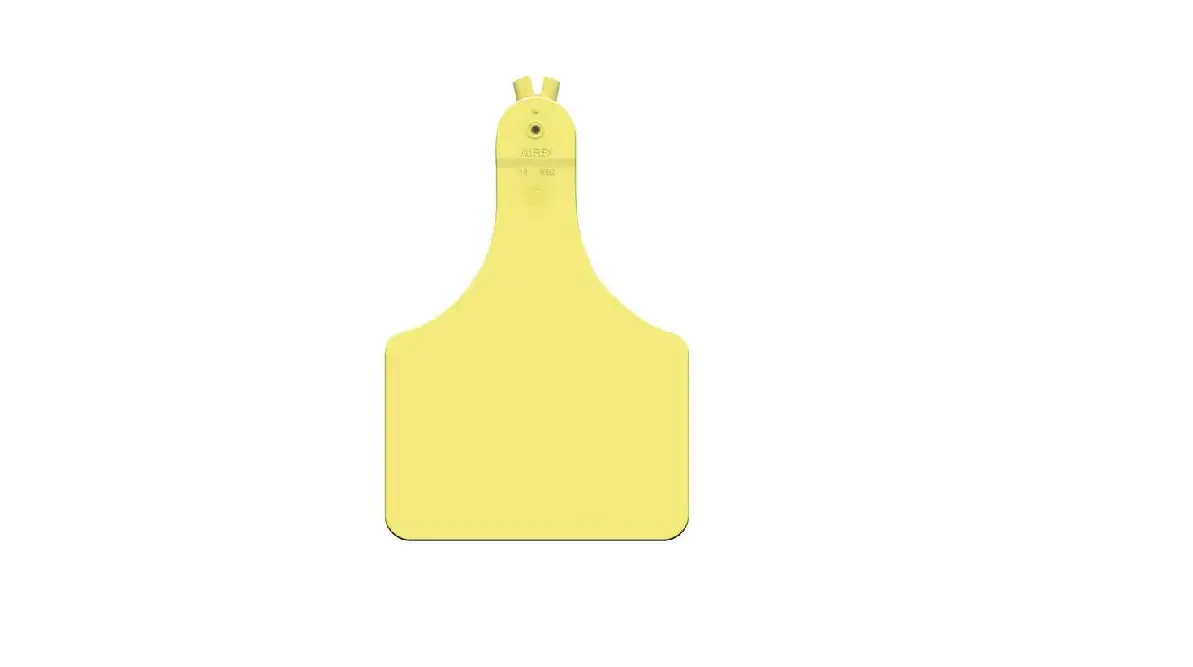
Further information can be found on each different type of tag below and on the following pages. Yellow pedestrian tags are called driver tags and are for use with the Control Unit on a vehicle system. Grey versions, called `pedestrian tags’ cannot be used for this purpose.
4.1 Pedestrian and Driver Rechargeable VibraTag
VibraTag is an active tag worn by personnel and detected by the ZoneSafe RFID Detection System. The driver of a vehicle fitted with ZoneSafe is given an audible and visual alert when a person wearing a VibraTag enters the detection zone. VibraTags give 2-way feedback; when a vehicle comes in to range, the wearer is instantly warned by short bursts of vibration through the tag. VibraTag can be detected and triggered up to 10 metres/33 feet away from an approaching vehicle. Each VibraTag is hermetically sealed to provide the best long-term protection. The high capacity battery enables VibraTag to be triggered thousands of times between charges. VibraTag is fully charged wirelessly within 2 hours using a wireless charger*. The Driver Tag (yellow) is placed into a tag holder located on the top of the Control Unit which arms the system and masks itself from the antenna. Then once the vehicle is started the unit will flash green to indicate it’s ready to detect and signal an alert. Driver VibraTag – ZS-1000-DVT Pedestrian VibraTag – ZS-1000-PVT
4.2 AssetTag
AssetTags are designed to fit into PVC safety cones with an internal neck diameter of between 39mm and 44mm/ 1.5″ and 1.75″.
AssetTag – ZS-1000-AT
4.2.1 AssetTag Installation
The diagram below shows how to install the AssetTag into a flexible PVC safety cone.
1.
2.
3.
1. Connect and fit the battery and tighten the cap. 2. Take off the top cap and fit the tag through the neck of the cone from the inside. Hold the cone horizontally and
extend your arm to help push it through the neck or place on top of another cone to push the tag through. 3. Squeeze the neck of the cone and screw the top cap on.
5
5. Checking Tag Battery Status
Please note – ALL RECHARGEABLE TAGS MUST BE FULLY CHARGED BEFORE FIRST USE. TAGS ARE SOLD PARTLY CHARGED FOR LEGAL REQUIREMENTS.
All tags should have their battery status checked daily before use to ensure they are operational. Placing a tag into the tag testers detection field, the unit will display the status of the tag’s battery using either a green tick or red cross LED indicator.
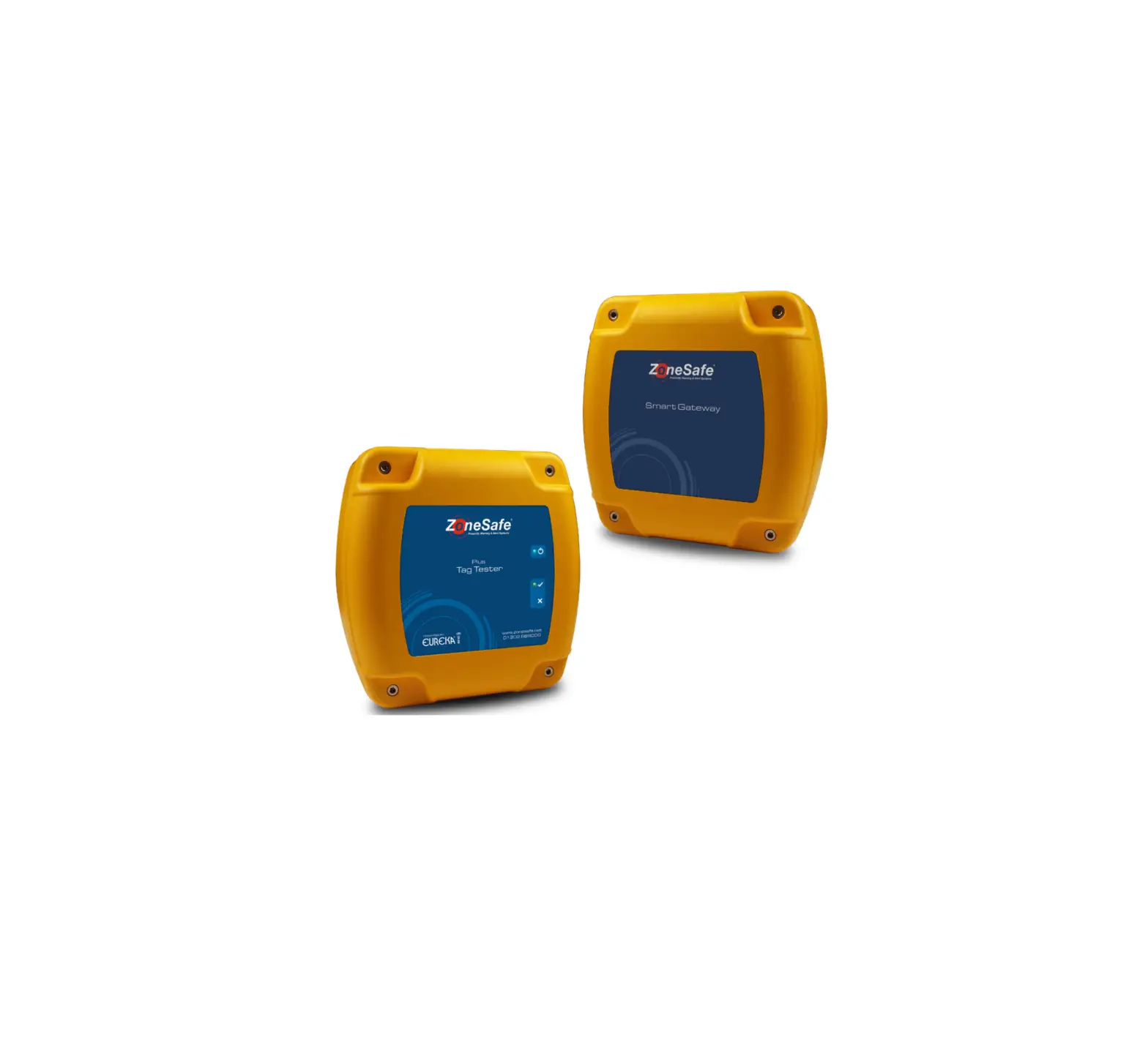
For further information relating to the installation of a ZoneSafe Tag Tester, please read Tag Tester/Smart Gateway manual.
Tag Battery Status
6. Charging Tags
Recharging a tag is straight forward. When the rechargeable tag or VibraTag needs to be recharged, follow the diagram below to ensure correct charging procedure.
To charge the battery, correct placement of the tag on the charger is essential. Please follow these instructions carefully.
Edge of charger pulses blue when charging
Input 5V – 2A
Place tag front face down
Location of charging coil in the tag. This needs to be central to the charger.
Charger
Tag Chargers are available to purchase from Brigade
1. Connect charger to a 5VDC supply.
2. Place tag, front face down on charger ensuring it is centrally aligned to the location of the charging coil (as shown above).
3. Once the tag is placed in the correct position and the tag actually requires charge the charger will start pulsing blue and charging will commence.
4. Charging can take up to 2 hours if battery is completely flat. The battery can be completely recharged within two hours and can last up to 3 months (potentially longer depending on use) between charges.
5. The charger will stop pulsing blue when the tag is fully charged.
ZS-AT-BKT – Tag Charger
7. Tag Storage
Store unused tags away from electronic equipment, electromagnetic fields and at least 10m/33′ from any antenna or reader.
7.1. Tag Care
To clean your tag just wipe over with a damp cloth. Do not expose tags to or clean them with any harsh cleaning chemicals or solvents as this may damage the casing. Do not expose to a naked flame. ZoneSafe tags contain electronic equipment and in some cases moving parts. Whilst every step has been taken to produce a robust product, it’s advisable for longevity that tags are treated with care.
6
7
8. WEEE Directive
The Waste Electrical and Electronic Equipment Directive (WEEE Directive) was introduced into UK law in January 2007 by the Waste Electronic and Electrical Equipment Regulations 2006.
This product shall not be treated as household waste. It must be treated in accordance with the Waste Electronic and Electrical Equipment Regulations 2006.
Avonwood Developments Limited is a WEEE registered producer WEE/EFO483SX.
9. Disclaimer
The ZoneSafeTM RFID Detection System is supplied as an audible and/or visual alert system only. The system is not a protective device, it does not initiate or perform safety related functions and it does not provide control to reduce risk.
ZoneSafeTM should not be used to replace proper job site organisation, safeguards, operator training and the application of relevant vision standards that addresses safety and the safety of people on job sites.
Due to the nature of radio frequency, wireless communications and possible interference, data can never be guaranteed. Data can be corrupted, have errors or be totally lost. The ZoneSafeTM system should not be used in situations where failure to transmit or receive data could result in damage of any kind to the user or any other party, including but not limited to personal injury, death or loss of property. Avonwood Developments Limited accepts no responsibility for damages of any kind resulting from errors in data transmitted or received using the ZoneSafe system, or for the failure of the the ZoneSafe system to transmit or receive such data.
Brigade ElectronicsLimited accepts no liability for any and all direct, indirect, special, general, incidental, consequential, punitive or exemplary damages including, but not limited to, loss of profits or revenue or anticipated profits or revenue arising out of the use or inability to use any ZoneSafe products.
Information in this document is subject to change without notice.
10. Approvals
For a Class A digital device or peripheral, the instructions furnished to the user shall include the following or similar statement, placed in a prominent location in the text of the manual:
NOTE: This equipment has been tested and found to comply with the limits for a Class A digital device, pursuant to part 15 of the FCC Rules. These limits are designed to provide reasonable protection against harmful interference when the equipment is operated in a commercial environment. This equipment generates, uses, and can radiate radio frequency energy and, if not installed and used in accordance with the instruction manual, may cause harmful interference to radio communications. Operation of this equipment in a residential area is likely to cause harmful interference in which case the user will be required to correct the interference at his own expense.
This device complies with part 15 of the FCC Rules. Operation is subject to the following two conditions: (1) This device may not cause harmful interference, and (2) this device must accept any interference received, including interference that may cause undesired operation.
11. FCC Compliance Information
NOTE: This equipment has been tested and found to comply with the limits for a Class A digital device, pursuant to part 15 of the FCC Rules. These limits are designed to provide reasonable protection against harmful interference when the equipment is operated in a commercial environment. This equipment generates, uses, and can radiate radio frequency energy and, if not installed and used in accordance with the instruction manual, may cause harmful interference to radio communications. Operation of this equipment in a residential area is likely to cause harmful interference in which case the user will be required to correct the interference at his own expense.
Changes or modifications to ZoneSafeTM systems not expressly approved by Brigade Electronics may void the user’s authority to operate the equipment.
The ZoneSafe Control Unit must be installed at least 20cm away from any person when in normal use.
12. Applicable FCC IDs:
ZoneSafe Control Unit: ZoneSafe Antenna Unit:
2ACWNZSR6783 2ACWNZSA6782
VibraTag: Standard Tag:
2ACWNZST6687 2ACWNZS6277
8
9
VSICEAWLEA-1A.8
D E F
10
www.brigade-electronics.com
4016