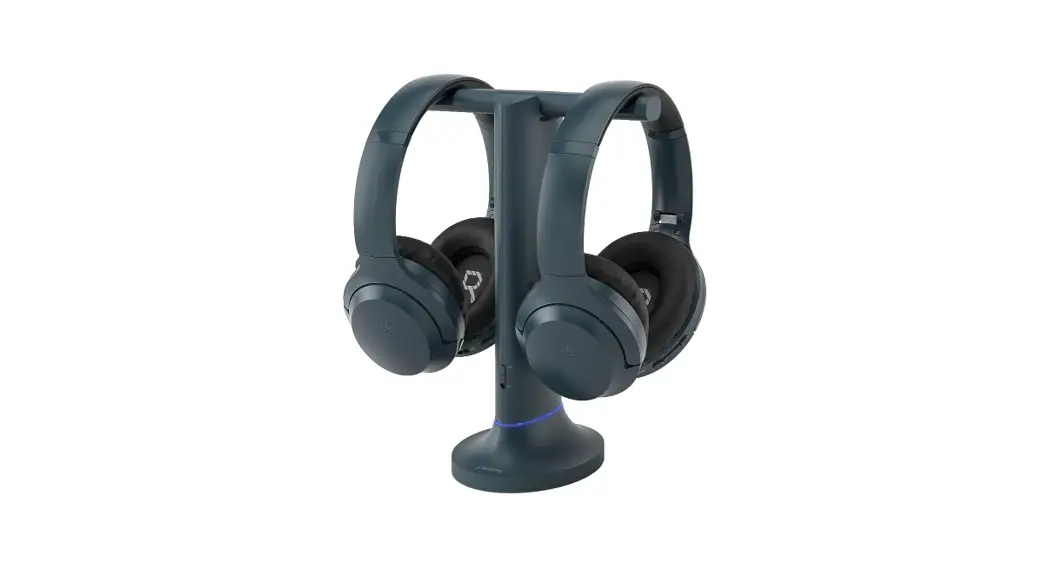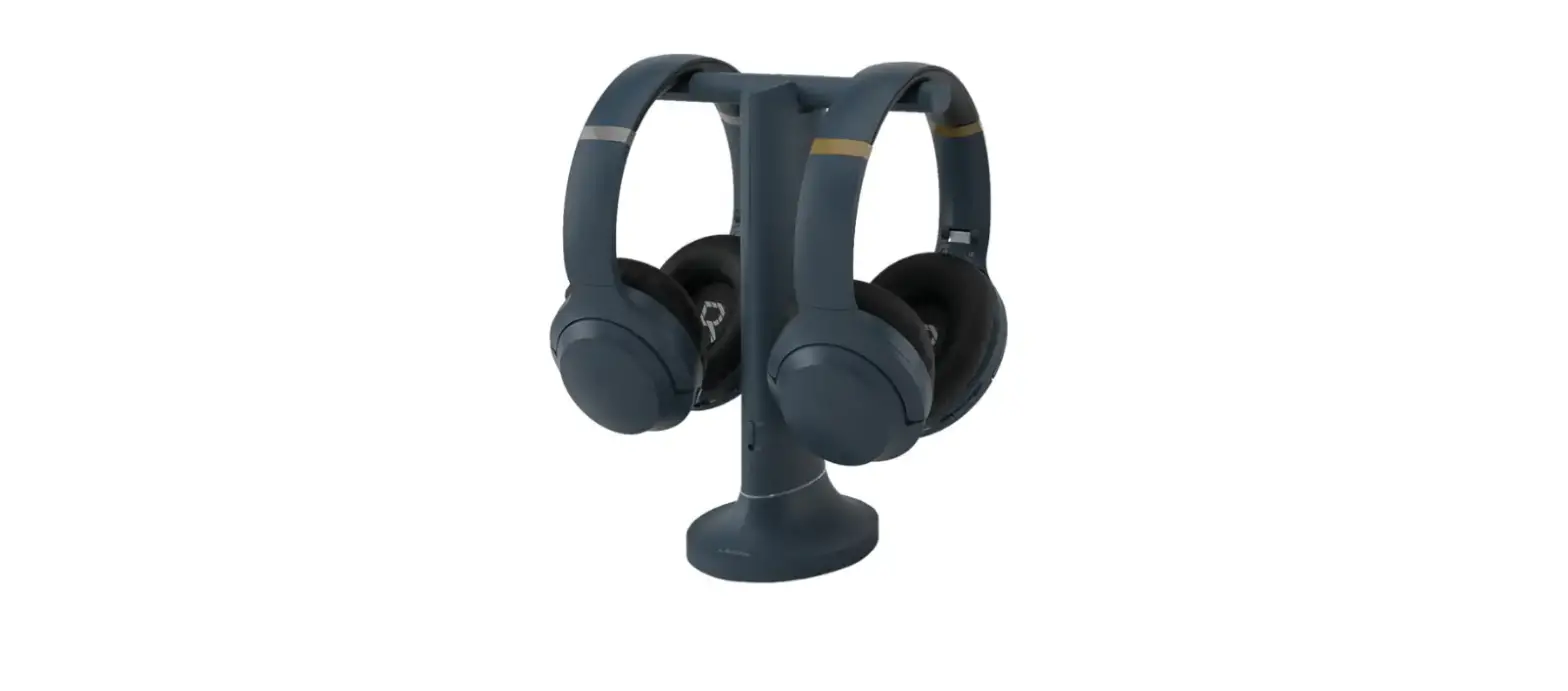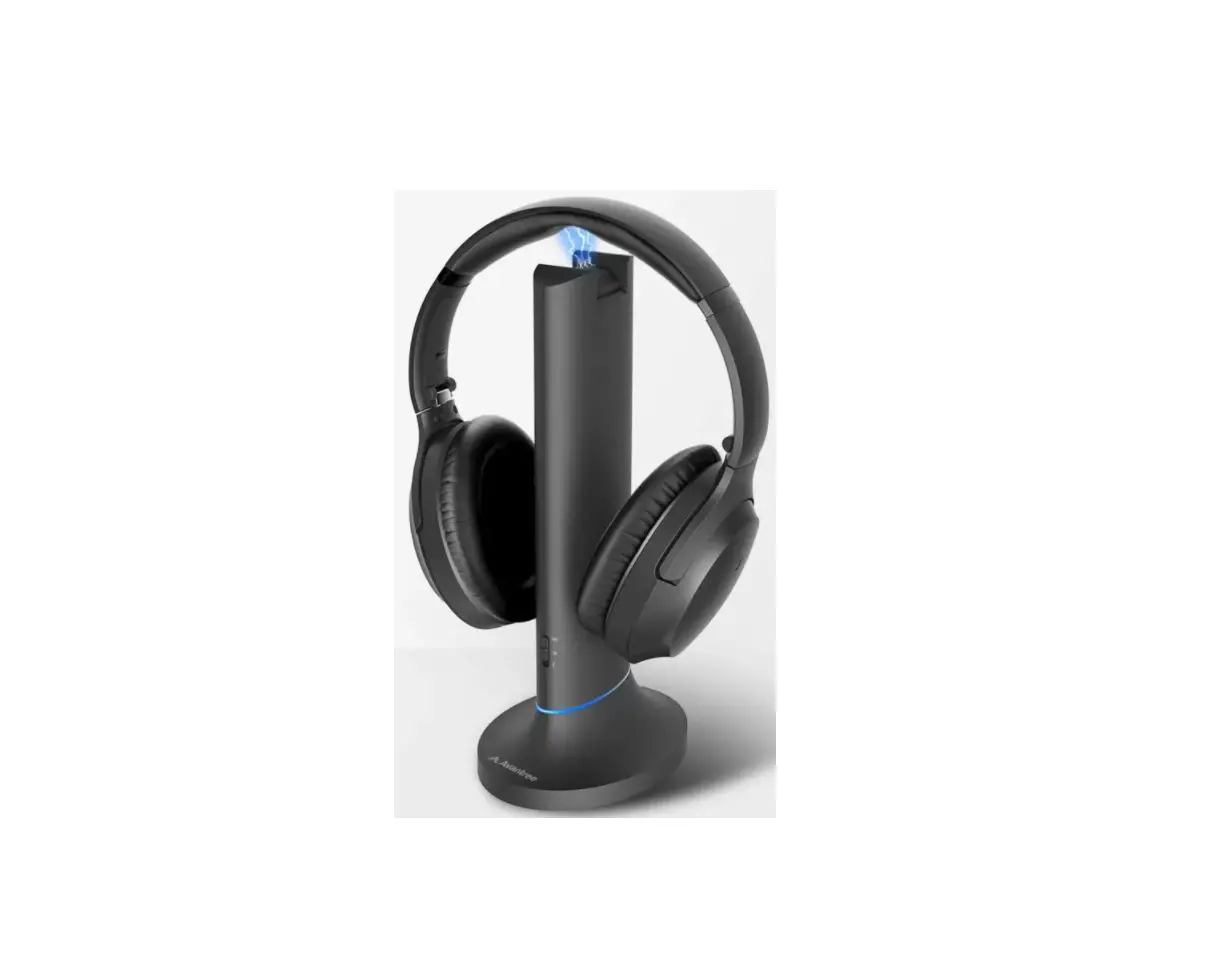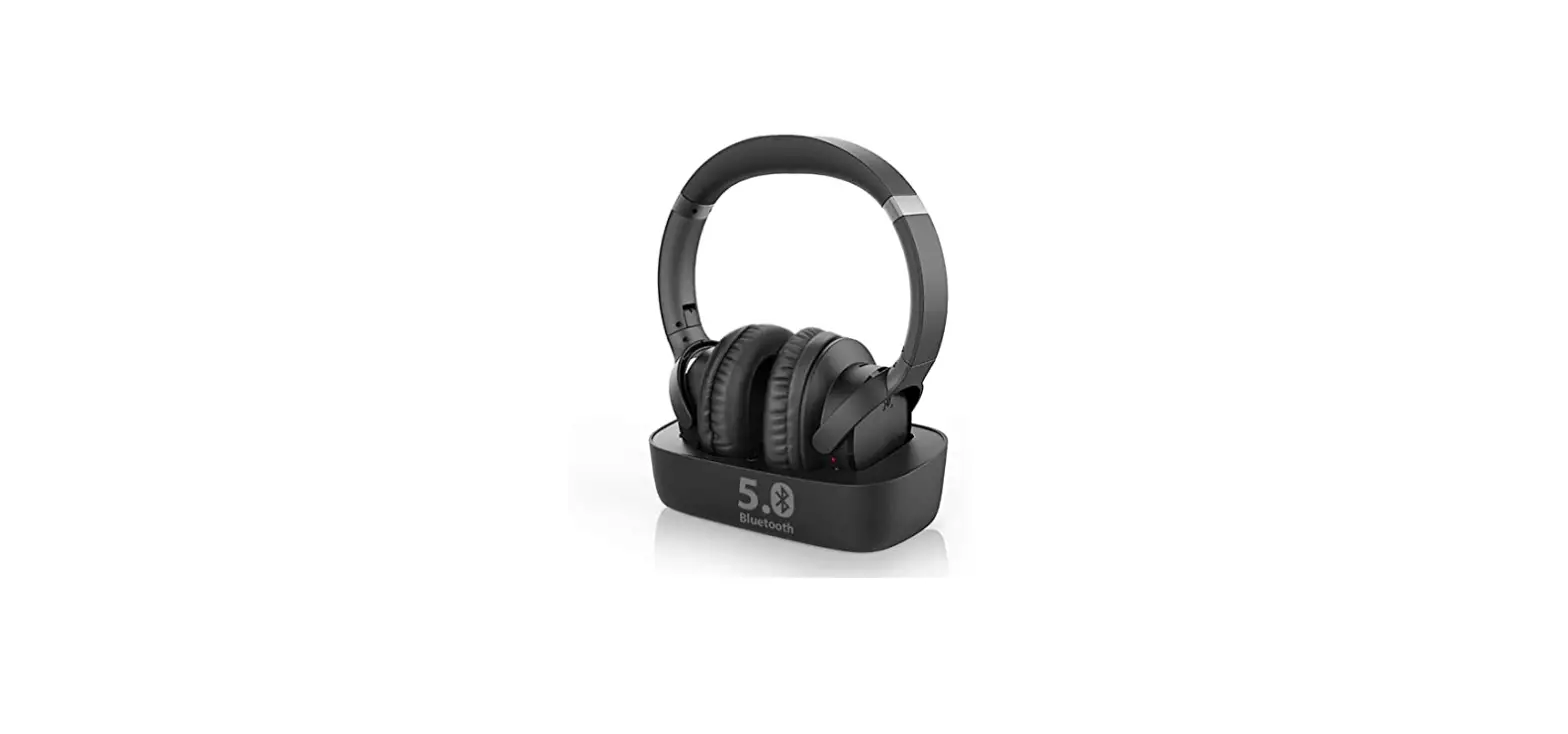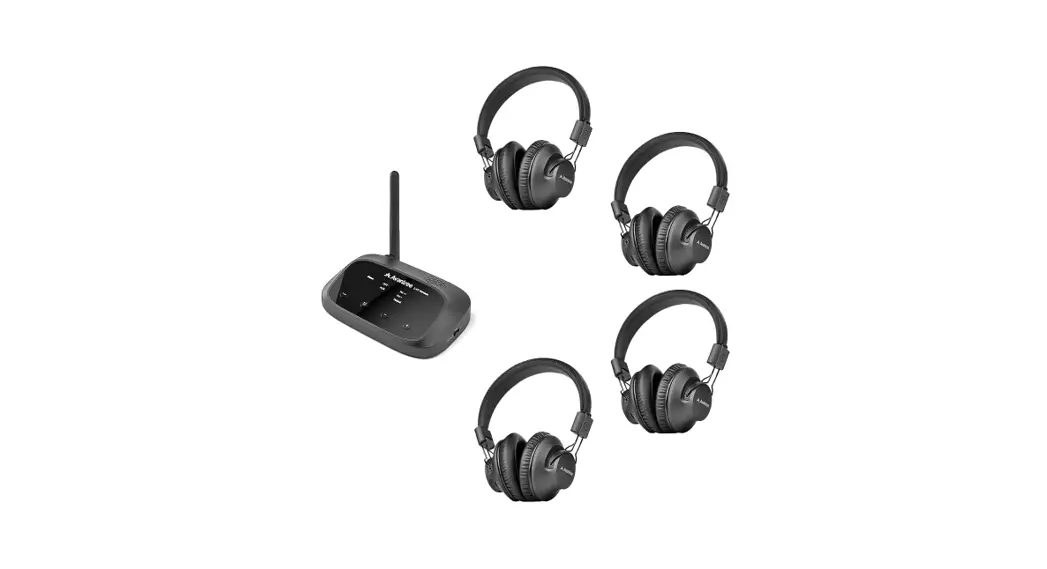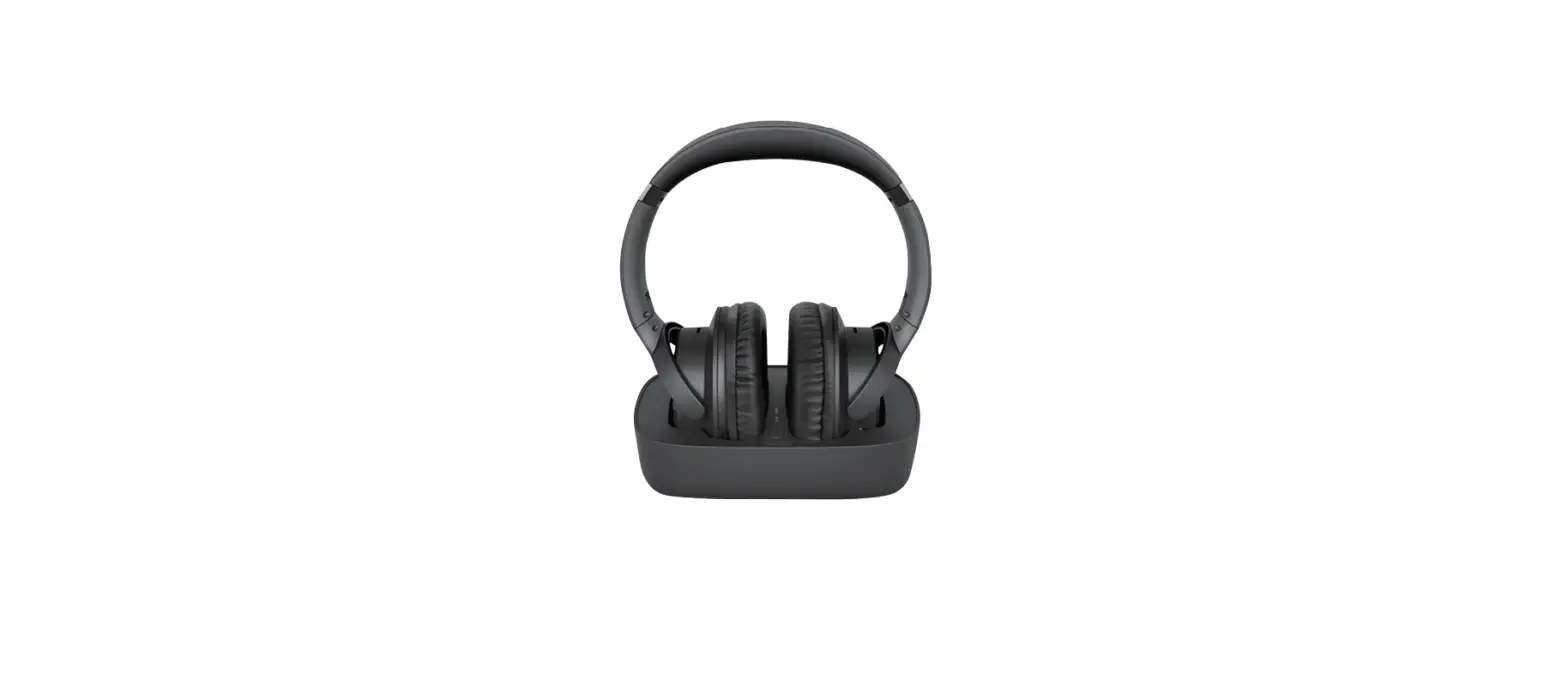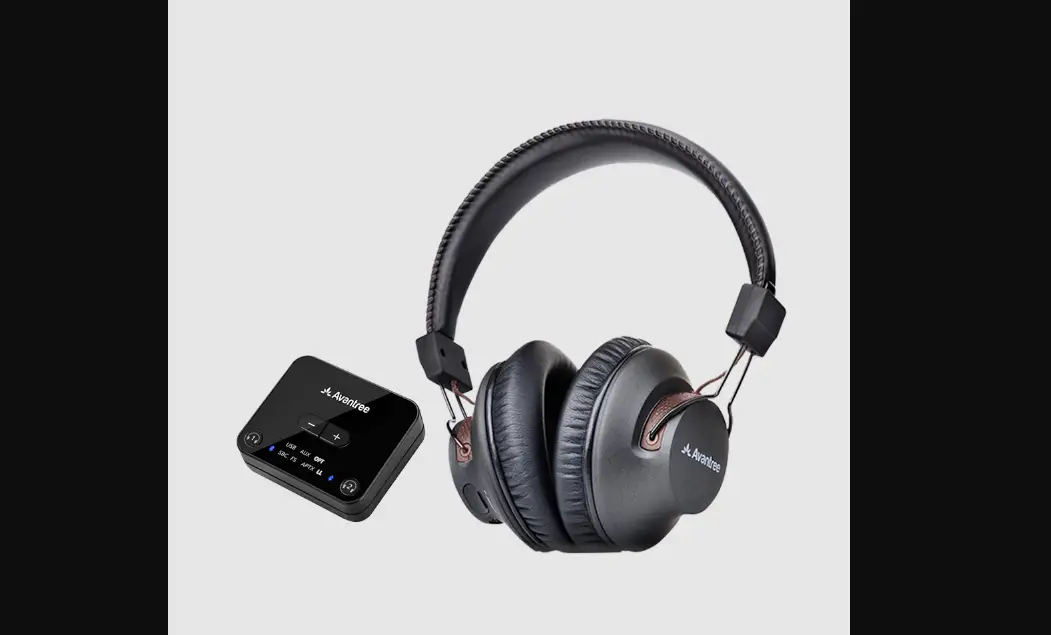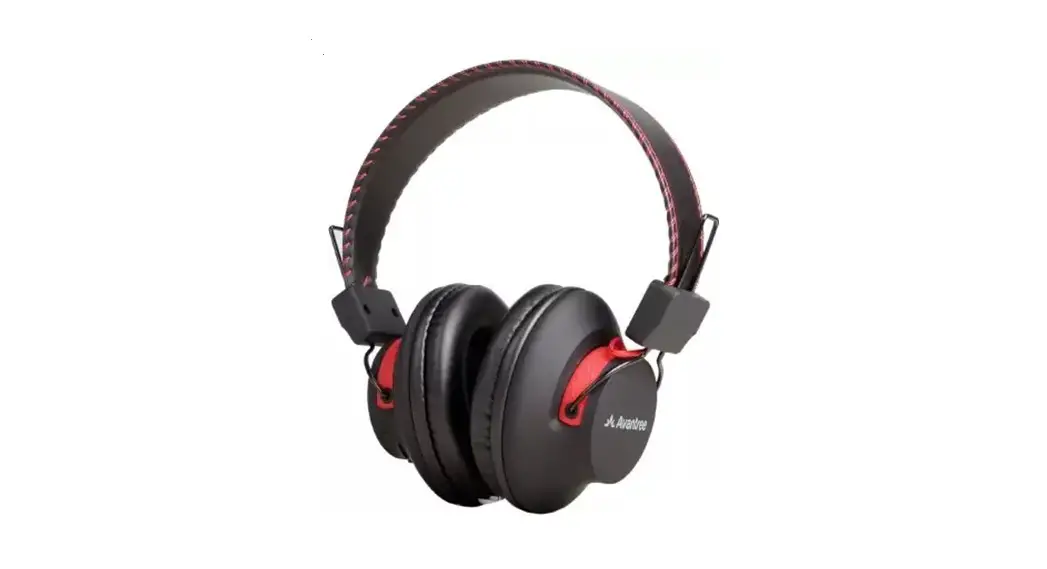

Single Duet Headphones
Wireless Headphones for Duet
Model # WSHT-D6129-RX
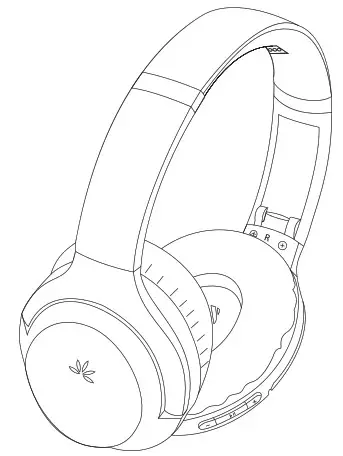
Quick Start Guide
 Box Contents
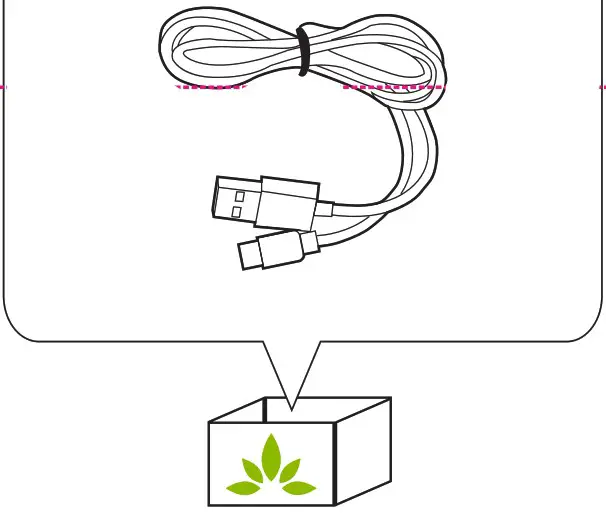
 Box Contents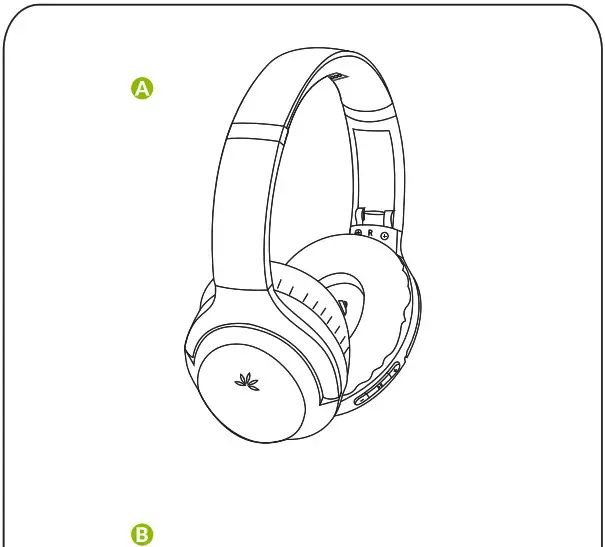
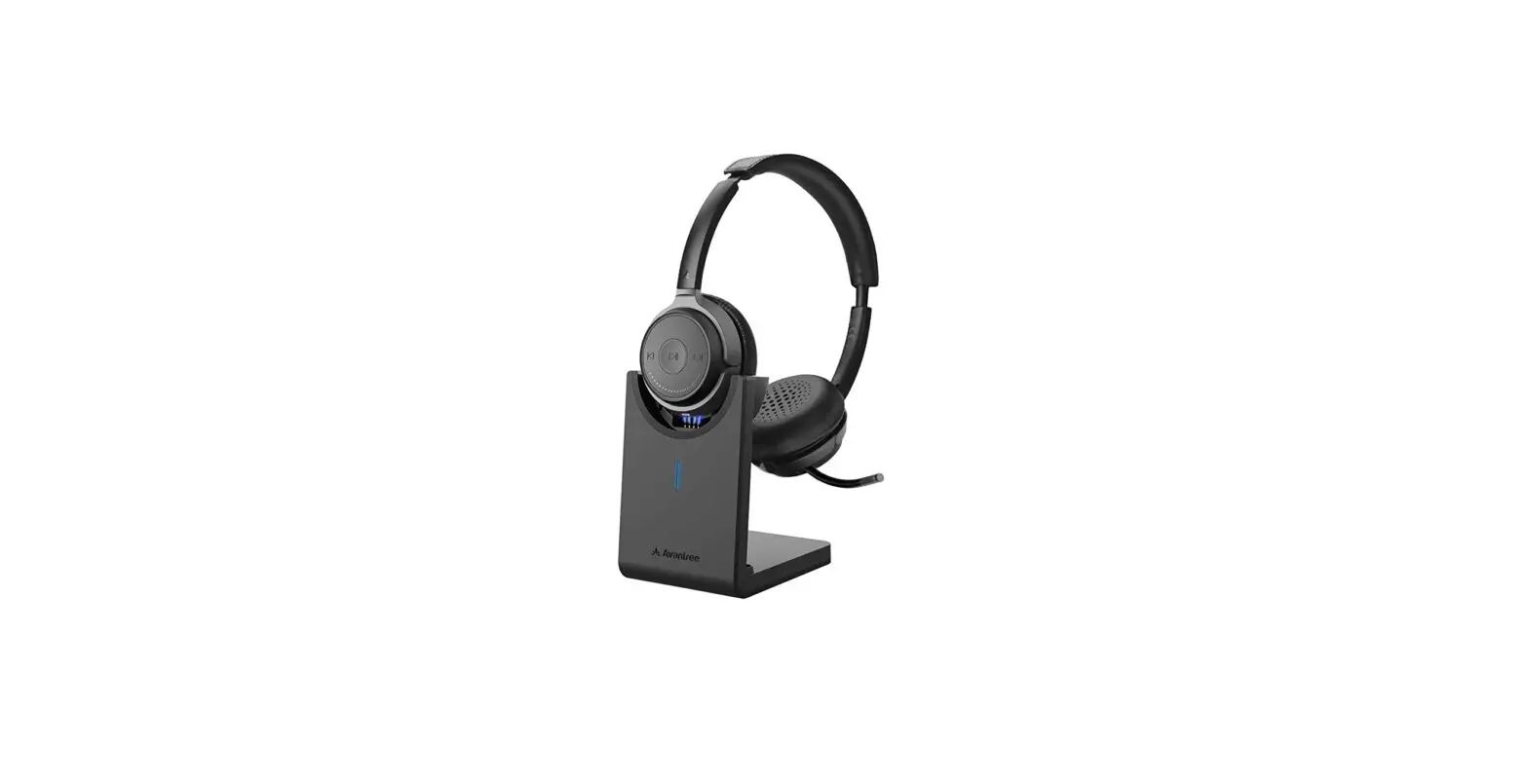
A. Wireless Headphones
B. USB Type C Charge Cable
 Charge
 Charge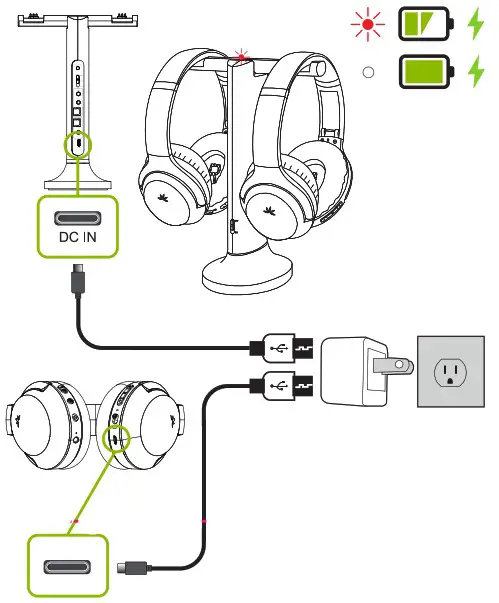
We suggest using a USB wall adapter as a power source, contact us for a free adapter if you do not have one.
 Connect
 Connect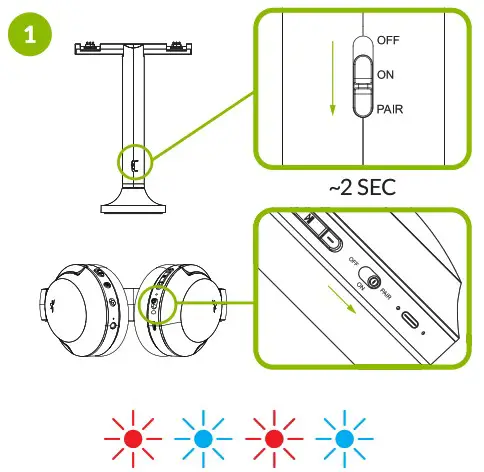
Pairing
Hold the power switch on BOTH the headphone and transmitter dock to “PAIR” position for 2 seconds until the LED quickly flashes RED and BLUE alternately.
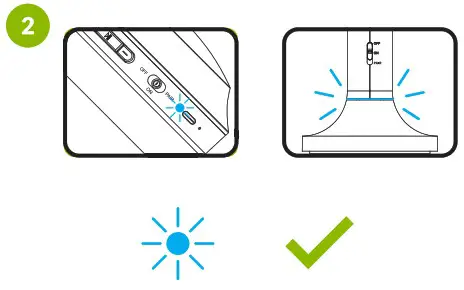
Connected when Blue light is solid.
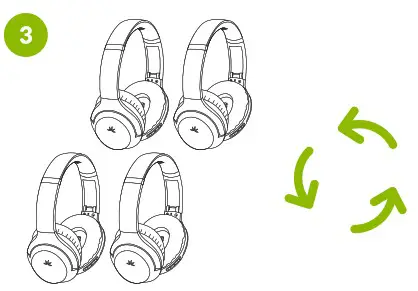
Repeat steps above for each new headphone.
 Accessories & Add-Ons
 Accessories & Add-Ons
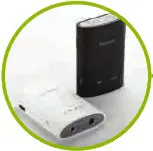 | Audiplex Duet headphones work with Audiplex | 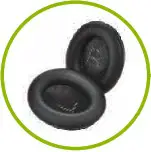 | Ear Pads Replaceable ear pads |
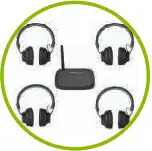 | Quartet Duet headphones work with Quartet | 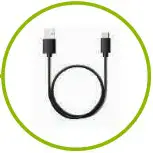 | USB-C Cable USB-C Charge cable |
 ONLINE SUPPORT
 ONLINE SUPPORT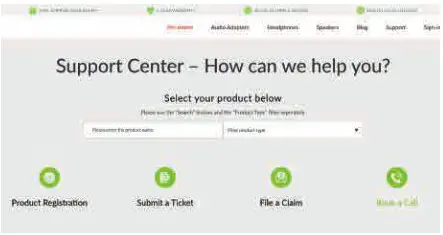
- How to connect Duet headphones to Avantree Audiplex or Quartet?
- No sound? Not working?
..Find More FAQs and User Tips Online!
For Advanced Set Up
Try our Full User Guide, FAQs,
Video Tutorials & More!
https://avantree.com/product-support/WSHT-D6129#
avantree.com/support/D6129-RX
 | www.avantree.com/support |  | USAICA:1-800-2322078 Check your warranty card for your local region |
 | [email protected] |  | Ask us about getting a free charger! |
 Dispose of the packaging and this product in accordance with the latest provisions.