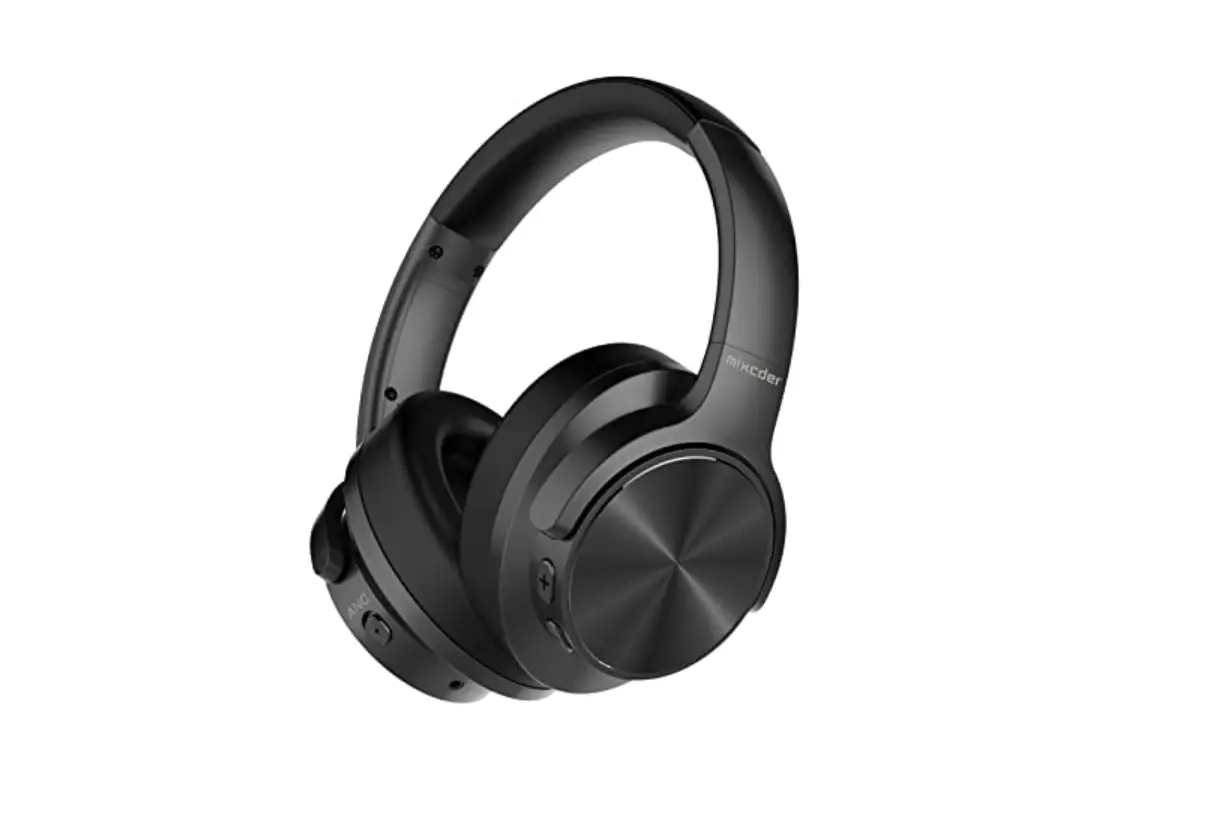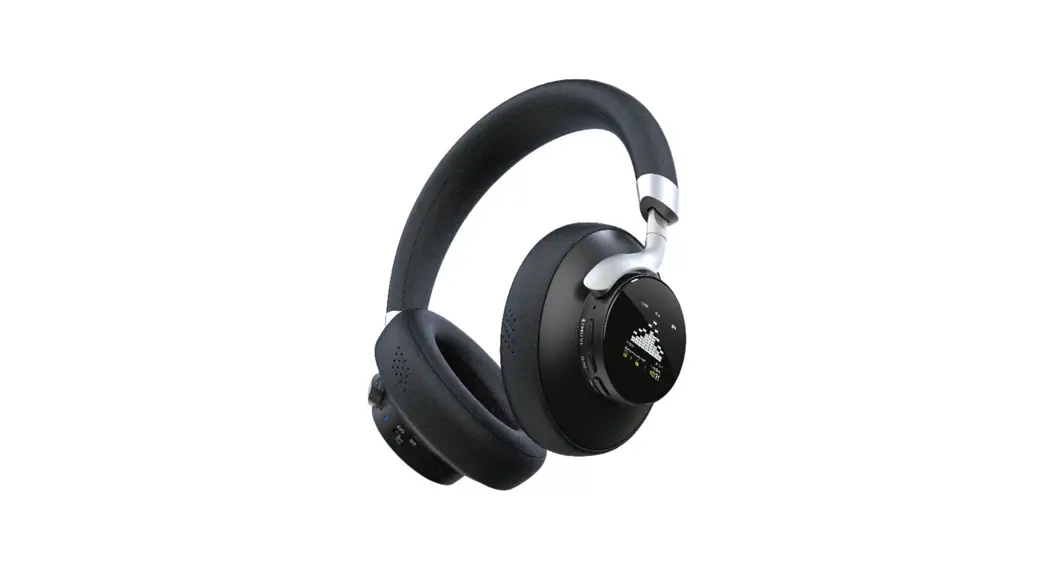

E95A
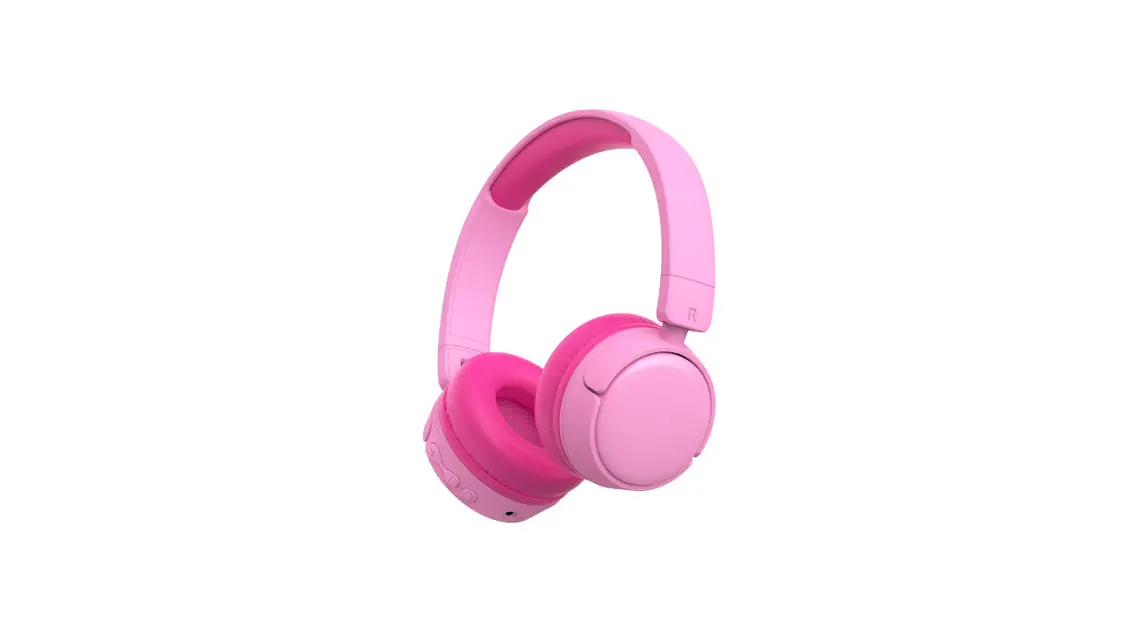
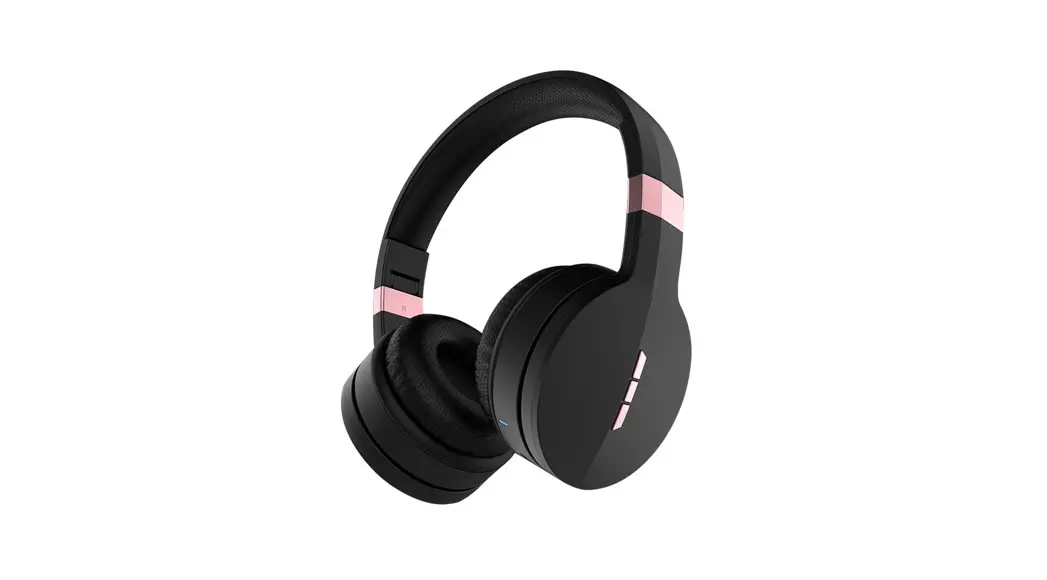
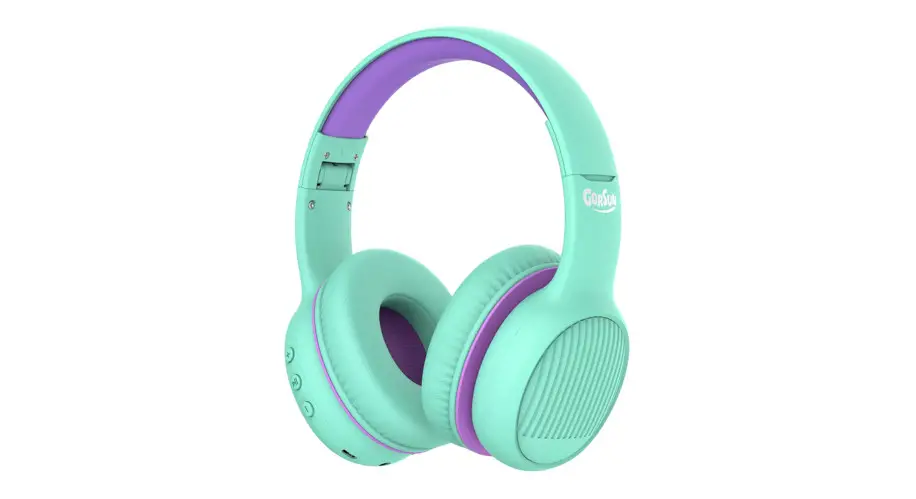
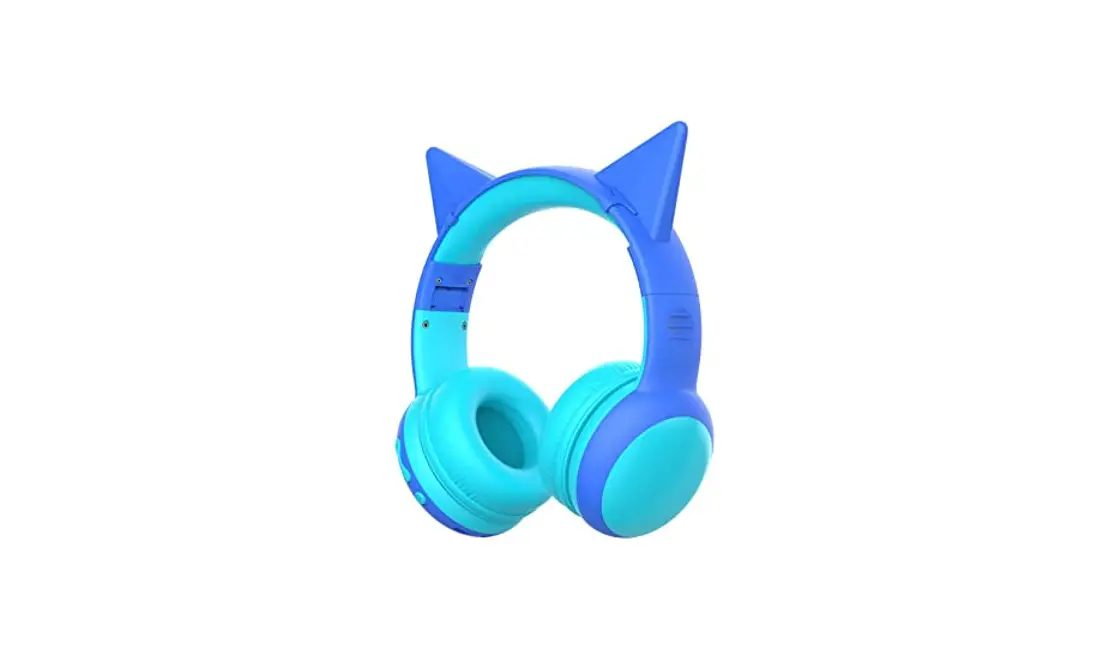
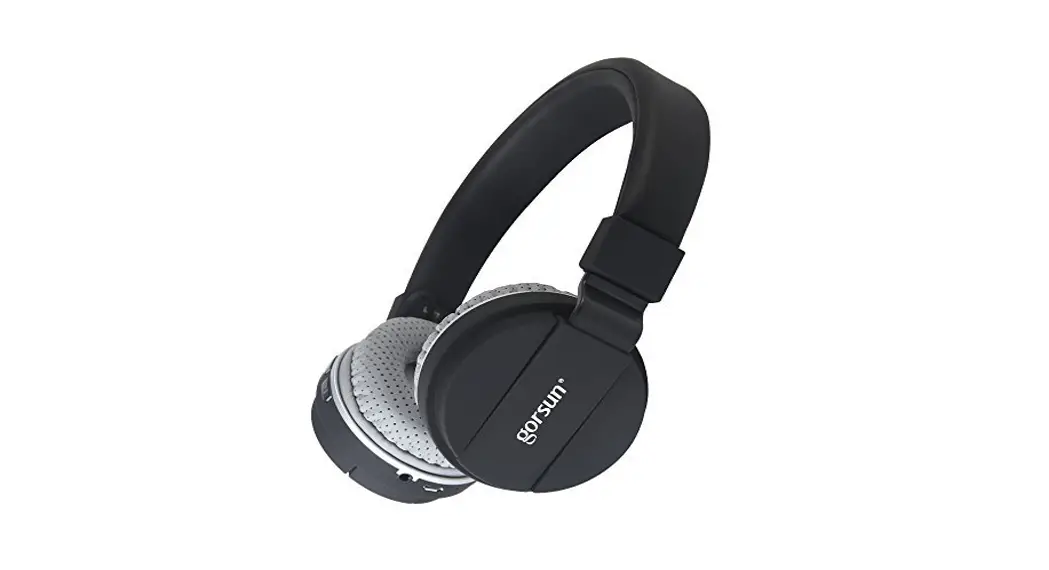
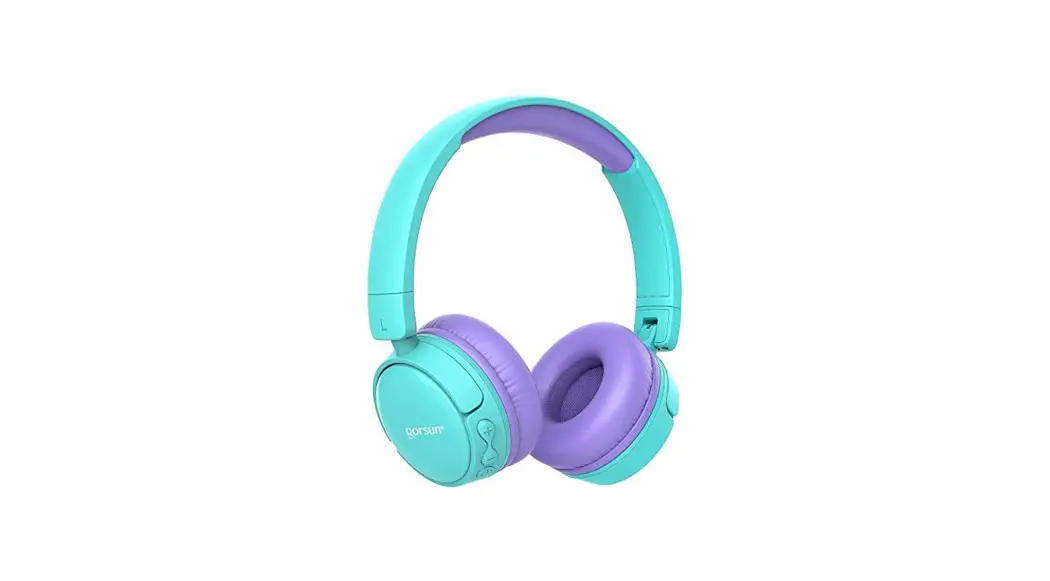
Wireless & Wired Kids Headphone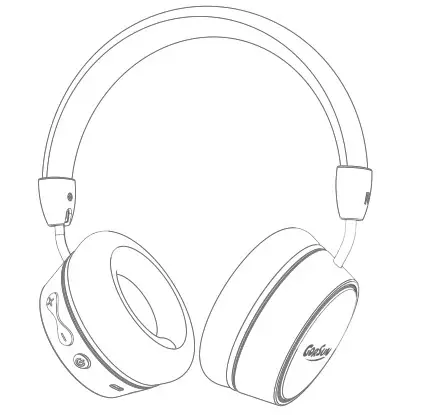
Specifications
Frequency Response: 2.402-2.480GHz
Max Output Power: 80mW
Working Range: 8-10m
Battery voltage: 3.7V
Battery capacity: 300 mAh Battery
Charging Voltage: DC4.75-5.25V
Charging Time: about 2H
Working Time: about 6-14H
Impedance: 32-ohm
Sensitivity: 85±3 dB
Speaker diameter: 40mm
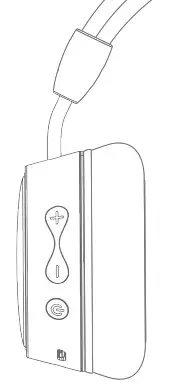
- ”
 ” Power on/Power off
 - “+” Volume up: short press
Move next: long press - “-” Volume down: short press
Move previous: long press
 ” Power on/Power off
Function Description
- Power on: Long press ” ” for more than 3 seconds, the headphones turn on, and enter Bluetooth Mode. The blue and red lights flash alternately.
- Power off: Long press ” 0 – for more than 3 seconds,the LED indicator light is off and the headphone turn off.
- Hang on: Short press ” “button when being called.
- Hang up: Short press ” “button when calling.
- Dial back: Double click ” “button.
- Play music: Normally short press ” “button to turn on the smart devices automatically to play music.
- Continue to play music after the call: When there is an incoming call, the music will be automatically suspended. After the call, you need to short press the ” 0 ” button to continue playing.
Bluetooth mode
Repairing: turn off the Bluetooth function of the connected smart devices, at this time, the Bluetooth headset and the last matching device got disconnected, LED light flashed between red and blue, and enter the Bluetooth pairing mode, then turn on the Bluetooth function of the smart devices, search the device named “E95A” to get connected without a password, after pairing successfully, voice prompts “connected”, the blue LED is on and flash slowly after working.
Subsequent pairing: 3 seconds after powering on, it will automatically search and connect the smart device which paired last time
Warning voice of maximum volume: “Didi” Power saving mode: headset will automatically power off after pairing continuously for 5 minutes; it will cut off power supply automatically after using Aux-in cable for power saving.
AUX-in Mode In any mode, insert the AUX-in line, the headset automatically shut down, and switch to the AUX-in function without power consumption.
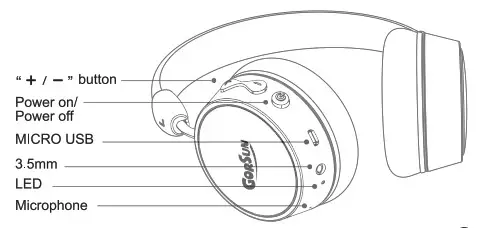
LED indicator
| Charging | The red LED is on, when fully charged, the blue LED is on |
| Powering on | Blue LED is on |
| Powering off | Red LED flashes and finally turn to off |
| Pairing | Blue and red LED flashes alternately |
| Connected | Blue LED flashes |
NOTE:
This equipment has been tested and found to comply with the limits for a Class B digital, pursuant to Part 15 or the FCC Rules. These limits are designed to provide reasonable protection against harmful interference in a residential installation. This equipment generates, uses, and can radiate radio frequency energy and, if not installed and used in accordance with the instructions, may cause harmful interference to radio communications, However, there is no guarantee that interference will not occur in a particular installation. If the equipment does cause harmful interference to radio or television reception, which can be determined by turning the equipment off and on, the user is encouraged to try to correct the interference by one or more of the following measures:
— Reorient or relocate the receiving antenna.
— Increase the separation between the equipment and receiver.
— Connect the equipment into an outlet on a circuit different from that to which the receiver is connected.
— Consult the dealer or an experienced radio/ TV technician for help.
FCC Caution
This device complies with part 15 of the FCC Rules. Operation is subject to the following two conditions: (1) This device may not cause harmful interference, and (2) this device must accept any interference received, including interference that may cause undesired operation.
Any changes or modifications not expressly approved by the party responsible for compliance could void the user’s authority to operate the equipment.
Note: This equipment has been tested and found to comply with the limits for a Class B digital device, pursuant to part 15 of the FCC Rules. These limits are designed to provide reasonable protection against harmful interference in a residential installation. This equipment generates uses and can radiate radio frequency energy and, if not installed and used in accordance with the instructions, may cause harmful interference to radio communications. However, there is no guarantee that interference will not occur in a particular installation. If this equipment does cause harmful interference to radio or television reception, which can be determined by turning the equipment off and on, the user is encouraged to try to correct the interference by one or more of the following measures: -Reorient or relocate the receiving antenna. -Increase the separation between the equipment and receiver. -Connect the equipment into an outlet on a circuit different from that to which the receiver is connected. -Consult the dealer or an experienced radio/TV technician for help.
This equipment complies with FCC radiation exposure limits set forth for an uncontrolled environment.