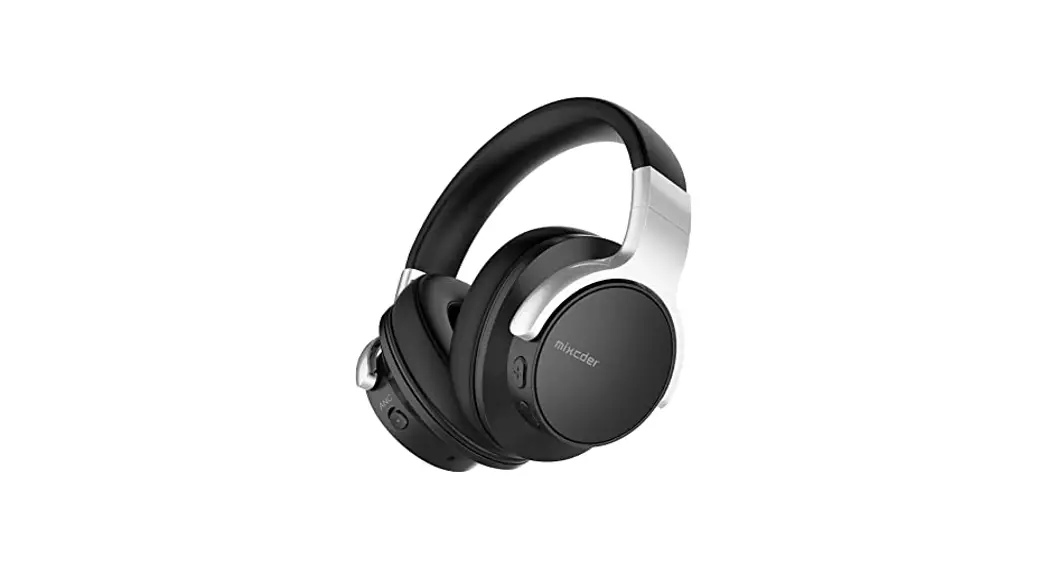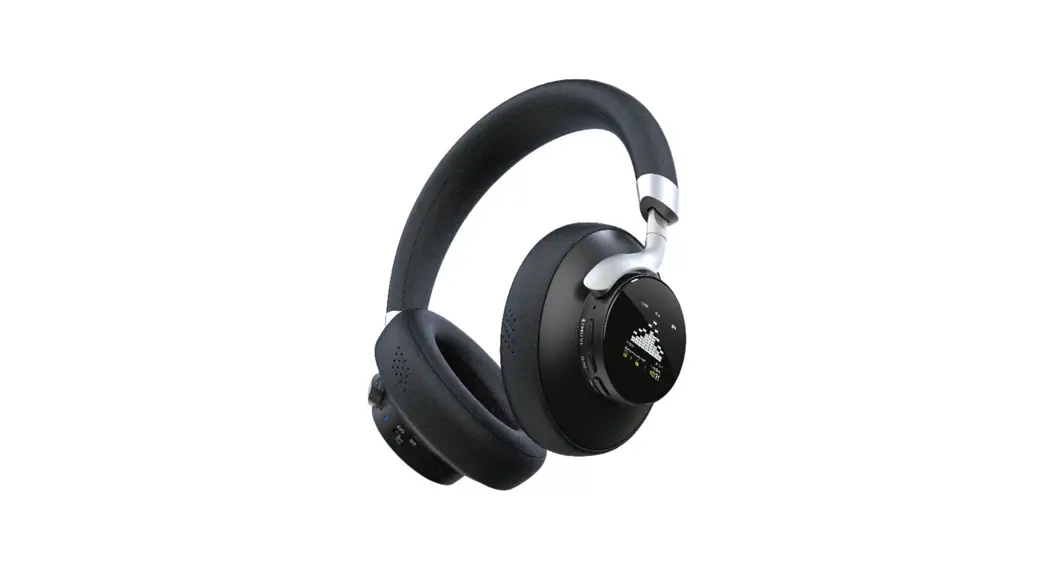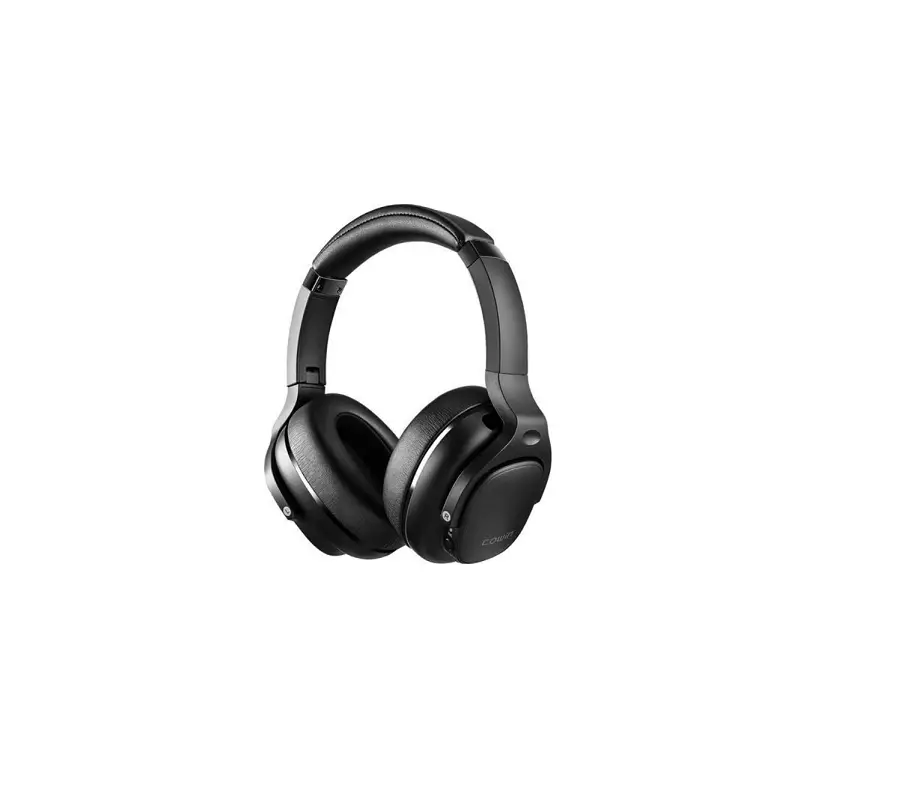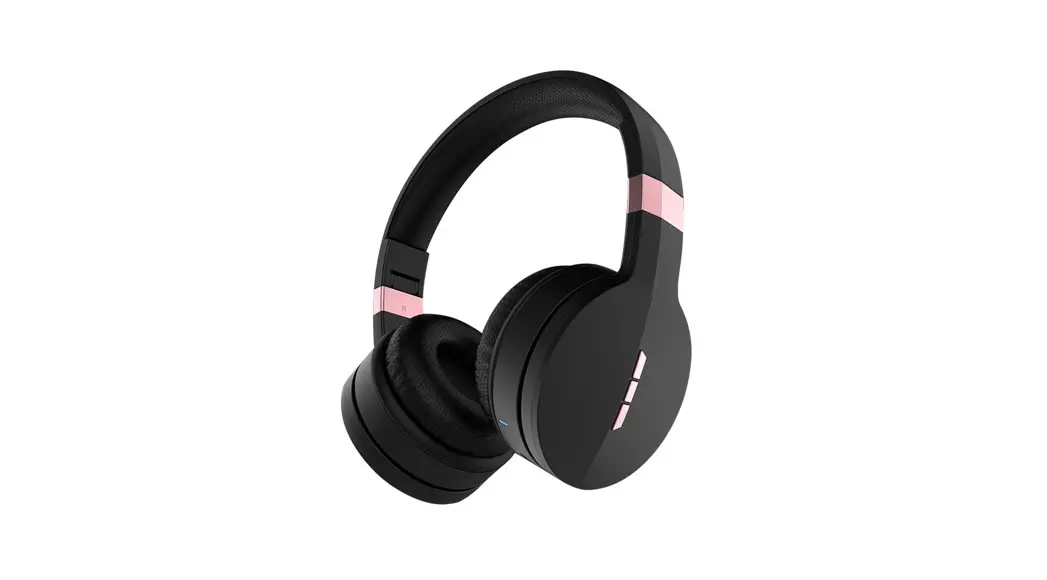
mixcder E9 Wireless Headphone User Manual
Introduction
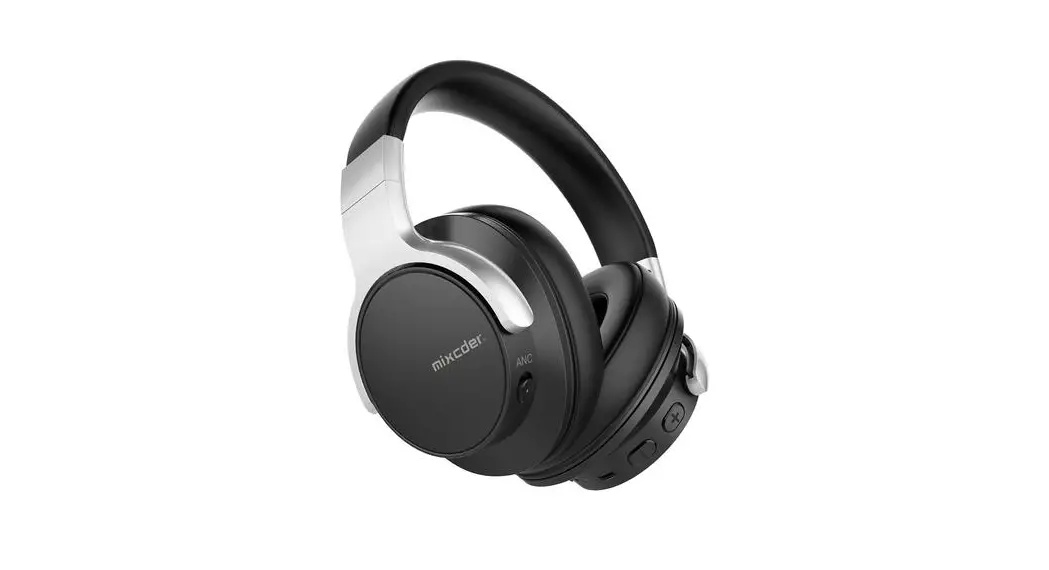
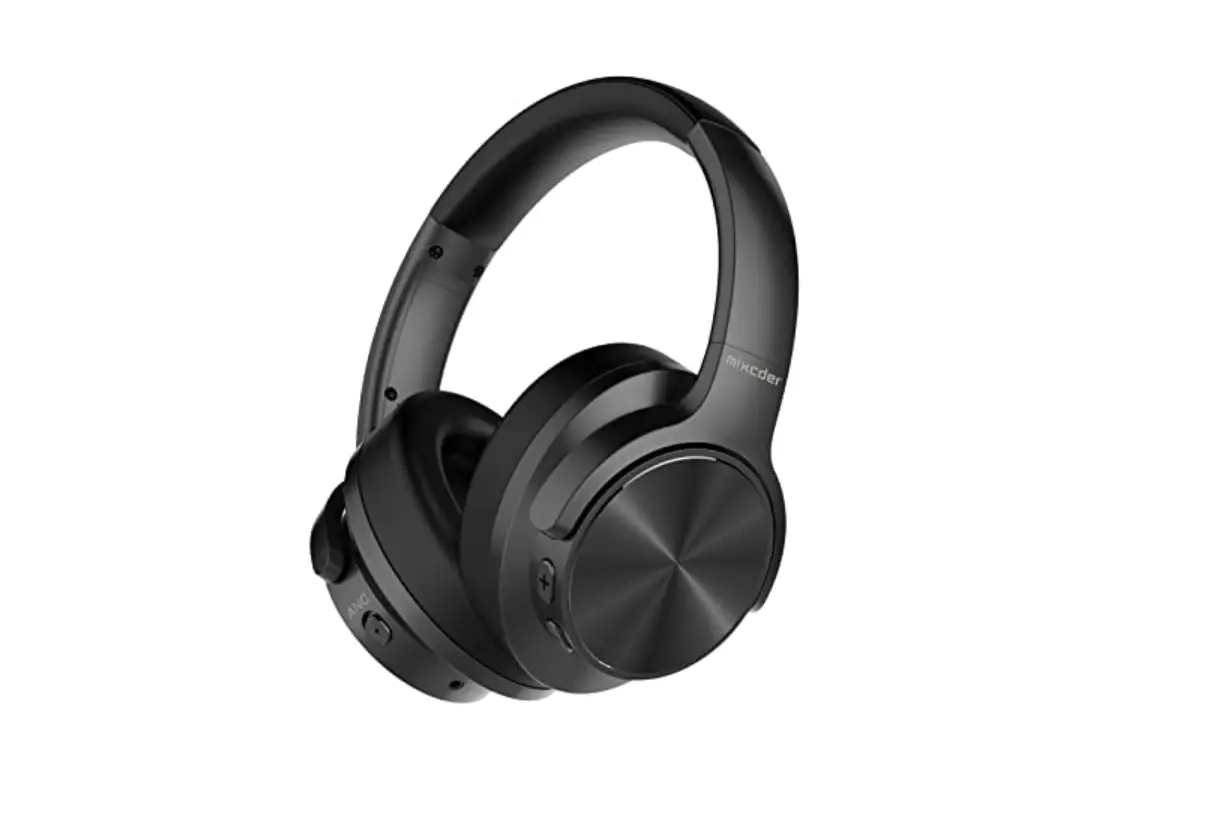
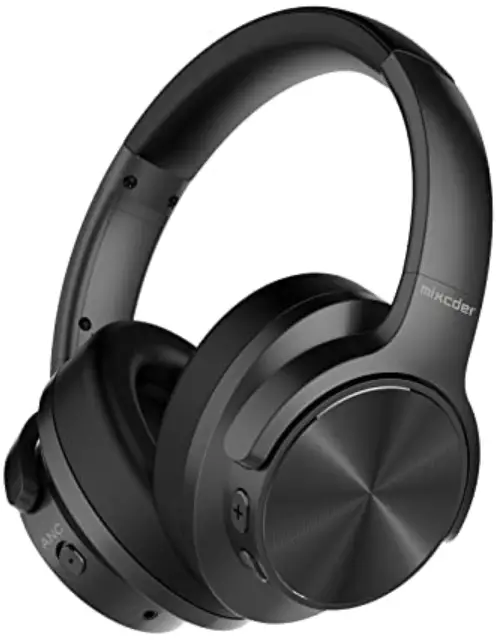
Thank you for purchasing the Mixcder E9 Wireless Active Noise Cancelling Headphone. Mixcder E9 active noise cancellation technology detects the noise around you and eliminates it when traveling, working or going anywhere, allowing you to focus on the sounds you want to hear. E9 looks stylish and comes in an eco-friendly package. The built-in rechargeable battery provides sufficient music playing time and standby time (Fast charging: 5-minute of charge for 2-hour of use). It’s designed to sound better, filter out the noise, be more comfortable and more potable. E9 can be used in both wired and wireless modes via 3.5mm audio cable and Wireless V5.0, supporting Wireless devices communication within 33ft/10m. E9’s powerful and rich bass speaker brings you amazing and unprecedented audio enjoyment. Note: please read the user manual carefully before using, and keep it properly for future reference.Package Contents
- 1 x Wireless Headphone
- 1 x Type-C Charging Cable
- 1 x 3.5mm Audio Cable
- 1 x User Manual
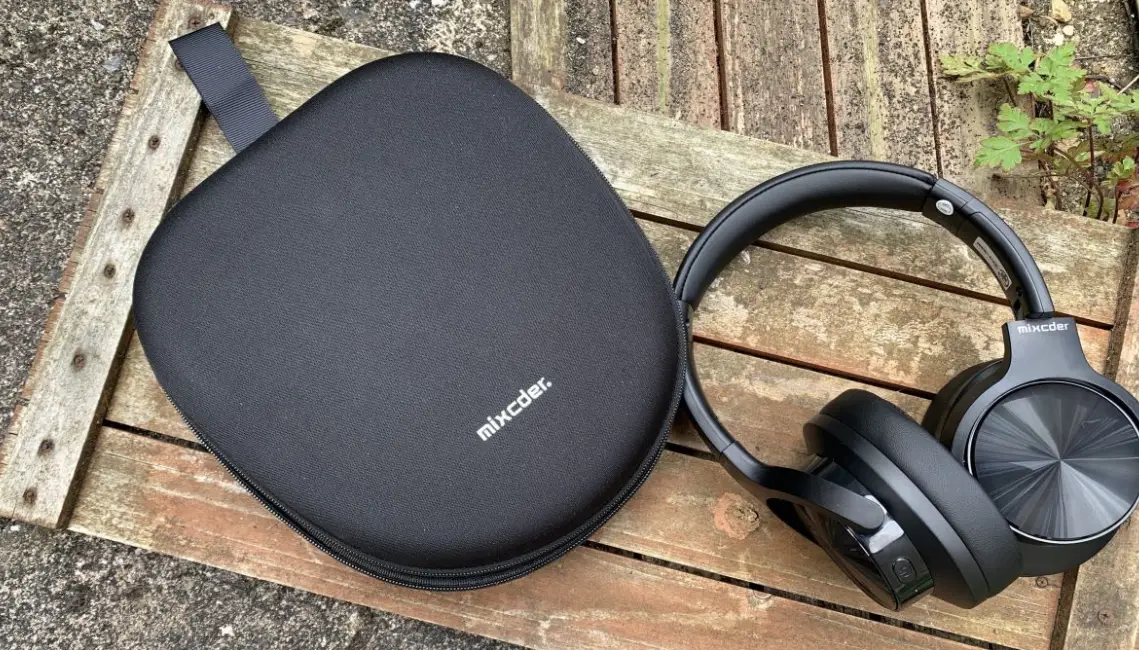
- 1 x Carry Bag
Product Overview
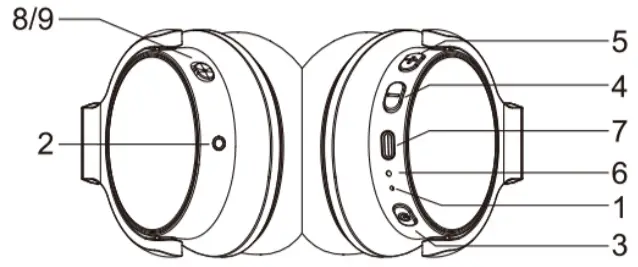
- Microphone
- 3.5mm Line-in Port
- Power Button
- Previous Track/V5. Next Track/V+
- Next Track/V+
- LED Indicator/Charging LED
- Type-C Charging Port
- ANC LED Indicator
- ANC Switch

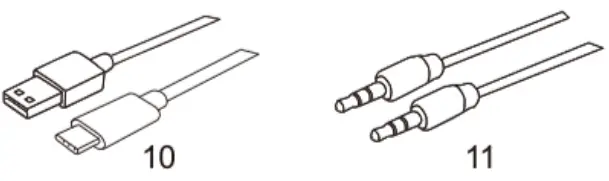
- Type-C to USB Charging Cable
- 3.5mm Audio Cable

Charge the Headphone
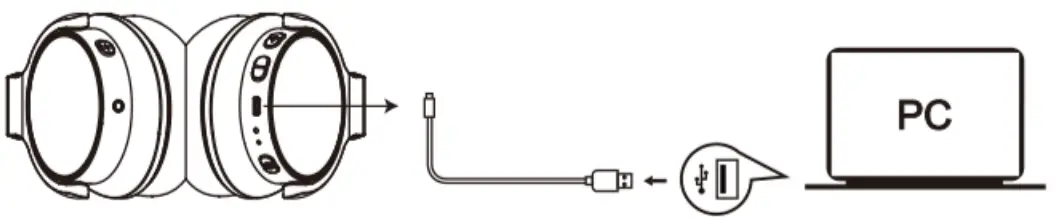
Use the included Type-C to USB Charging Cable to charge the headphone. It takes about 2.5 hours to fully charged. When charging, the red LED indicator is always on. When fully charged, the LED indicator turns off. To avoid affecting the charging time, please turn off the wireless function during charging, but you still can use the audio cable. When the battery is low, the red LED lights on. At the same time, the headphone also emits a low battery warning tone. Note: It is strongly recommended to fully charged when using for the first time. Playing time varies according to volume level and audio content.Pair with Wireless Devices
- Make sure the headphone is turned off.
- The distance between two devices shall not exceed 3ft/1m.
- Turn on the Wireless function of the paired devices.
- Press and hold the power button on the headphone until it turns on. Continue to press and hold on the power button until you see the LED indicator flashes blue and red alternately, which means your headphone is in “pairing mode” waiting to be paired with your device. You will hear the prompt.
- Select the “Mixcder E9” to pair. After successful pairing, the LED turns to flasing blue. You will hear the prompt.

Active Noise Cancellation
Mixcder E9 contains a noise cancellation circuit, which can effectively reduce the noise on aircraft, bus or train.- The noise canællation effect may not be obvious in a very quiet environment, or some noise may be heard.
- The noise canœllation effect may vary depending on how you wear the headphone.
- The noise cancellation function is mainly used for low-frequency noise primarily. Although noise is reduced, it is not completely eliminated.
Make and Answer a Call
Make a call- Make sure the headphone is paired with the mobile phone. Dial through the mobile phone and press the call button on the phone.
- End a call, press the power button once again or end the call directly by the phone.
- Press the power button on your headphone to answer the call through headphone. If there is the music playing, it will pause.
- End a call, press the power button once again or end the call directly by the phone.
- After the call, the music will continue to play automatically
Used as a Wired Headphone
There is a 3.5mm audio pon on the left side of ear cup, where you can plug in the attached audio cable. It enables you to connect E9 to other devices via 3.5mm audio cable. When the headphone’s battery is low, you can still enjoy the music without worrying about running out of battery. Note: The microphone does not work when used as wired headphone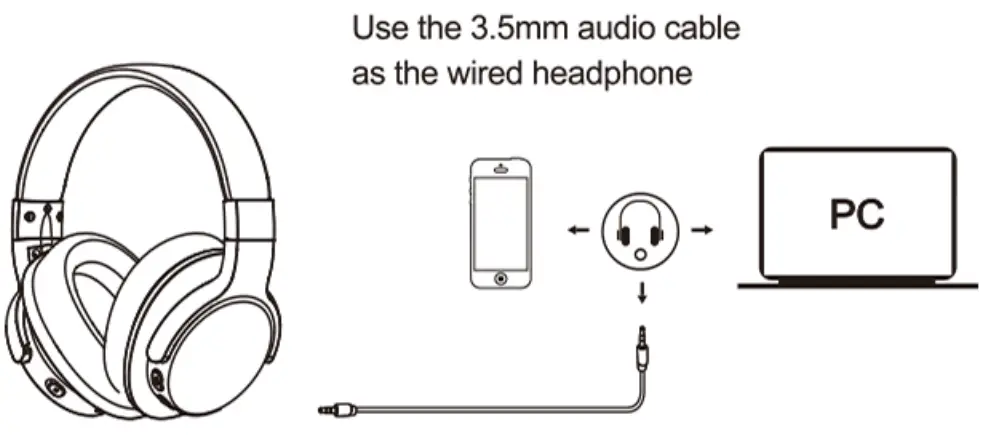
Take Care of the Headphone
- Packed the headphone in the travel pouch and store in a dry place.
- If you don’t use the headphone for a long time, please charge the battery for 1-2 hours every 2 months.
- If necessary, clean with the dry cloth.
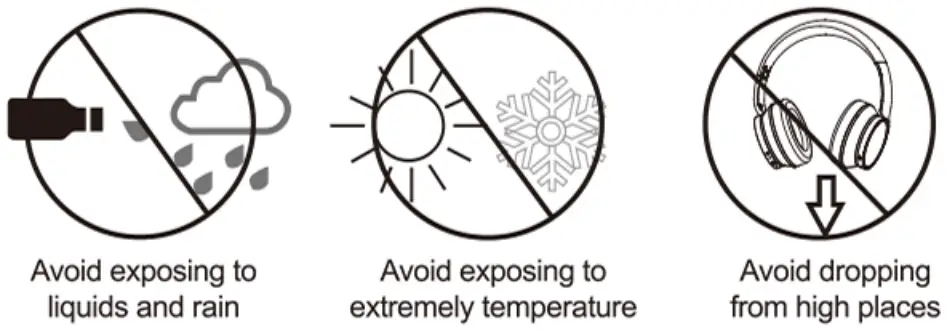
- Avoid dropping the headphone from high places or on hard surfaces.
- Avoid exposing the headphone to extreme temperature. (Recommended Storage temperature is -10°C -45°C.)
- The headphone is NOT waterproof. Avoid exposing the headphone to rain or getting liquid into any button port or other openings.
- Please don’t twist or bend the headphone. This may cause permanent deformation.
- The built-in battery can’t be disposed in the fire to avoid explosion.

Protect your Hearing
When wearing headphones, the loud sound may cause the potential hearing damage. It is highly recommended to set low volume level before wearing the headphone and also avoid continuous exposure of high volume level. If you need to use the headphone for a long time, rest for 10 minutes after 1 hour using.Control Instructions
| Function | Operation |
| Power On | Press and hold the power button for 3 seconds and you will see the blue light flash and hear “power on “ |
| Power Off | Press and hold the power button for 3 seconds and you will see the blue light flash and hear “power off “ |
| Pairing | Press and the power button for about 5 seconds till the red and blue flash light alternatively, and you will hear “Pairing “. |
| Increase volume | Press the Volume Up V+ button |
| Decrease volume | Press the Volume Down V- button |
| Play Media | Press the power button |
| Pause/restart media playback | Press the power button |
| Skip to next track | Press and hold the V+ button for 1-2s |
| Skip to pervious track | PessandholdtheV-bunonfor1-2s |
| Answer a call | Press the power button |
| End a call | Press the power button |
| ANC On | Push the ANC switch to ON, blue light on. |
| ANC Off | Push the ANC Switch to OFF, blue light off. |
Troubleshooting
A: The battery may be flat. Please recharge the battery and try again. Refer to chapter 4. Charge the Battery.
A: Please check the followings. -Check that the headphone is fully charged. -Make sure that the Wireless function of the mobile phone is turned on. You can view all connection history on your phone. -Make sure the wireless function of other paired devices is turned off. -Make sure the two devices are within the effective pairing range. (33 feet/10 meters) -Make sure that there is no obstacle between the headphone and the mobile phone, such as electronic devices and walls. -Furthermore, make sure that the headphone is in pairing mode, and pair it with phone again.
A: Wireless is a radio technology, so it is sensitive to obstacles between the headphone and paired devices. Please make sure that there is no obstacle between the two devices and they are within 33 feet/10 meters.
A: Please check the followings. Try to increase the volume. Make sure that the Wireless function is turned on and whether the two devices are connected and within 33 feet/10 meters.
A: Please check that the headphone is in pairing mode. Refer to chapter 5. Pair with Wireless devices. Sometimes when the headphone is connected too many Wireless devices, it cannot search and pair effectively. Or your mobile phone and computer are already connected to many other devices. Try disconnecting some connections before searching for the headphone.
Specification
| Microphone Spec. | Directivity | 4*1.5mm, |
| Directivity | Omni-directional | |
| SPL | -42dB | |
| Impedance | s2.2K0 | |
| Operating Voltage | 2V | |
| Speaker Spec. | Speaker Diameter | 840mm |
| Impedance | 320 | |
| SPL | 94dB | |
| THD | <3% | |
| Frequency R pxae | 20Hz-20KHz | |
| Wireless Tech. | Wireless Version | V5.0 |
| Wireless Distance | 33ft/10m | |
| Frequen*cy”’ | 2 402GHz-2 48GHz | |
| Support Profile | HSP/HFP/A2DP/AVRCP/aptX HD | |
| Pairing Name | Mixcder E9 | |
| Battery Spec. | Battery Type | Bulit |
| Charging port | Type-C Charging port | |
| Play Time | About 60-hour tall/music time (ANC OFF) About 50-hour tall/music time (ANC ON) | |
| Standby Time | More than 2500 hours | |
| Charging Time | About 2.5 hours | |
| Operating Temperature | -10’C-45’C |
 CAUTION
RISK OF EXPLOSION IF BATTERY IS REPLACED BY AN INCORRECT TYPE DISPOSE OF USED BATTERIES ACCORDING TO THE INSTRUCTIONS
RECYCLING
This product bears the selective sorting symbol for Waste electrical and electronic equipment (WEEE). This means that this product must be handled pursuant to European directive 2012/19/EU in order to be recycled or dismantled to minimize its impact on the environment.
User has the choice to give his product to a competent recycling organization or to the retailer when he buys a new electrical or electronic equipment.
CAUTION
RISK OF EXPLOSION IF BATTERY IS REPLACED BY AN INCORRECT TYPE DISPOSE OF USED BATTERIES ACCORDING TO THE INSTRUCTIONS
RECYCLING
This product bears the selective sorting symbol for Waste electrical and electronic equipment (WEEE). This means that this product must be handled pursuant to European directive 2012/19/EU in order to be recycled or dismantled to minimize its impact on the environment.
User has the choice to give his product to a competent recycling organization or to the retailer when he buys a new electrical or electronic equipment.

FCC Statement
 This device complies with pan 15 of the FCC Rules. Operation is subject to the following Iwo conditions:
- This device may not cause harmful interference.
- This device must accept any interference received, ircluding interference that may cause undesired operation. Any Changes or modifications not expressly approved by the party responsible for compliance could void the user’s authority to operate the equipment.
- Increase the separation between the equipment and receiver.
- Connect the equipment into an outlet on a circuit different from that to which the receiver is connected.
- Consult the dealer or an experienced radio/TV technician for help. The device has been evaluated to meet general RF exposure requirement. The device can beused in portable exposure condition without restriction.
WARRANTY
The E9 is covered by a 1-year manufacturer warranty. for more Information, please visit: www.mixer,com Warranty Card ATTENTIONS:- Please read the return procedures and warranty policy carefully on www.mixcder.com before sending items back to point-of-purchase.
- Please fill the card and send it to your reseller together with the product if your product’s warranty is valid.
| S.N: | |
| Date of Purchase: | |
| Product Model: | |
| RMA Number: | |
| Return Reason: | |
| Customer Name: | |
| TEL: | |
| E-mail: | |
| Address: |
Customers Support:
For more information, please visit our official website www.mixcder.com Your valuable comments and suggestions on improving Mixcder products are welcomed! [email protected]
 www.mixcder.com