
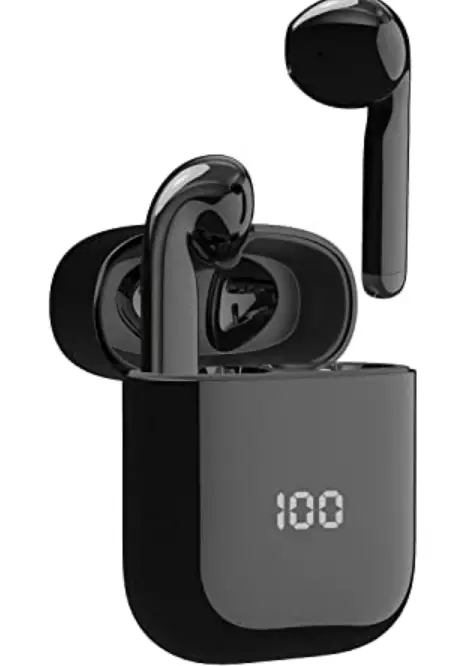
mixcder X1 True Wireless Earbuds
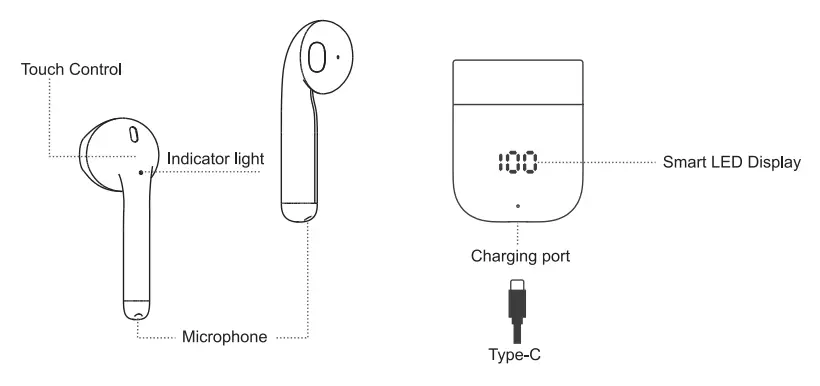
Product Overview
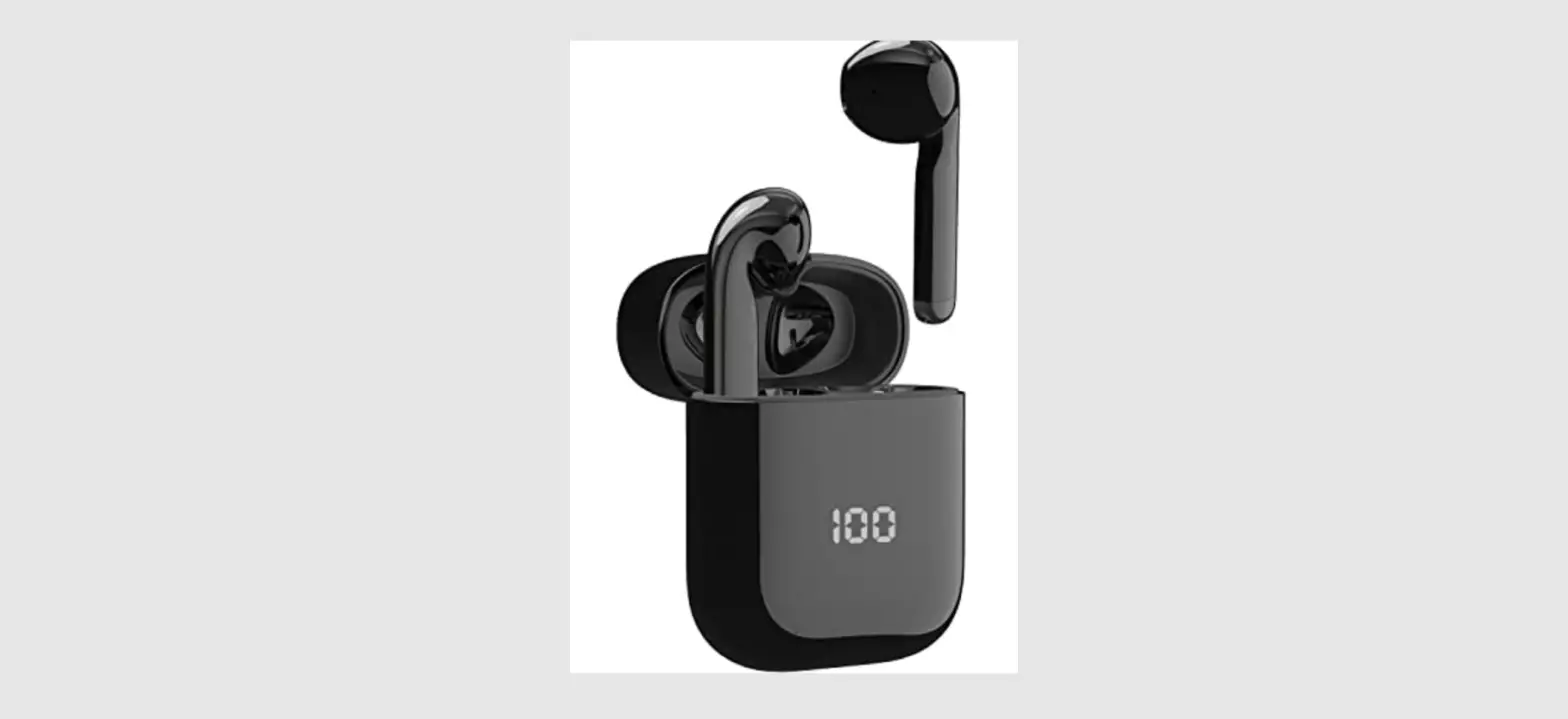
Package Contents
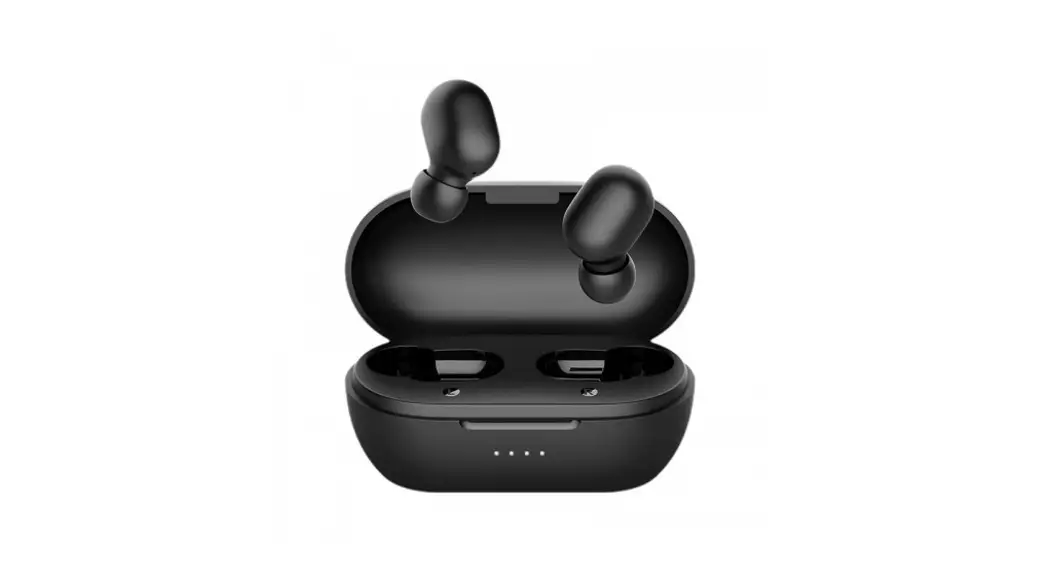
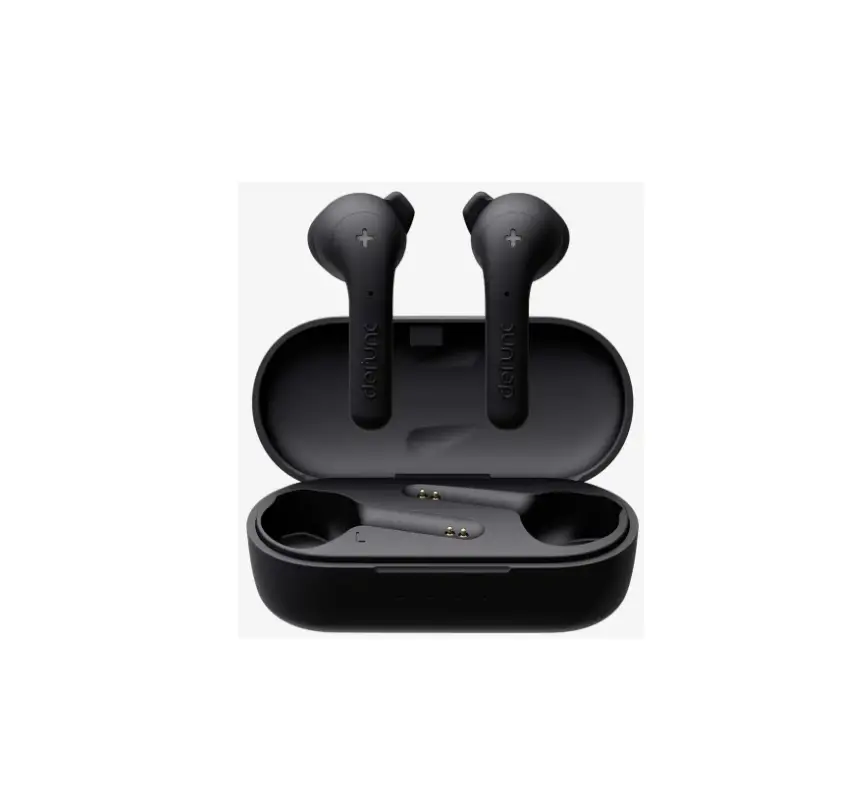
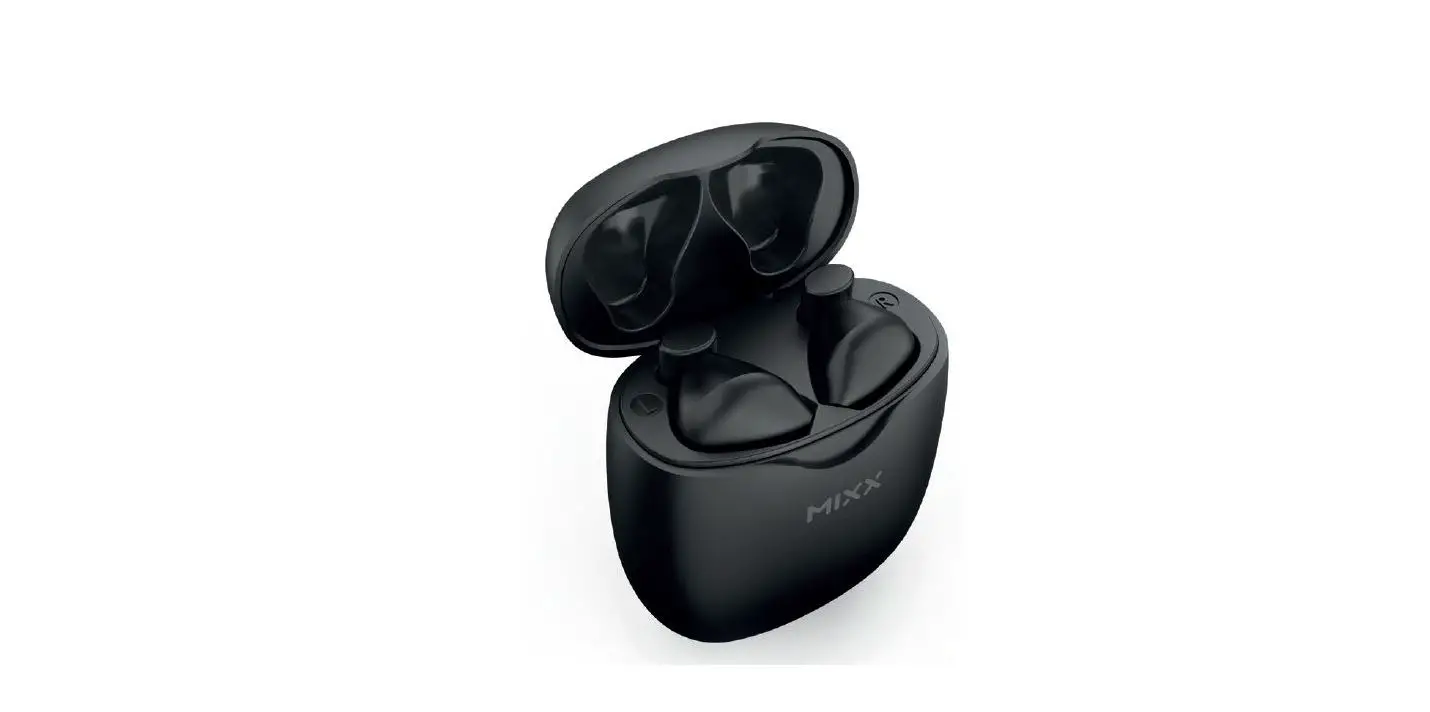
- 1 x Pair of Wireless Earphones
- 1x Charging Case
- 1x Type-C Cable
- 1 x User Manual
Charging
Prior to the first use, please make sure both the earphones and charging case are fully charged.
Charge the Charging Case
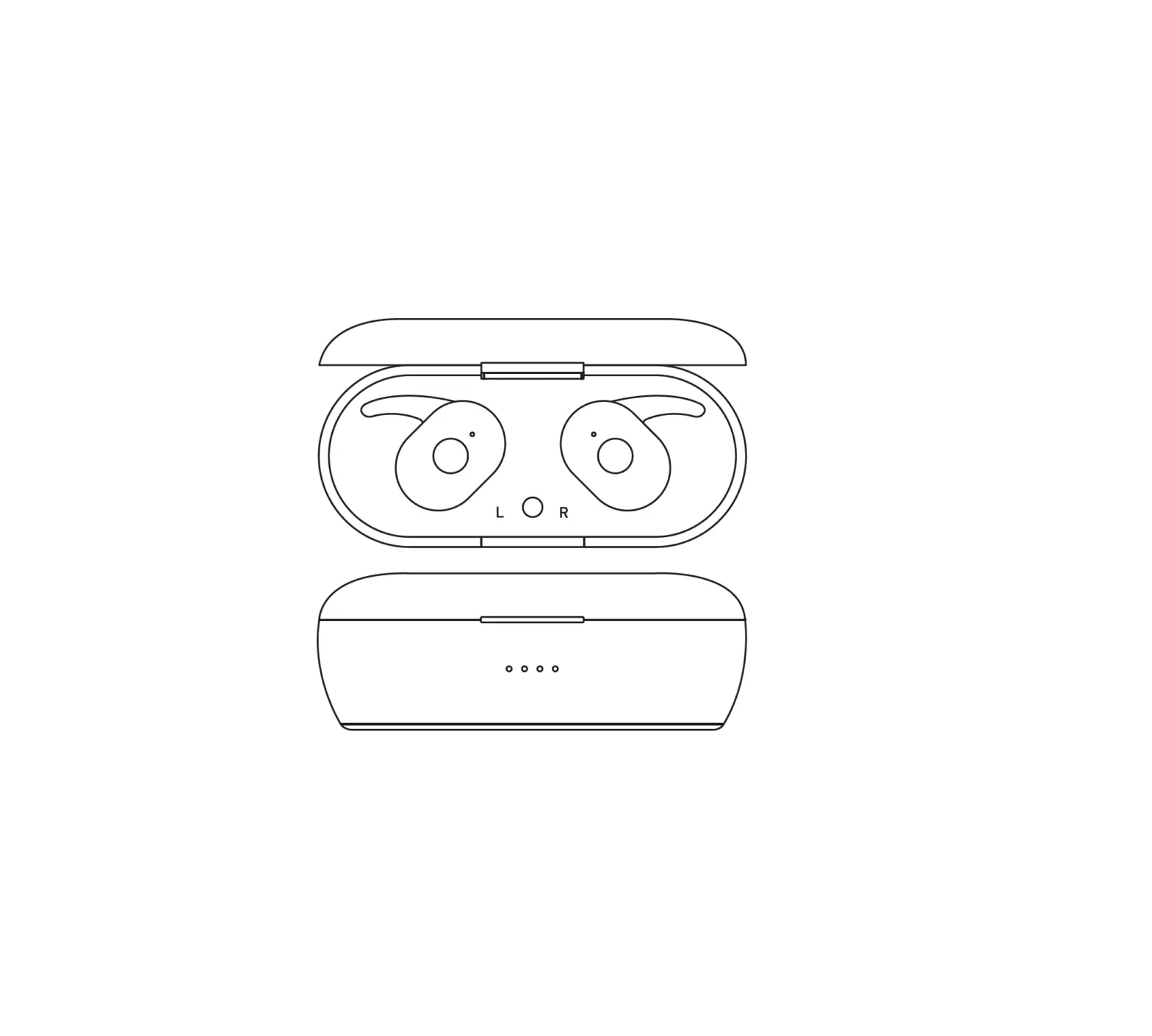
Please use the supplied charging cable to connect the charging case to a charger or PC to charge. While charging, the LED digital display will show the current battery capacity.
Charge the Earphones
Put the earphones back into the charging case, and the earphones will power off and be charged automatically. During charging, the earphone LED turns solid red; after fully charged, LED turns off. When the battery is low, the LED indicator flash red.
Operating Instructions
Pairing Single Earphone with Your Device
- Take out the L or R earphone from the charging case, it will automatically power on (LED flashes Red and Blue alternately).
- Turn on the Bluetooth on your device and choose Mixcder X1 to pair. The LED turns off when the earphone pairs with the device.
Pairing the L&R Earphones with Your Device
- Take out the L&R earphones from the charging case, and they will automatically power on (LED flashes Red and Blue alternately) and pair with each other.
- Once they successfully paired with each other, LED of one earphone goes off and the other flashes Red and Blue alternately.
- Please turn on the Bluetooth on your device and choose Mixcder X1 to pair. The LED turns off when the earphones pair with the device.
- Note: If you have previously paired the earphones with a device, they will reconnect with the the device automatically when you turn them on.
Control Instructions
| Function | Operation |
| Manu ally boot | Touch and holdthe touchcontrol for 3s. |
| Invoke voice assistant | In the standby mode (when connected with the device), touch L Of R touch control for 3 times. |
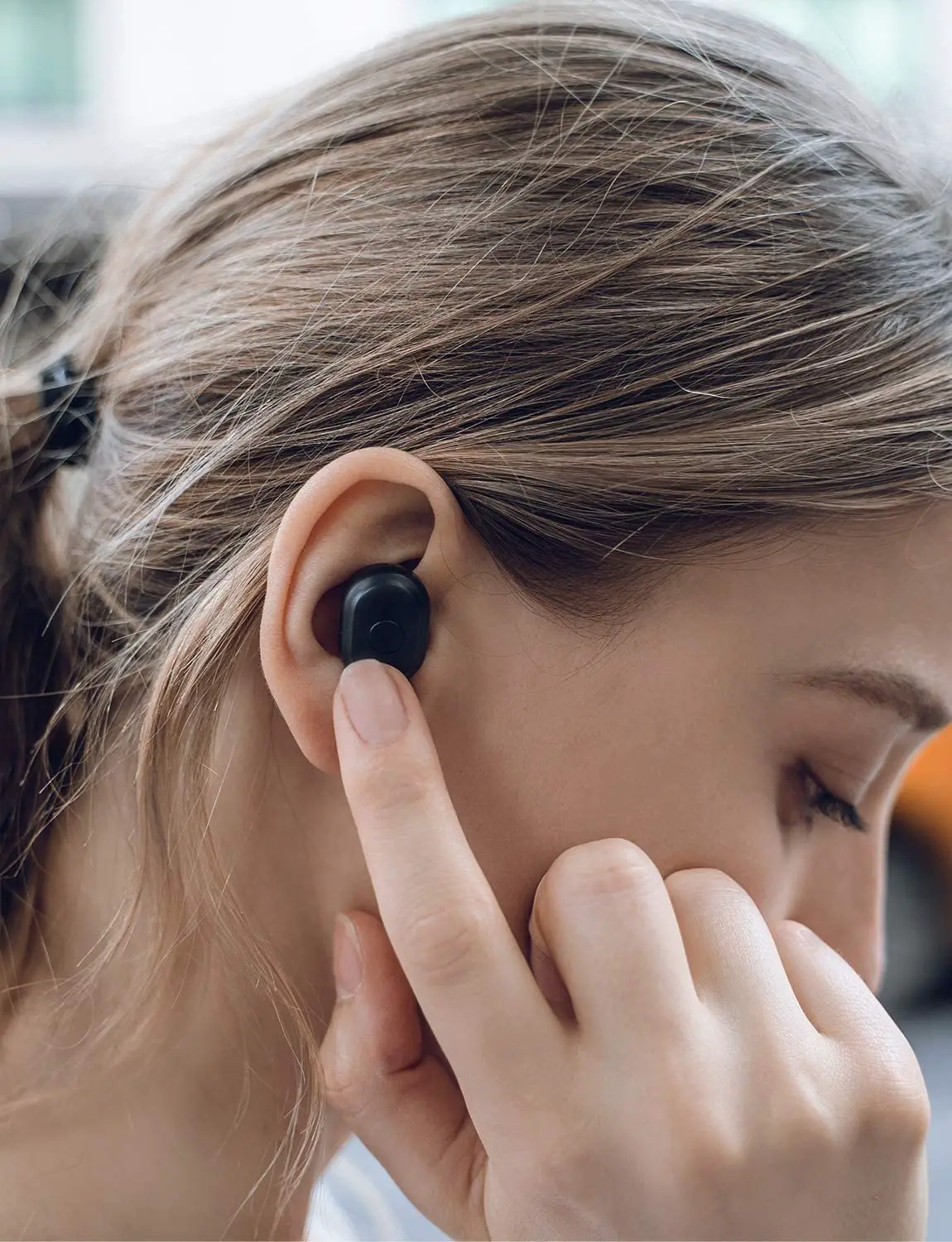
| Answer a call | Touch Lor R touch control twice. |
| End a call | Touch Lor R touch control twice. |
| Reject a can | Touch Lor R holds touch control. |
| Increase volume | Touch the R touch control once. If only one earphone connects to the deck touch Lor R touch control once. |
| Decrease volume | Touch the L touch control once. |
| Play/Pause | Touch Lor R touch control twice. |
| Skip to the previous track | Touch and hold the R touch control when both L and R earphones connect to the device. |
|
Skip to the next track | Touch and hold the L touch control when both LandRearphoneconnect to the device. If only one ear phone connects to the device, please touch and hold the touch control. |
Safety Precautions
- Mixcder X1 are of excellent quality, and in order to extend lifespan, please refer to the instructions below:
- Please keep the earphones out of extreme heat, humidity and corrosion environment.
- Please prevent the earphones from being struck, fell, warped, soaked etc.
- Please don’t dismantle the earphones or the charging case.
- Please don’t overcharge the earphones for quite a long time, otherwise, it will decrease lifespan.
- Please use DC5V/500mA chargers/adapters certified by a regulated manufacturer.
- Please stop using the earphones if it causes any discomfort or pain.
Troubleshooting
- Q: What to do if the earphones crash?
- A: Please put them back into the charging case and then take them out. Touch and hold the touch control for about 8s.
- Q: What if the earphones doesn’t work properly?
- A: Please put them into the charging case and then take them out. Touch Lor R earphone twice, and the earphone will enter the pairing mode again.
FCC Caution
This device complies with part 15 of the FCC Rules. Operation is subject to the following two conditions:
- This device may not cause harmful interference, and
- this device must accept any interference received, including interference that may cause undesired operation.
Any changes or modifications not expressly approved by the party responsible for compliance Could void the user’s authority to operate the equipment. Note: This equipment has been tested and found to comply with the limits for a Class B digital device, pursuant to part 15 of the FCC Rules. These limits are designed to provide reasonable protection against harmful interference in a residential installation. This equipment generates uses and can radiate radio frequency energy and, if not installed and used in accordance with the instructions, may cause harmful interference to radio communications. However, there is no guarantee that interference will not occur in a particular installation. If this equipment does cause harmful interference to radio or television reception, which can be determined by turning the equipment off and on, the user is encouraged to try to correct the interference by one or more of the following measures:
- Reorient or relocate the receiving antenna.
- Increase the separation between the equipment and receiver.
- Connect the equipment into an outlet on a circuit different from that to which the receiver is Connected.
- Consult the dealer or an experienced radio/TV technician for help.
RF exposure
The device has been evaluated to meet general RF exposure requirement. The device can be used in portable exposure condition without restriction.
Specifications
|
Microphone Spec. | Microphone Unit | 2.75″1.85″0.95mm |
| Directivity | Omni-directional | |
| S.P.l | 42:t:3dB | |
| Impedance | 3000 | |
| Operating Voltage | 2V | |
|
Speaker Spec. | Speaker Diameter | CD1 3 . 0 ± 0 . 05mm |
| S.P.L | 1 1 5 . 5 :t:JdB | |
| Impedance | 260:t:15% | |
| THD | Less Than 3% at 1000Hz | |
| Frequency Response | 20HZ-20KHZ | |
|
Wireless Tech. | Wireless Version | Bluetooth V5.1 |
| Wireless Distance | 10m (Indoor) , 20m ( Outdoor) | |
| Transmission Frequency | 2.402GHz-2.480GHz | |
| Support Profile | A2DP/AVRCP/AVDTP/AVRCP/HFP/SPP/SMP/ATT | |
| Pairing Name | Mixcder X1 | |
|
Battery Spec. | Battery Capability | Earphone: 30mAh |
| Charging Case: 500mAh | ||
| Playtime | Up to 4 hours of playtime | |
| 24 hours with charging case | ||
| charging port | Earphone: OC5V,130mA | |
| Charging Case: Type-C use , DC5V,500mA | ||
| Charging Time | Earphone: About 1 hour | |
| Charging Case: About 1.5 hours | ||
| Standby Time | About 4000 hours |
Warranty
The Mixcder X1 is covered by a 1-year manufacturer warranty. For more information, visit: www.mixcder.com