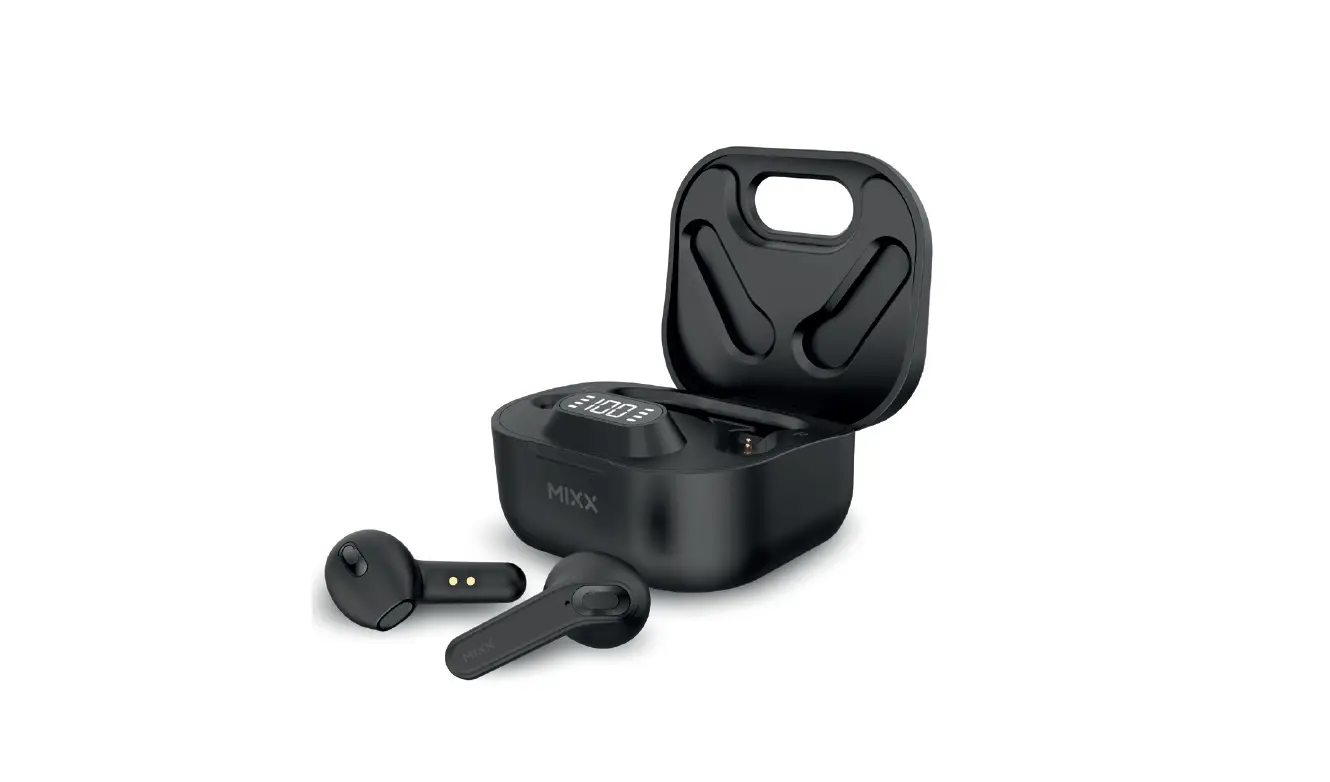
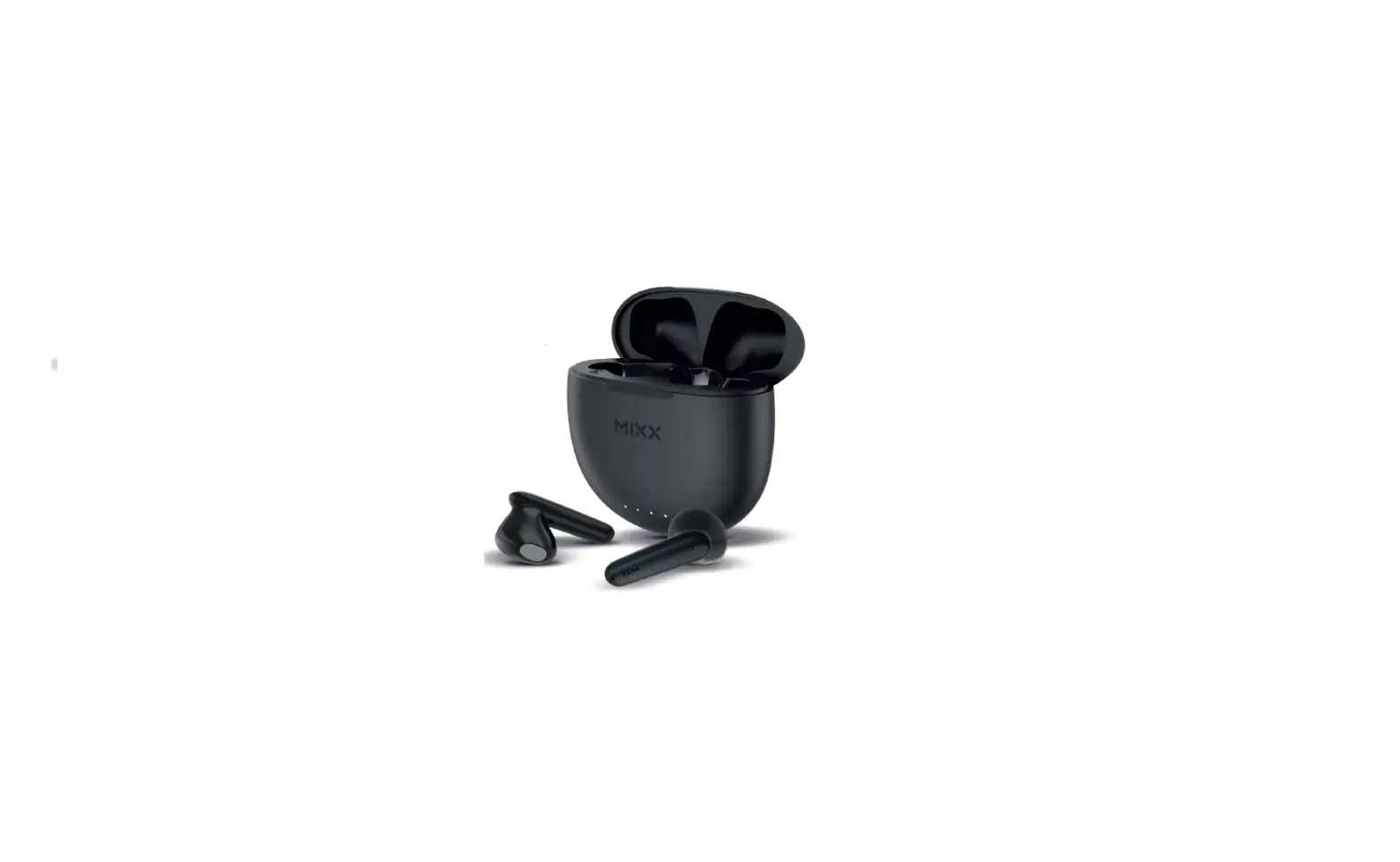
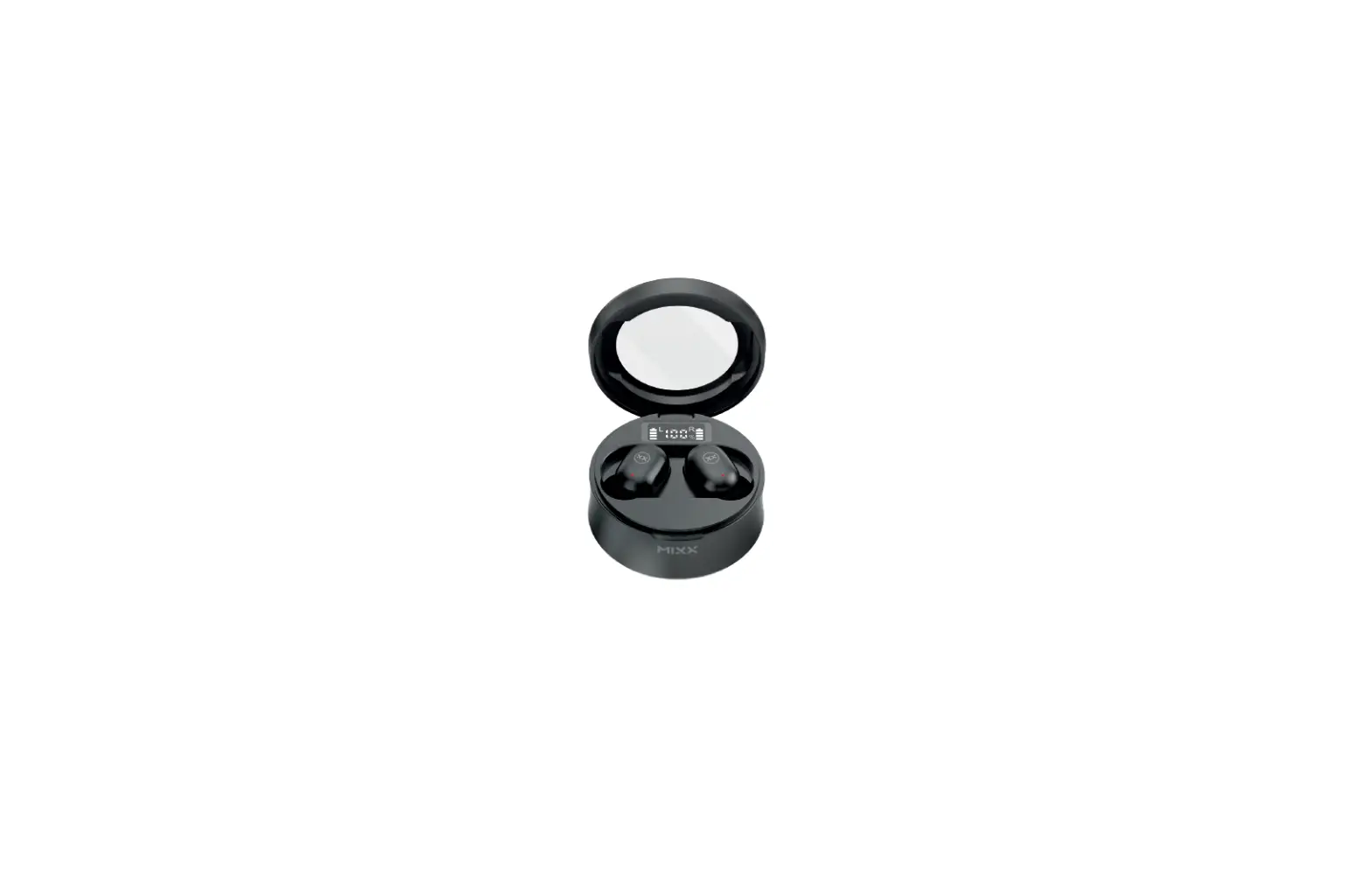
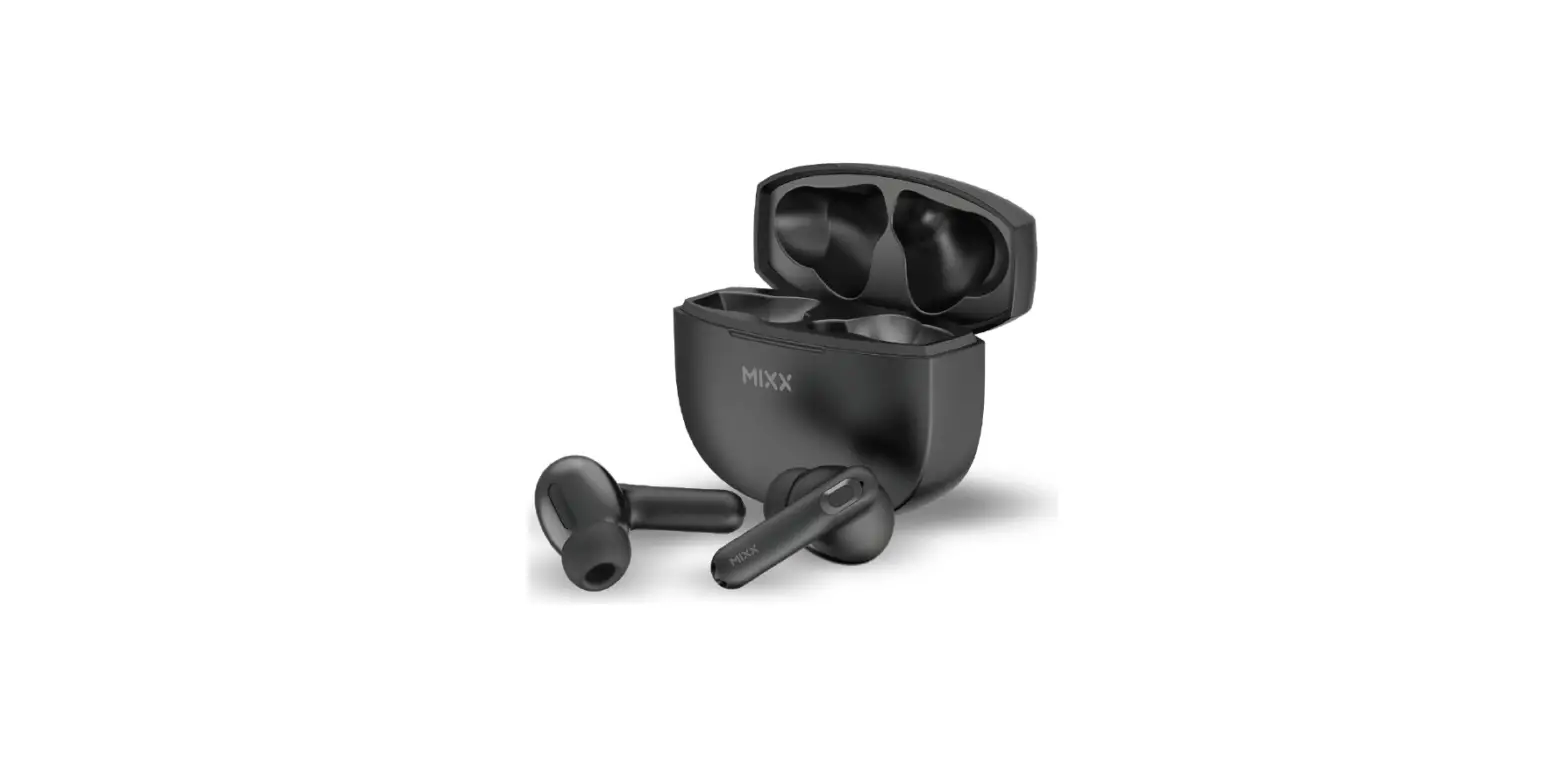
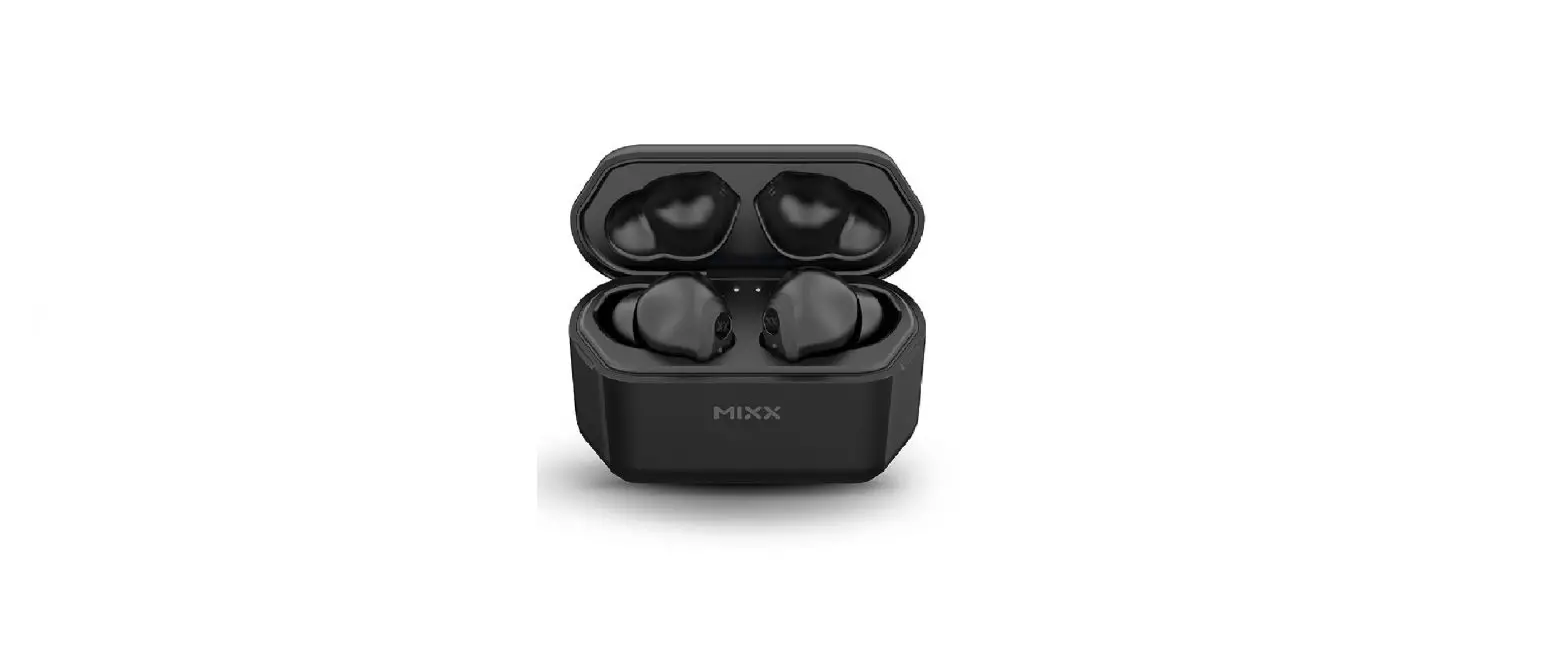
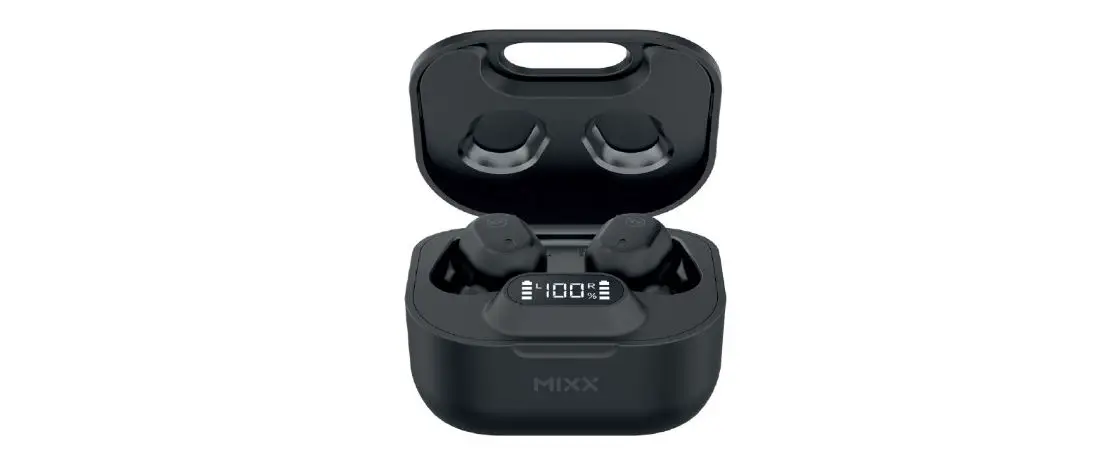
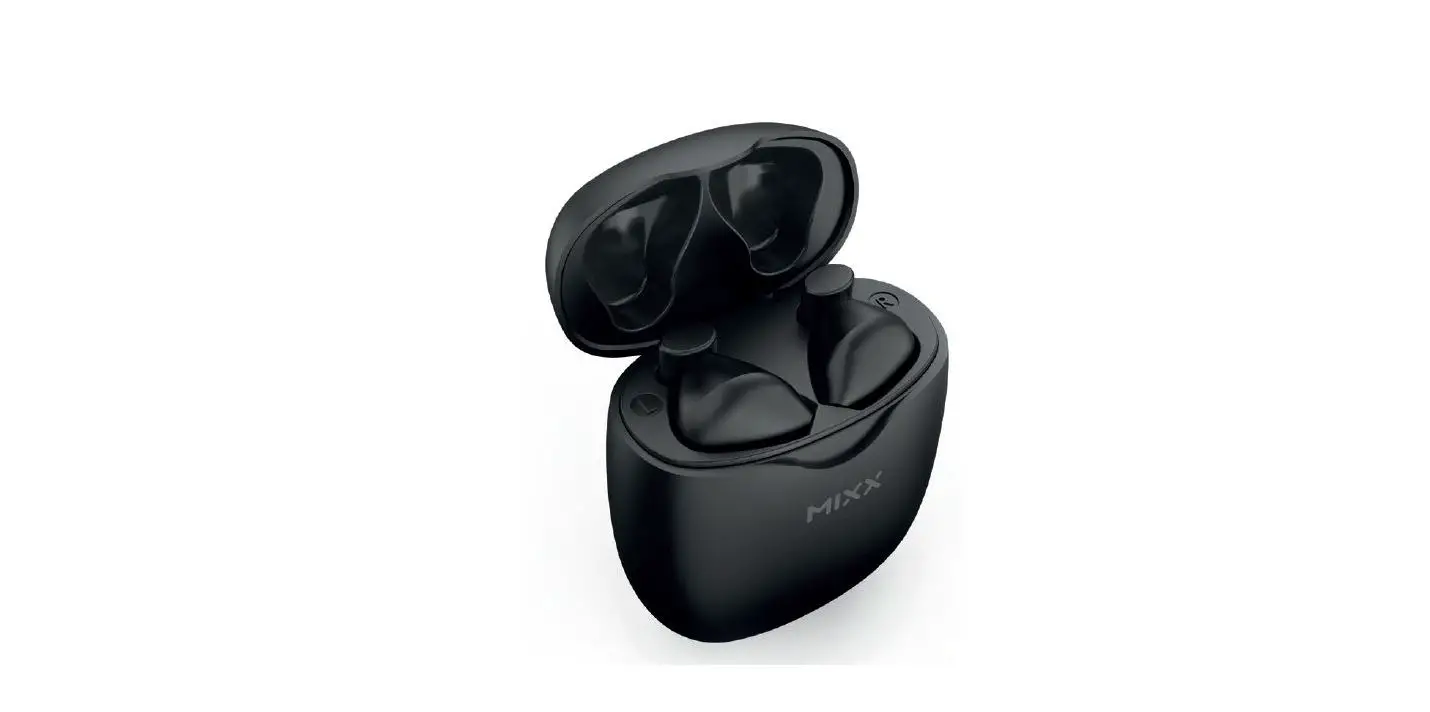
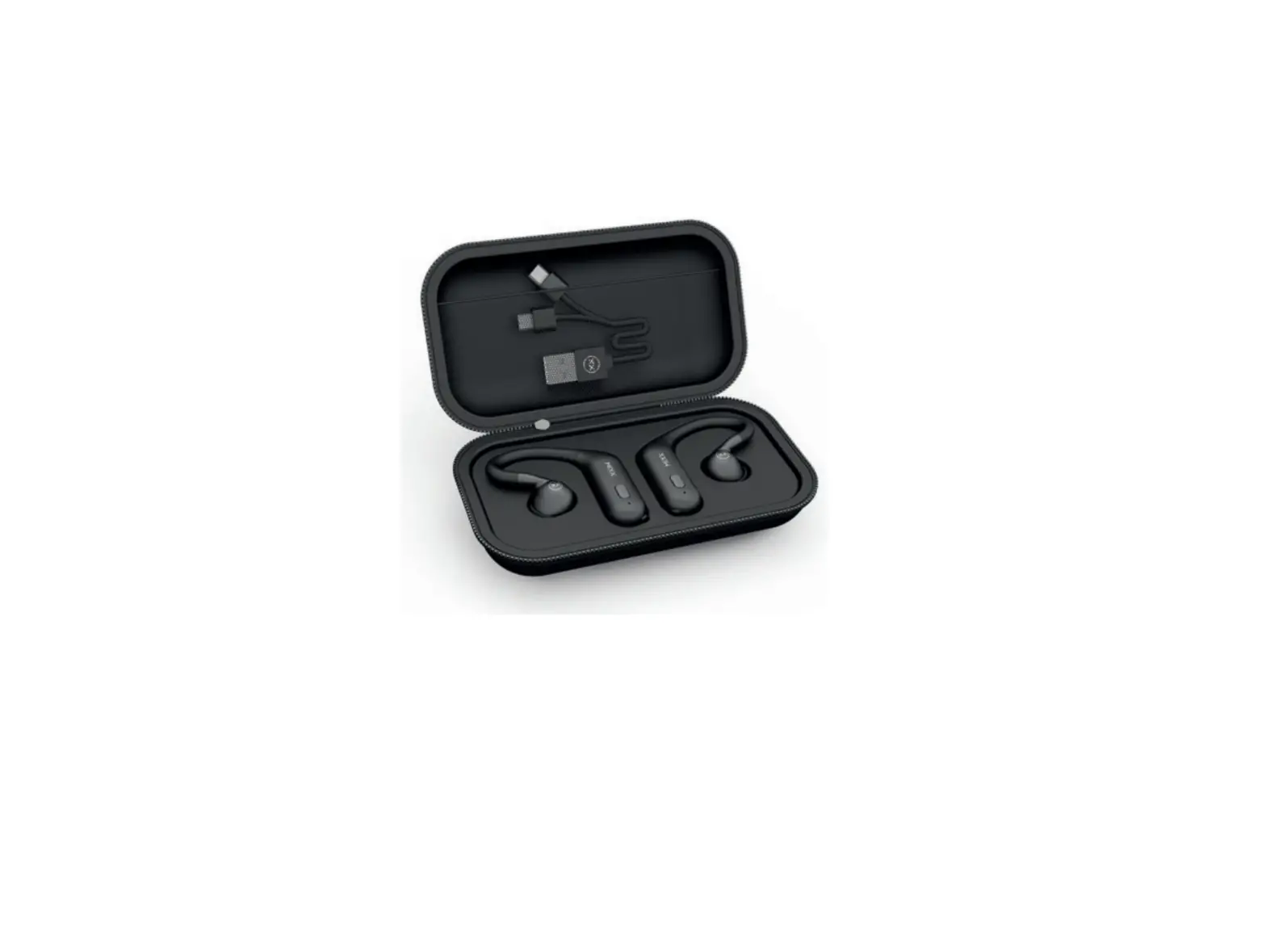
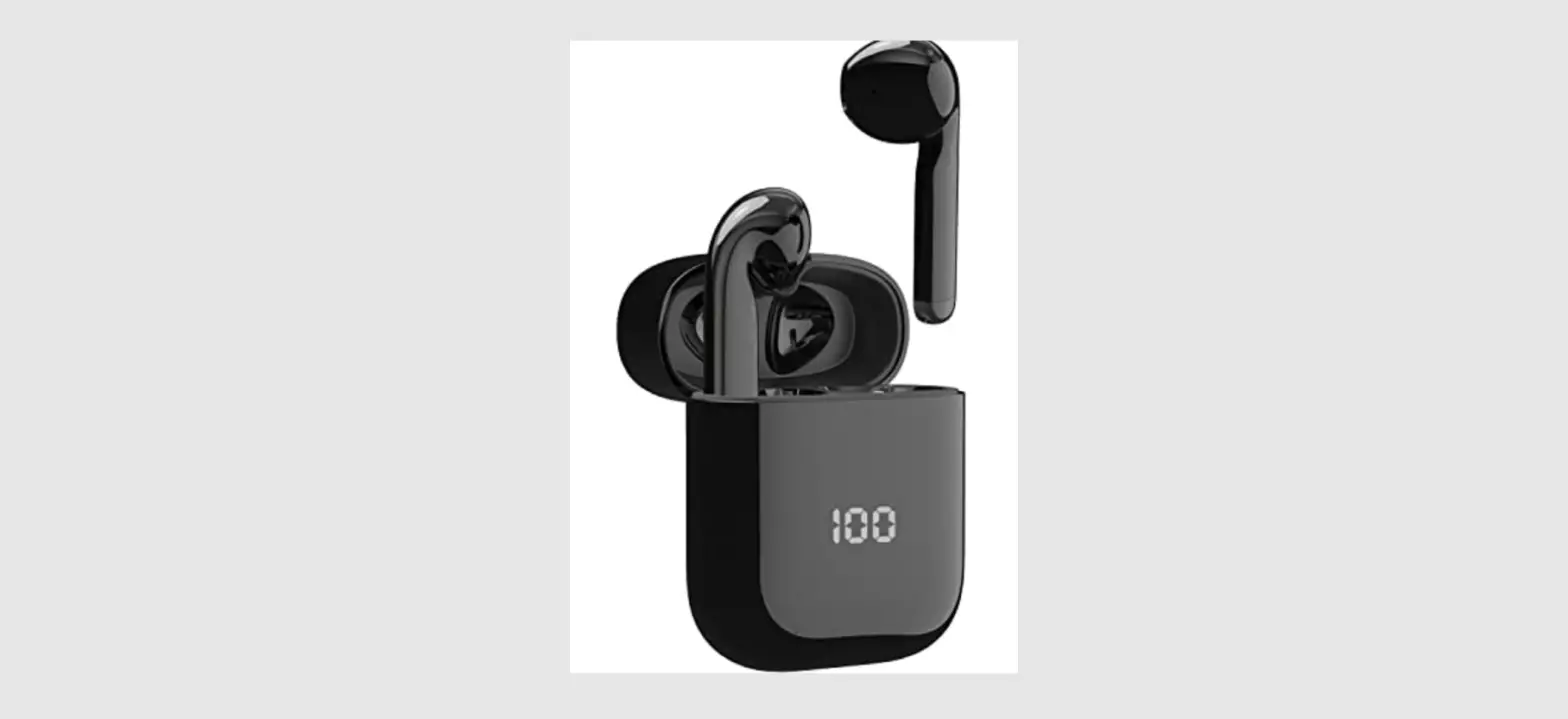
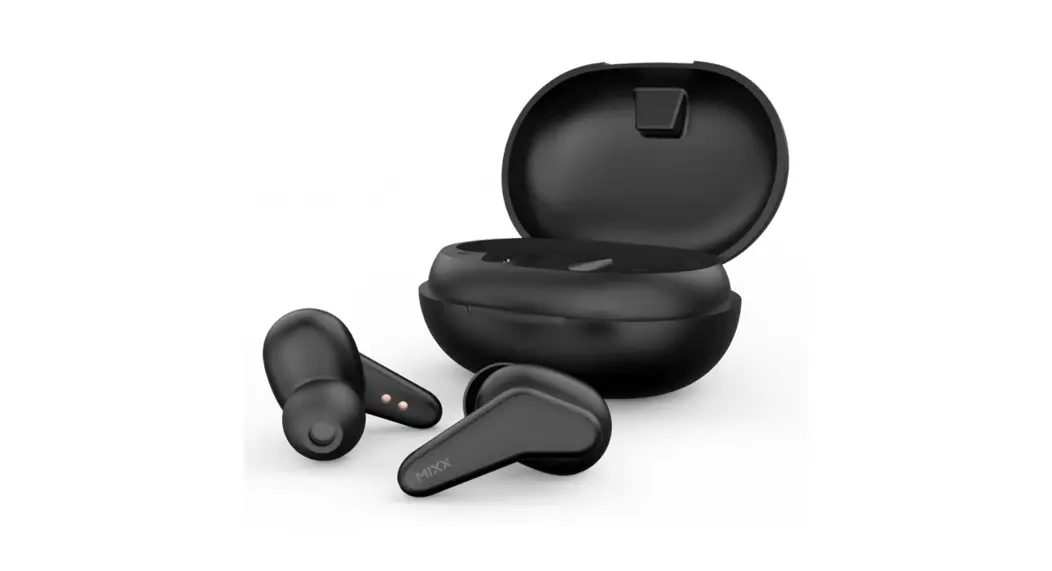
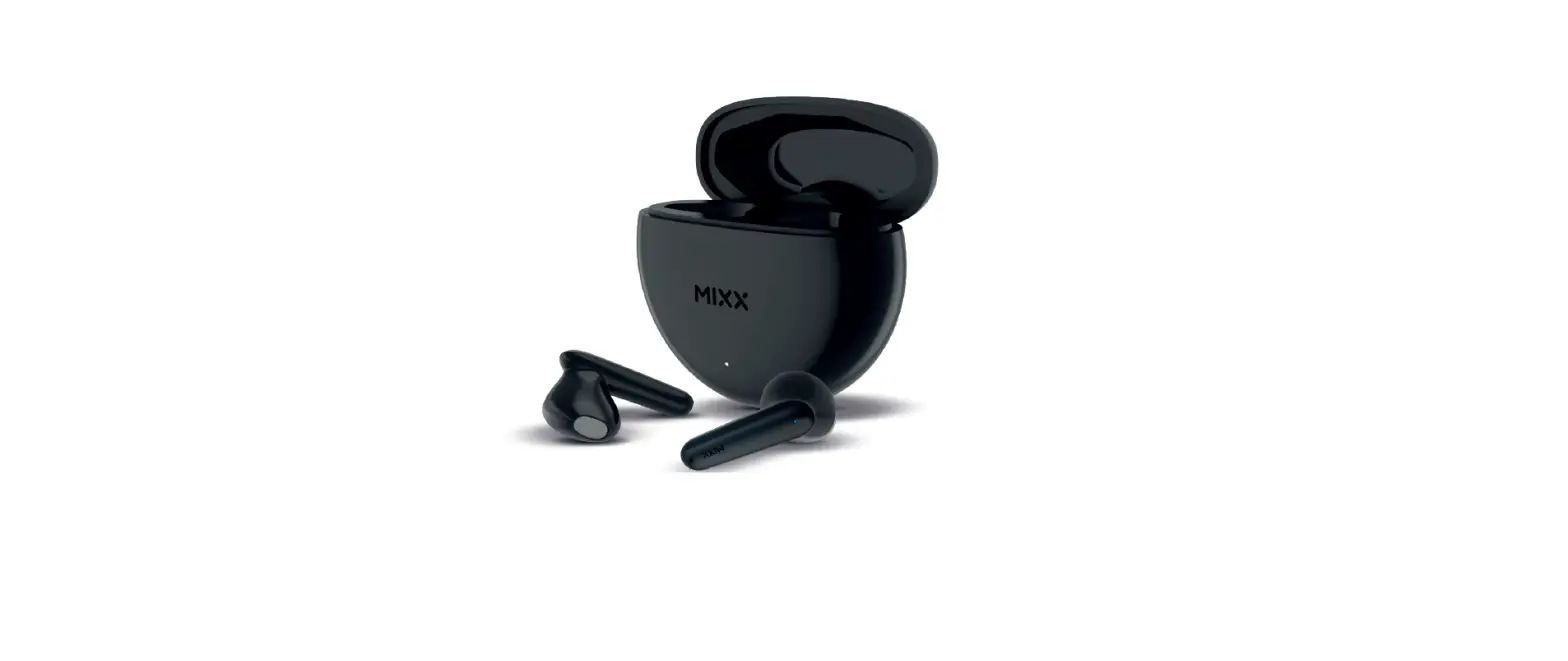
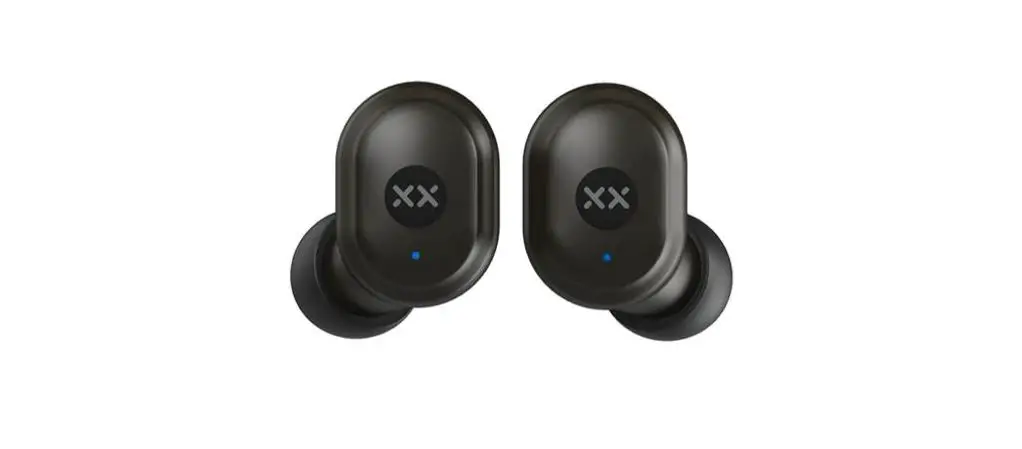
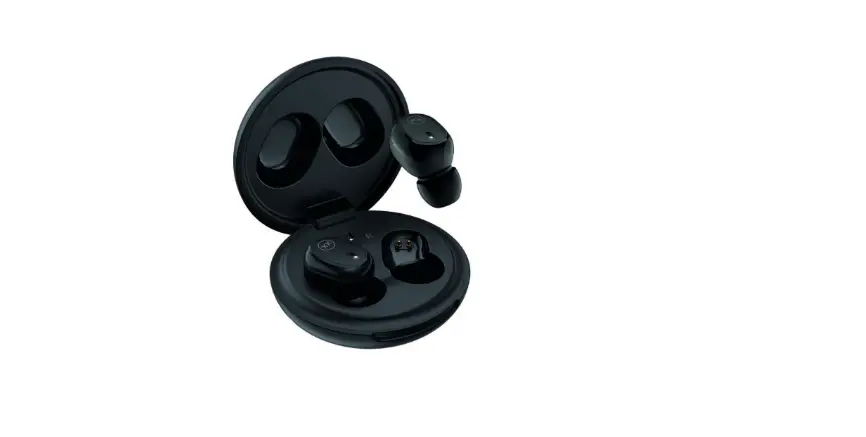
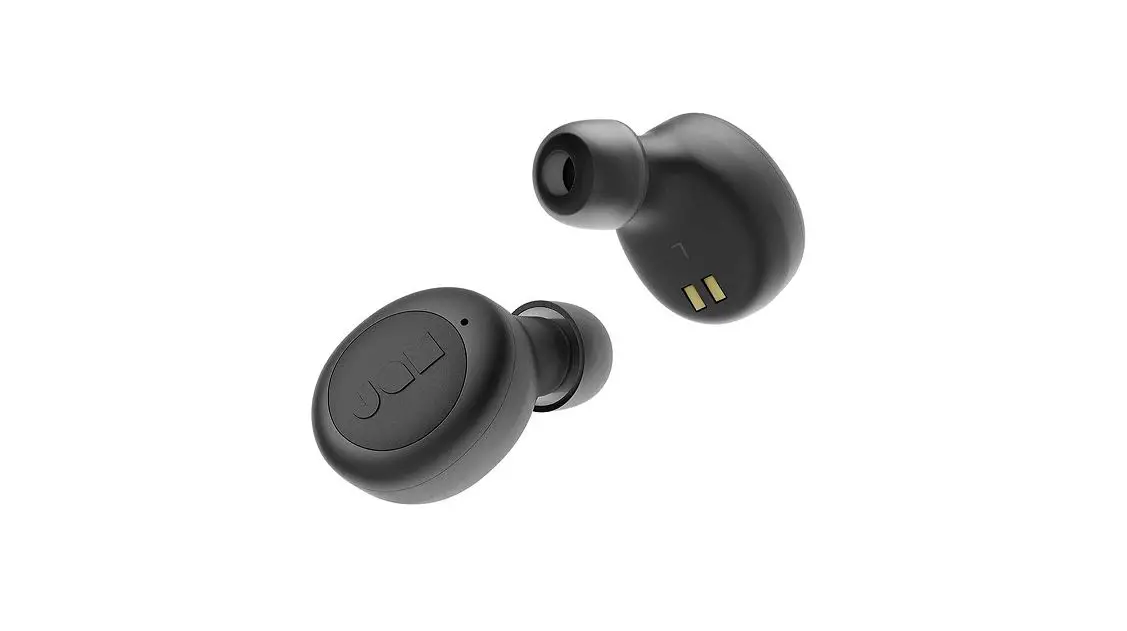
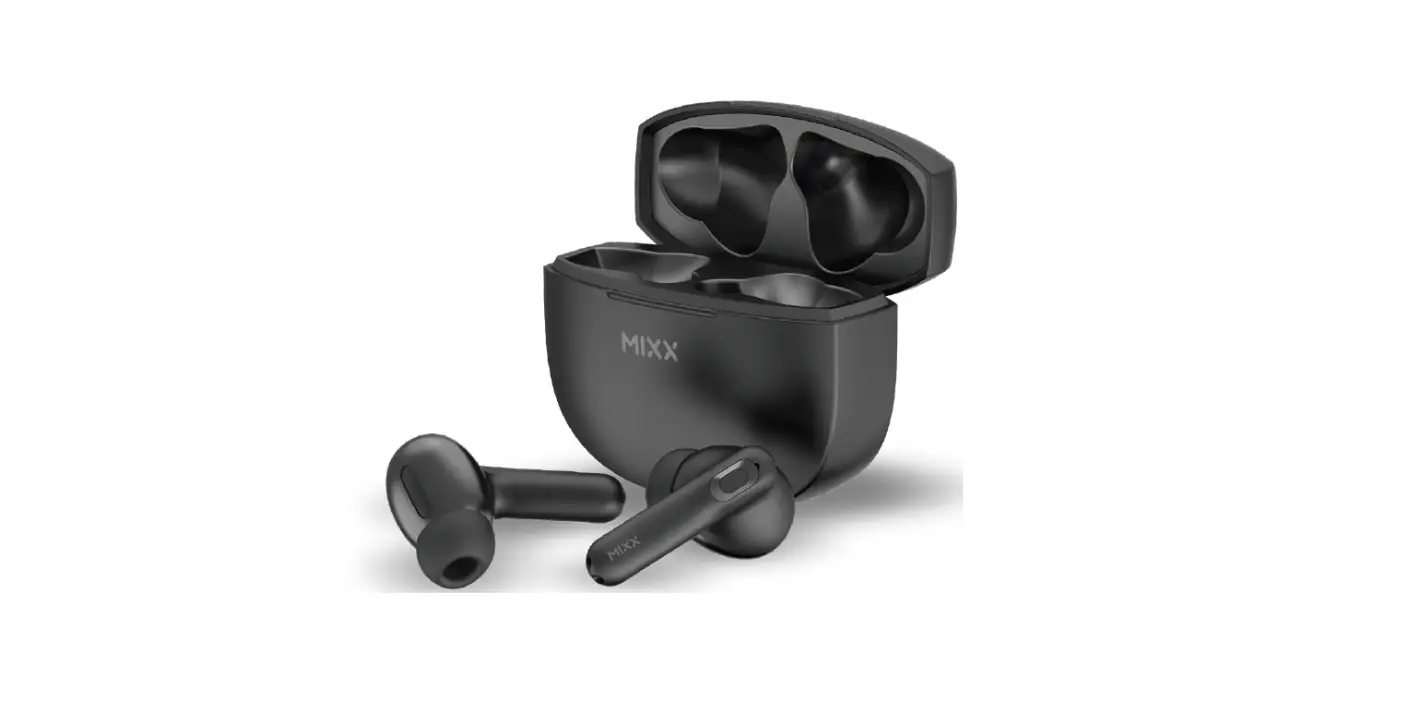
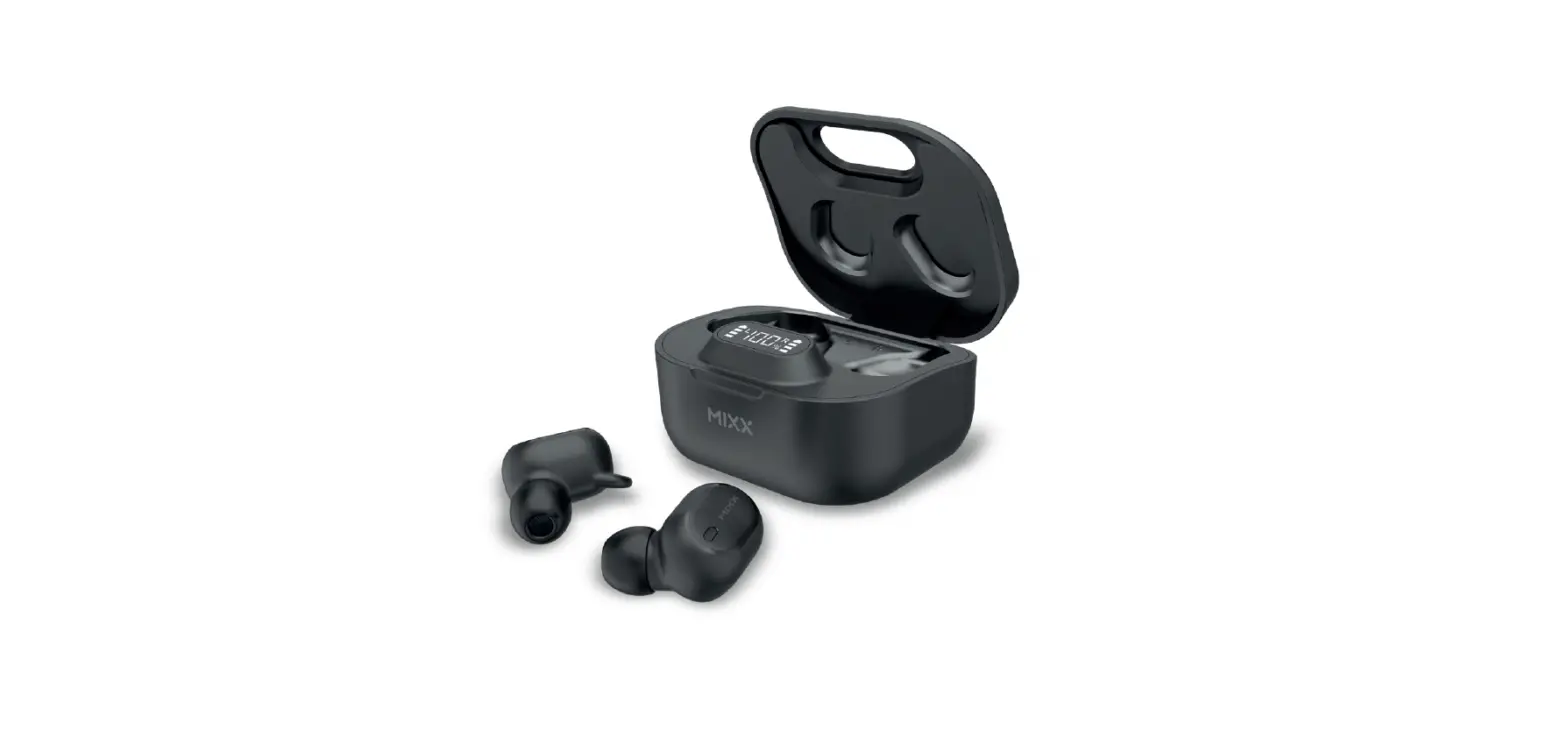
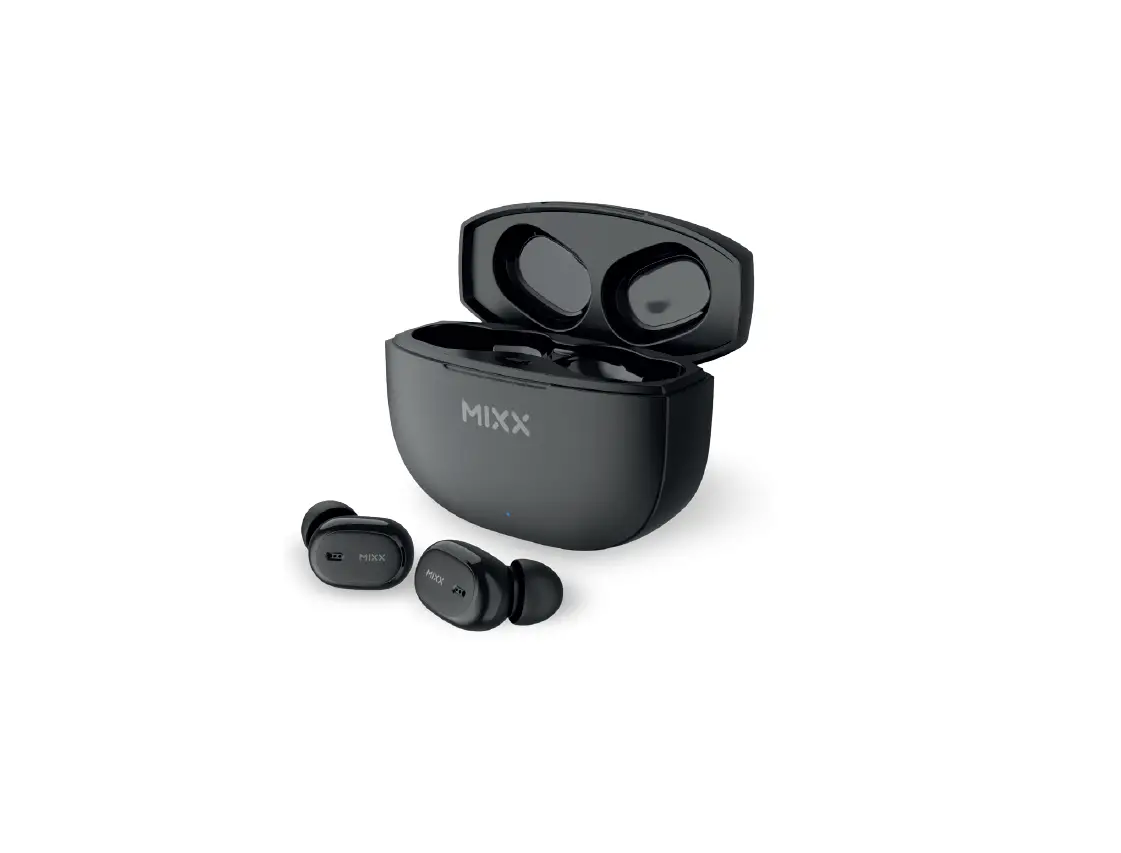
HTG01 True Wireless Earbuds
Product Information: StreamBudsTM ColourChroma 1 True Wireless
Earbuds
The StreamBudsTM ColourChroma 1 True Wireless Earbuds are
designed for a seamless audio experience. These earbuds come with a
portable charging case that can provide up to 2 hours of extra play
time with just 15 minutes of charging. The earbuds have a
dual-pairing feature that automatically connects both earbuds
together for easy pairing. The earbuds have touch sensors that
allow you to activate Siri or Google Assistant. The product comes
with a 2-year warranty for peace of mind.
Product Usage Instructions:
Let’s Start:
Before using the earbuds, make sure to check the contents of the
box.
Let’s Stay Charged:
If the earbuds and charging case do not have any power when you
first unpack them, place the earbuds into the charge case and plug
the charge case into a USB port using the USB C cable provided. If
you’re running low on power, charge your earbuds in the case for 15
minutes to get 2 hours of extra play time.
Let’s Connect:
To pair the earbuds with your audio device, remove both earbuds
from the portable charging case. They will automatically dual pair
together, and a voice prompt will confirm pairing. If the earbuds
do not automatically dual pair together, tap each earbud 4 times to
power off and then place them both back into the case. Remove the
earbuds, and they should automatically dual pair together. Go to
the Bluetooth settings on your audio device and select ‘MIXX
ColourChroma 1’ from the list. Once paired successfully, you will
hear ‘Connected’ and the earbud LED light will turn off.
Let’s Play:
You can now enjoy your music, watch a video, or take a call
hands-free. The earbuds will automatically reconnect to the last
device they were paired with, confirming the connection.
Let’s Ask Google/Siri:
To activate Siri or Google Assistant, triple-tap either touch
sensor on the earbuds. Your voice assistant’s familiar ‘Beep’ will
sound to confirm the connection. You can now ask Siri or Google
Assistant a question or state a command.
Let’s Recycle:
This product can be recycled. Products bearing this symbol must
NOT be thrown away with normal household waste. Take the product to
a collection point designated for recycling of electronic devices.
Find out more about return and collection points through your local
authority.
Let’s Be Safe:
Check with your doctor before use if you are fitted with a
medical device such as a pacemaker or a programmable shunt. Ensure
the product is correctly connected using the manufacturer’s
original accessories included with the product. Do NOT make
unauthorized alterations to this product. The product may contain
small parts which can be a choking hazard. Please keep the product
out of reach from children under 6 and animals. Whilst this product
has been made using hypo-allergenic materials, you may suffer some
skin irritation after prolonged use.
R
StreamBudsTM ColourChroma 1
True Wireless Earbuds
QUICK START GUIDE
THANKS!
Thanks for choosing our MIXX StreamBuds ColourChroma 1 earbuds.
All of our products come with a 2 year warranty for peace of mind.
Feedback is welcome, email us on [email protected] for any comments or queries.
CONTENTS
LET’S START
1
LET’S STAY CHARGED
2
LET’S CONNECT
3
LET’S PLAY
4
LET’S ASK GOOGLE/SIRI
5
LET’S RECYCLE
5
LET’S BE SAFE
6
LET’S START
What’s in the box?
L
2
R
4
1
3
5 7
8
6
1
LET’S STAY CHARGED
Note: If your earbuds and charge case do not have any power when you first unpack them, place the earbuds into the charge case and plug the charge case into a USB port using the USB C cable [8] provided.
The Earbuds A voice prompt “Battery low” allows for 2 minutes play time before the earbud(s) powers down stating “Battery low, power off”. The Earbuds LED Light [2] will flash WHITE once and will then switch off. Charge the earbuds using the Portable Charging Case [5] . While charging, each Earbud LED Light [2] will be WHITE and once fully charged the LED Lights will turn off. Secure the earbuds by closing the lid. When the earbuds are placed inside the case and the lid is closed, the charge indicator light (7) will glow green for 4 seconds to show it is charging and then turn off.
TIP: 15 MINUTE QUICK CHARGE
If you’re running low on power, charge your earbuds in the case for 15 minutes and get 2 hours extra play time while on the go
2
The Portable Charging Case
Always connect the case via the USB C port [66] , to a suitable USB wall charger, computer USB port or a power bank using the USB C charging cable (8) supplied. Plug the supplied cable into the USB C port [66] on the charge case.
The charge light indicator (77) will blink RED, on and off, to show the case is charging.
7
7
LET’S CONNECT
First time pairing
Remove both earbuds from the Portable Charging Case [5] .
They will automatically dual pair together; a voice will prompt “Power on, pairing” and a `Beep’ will sound. One of the Earbud LED Lights [2] will flash WHITE to indicate pairing mode. If the earbuds do not automatically dual pair together, tap each earbud 4 times to power off and then place them both back into the case. Remove the earbuds and they should automatically dual pair together.
Go to the Bluetooth settings on your audio device and select `MIXX ColourChroma 1′ from the list. Once paired successfully you will hear “Connected” and the Earbud LED Light [2] will turn off.
You can now enjoy your music, watch a video or take a call hands free.
The earbuds will automatically reconnect to the last device they were paired with, confirming “Connected”.
Placing both earbuds back in the Portable Charging Case (55) and closing the lid will power them off. (note if the earbuds do not turn off, the battery in your charging case needs to be recharged see `Let’s Stay Charged.’
3
LET’S PLAY
Power on Remove both earbuds from the case. They will automatically turn on and dual pair together. A voice prompt will state “Connected” as confirmation. To manually turn on, long press each Touch Sensor for 3 seconds. Power off Place both earbuds in the case and close the lid. This will automatically turn off the earbuds and the Bluetooth. Play / Pause Double tap either Touch Sensor [1] or [3] Increase Volume Single tap RIGHT Touch Sensor [3] Decrease Volume Single tap LEFT Touch Sensor [1] Previous Track Tap and hold LEFT Touch Sensor [1] Skip Track Tap and hold RIGHT Touch Sensor [33] Answer / End Call Double tap either Touch Sensor [1] or [3] . (Audio is picked up via the microphones [4] .)
4
LET’S ASK GOOGLE ASSISTANT / SIRI
Triple tap either Touch Sensor [11] or [33] to activate Siri or Google Assistant. Your Voice Assist familiar `Beep’ will sound to confirm connection. You can now ask Siri or Google Assistant a question or state a command.
LET’S RECYCLE
This product can be recycled. Products bearing this symbol must NOT be thrown away with normal household waste. Take the product to a collection point designated for recycling of electronic devices. Find out more about return and collection points through your local authority.
5
LET’S BE SAFE
IT IS IMPORTANT THAT YOU PLEASE READ THIS SECTION COMPLETELY.
For your protection Check with your doctor before use if you are fitted with a medical device such as a pacemaker or a programmable shunt.
Ensure the product is correctly connected using the manufacturer’s original accessories included with the product.
Do NOT make unauthorized alterations to this product.
Product may contain small parts which can be a choking hazard. Please keep the product out of reach from children under 6 and animals.
Whilst this product has been made using hypo-allergenic materials, you may suffer some skin irritation after prolonged use.
Do NOT listen to loud music for a long duration of time. We recommend turning the volume down before placing the device in your ears to avoid hearing damage.
Do NOT use the product while operating machinery, including cars, trucks or other vehicles.
Do NOT use noise cancelling mode or use your device in areas where the use of hearing is required for safety. e.g., while riding a bicycle, at a construction site or railroad etc.
Clean only with a dry cloth – Wipe off sweat from the earbuds and the charging case before charging.
IMPORTANT! Do NOT use a non-certified PD or QC3 wall charger as this may damage the product. Only use the cable supplied to charge your device.
If your product has become damaged in any way, does not operate normally or has been dropped, please refer to a qualified person to have the product checked before continuing to use it.
WARNING: This product contains a Lithium battery. Incorrect disposal of this battery may result in an explosion.
The operating temperature range for this product is 5º – 40º celsius.
Please avoid exposing the product, charging case and cable connectors to prolonged rain, moisture, or liquid spills/splashing.
Please remove your device from your ears immediately if they emit any loud unusual noise or you experience a warming sensation.
If you experience any of the issues listed above, please turn off your device and contact MIXX Ltd on [email protected]
6
mixxaudio.com
MIXX Limited 5 The Pavilions, Brighton Road, Pease Pottage,
West Sussex, RH11 9BJ. United Kingdom
SBCC1-HTG01
 Iron Mountain Data Centers | Colocation Data Centers
 Wireless Headphones, Earphones and Speakers | MIXX Audio