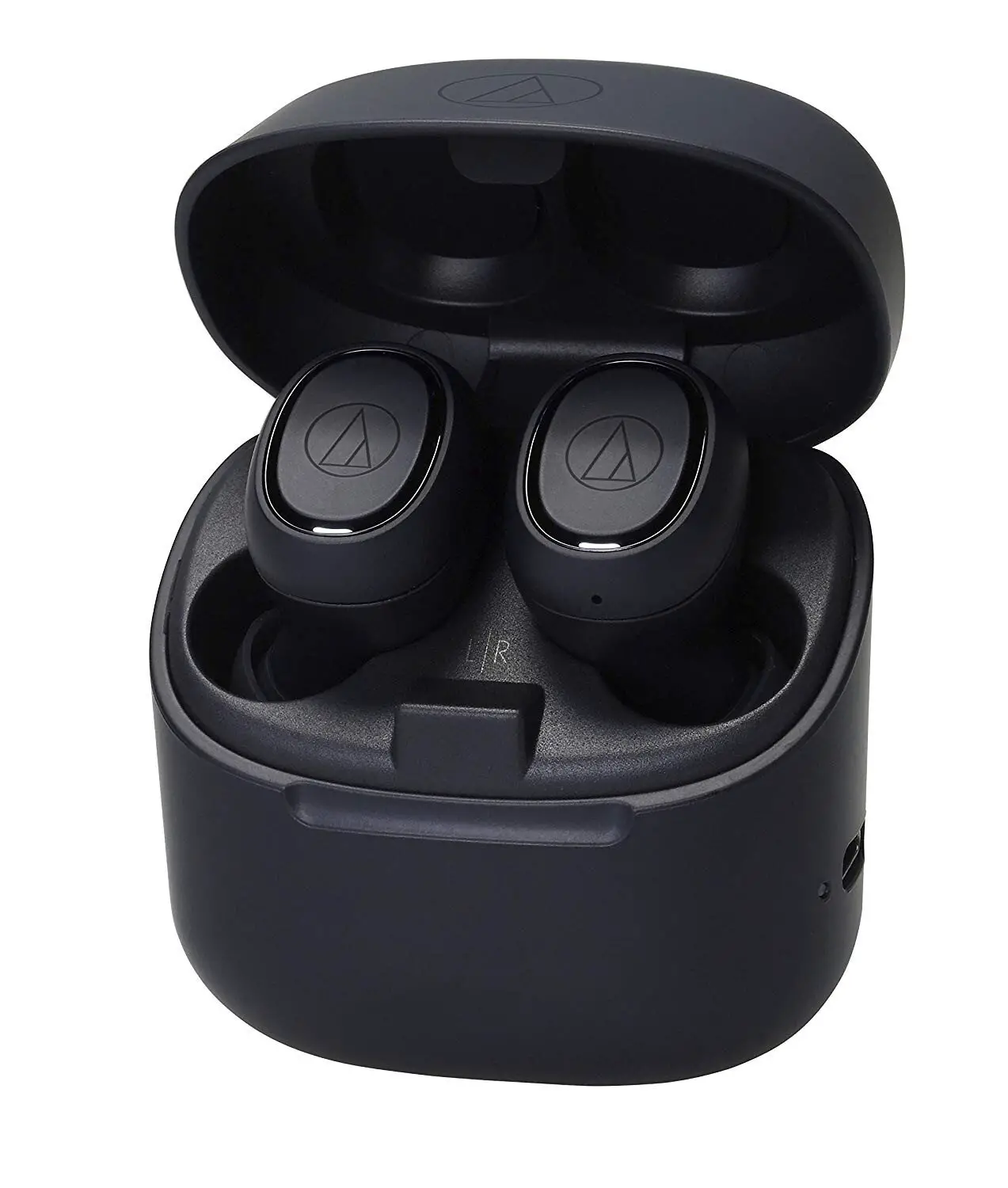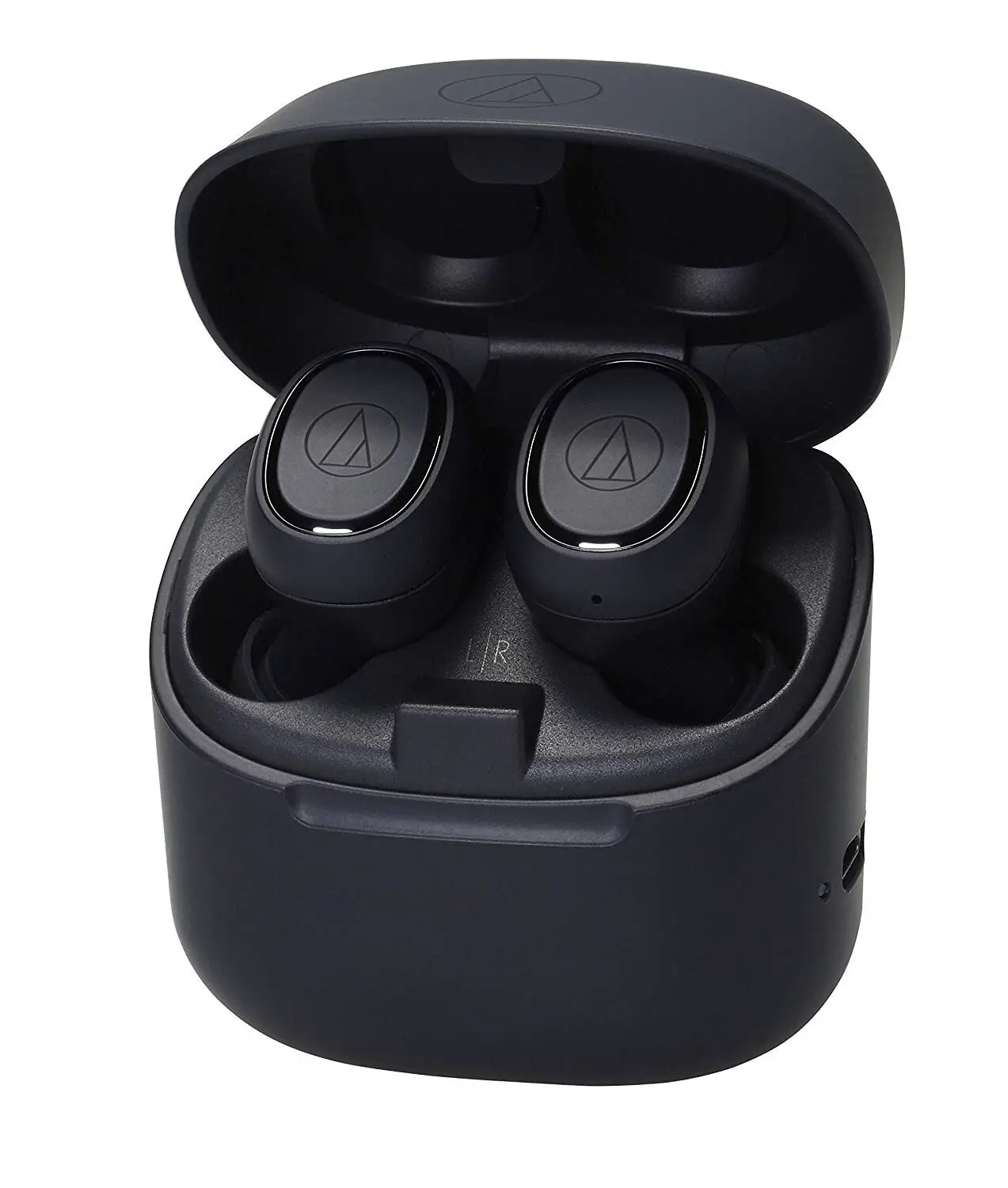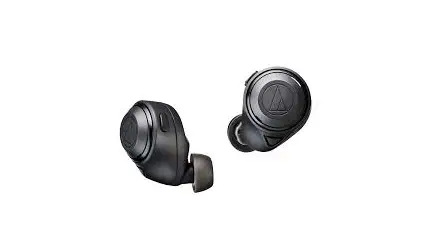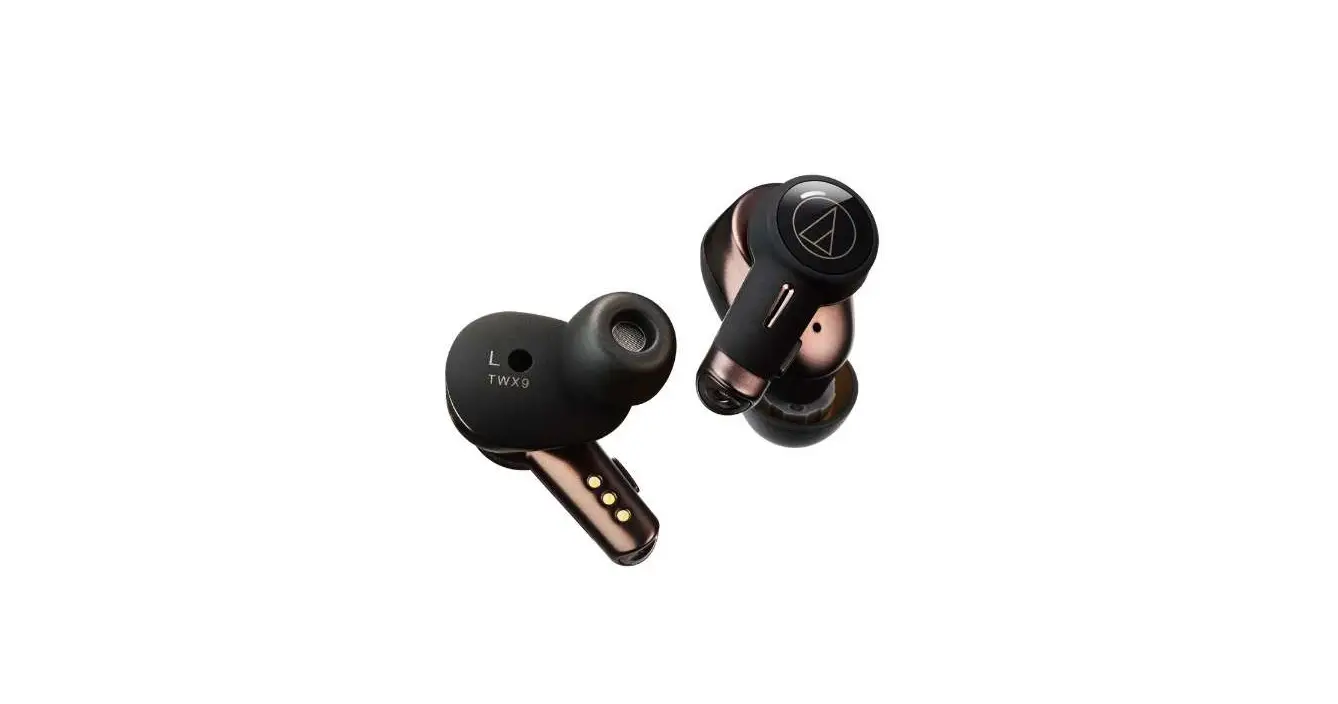
audio-technica ATH-TWX9 Wireless Headphones User Guide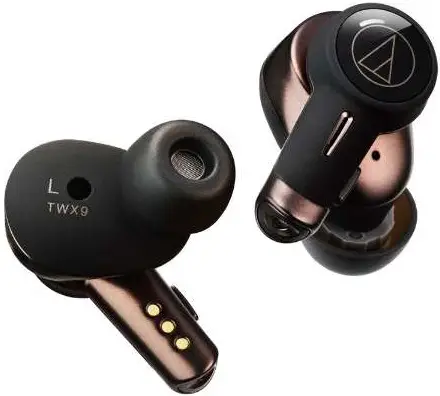
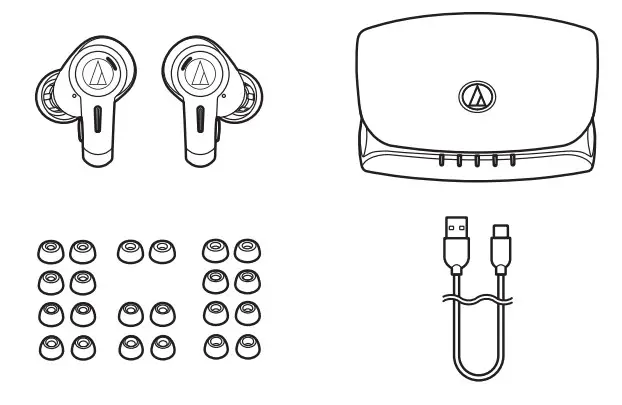
Package contents
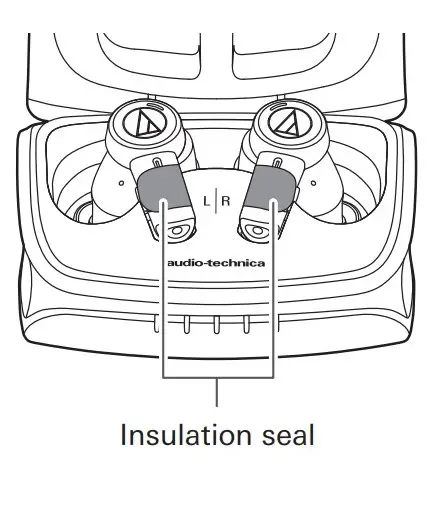
Removing the insulation seal
Charging
Charging the headphones and charging case
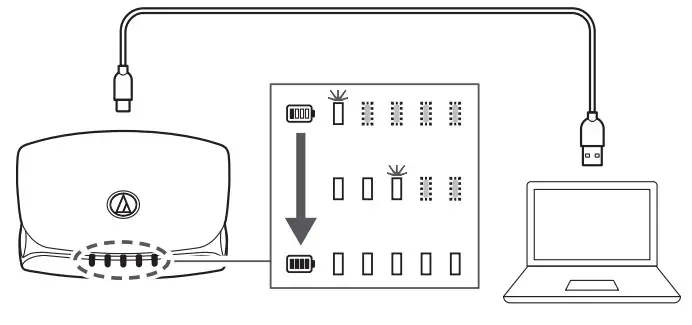
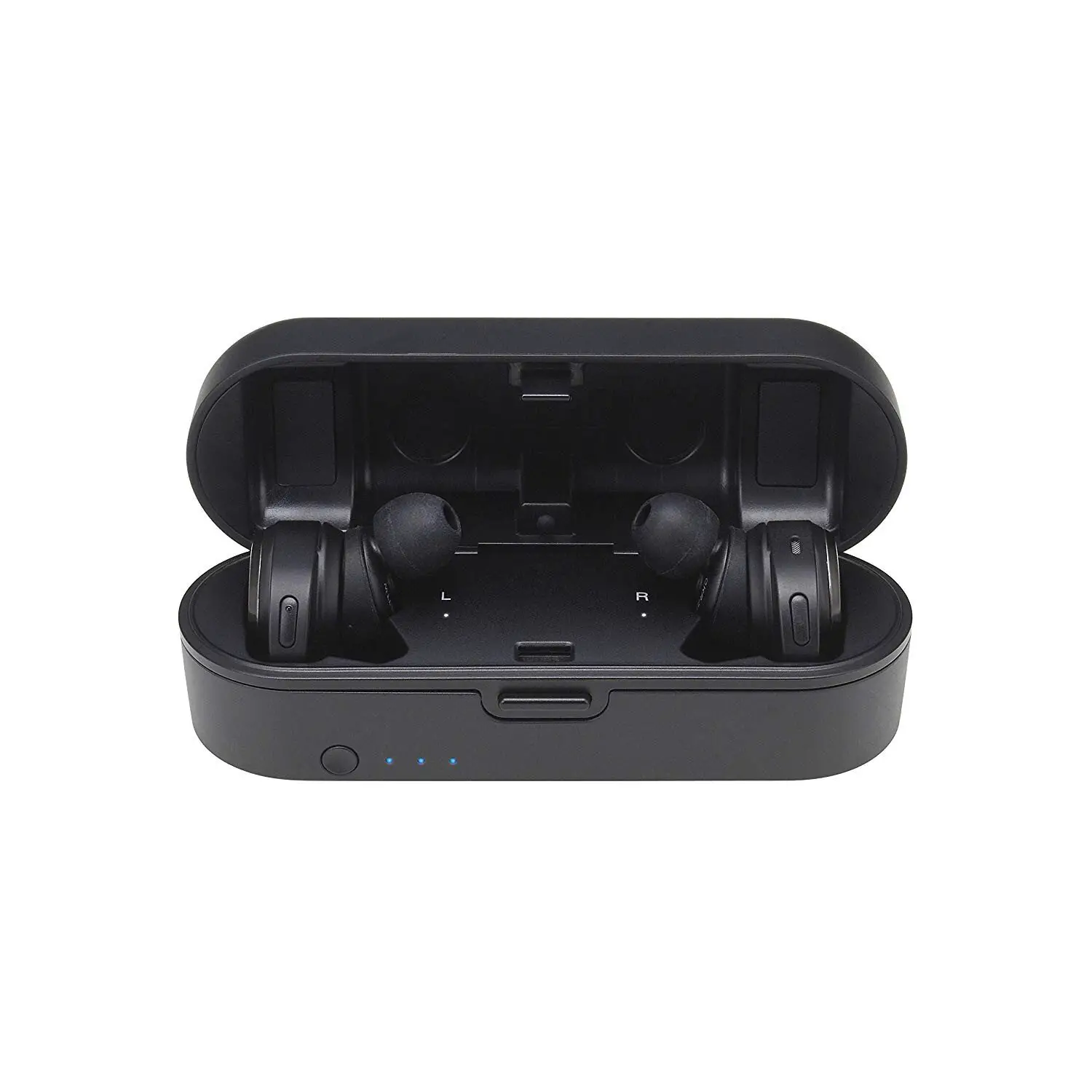
Fully charge the battery when using for the first time. Place the headphones in the charging case to charge the charging case and headphones at the same time.
Charging the headphones
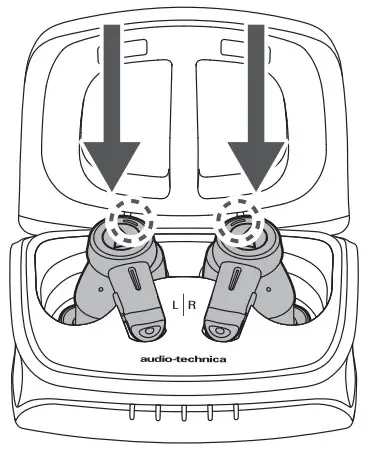
If you have charged the charging case, you can charge the headphones without using the USB charging cable.
Selecting the eartips
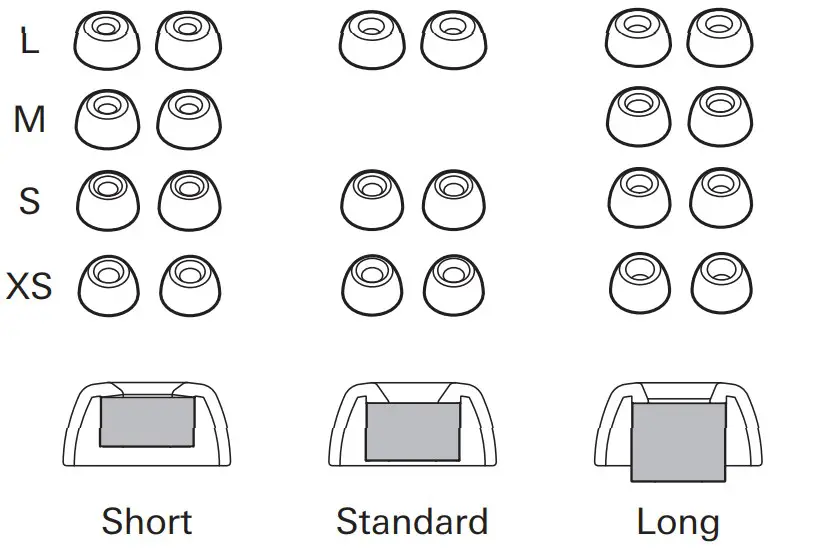
Select the eartips that best fit your ears from the four sizes (XS, S, M, L) and three conduit lengths (Short, Standard, Long). At the time of purchase, the M-size (Standard) eartips are attached to the product.
Pairing
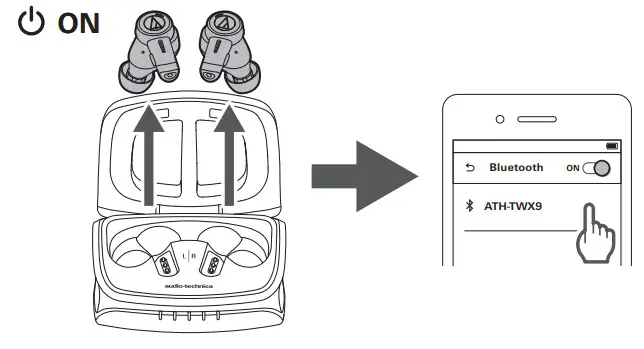
Wearing the headphones
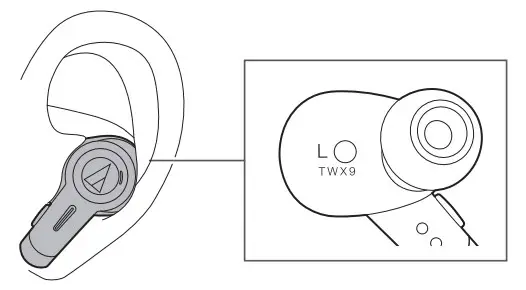
Listening to music
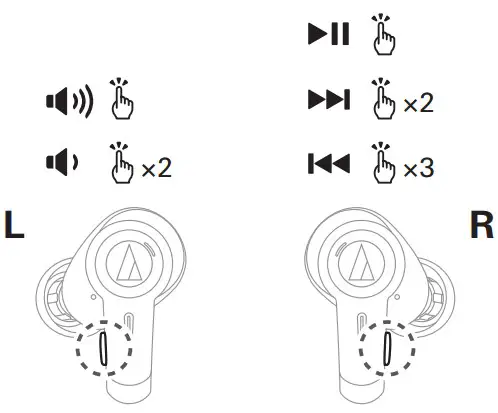
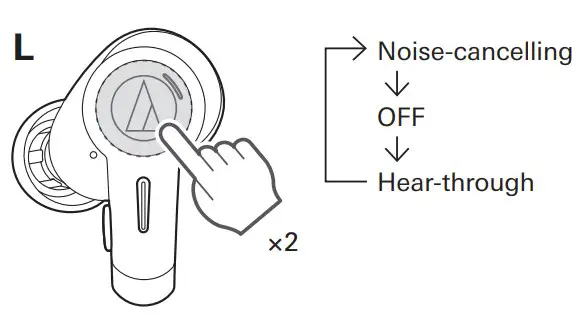
Hear-through/noise-cancelling function
CONNECT App
QR CODE



This product is compatible with our “CONNECT” app. The app gives you convenient access to various functions and also allows you to update the product’s firmware.
- The Bluetooth® word mark and logos are registered trademarks owned by Bluetooth SIG, Inc., and any use of such marks by Audio-Technica Corporation is under license. Other trademarks and trade names are those of their respective owners.
- Google Play is a trademark of Google LLC.
Audio-Technica Corporation
2-46-1 Nishi-naruse, Machida, Tokyo 194-8666, Japan Global Support Contact: www.at-globalsupport.com ©2021 Audio-Technica Corporation
Support

For more information on how to use this product and troubleshoot any problems, refer to the user manual on the AudioTechnica website.
https://www.audio-technica.com