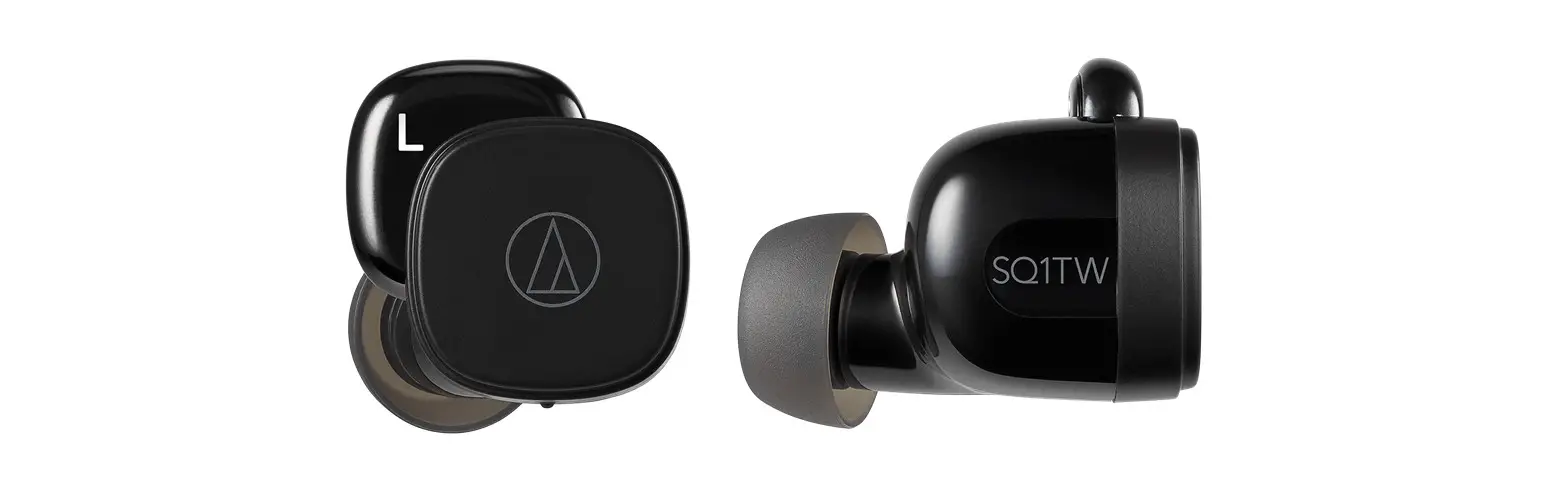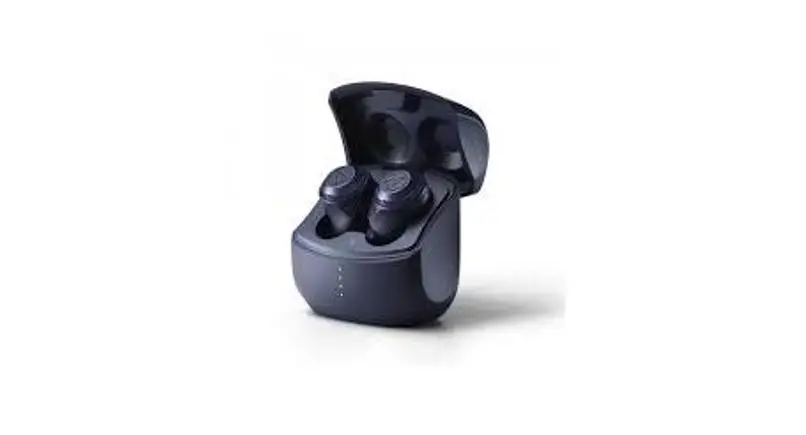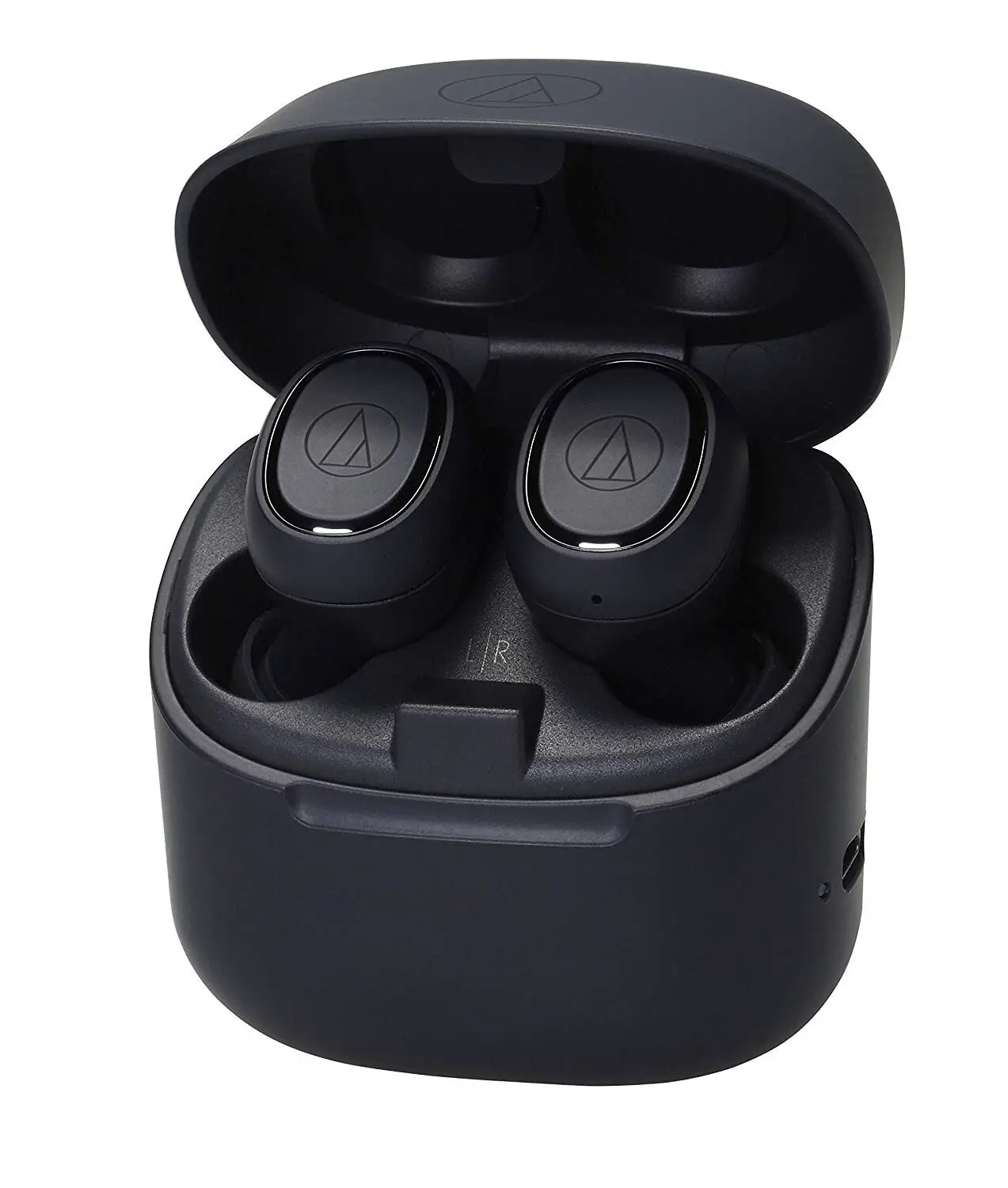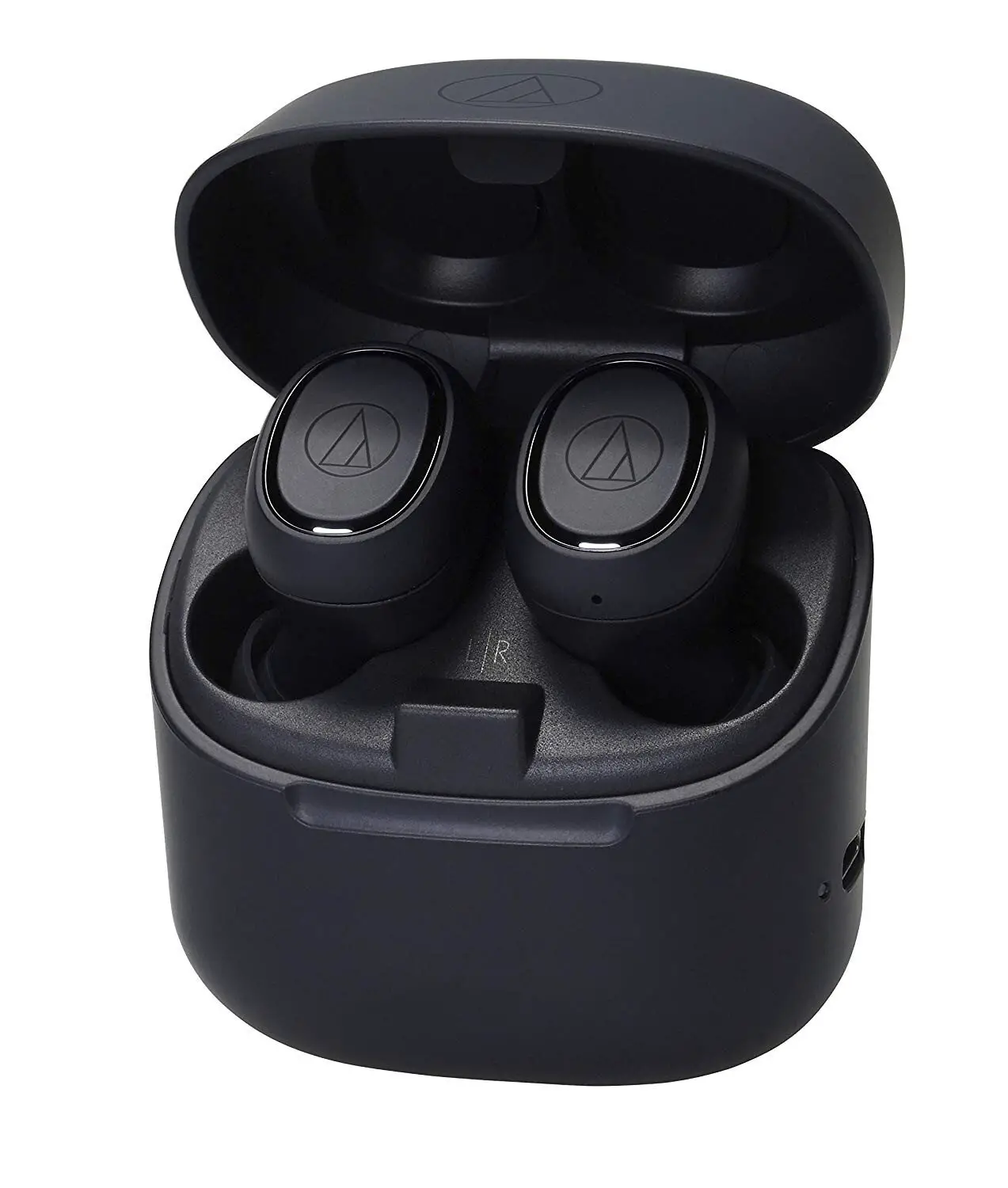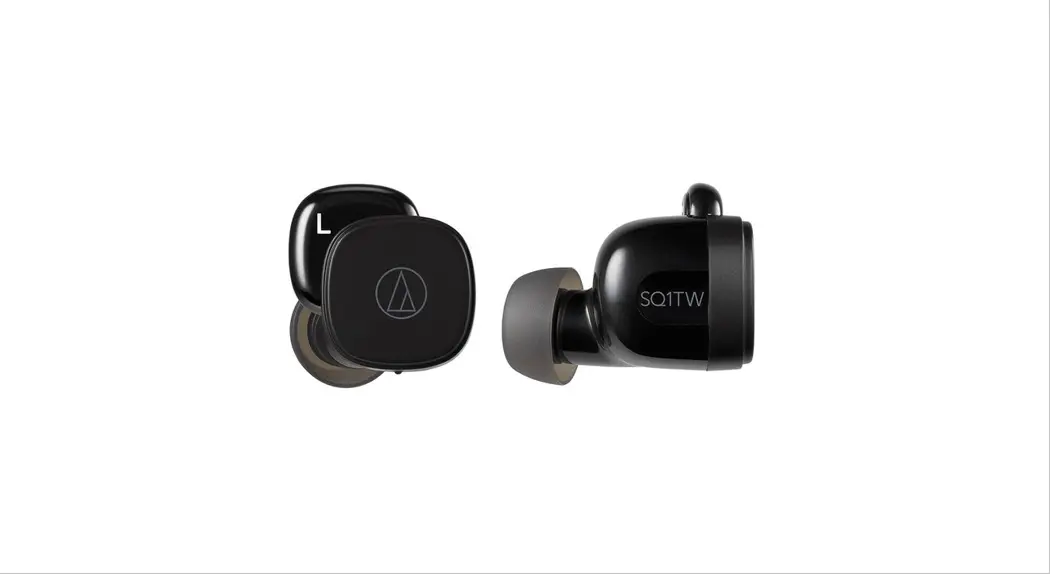

ATH-SQ1TW
Wireless Headphones
Quick Start Guide
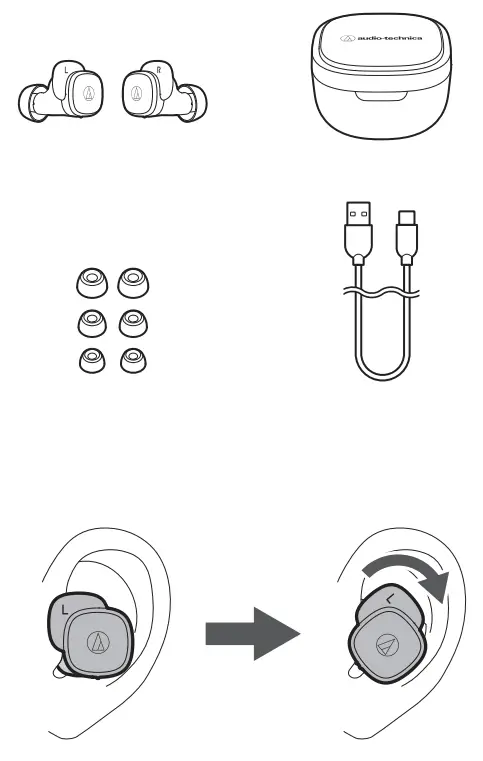
Check
Charging
Fully charge the battery when using for the first time.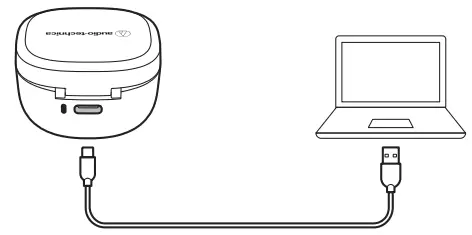
Charging the headphones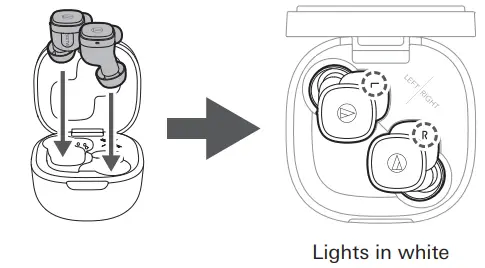
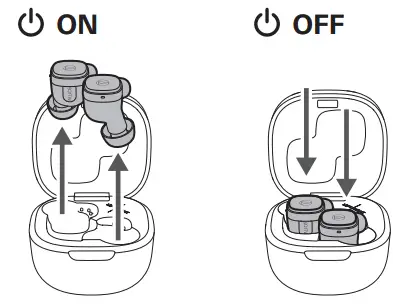
Power ON/OFF
Pairing
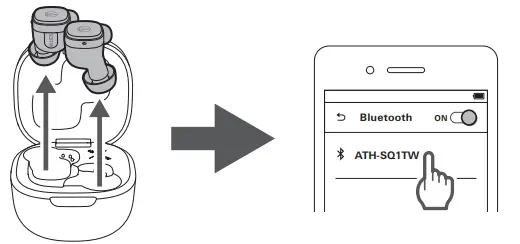
 Fast Pair
 Fast Pair
In one touch, the ATH-SQ1TW enables quick, effortless Bluetooth pairing with your Android devices.
You can even check to see where you last placed it. Turn on the Bluetooth function on any Android device signed into your Google account, and turn on the headphones and bring them close to the device. A pairing notification will be displayed.
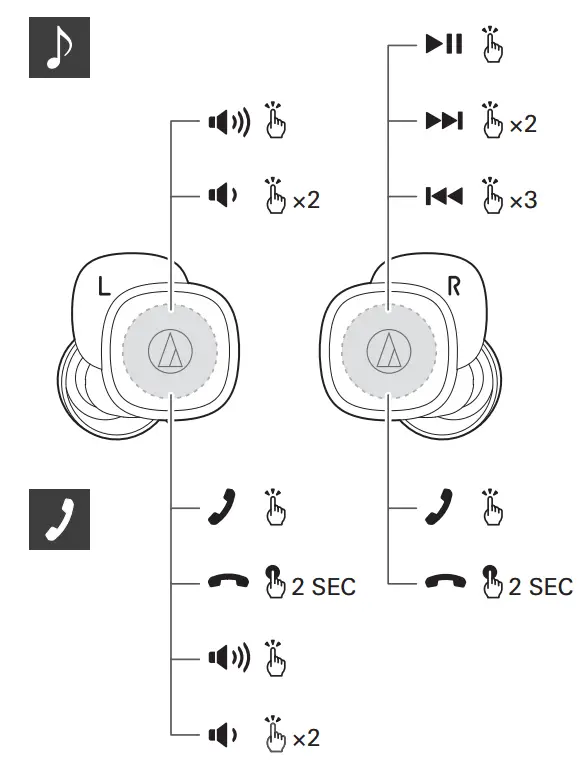
Music / Phone
Unlocking
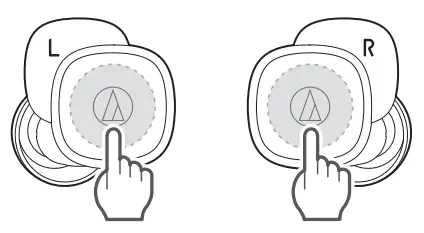
The touch sensor is locked when taking the headphones out of the charging case to prevent erroneous operations. Touch the touch sensor area once to unlock the touch sensor.
A confirmation tone will be played.
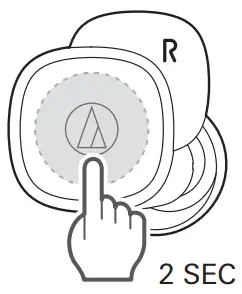
Hear-through function
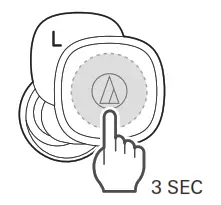
Low latency mode
- The Bluetooth® word mark and logos are registered trademarks owned by Bluetooth SIG, Inc., and any use of such marks by Audio-Technica Corporation is under license. Other trademarks and trade names are those of their respective owners.
- Google and Android are trademarks of Google LLC.
Support
 https://www.audio-technica.com
For more information on how to use this product and troubleshoot any problems, refer to the user manual on the Audio-Technica website.
https://www.audio-technica.com
Audio-Technica Corporation
2-46-1 Nishi-Naruse, Machida, Tokyo 194-8666, Japan
Global Support Contact: www.at-globalsupport.com
©2021 Audio-Technica Corporation
132512841-01-01
ver.1 2021.07.01
 Audio-Technica Corporation:株式会社オーディオテクニカ