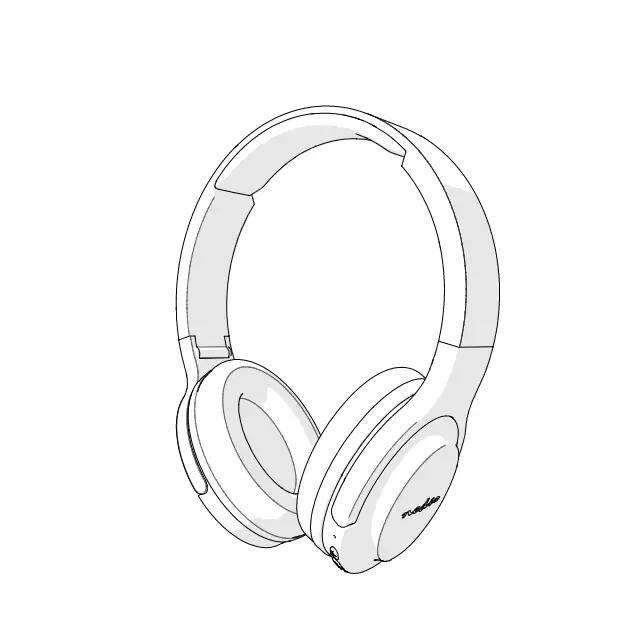
HPRF020AT Wireless Audio Amplifying Headphones
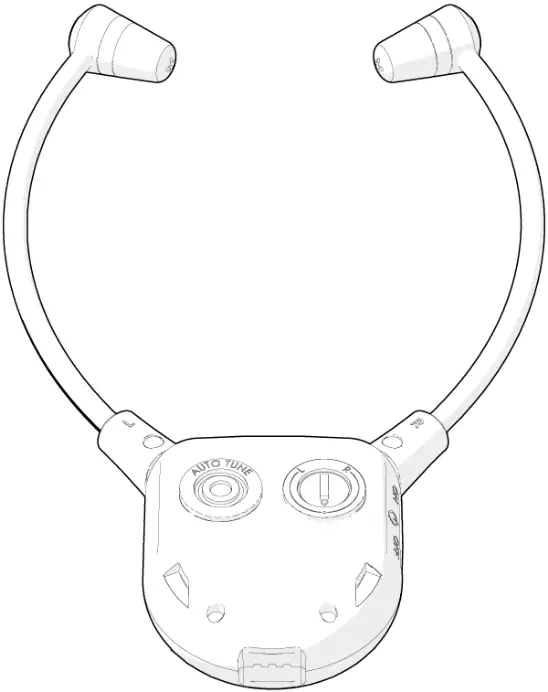
User Manual
Preface
Thank you for purchasing the Nedis HPRF020AT.
This document is the user manual and contains all the information for correct, efficient and safe use of the product.
This user manual is addressed to the end user. Read this information carefully before installing or using the product.
Always store this information with the product for use in the future.
Product description
Intended use
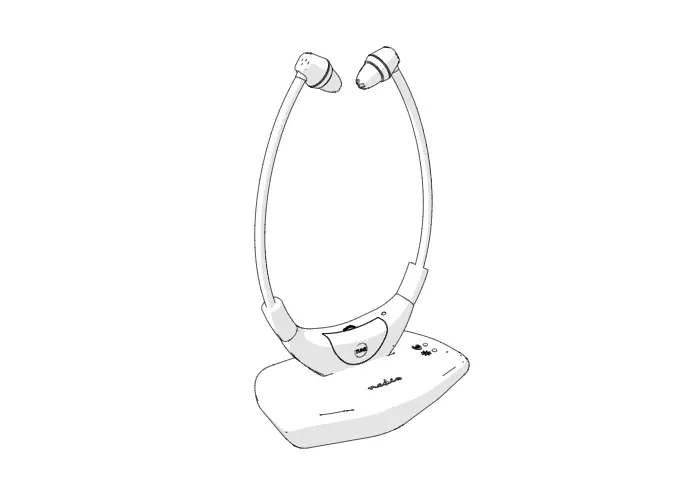
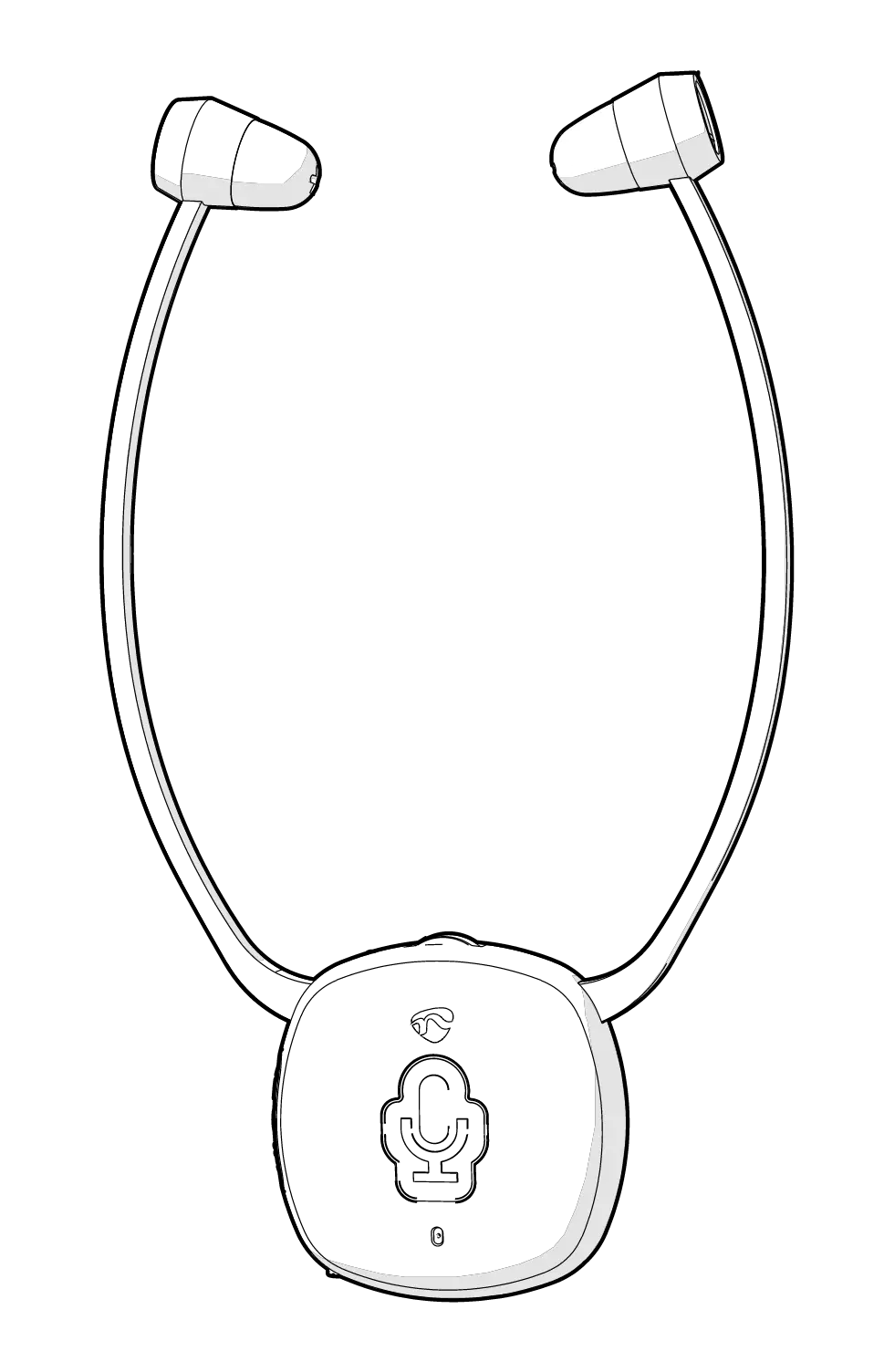
The Nedis HPRF020AT is a wireless audio amplification system designed for people with hearing difficulties.
It connects with different kinds of audio systems, such as a TV set, smartphone, DVD player, CD player, Hi-Fi system etc.
The transmitter also functions as the charger for the headphones.
Multiple receivers can be paired with one transmitter.
Any modification of the product may have consequences for safety, warranty and proper functioning.
Specifications
Headphone Type | In-ear headphones |
Article number | HPRF020AT |
Frequency Range | 863 – 865 MHz |
Wireless Transmission effective distance | Up to 25 meters |
Maximum Playback Time | Up to 6 hours |
Maximum Standby Time | Up to 4 hours |
Maximum Charging time | Up to 3 hours |
Frequency Response | 30 Hz – 10 KHz |
Maximum Transmission power | 5 dBm |
Battery Capacity | 380 mAh built-in Lithium battery |
Transmission Power Supply | 8 V-DC – 400 mA |
Maximum Antenna gain | 0 dBi |
S/N ratio | >65 dB |
Parts list
 |
1. Headphones 2. Earbuds 3. Volume wheel 4. Status indicator LED 5. Mute button 6. Microphone 7. Transmitter 8. Charging pins 9. Charging indicator LED 10. Audio signal indicator LED 11. Power indicator LED 12. Bass indicator LED 13. Treble indicator LED 14. Tone button 15. Auto tune button 16. Sound balance switch 17. Power switch 18. Charging contacts 19. Audio port (3.5mm) 20. Frequency channel switch 21. Optical audio port 22. Power switch 23. Power supply port 24. DC-8V power cable 25. Optical audio cable |
Safety instructions
WARNING
- Only use the product as described in this manual.
- Do not expose the product to water or moisture.
Installation
- Check the contents of the package
- Check that all parts from the parts list are present and that no damage is visible on the parts. If parts are missing or damaged, contact the Nedis B.V. service desk via the website: www.nedis.com.
Connecting the transmitter
1. Plug the provided DC-8V power cable g into the power supply port f of the transmitter.
2. Plug the other side of the DC-V power cable into a power socket.
3. Plug the optical audio cable h into the optical audio port of the transmitter 7.
4. Plug the other end of the optical audio cable into your audio source (e.g. TV set Hi-Fi system).
5. Switch on the transmitter by sliding the power switch d to the ON position.
- If there is no audio signal from the audio source, or if the signal is too weak for proper reception, the transmitter turns off automatically after about 5 minutes. As soon as the audio signal returns, the transmitter turns back on automatically.
Use
Switching on the transmitter
- Switch on the audio source that is connected to the transmitter.
- The power indicator LED on the transmitter w lights up green.
Charging the headphones
- The signal indicator LED on the headphone receiver blinks when the battery level is low. There are about 20 minutes of operating time left before the headphones turn off. Follow these steps to charge the battery:
1. Switch off the headphones by sliding the power switch i to the OFF position.
2. Place the headphones with the charging contacts o onto the charging pins 8 of the transmitter.
- The charging indicator LED on the transmitter lights up red to indicate that the headphones are charging, and turns green when the battery is fully charged.
Switching on the headphones
- Switch on the headphones by sliding the power switch i to the ON position.
- The status indicator LED 4 on the headphones lights up red.
Controlling the volume
- Turn the volume wheel 3 to adjust the volume to the desired sound level.
Adjusting the sound balance
- Rotate the sound balance switch u to adjust the volume balance between the left and the right earbud.
Enhancing the sound
- Shortly press the tone button t to switch between the modes. Adjust the tone to your preference:
- Enhanced bass: The bass indicator LED e lights up blue.
- Enhanced treble: the treble indicator LED r lights up yellow.
- Neutral: No LED’s light up.
Improving the audio quality
- Press the auto tune button y on the headphone receiver to match the frequency of the transmitter. Wait a few seconds for the audio to resume.
- In case the sound quality is not improved, follow these steps:
1. Switch between the two frequency channels by sliding the frequency channel switch a on the transmitter. Select the channel that produces better audio quality.
2. Press the auto tune button y on the headphones for better reception.
Switching between modes
To switch between listening mode and conversation mode without taking off the headphones, follow these steps:
1. Press the mute button 5 to stop listening to your audio device. The microphone is activated. Sounds and voices picked up by the microphone are amplified through the headphones.
2. Press the mute button 5 again to resume listening to your audio device. The microphone is turned off. The audio from the connected audio device is amplified through the headphones.
Maintenance
- Clean the product regularly with a soft, clean, dry cloth. Avoid abrasives that can damage the surface.
- Do not use aggressive chemical cleaning agents such as ammonia, acid or acetone when cleaning the product.
Troubleshooting
Problem | Possible cause | Solution |
Headphones do not switch on. | The batteries are drained. | Charge the headphones for at least 30 minutes and retry. |
Transmitter does not turn on. | The DC-8V power cable is not properly plugged into the transmitter or the power socket. | Follow the instructions in chapter “Connecting the transmitter”. |
No sound is coming from the headphones. | The transmitter is not connected to the audio source. | Follow the instructions in chapter “Connecting the transmitter”. |
The headphones are too far out of reach from the transmitter. | Move the headphones closer to the transmitter. | |
The audio source volume is too low/muted. | Raise the volume on the audio source. | |
The headphones volume is too low/muted. | Raise the volume on the headphones with the volume wheel 3. |
Warranty
Any changes and/or modifications to the product will void the warranty. We accept no liability for damage caused by improper use of the product.
Disclaimer
Designs and specifications are subject to change without notice. All logos, brands and product names are trademarks or registered trademarks of their respective owners and are hereby recognized as such.
Disposal
 | This symbol indicates that this product should not be thrown away with other household waste throughout the EU. To prevent possible harm to the environment or human health by uncontrolled waste disposal, you are responsible for recycling it so that it can promote the sustainable reuse of raw materials. To return your used product, you can use the regular return and collection systems or contact the store where the product was purchased. They can recycle this product for the environment. |
Declaration of Conformity
We, Nedis B.V. declare as manufacturer that the product HPRF020AT from our brand Nedis®, produced in China, has been tested according to all relevant CE standards and regulations and that all tests have been passed successfully. This includes, but is not limited to the RED 2014/53/EU regulation.
The complete Declaration of Conformity (and the safety datasheet if applicable) can be found and downloaded via webshop.nedis.com/HPRF020AT#support
For additional information regarding the compliance, contact the customer service:
Web: www.nedis.com
E-mail: [email protected]
Phone: +31 (0)73-5991055 (during office hours)
Nedis B.V., de Tweeling 28
5215 MC ’s-Hertogenbosch, the Netherlands