Nedis RDDB1000BK DAB+ FM Radio
User Manual
Preface
Thank you for purchasing the Nedis RDDB1000BK.
This document is the user manual and contains all the information for correct, efficient and safe use of the product.
This user manual is addressed to the end user. Read this information carefully before installing or using the product.
Always store this information with the product for use in the future.
Product description
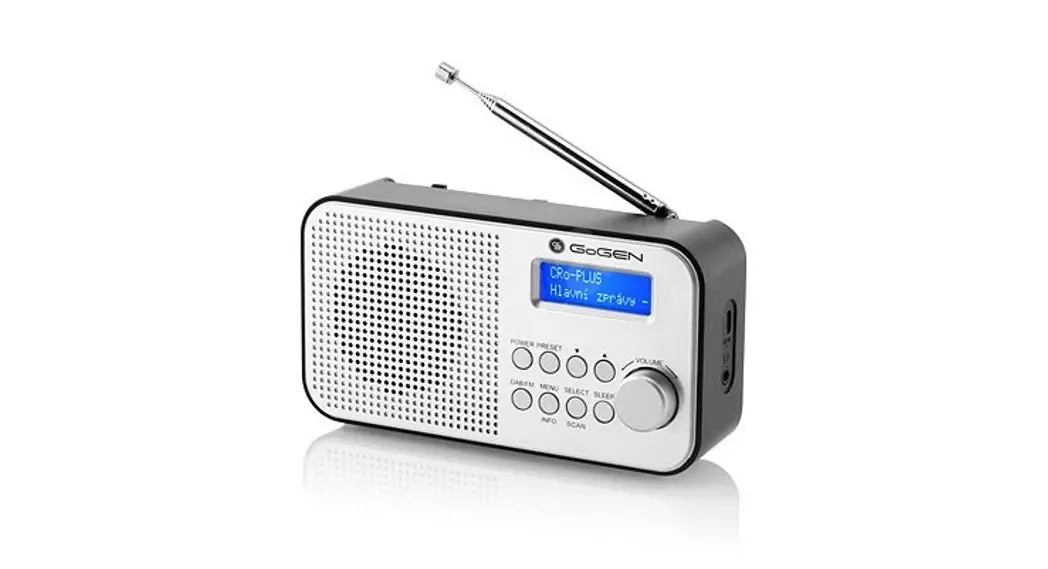
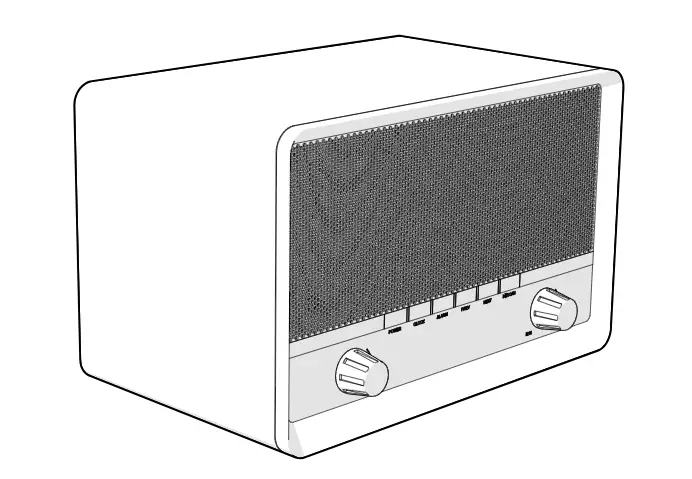
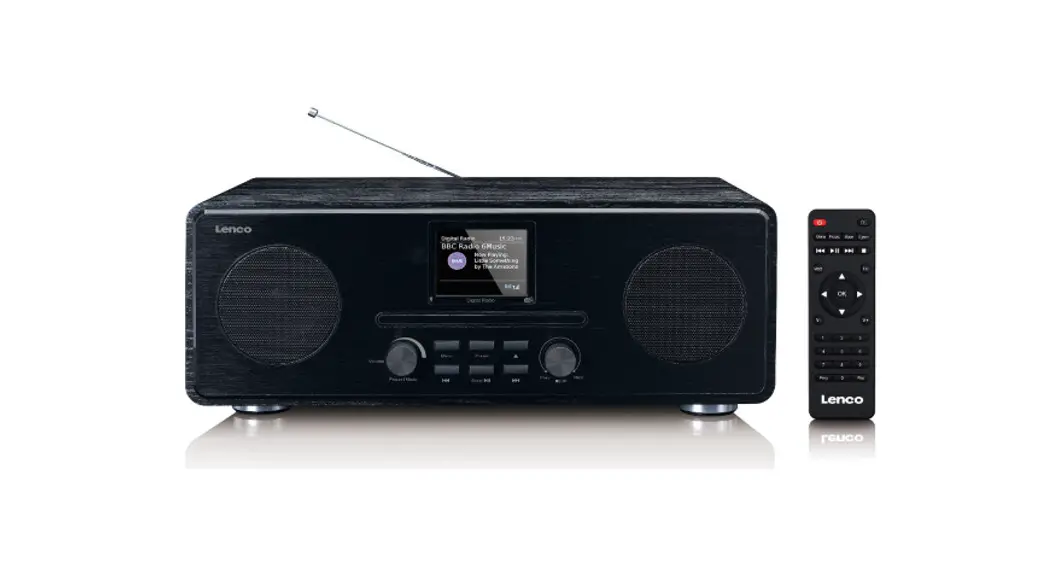
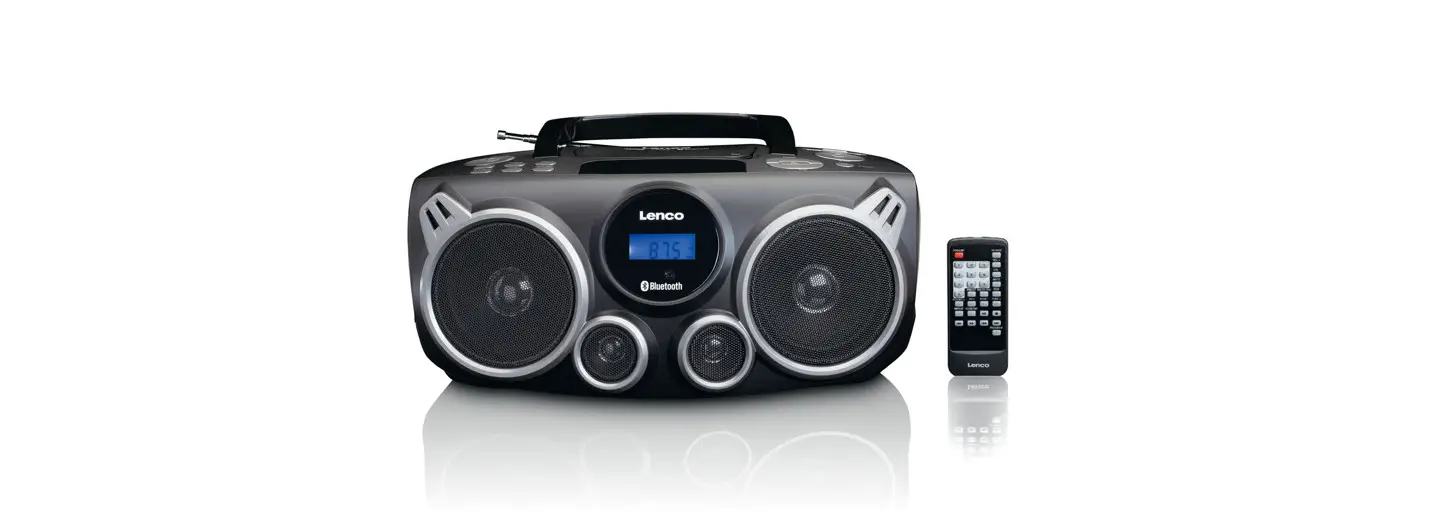
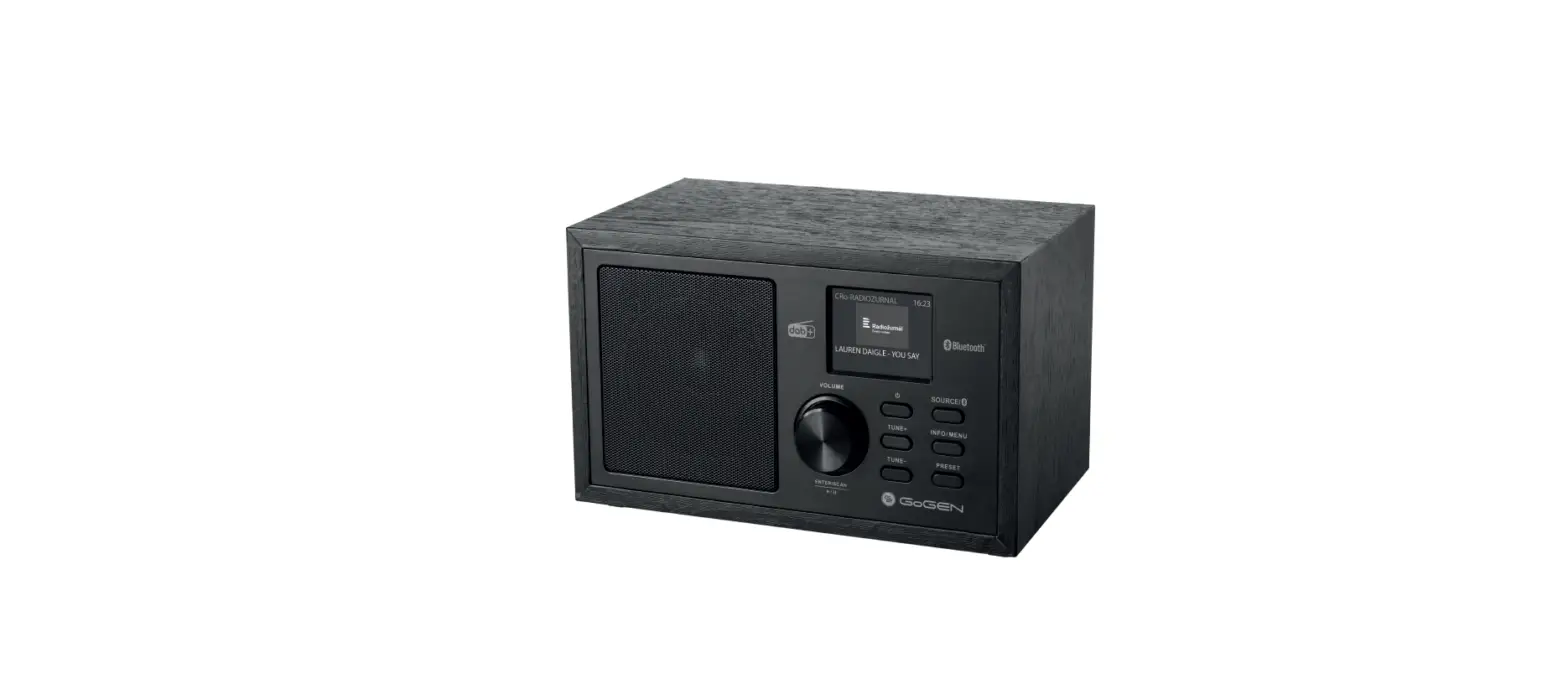
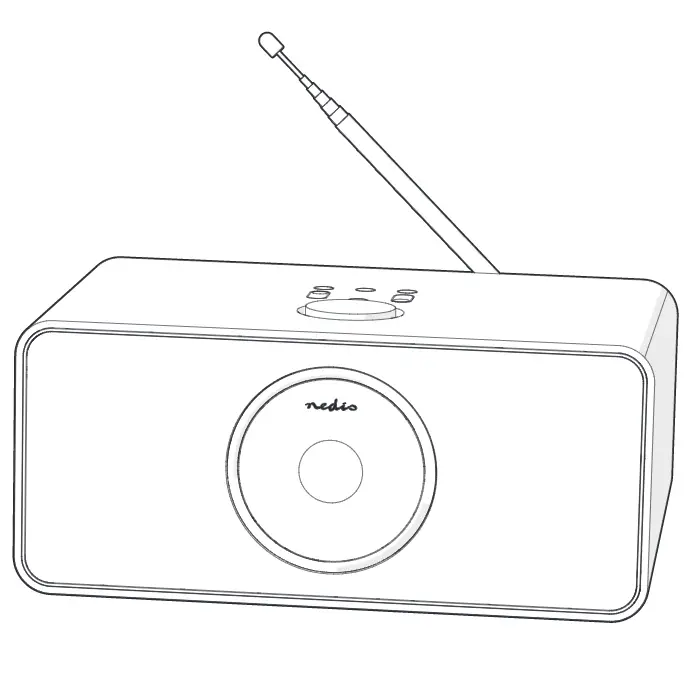
The Nedis RDDB1000BK is a DAB+ / FM radio with alarm clock.
Intended use
The product is exclusively intended to be used as a radio with alarm clock.
Any modification of the product may have consequences for safety, warranty and proper functioning.
Specifications
Product | DAB+ / FM radio |
Article number | RDDB1000BK |
Dimensions (l x w x h) | 160 x 45 x 94 mm |
Weight | 300 g |
Power input | 5 VDC 1 A / 4 x AAA / LR03 (not included) |
Power (RMS) | 1.2 W |
Peak power | 3.6 W |
DAB+ frequency | 174 – 240 MHz |
FM frequency | 87.5 – 108 MHz |
DAB+ presets | 20 |
FM presets | 20 |
Tuning type | PLL |
LCD display | Yes |
Alarm clock | Yes |
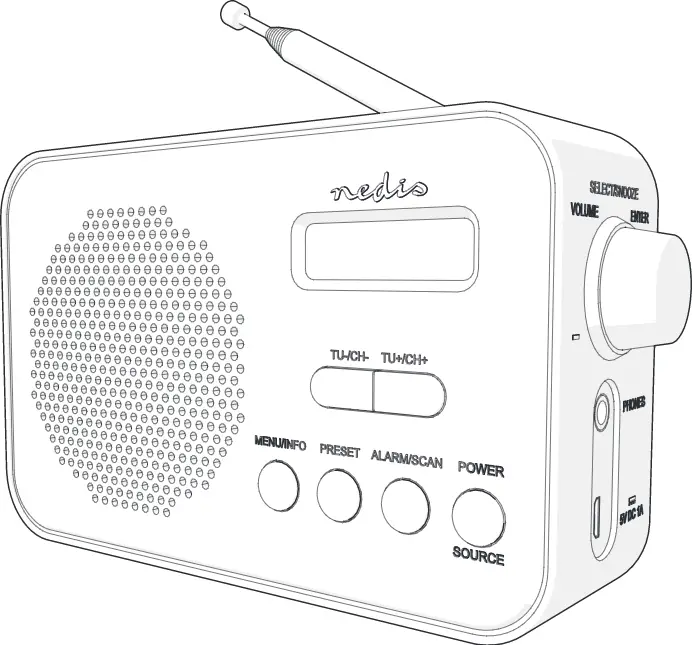
Main parts (image A)
 |
A |
1. DAB+ / FM radio |
2. Display |
3. Tuning- / Channel- button |
4. Tuning+ / Channel+ button |
5. Menu / Info button |
6. Preset button |
7. Alarm / Scan button |
8. Power / Source button |
9. Volume / Select / Snooze / Enter wheel |
10. 3.5 mm stereo jack |
11. Micro-USB power input |
12. Antenna |
13. Battery compartment |
14. Battery compartment lid |
Safety instructions
WARNING
- Only use the product as described in this manual.
- Read the instructions before use.
- Do not let water enter the product.
- Do not use the product in wet or damp environments.
- Do not use the product in dusty environments.
- This product may only be serviced by a qualified technician for maintenance to reduce the risk of electric shock.
Installation
- Check the contents of the package
- Check that all parts are present and that no damage is visible on the parts. If parts are missing or damaged, contact the Nedis B.V. service desk via the website: www.nedis.com.
Setup
1. Connect the micro USB cable to A11 and an USB adapter.
2. Extend the antenna A12.
- Alternatively, you can use batteries (not included).
3. Open the battery compartment A14.
4. Insert 4 AAA batteries in the battery compartment A13.
5. Close the battery compartment A14.
Use
Setting date and time
- If a DAB+ signal is found, date and time will be set automatically. You can set the time manually if a DAB+ signal is not present.
1. Press A8 to switch on the product.
2. Press Menu / Info A5.
3. Press A3 or A4 to select “System”.
4. Press A9 to confirm.
5. Select “Time” and confirm.
6. Select “Set Time/Date” and confirm to set time and date.
7. Select “Set hour” and confirm to set the hour.
8. Select “Set minute” and confirm to set the minutes.
9. Select “Set month” and confirm to set the month.
10. Select “Set date” and confirm to set the date.
11. Select “Set year” and confirm to set the year.
Other date and time options:
Auto update options | Update from any / update from DAB / update from FM / No update |
Set 12/24 hour | Switch between 12 hour / 24 hour time display |
Set date format | Switch between DD-MM-YYYY / MM-DD-YYYY |
DAB/DAB+ mode
1. When the radio is in FM mode, press and hold A8 to switch to DAB/DAB+.
- The radio automatically scans for available DAB/DAB+ stations.
2. Press A3 or A4 to switch stations.
FM mode
1. When the radio is in DAB+ mode, press and hold Source A8 to switch to FM.
2. Press A3 or A4 to switch stations. Press and hold to scan for stations.
Saving and listening to preset stations
1. Press and hold A6 to store a preset.
- The display shows “Preset store#:”.
2. Press A3 or A4 to choose a preset number.
3. Press A9 to confirm.
4. To listen to a preset station, press A6.
5. Press A3 or A4 to browse preset stations.
6. Press Enter A9 to confirm.
Using the alarm
- Two different alarms can be set.
1. Press A7 to select alarm 1.
2. Press A7 again to select alarm 2.
3. Press A9 to edit the selected alarm.
4. Turn A9 to set the hours of the wake up time. Press A9 to confirm.
5. Turn A9 to set the minutes. Press A9 to confirm.
6. Turn A9 to set the duration of the alarm in minutes. Press A9 to confirm.
7. Turn A9 to choose the source of the alarm: DAB+ / FM or buzzer. Press A9 to confirm.
8. Turn A9 to choose when to sound the alarm. Choose between Daily / Weekends / Weekdays / Once. Press A9 to confirm.
9. Turn A9 to switch the alarm on or off. Press A9 to confirm.
Advanced DAB+ options
1. Press A5 to select what information to be shown on the display. For example: signal strength, frequency, time and date.
2. Turn Tune A9 to choose between:
Full scan | Perform a scan for DAB+ stations |
Manual tune | Enable manual tuning for DAB+ stations |
DRC (Dynamic Range Compression) | Reduce the difference in volume between radio stations. |
Prune | Remove all ‘invalid’ stations, marked with ‘?’ |
System | Change system settings |
Advanced FM options
1. Press A5 to select the information to be shown on the display.
2. Turn Tune A9 to choose between:
Scan setting | Strong stations only / All stations |
Audio setting | Stereo allowed / Force mono |
System | Change system settings |
Changing system settings
1. Press and hold A5 to enter the menu. Select “System” and confirm.
2. Turn Tune A9 to choose between:
Sleep | Set time to stand by: Sleep off / 15 mins / 30 mins / 45 mins / 60 mins / 90 mins |
Time | See chapter 4.1 |
Backlight | Set time to backlight off: 10 sec / 20 sec / 30 sec / 45 sec / 60 sec / 90 sec / 120 sec / 180 sec / On |
Language | English / Francais / Deutsch / Norsk / Nederlands |
Factory reset | Reset to factory defaults |
Software version | Display software version |
Maintenance
- Clean the product regularly with a soft, clean, dry cloth. Avoid abrasives that can damage the surface.
- Do not use aggressive chemical cleaning agents such as ammonia, acid or acetone when cleaning the product.
Warranty
Any changes and/or modifications to the product will void the warranty. We accept no liability for damage caused by improper use of the product.
Disclaimer
Designs and specifications are subject to change without notice. All logos, brands and product names are trademarks or registered trademarks of their respective owners and are hereby recognized as such.
Disposal
 | This symbol indicates that this product should not be thrown away with other household waste throughout the EU. To prevent possible harm to the environment or human health by uncontrolled waste disposal, you are responsible for recycling it so that it can promote the sustainable reuse of raw materials. To return your used product, you can use the regular return and collection systems or contact the store where the product was purchased. They can recycle this product for the environment. |
Declaration of Conformity
We, Nedis B.V. declare as manufacturer that the product RDDB1000BK from our brand Nedis®, produced in China, has been tested according to all relevant CE standards and regulations and that all tests have been passed successfully. This includes, but is not limited to the RED 2014/53/EU regulation.
The complete Declaration of Conformity (and the safety datasheet if applicable) can be found and downloaded via webshop.nedis.com/RDDB1000BK#support
For additional information regarding the compliance, contact the customer service:
Web: www.nedis.com
E-mail: [email protected]
Phone: +31 (0)73-5991055 (during office hours)
Nedis B.V., de Tweeling 28
5215 MC ’s-Hertogenbosch, the Netherlands