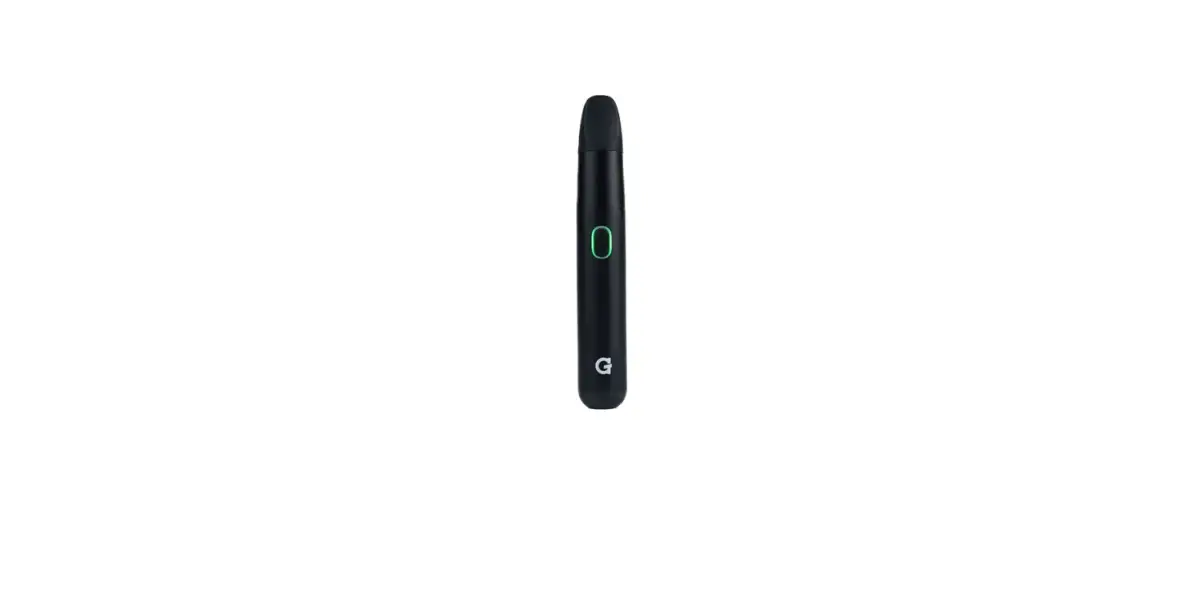
Tools420 G Pen Micro Plus Owner’s Manual

Instructions For Use
- Register S/N at bottom of packaging or top of Micro+ Battery at GPEN.COM/REGISTER.
- Fully charge G Pen Micro+ Battery from USB-C charging port located at bottom of device:
- Button LED will flash RED while charging
- Button LED will turn solid GREEN when fully charged
- Button LED will flash five times when battery is low
- Button LED will flash RED and GREEN five times when there is a tank connection issue
- Press button five times to power ON / OFF Micro+ Battery.
- Press button three times to toggle between heat settings:
- Blue = Low Heat
- Green = Medium Heat
- Red = High Heat
- Manual Heating: Hold button down to activate manual heating. LED will flash during heat-up and turn solid once the preset temperature is reached.
- Automatic Heating: Press button twice to activate automatic heating. LED will flash during heat-up and turn solid once preset temperature is reached.
- Inhale from mouthpiece once the LED turns solid.
- Once preset temperature is reached, active heating can continue for a maximum duration of 10 seconds before automatically shutting off
- Device will power off automatically after 5 minutes of inactivity.
- Cleaning & Maintenance:
a. The ceramic airpath in the Micro+ Mouthpiece can be separated from the silicone sleeve and cleaned.
b. To clean and/or replace the Micro+ Tank, twist off mouthpiece assembly from the battery, then twist off Micro+ Tank. - *HOT SURFACE WARNING*: Do not remove tank cover and/or handle Micro+ Tank for five minutes after use.