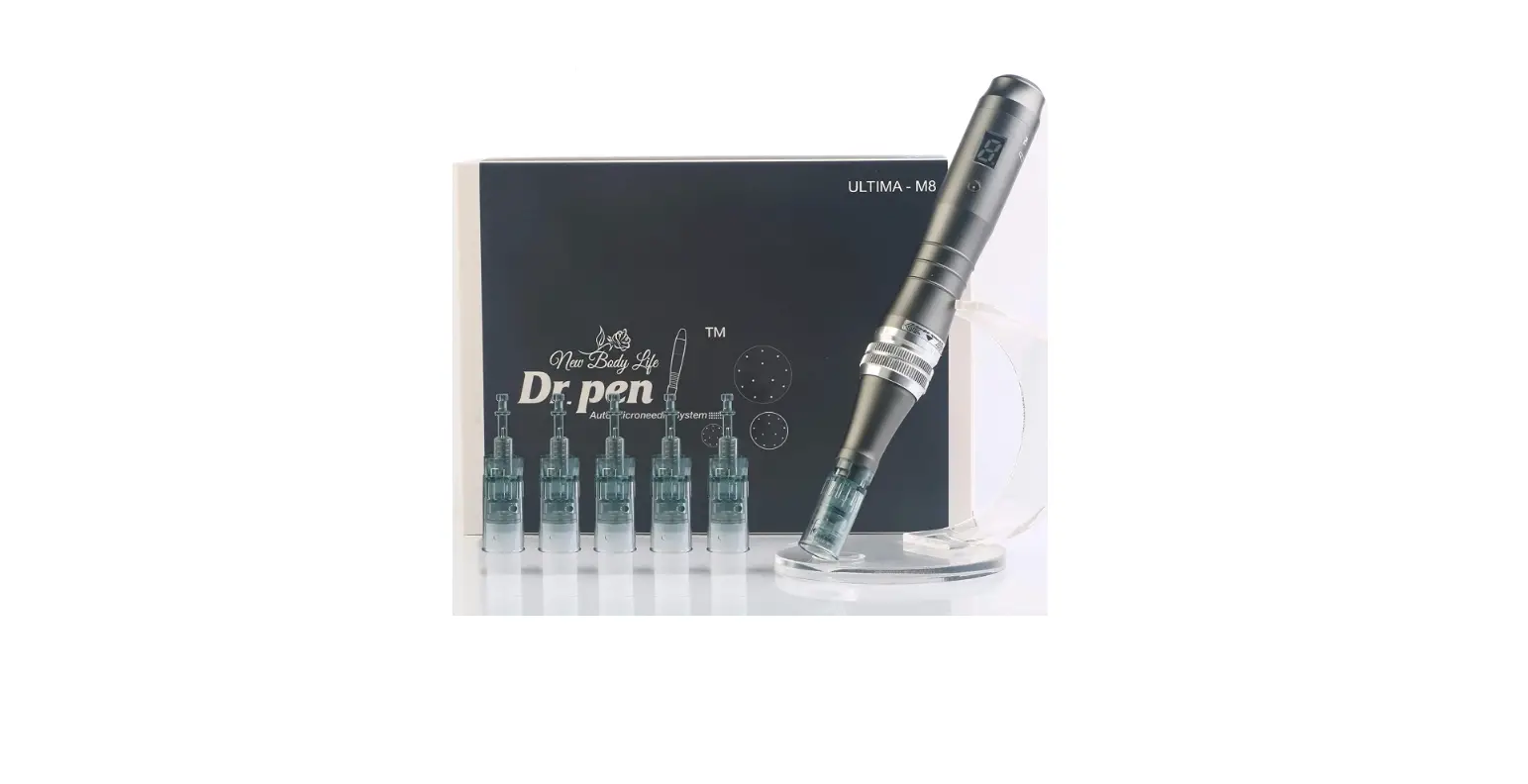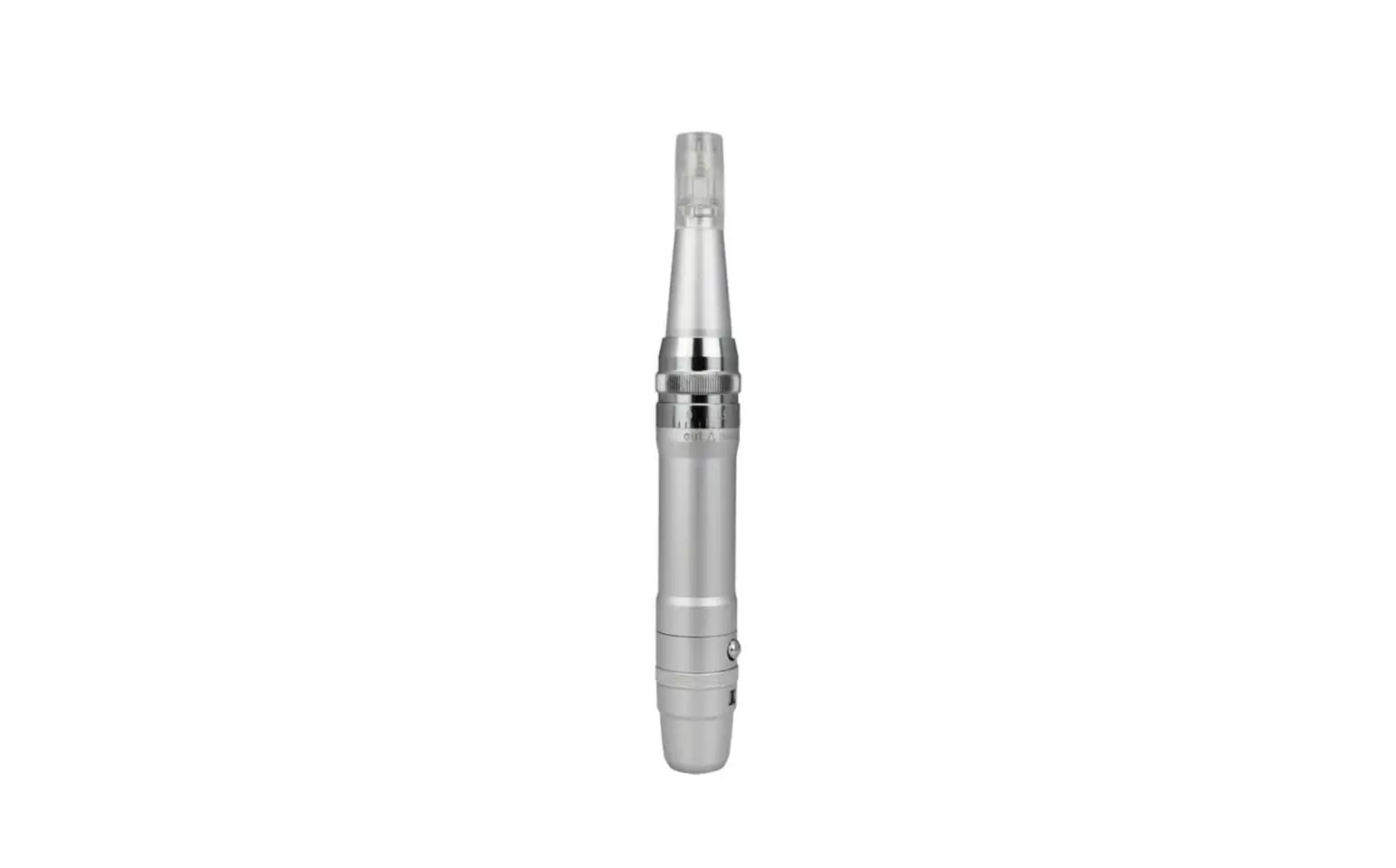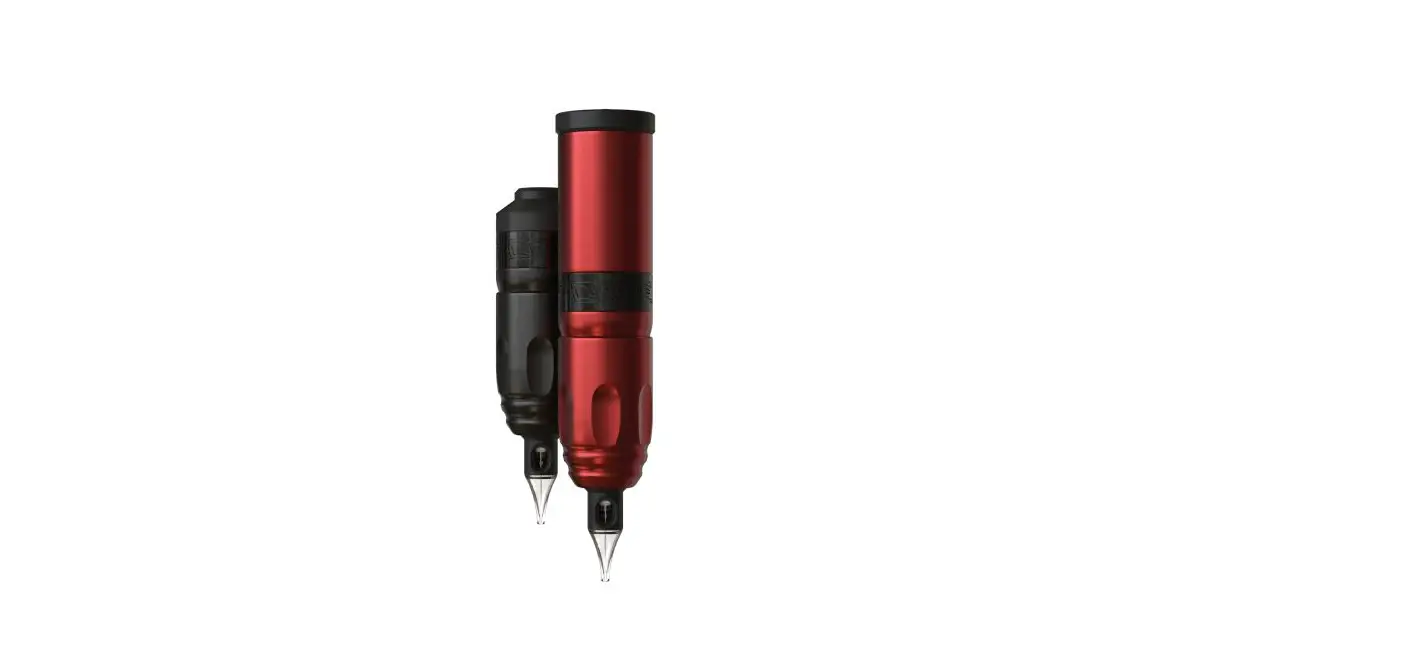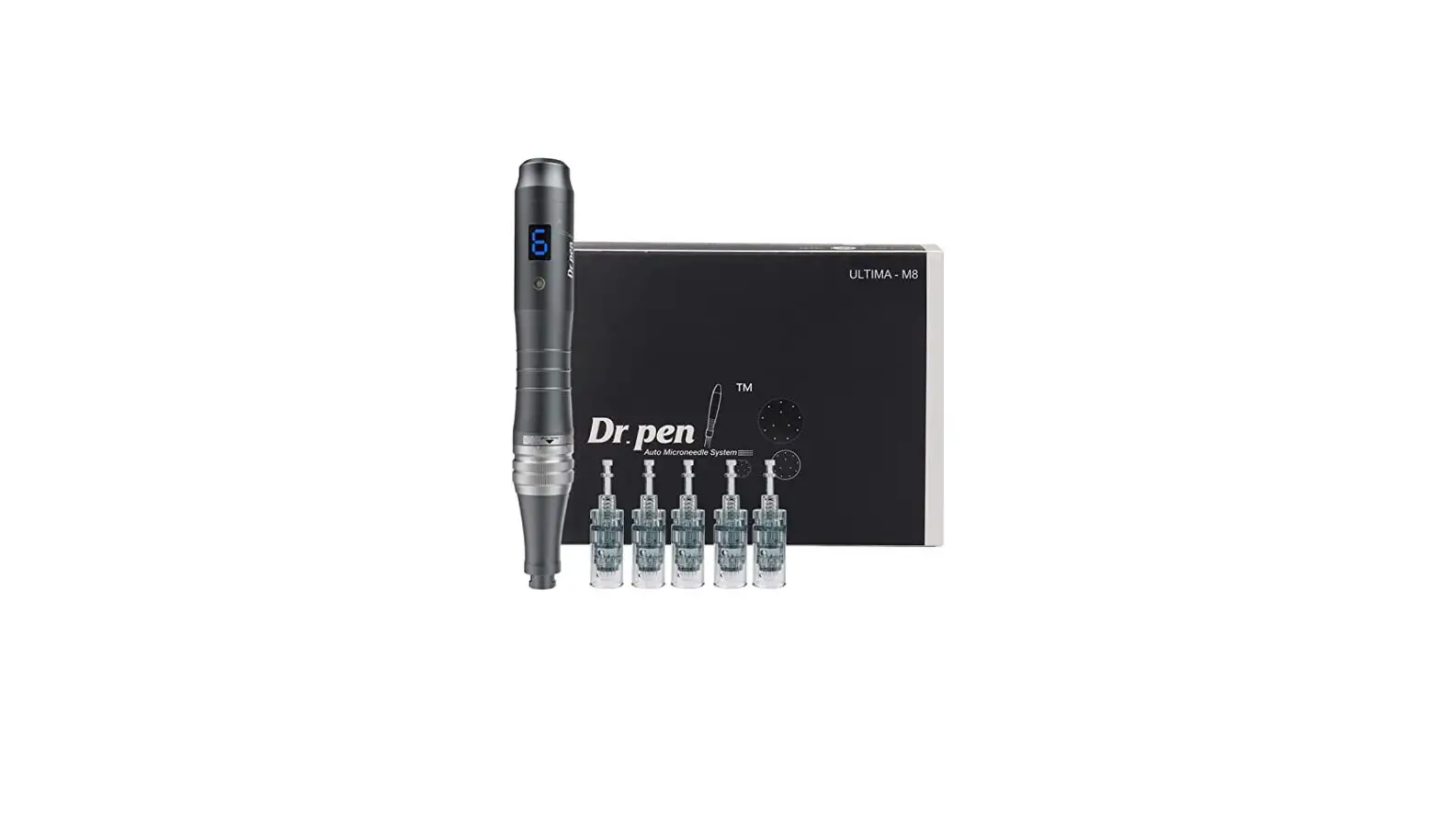
Dr pen M8-W Professional Microneedling Pen User Manual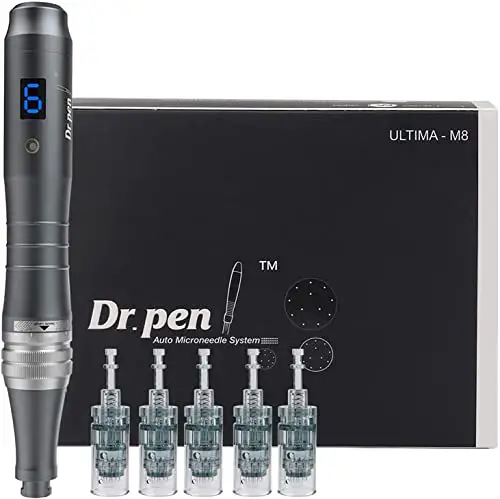
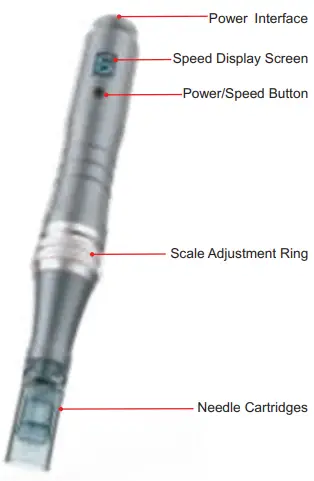
Parts Name
How to operate
Wireless Model: Dr pen M8-W
The instrument used with both built-in battery or AC power
Wired Model: Dr pen M8-C
The instrument used with with AC power only
- Plug in DC adaptor to the jack
- Plug in DC adaptor to AC outlet
- To charge the battery:Plug the adapter into an outlet and connect it to the power interface
Charging Status
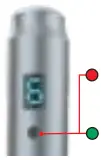
The power indicator stays red while charging
The power indicator turns green after charging completed
Preparation
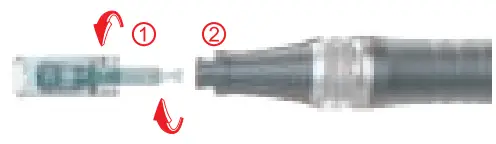
- Take out needle cartridge in the sterilized packaging
- Fitting round slot 1 into 2 of machine, push needle cartridge horizontally up to the end.
- Lock the needle cartridge by turning it to the clockwise counter
- Turn the needle cartridge clockwise and then push out horizontally if you want to remove it.

- Start the Dr.pen M8
Press the power button for 2-3 seconds to start or shut down the device
Attention
In order to protect the well,do not invert the instrument to prevent the liquid backflow
Adjustment of needle length
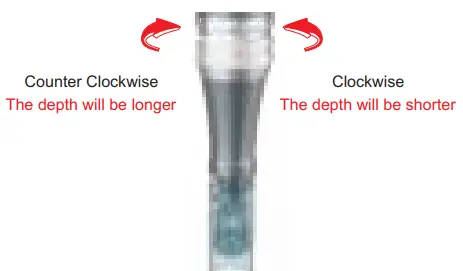
Adjust the depth of needle by turning the scale adjustment ring
Turn it clockwise,needle depth will be shorter
Turn it counterclockwise,needle depth will be longer
Speed Display

6 Speeds Adjustment
The pen starts from low to high speed
The speed changes once each time you press the button
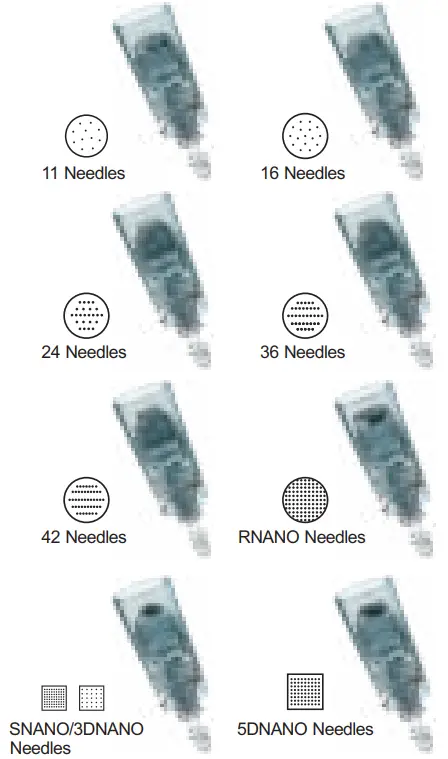
Needle cartridge introduction
Specification
Product name:
Auto-stamp Motorized Meso Machine
Model name: Dr pen M8
Adapter: 5V-1000mA
Package Weight: 312g
Package Size: 169*123*56mm
Packing List
| Item | Quantity |
| Hand Piece | 1 pc |
| Adapter | 1 pc |
| Manual | 1 pc |
| Power Cable | 1 pc |
| Needle Cartridge | 2 pcs |
Precaution
 | Please be sure to read instructions before use and follow as described. |
 | Do not apply it to the man as follow: 1.Who has acute disease or bloody disease over 38°C 2.Who has allergy and hemophilia 3.Who has melanosis of the face 4.Who has high internal heat 5.Who regularly visits hospital 6.Who takes medicines 7.Who is under 12 years old |
| Do not use it on the power other than AC 220V. It may cause fires or malfunction |
| Do not use it near the place with high temperature, dust or humidity (Near the humidifier).lt may cause malfunction. |
| Do not repair, disassemble or alter the controller and the body. It may cause malfunction. |
| Do not touch the device or detach the power cords with wet hands. It may cause electric shock. |
| Do not use the stripped cord or propped cord. It may cause fires(Be sure to replace it with another). |
| Do not use the propped cord which has crack or scares. It may cause scares on the skin. |
| When you don’t use it for a long time, unplug it from the outlet. |
| Be sure to have an inspection for test. If any troubles are found, get it repaired. |
| No one other than the operator can touch it. It may cause accidents or malfunction. |
 | Alternating current |  | Serial No |
 | Direct current |  | EU Representative |
 | Class I equipment |  | CE mark |
 | Attention, consult accompanying documents |  | Manufacturer |
 | Date of manufacture |  | Floating applied part |
Warranty
The warranty period of Dr pen M8 is 6 months.
We offer repair to our products from the day they are purchased. If any of our products has damages or natural trouble. We offer repair or replacements
General maintenance
Make sure to inspect the device and adapter before use
Keep it with its power off.Wipe its surface out with a dry cloth
Keep it away from direct sunlight or high temperature and humidity
Do not leave the measurement, repair or alter of the device to non-professional staff
When you use the device which has not been used for a long time, make sure to check if it works properly with safety