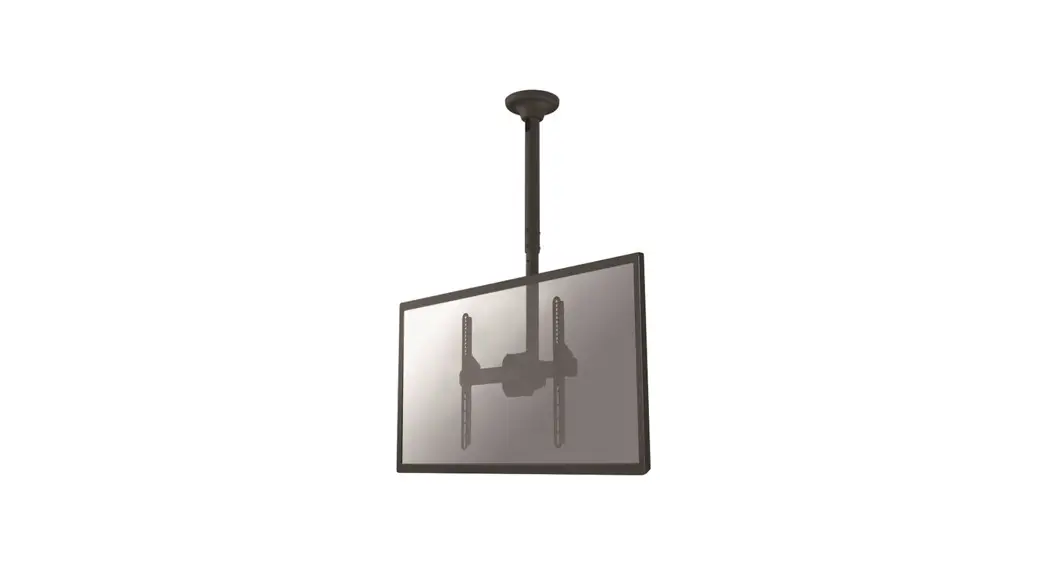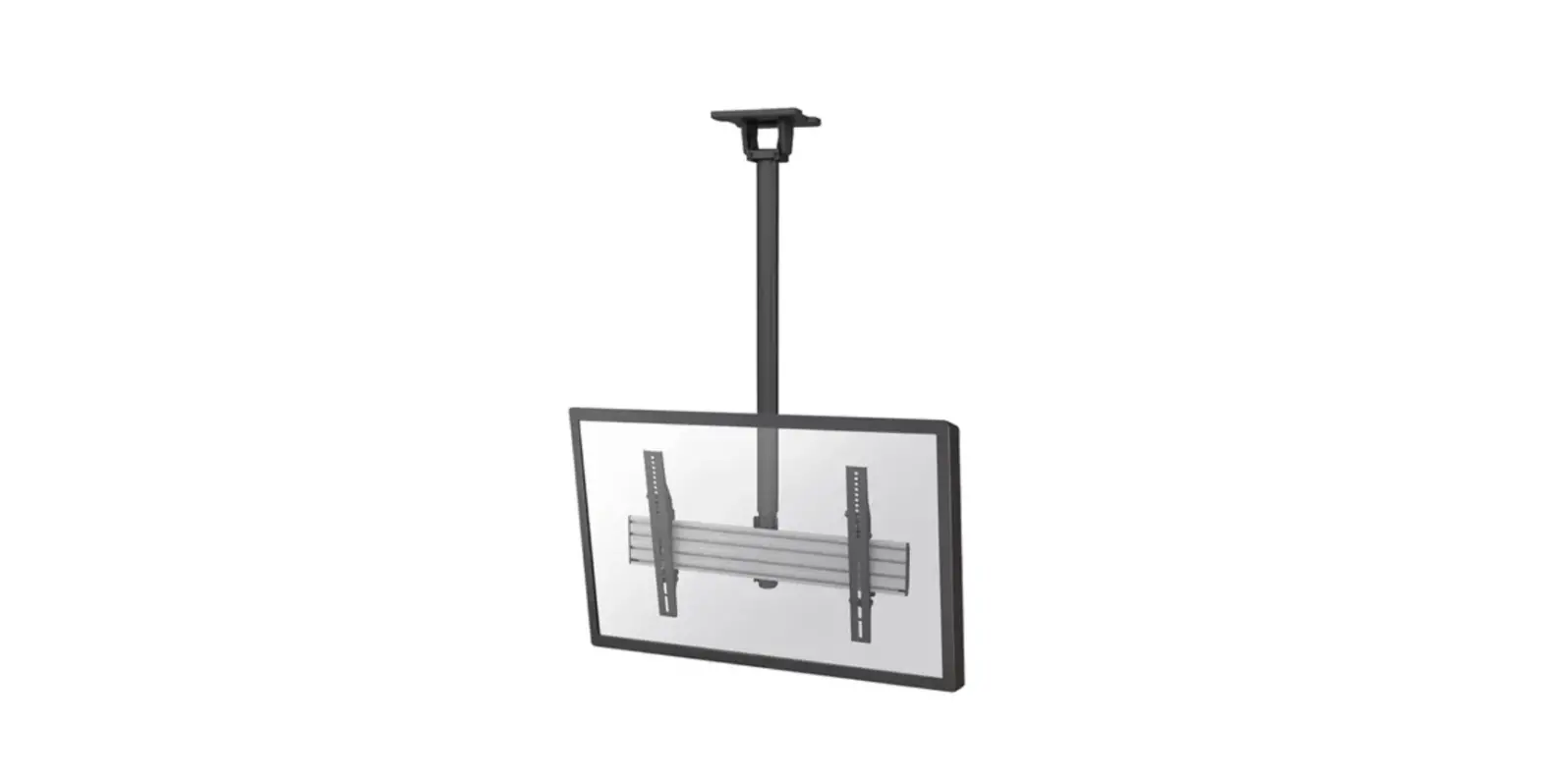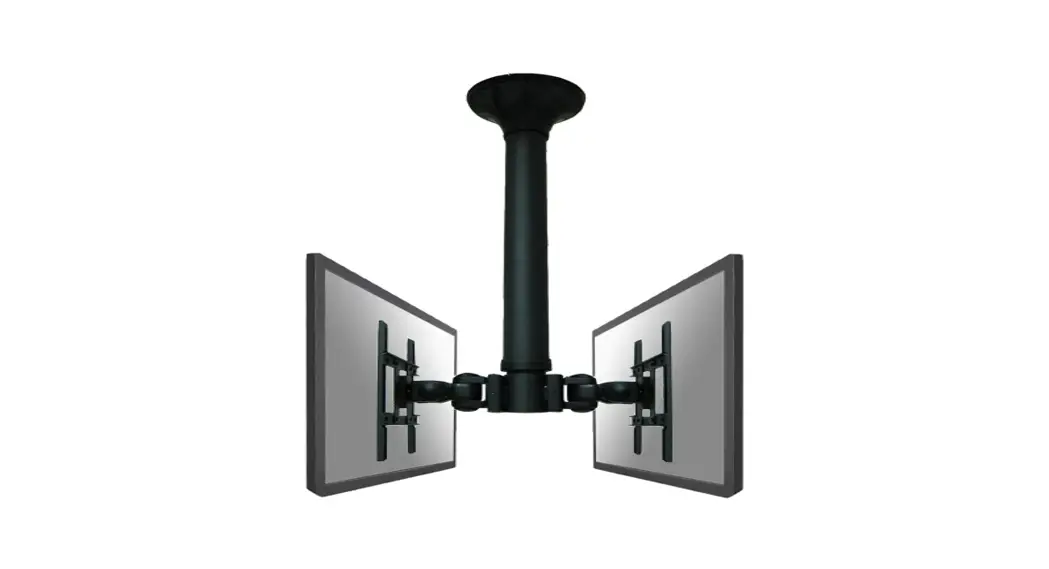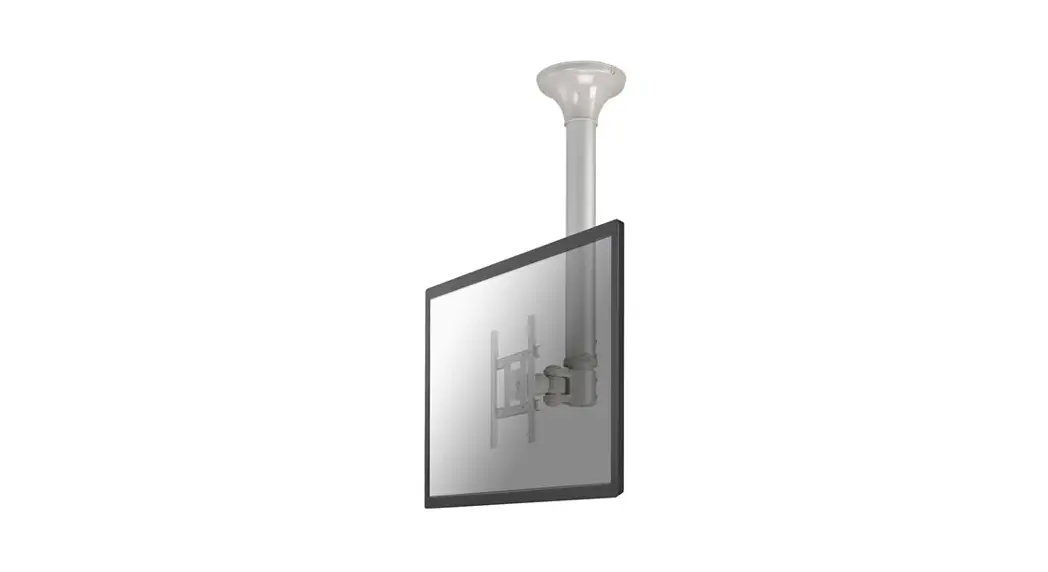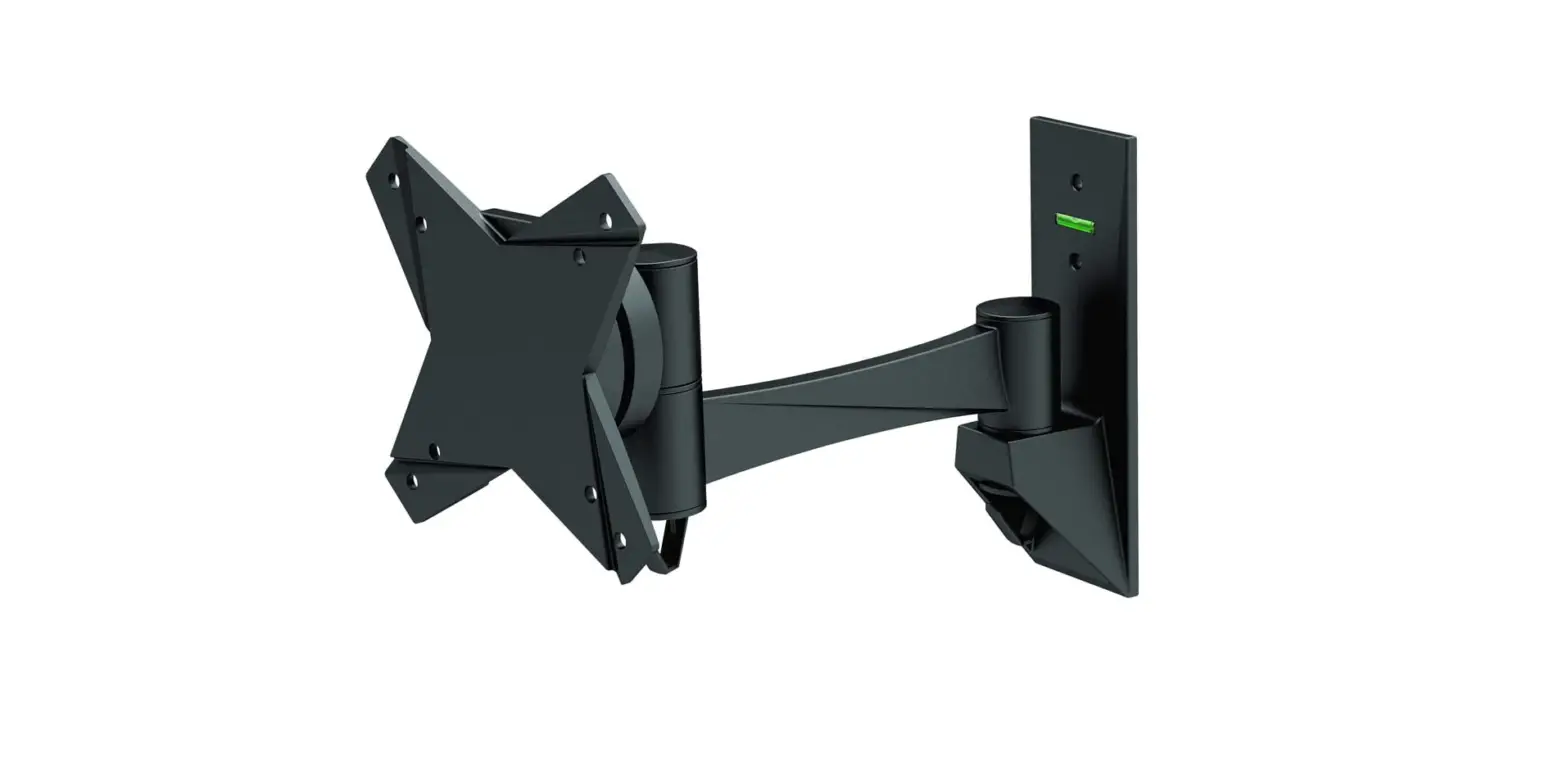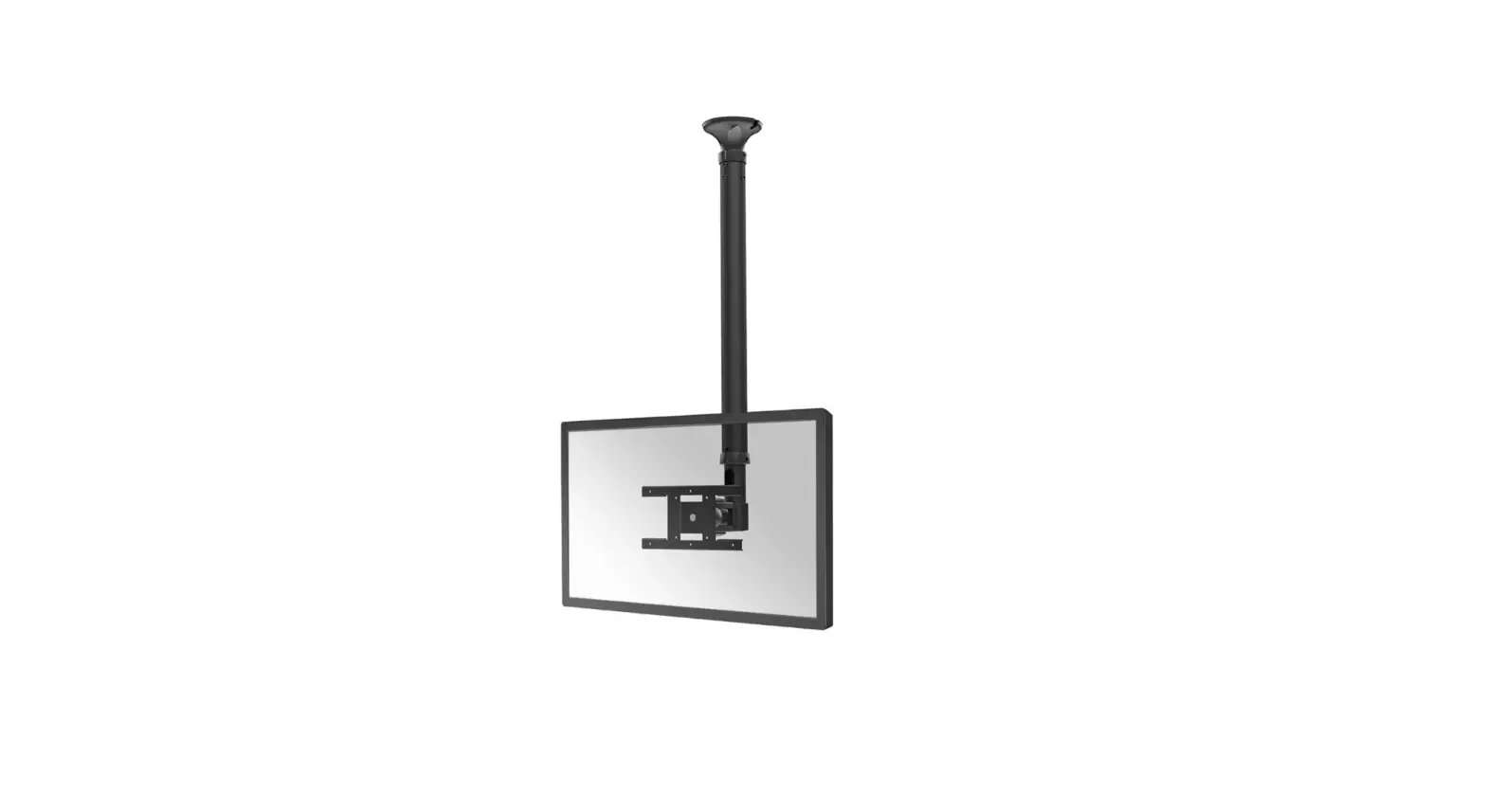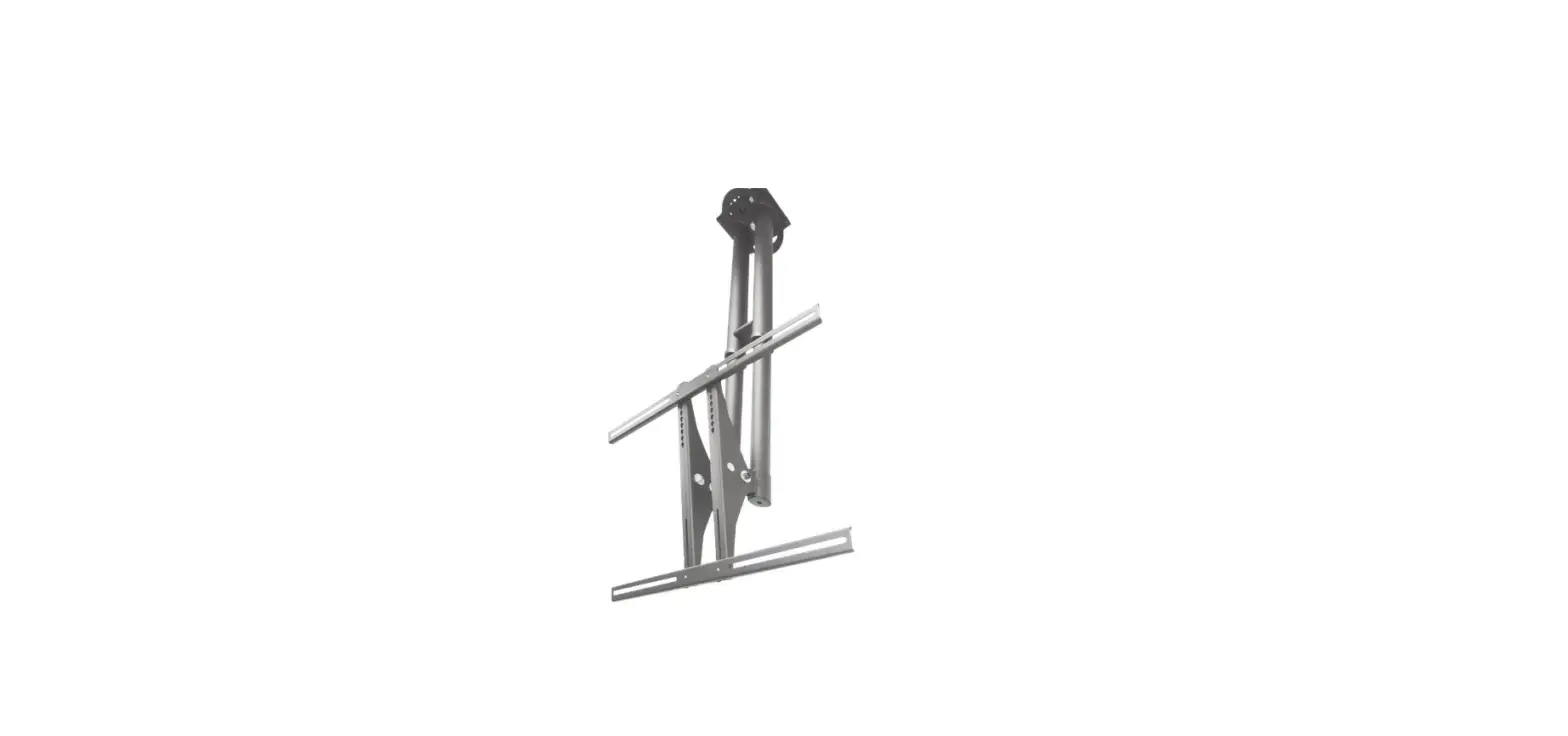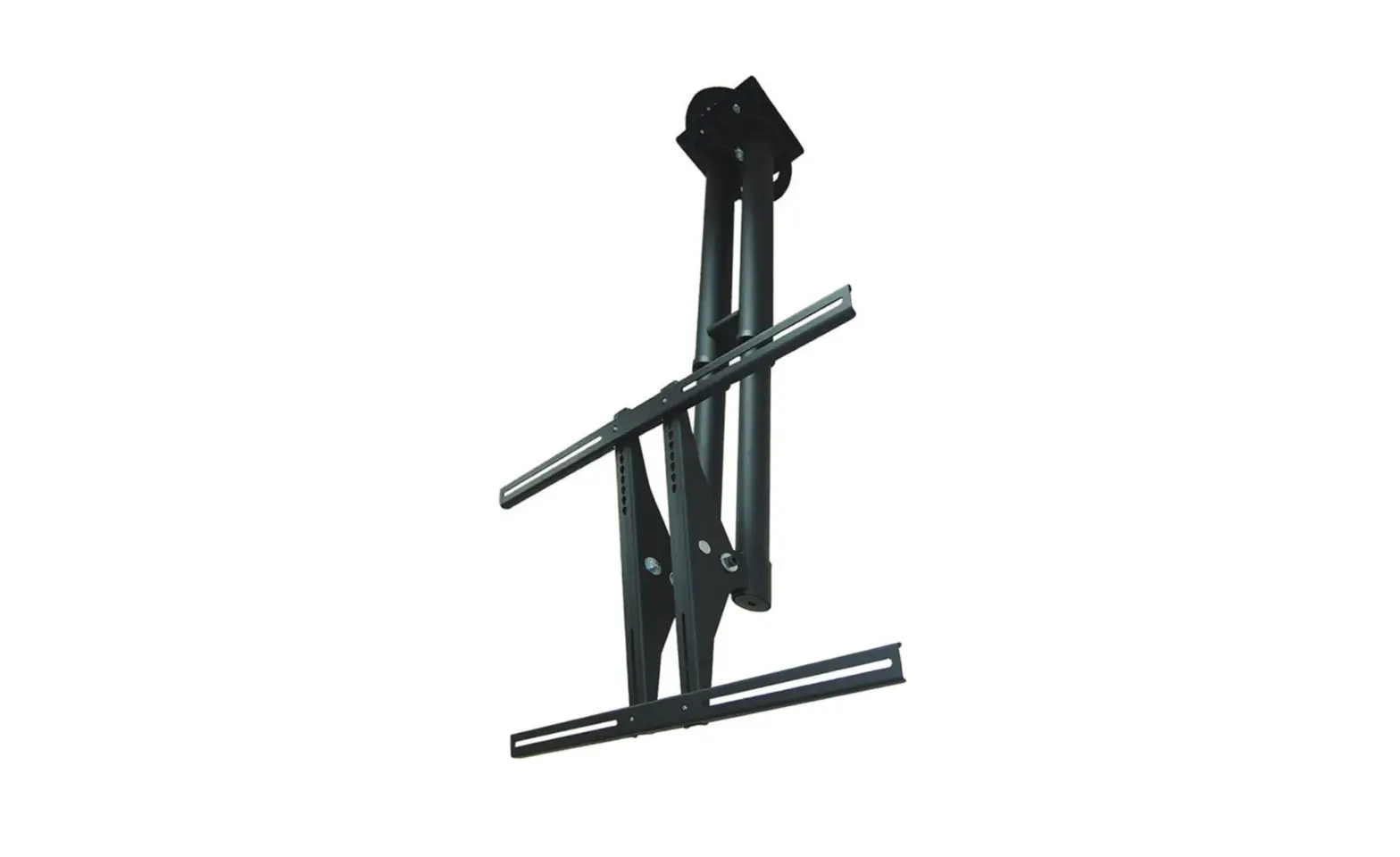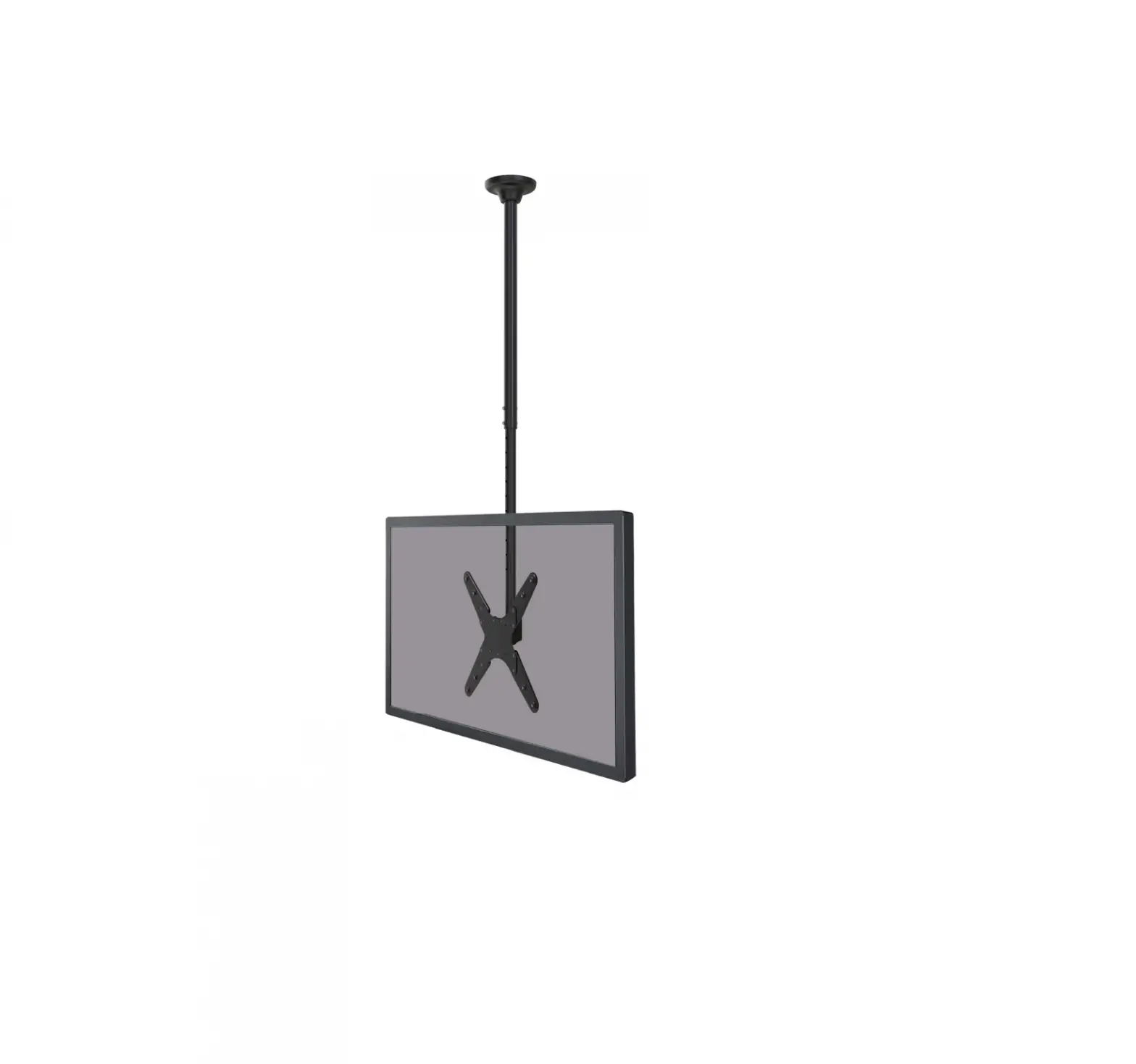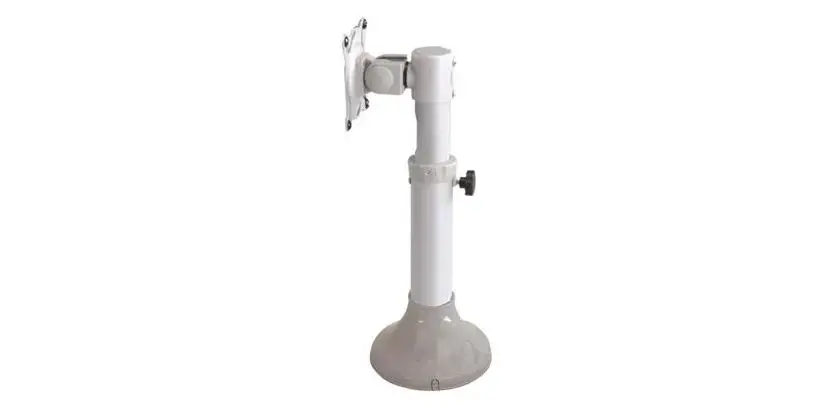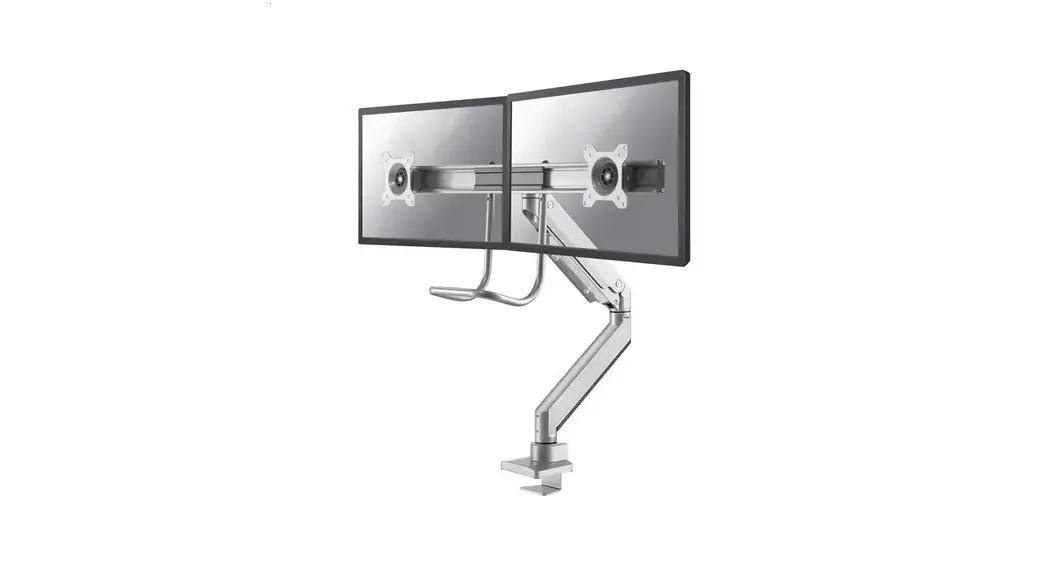

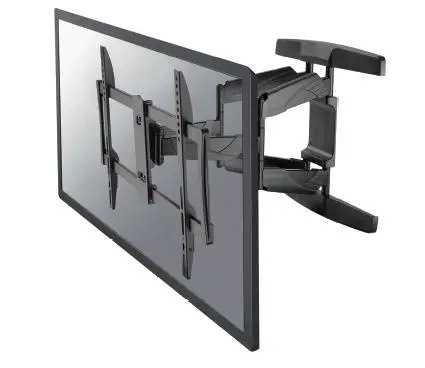
Neomounts by Newstar NM-W475 monitor ceiling mount
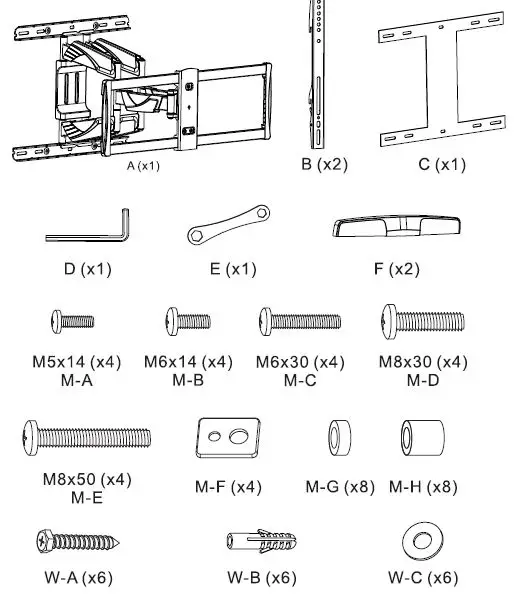
Parts

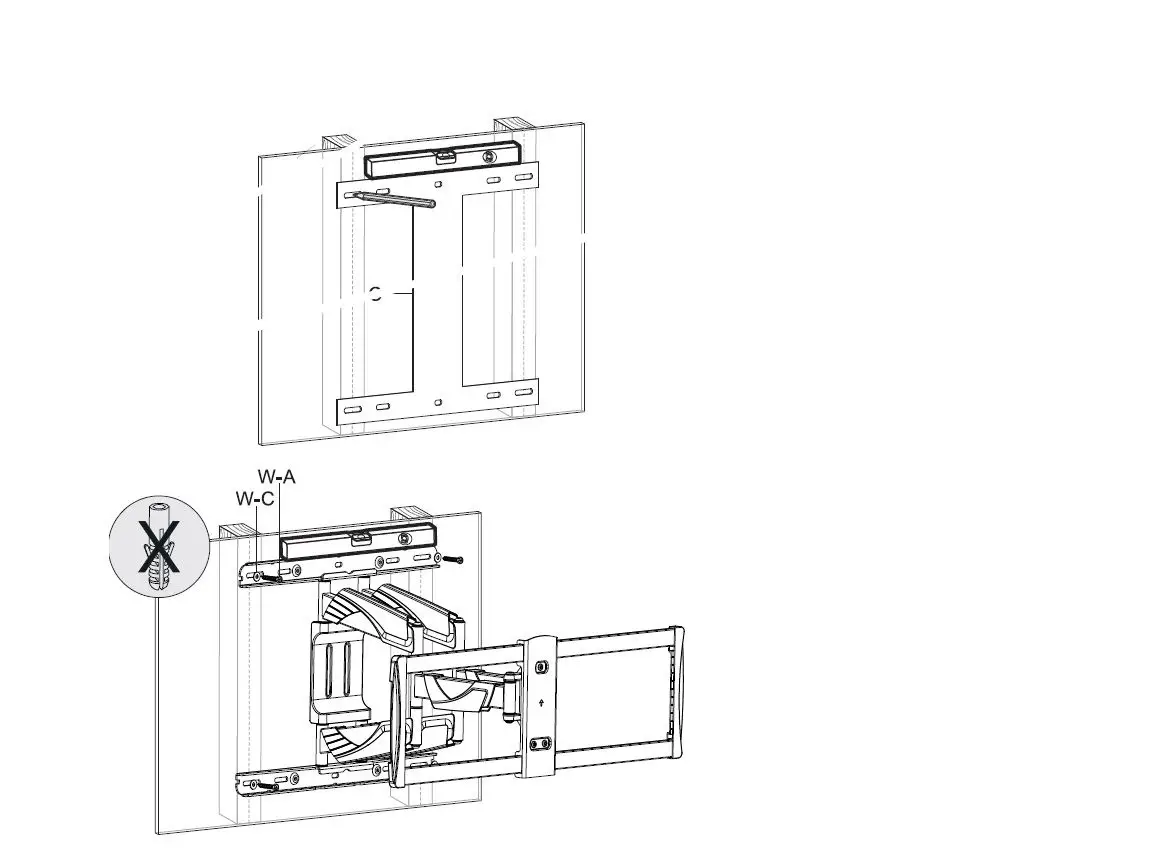
Step 1a
- Install the Wood Plate on a wood Stud.
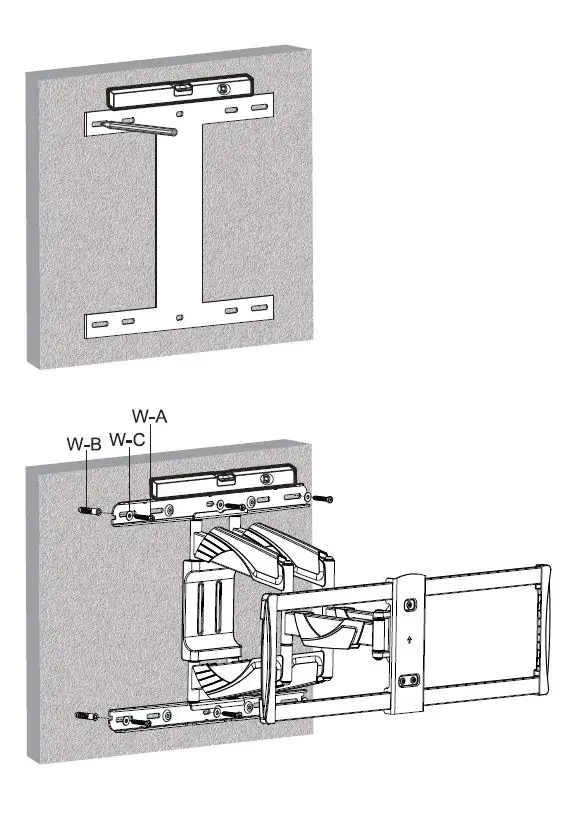
 Step 1b
- Install the Wood Plate on a solid brick or concrete wall.
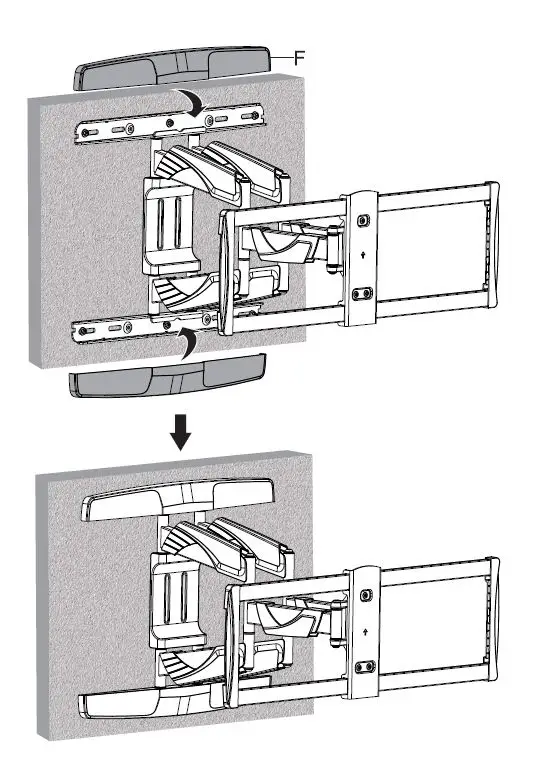
Step 2
- Place the Decorative covers.
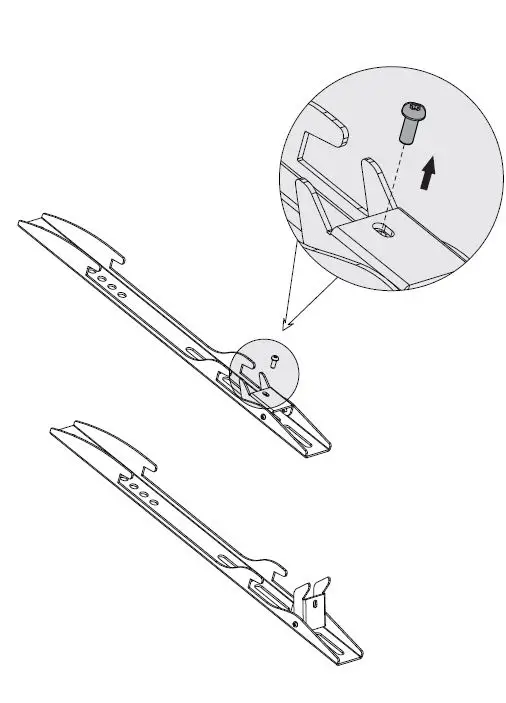
Step 3
- Remove the Screw from the adapter brackets.
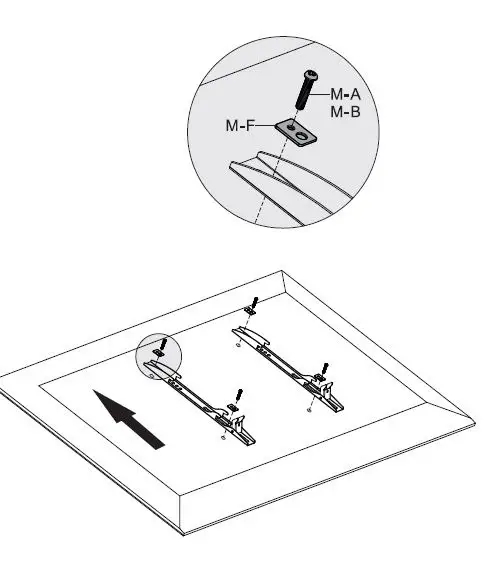
Step 4
- Install the adapter brackets.
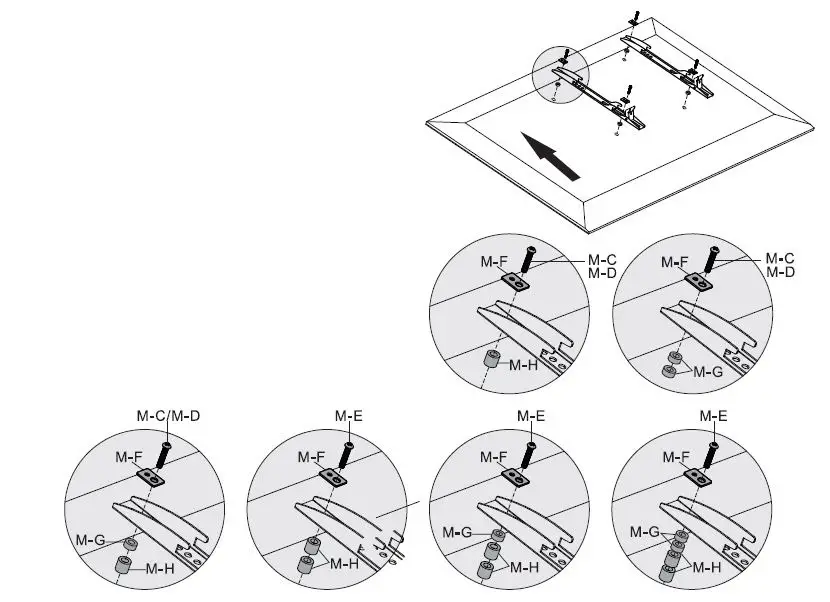
Options
- Use Spacers if necessary.
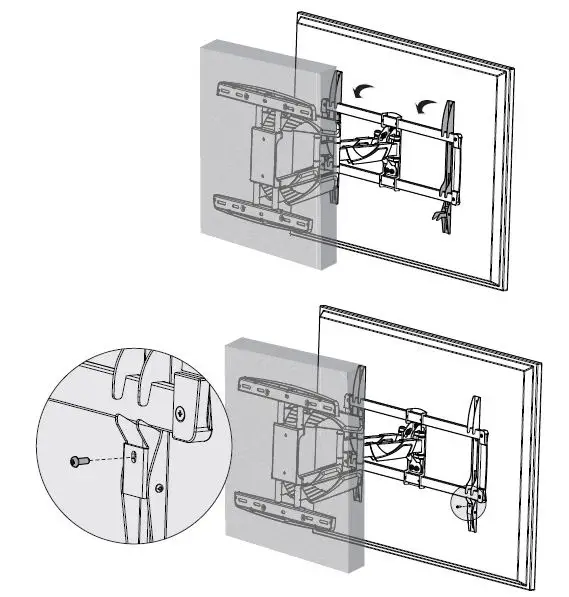
Step 5
- Hang the screen onto the bracket and screw it.
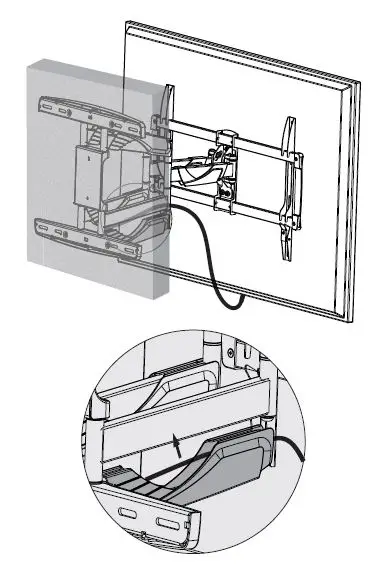
Step 6
- Run cable through the cable cover.
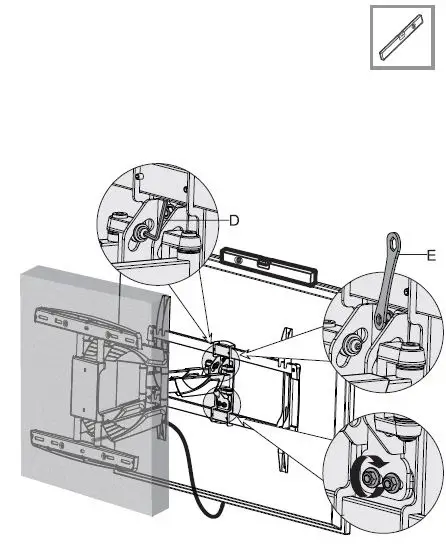
Step 7
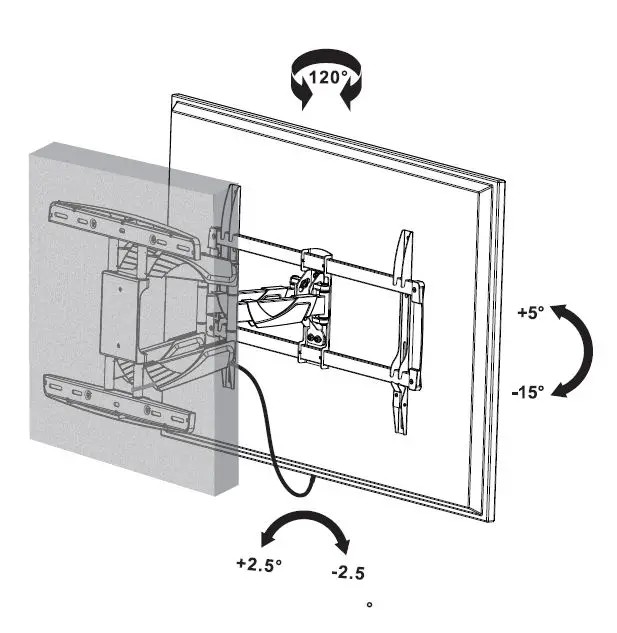
Step 8
- Adjust the mount to your desired position.
Caution
- To ensure safety, please read this manual carefully before installation and foIlow the instructions. Store this manual in a secure place for future reference.
- The manufacturer shall not be legally responsible for any equipment damage or personal injury caused by incorrect installation or operation other than that covered in this manual.
- The mount is designed for easy installation and removal. The manufacturer shall not be liable for damage to equipment or personal injuries arising out of human factors or acts of nature, such as earthquakes or typhoons.
- It is recommended that the mount be installed by qualified personnel only.
- At least two persons are needed to install or remove the product to avoid the hazard of falling objects.
- Please carefully inspect the area where the mount is to be installed:
- Avoid places that are subject to high temperatures, humidity, or contact with water.
- Do not install the product near air conditioning vents or areas with excess dust and fumes.
- Only install on vertical walls and avoid slanted surfaces.
- Do not install in places subject to any shock or vibration.
- Do not install in places subject to direct exposure to bright light, as it may cause eye fatigue when viewing the display panel.
- Maintain sufficient space around the display to ensure adequate ventilation.
- To ensure a safe installation, first check the structure of the wall, ceiling, or floor and select a secure mounting location.
- The wall, ceiling, or floor should be strong enough to sustain a weight of at least four times of the display and mount combined. The mounting location must be able to withstand an earthquake or another strong shock.
- Do not modify any accessories or use broken parts. Contact your dealer with any questions.
- Tighten all screws (do not exert excessive force to avoid breaking the screw or damaging its thread).
- Drill holes and bolts will be left in the wall, ceiling, or floor once the display and bracket are removed. Stains may occur after extended use.
- Since the manufacturer has no way to control the wall, ceiling, or floor type and installation of the mount, the warranty of the product shall only cover the body of the mount. The warranty period of the product is 5 years.
- Please consult the English language manual for any dispute on conditions.
Frequently Asked Questions
Neomounts by Newstar is a brand that offers a wide range of monitor mounts and accessories for various applications, including ceiling mounts for monitors.
Monitor ceiling mounts are used to securely attach monitors to the ceiling, allowing for optimal viewing angles and saving valuable desk or floor space. They are commonly used in commercial settings, such as offices, conference rooms, classrooms, and healthcare facilities.
Neomounts by Newstar ceiling mounts are designed to accommodate a wide range of monitors, including flat-panel monitors, LCD monitors, LED monitors, and plasma monitors. The specific compatibility and weight capacity may vary depending on the model of the ceiling mount.
To choose the right Neomounts by Newstar ceiling mount for your monitor, consider the VESA pattern, which is the pattern of mounting holes on the back of your monitor. Make sure the ceiling mount is compatible with your monitor’s VESA pattern. Additionally, consider the weight capacity of the ceiling mount to ensure it can safely support the weight of your monitor.
Installation instructions may vary depending on the specific model of Neomounts by Newstar ceiling mount you have, but generally, you will need to locate a sturdy ceiling joist or use appropriate anchors for your ceiling type, attach the ceiling mount to the ceiling using the provided hardware, and then attach your monitor to the ceiling mount using the included brackets and screws. It’s important to follow the manufacturer’s instructions carefully to ensure proper installation and avoid any potential damage to your monitor or ceiling.
Yes, most Neomounts by Newstar ceiling mounts offer adjustable features such as tilt, swivel, and rotation, allowing you to adjust the position of your monitor to achieve the optimal viewing angle and reduce glare or neck strain.
Yes, Neomounts by Newstar offers ceiling mounts that are designed to hold multiple monitors, such as dual or triple monitor configurations. These mounts typically have a higher weight capacity and may offer additional features for managing cables and ensuring a clean and organized setup.
Yes, when using Neomounts by Newstar monitor ceiling mounts in commercial settings, it’s important to ensure compliance with local building codes and regulations, as well as any safety requirements for commercial installations. It’s also recommended to have the ceiling mount installed by a professional or someone with experience in installing ceiling mounts to ensure proper installation and safety.
While Neomounts by Newstar ceiling mounts are primarily designed for monitors, some models may be compatible with other devices such as projectors or cameras, depending on their weight and mounting requirements. It’s important to check the specifications and compatibility of the specific ceiling mount model before using it with a device other than a monitor.
Yes, Neomounts by Newstar typically offers a warranty for their ceiling mounts, which may vary depending on the specific model and region. The warranty period and terms and conditions can usually be found in the product documentation or on the Neomounts by Newstar website. Additionally, Neomounts by Newstar typically provides customer support through their website, which may include product information, installation guides, FAQs, and contact information for customer inquiries or technical support. It’s recommended to refer to the Neomounts by Newstar website or product documentation for specific details on their warranty and customer support policies.
Download PDF Link: Neomounts-by-Newstar-NM-W475-monitor-ceiling-mount-