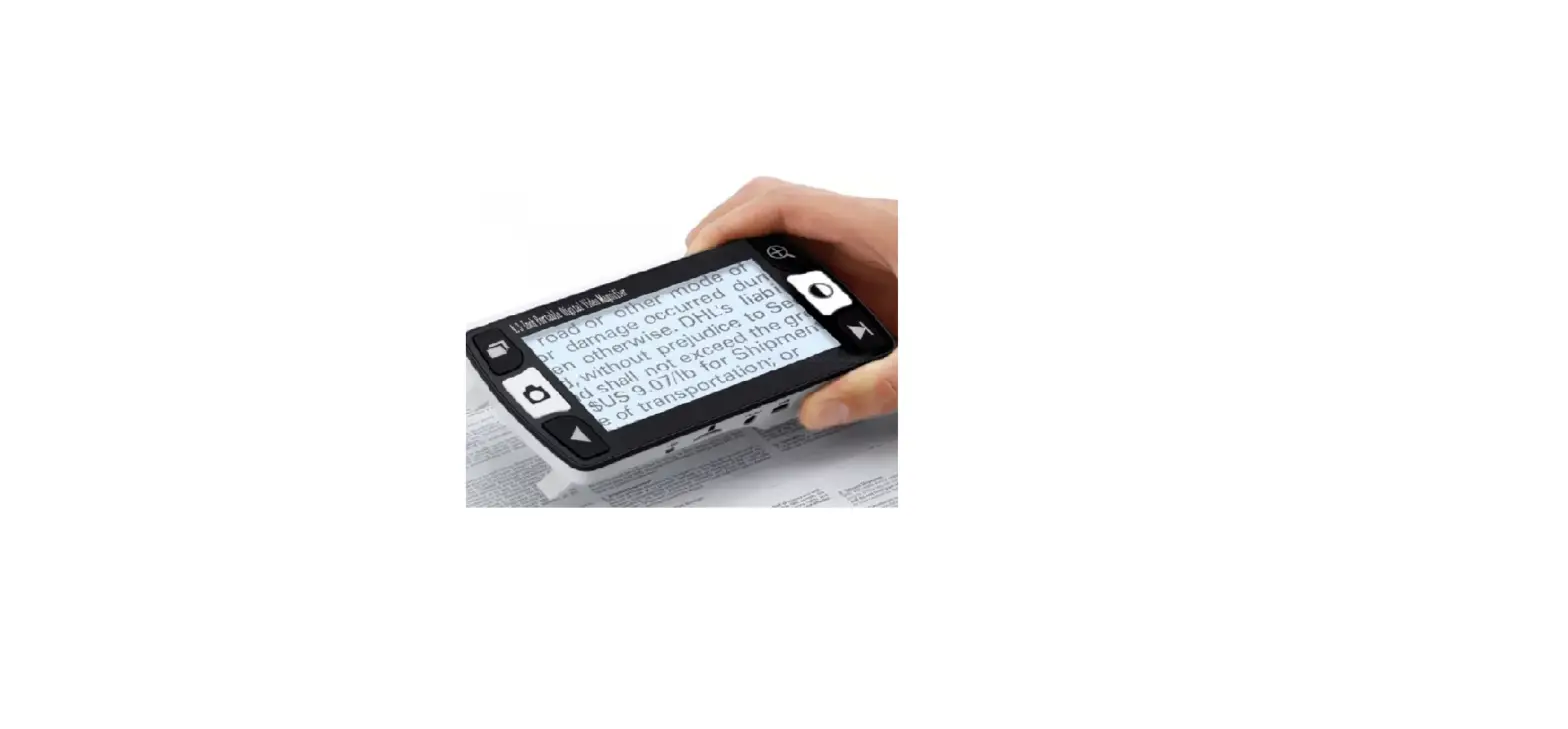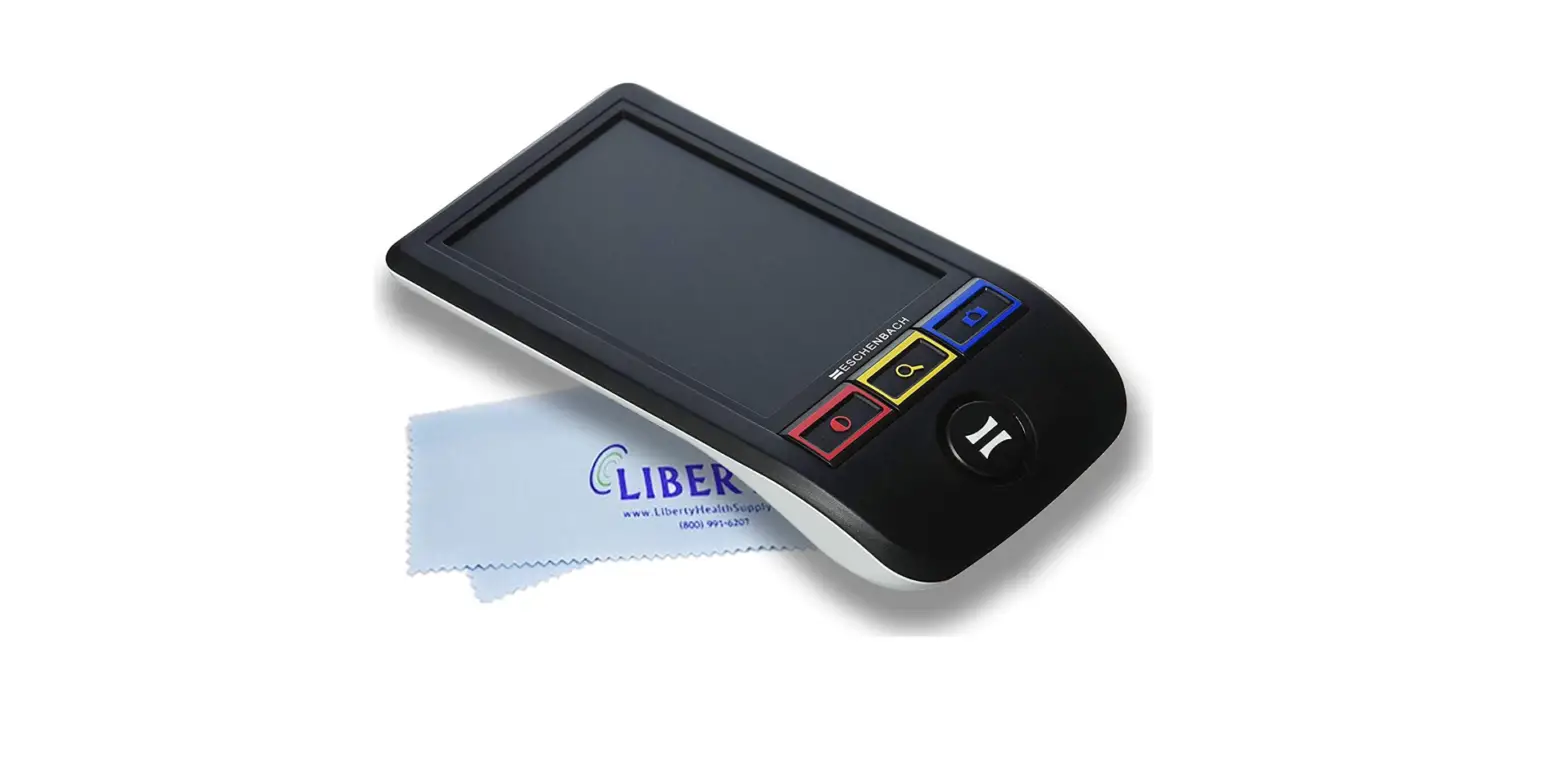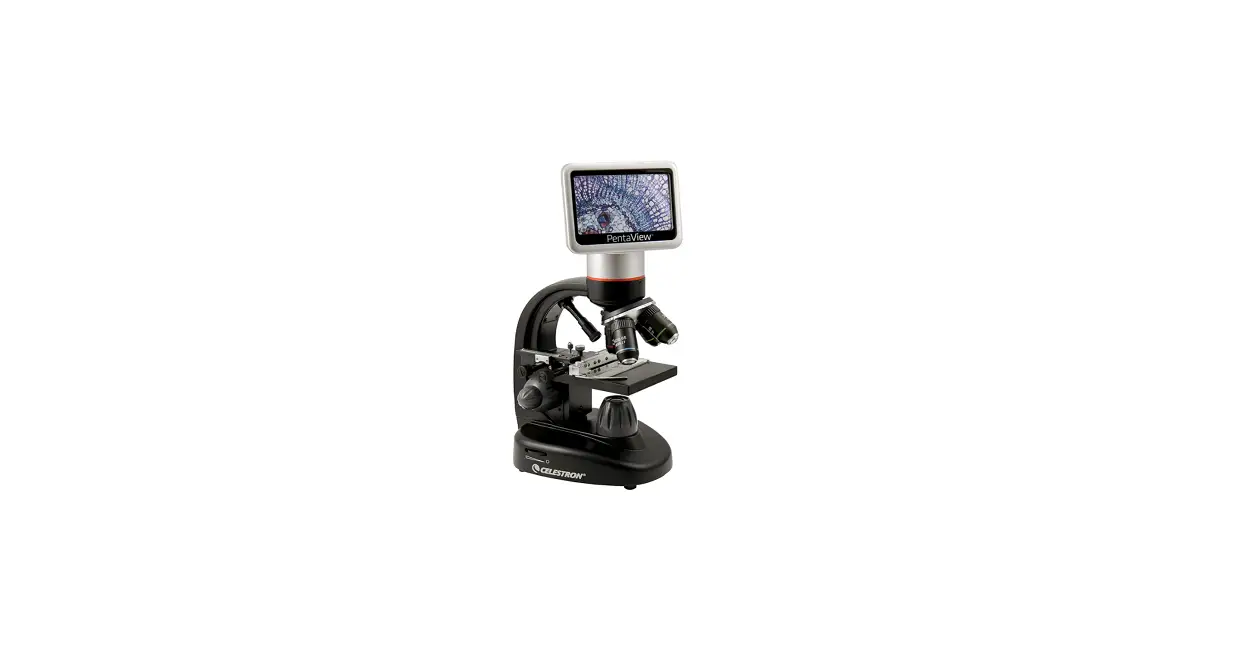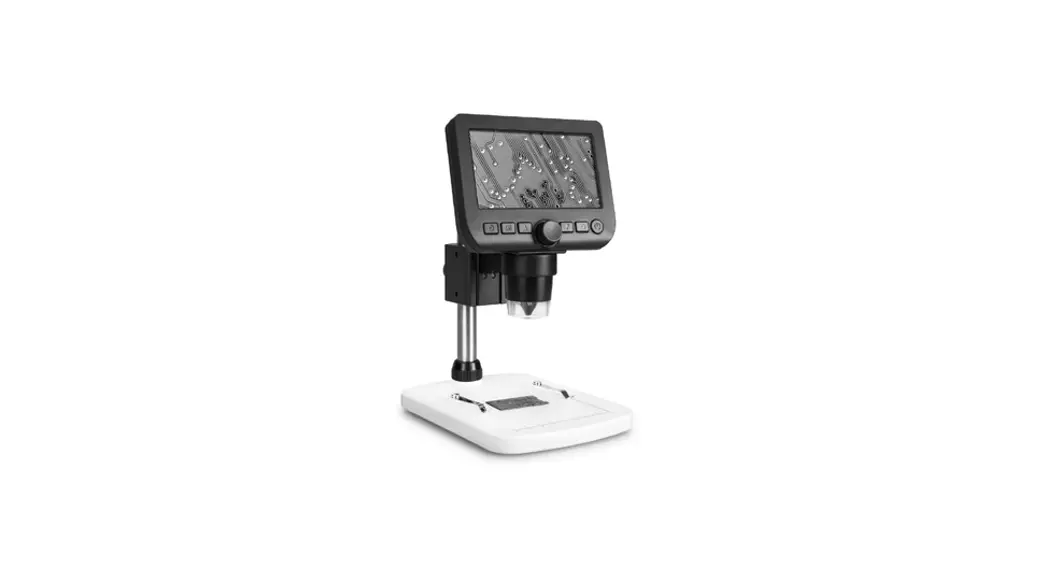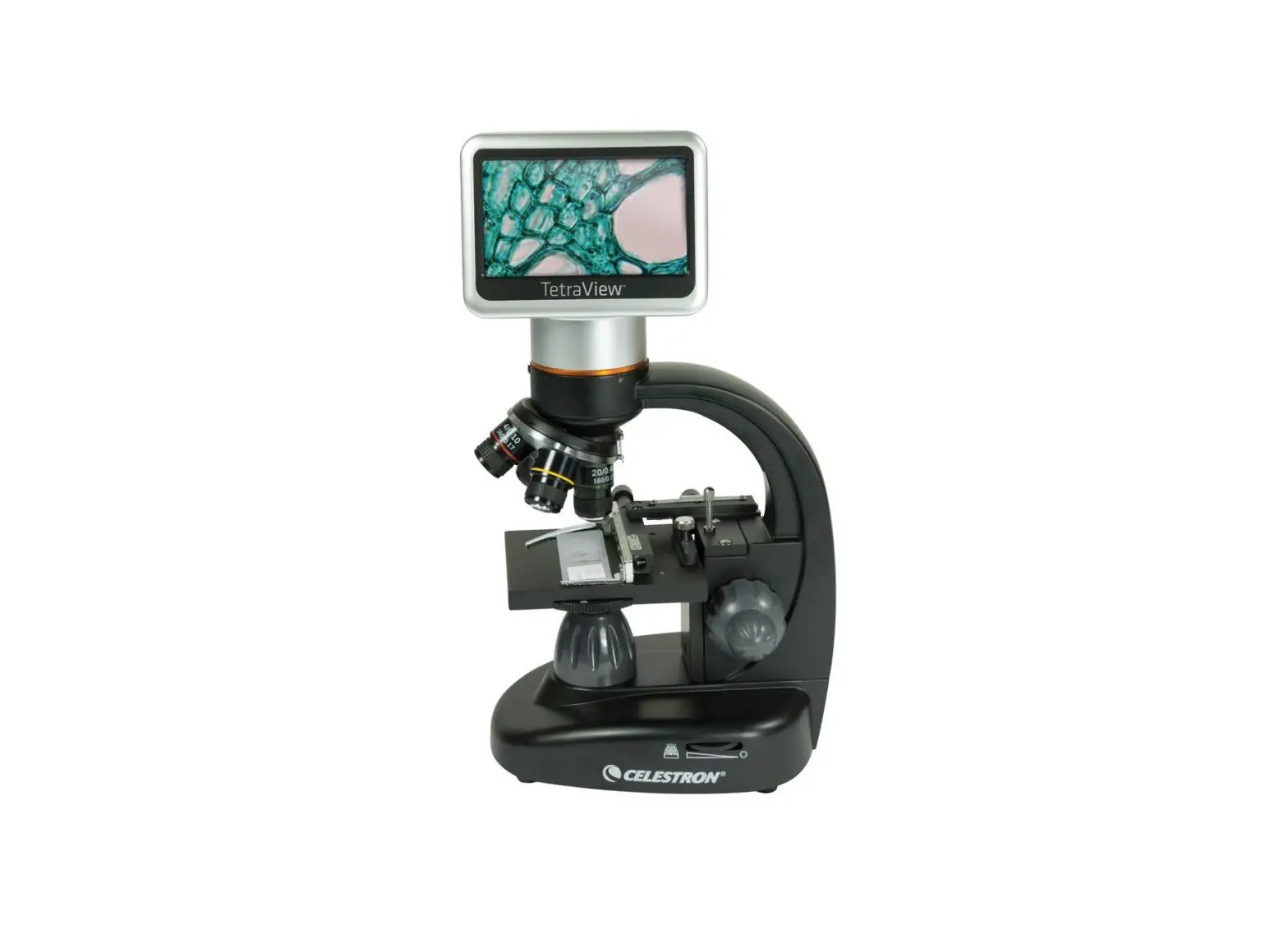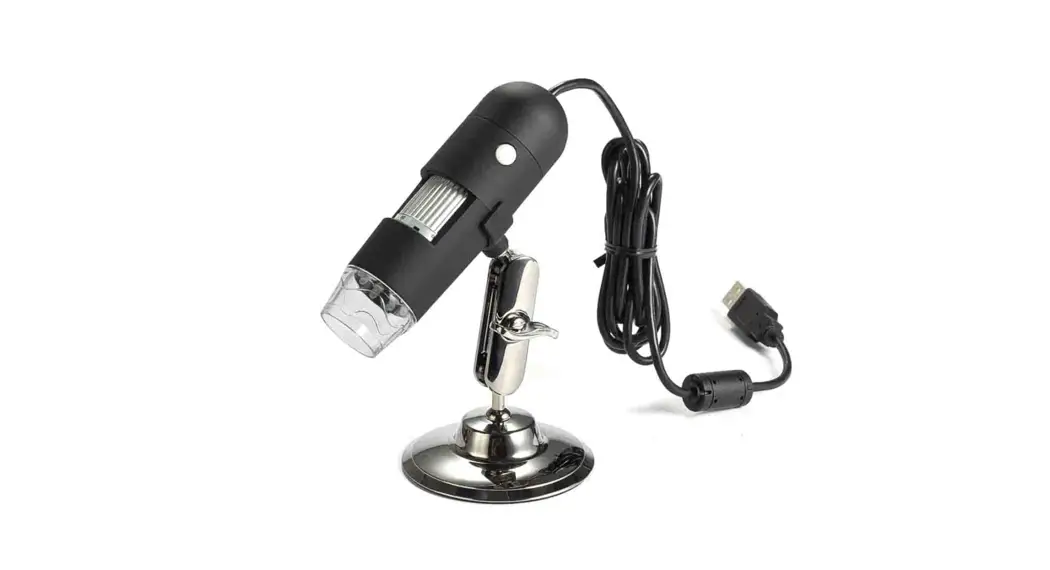
 FM-130 Mini LCD Portable Forensic Document Examination Magnifier
Instruction Manual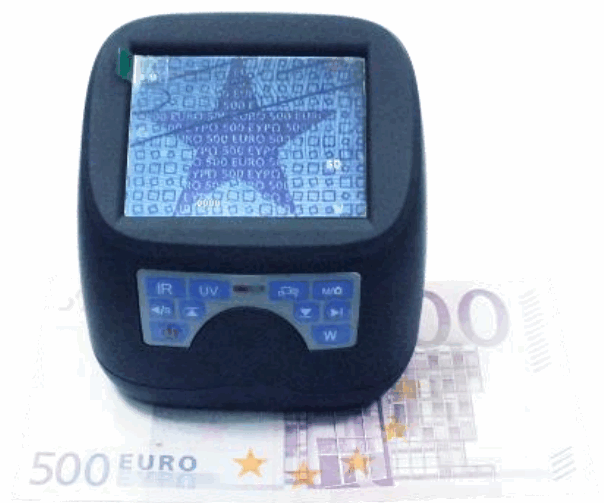
FM-130 Mini LCD Portable Forensic Document Examination Magnifier
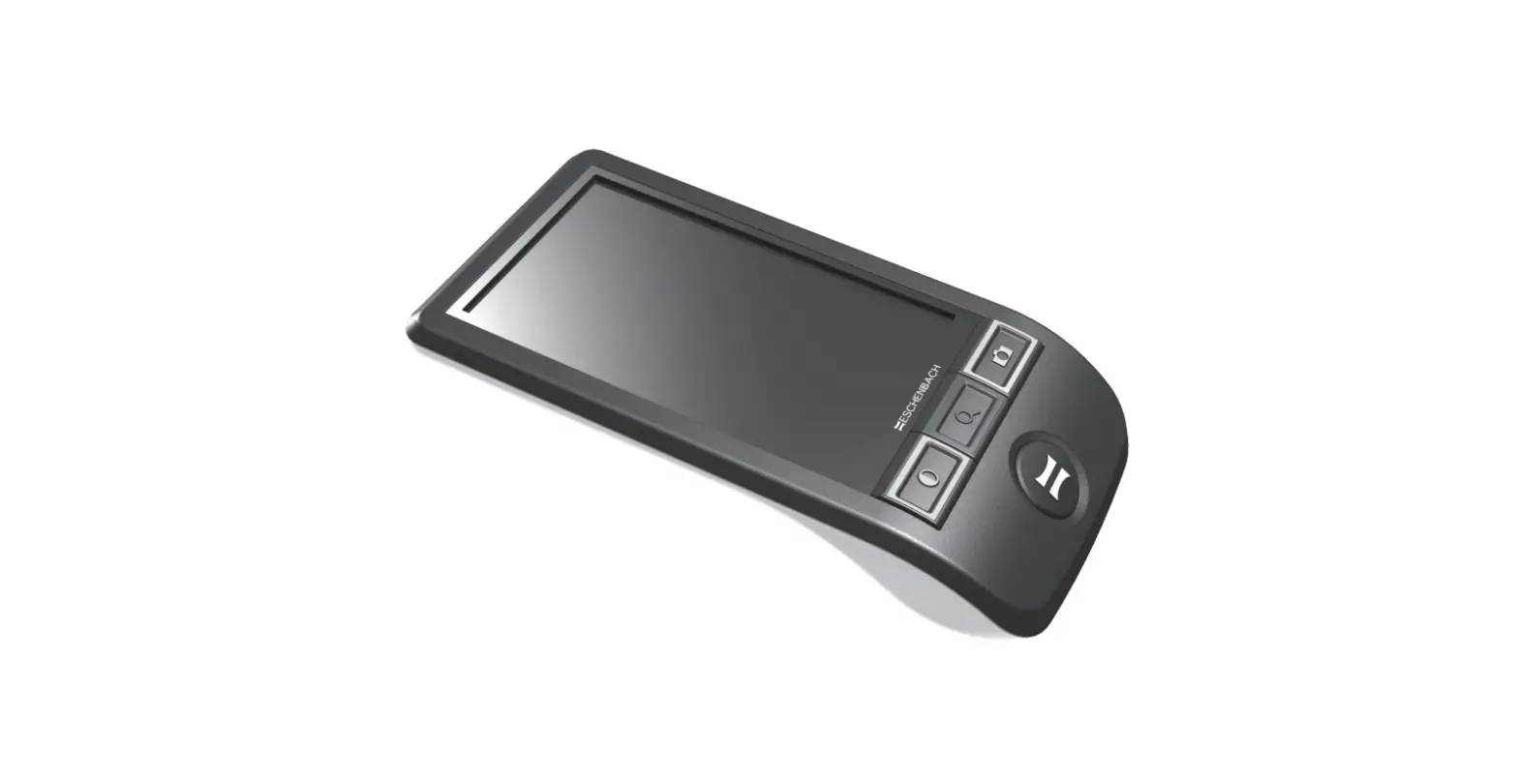
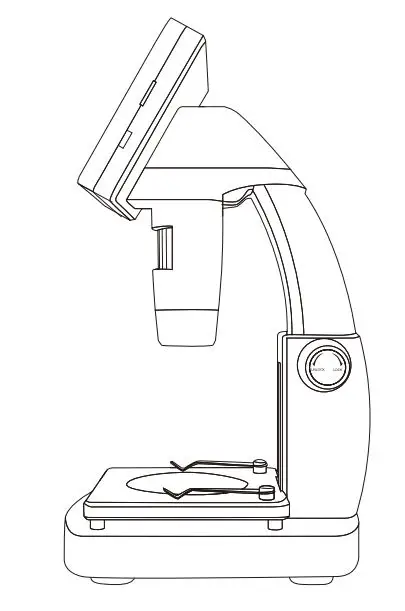
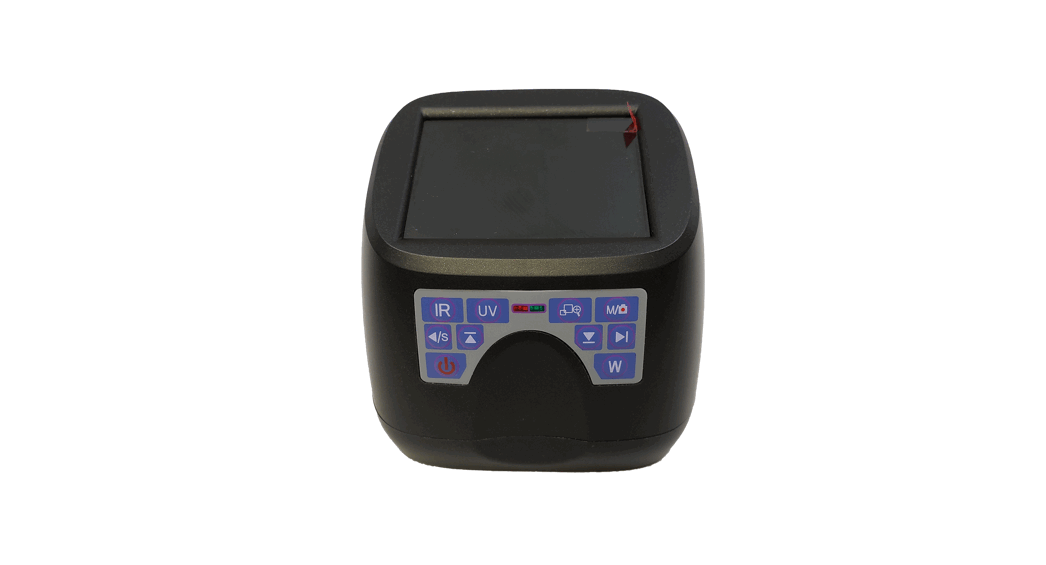
External Components (as follows)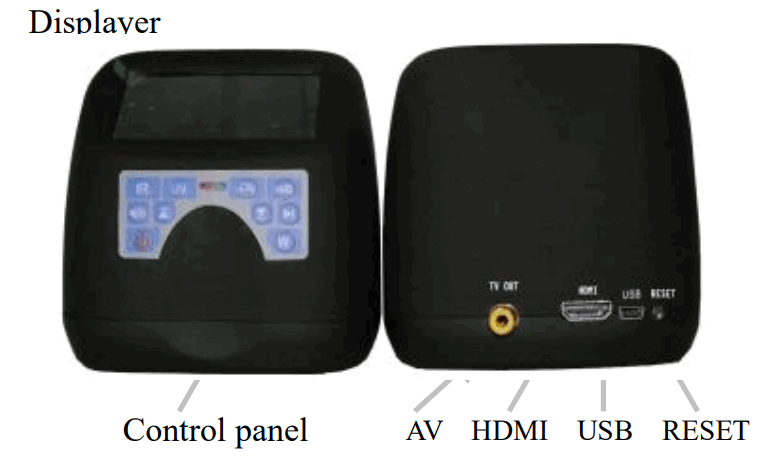
Use Method
- Independent use
•It can be used independently when connecting it to the AC power supply via the adapter and can be recharged in working state. With the built-in alloy battery for power supply, it can work continuously for 2 hours after being fully recharged. - Connecting computer
•The analyzer can connect to the computer via the USB2.0 interface at the back of the analyzer
• Set the analyzer in power saving mode, and it will shut down 10 minutes later if you don’t operate it in 5 minutes
Product specifications
- Sensor: high-pixel CMOS camera(5 million pixels)
- Lens: low distortion infrared lens.
- Light-filtering system: band-pass filter of visible light, high-pass filter of infrared light.
- Camera function: can shoot spectrum pictures, Save JPG format,
- Inspection light source: Top white light, side white light, Cross white light, top infrared light, side infrared light, Cross infrared light, UVA, (UVC, AS laser, bule light for optional function)
- Amplification factor: 5x、30x、 60x 100x
- Field range: 21 × 15 mm to 10 by 7 mm can zoom
- Display: 3.0 inch high-definition TFT-LCD screen
- Size: 96mm (length) × 78mm (width) × 92mm (height)
- Net weight: 200g
- Power supply: DC 5V, 1000mA universal power supply adapter
- Optional components: computer USB connector,TV,HDMI connecting line and software
Keys Operation
In normal mode: Turn on/off power supply:power on, power off
In normal mode: Top white light, side white light, X axis white light, Y axis white light, XY cyclic light, Pervious to light,cyclic switching
 Infrared top light, infrared side light, Infrared light cross,blue light(selective), cyclic switching
 Short press, UVA, UVC, Laser signal (selective)
 Taking pictures and save images Playback mode: delete the current picture
 Magnification function : ZooM 1:1, 1:15, 1:32 1:64 cycle
 Normal mode and playback mode switch
- Amplification mode: Move to the right
- Normal mode: Cross white light
- Playback mode: Enter or Exit (Zoom 1:1)
- Amplification mode: Move to the left
 Normal mode: Pervious to light
- Playback mode: The current image
- Amplification mode: Move up
 Normal mode: Top white
- Playback mode: A picture on
- Amplification mode: Move down
 Normal mode and playback mode switch
 Normal mode: Cross white light
 Normal mode: Pervious to light
 Normal mode: Top white
Loading List
- Main unit
- Bag (selective)
- miniUSB exclusive-use line
- Power supply adapter
- AV exclusive-use line (selective)
- Manual
Attentions
The analyzer belongs to precision photoelectric equipment, please use carefully.
- Please use the power supply adapter supplied with the analyzer.
- Please pluck off the adapter or cut off the power supply when the analyzer has been in idle state for a long time.
- You’d better turn off the back switch after use every time and confirmation of the indicator light of the panel will go out.
- Set the analyzer in power saving mode, and it will shut down 10 minutes later if you don’t operate it in 5 minutes; long-time use of UVC can largely consume the battery power, so continuous use of UVC cannot exceed 3 minutes.
- When it becomes short of power, the analyzer will have alarming tip to warn you to recharge the battery with the adapter in time.
- Light from fluorescent lighting tube UVC (254mm) can be very harmful to human eyes, so don’t look up to the lighting tube from bottom or touch it.
- Avoid touching or shaking, don’t use in moist environment, and avoid direct sunshine.
- Contact the supplier in the event of a failure; don’t disassemble the machine at your own discretion.
Package list
| Standard device list | |||||
| Main unit | 1 | Power adapter | 1 | ||
| Manual | 1 | USB cable | 1 | ||
| Warranty card | 1 | AV cable | 1 | ||
| Driver CD | 1 | HDMI cabie | 1 | ||
| Bag | 1 | ||||
 Forensic equipment and Crime Scene Equipment suppliers