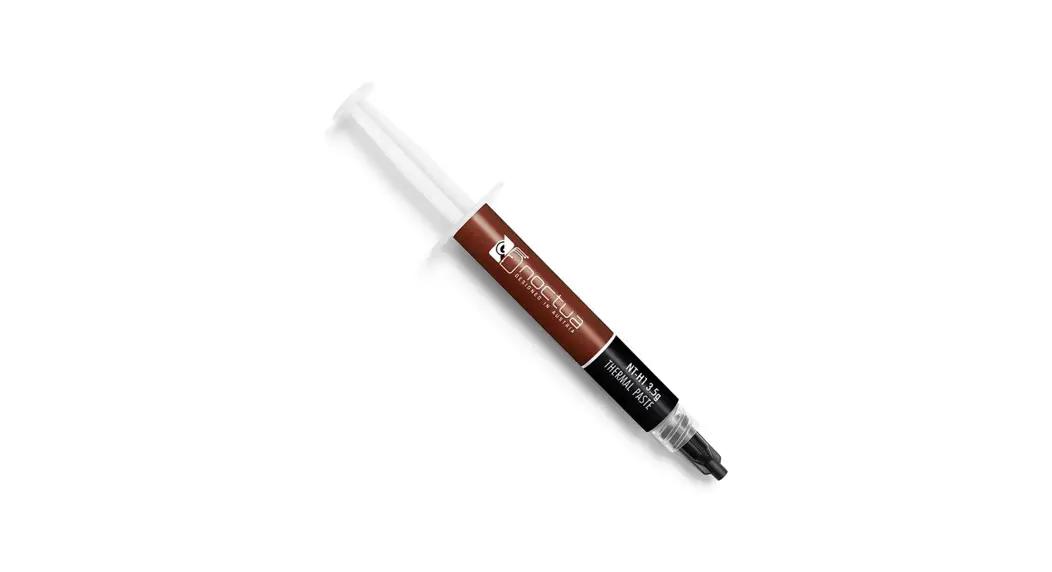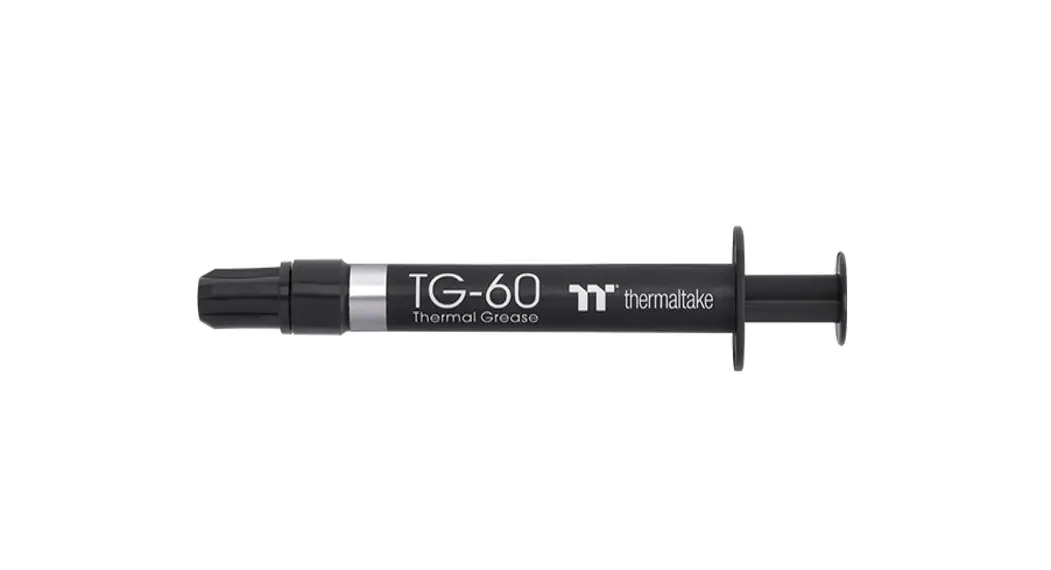
 TG-60 Liquid Metal Compound
User Guide
 https://www.thermaltake.com/tg-60-liquid-metal-compound.html#productattach
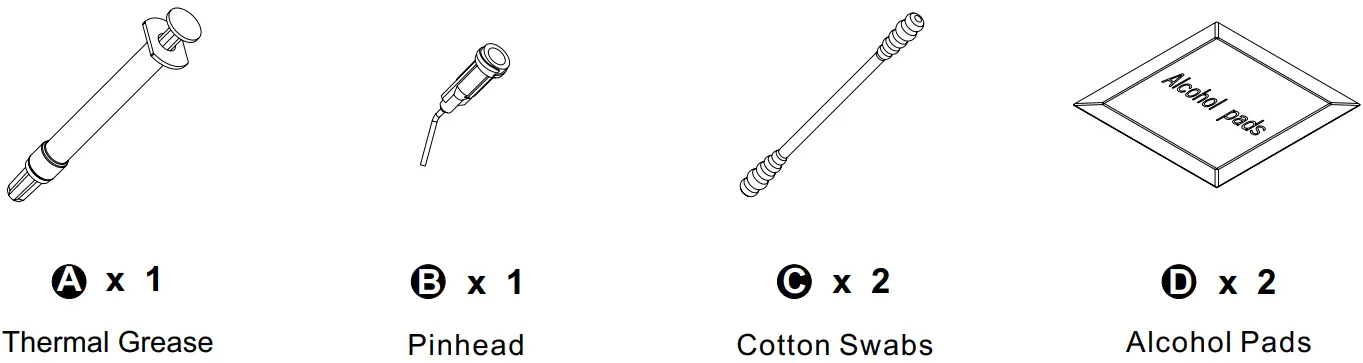
Parts List
Thermal Grease Application Method
 WARNING: Avoid Aluminum Materials
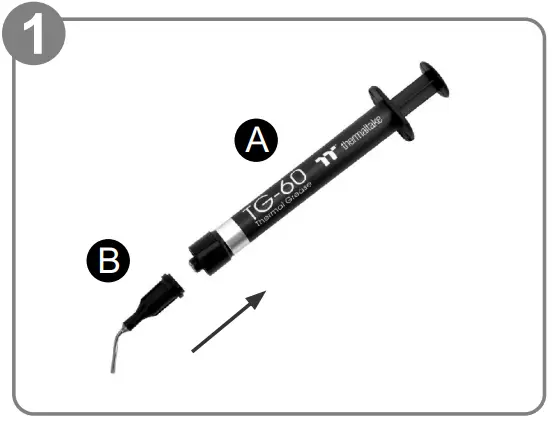 | 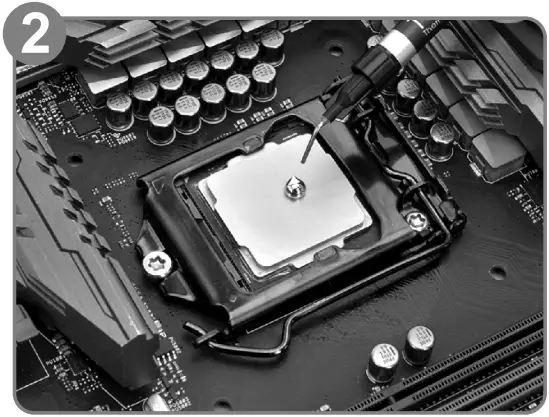 |
| Install the pinhead of TG-60. | Squeeze a certain amount of Liquid Metal Thermal Grease on the CPU. (Please wipe it out if overflowed) |
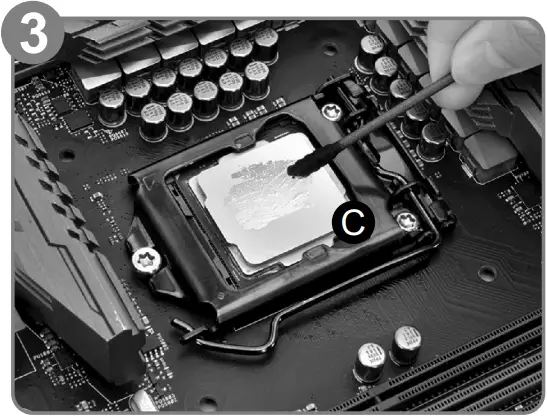 | 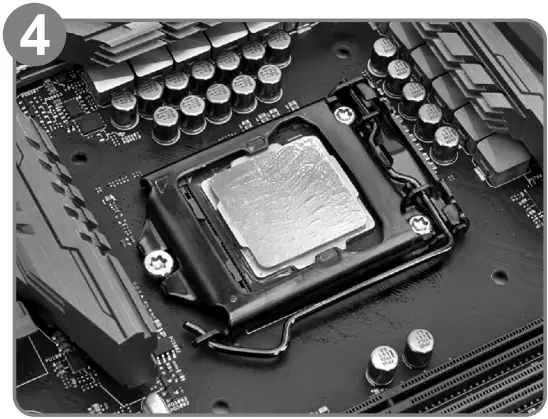 |
| Apply the thermal grease evenly with cotton swabs. | Complete. |
© 2022 Thermaltake Technology Co., Ltd.
All Rights Reserved.
www.thermaltake.com
 Thermaltake