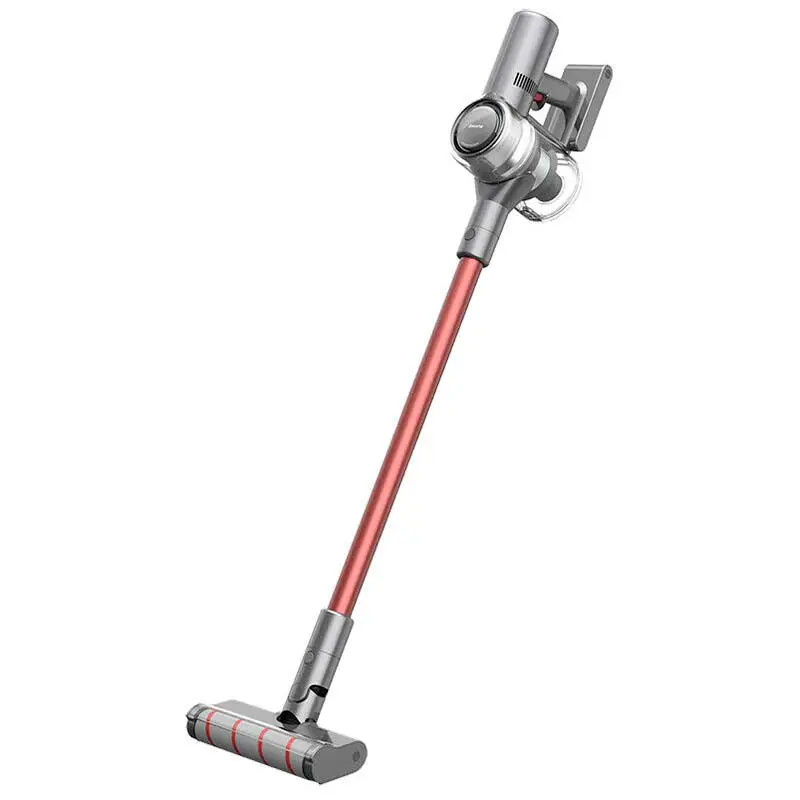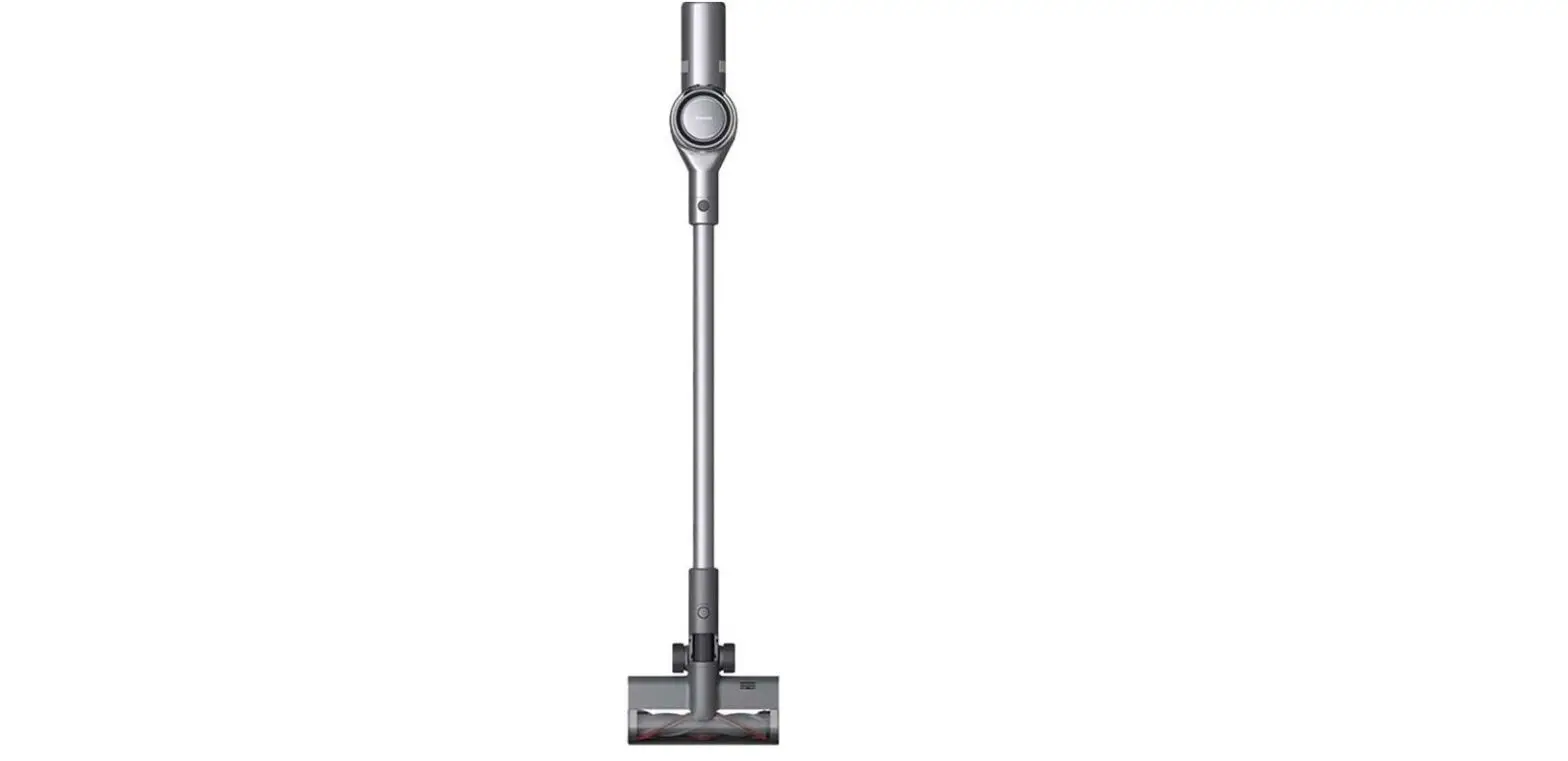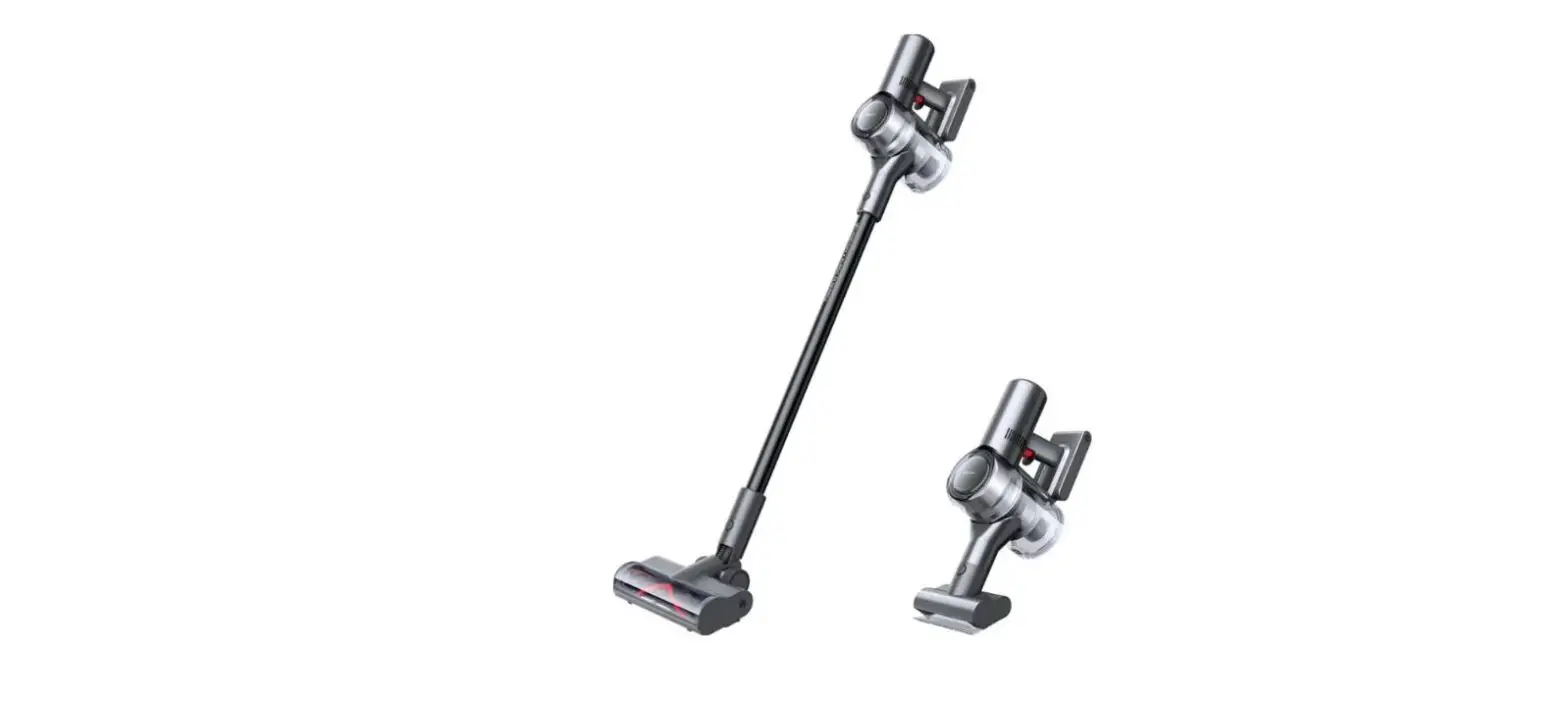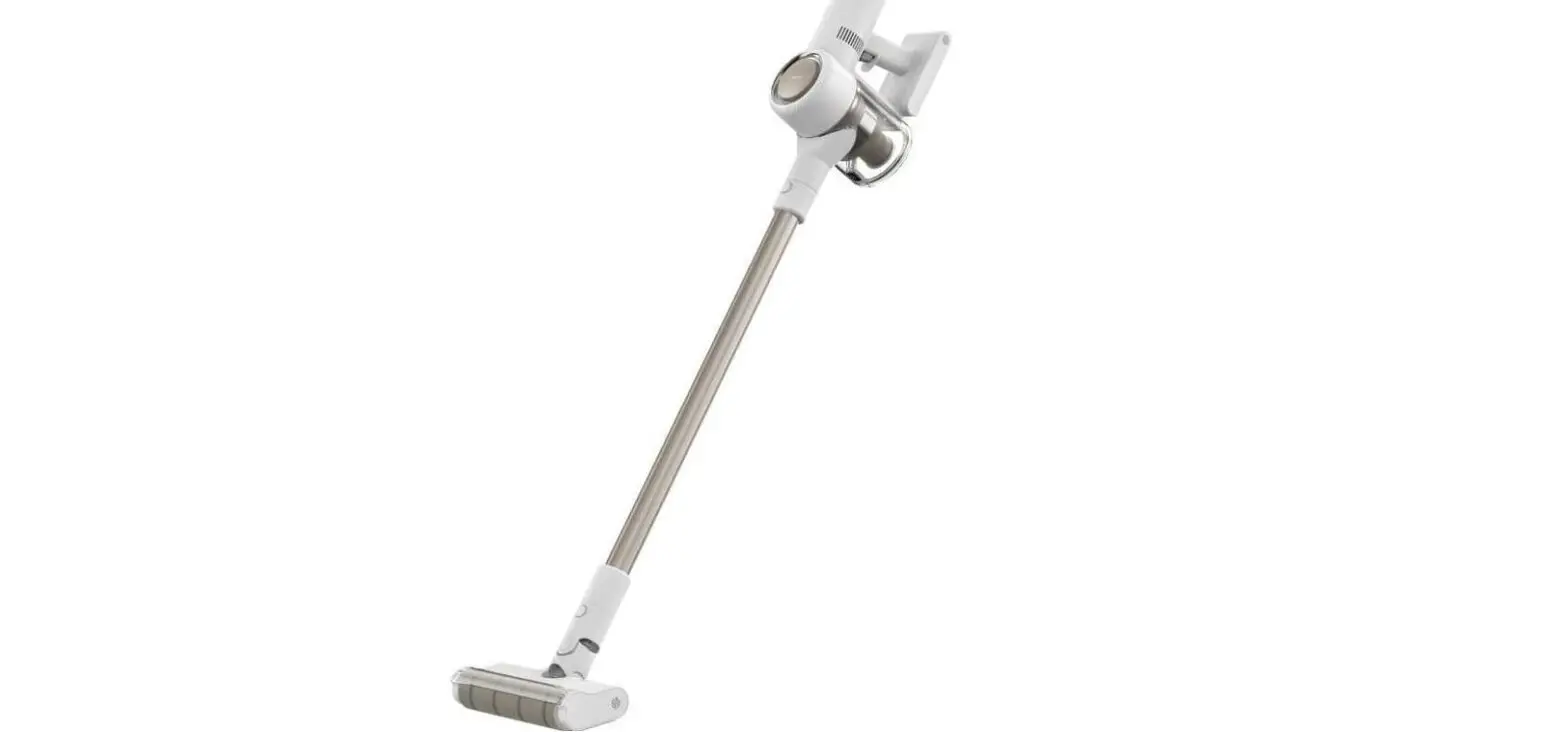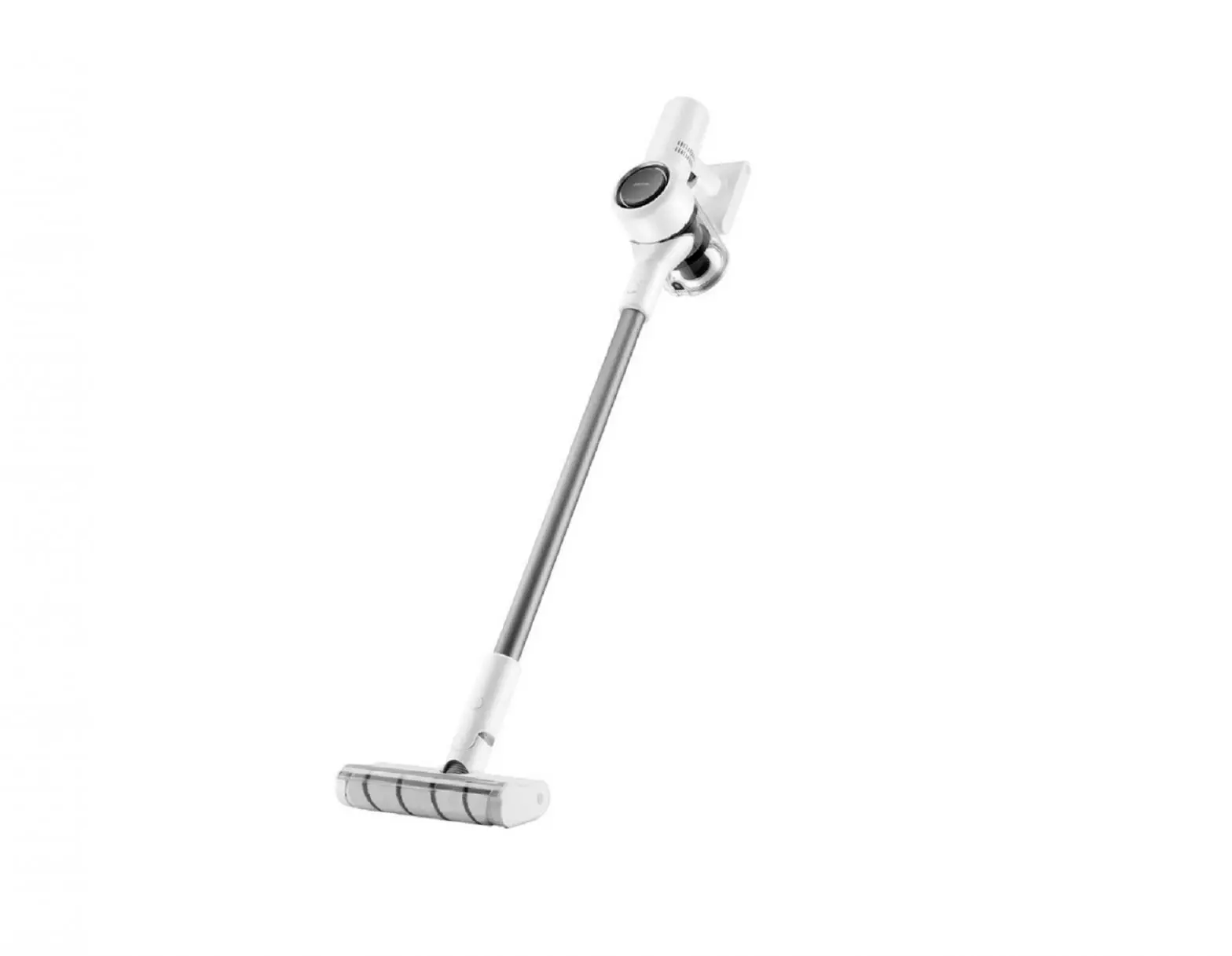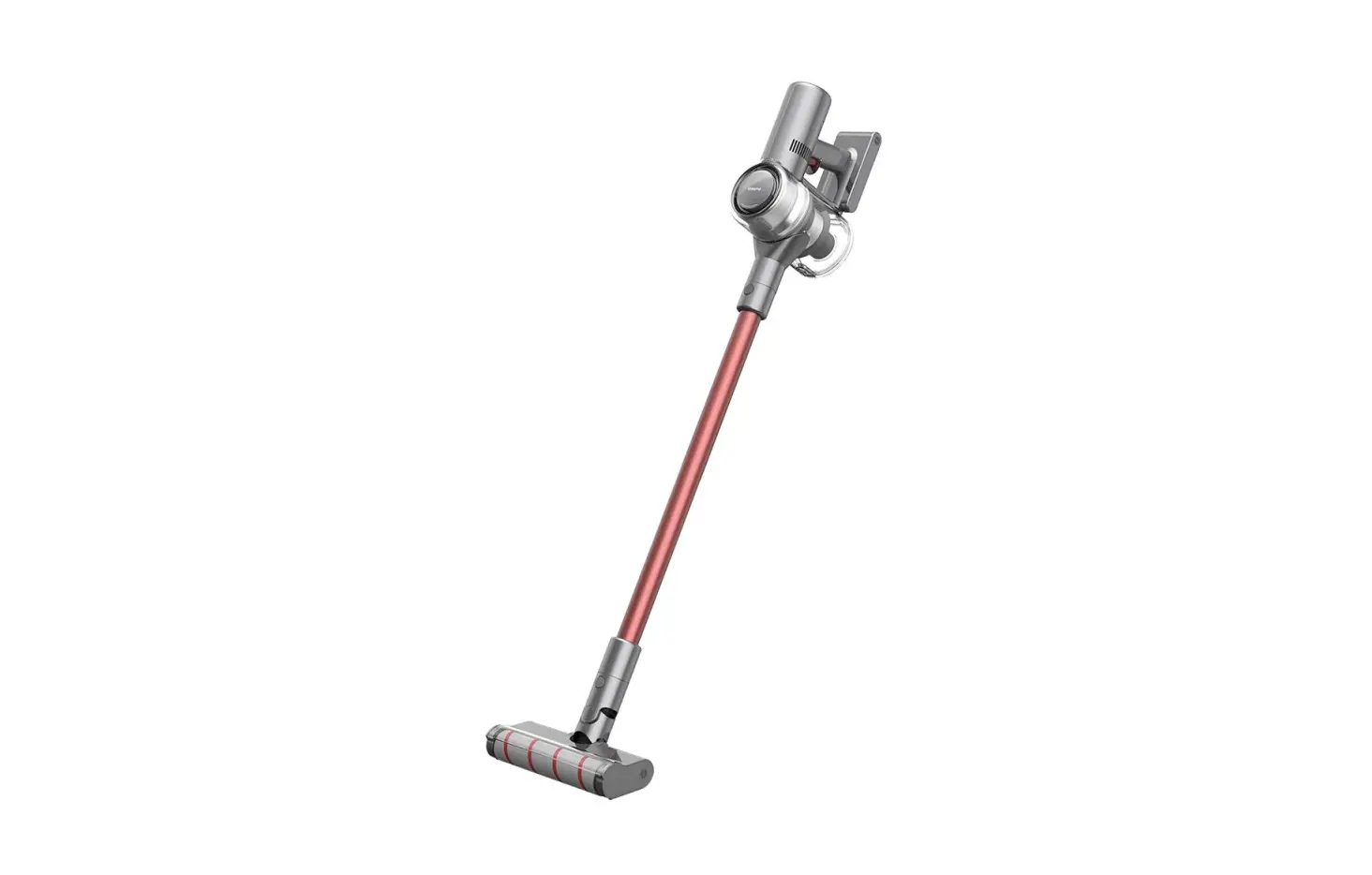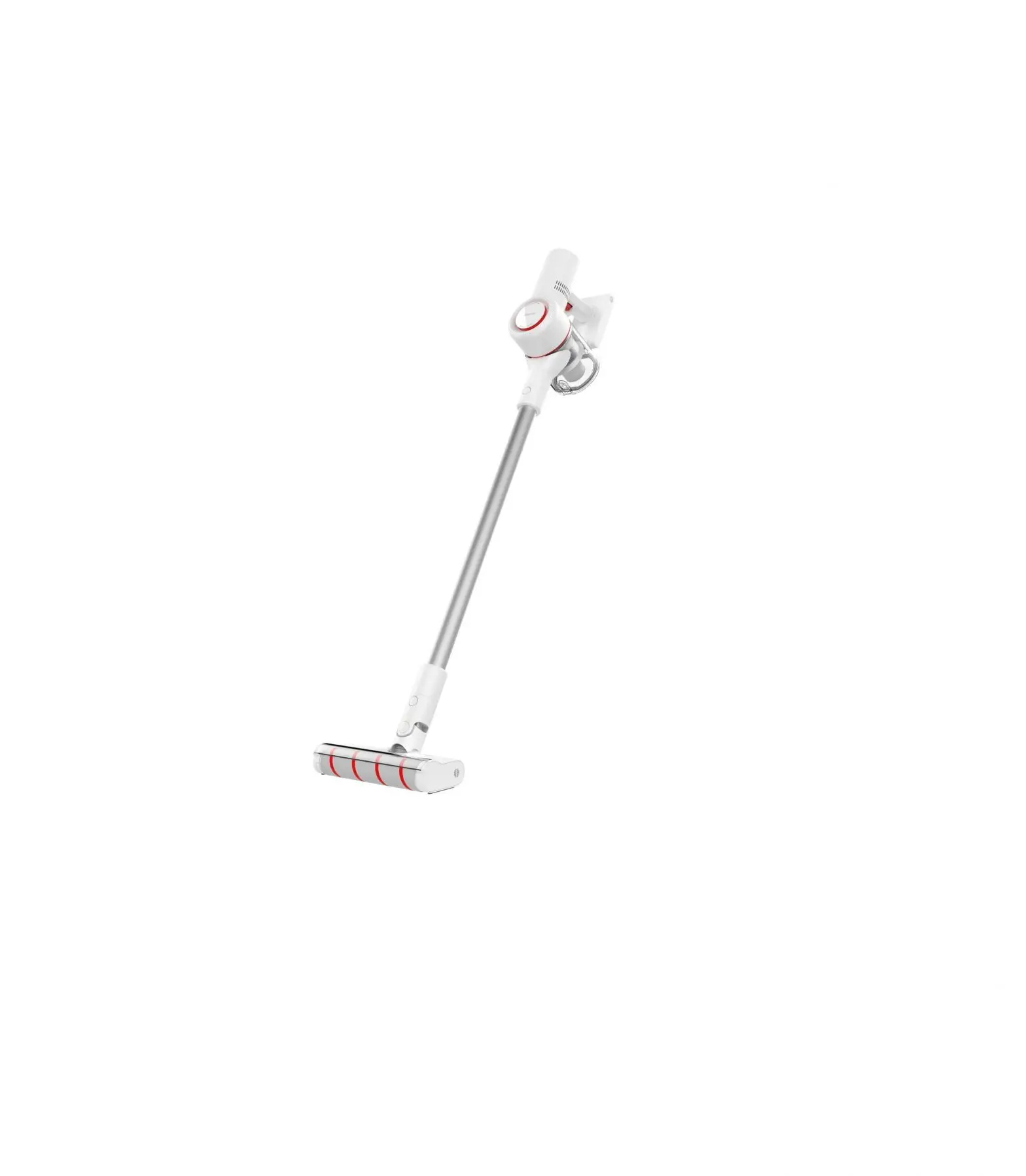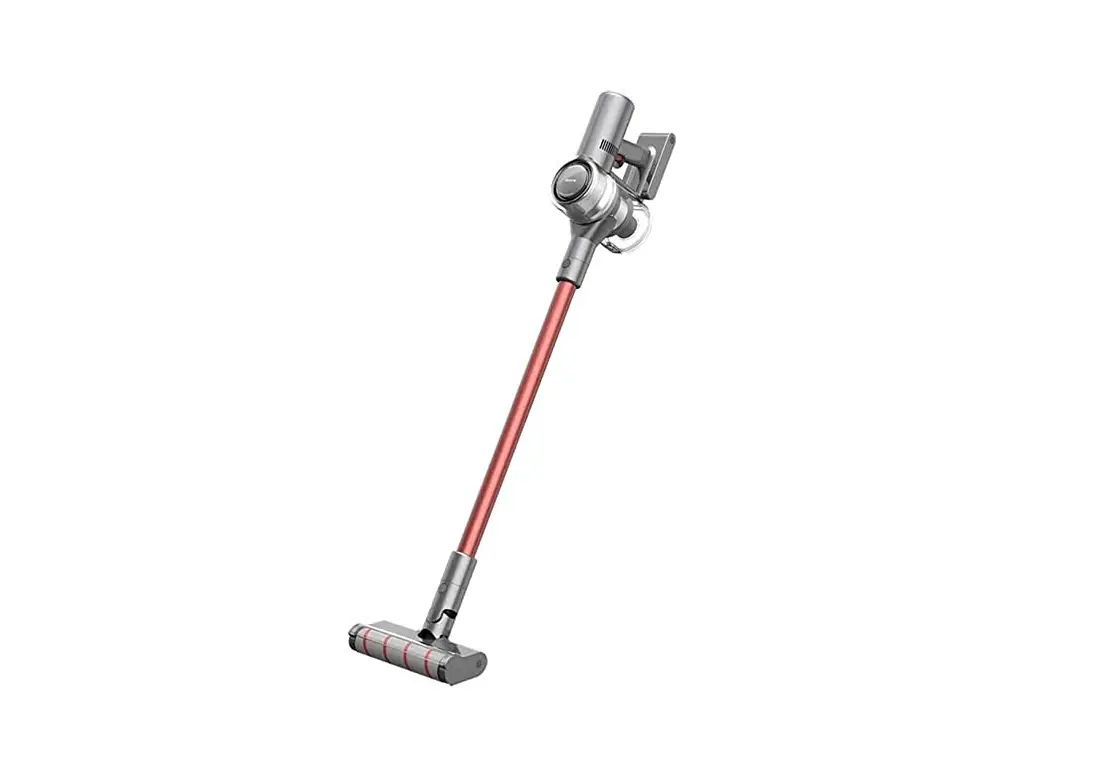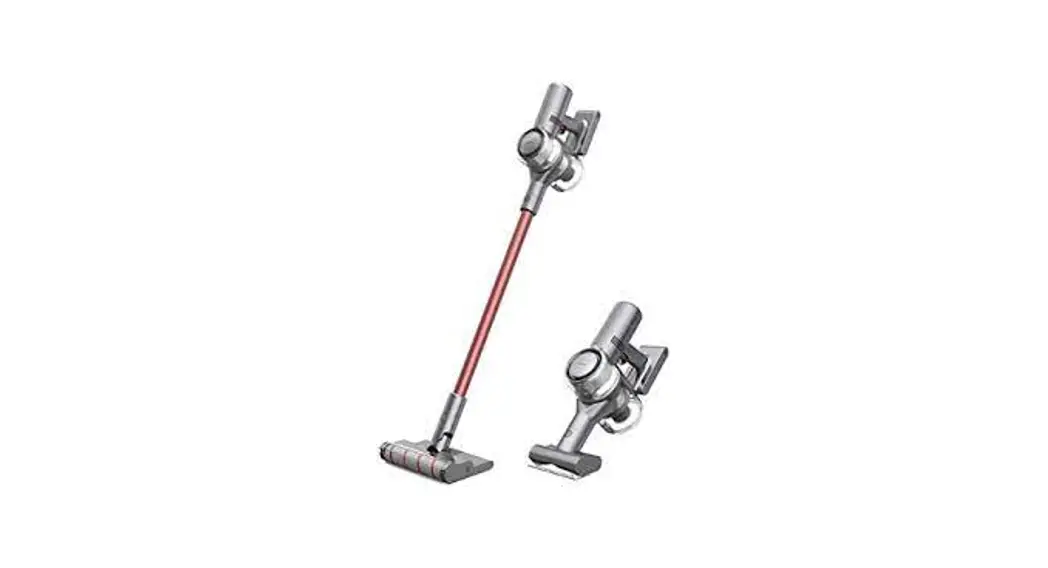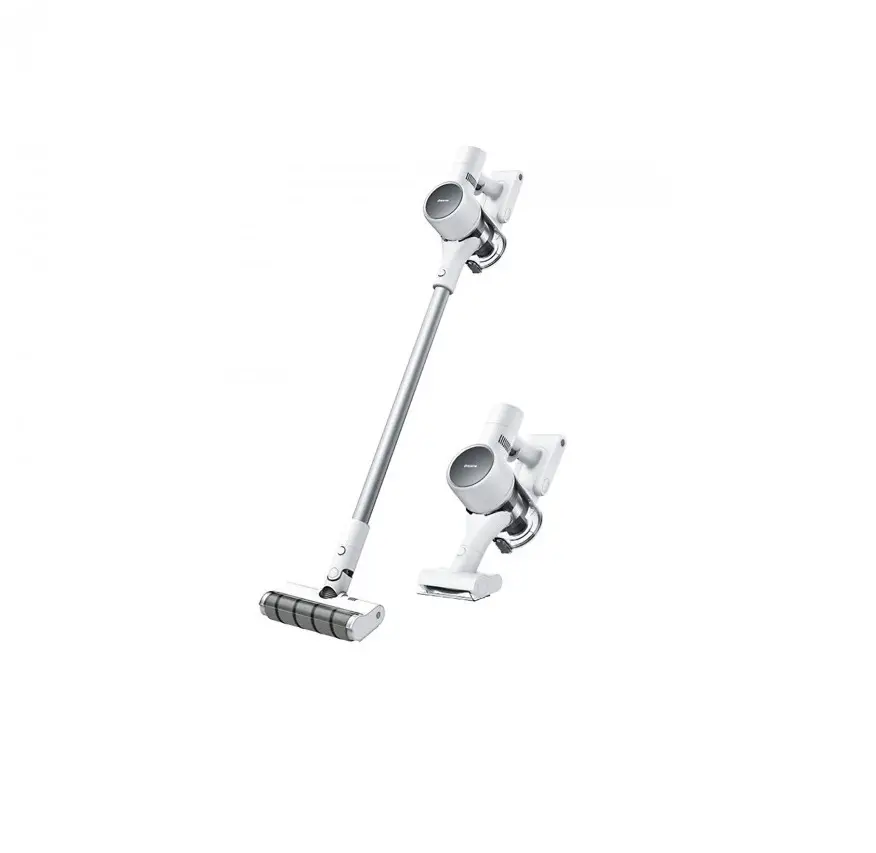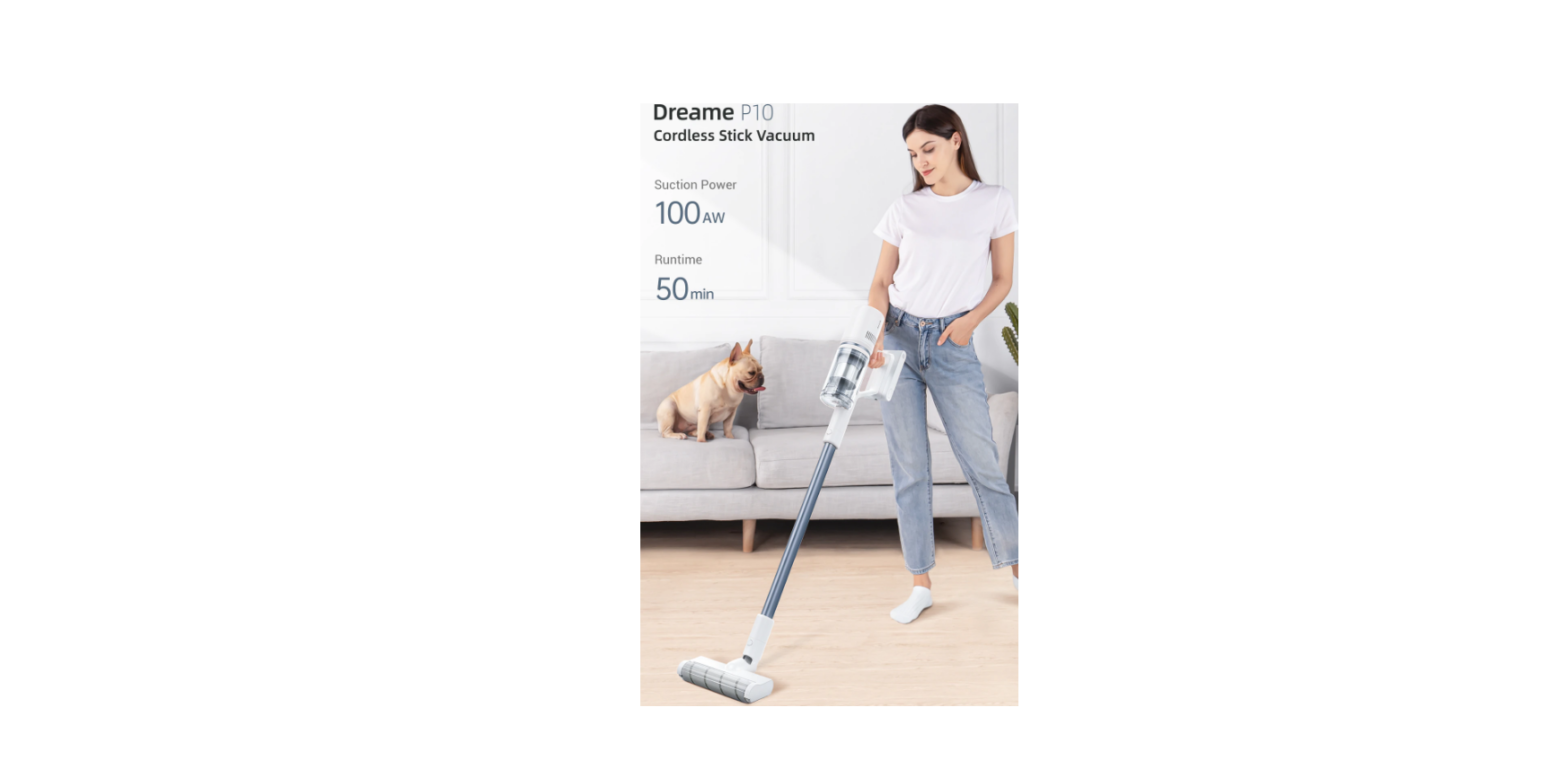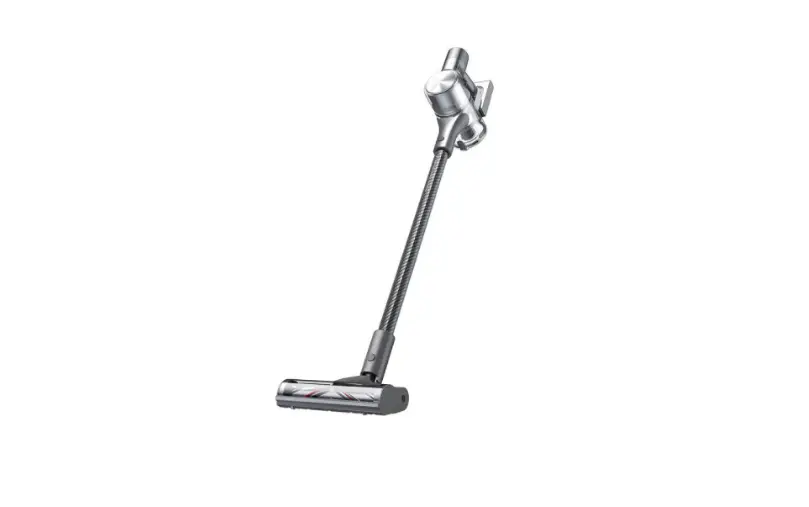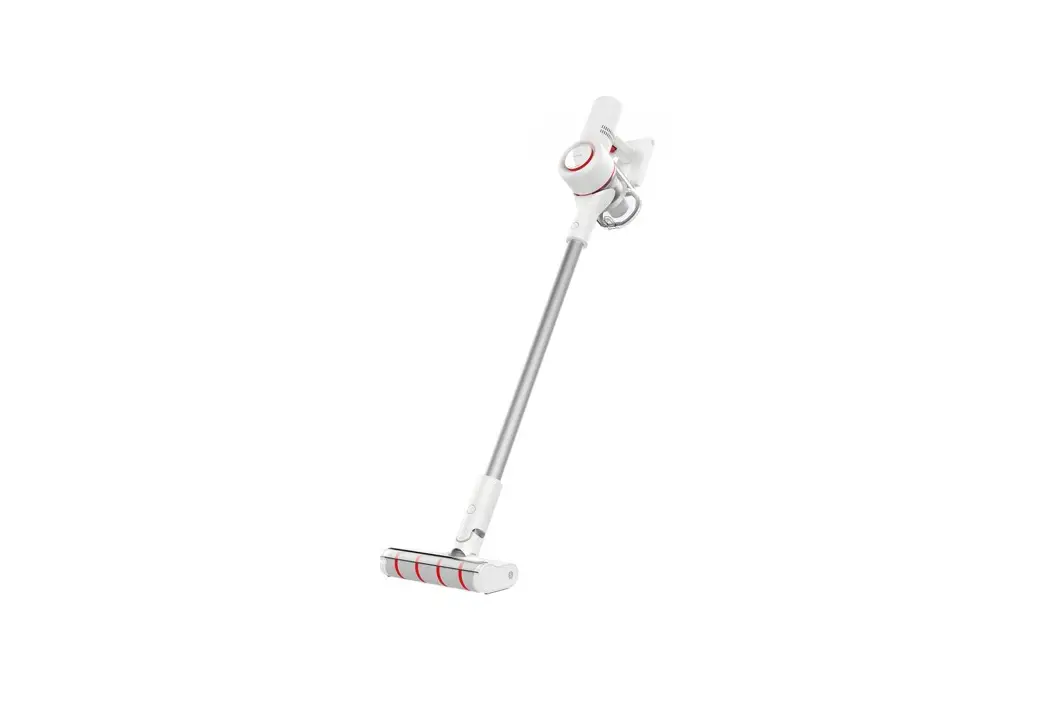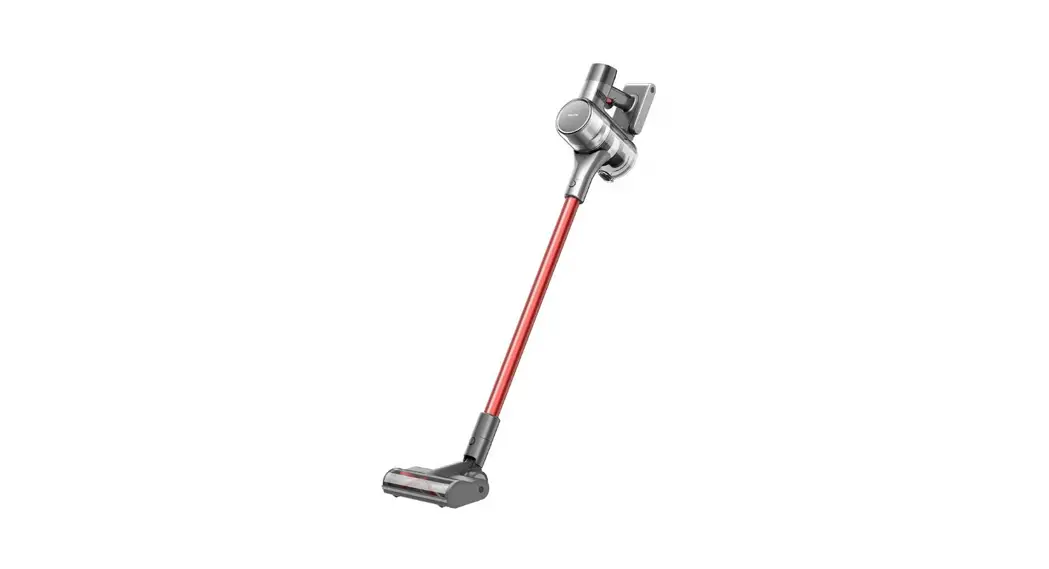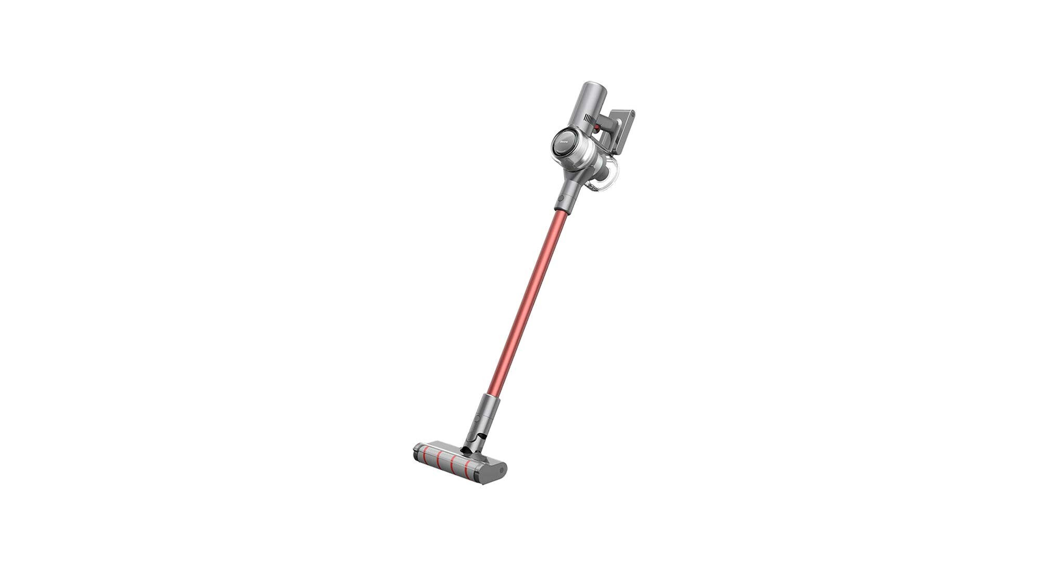

 Dreame Cordless Vacuum Cleaner
User Manual
Safety Instructions
To prevent accidents including electric shock or fire caused by improper use, please read this manual carefully before use and retain it for future reference.
Warning
This product can be used by children aged 8 years and above and persons with physical, sensory, or intellectual deficiencies, or limited experience or knowledge under the supervision of a parent or guardian to ensure safe operation and to avoid any risk of hazards. Cleaning and maintenance shall not be made by children without supervision.
The vacuum cleaner is not a toy. Children shall not play with or operate this product.
Please exercise caution when using the vacuum cleaner near children. Do not allow children to clean or maintain the vacuum cleaner unless supervised by a parent or guardian.
Do not use the vacuum cleaner outdoors or on wet surfaces. Only use the vacuum cleaner on dry indoor surfaces. Do not touch the plug or any part of the vacuum cleaner with wet hands.
To reduce the risk of fire, explosion, or injury, check to make sure the lithium battery and charging adapter are undamaged before use. Do not use the vacuum cleaner if either the lithium battery or charger is damaged.
The soft roller nozzle,mini-motorized nozzle, battery, metal connector pin, and vacuum cleaner are electrically conductive and should not be immersed in water or other liquid. Make sure to dry all filters after cleaning.
Prevent injury caused by moving parts. Turn off the vacuum cleaner before cleaning the soft roller nozzle/mini-motorized nozzle. The soft roller nozzle, dust bin and filter
must all be properly installed before using the vacuum cleaner.
Only use the original charging adapter. Never use an unoriginal adapter, as this may cause the lithium battery to catch fire.
Do not use the vacuum cleaner to pick up flammable or combustible liquids, such as gasoline, bleach, ammonia, drain cleaners, or other liquids.
Do not use the vacuum to pick up sharp or hard objects, such as glass, nails, screws, or coins, which may damage the machine. Do not use the vacuum cleaner to pick up drywall particles, ashes like fireplace ash, or smoking or burning materials such as coal, cigarette butts, or matches.
Check the area to be cleaned before use. To prevent the openings from being blocked, clear the larger paper, spitball, plastic cloth, or sharp objects (such as glass, nails, screws, coins, etc.) and any object which is larger than the openings.
Keep hair, loose clothing, fingers, and other parts of the body away from the vacuum cleaner’s openings and moving parts. Do not point the hose, wand or tools at your eyes or ears or put them in your mouth.
Do not put any object into the vacuum cleaner’s openings. Do not use the vacuum cleaner
with any openings blocked. Keep free of dust, lint, hair, or other items which may reduce airflow.
Do not rest the vacuum cleaner against a chair, table, or another unstable surface, as this may cause damage to the machine or personal injury. If the vacuum cleaner becomes damaged from being knocked over or is otherwise malfunctioning, please contact our authorized service department. Never attempt to disassemble the device on your own.
All instructions in the manual for recharging the battery must be strictly followed.
Failure to properly charge the battery within the specified temperature range could damage the battery.
Please be extra careful when using the vacuum cleaner to clean stairs.
Make sure the vacuum cleaner is unplugged when not used for extended periods as well as prior to performing any maintenance or repairs.
Do not install, charge, or use this product outdoors, in bathrooms, or around a pool.
Fire Hazard Warning: Do not apply any type of fragrance to the vacuum cleaner’s filter. These types of products are known to contain flammable chemicals which may cause the vacuum cleaner to catch fire.
This product is designed for home use only.
We Dream Trading (Tianjin) Co., Ltd., hereby, declares that this equipment is in compliance with the applicable Directives and European Norms, and amendments.
The full text of the EU declaration of conformity is available at the following internet address: www.dreame-technology.com
Product Overview
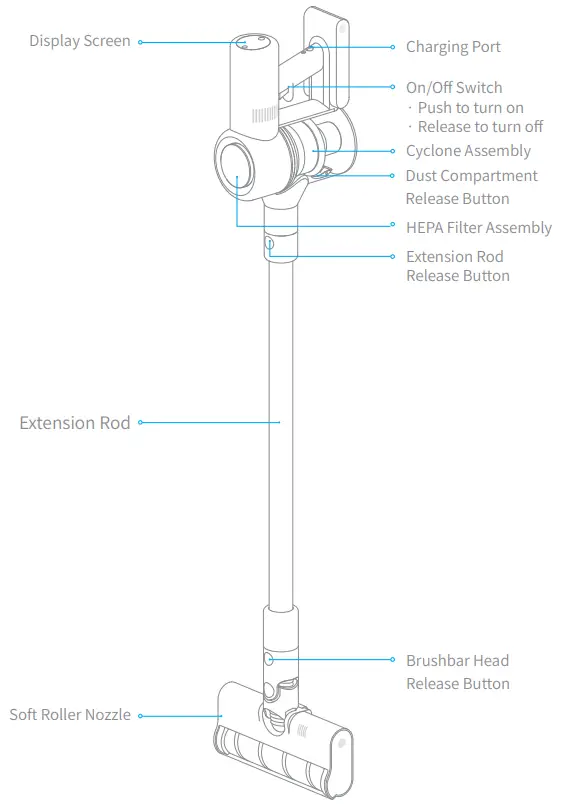
Part Names
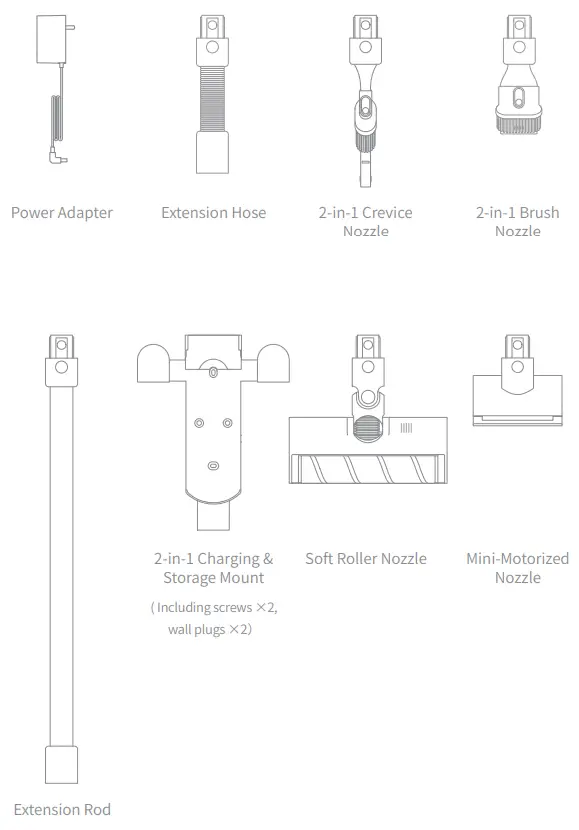
Accessories
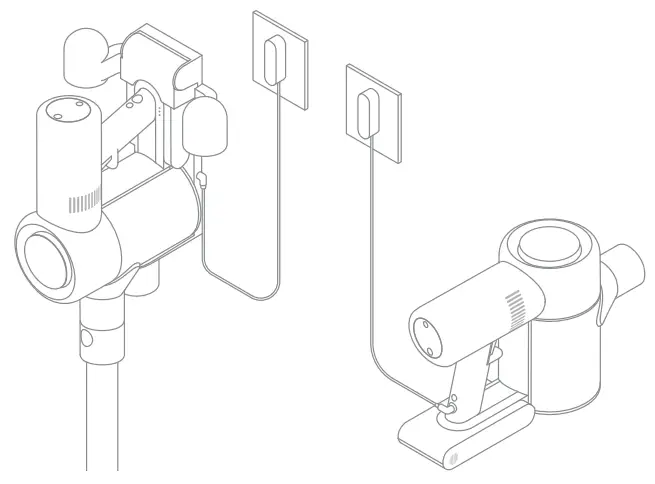
Charging
Note:
- Fully charge the vacuum cleaner before using it for the first time. This will take about 4 hours.
- A vacuum cleaner cannot be used while charging.
- Vacuuming at turbo mode for a prolonged period will cause the battery to heat up, which increases charging time. Allow the vacuum cleaner to cool down for 30 minutes before charging it.
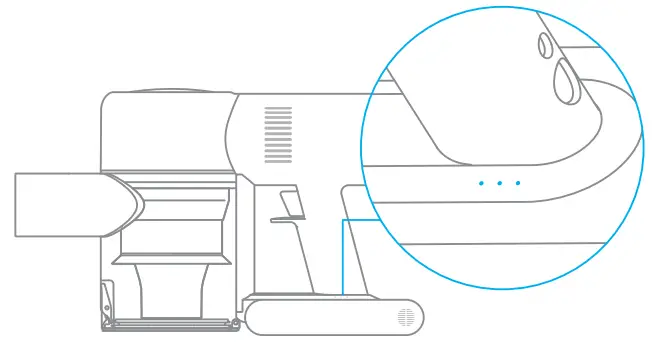
Battery Status Indicator
 | Low battery |
| Half battery | |
| Nearly full | |
| Fully charged |
Note:
Once the vacuum cleaner is fully charged, the indicator will turn off after 5 minutes, and the vacuum cleaner will enter the energy-saving mode.
• Off  Blinking
  On
On
How to Use
Function Introduction of Display Screen
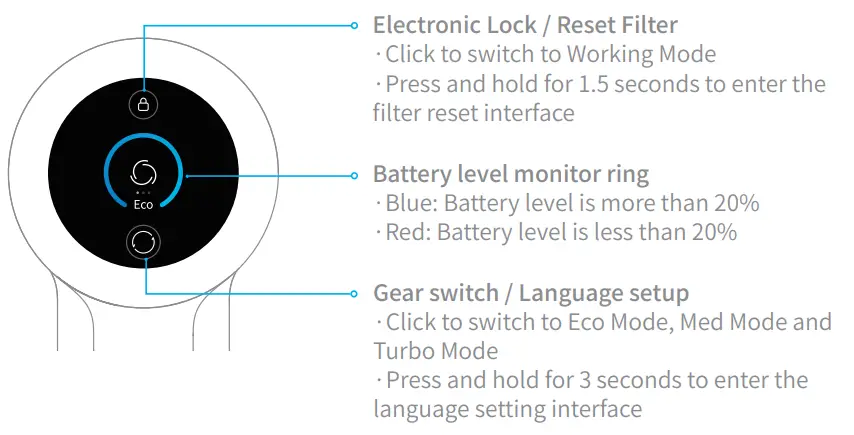
Note: If you need to pay attention to any abnormality during the use of the product, the screen will push a prompt message. You should follow the instructions on the screen to keep the performance normal.
Language Setup
You may set the display prompt language (Simplified English is the default when you start the machine) by the following methods as you need.
a.Press  and hold for 3 seconds to enter the language selection interface
b.Click to scroll through the language list, and select the appropriate language
c.Press and hold for 3 seconds to save your setting.
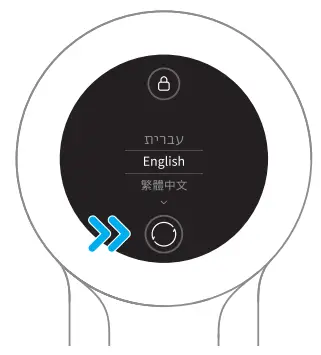
Note: If there is no operation for more than 5 seconds, it will automatically exit from the language setting interface, and the display information will be off.
How to Use
Cleaning Mode
There are two working modes for the vacuum cleaner, which can be selected according to your own needs.
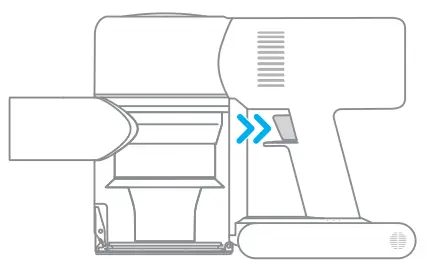
Mode 1: Discontinuous Cleaning Mode
Press and hold the switch of the vacuum cleaner to start working, and release it to stop immediately.
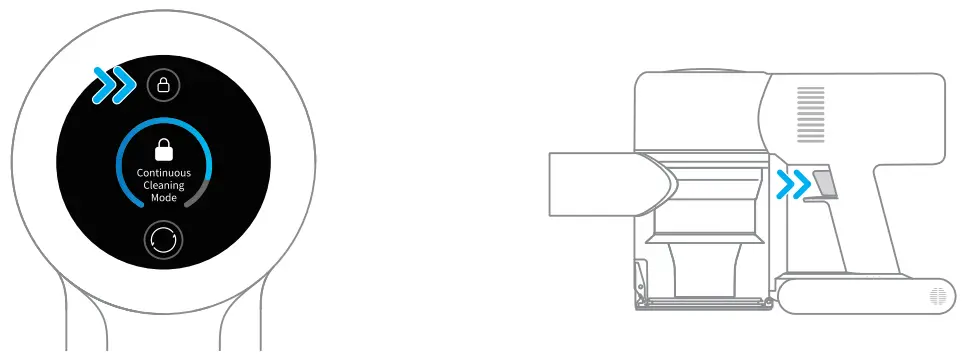
Mode 2: Continuous Cleaning Mode (Electronic lock)
In standby mode, click the electronic lock key to switch to Continuous Cleaning Mode, and then briefly press the switch to make the vacuum cleaner in Continuous Cleaning Mode.
Use the electronic lock to free your finger and avoid finger fatigue caused by holding the switch.
Note:
- In this mode, briefly press the switch to suspend the operation or start again, and the working mode of the vacuum cleaner will not change.
- Click the electronic lock again to quit the Continuous Cleaning Mode.
Using Different Attachments
Soft Roller Nozzle
| Soft Roller Nozzle Suitable for vacuuming wood, tile, marble, and other hard floor surfaces as well as for vacuuming up larger pieces of dirt and debris. The soft roller nozzle can also be directly attached to the vacuum cleaner. | Mini-Motorized Nozzle Strong vibrations yield deep cleaning action for removing mites and dust from mattresses and fabric surfaces. |
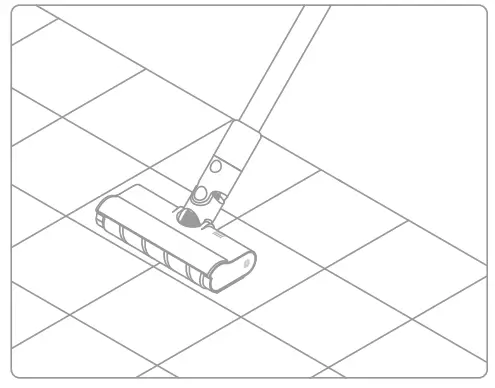 | 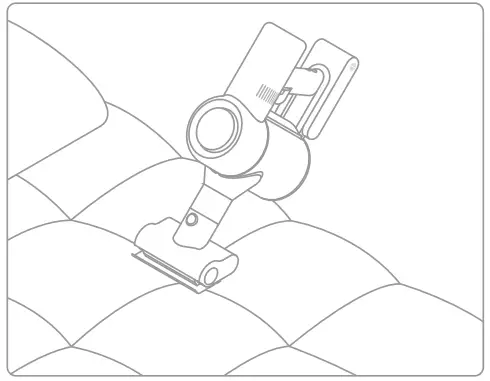 |
| 2-in-1 Brush Nozzle Suitable for vacuuming up dust and mites on beds, sofas, and other furniture fabric. | 2-in-1 Crevice Nozzle Suitable for vacuuming cracks, corners of doors and windows, stairs, and other hard-to-reach places. |
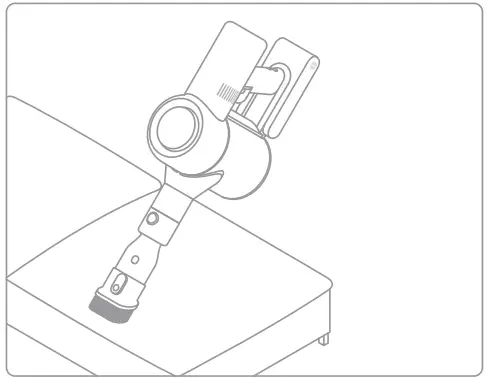 | 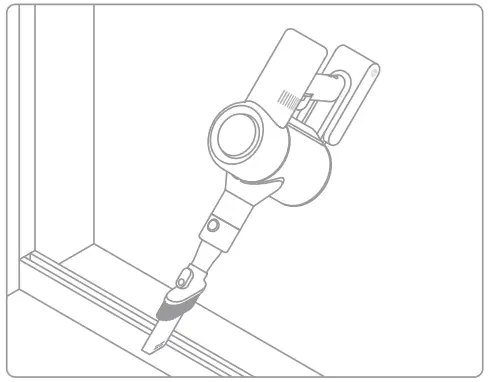 |
How to Use
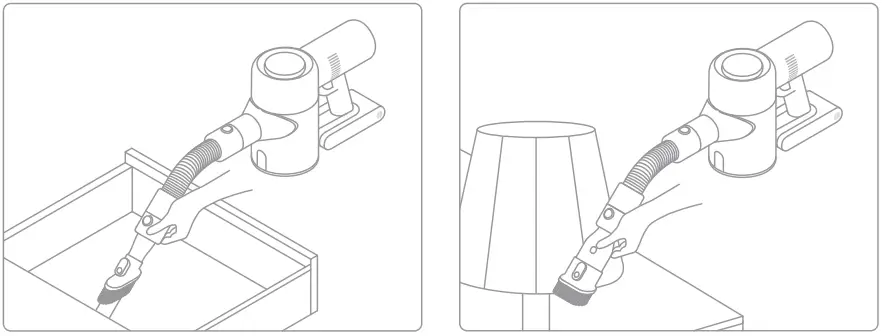
Extension Hose
Use for hard-to-reach corner cleaning.
Note:
- If any rotating part becomes stuck, the vacuum cleaner may turn off automatically.
Remove any trapped foreign objects, then resume use. - The vacuum cleaner will automatically shut off if its motor enters overheat protection mode. Wait until the motor’s temperature returns to normal before resuming use.
If you need to pay attention to any abnormality during the use of the product, the screen will push a prompt message. You should follow the instructions on the screen to keep the performance normal.
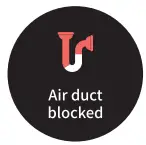 | 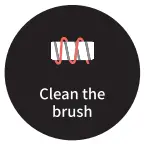 |
| Air duct blocked Check whether the dust compartment, extension rod, and soft roller nozzle are blocked. | Clean the brush Refer to the maintenance guide [Soft Roller Nozzle] section to clean the fiber material and hairs wrapped around the roller brush. |
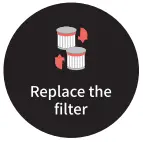 | 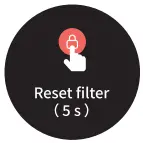 |
| Replace the filter Refer to the maintenance guide [Cleaning HEPA Filter] section to remove the filter and replace it. | Reset filter Press and hold  for 5 seconds to enter the filter reset countdown screen. for 5 seconds to enter the filter reset countdown screen.When  appears on the screen, it indicates that the reset is successful. appears on the screen, it indicates that the reset is successful. |
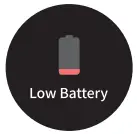 | 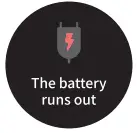 |
| Low battery Please charge as soon as possible. | The battery runs out Please charge as soon as possible. |
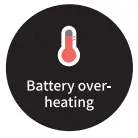 |  |
| Battery overheating Please wait and continue to use after the motor temperature is normal. | Battery Error Please contact our after-sales service personnel for maintenance. |
Specifications
| Vacuum Cleaner | |||
| Model | WN6 | Rated Voltage | 25.2V  |
| Rated Power | 450W | ||
| Soft Roller Nozzle | Mini-Motorized Nozzle | ||
| Model | DM1 | Model | DM2 |
| Rated Power | 40W | Rated Power | 20W |
| Power Adapter | |||
| Model | YLS0241u-x300080(u=A or B,x=E or U) | ||
| Output | 30V 800mA | ||
| Input | 100-240V-, 50/60Hz, 0.8A Max | ||
This product contains batteries that can only be replaced by qualified technicians or after-sales service.
This product contains batteries that are non-replaceable.
WEEE Information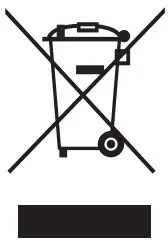 All products bearing this symbol are waste electrical and electronic equipment (WEEE as in directive 2012/19/EU) which should not be mixed with unsorted household waste. Instead, you should protect human health and the environment by handing over your waste equipment to a designated collection point for the recycling of waste electrical and electronic equipment, appointed by the government or local authorities.
Correct disposal and recycling will help prevent potential negative consequences to the environment and human health. Please contact the installer or local authorities for more information about the location as well as the terms and conditions of such collection points.
FAQ
If the vacuum cleaner is not working properly, please refer to the troubleshooting table below.
| Errors | Possible Causes | Solutions |
| The vacuum cleaner does not work | The vacuum cleaner is out of battery or low on power | Fully charge the vacuum cleaner, then resume use |
| Overheat protection mode triggered by a blockage | Wait until the vacuum cleaner cools down, then reactivate it | |
| Suction opening or airway passage is blocked | Clear any blockages from suction opening or airway passage | |
| Weak suction force | The dust compartment is full and/or NEPA filter assembly is clogged | Empty the dust compartment and clean the Fl EPA filter assembly |
| Attachment is blocked | Clear any blockages in the attachment | |
| The motor makes a strange noise | The main suction opening or extension rod is blocked | Clear any blockages in the main suction opening or extension rod |
| The first indicator is red after turning on the vacuum cleaner | Battery is damaged | Please contact the after-sales service department for maintenance |
| The first indicator blinks red after turning on the vacuum cleaner | The power adapter is incompatible | Only use the original power adapter to charge the vacuum cleaner |
| The battery indicator does not light up while charging | The adapter is not connected to the vacuum cleaner | Make sure the power adapter is plugged in properly |
| The battery is fully charged and goes into sleep mode | A vacuum cleaner can be used normally | |
| If the problem persists after ruling out the above two possibilities | Please contact the after-sales service department for maintenance | |
| Charge slowly | Battery temperature is too low or too high | Wait until the battery’s temperature normalizes, then resume use |
For further information, please visit www.dreame-technology.com
Manufactured by: Dream Trading (Tianjin) Co., Ltd.
 Made in China
VVN6-EU-R02
 Smart Robot Vacuum Cleaners | Dreame Official Site