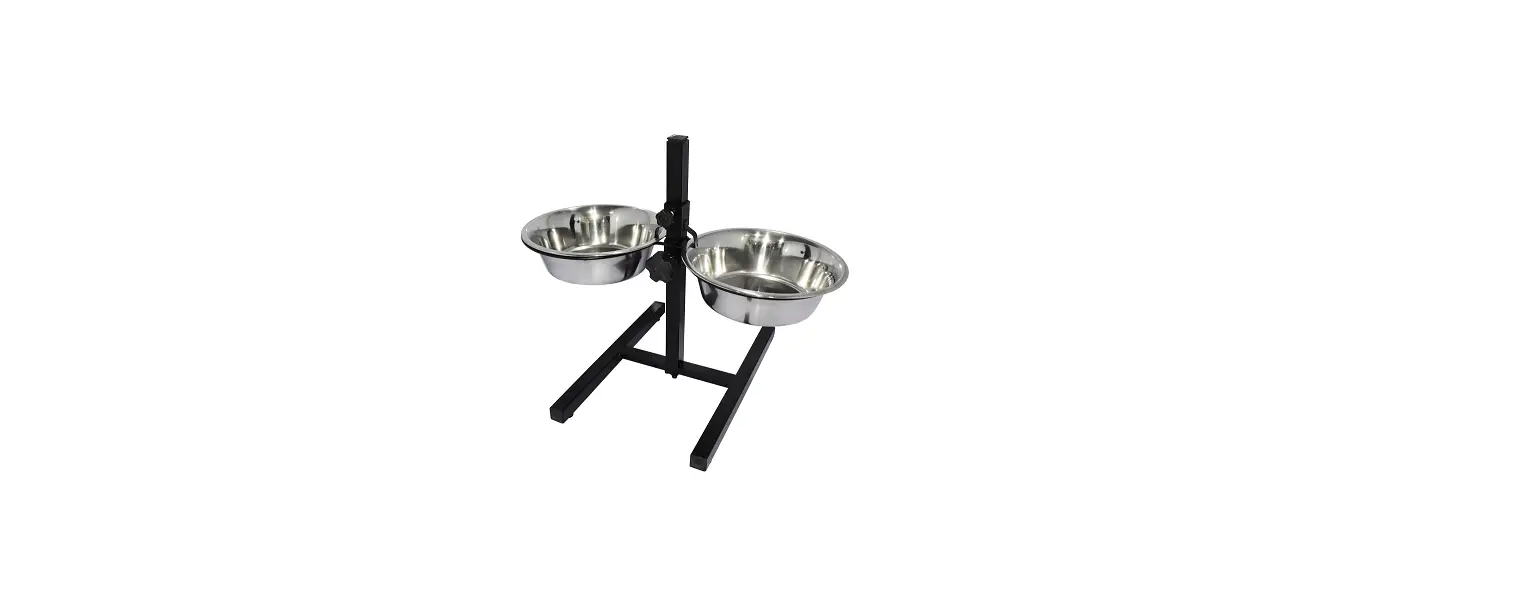
GXK-012 Animal Weighing Bowl
 GXK-012
Animal Weighing Bowl
Instruction Manual
 GXK-012
Models
GX-K series
GF-K series
GX-M series
GF-M series
Weighing
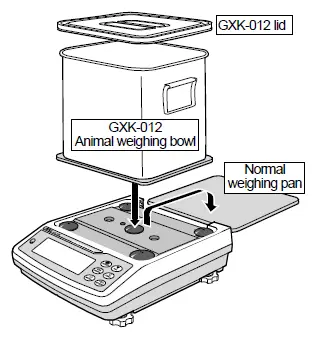
Setup
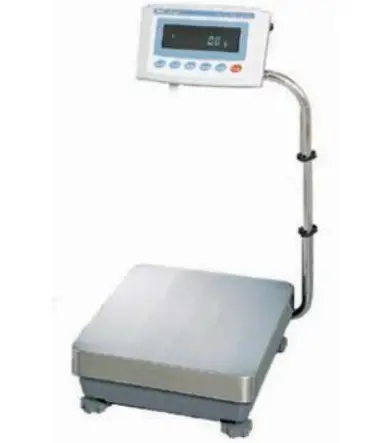
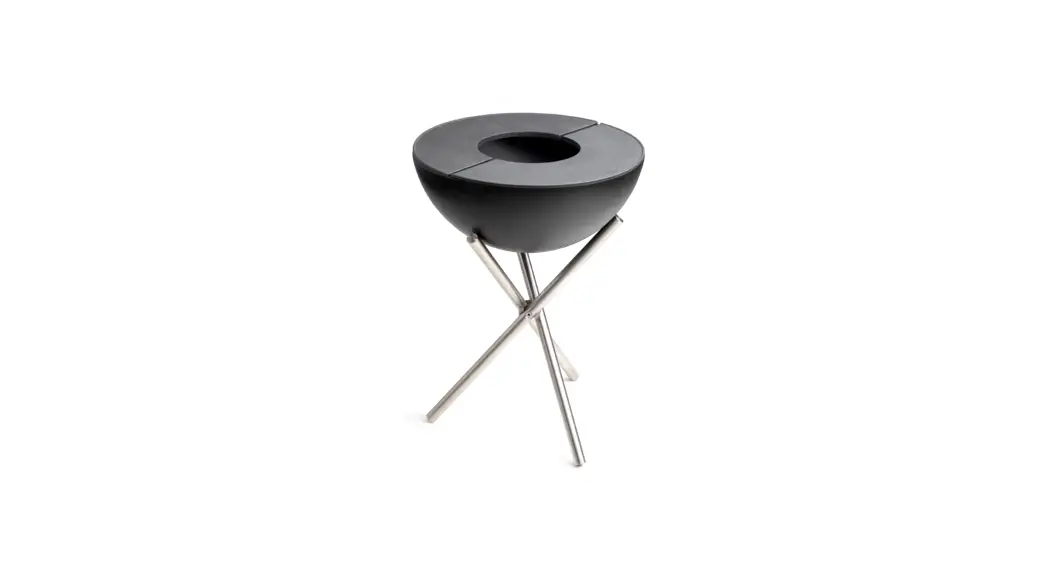
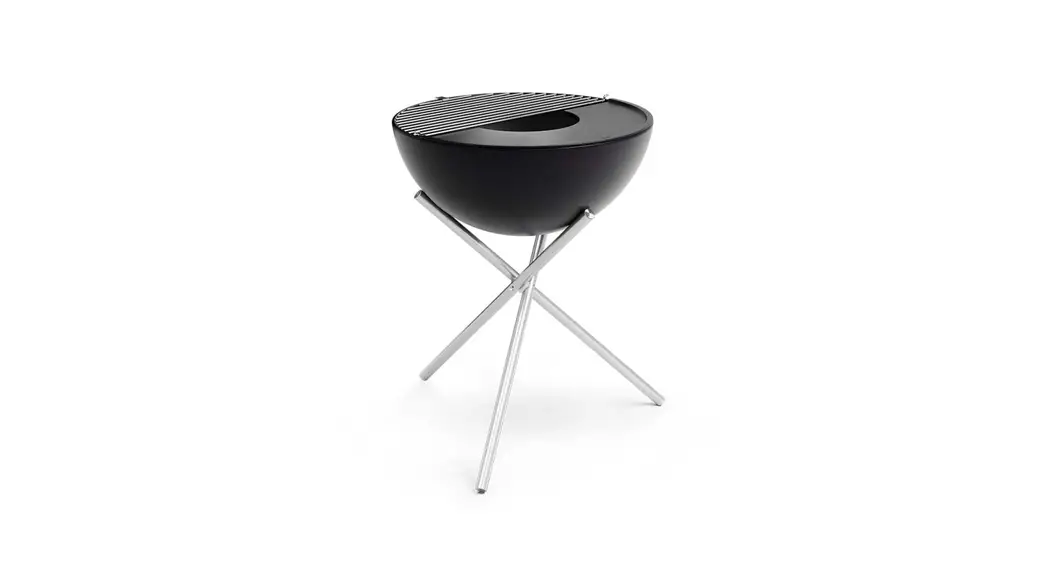
- Replace the normal weighing pan with the animal weighing bowl (GXK-012).
Measurement - Press the RE-ZERO key to cancel the weight (tare).
- Place a sample animal in the bowl to weigh it.
Caution
- When using the animal weighing mode (Hold function), the average weight of the animal can be displayed.
- When using this option, the weighing range that can be used is an approximately 1.5 kg less than the weighing capacity.
- If necessary, use the GXK-012 lid.
- When performing sensitivity adjustment with the balance, use the normal weighing pan.
- If performing sensitivity adjustment with the balance that has the animal weighing bowl on it and then replacing it with the normal weighing pan, -e is displayed. When using the normal weighing pan again, re-perform sensitivity adjustment with the balance that has the normal weighing pan on it.
1WMPD4001179A
AND
A&D Company, Ltd.