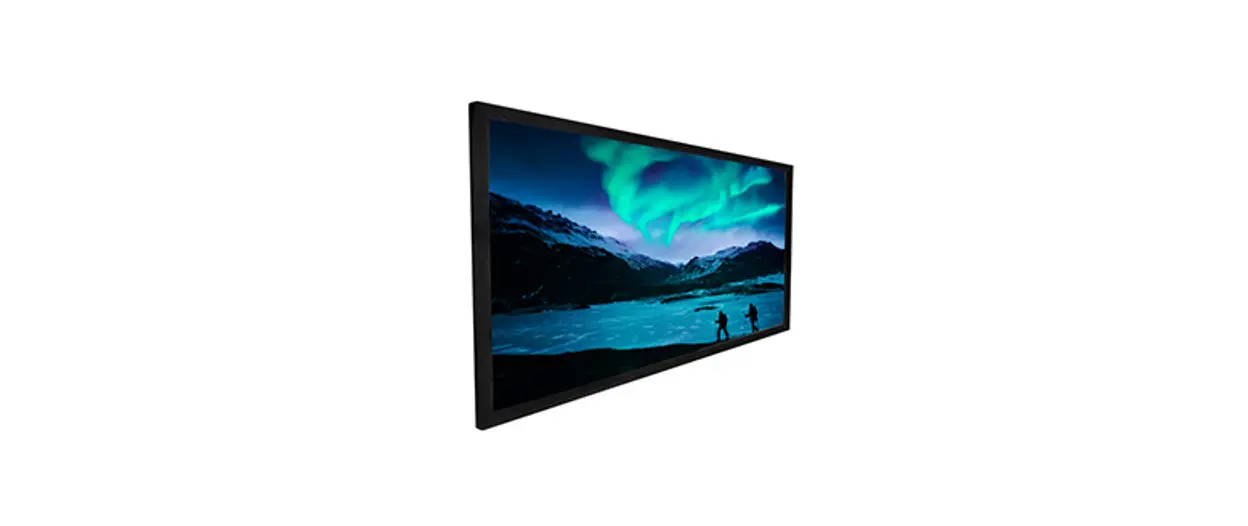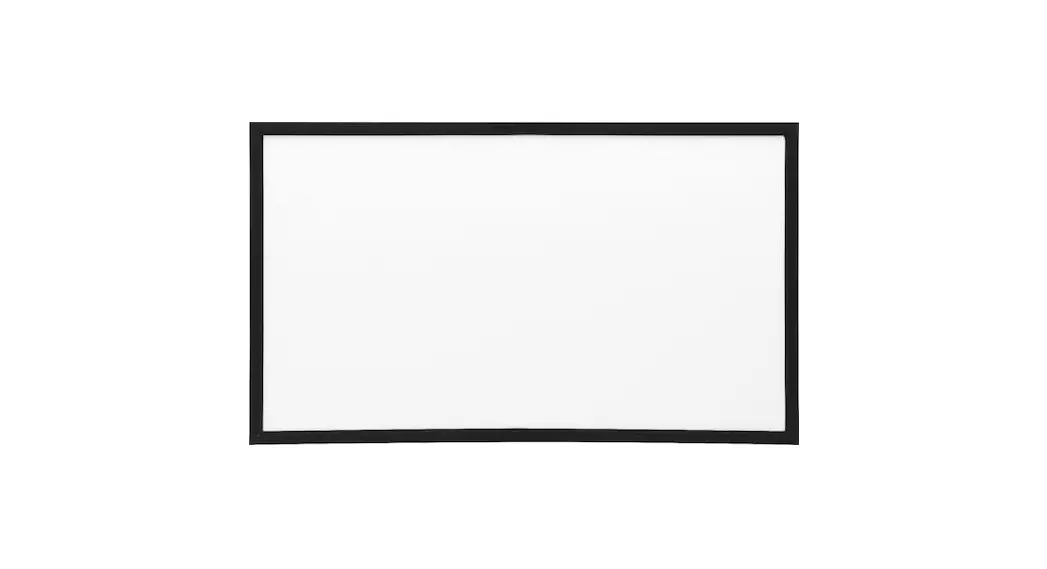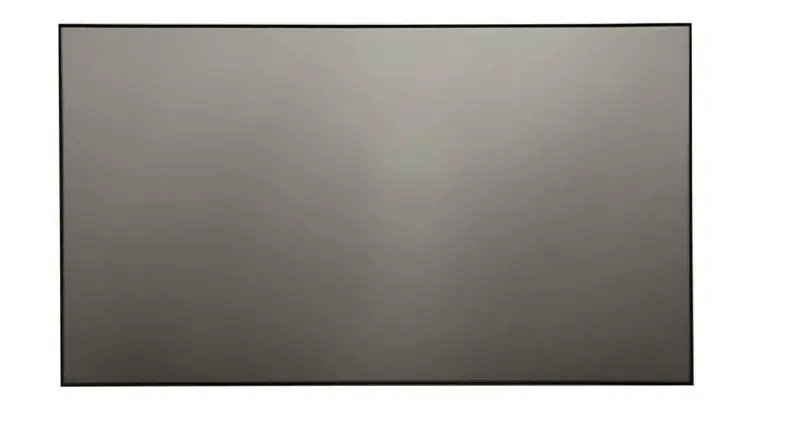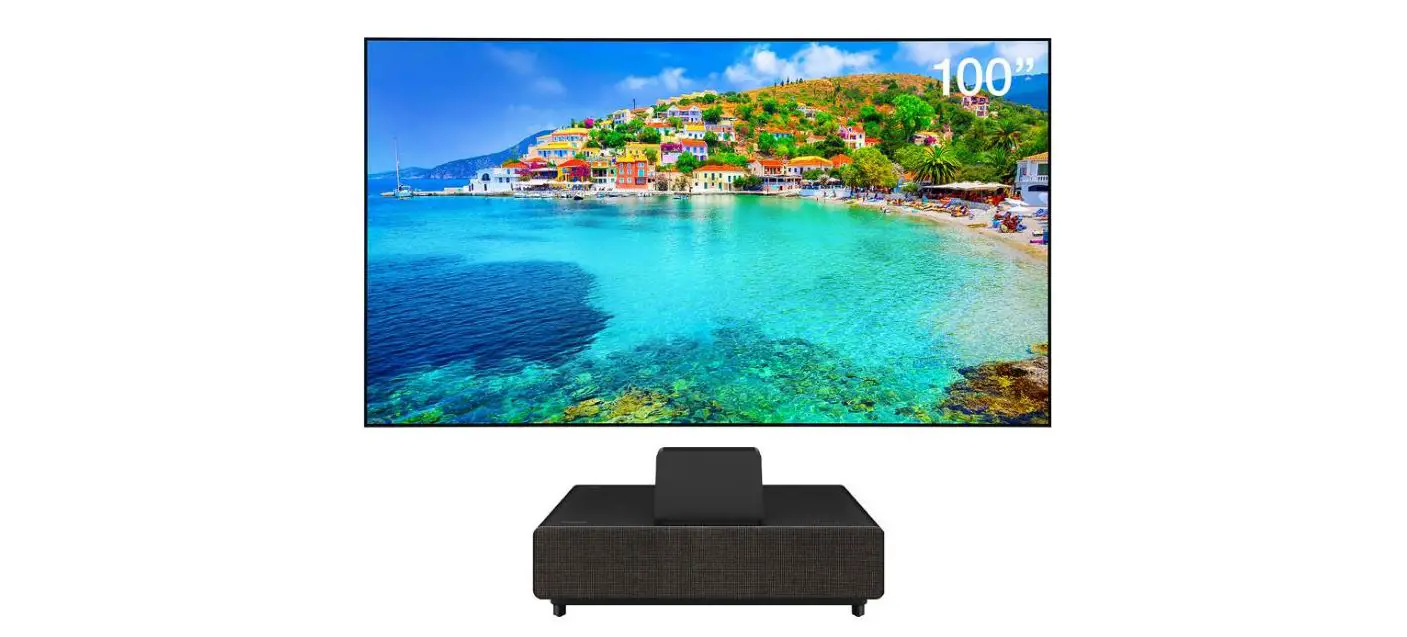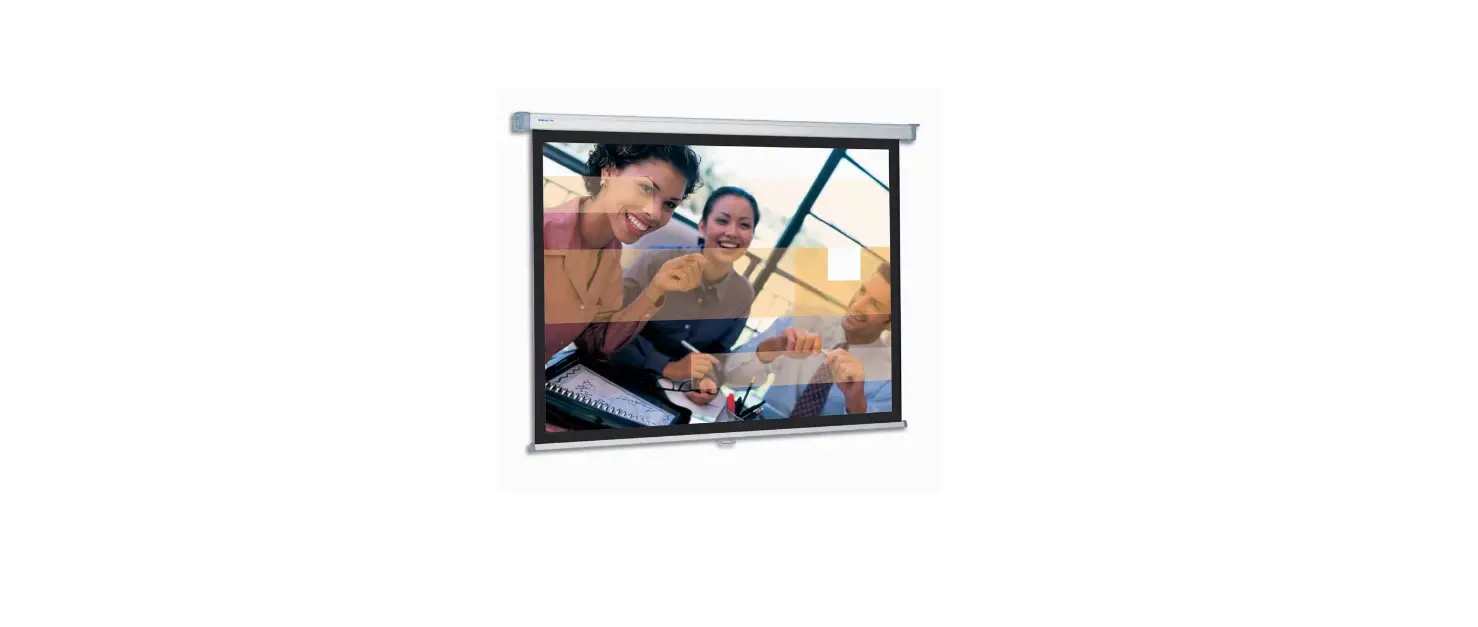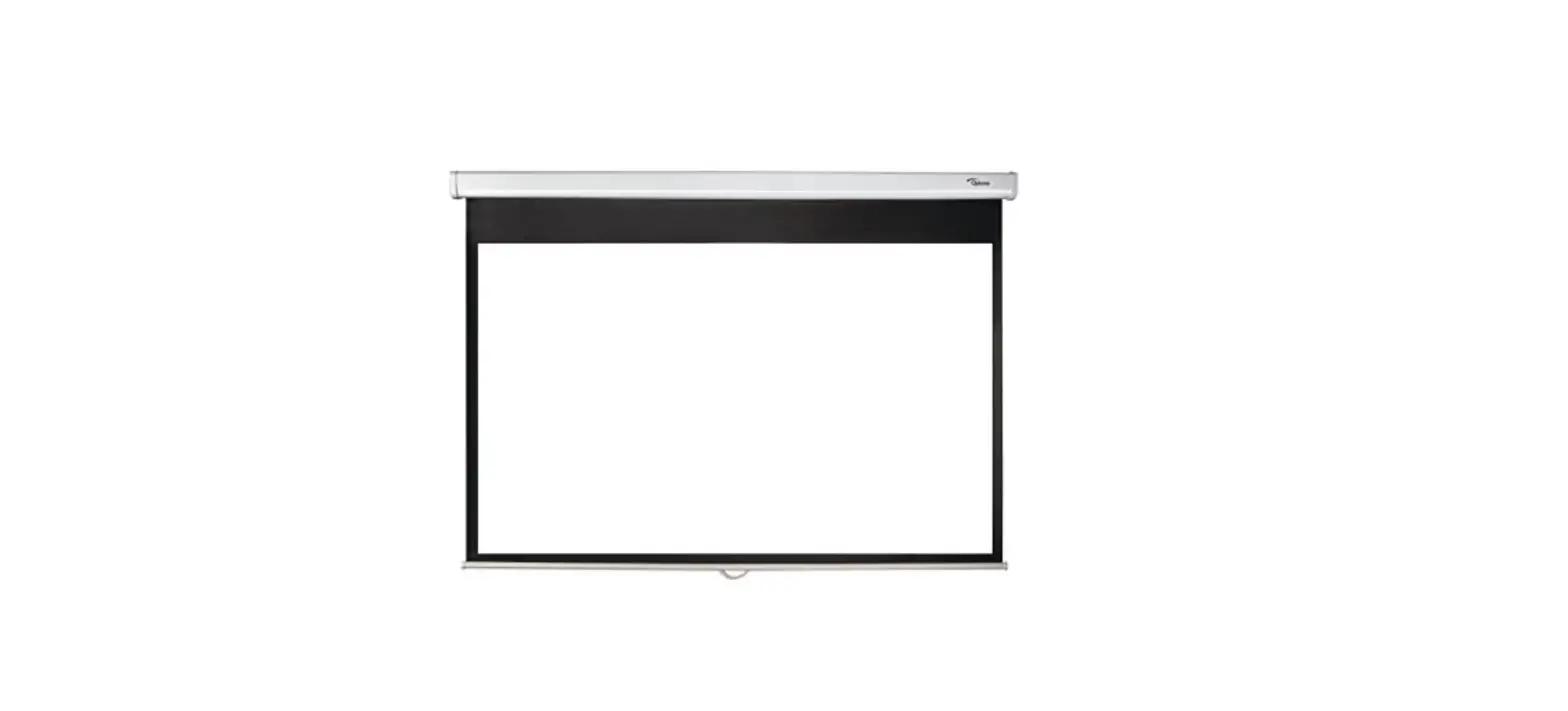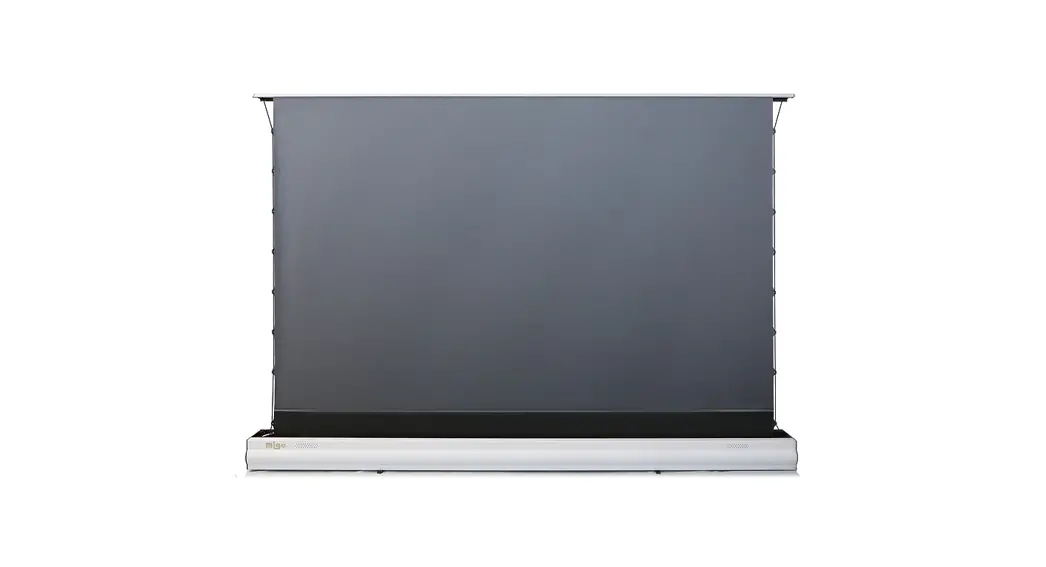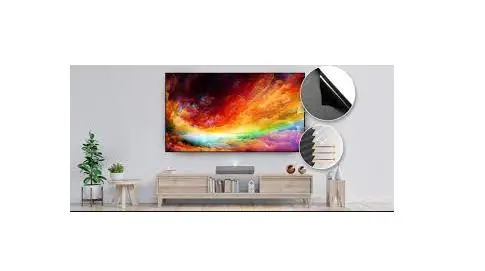

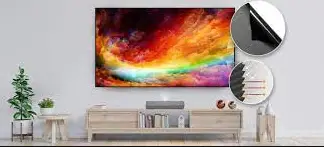
Optoma ALR120 120 Inch Frame ALR Projection Screen
Thank you for purchasing an Optoma ALR screen
For more information and warranty terms please visit out website www.optoma.com or scan QR code on the right
How to maintain the screen:
If the screen will not be in use for long periods, please cover this with a large sheet or cloth to prevent dust and dirt building up in the fabric. Remove any dust or dirt on the screen material with a soft brush or cloth.
How to clean the screen fabric:
If it is necessary to clean the fabric, gently rub with a soft cloth and warm water mixed with a soft detergent. Make sure you ‘go with the grain’ of the fabric and do not scrub this or you will damage the fabric. Let the screen air dry. Do not use any solvents, chemical agents or any abrasive material as this can cause permanent damage to the screen.
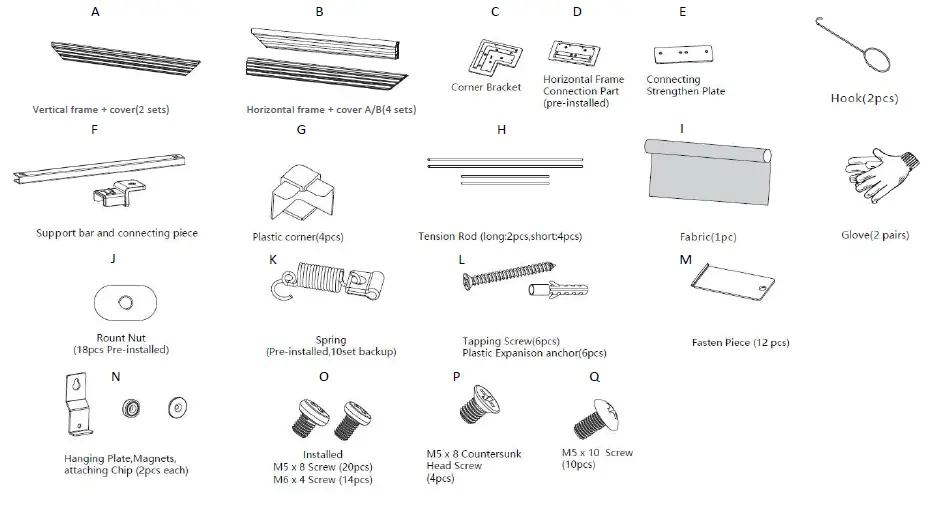
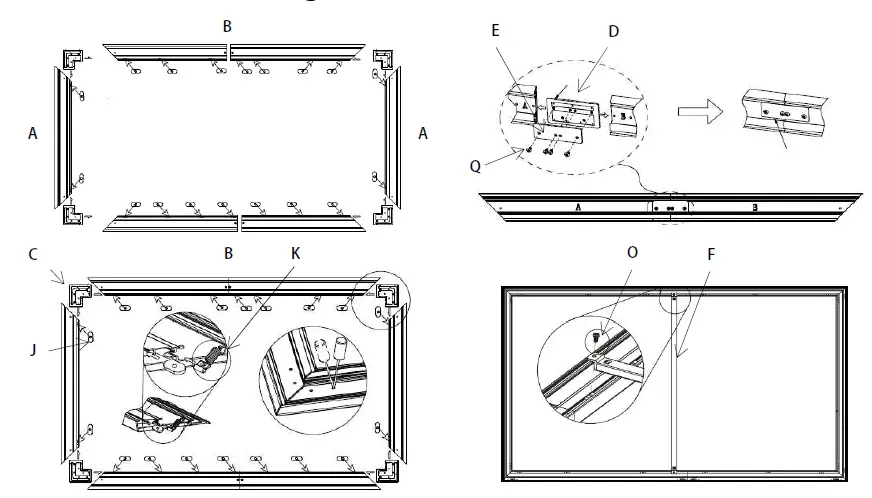
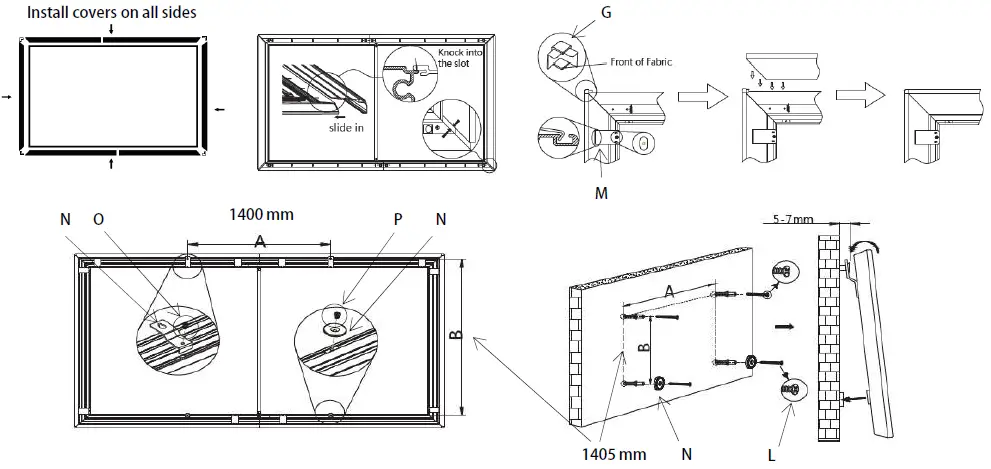
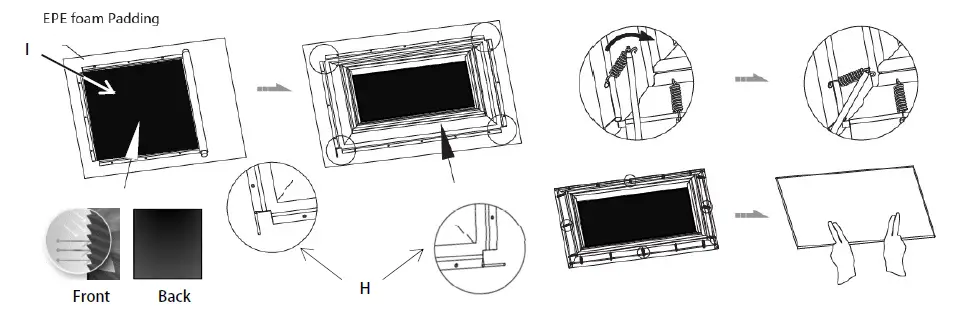 Install covers on all sides