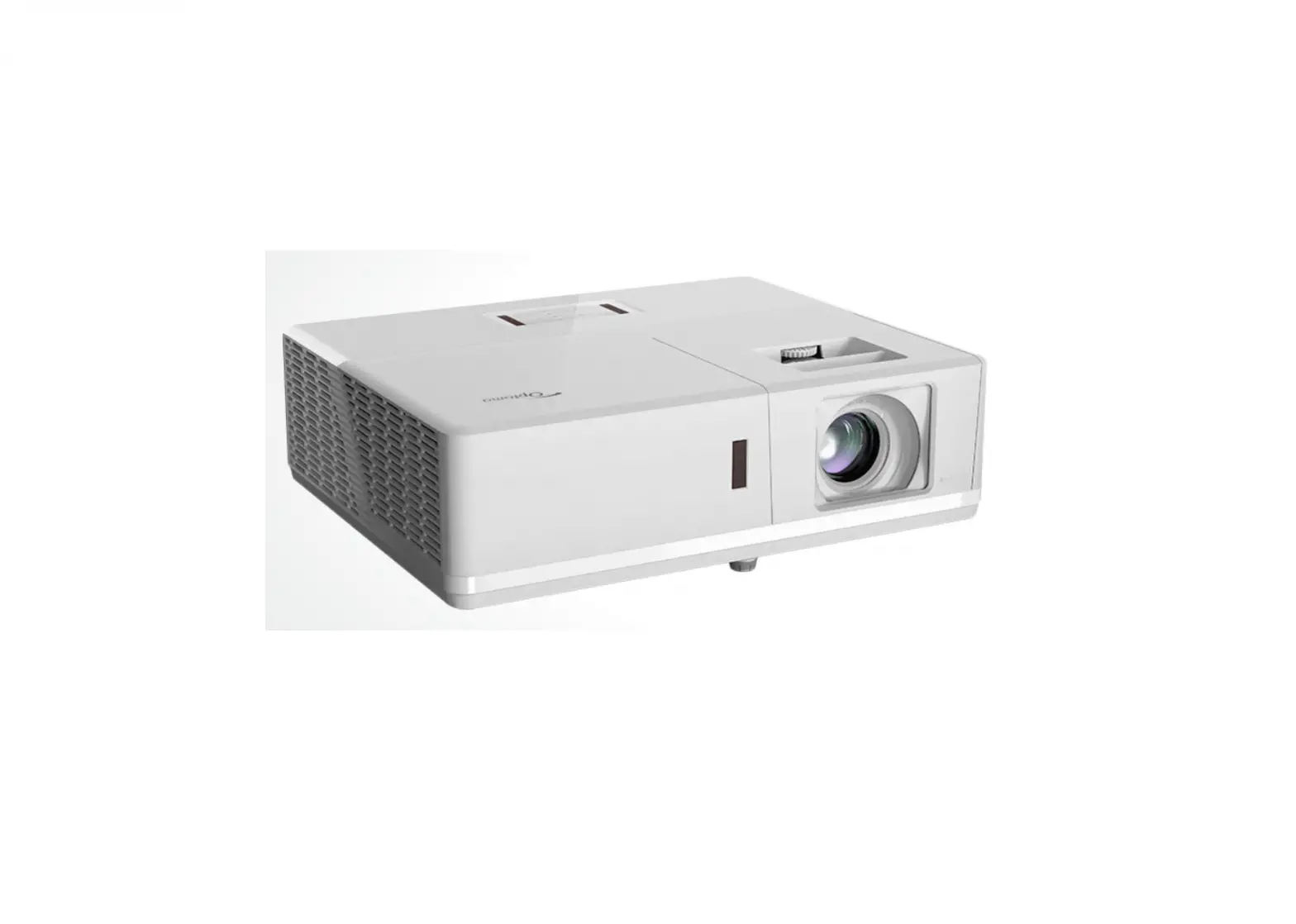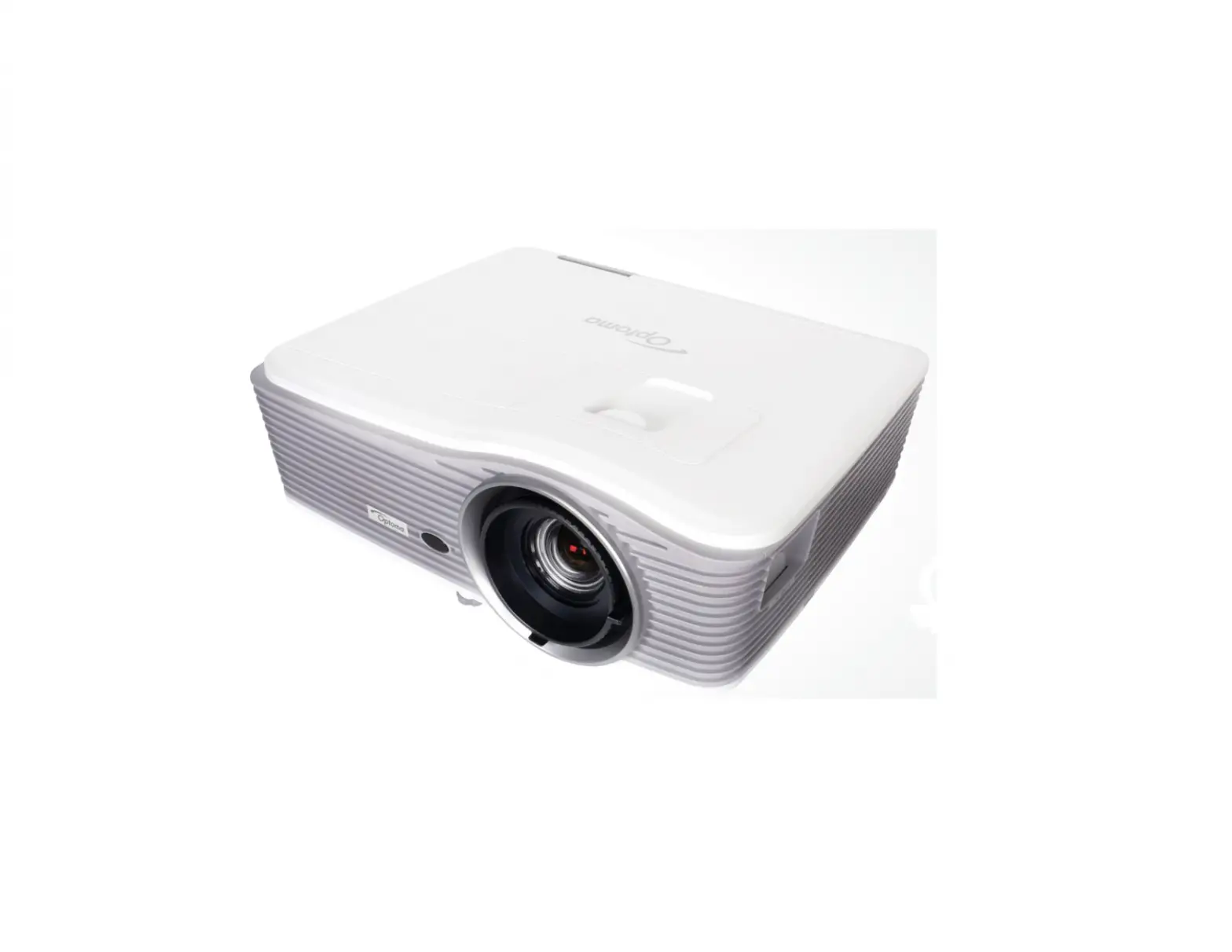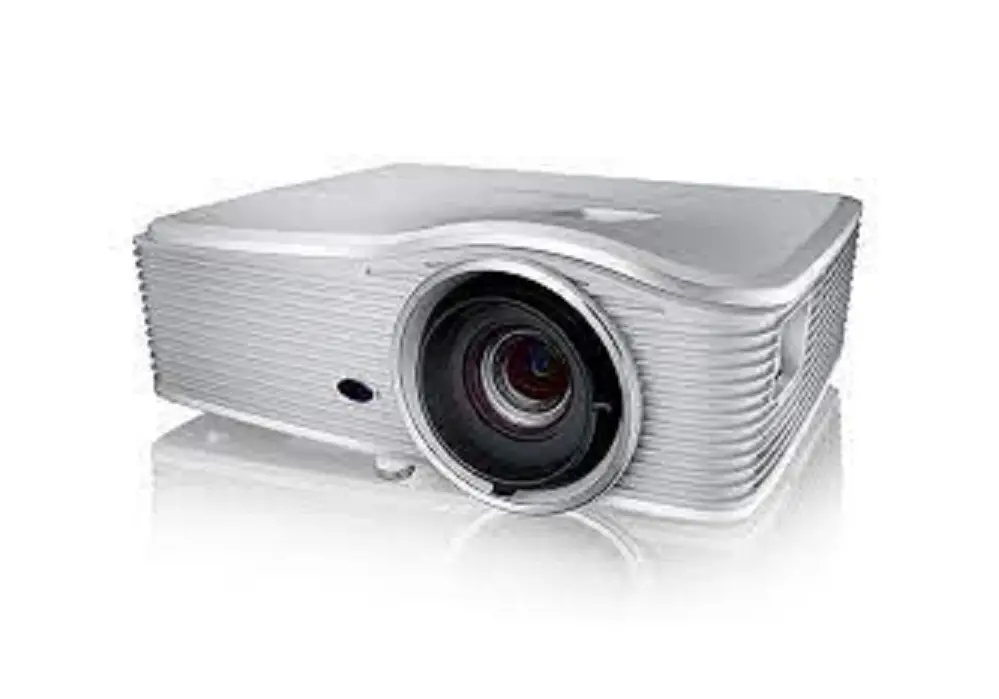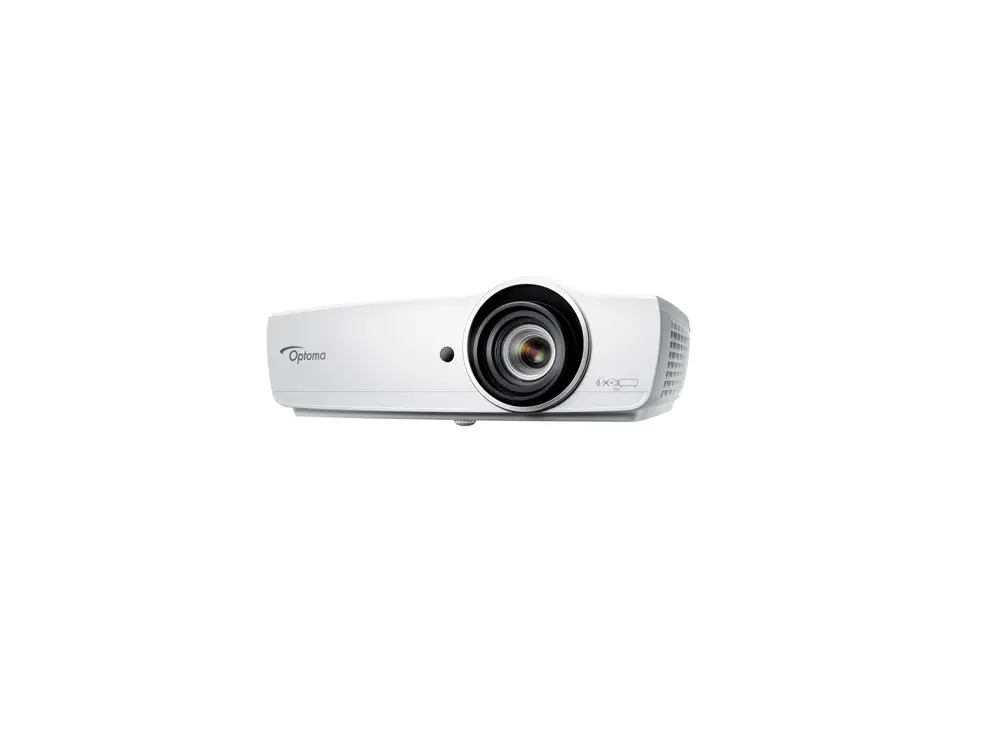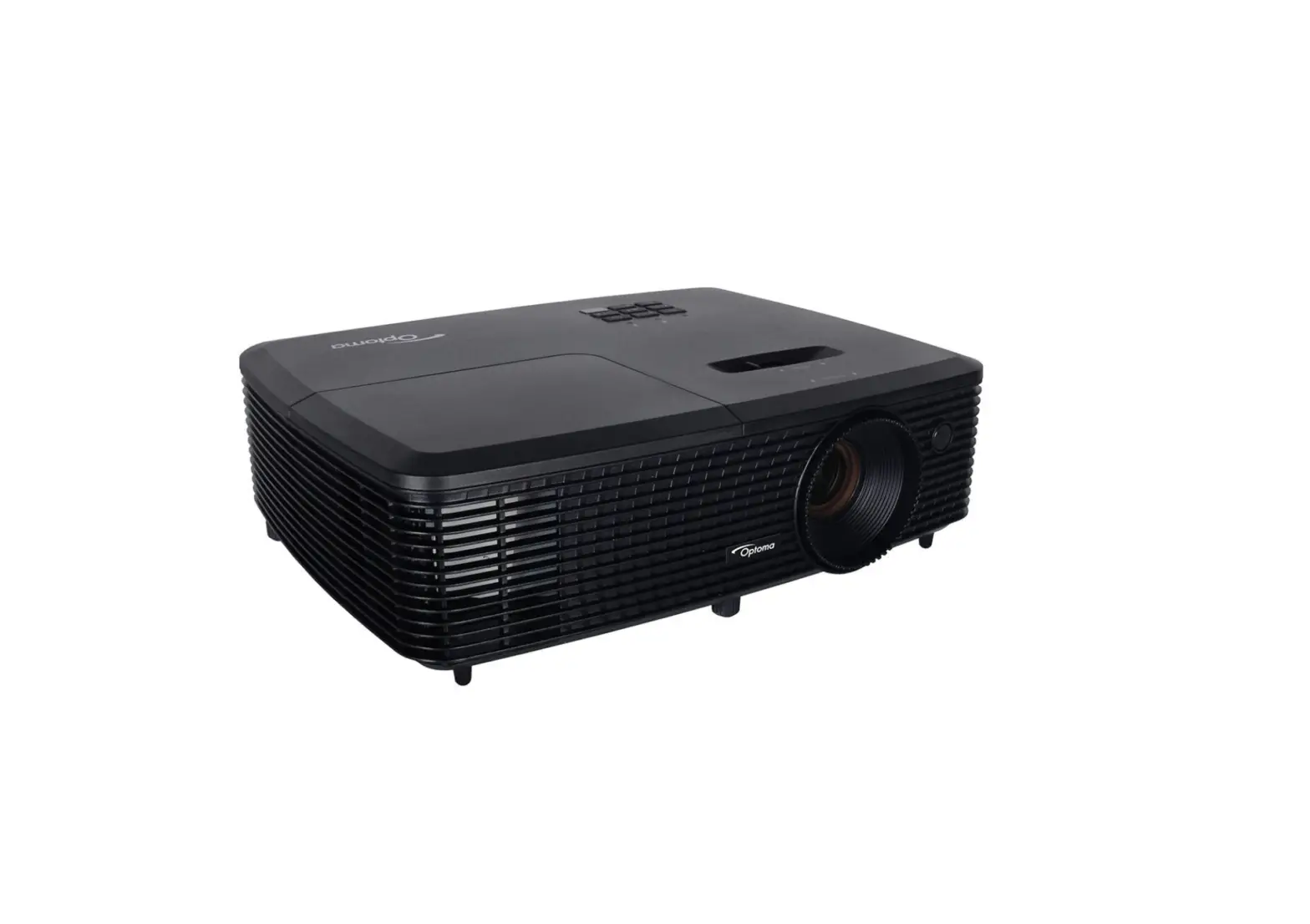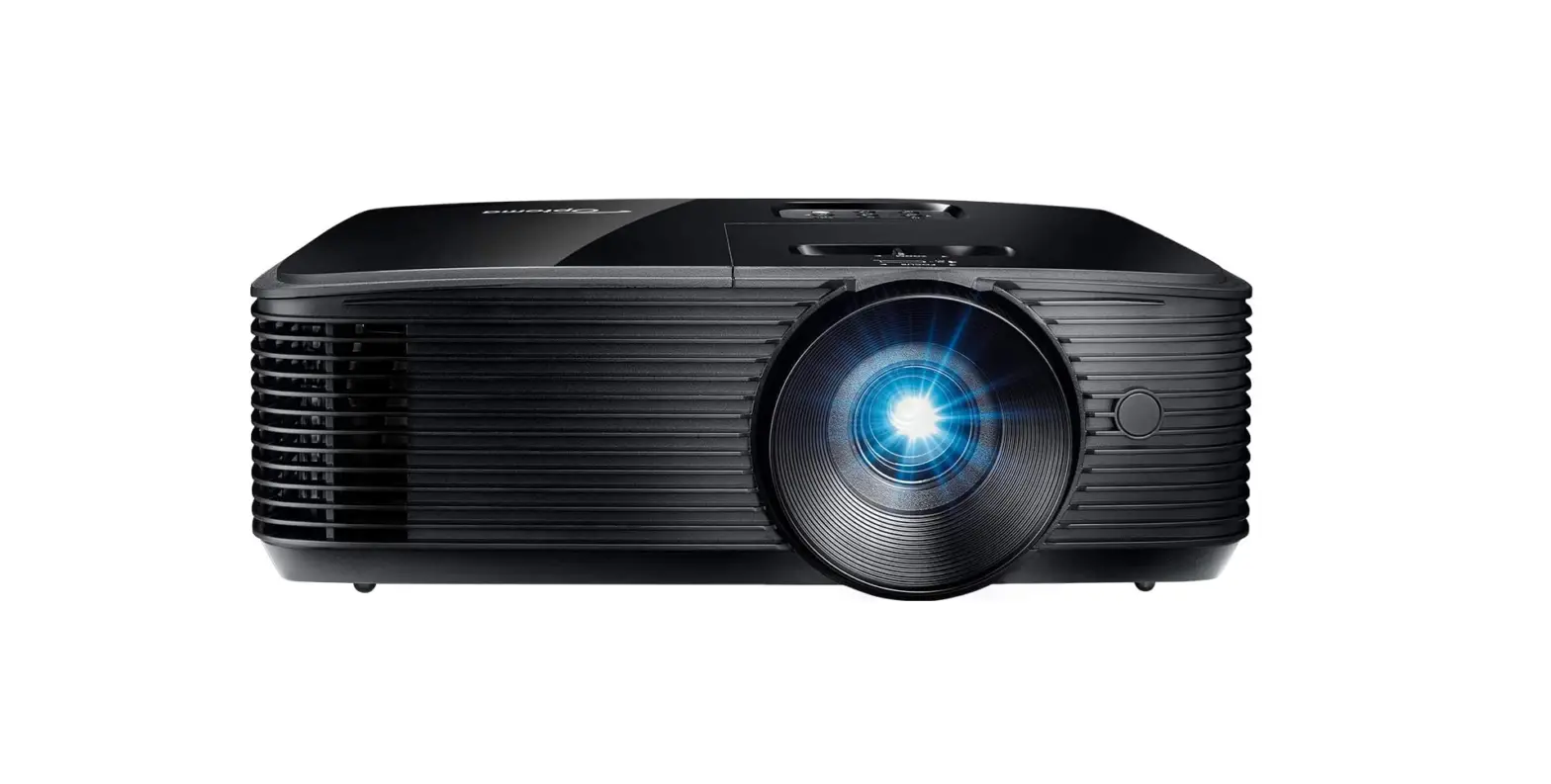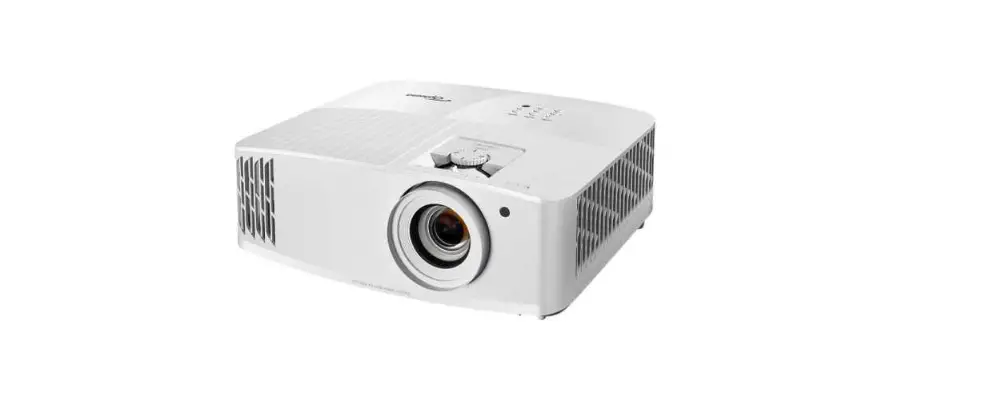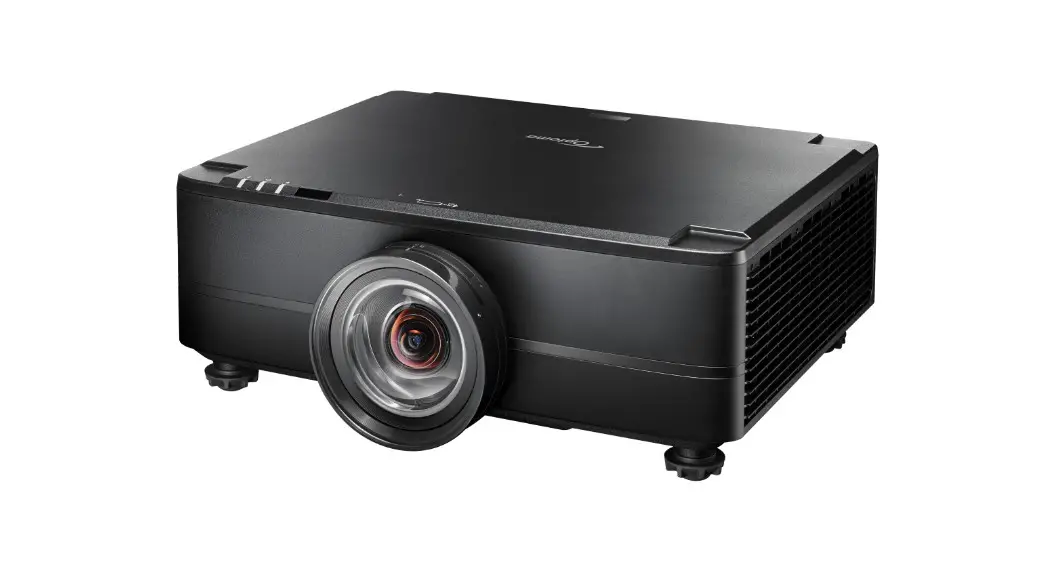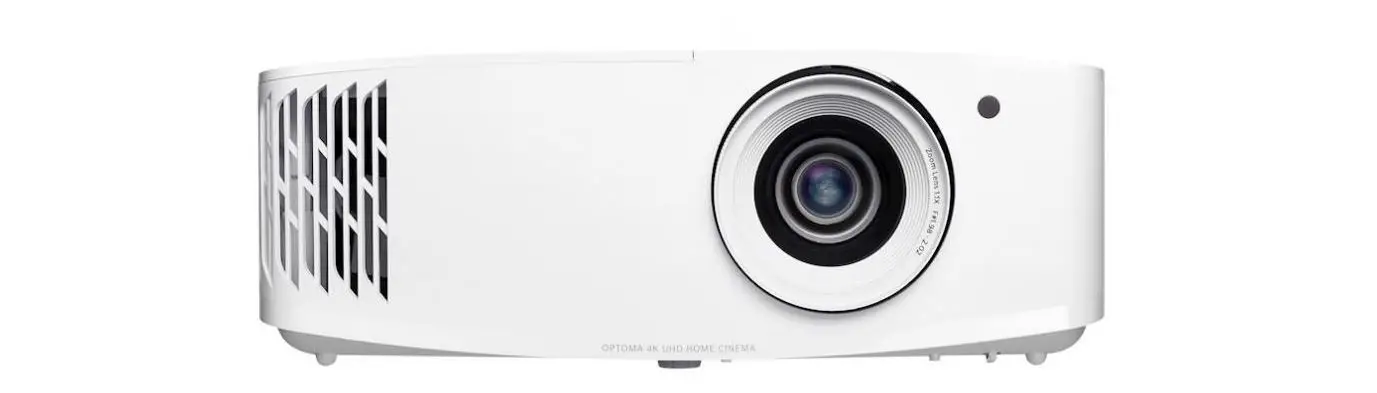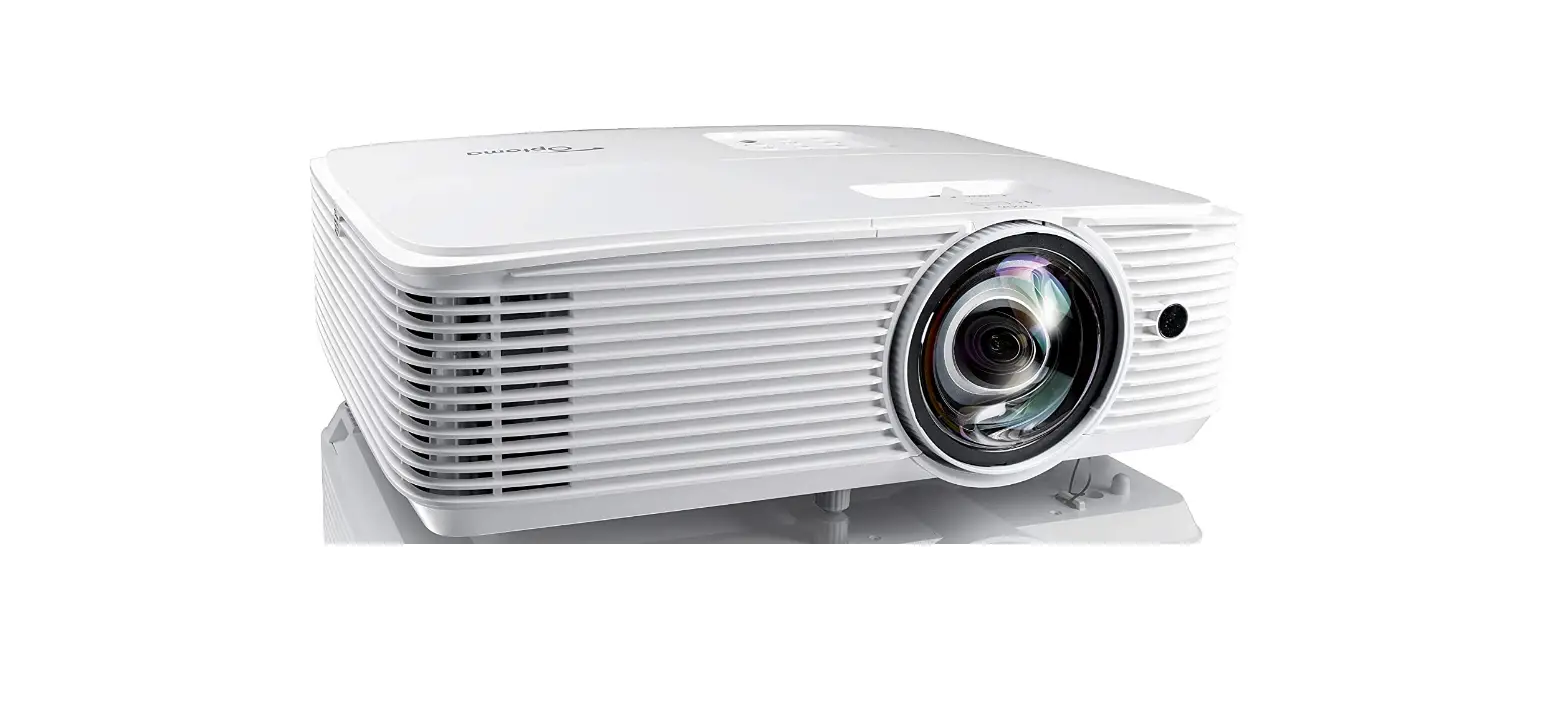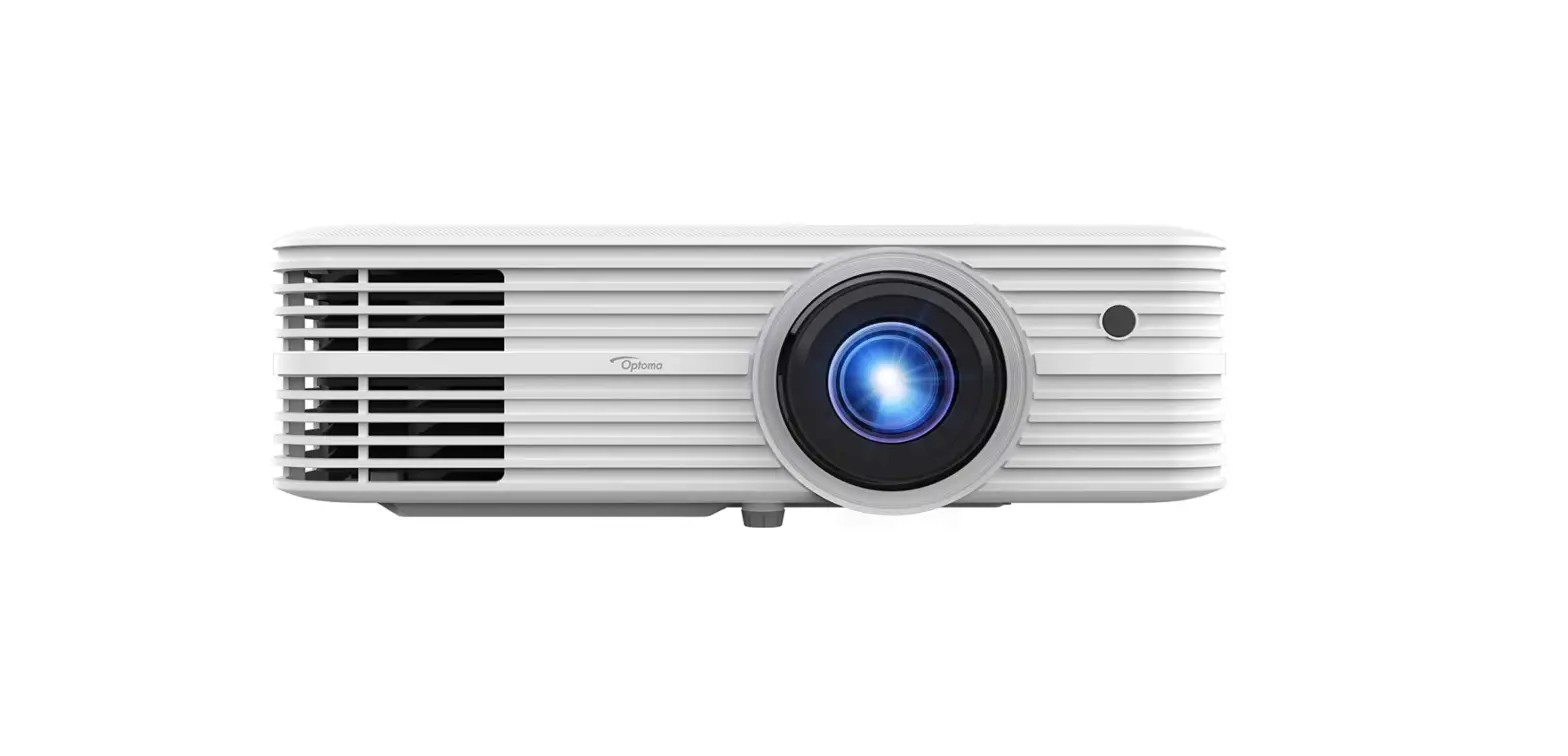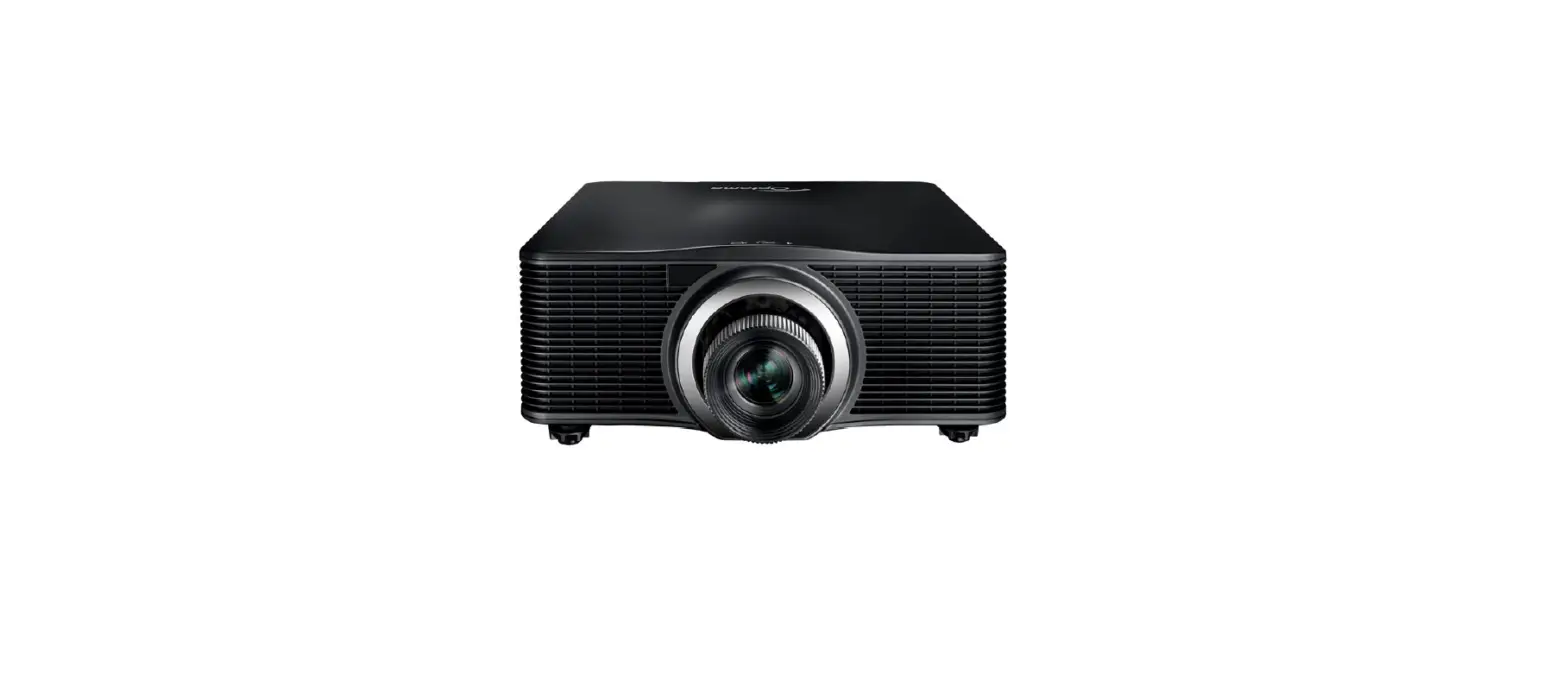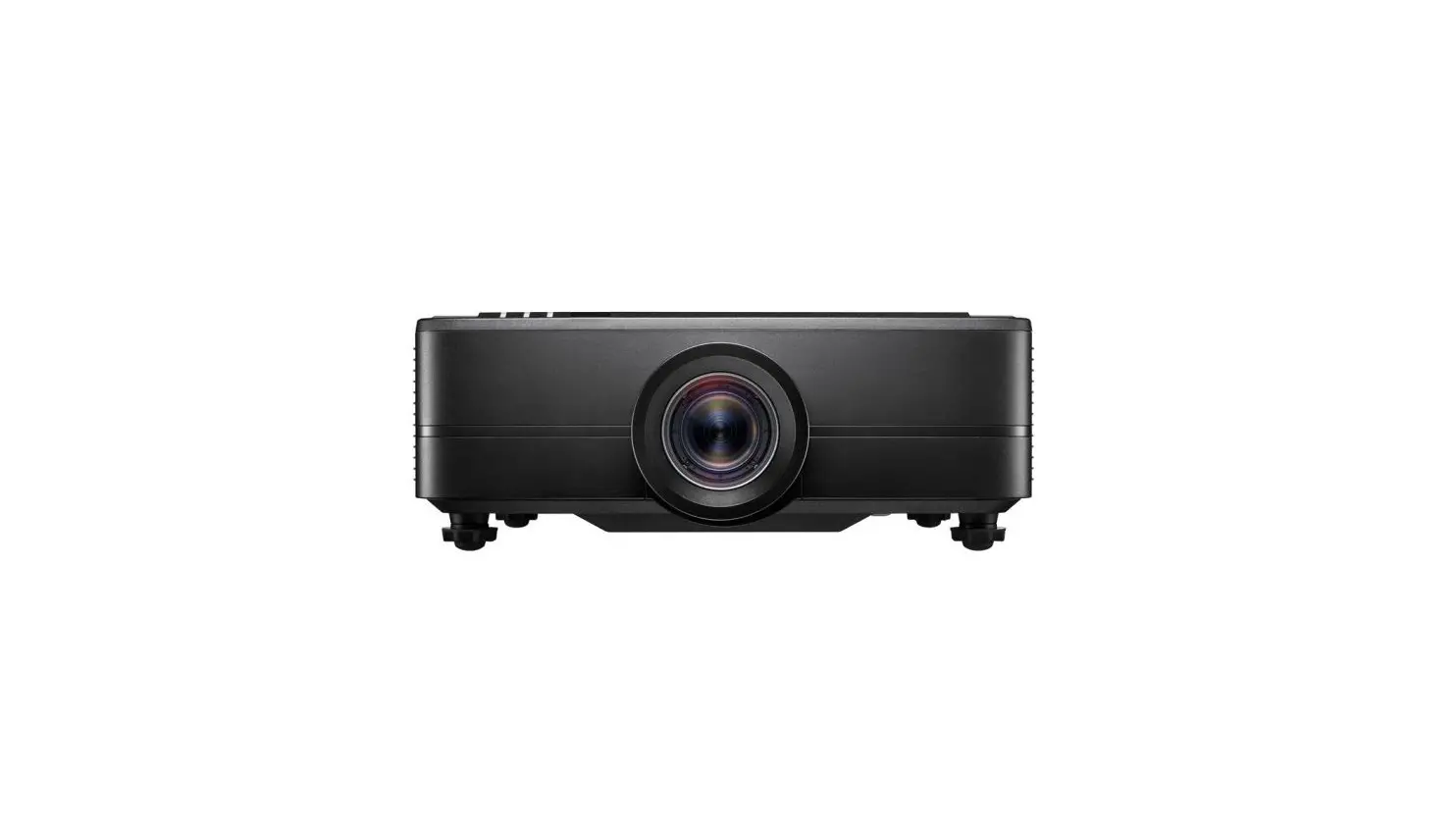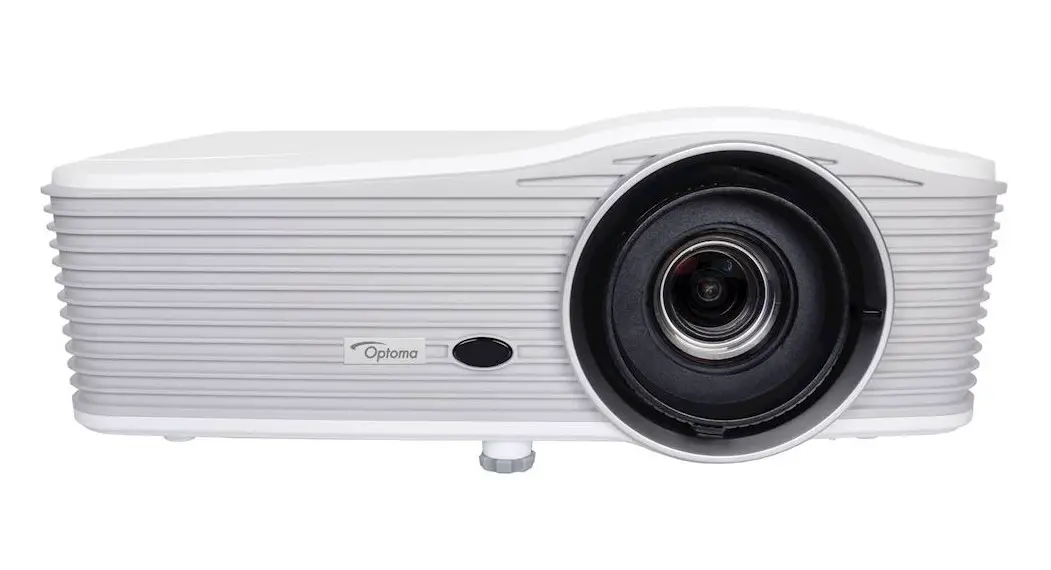
 WU515
WU515
WUXGA Installation projector
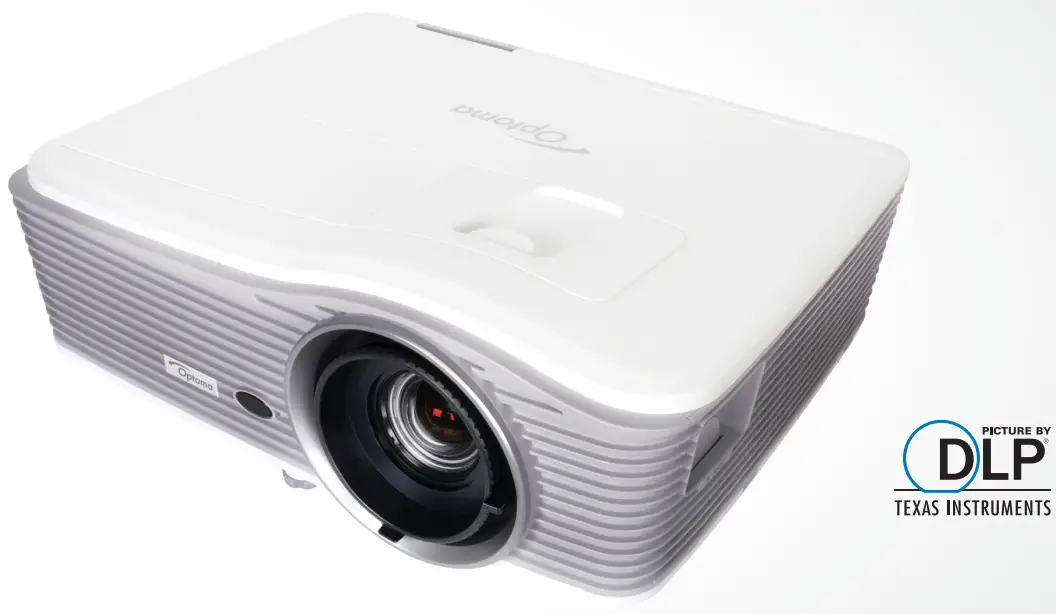
 | 4 corner Geometric Correction for easy installation of basic stacking solutions or on uneven walls |
 | 1.8x Zoom – excellent image from a short or long distance |
 | Vertical/ Horizontal keystone and lens shift for various applications |
 | Bright Projection at 6000 ANSI lumens for large installations |
 | Full Control over LAN and RS-232 using Crestron, IP Link, Extron PJ-Link, and Telnet |
 | Two 10-Watt speakers for excellent sound |
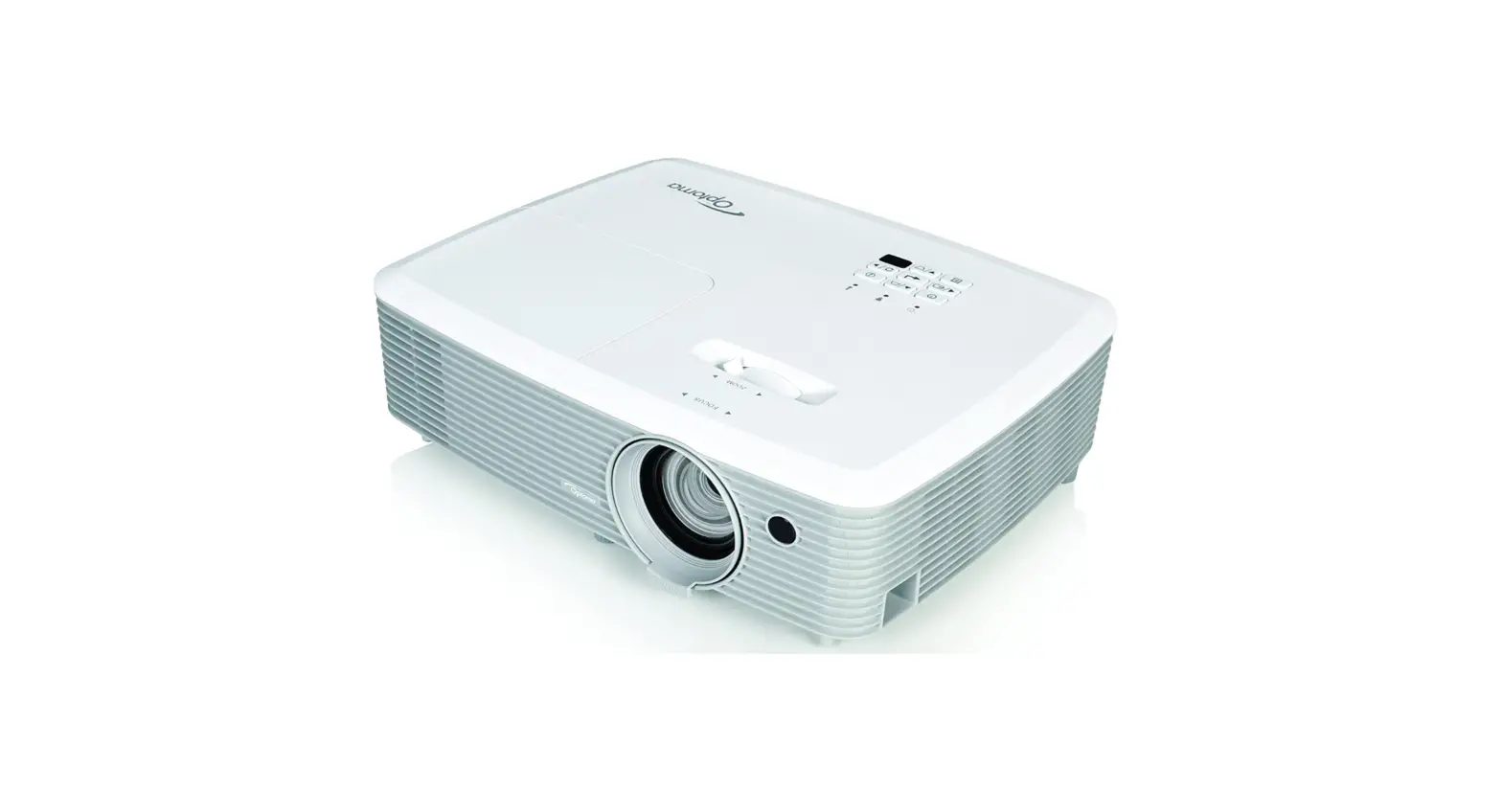
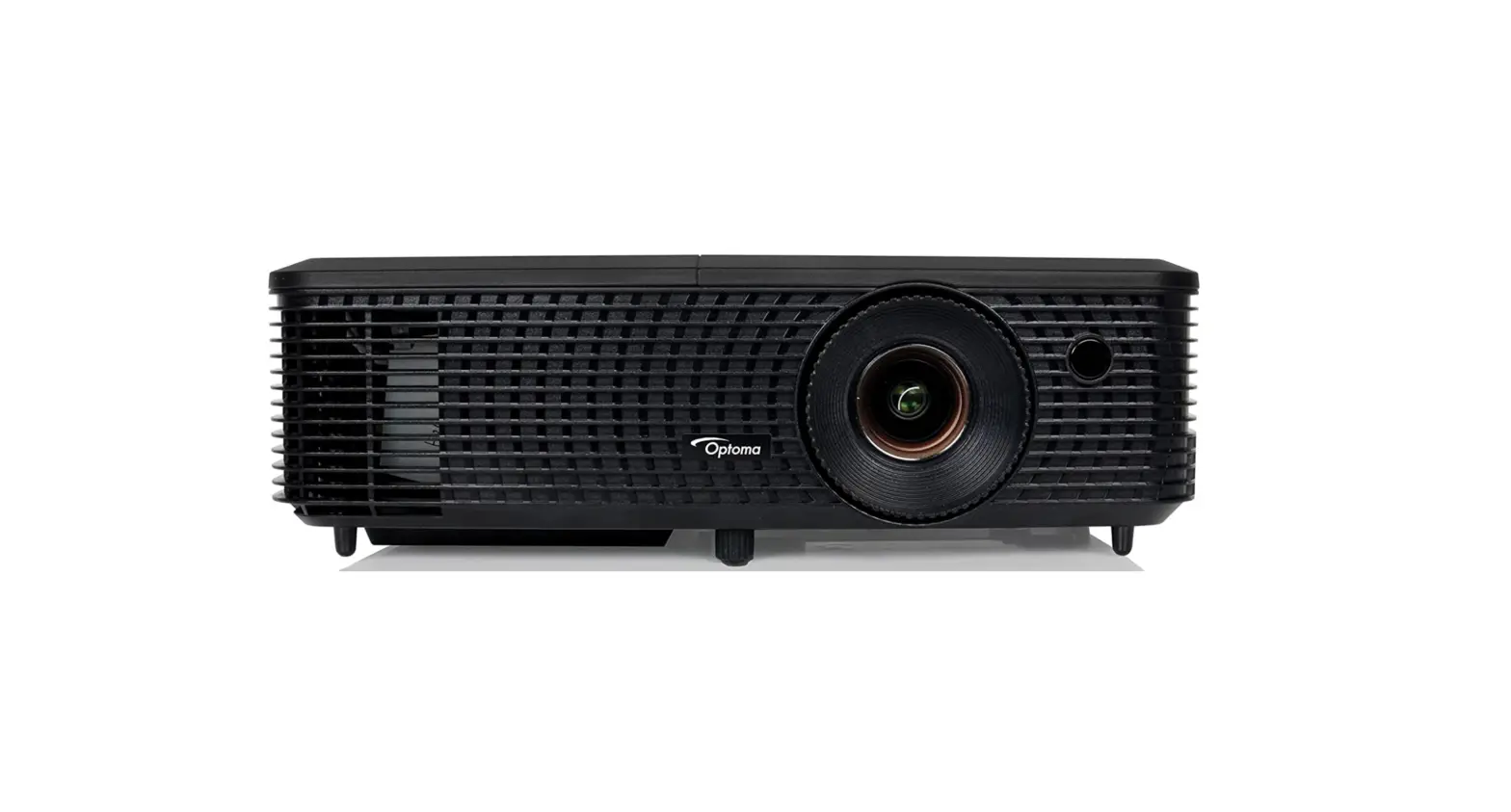
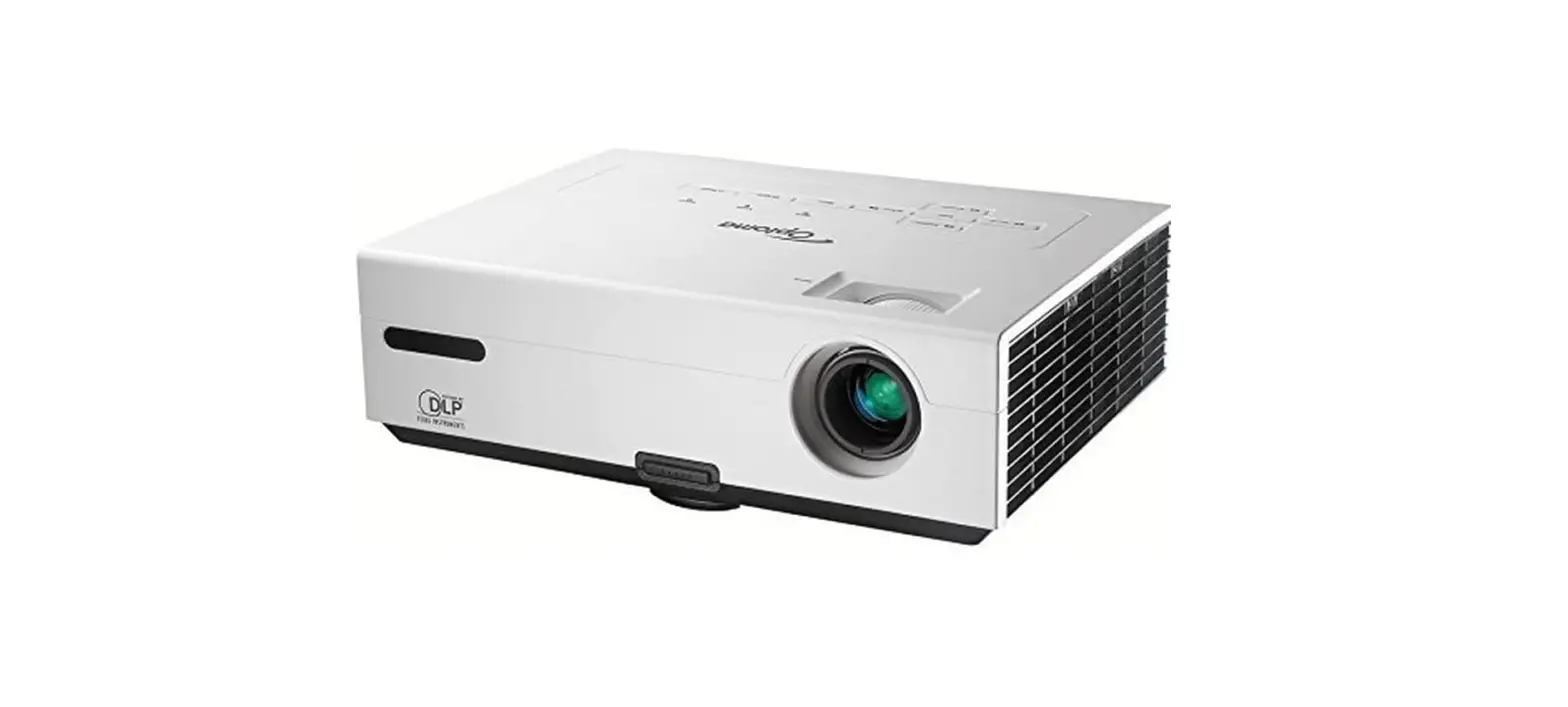
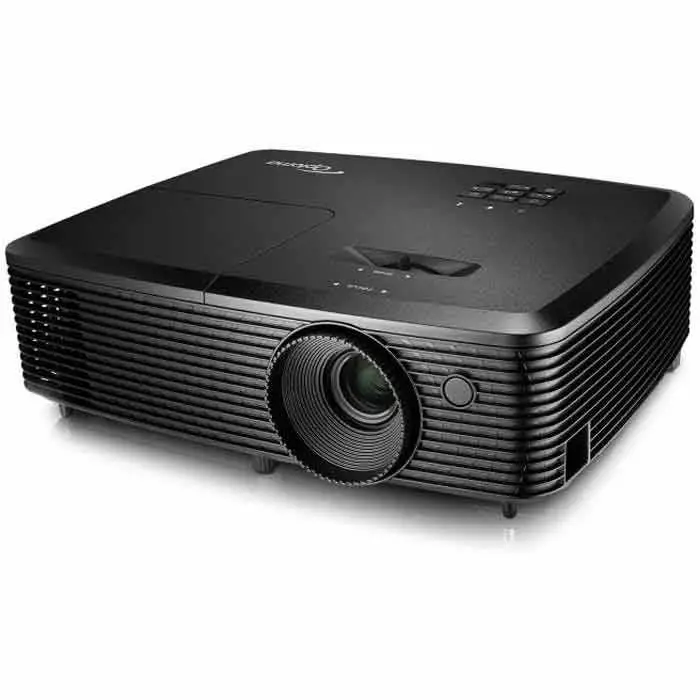
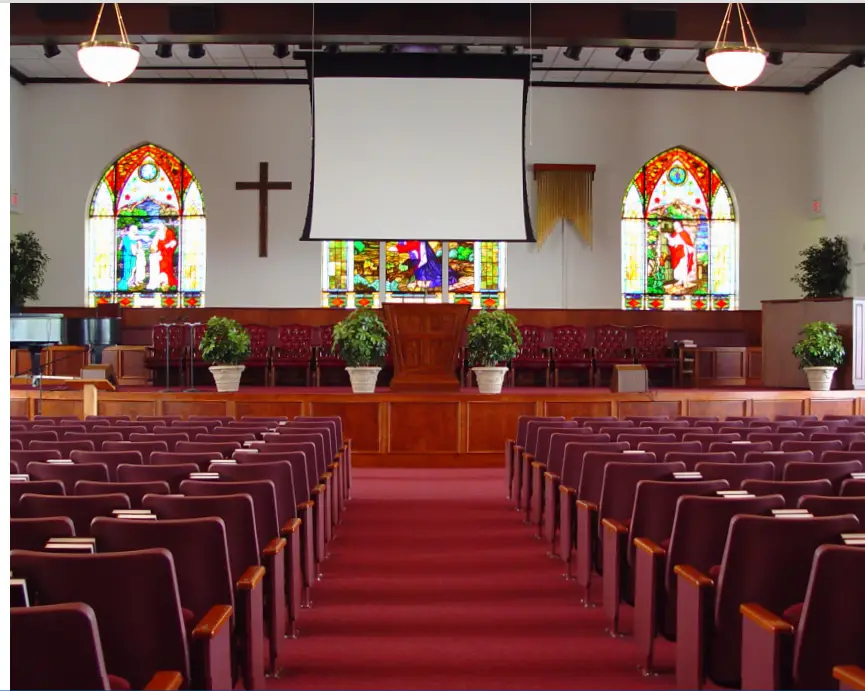
The Optoma WU515 is a WUXGA professional Installation projector, ideal for corporate environments, house of worship, and Pro-AV installs. WU515 DLP® technology provides accurate colors and great contrast for dark and white images. This great projector is furnished with advanced features to facilitate a quick installation.
Features include Four corner correction (ideal for image stacking or uneven walls), Horizontal and Vertical Lens shift, and Keystone together with x1.8 zoom ratio, which permit a quick setup and easy usability from any angle.
Equipped with a variety of inputs, including HDMI built-in MHL technology, allows you to connect to a wide variety of HD devices to easily display your content. In addition, the environmentally friendly WU515 has energy-saving features including Eco+ lamp power management, <0.5W standby mode, and auto power-off, saving you both time and money by prolonging your lamp life.
 CONNECTIVITY
 CONNECTIVITY
(May require optional accessories)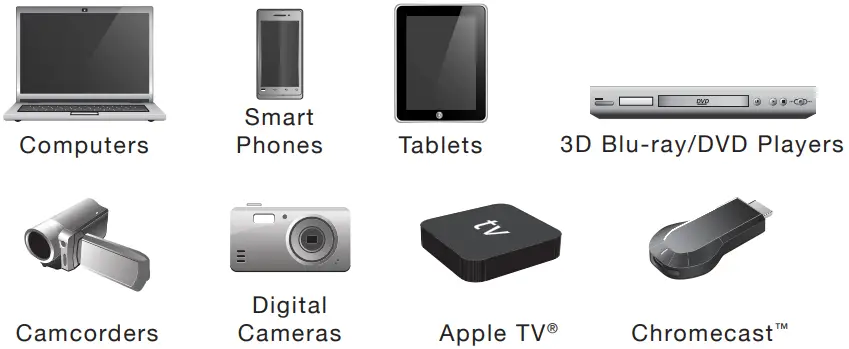
Technology/Features
WU515 — WUXGA: Perfect for High-Resolution Professional Installations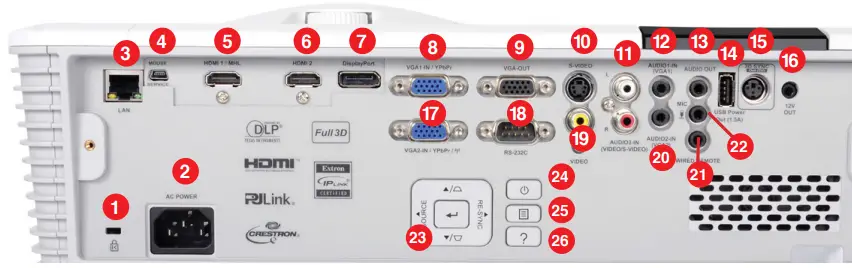
| 1. Kensington ™Lock Port 2. Power 3.LAN 4. micro USB (service) 5.HDMI1-In (MHL) 6.HDMI2-In 7. Display Port 8.VGA1-In (YPbPr) | 9. VGA-Out 10. S-Video 11.Audio3-In (RCA) 12.Audio1-In (3.5 mm) 13. Audio-Out (3.5 mm) 14. USB (Power 1.5a) 15.3D Vesa 16. 12V Trigger 17.VGA2-In (YPbPr) | 18.RS-232C 19. Composite Video 20.Audio2-In (3.5 mm) 21. Wired Remote 22. MIC-In (3.5 mm) 23. Key Pad 24. Power On Button 25. Menu 26. Information |
 OPTICAL/TECHNICAL SPECIFICATIONS
 OPTICAL/TECHNICAL SPECIFICATIONS
| Display Technology | Single 0.67″ WUXGA chip, DLP ® Technology by Texas Instruments ™ |
| Native Resolution | WUXGA (1920 x 1200) |
| Maximum ResolutionBrightness | WUXGA (1920 x 1200) |
| Contrast Ratio | 6000 ANSI lumens |
| Displayable Colors | 10,000:1 (full on/full off) |
| Lamp Life | 1.07 Billion |
| Lamp Type* | 5000/3000 hrs (ECO/Bright) |
| Projection Method | 365W |
| Keystone Correction | Front, rear, ceiling mount, tabletop |
| Uniformity | ±30° Vertical; ±30° Horizontal |
| Offset | 80% |
| Lens Shift | Vertical: +20% Horizontal: ±10% (constraints apply see user manual for details) |
| Aspect Ratio | 16:10 (Native), 4:3, Auto |
| Throw Ratio | 1.26:1~ 2.16:1 |
| Projection Distance | 4.26’–25.59′ (1.3–7.8 m) |
| Image Size | 27.9″~301.8″ (0.71~7.66 m) diagonal 16:9 |
| Projection Lens | F=17.63~31.36 mm; manual focus |
| Optical Zoom | 1.8x Manual zoom |
| Digital Zoom | 0.8–2.0 |
| Audio | 20-Watt |
| Noise Level | 28dB |
| Remote Control | IR and wired control |
| Operating TemperatuPower Supply | 41–113°F (5–45°C), 85% max humidity |
| Power Consumption | AC input 100–240V, 50–60 Hz, auto-switching |
| High Altitude | |
| Display Technology | 445W (Bright), 335W Max (ECO), <0.5W (Standby |
| High Altitude | Operating Temperature at sea level 10,000 feet = 73.4°F (23°C) max; must manually switch to high altitude mode at 5,000 feet |
PHYSICAL SPECIFICATIONS
| Security | Kensington ® lock port, security bar, and password protection |
| Weight | 13 lb (5.9 kg) |
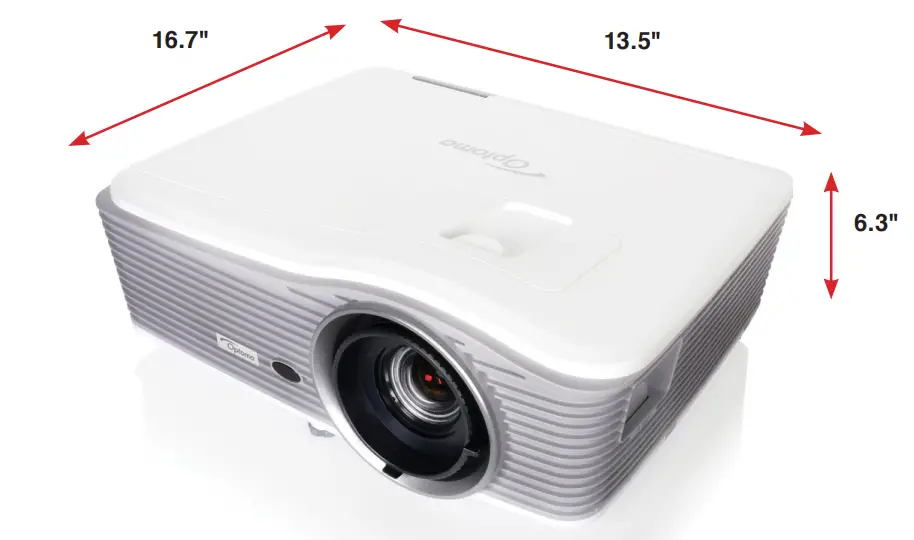
| Dimensions (W x H x D | 16.7” x 6.3” x 13.5” (424 x 160 x 344 mm) |
COMPATIBILITY SPECIFICATIONS
| Computer Compatibility | UXGA, SXGA, XGA, SVGA, VGA, WXGA, HD, Mac |
| Video-Input Compatibility | PAL (B, D, G, H, I, M, N, 4.43MHz), NTSC (M, J, 3.58MHz, 4.443MHz), SECAM (B, D, G, K, K1, L, .25,MHz, 4.4MHz, 480i/p, 576i/p, 720p(50/60Hz), 1080i(50/60Hz) 1080p(24/50/60Hz) |
| 3D Compatibility†
| Side-by-Side:1080i(50/60Hz) Frame-pack: 080p(24Hz), 720p(50/60Hz) Over-Under: 1080p(24Hz), 1080i(50/60Hz), 720p(50/60Hz) 3D glasses are needed and are sold separately. Refer to user manual for details. |
| Vertical Scan Rate | 24– 85 Hz (120 Hz for 3D feature projector) |
| Horizontal Scan Rate | 15.375 – 91.146 kHz |
| I/O Connection Ports | 1x Display port, 2x HDMI 1.4a + MHL, 2x VGA-In, 1x VGA out, Composite Video, S-Video, 3x Audio-In (stereo, 3.5mm and RCA), 1x Audio-Out (3.5mm jack), 1x Mic-in (3.5mmjack), 12v trigger, USB type-A 5V, 3D Sync VESA port, RS232C, mini- USB(service/control), RJ45, AC power (3 pin) |
Warranty
3 Year parts and labor limited warranty on the projector, 1-year lamp warranty or 1000 hours (whichever comes first)
In the Box (Standard Accessories)
WU515 projector, AC power cord, VGA cable, remote control, batteries, multilingual CDROM user’s manual, basic user manual, and warranty card
Optional Accessories
Universal ceiling mount, Optoma screen, DLP ® Link™ 3D glasses, wireless HDMI system
Accessory Part Numbers
Lamp: SP.72109GC01 Remote: SP.72101GC01 RF 3D Glasses: ZF2300Glasses RF 3D Emitter: BC300 DLP ® Link ™ 3D glasses: ZD302 Universal ceiling mount: OCM815B, OCM815W, OCM818B-RU, OCM818W-RU
Wireless accessories: WHD200, QuickCast Pro 4K Kit, WPS-PRO, BI-EXTBG03
UPC 796435 41 960 8
*Lamp life is dependent upon many factors, including lamp mode, display mode, usage, environmental conditions, and more. Lamp brightness can decrease over time.
† 3D content can be viewed with RF of DLP ® Link active shutter 3D glasses when the projector is used with a compatible 3D player. RF 3D glasses require the use of an RF 3D emitter and a projector with a 3D VESA Sync port. Please visit www.OptomaUSA.com for more information.
Copyright © 2015 Optoma Technology, Inc. DLP ® and the DLP logo are registered trademarks of Texas Instruments ™. All other trademarks are the property of their respective owners. All speci cations are subject to change at any time. 05262020
 Experience More - Optoma USA