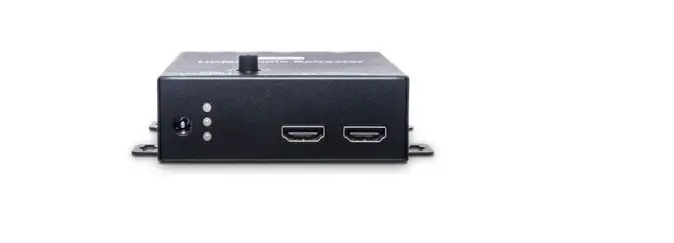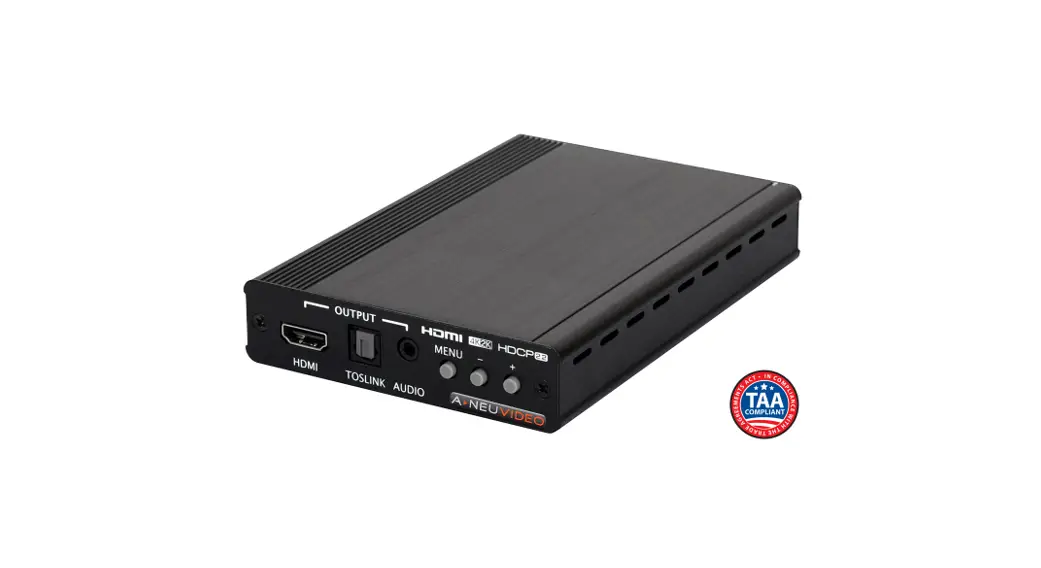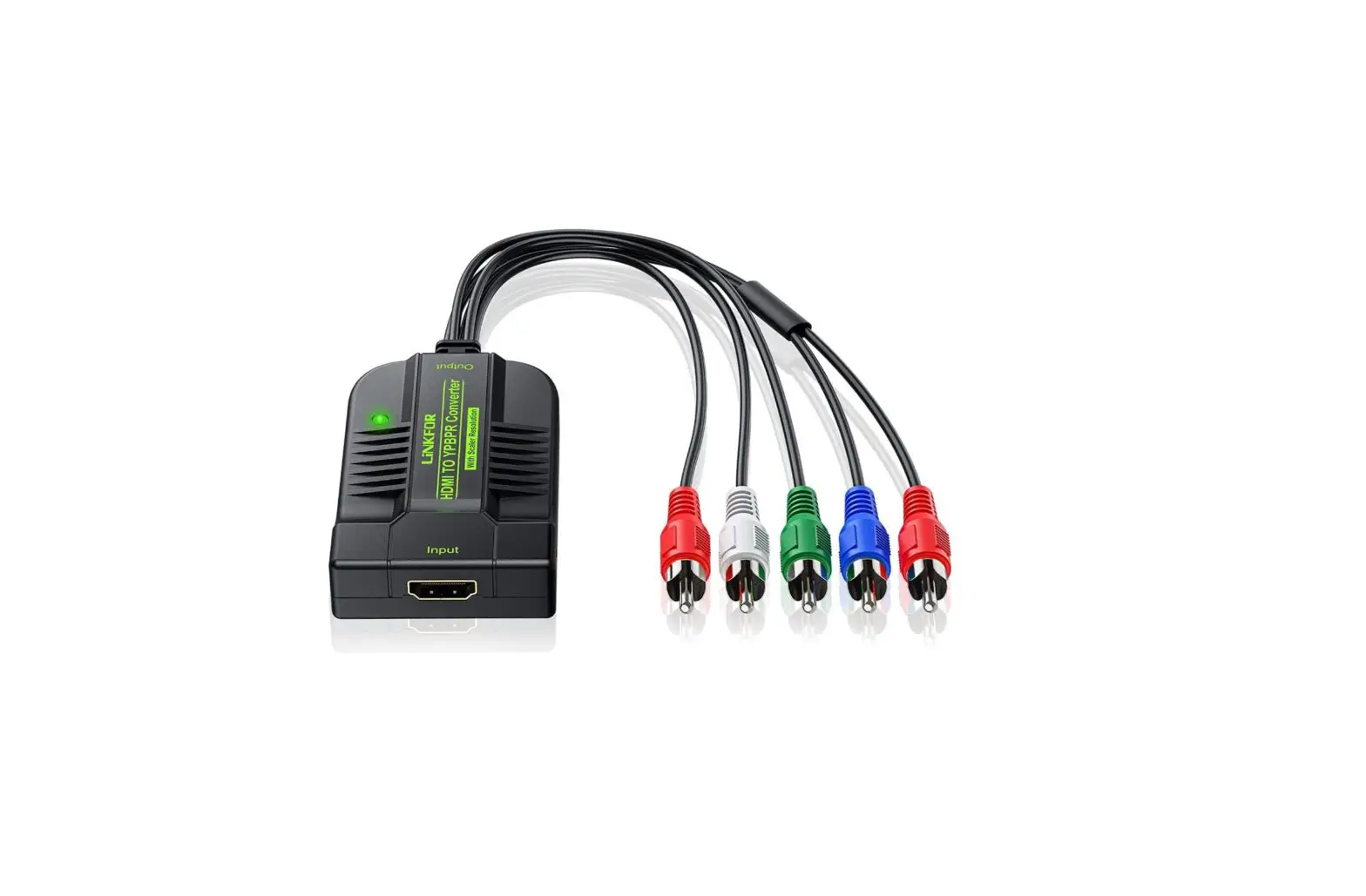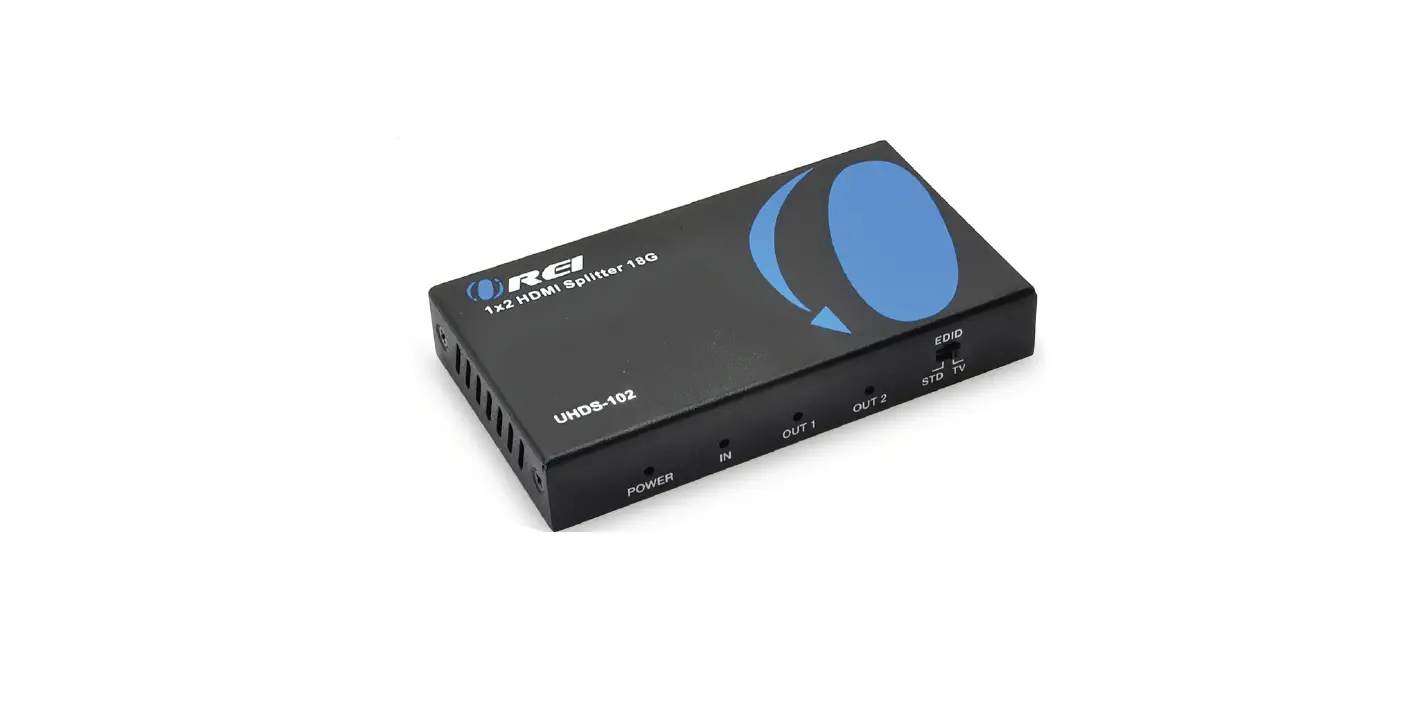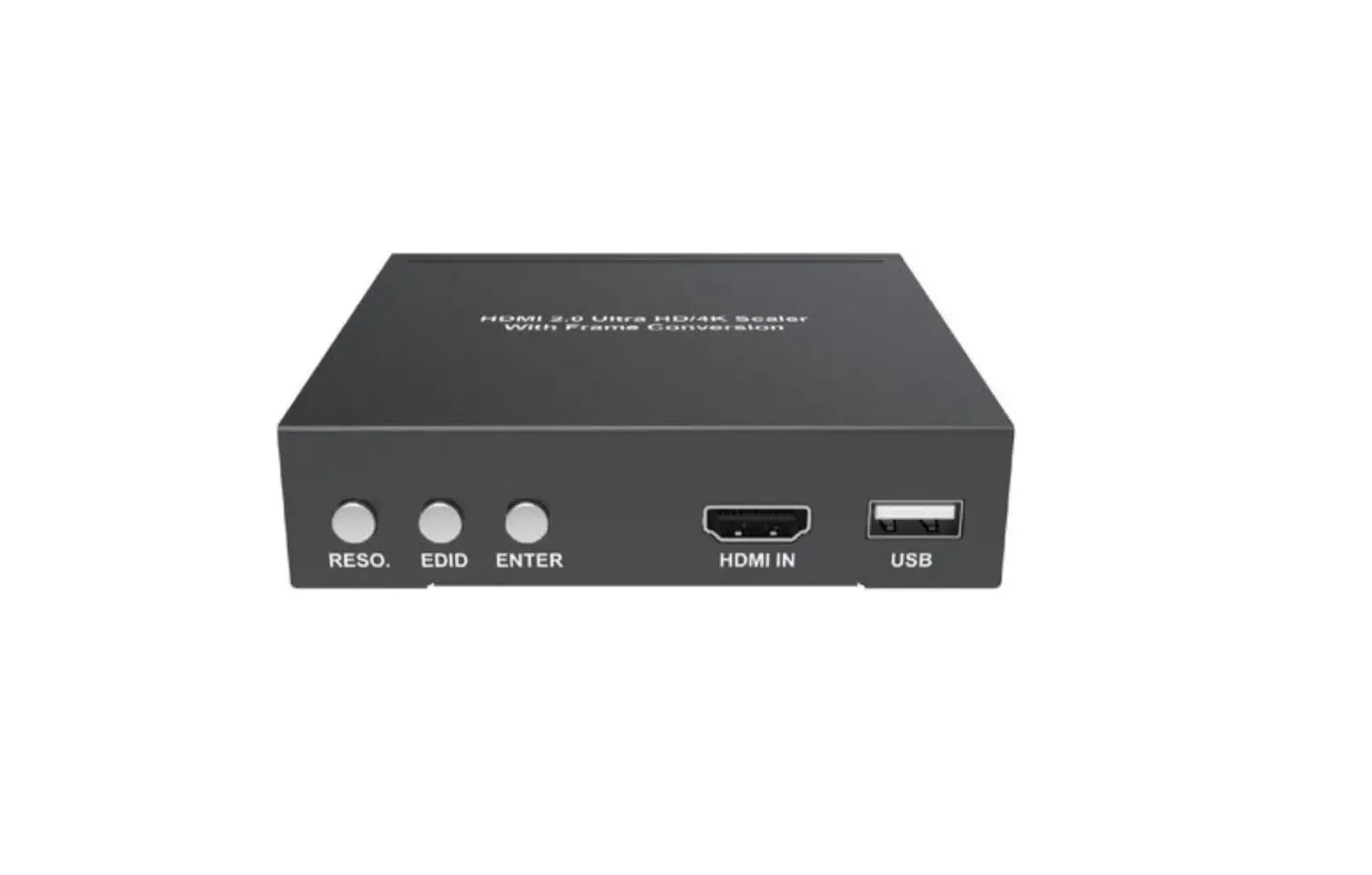
OREI HDMI2.0 4K Ultra HD Scaler with Frame Conversion User Manual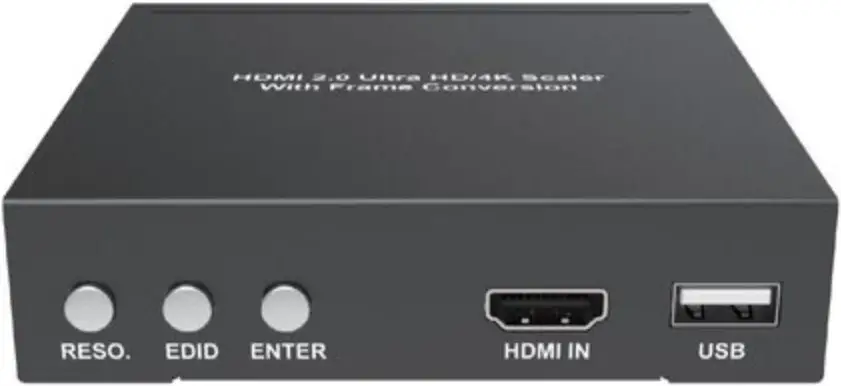
Introduction
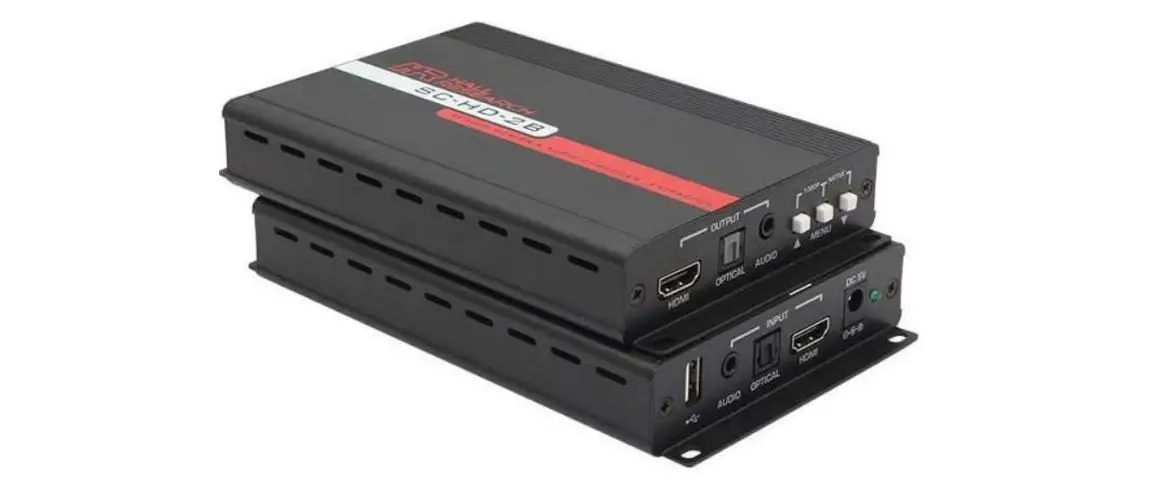
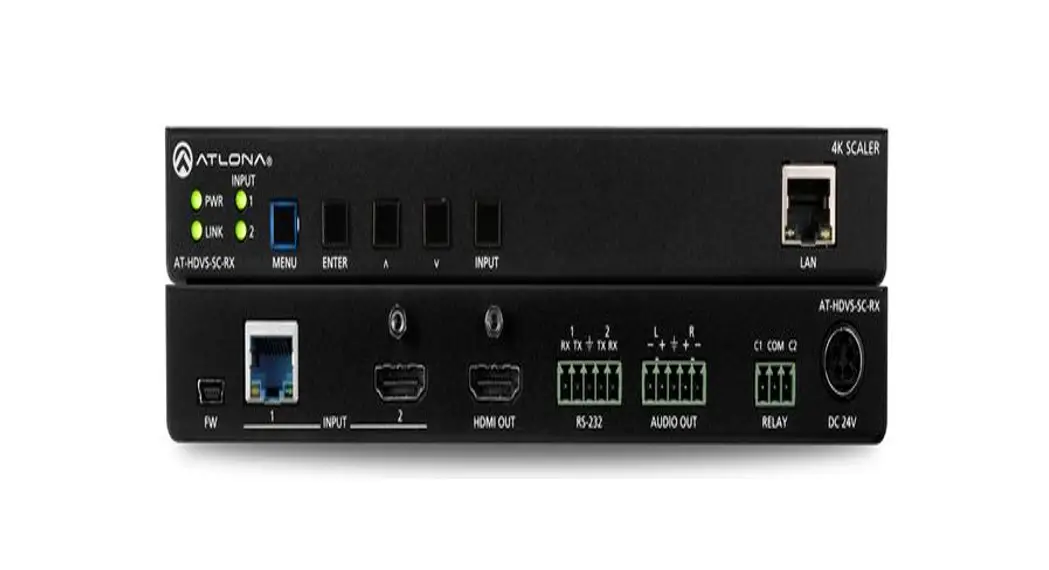
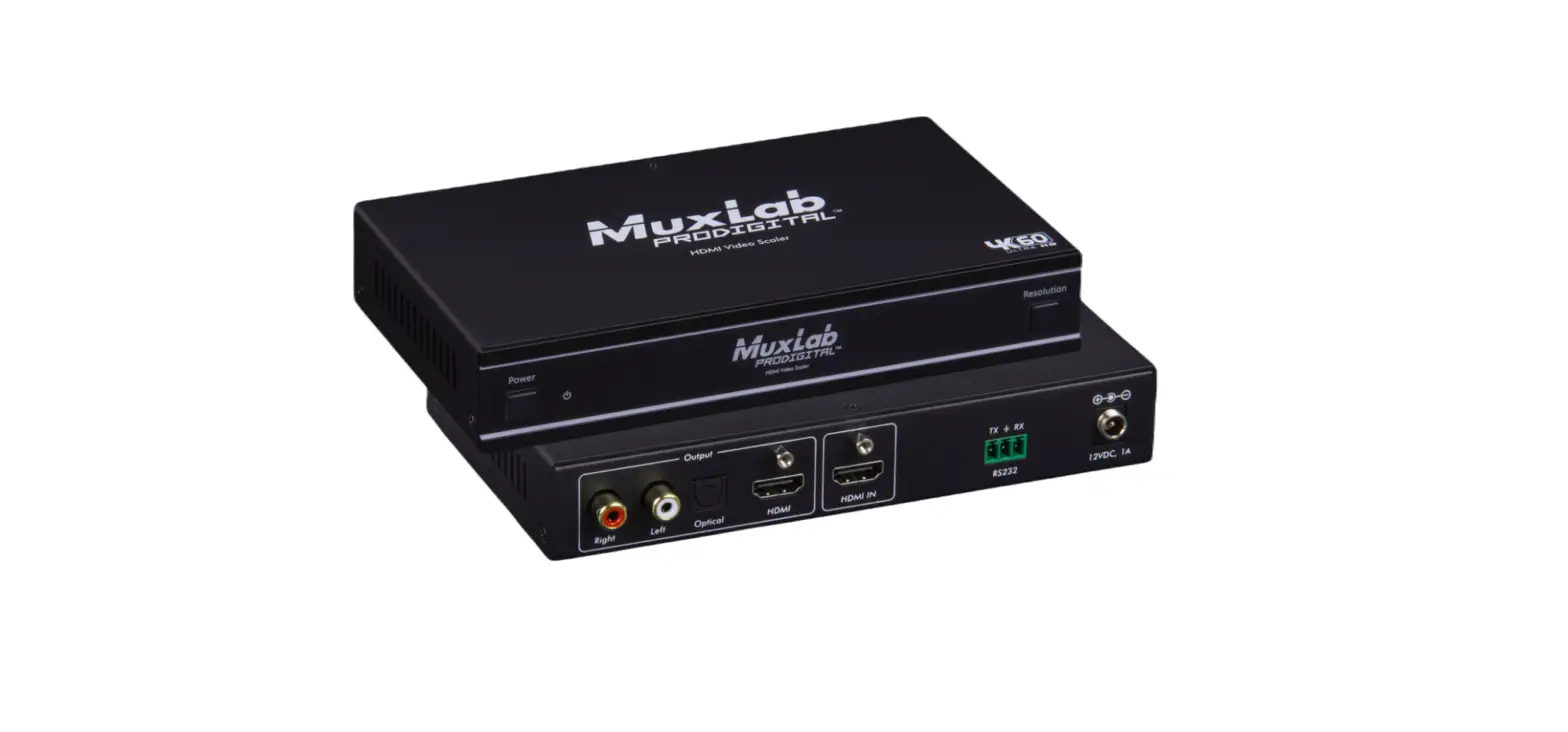
This scaler is a high performance, HDMI 2.0,HDCP2.2 compliant scaler capable upscale and downscale among Ultra HD/4K, Full HD, and HD resolutions with frame converting support. It accepts wide range of resolutions from 480i up to 4K@60Hz4:4:4 and output resolutions up to 4K@60Hz4:4:4 with digital and analog audio extraction. It provides one HDMI input and one HDMI output and the scaler automatically scale any input signal to match native resolution of the display or any connected HDMI device. Or output can be set to specific resolution. It supports data rate up to18Gbps with 4K604:4:4 color format which is HDMI 2.0 specification. The scaler features front panel buttons or OSD(on screen display)menu, or RS-232 control for scaler configuration.
Features
- HDMI 2.0b (18Gbps), HDCP 2.2 compliant
- Up scaling video resolutions up to 4K2K@50/60Hz (YUV444) and downscaling video resolutions to 1024×768@60Hz
- Adaptive de-interlacing support
- Extracts HDMI audio to multi-channel optical (SPDIF) or L/R analog audio
- Supports Dolby True HD, Dolby Digital Plus and DTS -HD Master Audio plus LPCM (up to 192kHz)
- Supports CEC bypass
- Front panel buttons, OSD and RS-232 Control
Package Contents
- 1× HDMI 4K Ultra HD Scaler
- 1× 12V/1A Power Adapter
- 1× User Manual
Specifications
| Technical | |
| HDMI Compliance | HDMI 2.0b |
| HDCP Compliance | HDCP 1.4 and HDCP 2.2 |
| Video Bandwidth | 18 Gbps |
| Video Resolutions | Ultra HD/4K up to 4096 x 2160 @50/60Hz |
| Color Depth | 10-bit, 12-bit |
| Color Space | RGB, YCbCr 4:4:4, YCbCr 4:2:2YCbCr 4:2:0 |
| HDMI Audio Formats | LPCM 2/5.1/7.1CH, Dolby Digital, DTS 5.1, Dolby Digital+, Dolby True HD, DTS-HD Master Audio, Dolby Atmos, DTS:X |
| Optical AudioFormats | LPCM 2CH,LPCM 5.1,Dolby Digital 2/5.1CH, DTS2/5.1CH |
| L/R Audio Formats | Analog Stereo 2CH |
| ESD Protection | Human-body Model:±8kV (Air-gap discharge) ,±4kV (Contact discharge) |
| Connections | |
| Inputs | 1x HDMI Type A [19-pin female] 1 x RS232 [Phoenix connector] 1 x Firmware [Mini USB] |
| Outputs | 1x HDMI Type A [19-pin female]1x L/R Audio Out [3.5mm Stereo Mini-jack] 1x Optical Out [S/PDIF] |
| Mechanical | |
| Housing | Metal Enclosure |
| Color | Black |
| Dimensions | 115mm(W)×100mm(D)×25mm(H) |
| Weight | 450g |
| Power Supply | Input: AC100~240V 50/60HzOutput: DC 12V/1A(US/EU standards,CE/FCC/UL certified) |
| Power Consumption | 8W(max) |
| Operating Temperature | 0°C ~ 40°C / 32°F ~ 104°F |
| Storage Temperature | -20°C ~ 60°C / -4°F ~ 140°F |
| Relative Humidity | 20~90% RH (non-condensing) |
Supported Input Resolution List
| 640×480@60Hz | 720x480i@60Hz | 720x480p@60Hz |
| 720x576i@50Hz | 720x576p@50Hz | 800×600@60Hz |
| 1024×768@60Hz | 1152×864@75Hz | 1024×768@75Hz |
| 1280×768@60Hz | 1280×960@60Hz | 1280x1024X60Hz |
| 1365×1024@60Hz | 1600×1200@60Hz | 1680×1050@60Hz |
| 1856×1392@60Hz | 1920×1080@60Hz | 1920×1200@60Hz |
| 1920×1440@60Hz | 3840×2160@24Hz | 3840×2160@30Hz |
| 3840×2160@25Hz | 4096×2160@24Hz | 4096×2160@25Hz |
| 4096×2160@30Hz | 3840×2160@50Hz | 3840×2160@60Hz |
| 4096×2160@50Hz | 4096×2160@60Hz |
Supported Output Resolution List
| 1024×768@60Hz | 1280×720@50Hz | 1280×720@60Hz |
| 1280×800@60Hz | 1360×768@60Hz | 1400×1050@60Hz |
| 1600×1200@60Hz | 1680×1050@60Hz | 1920×1200@60Hz |
| 1920×1080@50Hz | 1920×1080@60Hz | 3840×2160@30Hz |
| 3840×2160@50Hz | 3840×2160@60Hz | 3840×2160@25Hz |
Operation Controls and Functions
Front Panel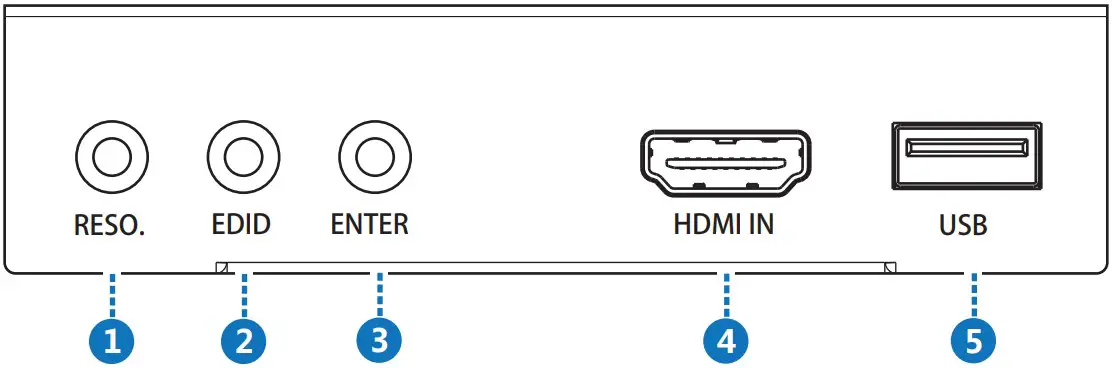
| Number | Name | Function description |
| 1 | RESOLUTION | Output resolution list menu. Press the button to switch output resolution. Long press for 5 seconds output resolution will be set to 720p@60Hz. |
| 2 | EDID | Press the button to change EDID value. Long press for 5 seconds, the scaler will back to factory default setting. |
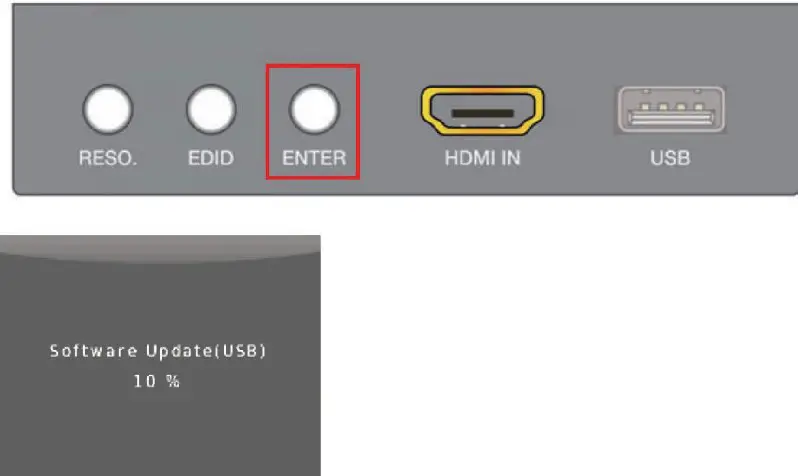
| 3 | ENTER | Press the button to save setting, long press for 5 seconds will do software update for the scaler.(The update process in last page) |
| 4 | HDMI IN | HDMI input port |
| 5 | USB | Firmware update port |
Rear Panel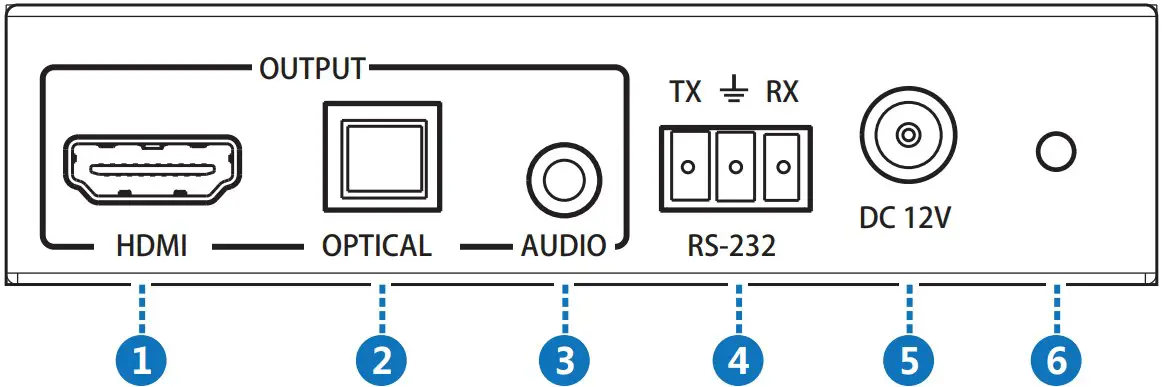
| Number | Name | Function description |
| 1 | HDMI OUTPUT | HDMI output port |
| 2 | OPTICAL OUTPUT | OPTICAL digital audio output port |
| 3 | AUDIO OUTPUT | 3.5mm analog audio output port |
| 4 | RS-232 | RS-232 control port |
| 5 | DC 12V | DV 12V power supply unit input connector |
| 6 | POWER LED | System power indicator |
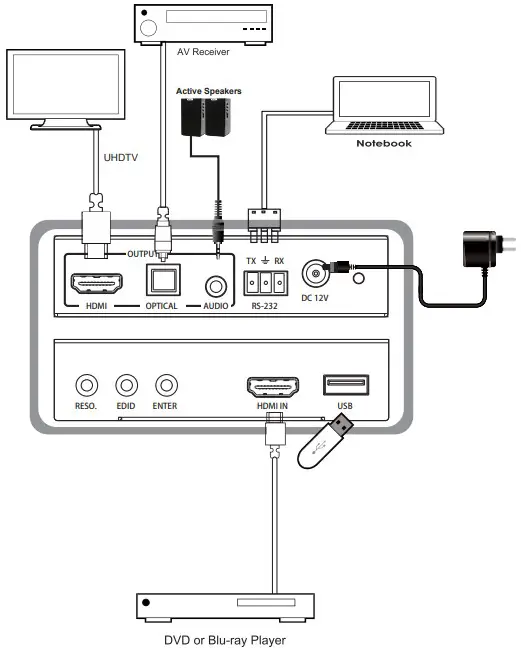
Connection diagram
Software update process
The scaler supports software updates via USB flash disk. The procedure is as follows:
- Copy the file “MERGE.bin” to the root directory of a USB flash disk. (Make sure the file is copied to the root directory. The “MERGE.bin” file is provided/ authorized by our engineering department or from our website)
- Plug the USB flash disk to the scaler USB port on its rear panel.
- Press the ENTER KEY (hold the KEY about 5 seconds) to start the update .when the OSD display the update process then release the KEY. Update completed, the scaler will reboot.