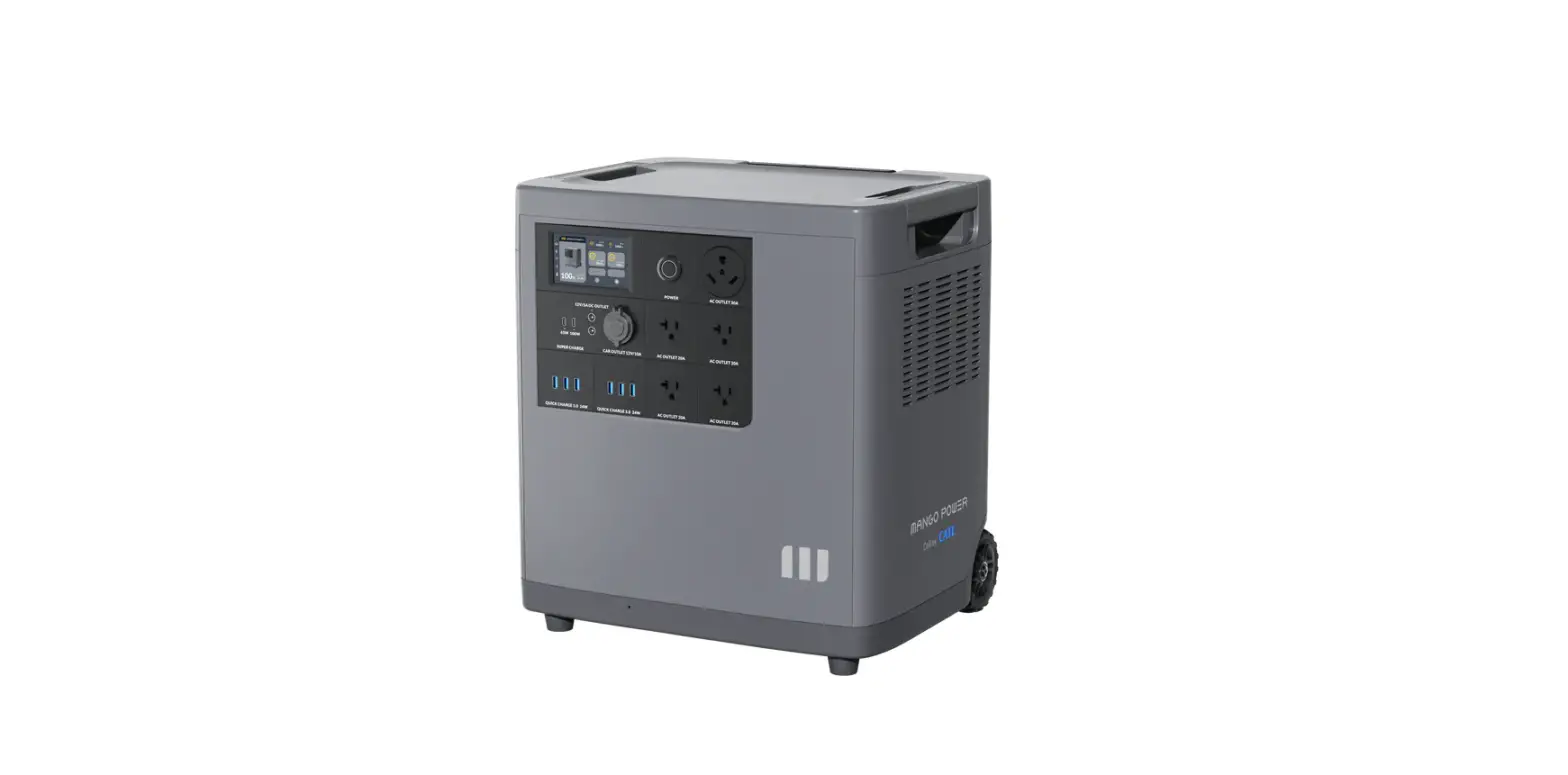
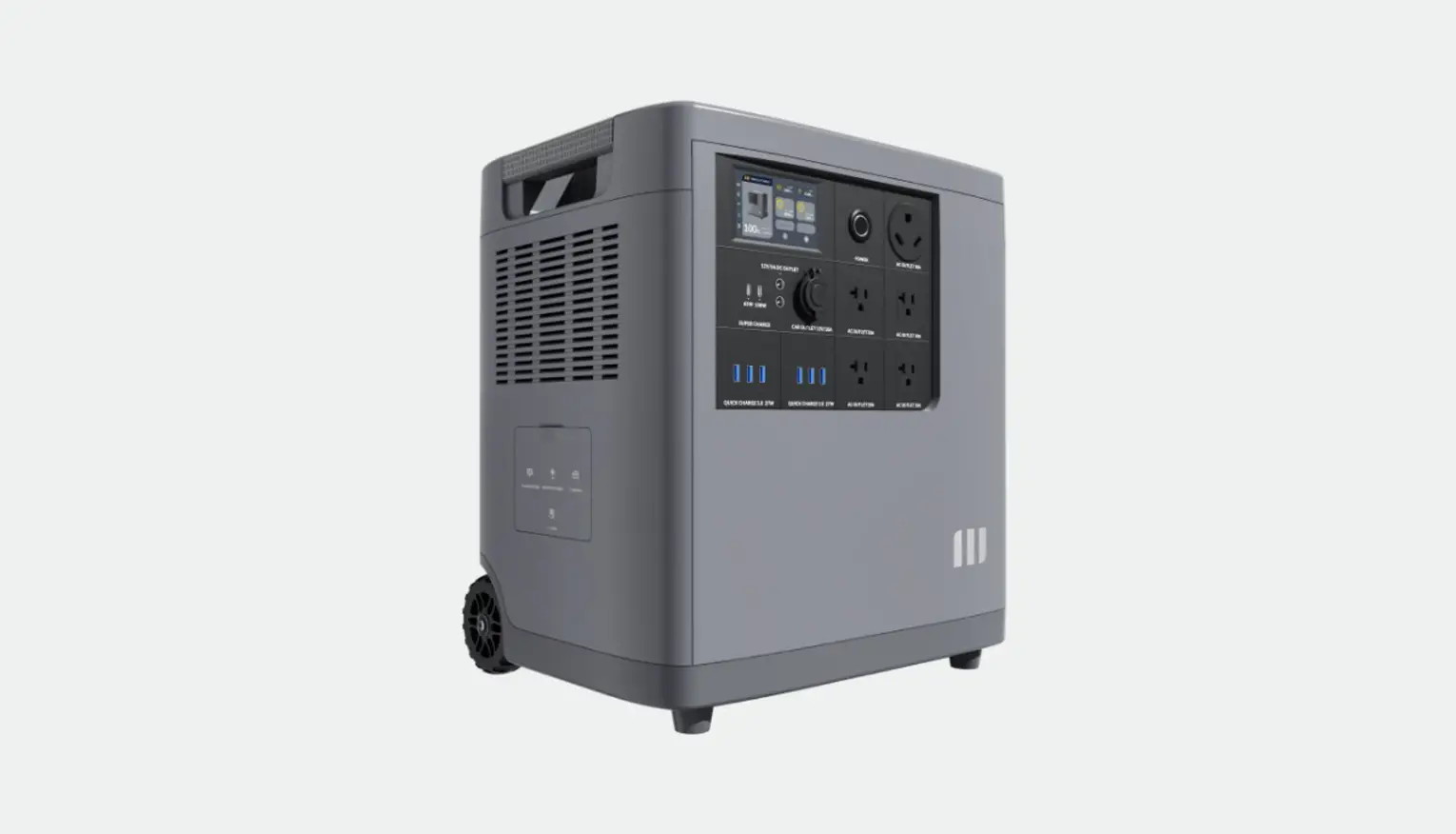
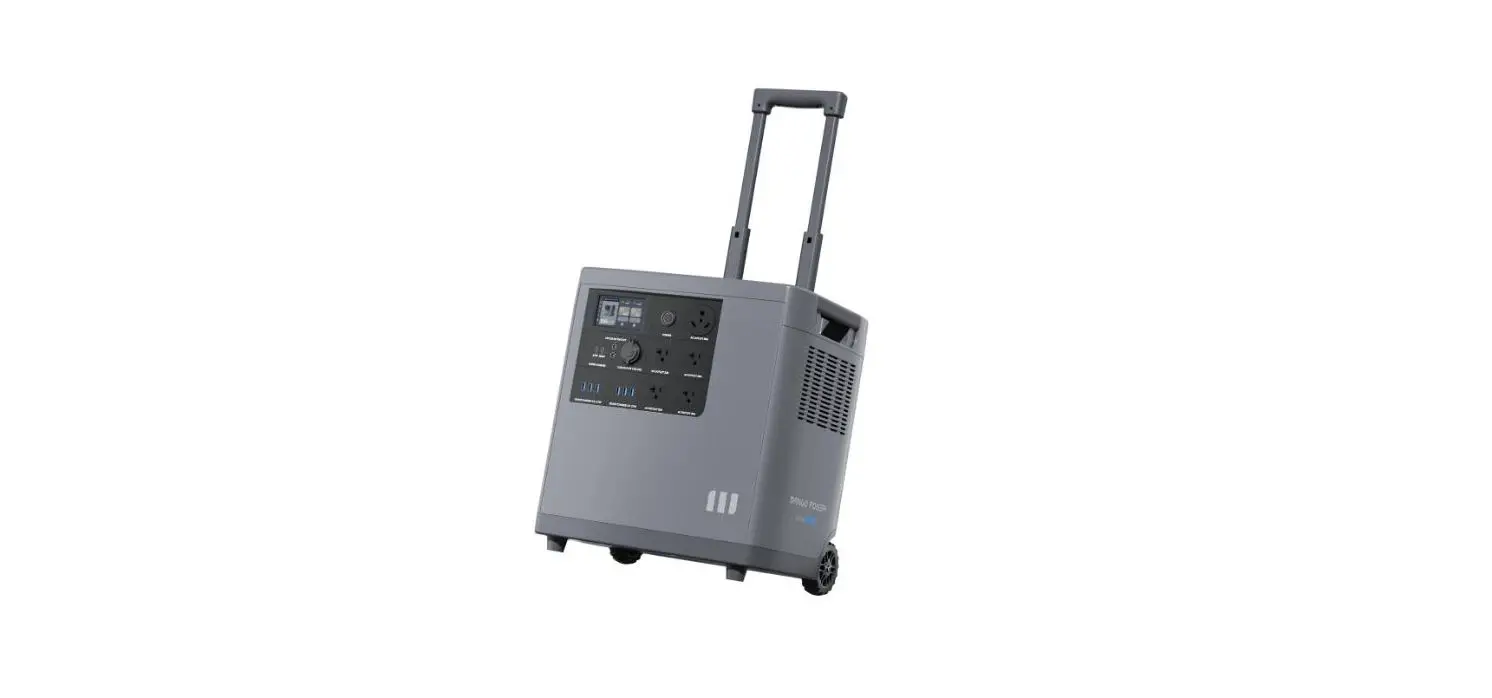
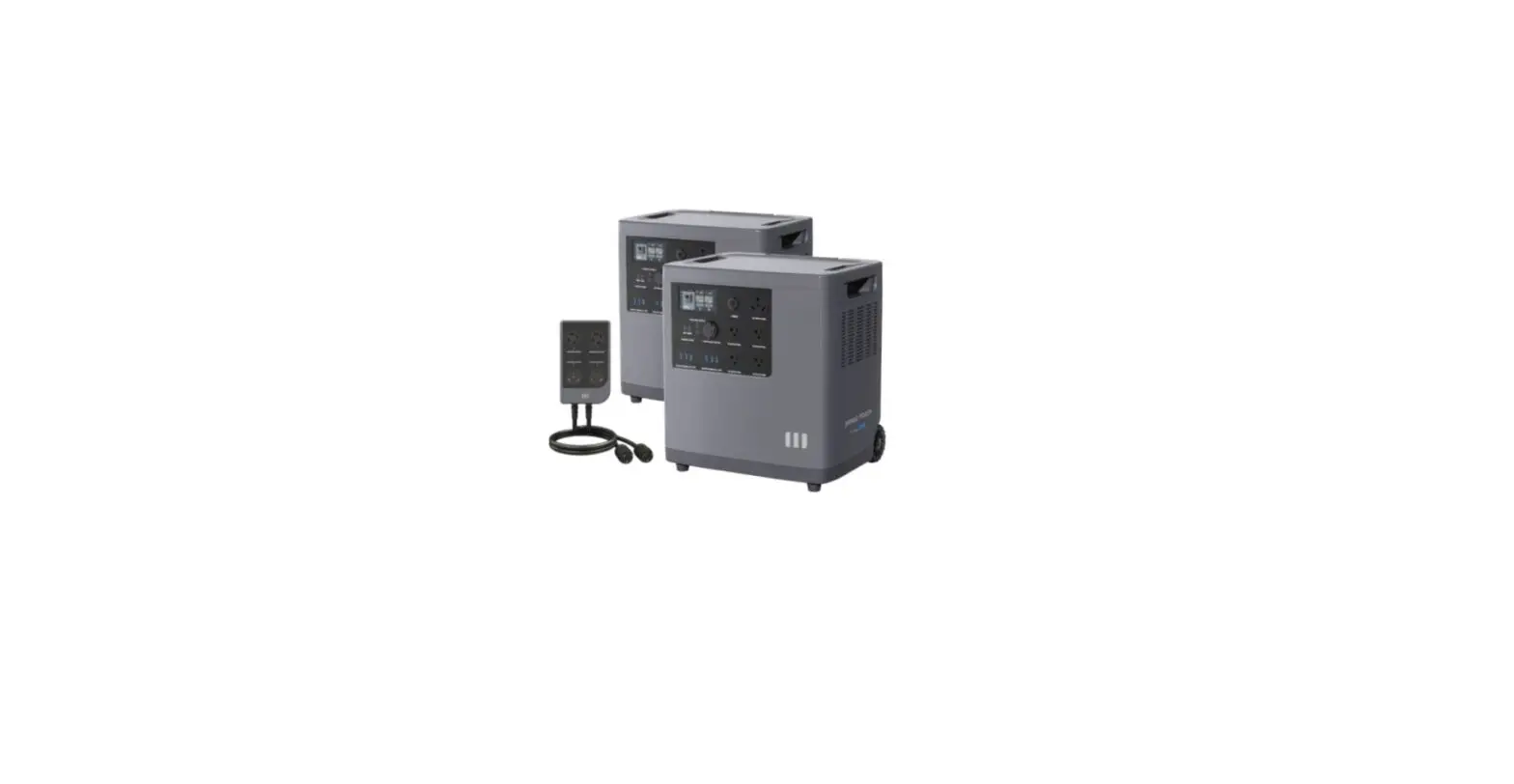
mPanel Pro Backup Power for Essential Home Appliances
mPanel Pro User Manual
These instructions apply to the MANGO POWER mPanel Pro device.
Please read this user manual carefully before installing or using
the mPanel Pro device. Keep this user manual in a safe place for
future reference.
Contents
- Safety Precautions
- Product Introduction
1. Safety Precautions
Danger:
- When dealing with any wiring, please ensure that the power is
turned off to avoid electric shock. - This equipment should not be installed in direct sunlight,
humid environments, or in any environment where rain or other
liquids might make contact with it as this increases the risk of
electric shock. - Ensure reliable grounding to prevent electric shock and
fire. - Do not attempt to operate any of the switches or buttons of the
device with wet hands as it may lead to electric shock. - Please switch the power off when troubleshooting or cleaning
any of the equipment. - Do not place any objects on top of the product during
installation, use, or maintenance. - The electrical installation must comply with the local national
electrical safety standards and regulations. - Do not remove the rear bottom plate of the device during
circuit operation as there is a risk of electric shock. - Do not touch any uninsulated wires when opening the protective
cover on the product as there is a risk of electric shock. - Do not place flammable or potentially explosive materials near
the device.
All warning labels and nameplates on mPanel Pro should be
clearly visible at all times and must not be removed, covered, or
pasted over. Please keep children away from mPanel Pro and its
related systems to prevent the risk of electric shock.
Warnings:
N/A
2. Product Introduction
2.1 Overview
This product is an electrical control distribution box designed
for MANGO POWER Union and MANGO POWER E products. The mPanel Pro
connects the MANGO POWER Union or MANGO POWER E to the load to
assist in automatically switching the energy supply between the
grid and the MANGO POWER backup power sources.
Note: When two MANGO POWER E units are connected in parallel,
the output voltage can support a 240V split-phase and allows them
to meet the requirements of most household appliances.
2.2 What’s in the BOX
MANGO POWER Union
| No. | Type | Quantity |
|---|---|---|
| 1 | mPanel Pro | 1 |
| 2 | Expansion plug | 3 |
| 3 | Self-tapping screw | 3 |
| 4 | Manual | 1 |
| 5 | Warranty Card | 1 |
| 6 | AC Input Cable for POWER Move | 1 |
| 7 | AC Input Cable for POWER Home | 1 |
| 8 | AC Output Cable | 2 |
MANGO POWER E
| No. | Type | Quantity |
|---|---|---|
| 1 | mPanel Pro | 1 |
| 2 | Expansion plug | 3 |
| 3 | Self-tapping screw | 3 |
| 4 | Manual | 1 |
| 5 | Warranty Card | 1 |
| 6 | AC Input Cable | 2 |
| 7 | AC Output Cable | 2 |
| 8 | E-Link Cable | 1 |
2.3 Product specification
| Product | Mains input voltage | Mains input current | Output port Load output port | Backup input Port | Working temperature | Size |
|---|---|---|---|---|---|---|
| mPanel Pro | 120V, 240V | 50A | 4 | N/A | N/A | 554*280*108mm |
2.4 Features
- Controls the output circuit to accommodate the power supply of
four output circuits and allows the power supply.
Product Usage Instructions
Please follow these instructions carefully when using the mPanel
Pro device:
- Ensure that the power is turned off before dealing with any
wiring to avoid electric shock. - Do not install the device in direct sunlight, humid
environments, or in any environment where rain or other liquids
might make contact with it as this increases the risk of electric
shock. - Ensure reliable grounding to prevent electric shock and
fire. - Do not operate any of the switches or buttons of the device
with wet hands as it may lead to electric shock. - Switch the power off when troubleshooting or cleaning any of
the equipment. - Do not place any objects on top of the product during
installation, use, or maintenance. - The electrical installation must comply with the local national
electrical safety standards and regulations. - Do not remove the rear bottom plate of the device during
circuit operation as there is a risk of electric shock. - Do not touch any uninsulated wires when opening the protective
cover on the product as there is a risk of electric shock. - Do not place flammable or potentially explosive materials near
the device. - Ensure that all warning labels and nameplates on mPanel Pro are
clearly visible at all times and must not be removed, covered, or
pasted over. - Keep children away from mPanel Pro and its related systems to
prevent the risk of electric shock. - Connect the mPanel Pro device to MANGO POWER Union or MANGO
POWER E to assist in automatically switching the energy supply
between the grid and the MANGO POWER backup power sources.
Note: When two MANGO POWER E units are connected in parallel,
the output voltage can support a 240V split-phase and allows them
to meet the requirements of most household appliances.
mPanel Pro User Manual
mPanel Pro User Manual These instructions apply to the MANGO POWER mPanel Pro device. Please read this user manual carefully before installing or using the mPanel Pro device. Keep this user manual in a safe place for future reference.
Contents
1. Safety Precautions …………………………………………………………………………………….Page 2 2. Product Introduction ………………………………………………………………………………..Page 3
2.1 Overview ……………………………………………………………………………………………..Page 3 2.2 What’s in the BOX ……………………………………………………………………………….Page 4 2.3 Product Specifications …………………………………………………………………………Page 5 2.4 Features ……………………………………………………………………………………………….Page 5 3. Product Installation …………………………………………………………………………………..Page 8 3.1 Materials Required for Installation ………………………………………………………Page 8 3.2 Product Fixation …………………………………………………………………………………..Page 8 3.3 Wiring Steps …………………………………………………………………………………………Page 9 4. Function Usage Introduction ……………………………………………………………………Page 12 4.1 Backup Mode ……………………………………………………………………………………….Page 12 4.2 Grid Function ……………………………………………………………………………………….Page 12
1. Safety Precautions
Before installing, maintaining, or using the MANGO POWER mPanel Pro in any way, please read this user manual carefully and comply with all the rules and warnings provided. Do not operate this device contrary to the regulations of this user manual as it may lead to equipment damage, electric shock, severe injury, or even death. The operator of this device must be proficient in understanding the condition of the equipment, the safety information provided, and the necessary precautions before any installation, operation, inspection, or maintenance. This user manual categorizes safety precautions into two levels: “Danger” and “Warning” Danger: Flawed operating may be extremely dangerous and result in severe injury or death. Warning: Flawed operating may be dangerous and result in moderate or mild injuries and equipment or property damage. The pictures in this user manual are for reference only and may differ slightly from the actual product. In order to ensure the continuous improvement of this manual, we reserve the right to modify it. No unit or individual is permitted to copy this user manual, or any part of it, for commercial purposes without the written permission of the MANGO POWER company.
Danger:
When dealing with any wiring, please ensure that the power is turned off to avoid electric shock.
This equipment should not be installed in direct sunlight, humid environments, or in any environment where rain or other liquids might make contact with it as this increases the risk of electric shock.
Ensure reliable grounding to prevent electric shock and fire.
All work related to the device must be performed by qualified personnel who have electrician certificates including installation, operation, maintenance, settings, and configuration.
Do not attempt to operate any of the switches or buttons of the device with wet hands as it may lead to electric shock.
Please switch the power off when troubleshooting or cleaning any of the equipment.
Do not place any objects on top of the product during installation, use, or maintenance.
The electrical installation must comply with the local national electrical safety standards and regulations.
Do not remove the rear bottom plate of the device during circuit operation as there is a risk of electric shock.
Do not touch any uninsulated wires when opening the protective cover on the product as there is a risk of electric shock.
Do not place flammable or potentially explosive materials near the device.
©2023 MANGO POWER. All rights reserved. MANGO POWER, the MANGO POWER logo, MANGO POWER Union, MANGO POWER E, MANGO POWER mPanel Pro, and other trademarks or service names are the trademarks of MANGO POWER, inc. Date subject to change
2
All warning labels and nameplates on mPanel Pro should be clearly visible at all times and must not be removed, covered, or pasted over. Please keep children away from mPanel Pro and its related systems to prevent the risk of electric shock.
Warnings:
For optimal use and maintenance, the space surrounding the device should not be less than 400mm and the device’s height off the ground should not be less than 1000mm. Only after the device is installed in its place should any electrical wiring be carried out. Protective sleeves must be added to the incoming and outgoing wires of the device. Confirm that the circuit breaker and all incoming/outgoing wires meet the requirements of the device during wiring. Use special prescribed tools for the installation and wiring of the device. If any damage to the mechanical or electrical components of the device is noted, immediately stop the installation, and contact the supplier promptly. If any malfunction occurs during use, turn off the power and check the cause of the malfunction. Do not strike the device while trying to repair it as it will only damage the equipment. Switch the power supply off when performing maintenance checks and cleaning. Live maintenance must be performed by professionals with the required protective measures. Do not modify any critical components of the device as it may lead to property, personal, or product harm.. Do not use damaged, broken, or worn wires and connectors. Protect the wires from physical damage – such as compression, door closures, or being tied into knots or stepped on. Do not place incoming and outgoing wires in areas where water or other liquids may come into contact with them.
2. Product Introduction
2.1 Overview
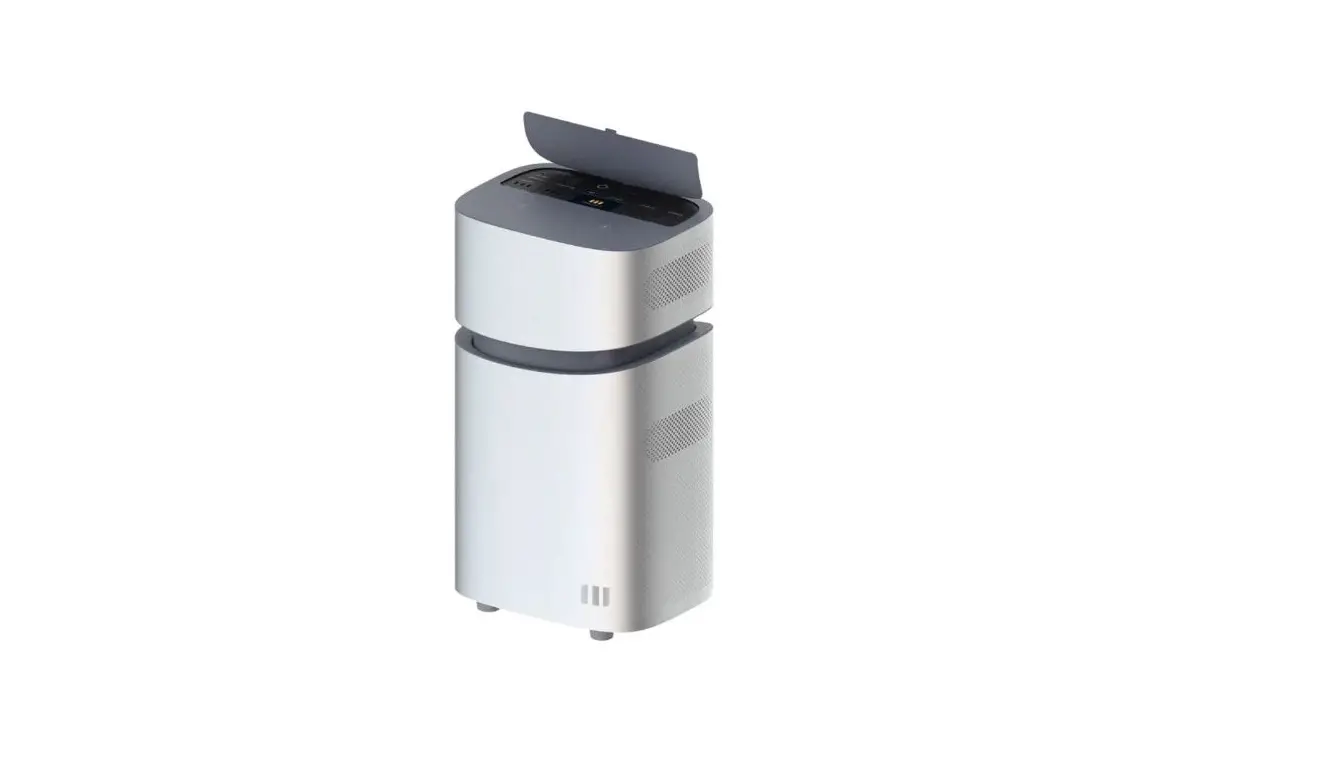
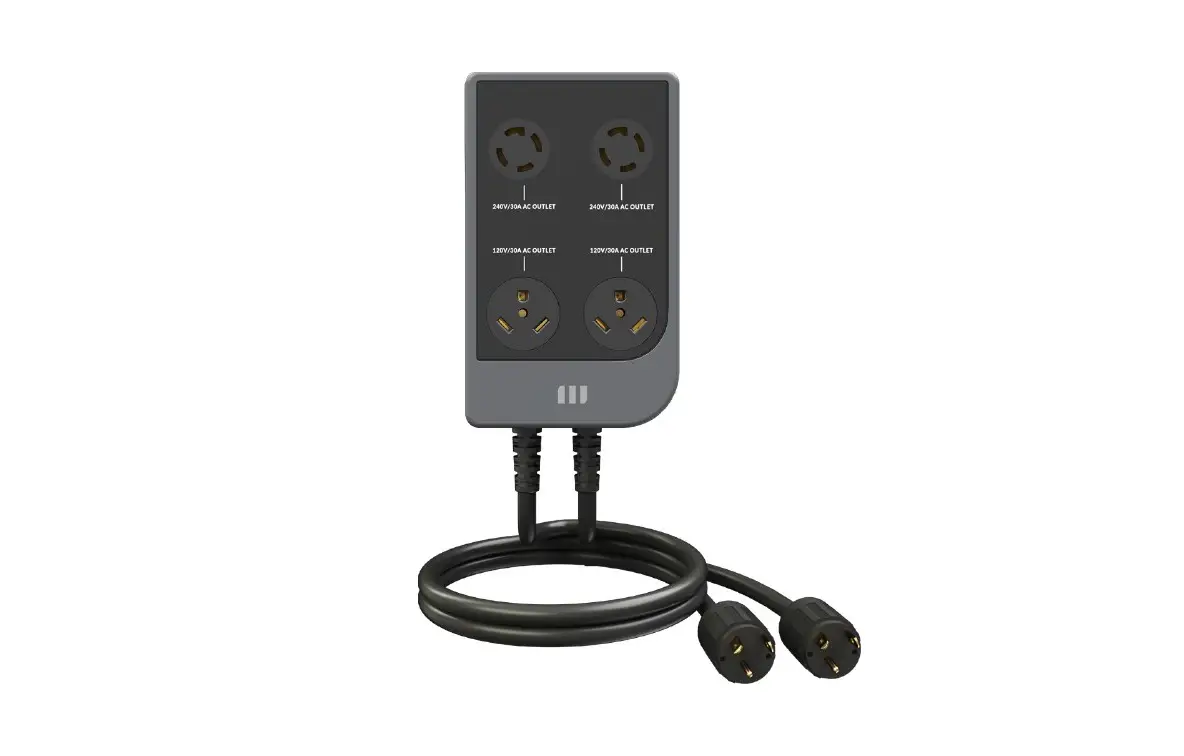
This product is an electrical control distribution box designed for MANGO POWER Union and MANGO POWER E products. The mPanel Pro connects the MANGO POWER Union or MANGO POWER E to the load to assist in automatically switching the energy supply between the grid and the MANGO POWER backup power sources.
Note: When two MANGO POWER E units are connected in parallel, the output voltage can support a 240V split-phase and allows them to meet the requirements of most household appliances.
©2023 MANGO POWER. All rights reserved. MANGO POWER, the MANGO POWER logo, MANGO POWER Union, MANGO POWER E, MANGO POWER mPanel Pro, and other trademarks or service names are the trademarks of MANGO POWER, inc. Date subject to change
3
2.2 What’s in the BOX
MANGO POWER Union
No.
Type
1
mPanel Pro
2
Expansion plug
3
Self-tapping screw
4
Manual
Quantity
1 3 3 1
5
Warranty Card
1
6
AC Input Cable for POWER Move
1
7
AC Input Cable for POWER Home
1
8
AC Output Cable
2
©2023 MANGO POWER. All rights reserved. MANGO POWER, the MANGO POWER logo, MANGO POWER Union, MANGO POWER E, MANGO POWER mPanel Pro, and other trademarks or service names are the trademarks of MANGO POWER, inc. Date subject to change
4
MANGO POWER E
No.
Type
1
mPanel Pro
2
Expansion plug
3
Self-tapping screw
4
Manual
Quantity
1 3 3 1
5
Warranty Card
1
6
AC Input Cable
2
7
AC Output Cable
2
8
E-Link Cable
1
©2023 MANGO POWER. All rights reserved. MANGO POWER, the MANGO POWER logo, MANGO POWER Union, MANGO POWER E, MANGO POWER mPanel Pro, and other trademarks or service names are the trademarks of MANGO POWER, inc. Date subject to change
5
2.3 Product specification
Product Mains input voltage
Output port Load output port
2.4 Features
mPanel Pro 120V, 240V
2×30A 4x15A
Size
554*280*108mm
Mains input current
50A
Backup input Port
2×30A
Working temperature
-10°C- 45°C
©2023 MANGO POWER. All rights reserved. MANGO POWER, the MANGO POWER logo, MANGO POWER Union, MANGO POWER E, MANGO POWER mPanel Pro, and other trademarks or service names are the trademarks of MANGO POWER, inc. Date subject to change
6
NO.
Name
Description
Controls the output circuit to accommodate the power
supply of four output circuits and allows the power supply
1
Rotary Switches
to be quickly switched between the grid and the power
backup solution.
2
Grid Breaker
Controls the shutdown of the mains input.
3
Output Breaker
Controls the shutdown of the mains input
Neutral load Access
3
Connects to the output neutral wire line.
Terminal
Connects to the output live wire – the maximum current
4
Live Load Access Terminal
of a single port is 15A.
The mains input live wire is connected to the L terminal,
the mains input neutral wire is connected to the N
5
Mains Input
terminal, the earth wire is connected to the PE terminal,
and the maximum current is 50A.
Connects to the input port of MANGO POWER Union or
6
Output-1 Port
MANGO POWER E device – the maximum current is 30A.
Connects to the input port of MANGO POWER Union or
7
Output-2 Port
MANGO POWER E device – the maximum current is 30A.
Connects to the output port of a separate Power Move,
8
Backup Input-1 Port
Power Home, or MANGO POWER E device – the
maximum current is 30A.
Output port when connecting the MANGO POWER
9
Backup Input-2 Port
Union device or 2 sets of the MANGO POWER E device –
the maximum current is 30A.
©2023 MANGO POWER. All rights reserved. MANGO POWER, the MANGO POWER logo, MANGO POWER Union, MANGO POWER E, MANGO POWER mPanel Pro, and other trademarks or service names are the trademarks of MANGO POWER, inc. Date subject to change
7
3. Product Installation
3.1 Materials Required for Installation
Power cables: A 6 AWG black silicone cable, a 6 AWG white silicone cable, and a 6 AWG greenyellow silicone cable. A 12 AWG black silicone cable and a 12 AWG white silicone cable.
Tools: Power drill, screwdriver, and insulated gloves
3.2 Product Fixing
(1) Mark the positions of the three fixing holes on the wall where the product needs to be installed. Use a power drill to make holes at the marked positions for installation, insert expansion plugs into the holes, and screw a self-tapping screw into the top screw hole.
(2) Hang the mPanel Pro on the top screw that was just inserted so that the two lower screw holes align with the installation holes below the mPanel Pro. Take out the other 2 self-tapping screws, align them with the two holes, then insert and tighten them.
©2023 MANGO POWER. All rights reserved. MANGO POWER, the MANGO POWER logo, MANGO POWER Union, MANGO POWER E, MANGO POWER mPanel Pro, and other trademarks or service names are the trademarks of MANGO POWER, inc. Date subject to change
8
MANGO POWER Union and mPanel Pro wiring diagram
3.3 Wiring steps
©2023 MANGO POWER. All rights reserved. MANGO POWER, the MANGO POWER logo, MANGO POWER Union, MANGO POWER E, MANGO POWER mPanel Pro, and other trademarks or service names are the trademarks of MANGO POWER, inc. Date subject to change
9
MANGO POWER E and mPanel Pro wiring diagram
©2023 MANGO POWER. All rights reserved. MANGO POWER, the MANGO POWER logo, MANGO POWER Union, MANGO POWER E, MANGO POWER mPanel Pro, and other trademarks or service names are the trademarks of MANGO POWER, inc. Date subject to change
10
(1) Open the bottom cover then use a screwdriver to unscrew the protective cover screws and remove the inner cover. Put the prepared silicone cable onto the protective tube, and take measures to protect the exposed wires outside of mPanel Pro.
a. Use the 6AWG wire to connect the home AC distribution box and the mPanel Pro AC input: the 6AWG black silicone cable connects to L1/L2, the 6AWG white silicone cable connects to N, and the 6AWG yellow-green silicone cable connects PE. b. Use the 12AWG black silicone cable to connect the energy supply to the mPanel Pro load input for the hot wire: L1/L2. c. Use the 12AWG white silicone cable to connect the load to the mPanel Pro load input for the neutral wire: N. d. After the wiring is completed, tighten the protective cover screws with a screwdriver and place the protective cover back on the device.
(2) Use the AC input cable and AC output cable to connect the MANGO POWER Union or MANGO POWER E devices to the mPanel Pro: MANGO POWER Union: a. Use the AC input cable to connect the mPanel Pro’s backup input to the Power Home’s 40A home backup outlet or the Move’s 30A AC outlet. (When only the Power Move or Power Home is available, the AC input cable can only be connected to the mPanel Pro’s Backup Input-1.) b. Use the AC output cable to connect the mPanel Pro’s Output-1/Output-2 to the Power Home or Power Move’s grid AC input. MANGO POWER E:
For 1 MANGO POWER E device: a.Use the AC input cable to connect the mPanel Pro’s Backup Input-1 to the MANGO POWER E’s 30A AC outlet. b. Use the AC output cable to connect the mPanel Pro’s Output-1/Output-2 to MANGO POWER E’s GRID AC INPUT. For 2 MANGO POWER E devices: a. Connect 2 MANGO POWER E devices using the E-link cable then use the AC input cable and AC output cable to connect the input/output ports.
©2023 MANGO POWER. All rights reserved. MANGO POWER, the MANGO POWER logo, MANGO POWER Union, MANGO POWER E, MANGO POWER mPanel Pro, and other trademarks or service names are the trademarks of MANGO POWER, inc. Date subject to change
11
4. Function Usage Introduction
After the successful installation of mPanel Pro, turn on the backup mode for the MANGO POWER Union or MANGO POWER E and switch between mPanel Pro Backup and Grid modes by controlling the knob switch.
4.1 Backup Mode
(1) Turn the knob switch to the backup position then turn on the grid breaker. The output port can then charge the MANGO POWER Union or MANGO POWER E devices. Turn on the output breaker and the MANGO POWER Union or MANGO POWER E device can supply power to the load. The L1-N and L2-N can output four 120V circuits. (2) If 2 MANGO POWER E devices are connected in parallel, the MANGO POWER E can output two L1-L2-N 240V split-phases. Note: When two MANGO POWER E devices are connected in parallel and the backup mode is turned on, only discharge is allowed and not charging. To charge, turn off the MANGO POWER E’s backup mode. (3) If it is necessary to stop supplying power to the load, the output breaker can be selectively turned off as needed.
4.2 Grid Function
(1) Turn the knob switch to the grid position then turn on the grid breaker and switch to the utility power in order to supply power to the load, the MANGO POWER Union device, or the MANGO POWER E device. The L1-N and L2-N can output four 120V circuits, and L1-L2-N can output 240V. (2) If it is necessary to stop supplying power to the load, the output can be selectively turned off as needed or the grid breaker can be used to turn off the utility power input source.
©2023 MANGO POWER. All rights reserved. MANGO POWER, the MANGO POWER logo, MANGO POWER Union, MANGO POWER E, MANGO POWER mPanel Pro, and other trademarks or service names are the trademarks of MANGO POWER, inc. Date subject to change
12
Shenzhen Xihe Future Technology Co.,Ltd
Please scan this QR code for more product information