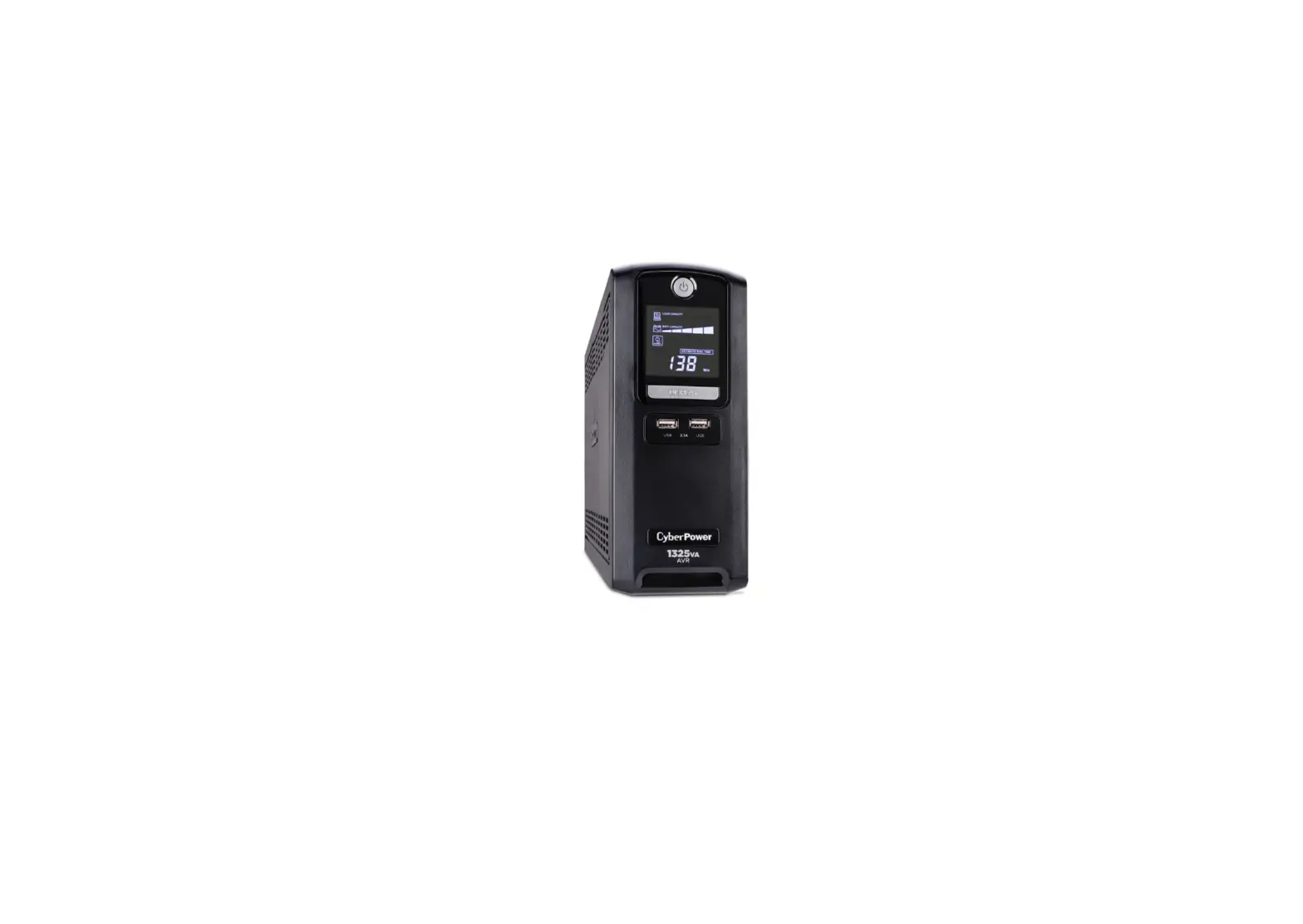
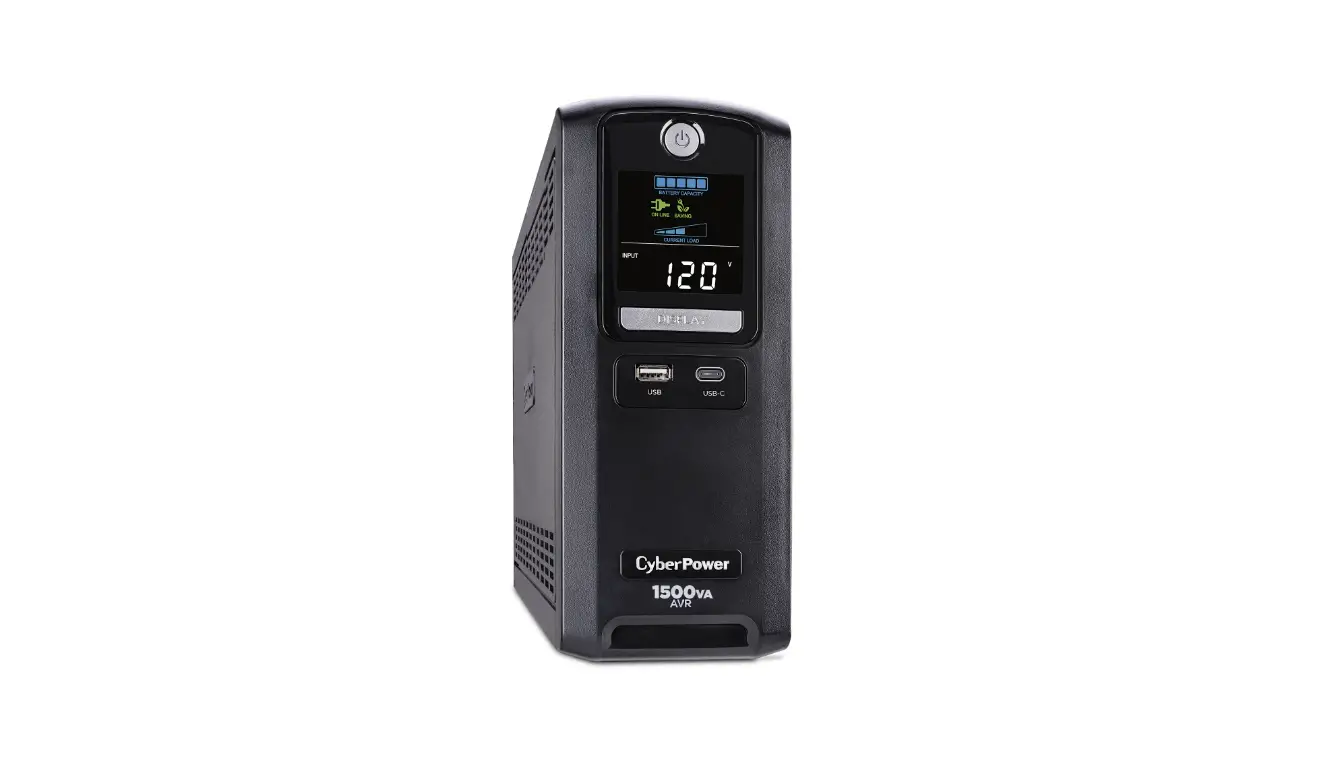
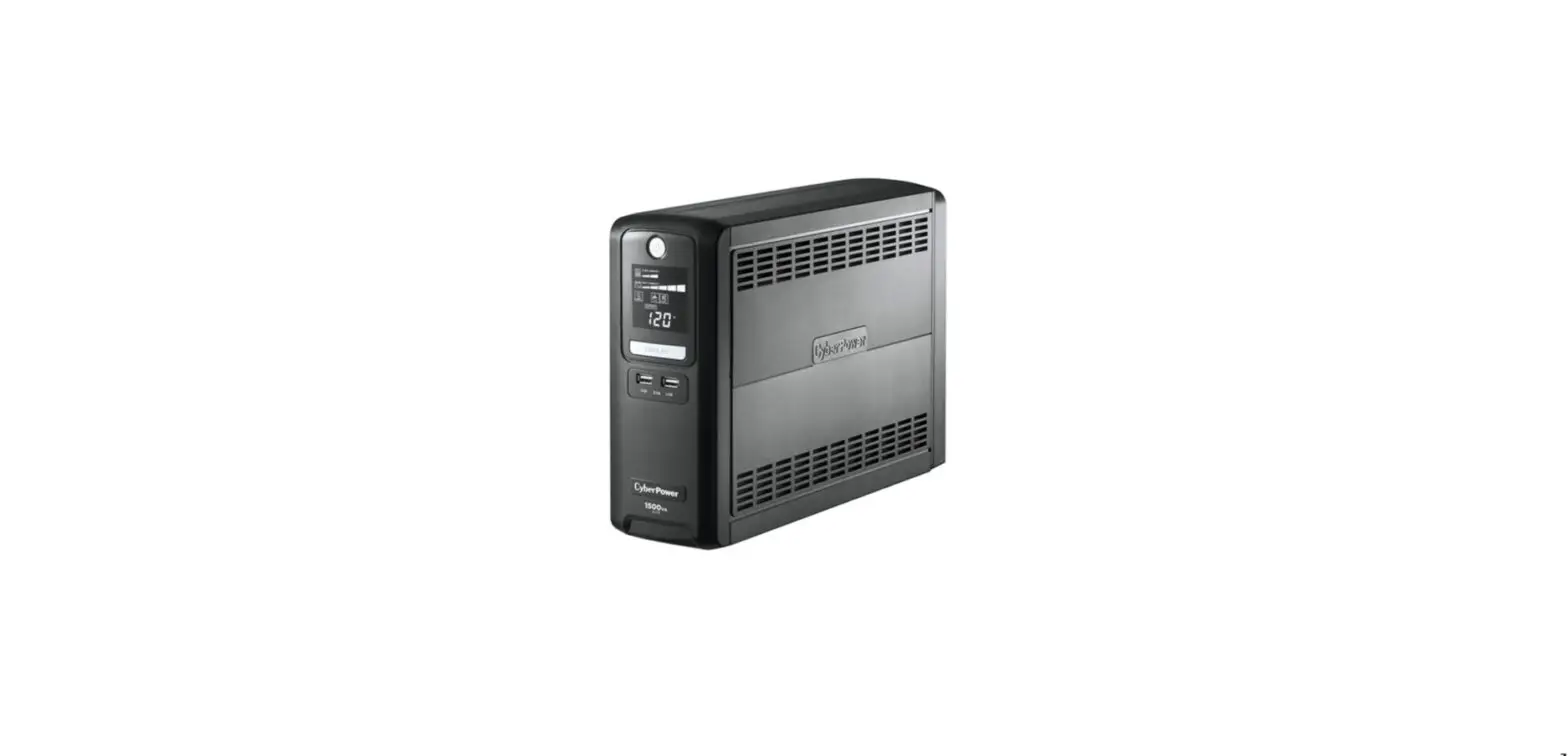
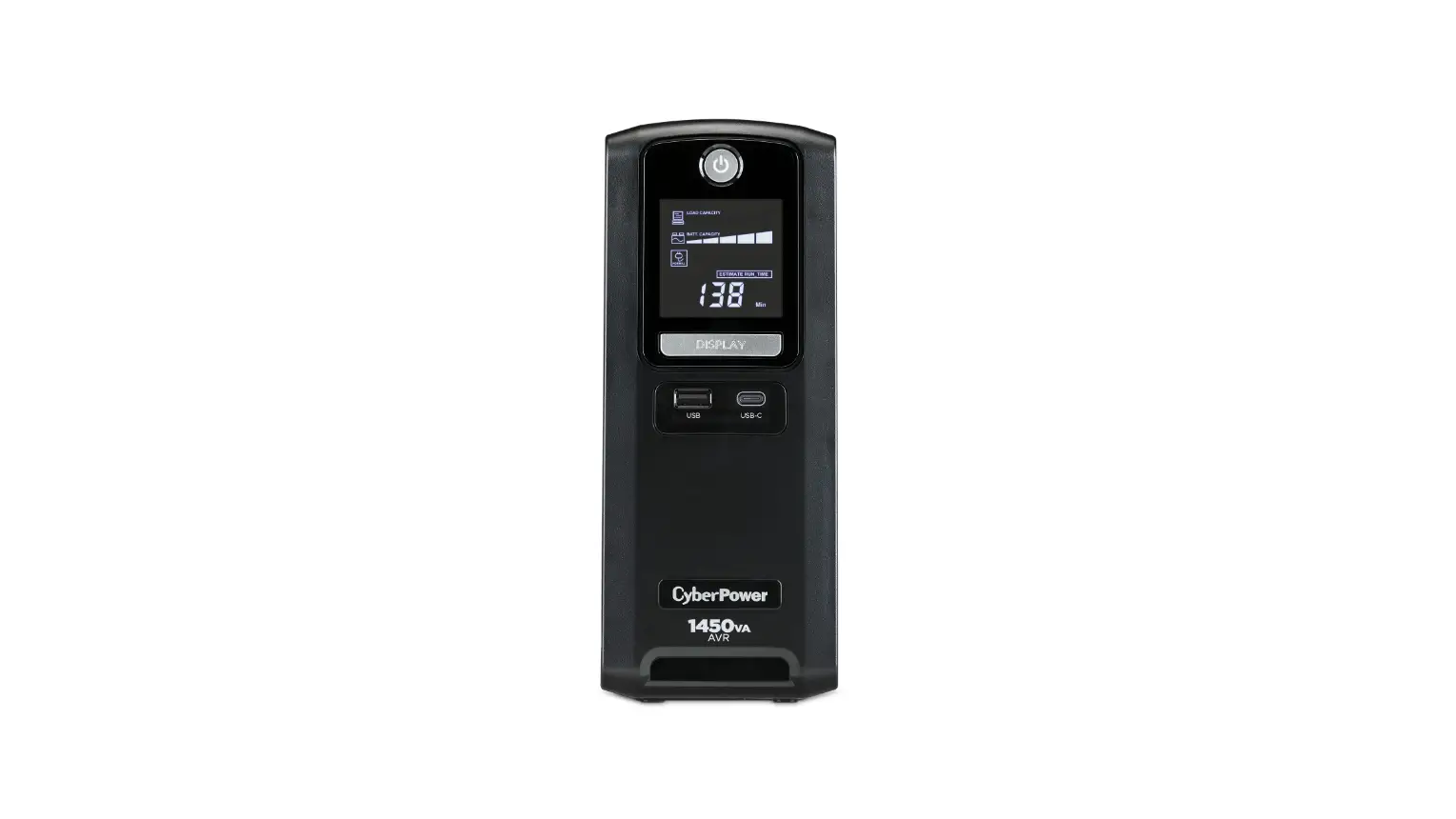
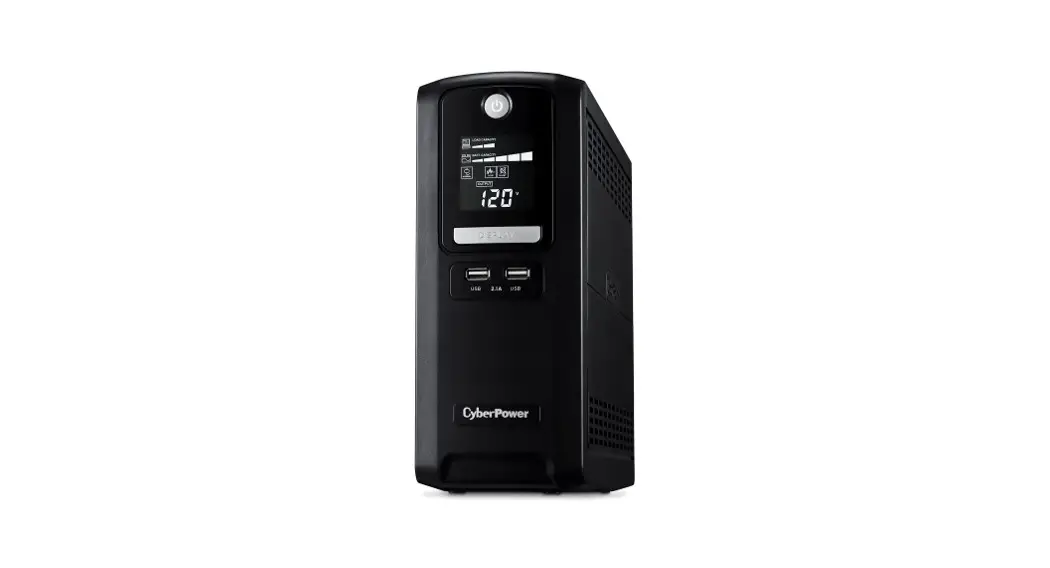
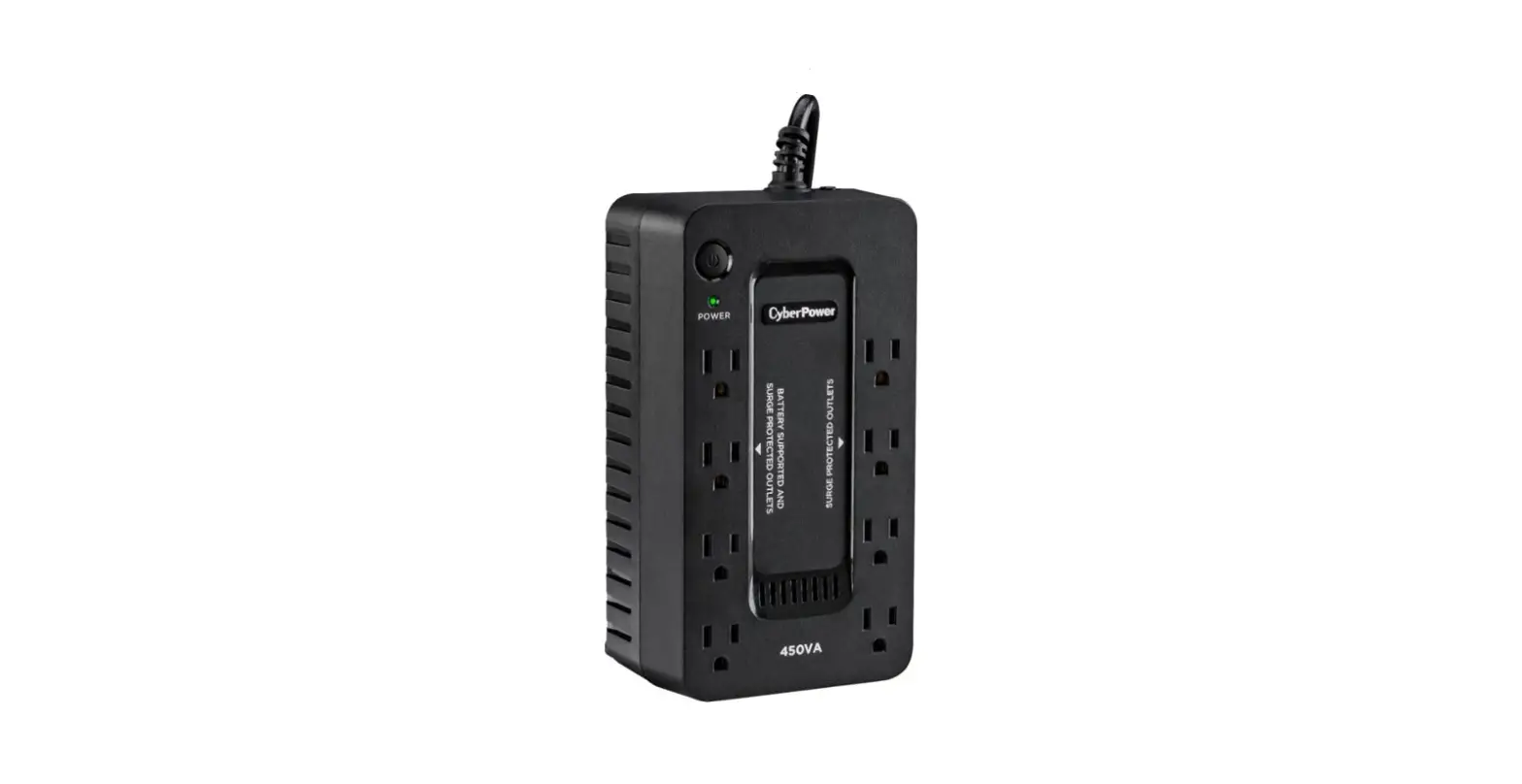
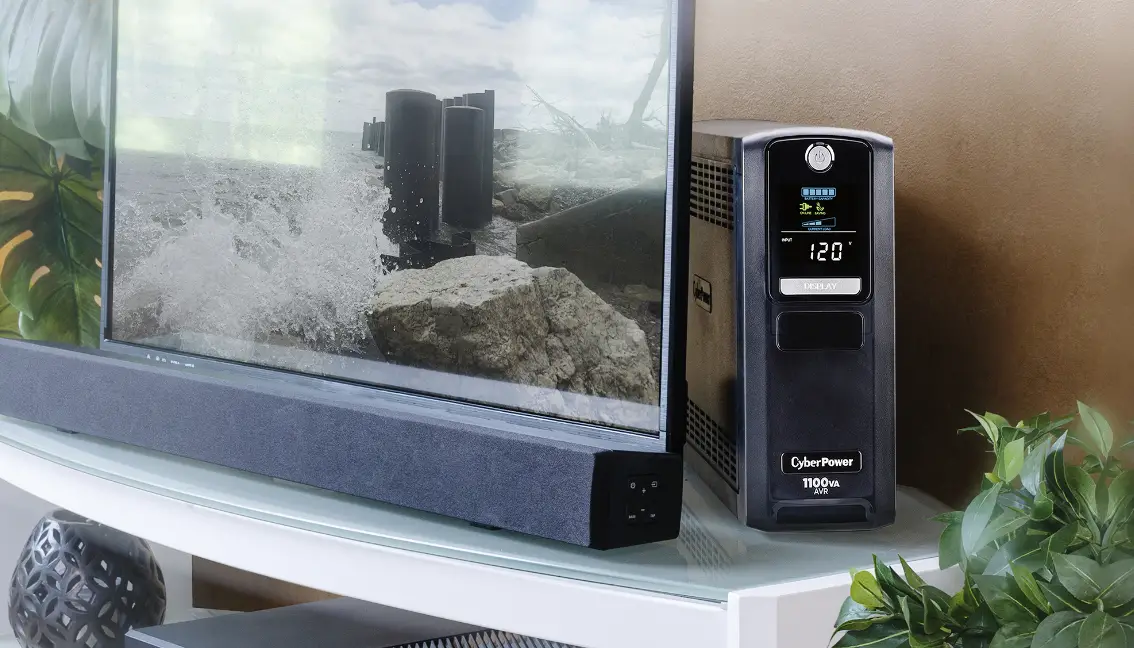
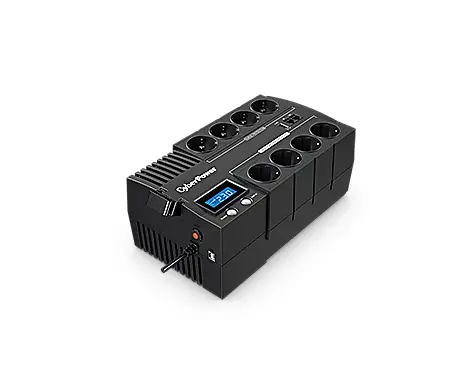
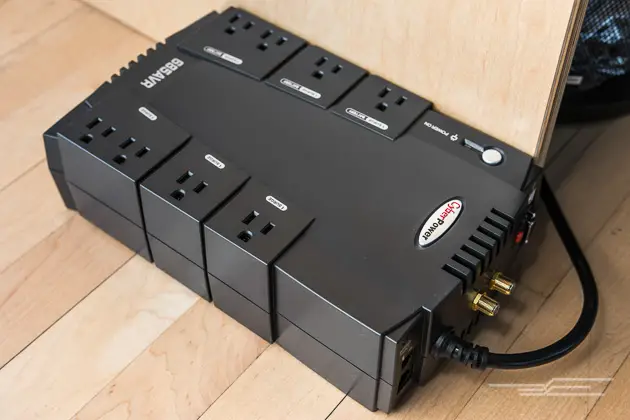
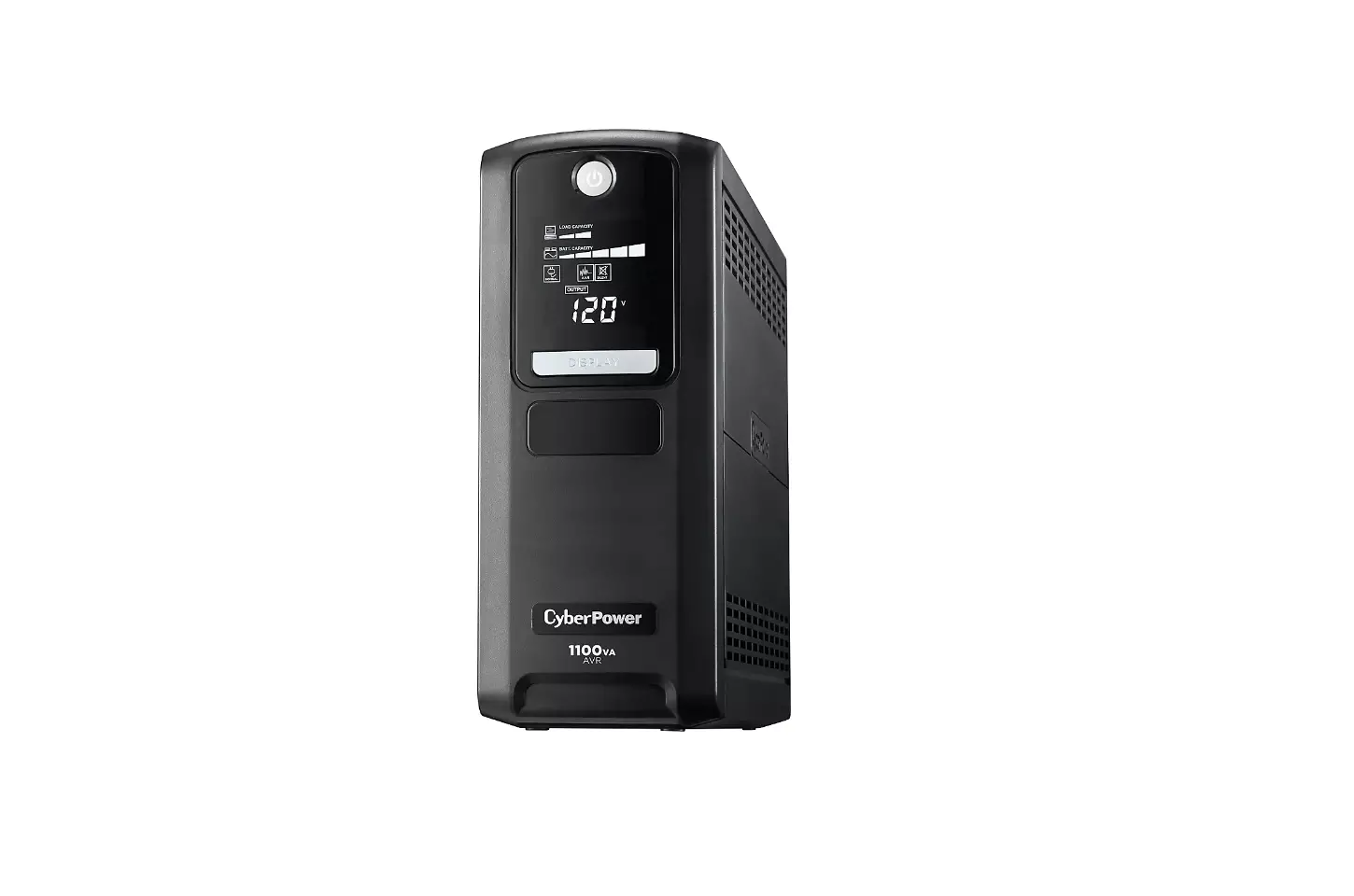
PS1500AVRLCD Battery Backup
Product Information
The PS1500AVRLCD is a UPS (Uninterruptible Power Supply) system
designed to provide battery backup and surge protection for your
electronic equipment. It is manufactured by Cyber Power Systems
(USA), Inc.
Features
- Power Switch
- Power On Indicator
- LCD module display
- Display/Select button
- USB Charging Ports
- Battery and Surge Protected Outlets
- Full-Time Surge Protected Outlets
- Circuit Breaker
- USB Ports to PC
- Wiring Fault Indicator (red)
- Widely Spaced Outlets Designed for AC Adapters
Cyber Power Systems (USA), Inc.
4241 12th Avenue East, Suite 400 | Shakopee, MN 55379 |
CyberPowerSystems.com
Product Usage Instructions
Installing Your UPS System
1. Determine the power requirements of your equipment:
- Ensure that the equipment plugged into the outlet does not
exceed the UPS’s rated capacity (1500VA/900W for PS1500AVRLCD). If
the rated capacity is exceeded, an overload condition may
occur. - It is suggested that the load placed on the battery outlets not
exceed 80% of the unit’s capacity.
Hardware Installation Guide
1. Your new UPS may be used immediately.
2. Plug the UPS into an AC outlet.
3. Connect your equipment to the battery and surge protected
outlets on the UPS.
4. Press the power switch to turn the unit on. The Power On
indicator light will illuminate and the unit will beep. If an
overload is detected, an audible alarm will sound and the unit will
emit one long beep. To correct this, turn the UPS off and unplug at
least one piece of equipment from the battery power supplied
outlets. Make sure the circuit breaker is depressed and then turn
the UPS on.
5. To maintain optimal battery charge, leave the UPS plugged
into an AC outlet at all times.
6. To store the UPS for an extended period, cover it and store
with the battery fully charged. While in storage, recharge the
battery every three months to ensure battery life.
7. Ensure the wall outlet and UPS are located near the equipment
being attached for proper accessibility.
Basic Operation
1. Power Switch: Used as the master on/off switch for equipment
connected to the battery power supplied outlets.
2. Power On Indicator: This LED is illuminated when the utility
power is normal and the UPS outlets are providing power, free of
surges and spikes.
3. LCD module display: High resolution and intelligent LCD
display shows all the UPS information using icons and messages.
4. Display/Select button: The button can be used to select the
LCD display contents including Input Voltage, Output Voltage, and
Estimated Run Time. Short press the button to scroll down the
function menu. Pressing the button for 3 seconds will keep the LCD
display always on or turn the LCD display off while in AC/Utility
power mode.
Important Safety Warnings
This manual contains important safety instructions. Please read
and follow all instructions carefully during installation and
operation of the unit. Read this manual thoroughly before
attempting to unpack, install, or operate your UPS.
YOUR ULTIMATE ALLY IN POWER
PS1500AVRLCD
USER MANUAL
1
USB
9
2
3 11
WIRING FAULT
10
11
Press to Reset
4
8 5
6
7
Battery Backup & Surge Protection
Surge Protection
FEATURES
1. Power Switch 2. Power On Indicator 3. LCD module display 4. Display/Select button 5. USB Charging Ports 6. Battery and Surge Protected Outlets
7. Full-Time Surge Protected Outlets 8. Circuit Breaker 9. USB Ports to PC 10. Wiring Fault Indicator (red) 11. Widely Spaced Outlets Designed
for AC Adapters
Cyber Power Systems (USA), Inc. 4241 12th Avenue East, Suite 400 | Shakopee, MN 55379 | CyberPowerSystems.com
INSTALLING YOUR UPS SYSTEM – continued
DETERMINE THE POWER REQUIREMENTS OF YOUR EQUIPMENT 1. Ensure that the equipment plugged into
the outlet does not exceed the UPS’s rated capacity (1500VA/900W for PS1500AVRLCD). If the rated capacity of the unit is exceeded, an overload condition may occur and cause the UPS to shut down or the circuit breaker to trip. 2. There are many factors that can affect the amount of power that your computer system will require. It is suggested that the load placed on the battery outlets not exceed 80% of the unit’s capacity.
HARDWARE INSTALLATION GUIDE 1. Your new UPS may be used immediately
upon receipt. However, after receiving a new UPS, to ensure the battery’s maximum charge capacity, it is recommended that you charge the battery for at least 8 hours. Your UPS is equipped with an auto-charge feature. When the UPS is plugged into an AC outlet, the battery will automatically charge whether the UPS is turned on or off. Note: This UPS is designed with a safety feature to keep the system from being turned on during shipment. The first time you turn the UPS on, you will need to have it connected to AC power or it will not power up. 2. With the UPS unit turned off and unplugged, connect your computer, monitor, and any other peripherals requiring battery backup into the battery power supplied outlets. DO NOT plug a laser printer, paper shredder, copier, space heater, vacuum, sump pump or other large electrical devices into the “Battery and Surge Protected Outlets”. The power demands of these devices may overload and damage the unit. 3. Plug the UPS into a 2-pole, 3-wire grounded receptacle (wall outlet). Make sure the wall branch outlet is protected by a fuse or circuit breaker and does not service equipment with large electrical demands (e.g. air conditioner, copier, etc.). The warranty prohibits the use of extension cords, outlet strips, and surge strips.
4. Press the power switch to turn the unit on. The Power On indicator light will illuminate and the unit will “beep”. If an overload is detected, an audible alarm will sound and the unit will emit one long beep. To correct this, turn the UPS off and unplug at least one piece of equipment from the battery power supplied outlets. Make sure the circuit breaker is depressed and then turn the UPS on.
5. To maintain optimal battery charge, leave the UPS plugged into an AC outlet at all times.
6. To store the UPS for an extended period, cover it and store with the battery fully charged. While in storage, recharge the battery every three months to ensure battery life.
7. Ensure the wall outlet and UPS are located near the equipment being attached for proper accessibility.
PLUG IN
BASIC OPERATION
1. Power Switch: Used as the master on/off switch for equipment connected to the battery power supplied outlets.
2. Power On Indicator: This LED is illuminated when the utility power is normal and the UPS outlets are providing power, free of surges and spikes.
3. LCD module display: High resolution and intelligent LCD display shows all the UPS information using icons and messages. For more information please review the “Definitions for Illuminated LCD Indicators” section below.
4. Display/Select button: The button can be used to select the LCD display contents including Input Voltage, Output Voltage, and Estimated Run Time. Short press the button to scroll down the function menu. Pressing the button for 3 seconds will keep the LCD display always on or turn the LCD display off while in AC/Utility power mode. For more information about the Down/ Display Button, please refer to the Function Setup Guide.
3
2
IMPORTANT SAFETY WARNINGS (SAVE THESE INSTRUCTIONS)
This manual contains important safety instructions. Please read and follow all instructions carefully during installation and operation of the unit. Read this manual thoroughly before attempting to unpack, install, or operate your UPS.
CAUTION! To prevent the risk of fire or electric shock, install in a temperature and humidity controlled indoor area free of conductive contaminants. (Please see specifications for acceptable temperature and humidity range). CAUTION! To reduce the risk of electric shock, do not remove the cover except to service the battery. Turn off and unplug the unit before servicing the batteries. There are no user-serviceable parts inside except for the battery. CAUTION! Hazardous live parts inside can be energized by the battery even when the AC input power is disconnected.
CAUTION! Not for use in a computer room as defined in the Standard for the Protection of Electronic Computer/Data Processing Equipment, ANSI/NFPA 75.
CAUTION! To reduce the risk of fire, connect only to a circuit provided with 20 amperes maximum branch circuit over current protection in accordance with the National Electric Code, ANSI/NFPA 70.
CAUTION! DO NOT USE FOR MEDICAL OR LIFE SUPPORT EQUIPMENT! DO NOT use in any circumstance that would affect the operation and safety of life support equipment, medical applications, or patient care.
CAUTION! The UPS must be connected to an AC power outlet with fuse or circuit breaker protection. Do not plug into an outlet that is not grounded. If you need to de-energize this equipment, turn off and unplug the unit.
CAUTION! DO NOT USE WITH OR NEAR AQUARIUMS! To reduce the risk of fire or electric shock, do not use with or near an aquarium. Condensation from the aquarium can cause the unit to short out.
CAUTION! To avoid electric shock, turn off the unit and unplug it from the AC power source before servicing the battery or installing a computer component.
CAUTION! DO NOT USE THE UPS ON ANY TRANSPORTATION! To reduce the risk of fire or electric shock, do not use the unit on any transportation such as airplanes or ships. The effect of shock or vibration caused during transit and the damp environment can cause the unit to short out.
INSTALLING YOUR UPS SYSTEM
UNPACKING Inspect the UPS upon receipt. The box should contain the following: (a) UPS unit (b) User’s manual (c) USB A+B type cable (d) Function Setup Guide PowerPanel® Personal software is available on our website. Please visit www.cyberpowersystems.com and go to the Software Section for a free download.
OVERVIEW The PS1500AVRLCD provides complete power protection from utility power that is not always consistent. The PS1500AVRLCD features 890 Joules of surge protection. The unit provides
long lasting battery backup during power outages with maintenance free batteries. The PS1500AVRLCD ensures consistent power to your computer system and includes software that will automatically save your open files and shutdown your computer system during a utility power loss.
AUTOMATIC VOLTAGE REGULATOR The PS1500AVRLCD uses Automatic Voltage Regulation (AVR) to stabilize inconsistent utility power voltage to levels that are safe for connected equipment. AVR safeguards hardware and important data files by automatically increasing low utility power to a consistent and safe output voltage while preserving battery power for outages.
BASIC OPERATION – continued
5. USB Charging Ports: The USB charging ports provide 5Vdc, 3A Max (USB-C), and 5 Vdc., 2.4A Max (USB-A). Total Output Current: 4A
6. Battery and Surge Protected Outlets: The unit has 5 battery powered/surge suppression outlets for connected equipment to ensure temporary uninterrupted operation of your equipment during a power failure. (DO NOT plug a laser printer, paper shredder, copier, space heater, vacuum, sump pump or other large electrical devices into the “Battery and Surge Protected Outlets”. The power demands of these devices may overload and damage the unit.)
7. Full-Time Surge Protected Outlets: The unit has 5 surge suppression outlets.
8. Circuit Breaker: Located on the back of the UPS, the circuit breaker serves to provide overload and fault protection.
9. USB Ports to PC: The USB port allows connection and communication between the USB port on the computer and the UPS unit.
10. Wiring Fault Indicator (red): This LED indicator will illuminate to warn the user that a wiring problem exists, such as bad ground, missing ground or reversed wiring. If this is illuminated, disconnect all electrical equipment from the outlet and have an electrician verify the outlet is properly wired. The unit will not provide surge protection without being plugged into a grounded and properly wired wall outlet.
11. Widely Spaced Outlets Designed for AC Adapters: The unit has 2 outlets spaced to allow AC power adapter blocks to be plugged into the UPS without blocking adjacent outlets.
REPLACING THE BATTERY
Replacement of batteries located in an OPERATOR ACCESS AREA 1. When replacing batteries, replace with
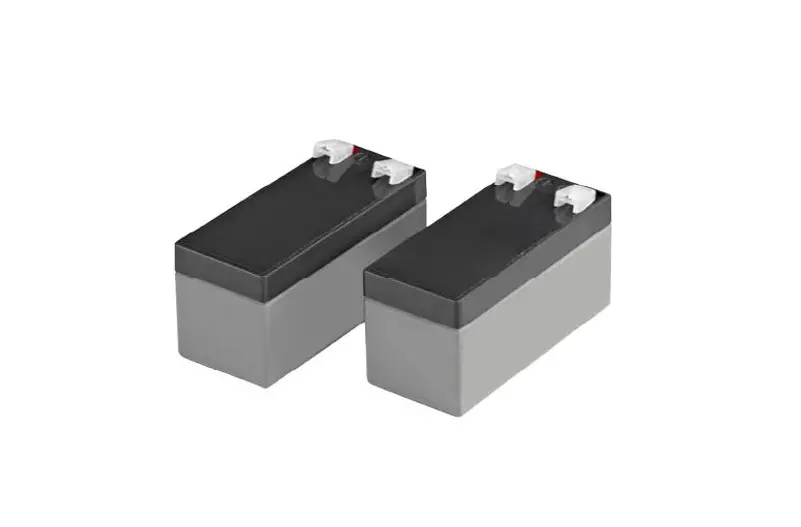
the same number of the following battery: CyberPower / RB1270X2C for the PS1500AVRLCD. 2. CAUTION! Risk of Energy Hazard, 24 V, maximum 9 Ampere-hour battery. Before replacing batteries, remove conductive jewelry such as chains, wrist watches, and rings. High energy conducted through these materials could cause severe burns. 3. CAUTION! Do not dispose of batteries in a fire. The batteries may explode. 4. CAUTION! Do not open or mutilate batteries. Released material is harmful to the skin and eyes. It may be toxic. 5. CAUTION! A battery can present a risk of electrical shock and high short circuit current. The following precautions should be observed when working on batteries: 1) Remove watches rings, or other metal
objects. 2) Use tools with insulated handles.
CAUTION – RISK OF EXPLOSION IF BATTERY IS REPLACED BY AN INCORRECT TYPE. DISPOSE OF USED BATTERIES ACCORDING TO LOCAL REGULATIONS
BATTERY REPLACEMENT PROCEDURE: 1. Switch off and unplug all the connected
equipment. 2. Switch off the UPS and disconnect it from
the wall outlet. 3. Place the product on its side, on a solid and
stable surface. 4. Loosen the battery compartment cover
screws. 5. Press on the locking latch and slide the
battery compartment cover. 6. Disconnect the battery wires from the right
side of the battery and then take it out of the battery compartment. 7. Disconnect the battery wires from the remaining battery. 8. Slide the remaining battery from left to right and remove it from the compartment. 9. Install the “left side” replacement battery by connecting the yellow wire (+) to the red connector from the battery and the black wire (-) to the black connector from the battery. Place the battery into the left side of the compartment. 10. Install the “right side” replacement battery by connecting the red wire (+) to the red
continued next page
4
5
REPLACING THE BATTERY – continued
connector from the battery and yellow wire (-) to the black connector from the battery. Place the battery into the right side of the compartment. Note: Only new batteries should be used for replacement and both batteries should be replaced at the same time to ensure maximum life span.
11. Close the battery compartment cover and secure it with the screws.
12. Recharge the UPS for 8-16 hours to fully charge the battery.
REMINDER: Batteries are considered HAZARDOUS WASTE and must be disposed of properly. Most retailers that sell lead acid batteries collect used batteries for recycling, as required by local regulations.
TROUBLESHOOTING
Problem Circuit breaker button is projecting from the back of the unit. The UPS does not perform expected runtime.
The UPS will not turn on.
PowerPanel® Personal software is inactive (all icons are gray).
Possible Cause
Solution
Circuit breaker has tripped due to an overload.
Turn the UPS off and unplug at least one piece of equipment. Wait 10 seconds, reset the circuit breaker by depressing the button, and then turn the UPS on.
Battery not fully charged.
Recharge the battery by leaving the UPS plugged in.
Battery is worn out.
Contact CyberPower about replacement batteries.
The on/off switch is designed to prevent damage from rapidly turning it off and on.
Turn the UPS off. Wait 10 seconds and then turn the UPS on.
The unit is not connected to an AC outlet.
The unit must be connected to a 120V 50/60Hz outlet.
The battery is worn out.
Contact CyberPower about replacement batteries.
Mechanical problem.
Contact CyberPower.
The USB / serial cable is not connected.
Connect the USB / serial cable to the UPS unit and an open USB / serial port on the back of the computer.
The USB / serial cable is connected to the wrong port.
Check the back of the computer for an additional USB / serial port. Move the cable to this port.
The unit is not providing battery power.
Shutdown your computer and turn the UPS off. Wait 10 seconds and turn the UPS back on. This should reset the unit.
The USB charging ports are not providing power to the connected devices.
The USB power port has Over Current Protection design. When the total current of connected devices is over 4 A, the USB charging ports will stop providing power to the connected devices.
Turn the UPS off and unplug at least one piece of device connected to the USB charging port and then turn the UPS on.
Additional troubleshooting information can be found at “Support” at www.CyberPowerSystems.com
6
DEFINITIONS FOR ILLUMINATED LCD INDICATORS
1. INPUT Voltage Meter: Measures the AC voltage that the UPS system is receiving from the utility wall outlet. The UPS is designed, using automatic voltage regulation, to continuously correct output voltage to connected equipment to a safe 110/120 voltage output range. In the event of a complete power loss, severe planned power supression, or over-voltage, the UPS relies on its internal battery to supply consistent 110/120 output voltage. The INPUT voltage meter can be used as a diagnostic tool to identify poor-quality input power.
2. OUTPUT Voltage Meter: Measures, in real time, the AC voltage that the UPS system is providing to the connected devices, such as normal mode, AVR mode, and battery backup mode. (Note: The OUTPUT voltage meter shows the status of the battery backup outlets.)
3. ESTIMATED RUNTIME: Displays the run time estimate of the UPS with current battery capacity and load.
4. NORMAL Icon: Appears when the UPS is working under normal conditions.
5. BATTERY icon: Appears during a severe planned power supression or power outage, and an alarm sounds (two short beeps followed by a pause) to indicate the UPS is operating from its internal batteries. During a prolonged planned power supression or power outage, the alarm will sound continuously to indicate the UPS’s batteries are nearly out of power. You should save files and turn off your equipment immediately or allow the software to shut the system down.
6. AVR (Automatic Voltage Regulation) icon: Appears whenever your UPS is automatically correcting low AC line voltage without using battery power. This is a normal, automatic operation of your UPS, and no action is required on your part.
7. SILENT MODE icon: Appears whenever the UPS is in silent mode. The alarm does not beep during silent mode until the battery reaches low capacity.
8. OVERLOAD icon: Appears when the battery-supplied outlets are overloaded, and an alarm sounds (constant tone) to indicate that action is required. To clear the overload, unplug some of your equipment from the battery-supplied outlets until the icon turns off and the alarm stops
9. FAULT icon: Appears if there is a problem with the UPS. Press the POWER button to turn the UPS off. E02: Charger Fault-No Charge (Contact CyberPower Systems for support.) E11: Battery Overvoltage (Contact CyberPower Systems for support.) E21: Output Short (Check the status of equipment connected to the UPS and then turn on the UPS again.) E22: Overload (Unplug at least one piece of equipment from battery outlets and turn the UPS on again.)
10.BATT. CAPACITY meter: Displays the approximate charge level (in 20% increments) of the UPS’s internal battery. During a severe planned power supression or power outage, the UPS switches to battery power, the BATTERY icon appears, and the charge level decreases.
11. LOAD CAPACITY meter: Displays the approximate output load level (in 20% increments) of the UPS battery outlets.
For more information about functions setup, please refer to the Function Setup Guide.
TECHNICAL SPECIFICATIONS
Model
Capacity Nominal Input Voltage Input Frequency On-Battery Output Voltage Max. Load for UPS Outlets (5 Outlets) Max. Load for Full-Time Surge Protection outlets (10 Outlets) On-Battery Output Wave Form Operating Temperature Operating Relative Humidity Size (W x H x D) Net Weight Battery Type Typical Battery Recharge Time Typical Battery Life Recommended Battery Safety Approvals
PS1500AVRLCD
1500VA / 900W 120V
50/60 Hz ± 3 Hz 120Vac ± 5%
1500VA / 900W
12 Amp
Simulated Sine Wave + 32°F to 104° F / 0° C to 40° C
0 to 90% non-condensing 3.9″ x 9.8″ x 13.7″ (99 x 249 x 348 mm)
22.2 lbs / 10.1 kg CyberPower / RB1270X2C 8 hours to 90% capacity from total discharge 3 to 6 years, depending on number of discharge/recharge cycles Sealed Maintenance Free Lead Acid Battery UL1778(UPS), CSA C22.2 No. 107, FCC/DoC Class B
SYSTEM FUNCTION BLOCK DIAGRAM
Input
EMI Fllter
Surge Suppressor
AVR
Output
Normal Mode Battery Mode
Charger AC / DC
Battery
Inverter
CYBERPOWER GREENPOWER UPSTM TECHNOLOGY
Advanced Energy-Saving Patented Bypass Technology CyberPower’s patented GreenPower UPSTM with Bypass Technology reduces UPS energy costs by up to 75% compared to conventional UPS models. Even when utility power is normal, conventional UPS models constantly pass power through a transformer. By contrast, under normal conditions the advanced circuitry of a GreenPower UPSTM bypasses the transformer. As a result, the power efficiency is significantly increased while decreasing waste heat, using less energy, and reducing energy costs. When an abnormal power condition occurs, the GreenPower UPSTM automatically runs power through its transformer to regulate voltage and provide “safe” power. Since utility power is normal over 88% of the time, the GreenPower UPSTM operates primarily in its efficient bypass mode. The GreenPower UPSTM is also manufactured in accordance with the Restriction on Hazardous Substances (RoHS) directive making it one of the most environmentally-friendly on the market today.
GREENPOWER UPSTM
Energy-Saving Technology
7
LIMITED WARRANTY
TERMS AND CONDITIONS OF THE CYBERPOWER LIMITED WARRANTY
Please read the following terms and conditions carefully before using CyberPower products (the ” Product”). By using the Product, you agree to be bound by the terms of this Limited Warranty (collectively the “Warranty”). IF YOU DO NOT AGREE TO THE WARRANTY TERMS AND CONDITIONS, YOU MUST RETURN THE PRODUCT BEFORE USING, AND OBTAIN A FULL REFUND. THIS WARRANTY GIVES YOU SPECIFIC LEGAL RIGHTS, AND YOU MAY ALSO HAVE OTHER RIGHTS THAT VARY FROM ONE PLACE TO ANOTHER. YOUR ACCEPTANCE OF THIS WARRANTY MAY MODIFY OR WAIVE ANY OTHER RIGHTS YOU HAVE.
Cyber Power Systems (USA), Inc. (“CyberPower”) provides this Limited Warranty.
CAUTION! This Product is not for use with aquariums, salt lamps, or any other water-related products. To reduce the risk of fire or electric shock, do not use with or near, water, water-related products, or any other liquid or source of moisture.
CAUTION! This Product is not for use with any high current flow use including with appliances, space heaters, or laser printers.
WARNING! Do not use for medical or life support equipment, for fail safe operations, or other high-risk activities. This Product is not designed or intended for use in high-risk activities or hazardous environments requiring fail-safe performance, including the operation of nuclear facilities, aircraft navigation or communication systems, air traffic control, weapons systems, life support or medical applications or for use in any circumstance in which the failure of the Product could lead directly to death, personal injury, or severe physical or property damage, or that would affect operation or safety of any medical or life support device (collectively, “High-Risk Activities”). CyberPower does not authorize use of any of its products in any HighRisk Activities and CyberPower expressly disclaims any express or implied warranties for use in High-Risk Activities. ANY SUCH USE IS IMPROPER AND IS A MISUSE OF THE PRODUCT.
WHAT DOES THIS WARRANTY COVER? This warranty covers defects in design, materials and workmanship in the Product under normal use and conditions when installed and used in accordance with this manual. It does not cover equipment that was connected to the Product and damaged because of the failure of the Product. All implied warranties are disclaimed to fullest extent allowed by law, and in any event, including any implied warranties of merchantability, fitness for a specific purpose, and quality are limited to the duration of the Warranty granted hereunder. This Warranty only applies to consumers, and shall not apply in any commercial contexts absent express contractual arrangements between CyberPower and the purchaser.
WHAT IS THE PERIOD OF COVERAGE? This warranty covers the Product for three (3) years and the battery for two (2) years. It does not cover equipment that was connected to the Product and damaged because of the failure of the Product.
WHO IS COVERED? This warranty only covers the original purchaser. Coverage ends if you sell or otherwise transfer the Product.
WHAT IS NOT COVERED BY THE WARRANTY? 1. This Warranty does not cover any software that was damaged or needs to be replaced
due to the failure of the Product or any data that is lost as a result of the failure or the restoration of data or records, or the reinstallation of software.
2. This Warranty does not cover or apply to: Products which are not defective or broken, Products that are working as described in the user manual, any abnormal wear, misuse, modification, tampering, operation or storage outside environmental limits of the Product or the equipment connected to it, damage while in transit or in storage, if there has been improper operation or maintenance, or use with items not designed or intended for use with the Product, such as laser printers, appliances, aquariums, medical or life support devices, etc.
3. Damage when the Product was not installed or used in accordance with the user manual.
4. Damage when the Product is used contrary to any instructions provided with the Product, or for any unintended or prohibited use.
WHAT ARE THE LIMITATIONS? The sole and exclusive remedies of the Initial Customer are those provided by this Warranty.
1. This Warranty does not apply unless the Product and the equipment that was connected to it were connected to utility power via properly wired and grounded outlets (including compliance with the most current electrical and safety codes), without the use of any adapters or other connectors.
2. The Product must have been plugged directly into the power source and the equipment connected to the Product must be directly connected to the Product and not “daisy-chained” together in serial fashion with any other power strip, extension cords, another Product or device similar to the Product, surge suppressor, power tap, or adapter. A threeto two-prong adapter may not be used. Any such installation voids the Limited Warranty.
3. The Product and equipment connected to it must have been used properly in a suitable and proper environment and in conformance with any license, instruction manual, or warnings provided with the Product and the equipment connected to it.
4. The Product must have been used at all times within the limitations on the Product’s VA/ Wattage capacity.
5. CyberPower’s obligation is reduced by any amounts that the Initial Customer is entitled to recover from other sources, including insurance, other warranty, or extended warranty coverage, whether or not the Initial Customer makes a claim for recovery.
6. The Product was designed to eliminate disrupting and damaging effects of momentary (less than 1ms) voltage spikes or impulses from lightning or other power transients. If it can be shown that a voltage spike lasting longer than 1ms has occurred, the occurrence will be deemed outside the rated capabilities of the Product and the Limited Warranty is void.
CYBERPOWER DOES NOT COVER OR UNDERTAKE ANY LIABILITY IN ANY EVENT FOR ANY OF THE FOLLOWING: 1. Loss of or damage to data, records, or software or the restoration of data or records, or the reinstallation of software.
2. Damage from causes other than AC Power Line Transients, spikes, or surges on properly installed, grounded and code-compliant 120 volt power lines; transients, surges or spikes on standard telephone land lines, PBX telephone equipment lines or Base 10T Ethernet lines, when properly installed and connected. (This exclusion applies, for example, to fluctuations in data transmission or reception, by CATV or RF transmission or fluctuations, or by tran-sients in such transmission.)
3. Damage from any circumstance described as excluded above with respect to the Product.
4. Damages from fire, flood, wind, rain, rising water, leakage or breakage of plumbing, abuse, misuse or alteration of either the Product or the equipment to which it is connected.
5. CyberPower excludes any liability for personal injury under the Limited Warranty. CyberPower excludes any liability for direct, indirect, special, incidental or consequential damages, whether for damage to or loss of property, loss of profits, business interruption, or loss of information or data.
6. The Product is not for use in high-risk activities or with aquariums. The Product is not designed or intended for use in hazardous environments requiring fail-safe performance, or for use in any circumstance in which the failure of the Product could lead directly to death, personal injury, or severe physical or property damage, or that would affect oper-ation or safety of any medical or life support device (collectively, “High Risk Activities”). CyberPower expressly disclaims any express or implied warranty of fitness for High Risk Activities or with aquariums. CyberPower does not authorize use of any Product in any High Risk Activities or with Aquariums. ANY SUCH USE IS IMPROPER AND IS A MISUSE OF THE PRODUCT. WHERE CAN I GET MORE INFORMATION? CyberPower is the warrantor under this Limited Warranty. For further information please contact us at Cyber Power Systems (USA), Inc. 4241 12th Ave E., STE 400, Shakopee, MN 55379; call us at (877) 297-6937 or (800) 279-6580; or send us an e-mail message at [email protected]. HOW DO I OBTAIN WARRANTY SERVICE? Please return the Product, along with your purchase receipt, to the retailer from which it was purchased, and they will issue you a replacement product or a refund.
Please check our website at www.cyberpowersystems.com for additional information on the warranty.
This Warranty is governed by and shall be interpreted under the laws of the United States and the State of Minnesota, without reference to conflict of law principles. The parties agree that the United Nations Convention on Contracts for the International Sale of Goods shall not apply. Unless prohibited by law, any action to enforce the terms of this Warranty or for any other claim you may have associated with the product, shall be brought in the State or Federal Court serving Scott County, State of Minnesota, United States of America and the parties expressly consent to jurisdiction in that venue. However, before bringing a claim for a breach of a warranty, a claimant shall pursue a Warranty Claim with CyberPower as set forth in this Warranty. Thereafter, the parties shall resolve their dispute by binding arbitration. Any controversy or claim arising out of or relating to this contract, or the breach thereof, shall be settled by arbitration administered by the American Arbitration Association in accordance with its Consumer Arbitration Rules and judgment on the award rendered by the arbitrator may be entered in any court having jurisdiction thereof. Claims shall be heard by a single arbitrator. The place of arbitration shall be Minneapolis, Minnesota, United States and shall be governed by the laws of the State of Minnesota. Hearings will take place pursuant to the standard procedures of the Consumer Arbitration Rules that contemplate in person hearings. The arbitrators will have no authority to award punitive or other damages not measured by the prevailing party’s actual damages, except as may be required by statute. The arbitrator shall not award consequential damages in any arbitration initiated under this section. Any award in an arbitration initiated under this clause shall be limited to monetary damages and shall include no injunction or direction to any party other than the direction to pay a monetary amount. Each party shall bear its own costs and expenses and an equal share of the arbitra-tor’s and administrative fees of arbitration. The award of the arbitrator shall be accompanied by a reasoned opinion. Except as may be required by law, neither a party nor an arbitrator may disclose the existence, content, or results of any arbitration hereunder without the prior written consent of both parties. The parties agree that failure or refusal of a party to pay its required share of the deposits for arbitrator compensation or administrative charges shall constitute a waiver by that party to present evidence or cross-examine witness. In such event, the other party shall be required to present evidence and legal argument as the arbitrator may require for the making of an award. Such waiver shall not allow for a default judgment against the nonpaying party in the absence of evidence presented as provided for above. PLEASE VISIT WWW.CYBERPOWERSYSTEMS.COM FOR A COPY OF THE LIMITED WARRANTY.
Where Can I Get More Information? The application of the United Nations Convention of Contracts for the International Sale of Goods is expressly excluded. CyberPower is the warrantor under this Limited Warranty. For further information please feel free to contact CyberPower at:
Cyber Power Systems (USA), Inc. 4241 12th Ave E., STE 400, Shakopee, MN 55379; Call us at (877) 297-6937; or submit a web ticket online at cyberpowersystems.com/support.
WARNING: This product can expose you to chemicals including bisphenol A (BPA) and styrene, which is known to the State of California to cause reproductive harm and cancer. For more information, go to www.P65Warnings.ca.gov.
CyberPowerSystems.com
© 2022 Cyber Power Systems (USA), Inc. PowerPanel® Personal is a trademark of Cyber Power Systems (USA) Inc. All rights reserved. All other trademarks are the property of their respective owners.
K01-0000984-00
8
 CyberPower UPS Systems, Battery Backup, PDUs, USB Surge Protectors
 CyberPower UPS Systems, Battery Backup, PDUs, USB Surge Protectors
 P65Warnings.ca.gov