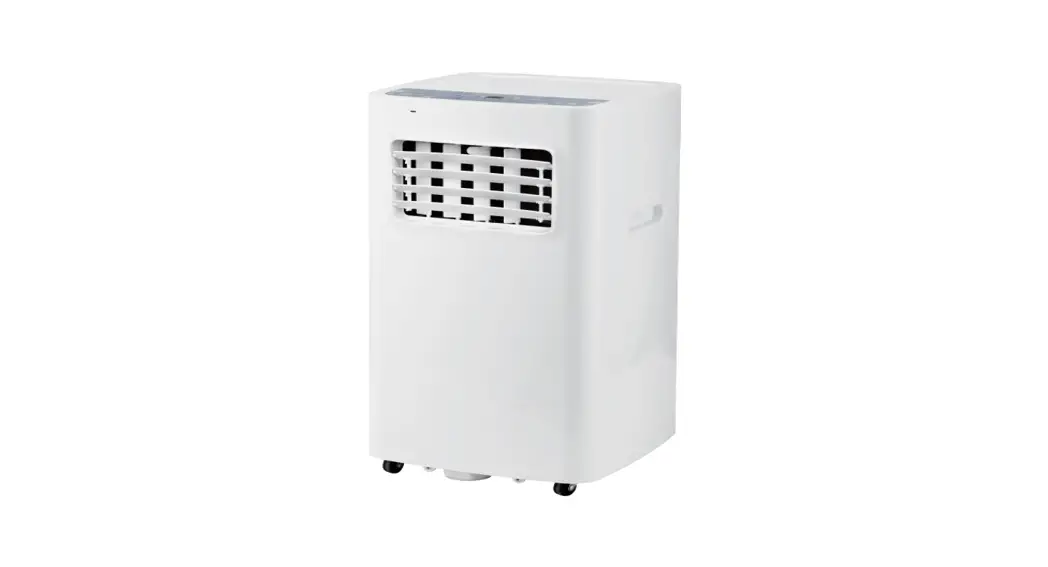
RV Air Conditioner
Product Information:
The product is an air conditioning unit with the following
components:
- Electric Box Cover
- Temperature Sensor
- Main Board
- Capacitor CBB65
- Electric Box Assy
- 4-Way Valve Assy
- Capillary Sub-Assy
- Centrifugal Blower sub-assy
- Evaporator Assy
- Foam Sub-Assy
- Connecting Cable
- Remote Controller
- Chassis Assy
- Foam (2x)
- Bolt
- Mounting Plate Sub-Assy
- Wire Clamp
- Rubber Block
- Compressor Gasket
- Compressor and Fittings
- Nut with Washer
- Centrifugal fan assy
- Centrifugal Blower sub-assy (2x)
- Condenser Assy
- Rear Clapboard
- Fastener
- Breakwater Sub-Assy
- Cabinet
Product Usage Instructions:
Removal Procedure of Indoor Unit:
Caution: Discharge the refrigerant completely
before removal.
Step 1: Remove panel
Remove 4 screws on the panel, disassemble the butted terminal,
separate the panel and installation plate, and then remove the
panel.

Step 2: Remove installation plate
Remove screws fixing the pressing plate, and then remove the
press plate.
Remove 4 bolts fixing the installation plate with a wrench, and
then remove the installation plate.

Step 3: Remove knob, air vent cover 1 and air vent cover
2 sub-assy
Loosen the clasps on the knob, and then remove the knob, air
vent cover 1, and air vent cover 2.

Step 4: Remove left and right filters
sub-assy
Remove left and right filters sub-assy directly.

Step 5: Remove guide rail of filter
Remove screws fixing the guide rail of the filter, and then
remove the guide rail of the filter.

Step 6: Remove display board sub-assy
Remove screws fixing the display box sub-assy cover, and then
remove the display box sub-assy cover.
Remove screws fixing the detecting plate, and then remove the
detecting plate.
Remove 6 screws fixing the display board, pull out the motor
terminal, and then remove the display board.

Step 7: Remove display board
Remove screws fixing the display board and then remove the
display board.
Service Manual
Description NO.
Product Code
1
Electric Box Cover
2
Temperature Sensor
3
Main Board
4
Capacitor CBB65
5
Electric Box Assy
6
4-Way Valve Assy
7
Capillary Sub-Assy
8
Centrifugal Blower sub-assy
9
Evaporator Assy
10 Foam Sub-Assy
11 Connecting Cable
12 Remote Controller
13 Chassis Assy
14 Foam
15 Foam
16 Bolt
17 Mounting Plate Sub-Assy
18 Wire Clamp
19 Rubber Block
20 Compressor Gasket
21 Compressor and Fittings
22 Nut with Washer
23 Centrifugal fan assy
24 Centrifugal Blower sub-assy
25 Condenser Assy
26 Rear Clapboard
27 Fastener
28 Breakwater Sub-Assy
29 Cabinet
Above data is subject to change without notice.
Part Code
GRH085DA-K3NA2B/O
GRH120DA-K3NA2B/O
Qty
CU050W01100
CU050W01200
012020000023
012020000023
1
3900040301
3900040301
1
300027000640
300027000640
1
3300008102
3300008102
1
100002060723
100002060723
1
030152000101
030152000101
1
030006000142
030006000142
1
150108000005
150108000005
1
011001000075
011001000075
1
120011000003
120011000003
1
4002050423
4002050423
1
305001000034
305001000034
1
209058000010
209058000010
1
120000060015
120000060015
3
120000060014
120000060014
1
7021201701
7021201701
4
017018060022P
017018060022P
2
71010103
71010103
1
760005000003
760005000003
2
009012000005
009012000005
4
00106113
00106113
1
70310014
70310014
4
000052000021
000052000021
2
150109000002
150109000002
1
011002000132
011002000132
1
200030000001
200030000001
1
200108000003
200108000003
8
017061000002
017061000002
1
200173000001S
200173000001S
1
Installation and Maintenance
49
Service Manual
11. Removal Procedure
11.1 Removal Procedure of Indoor Unit
Caution: discharge the refrigerant completely before removal.
GRH085DA-K3NA1A/I GRH120DA-K3NA1A/I
Step
1.Remove panel
Procedure
Remove 4 screws on panel, disassemble the butted terminal, separate panel and installation plate, and then remove the panel.
ceiling
installation plate panel
2. Remove installation plate
Remove screws fixing the pressing plate, and then remove the press plate.
press plate
Remove 4 bolts fixing the installation plate with wrench, and then remove the installation plate.
installation plate bolt
50
Installation and Maintenance
Service Manual
Step
Procedure
3. Remove knob, air vent cover 1 and air vent cover 2 sub-assy
Loosen the clasps on knob, and then remove knob, air vent cover 1 and air vent cover 2.
air vent cover 2 sub-assy
air vent cover 1 sub-assy
4. Remove left and right filters sub-assy Remove left and right filters sub-assy directly. left filter sub-assy
5. Remove guide rail of filter
knob right filter sub-assy
Remove screws fixing the guide rail of filter, and then remove the guide rail of filter.
guide rail of filter
Installation and Maintenance
51
Step
6. Remove display board sub-assy
Procedure
display box cover sub-assy
Remove screws fixing the display box sub-assy, and then remove the display box sub-assy cover.
Service Manual
Remove screws fixing the detecting plate, and then remove the detecting plate.
Remove 6 screws fixing the display board, pull out the motor terminal and then remove the display board.
Detecting Plate
tob cover
display board
7.Remove display board
Remove screws fixing the display board and then remove the display board.
Remove the LED light board from the display board.
display board
display cover LED LED light board
52
Installation and Maintenance
Service Manual
Step
8. Remove swing motor assy
Procedure
Remove screws fixing the swing motor assy, and then remove the swing motor assy.
swing motor assy
9. Remove damper sub-assy Remove the damper sub-assy directly.
damper sub-assy
10. Remove horizontal louver sub-assy Remove horizontal louver sub-assy directly.
horizontal louver sub-assy
Installation and Maintenance
53
GRH085DA-K3NA2B/I GRH120DA-K3NA2B/I
Step
1.Remove air-in grille and the filter
Procedure
Press both ends of air-outlet grille to unlock the door switch and then remove the air-in grille and the filter.
2. Remove front panel sub-assy
Loose 4 screws at both ends and then remove the panel sub-assy downwards.
Service Manual
3. Remove air duct sub-assy Loose 4 bolts as shown in the figure and then remove the air duct sub-assy downwards.
54
Installation and Maintenance
Service Manual
Step
4. Remove base plate and the middle air-outlet panel
Procedure
clasp
Loose 2 screws at both ends; loose 7 clasps at both sides and then separate the base plate and the middle air-outlet panel.
clasp
5. Remove detecting board
Loose 1 screw on the top; remove the detecting board.
6. Remove display board
Loose 2 screws as shown in the figure and the remove the display board.
clasp
Installation and Maintenance
55
Step
7.Remove display module
Procedure
Loose 1 screw as shown in the figure, and rotate the display module in clockwise direction to remove it.
Service Manual
8. Remove air-outlet frame sub-assy
Loose 9 clasps as shown in the figure and then remove the air-outlet frame sub-assy outwards.
clasp
clasp
9. Remove guide louver and shaft of guide louver
Loose the middle clasp, remove the horizontal louver outwards and then remove the shaft of horizontal louver at both ends.
clasp
56
Installation and Maintenance
Service Manual
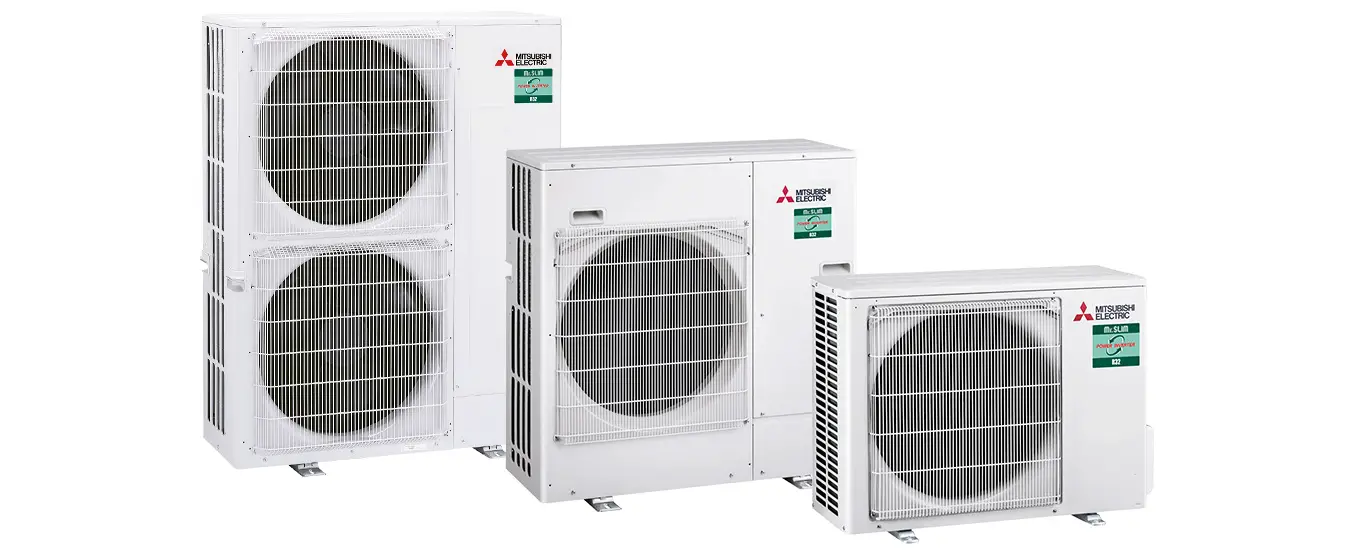
11.2 Removal Procedure of Outdoor Unit
Step
1. Outdoor unit diagram
Procedure
2.Remove outer case
Press the tool which is suitable for the size of clasp center hole into about 3mm from the center point fixing outer case clasp; pluck out the clasp forcibly; remove screws fixing outer case. (Note: when pressing the tool into the center of the clasp fixing outer case, the clasp may be locked if the tool is pressed too deeply)
Hold the handle at the rear part of outer case; push the outer case frontward after lifting the outer case; then remove the outer case.
clasp
clasp ç
s crews
æ outer case
Installation and Maintenance
57
Step
3.Remove plastic box (electric box)
Procedure
Lift the plastic box upwards to remove it.
Service Manual plastic box (electric box)
4.Remove foam sub-assy
Remove screws fixing the foam sub-assy and then remove the foam sub-assy.
5.Remove top cover (dark grey)
Remove screws fixing the top cover and then remove the top cover. (Note: Before removing the top cover, please remove screws of wire clip fixing the power cord and connection wire between boards; remove the wire clip; cut off each wire binder and then remove the conductive wire from the wire groove)
58
foam sub-assy top cover (dark grey)
Installation and Maintenance