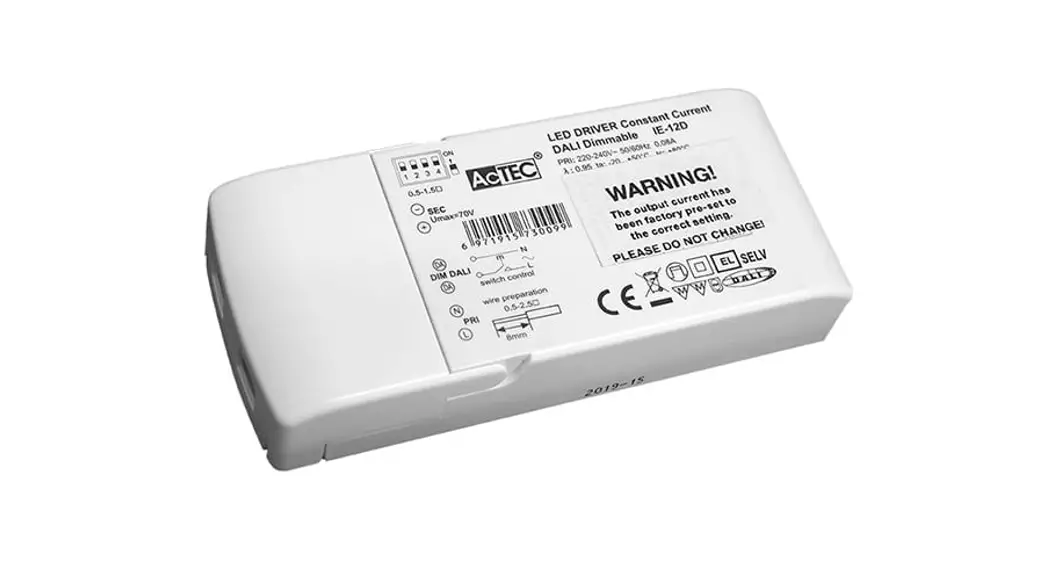
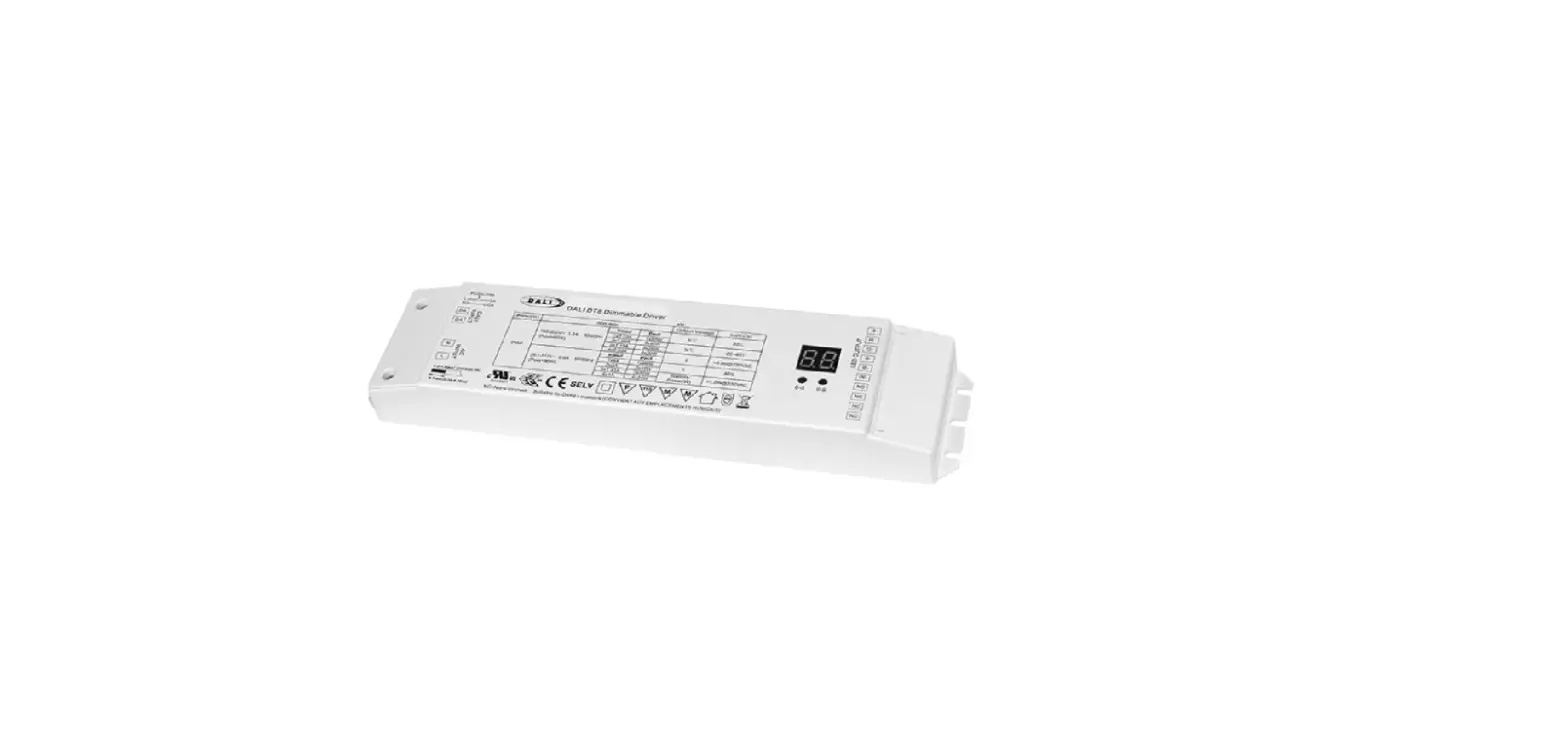
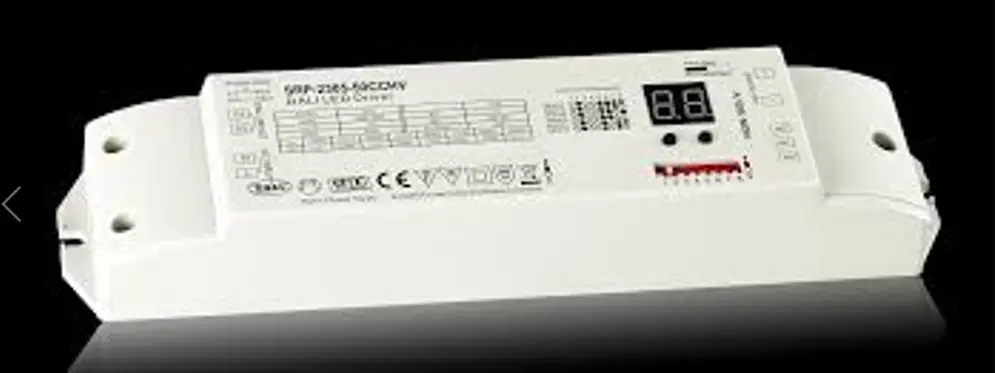
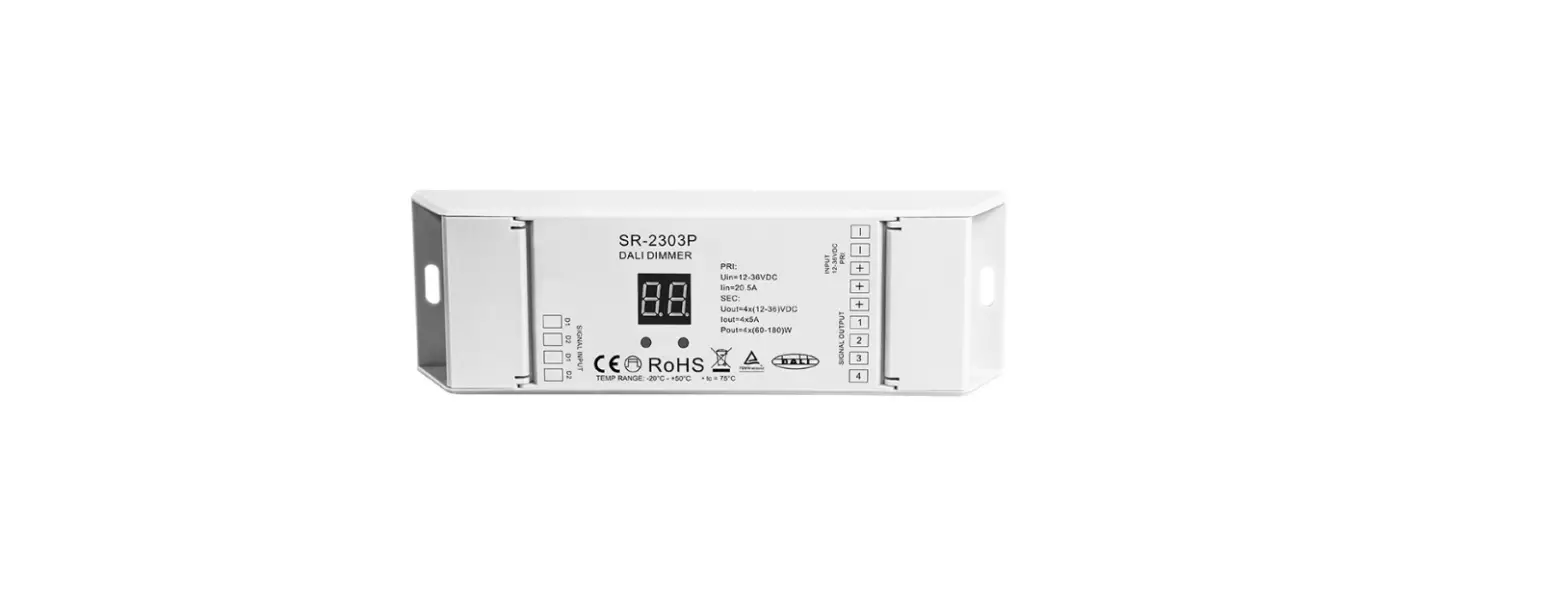
PE-N30DA 30W DALI Dimmable LED Driver
Product Information: Product Name: JOSSOTM Model Number: Not
specified in the text-extract Manufacturer: Not specified in the
text-extract Product Usage Instructions: 1. Power On/Off: – Locate
the power button on the device. – Press and hold the power button
for a few seconds to turn on the device. – To turn off the device,
press and hold the power button again until it powers off. 2.
Product Setup: – Connect the device to a power source using the
provided power cable. – If applicable, connect any necessary cables
or accessories to the device. – Follow the on-screen prompts or
consult the full user manual for further setup instructions. 3.
Controls and Navigation: – The device may have physical buttons or
a touchscreen interface for control and navigation. – Refer to the
user manual for a detailed explanation of the controls and
navigation methods. 4. Charging the Device: – Connect the device to
a power source using the provided charging cable. – Allow the
device to charge until the battery is fully charged. This may take
several hours. – Once charged, disconnect the charging cable from
the device. 5. Troubleshooting: – If you encounter any issues with
the device, refer to the troubleshooting section in the user
manual. – Follow the provided steps to troubleshoot and resolve
common problems. Please note that the above instructions are based
on general product usage and may vary depending on the specific
model and manufacturer of your JOSSOTM device. For detailed
instructions tailored to your specific device, please consult the
full user manual provided by the manufacturer.
^Ý
Ì^Ý
s
7S H
((1&
°
^Ý
°
^Ý
sÞY
µss_sOÞÞY
sEs
Y®ÞOs
&ODVV
789
Þs Ns
® ¨
sÌs YsOÞY
sY_ ÌYNÞOÞ YsOÞY YsOÞY
Ë
N
N
rÝr N
i i
¡
^ÞsÞY
Y_OEs
‘$/,’LPPLQJ/(”ULYHU
35, $&/
0RGHO3(1’$
35,9a+]$ WF
6(&9’&P$PD[ 3)7D 7F 0D[RXWSXW9GF
2XWSXW 2)) 2)) 2)) P$ 2)) 2)) 21 P$ 2)) 21 2)) P$ 2)) 21 21 P$
‘LPPLQJLQWHUIDFH ‘,0’$/,’7 ‘,09 ‘,09 ‘,03:0 ‘,0.5; ‘,0386+
$&1 ‘$ ‘$
0$;: 8VHGIRU/(‘PRGXOHRQO
ZLUHSUHS PP
21 2)) 2)) P$ 21 2)) 21 P$ 21 21 2)) P$ 21 21 21 P$
0DGHLQ&KLQD
((1&
&%
6(& /(‘
/(‘ ‘,0 ‘,0
21
35, $&/ $&1 ‘$ ‘$
‘$/,’LPPLQJ/(”ULYHU
0RGHO3(1’$
35,9a+]$ WF
6(&9’&P$PD[ 3)7D 7F 0D[RXWSXW9GF
2XWSXW 2)) 2)) 2)) P$ 2)) 2)) 21 P$ 2)) 21 2)) P$ 2)) 21 21 P$
‘LPPLQJLQWHUIDFH ‘,0’$/,’7 ‘,09 ‘,09 ‘,03:0 ‘,0.5; ‘,0386+
0$;: 8VHGIRU/(‘PRGXOHRQO
ZLUHSUHS
PP
21 2)) 2)) P$ 21 2)) 21 P$ 21 21 2)) P$ 21 21 21 P$
0DGHLQ&KLQD
((1&
&%
6(& /(‘ /(‘
‘,0 ‘,0
NY sOÞY
2 4
‘$/,
‘$/,
35, $&/ $&1 ‘$ ‘$
JOSSOTM
/(‘ /(‘ ‘,0 ‘,0
2
/(‘ 35,
$&/
/(‘
4
$&1
‘,0
‘$ ‘$
‘,0
<
JOSSOTM
21
21
21
21
21
21
21
21
21
21
21
21
9a 35,
sÞYÌÞ^Þ
> @
2 4 JOSSOTM
>@
> @
/(‘ /(‘ ‘,0 ‘,0
>@