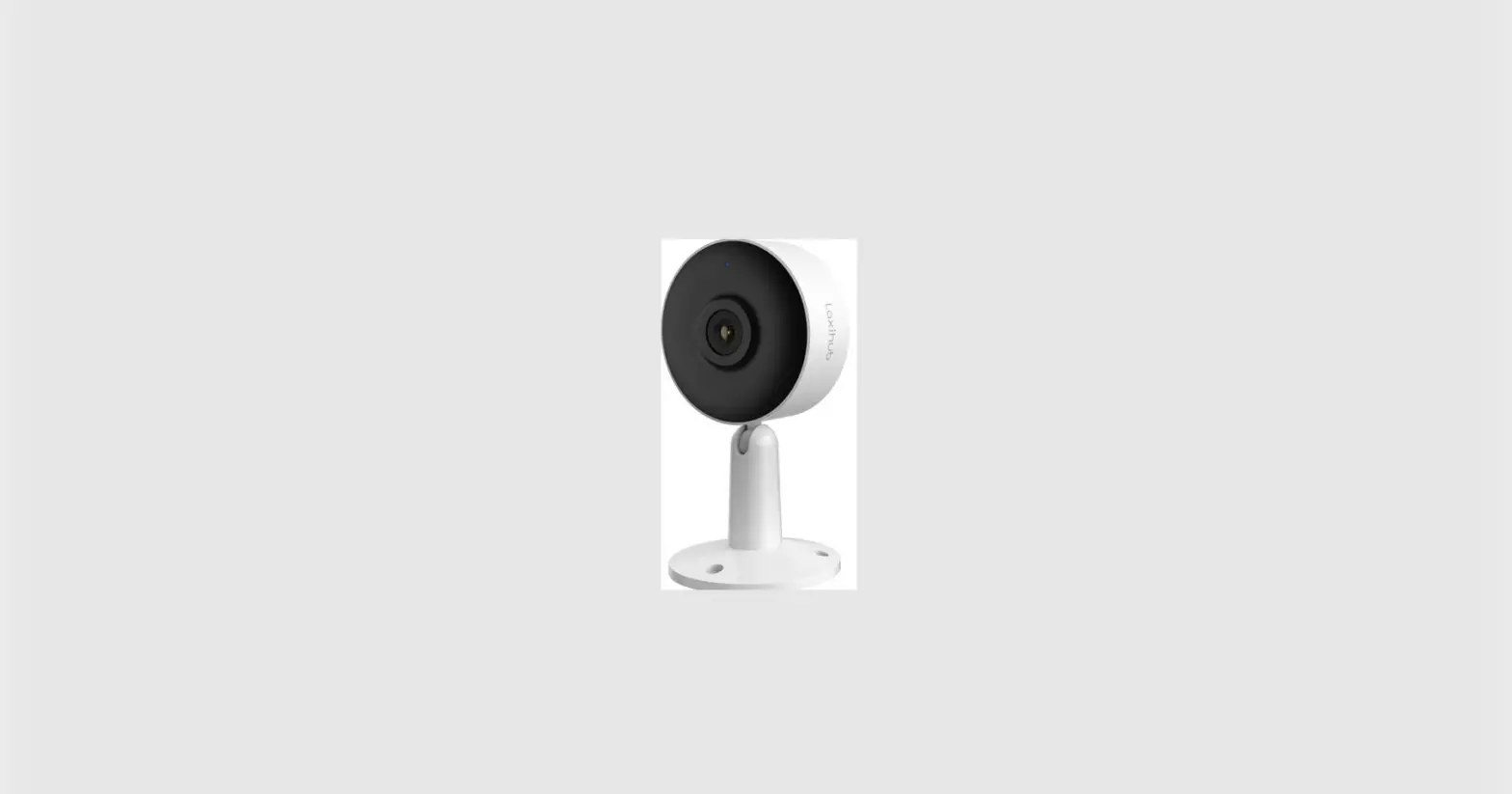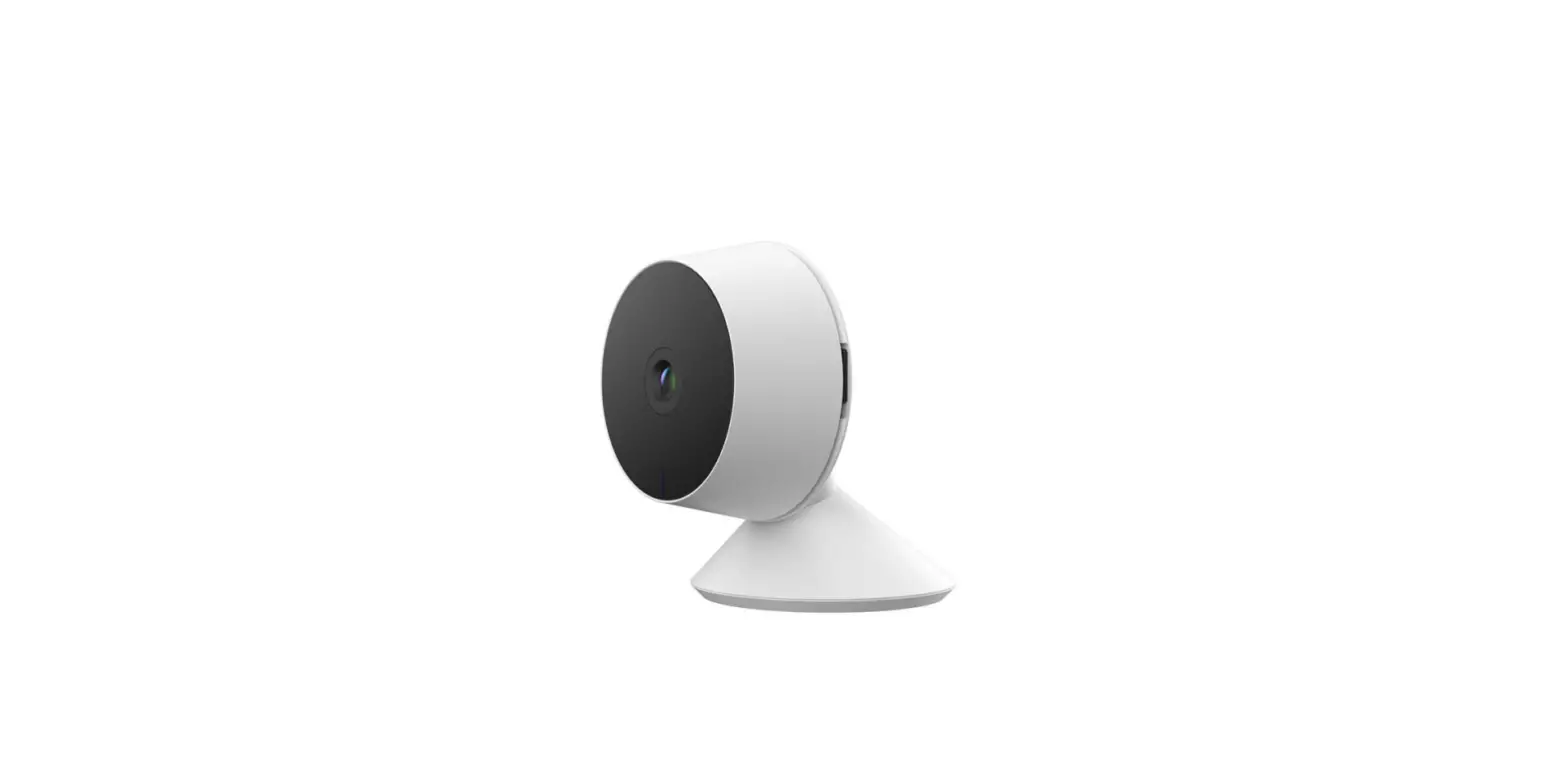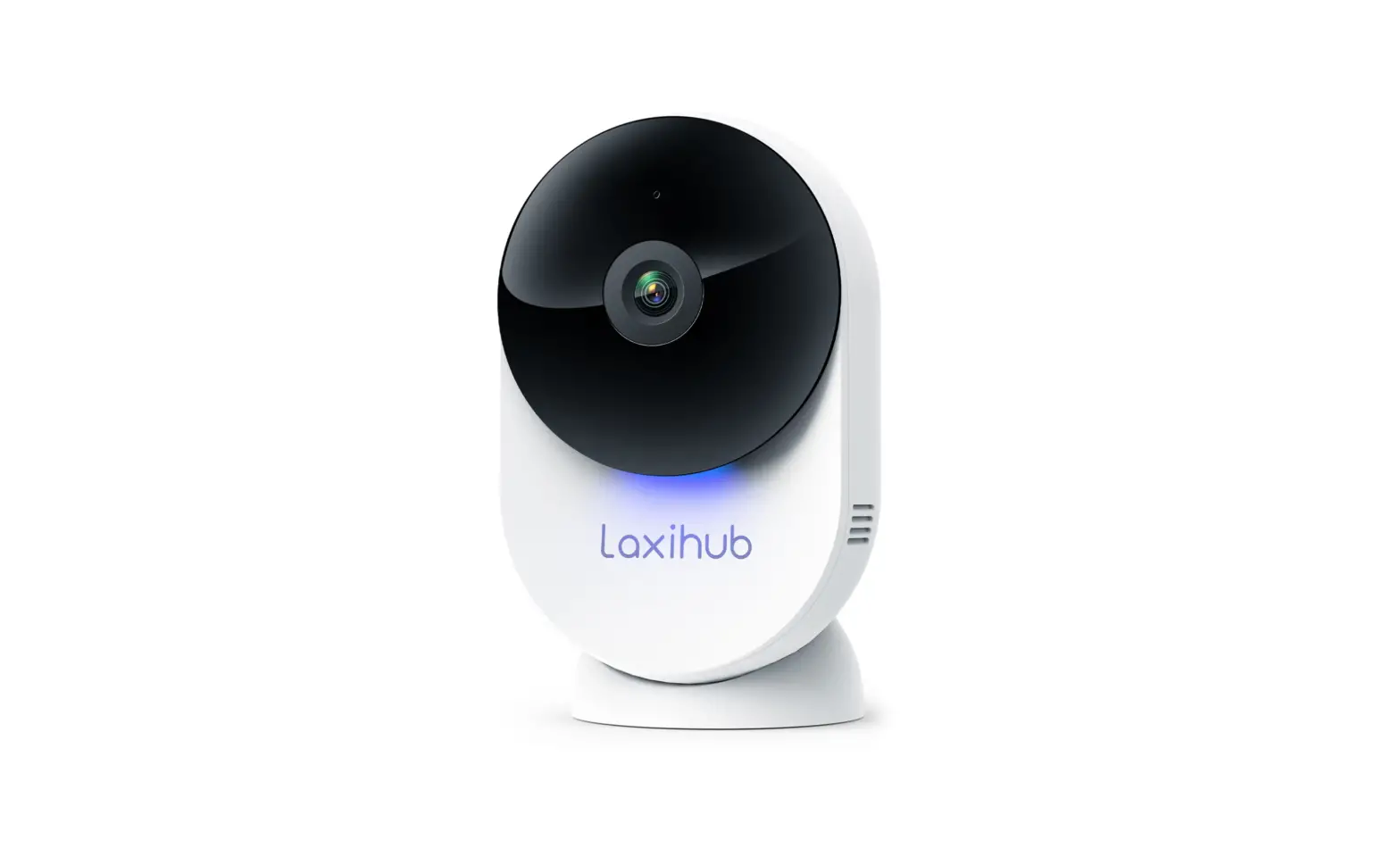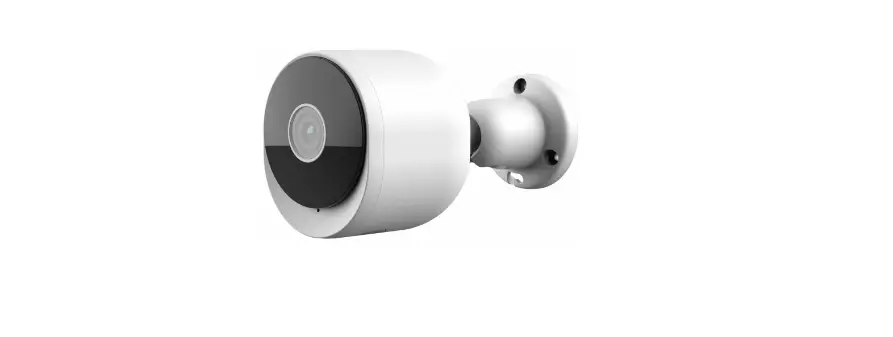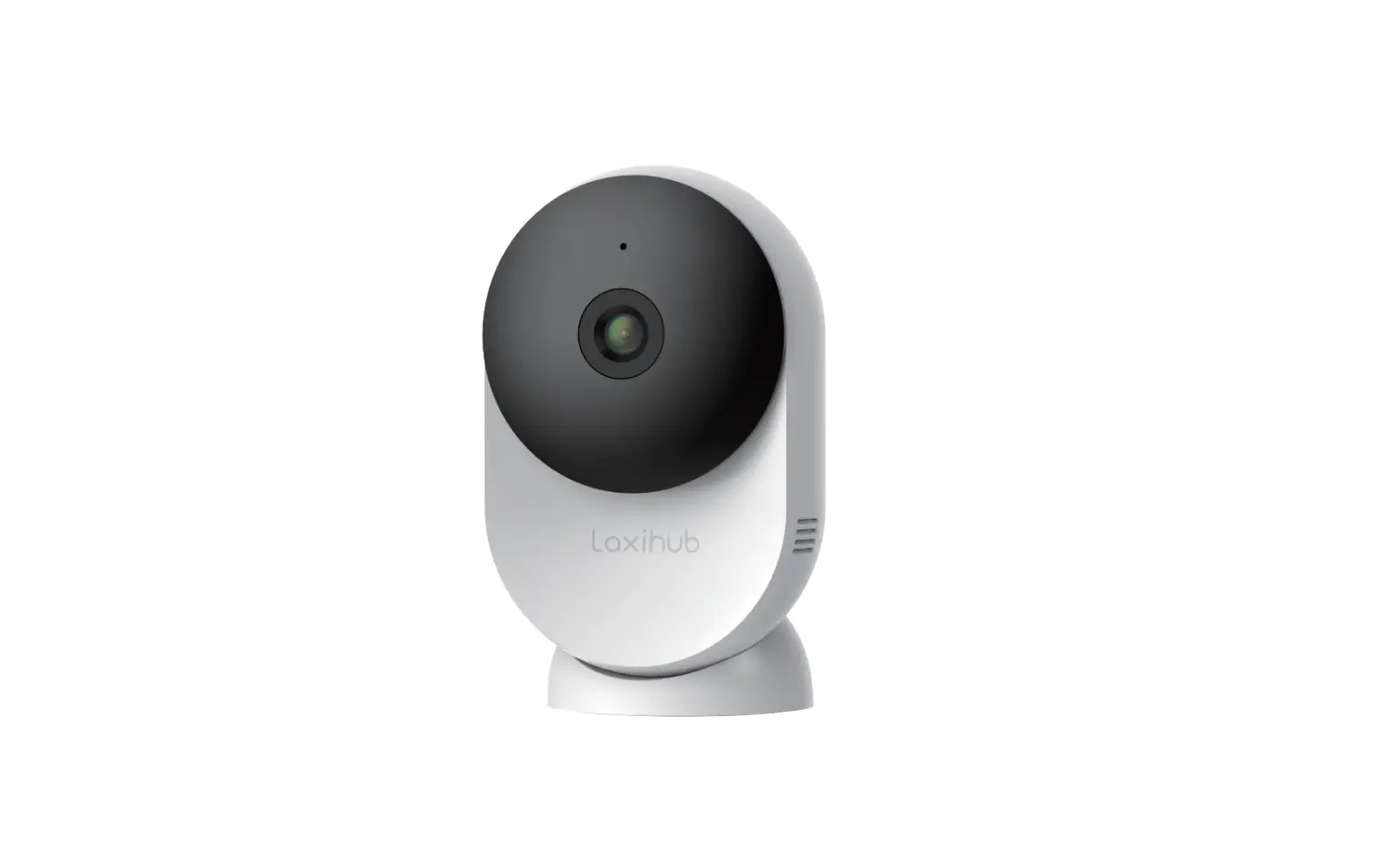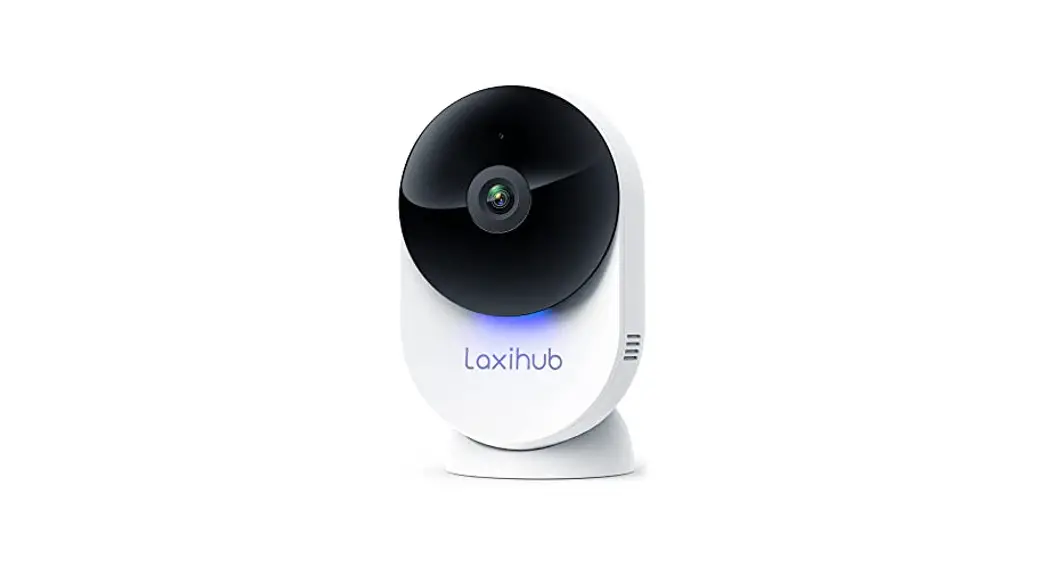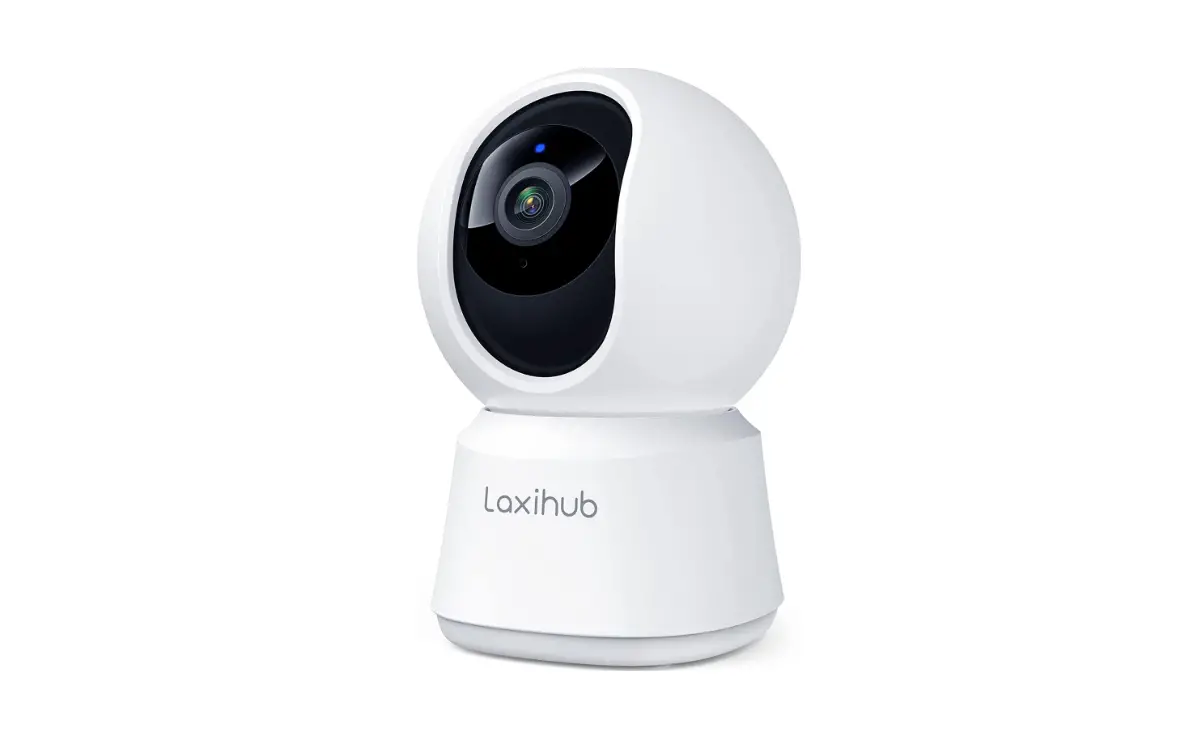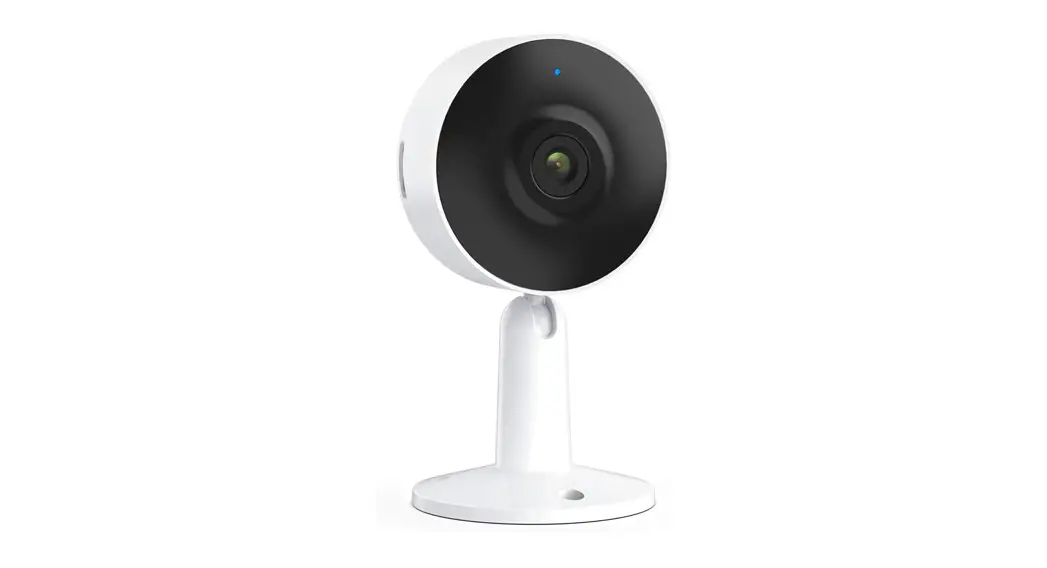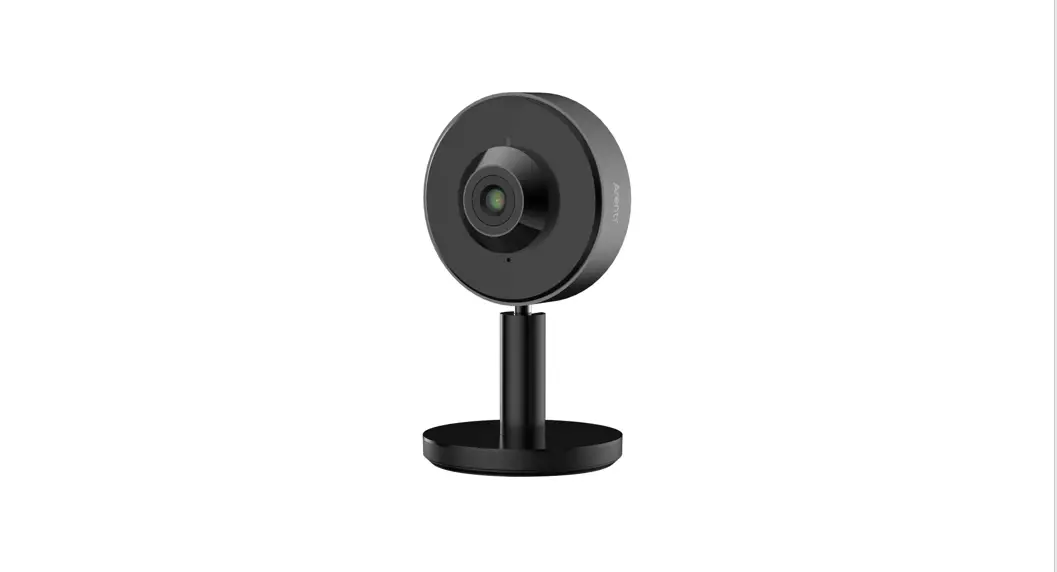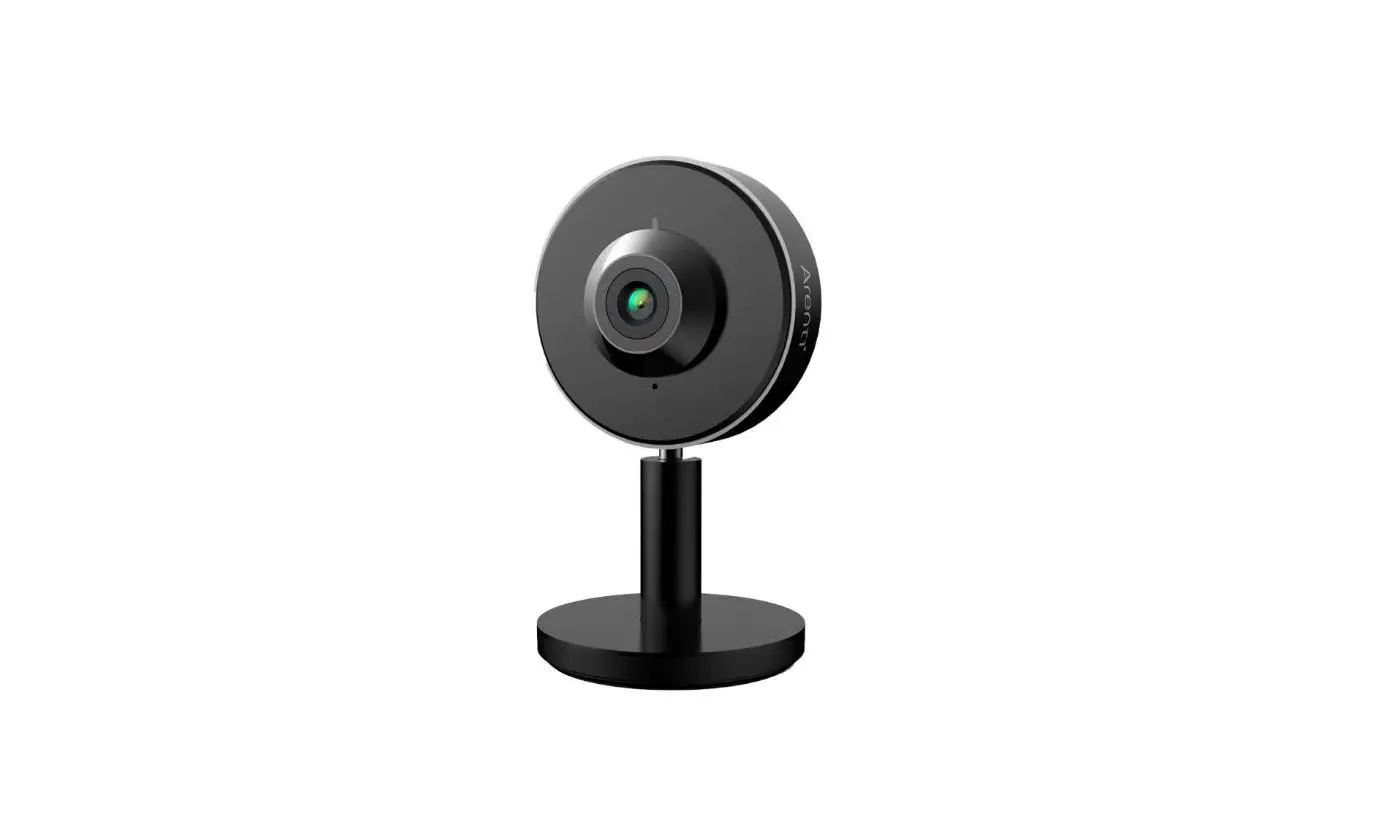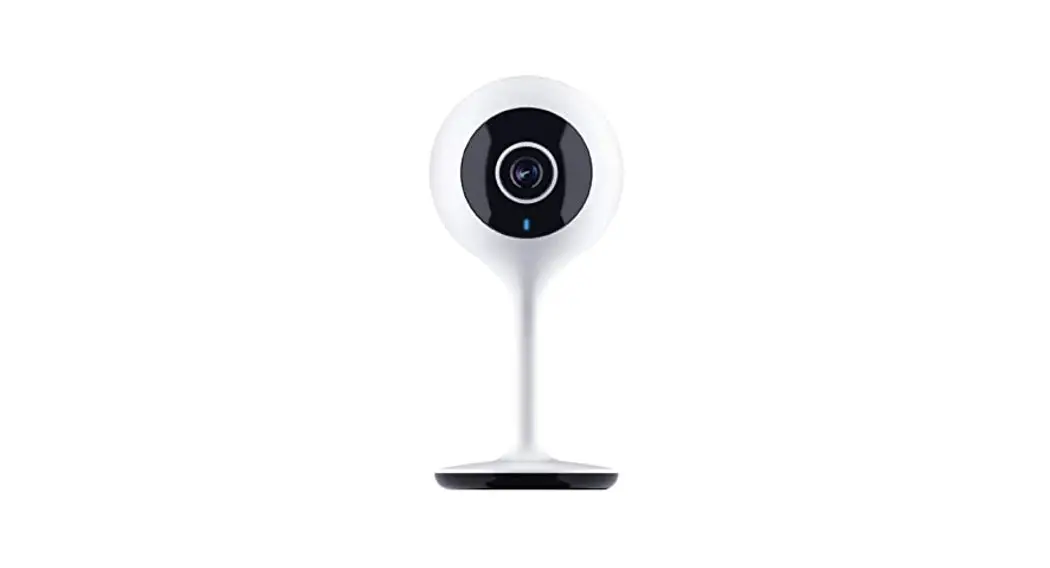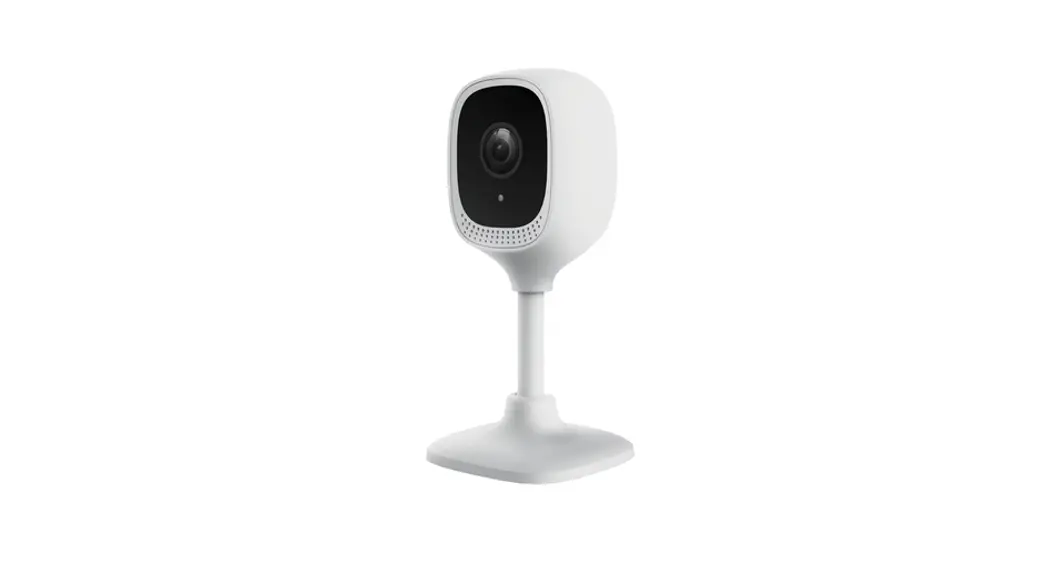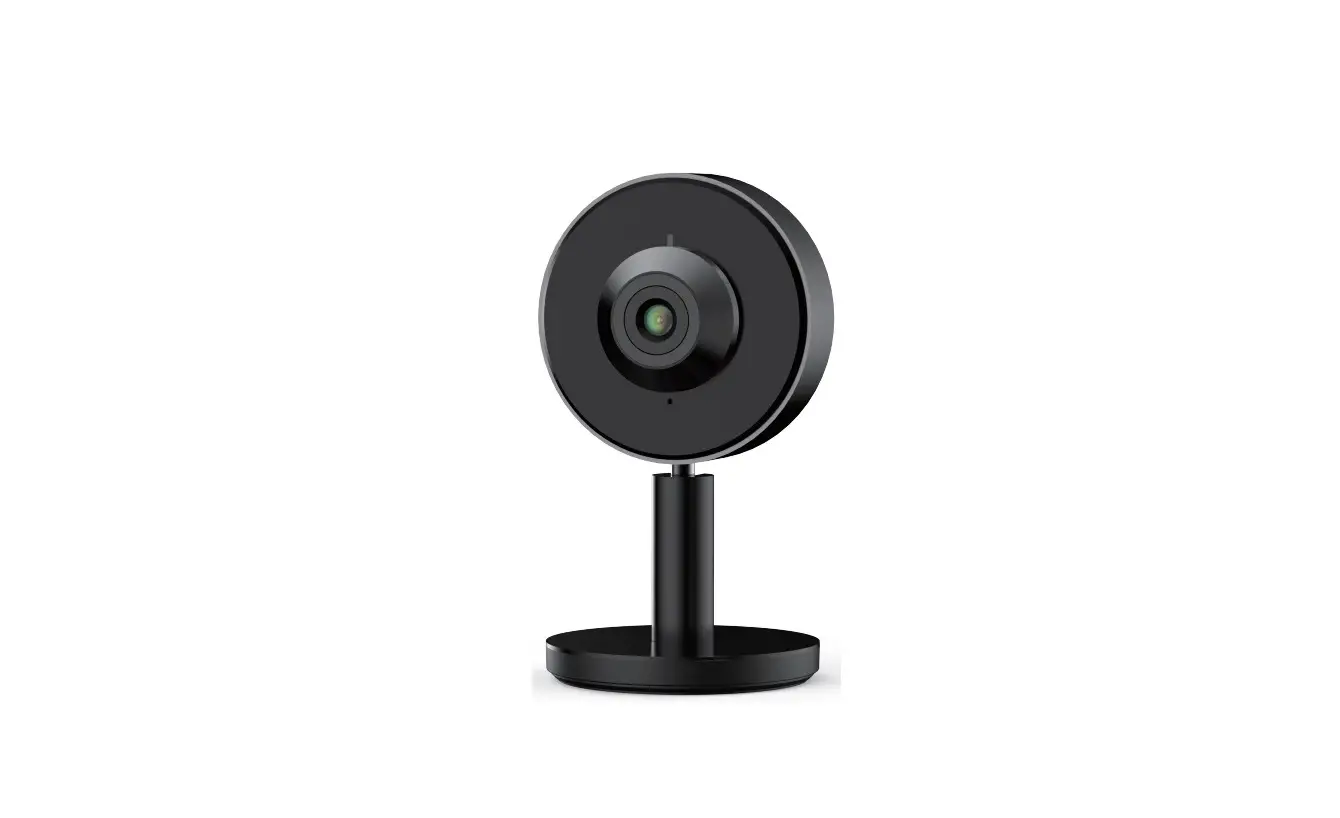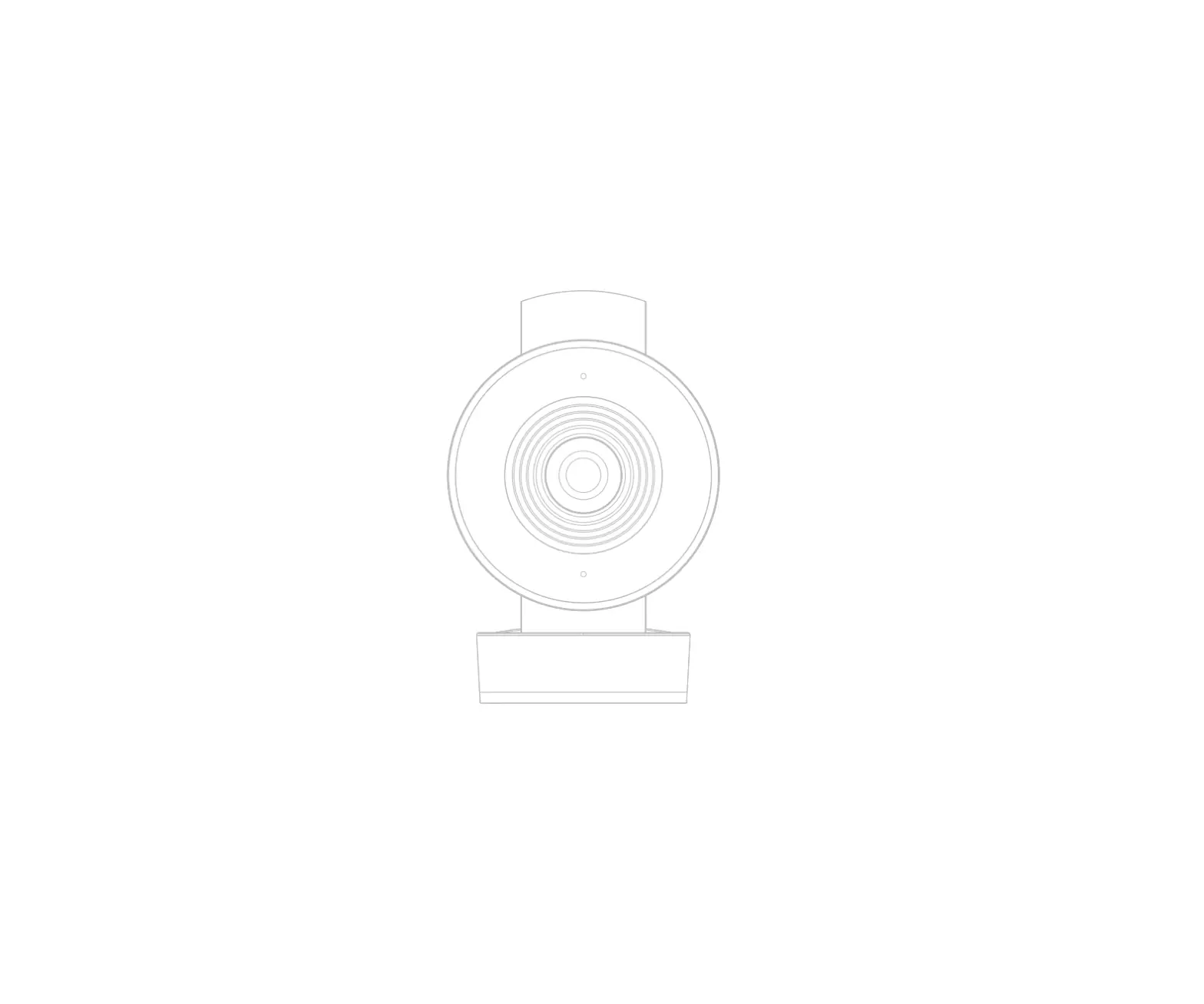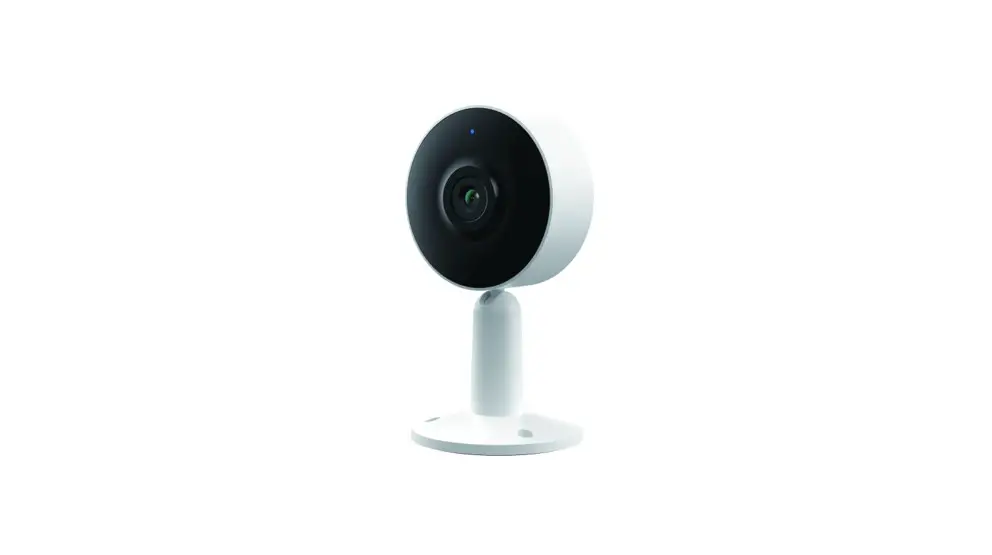
 M4 Smart Indoor Wi-Fi Camera
User Guide
Compatible with Amazon Alexa & Google Assistant
Packing list
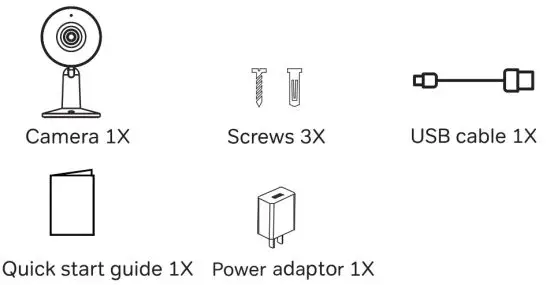
Product description
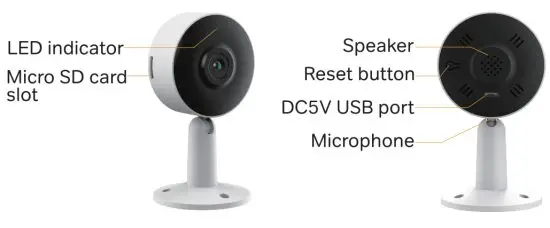
Notice
To reset the device, press and hold the reset button for 5 seconds.
The camera beeps when the operation is complete.
| Flashing red light (slow) | Waiting configuration |
| Flashing red light (fast) | Searching WiFi network |
| Fixed blue light | Camera connected to WiFi |
| Flashing blue light | Access point mode |
Camera configuration
Step 1 Turn on your camera by plugging in the power adapter.
Step 2 Connect your smartphone to the Wi-Fi network.
Step 3 Download the Arenti app from the App Store or Google Play depending on your device.
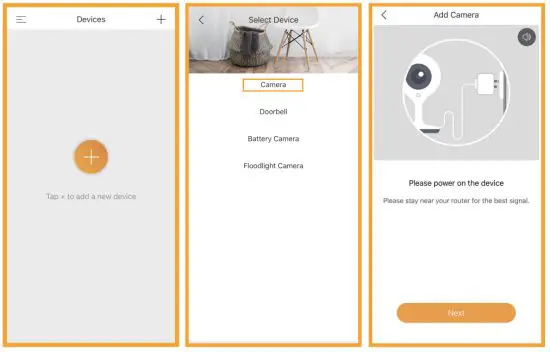
Step 4 Launch the Arenti app and sign up for the first use.
Step 5 Follow the steps below to add your camera, then follow the on-screen instructions.
Note
- If you have multiple cameras, please follow step 5 again to add devices one by one.
- To change the Wi-Fi network, please restore the camera to factory settings and follow step 5 to add the camera.
For more information, please download the user manual at www.laxihub.com
Specifications
| Sensor type | 1/3″ CMOS |
| Min. Brightness | Color 0.1 [email protected] |
| Black and white [email protected] | |
| Resolution | 2MP(M4); 3MP(M4T) |
| Lens | 3.6mm F2.0 |
| Shutter | 1/15-1/10,000 per second |
| Infrared | High power LED with ICR |
| Infrared distance | 10 meters |
| Video compression | H.264 |
| Bit rate | 32Kbps-2Mbps |
| Max resolution | 1920 x 1080(M4); 2304 x 1296(M4T) |
| Framerate | 1-25 per second |
| Picture settings | Support HD/SD; support flip; |
| Storage | SD card(Max 1280) |
| Audio | Two-way audio |
| Protocols | HTTP,DHCP,DNS,RTSP |
| WiFi standard | IEEE802.11b/g/n |
| Frequency | 2.4 GHz — 2.4835 GHz |
| Bandwidth | 20/40MHz |
| WiFi encryption | WPA-PSK/WPA2-PSK |
| Security | AES128 |
| Working temperature | -20 C —50 C |
| Power | DC5V,1A |
| Consumption | 2.5W MAX |
| Size(mm) | 60x58x110 |
| Model | TPA-67F050100VUO1 |
| Input voltage | 100-240Vac |
| input frequency | 50-60Hz |
| Output voltage | +5Vdc |
| Output current | 1A |
| Output power | 5W |
| Efficiency | 73,62% |
| No-load Consumption | <0.1W |
Support
www.laxihub.com
Symbols Direct current (DC)
 Don’t throw batteries or out-of-order products with household waste (garbage). The dangerous substances that they are likely to include may harm
health or the environment. Make your retailer take back these products or use the selective collection of garbage proposed by your city
 Hereby, Arenti declares that the radio equipment type ‘M4’ is in compliance with the Directive 2014/53/EU.
The full text of the EU declaration of conformity is available at the following Internet address: http://www.laxihub.com
 For indoor use only
FCC Statement
This equipment has been tested and found to comply with the limits for a Class B digital device, pursuant to part 15 of the FCC Rules. These limits are designed to provide reasonable protection against harmful interference in a residential installation. This equipment generates, uses and can radiate radio frequency energy and, if not installed and used in accordance with the instructions, may cause harmful interference to radio communications. However, there is no guarantee that interference will not occur in a particular installation. If this equipment does cause harmful interference to radio or television reception, which can be determined by turning the equipment off and on, the user is encouraged to try to correct the interference by one or more of the following measures:
- Reorient or relocate the receiving antenna.
- Increase the separation between the equipment and receiver.
- Connect the equipment into an outlet on a circuit different from that to which the receiver is connected.
- Consult the dealer or an experienced radio/TV technician for help.
FCC Radiation Exposure Statement
This device complies with FCC radiation exposure limits set forth for an uncontrolled environment and it also complies with Part 15 of the FCC RF Rules. This equipment must be installed and operated in accordance with provided instructions and the antenna(s) used for this transmitter must be installed to provide a separation distance of at least 20 cm from all persons and must not be co-located or operating in conjunction with any other antenna or transmitter. End-users and installers must be provided with antenna installation instructions and consider removing the no-collocation statement. This device complies with Part 15 of the FCC Rules. Operation is subject to the following two conditions: (1) this device may not cause harmful interference, and (2) this device must accept any interference received, including interference that may cause undesired operation.
Caution!
Any changes or modifications not expressly approved by the party responsible for compliance could void the user’s authority to operate the equipment.
V1.2 202108
© 2021 Laxihub. All rights reserved. All trade names are registered trademarks of respective companies Apple, the Apple logo, iPhone are trademarks of Apple Inc. registered in the U.S. and other countries. Google, the Google logo, Android are trademarks of Google Inc. App Store is a service mark of Apple Inc. Google Play is a service mark of Google Inc.