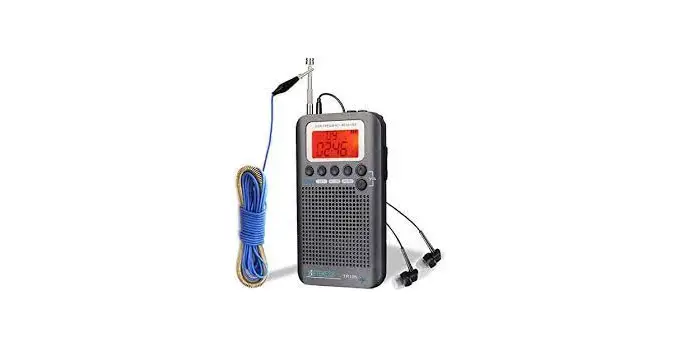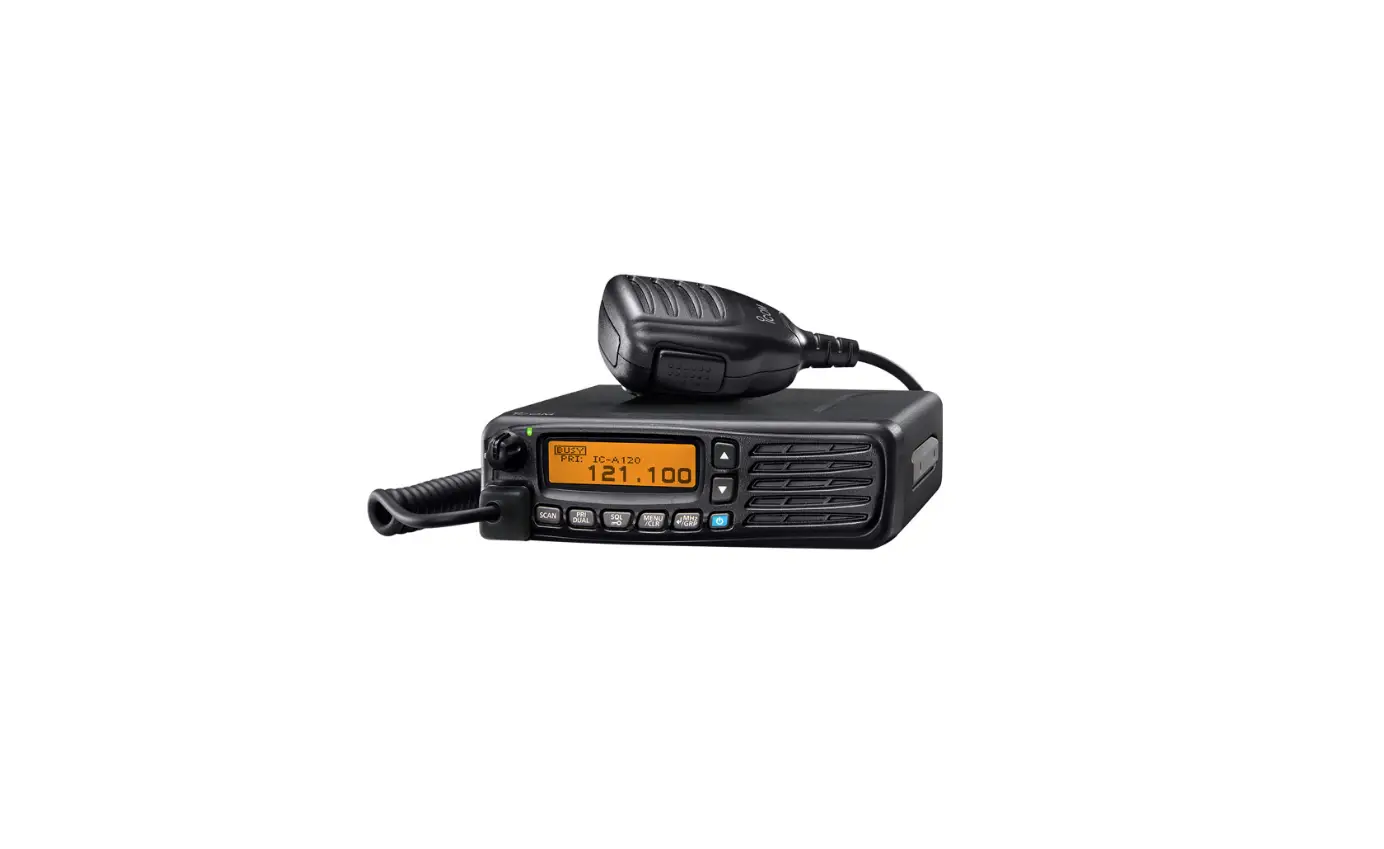

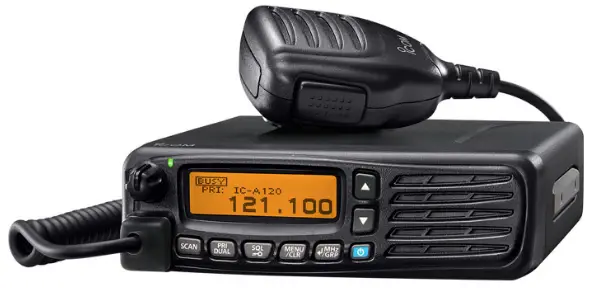
JBE IC-A120E Airband Mobile
CAUTION! Optional unit installation should be done at an authorized L-com dealer or distributor.
UT-133A
Before the installation
Prepare 2 sponges that come with the IC-A 120/ICA 120E.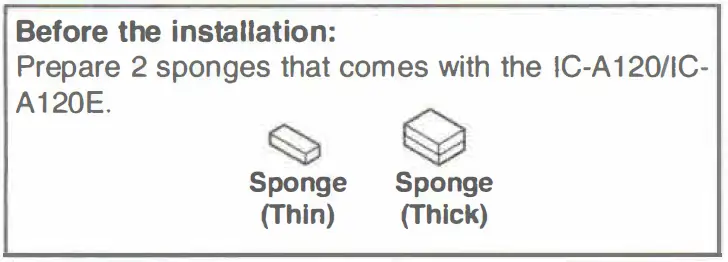
INSTALLATION
- Turn OFF the transceiver and disconnect the DC power cable from the power supply.
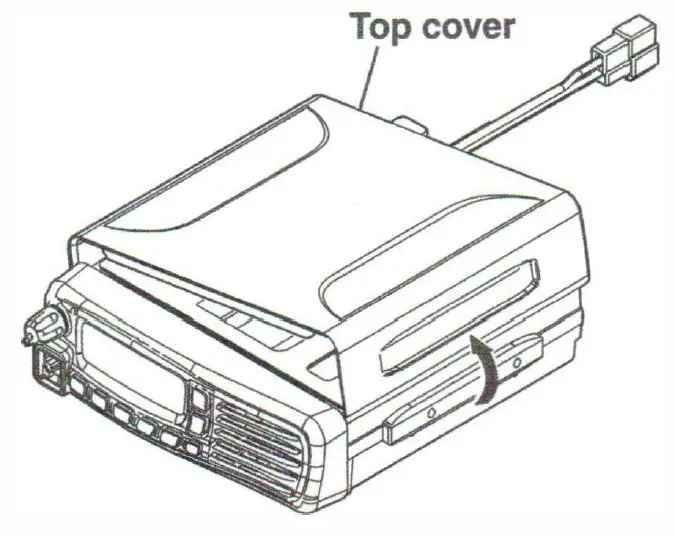
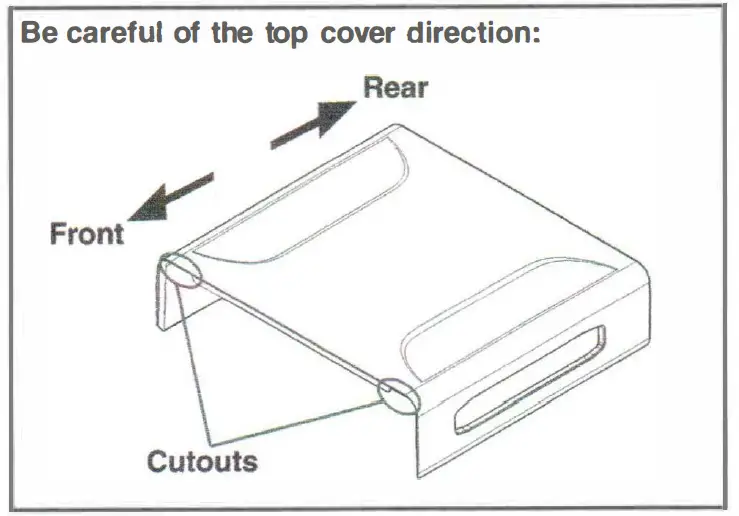
- Remove the top cover.

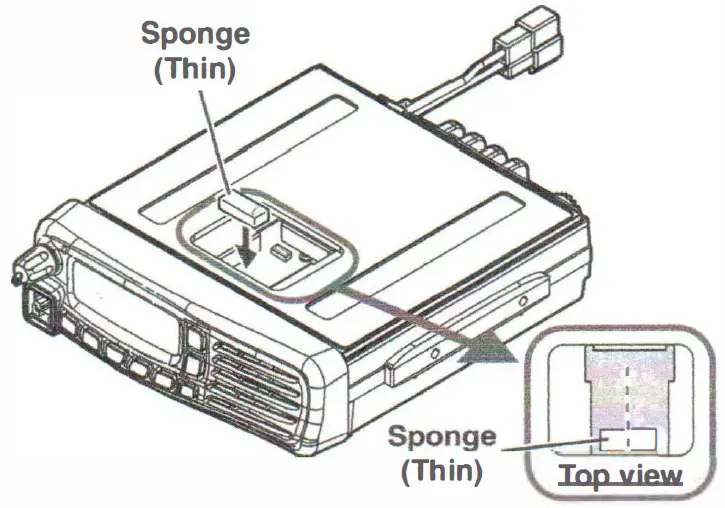
- Remove the protective sheet from the Thin sponge, and then apply it to the PCB.

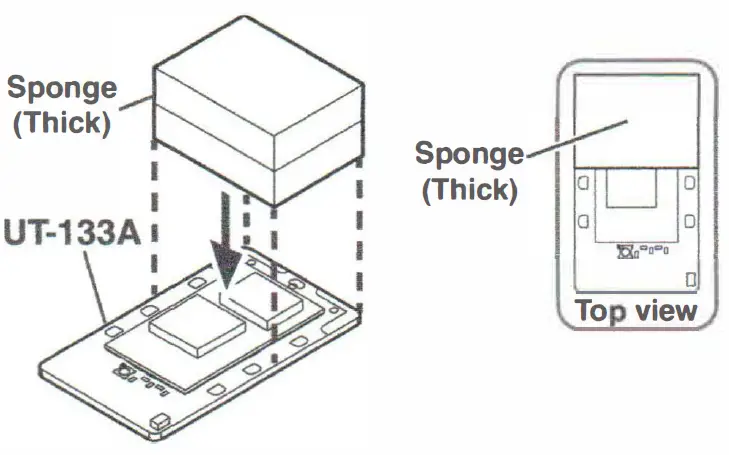
- Remove the protect sheet from the thick sponge, and then apply it to the UT-133A.

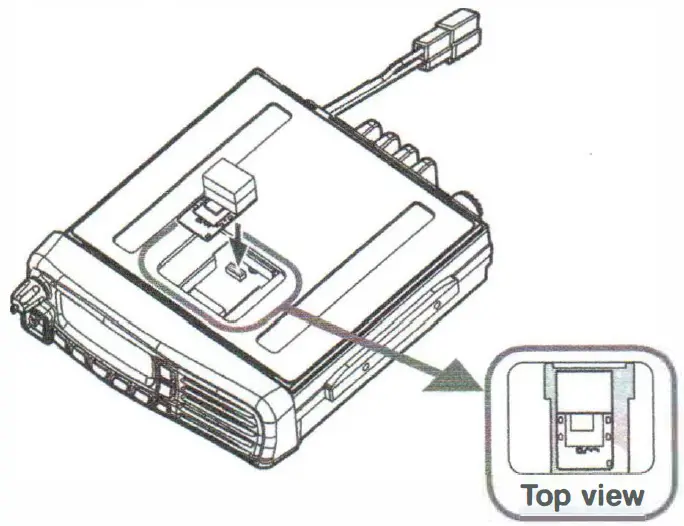
- Attach the UT-133A to the connector on the PCB.

- Attach the top cover.