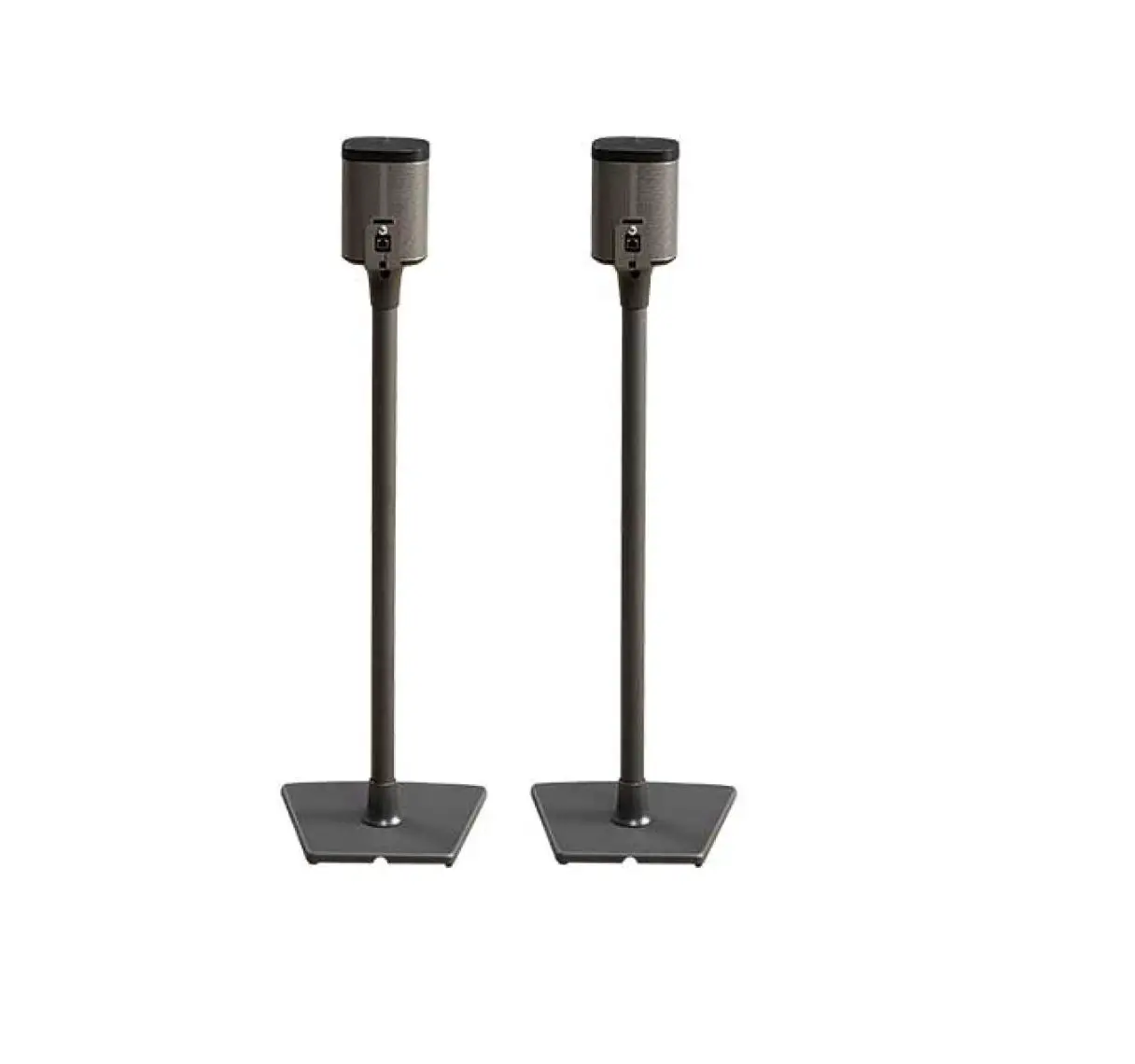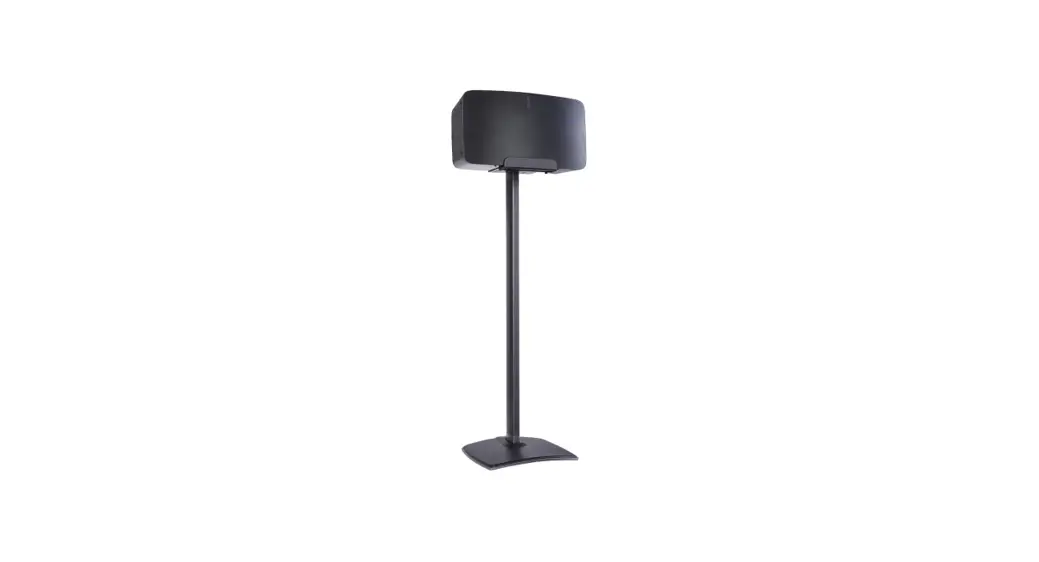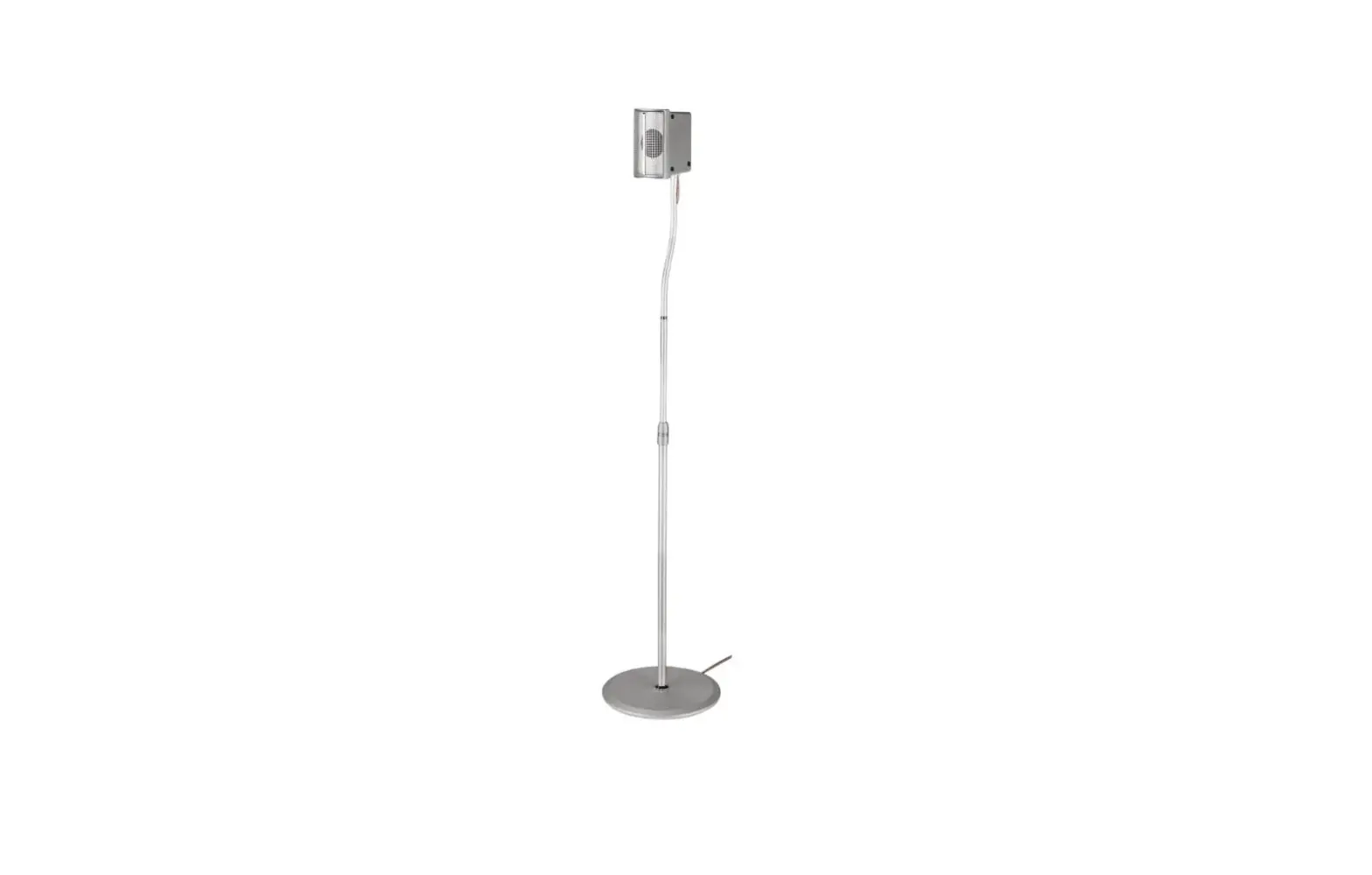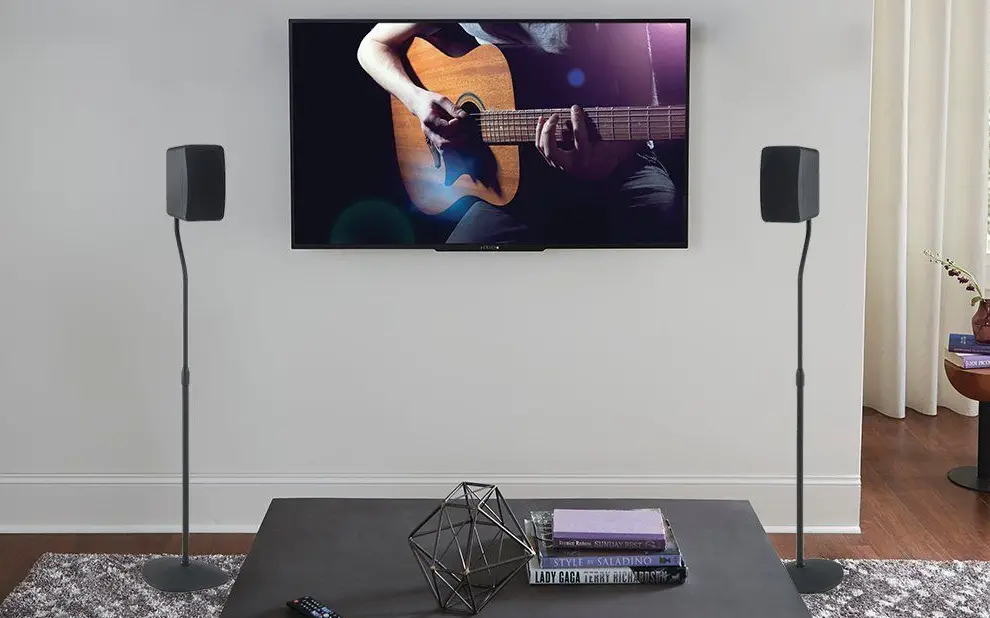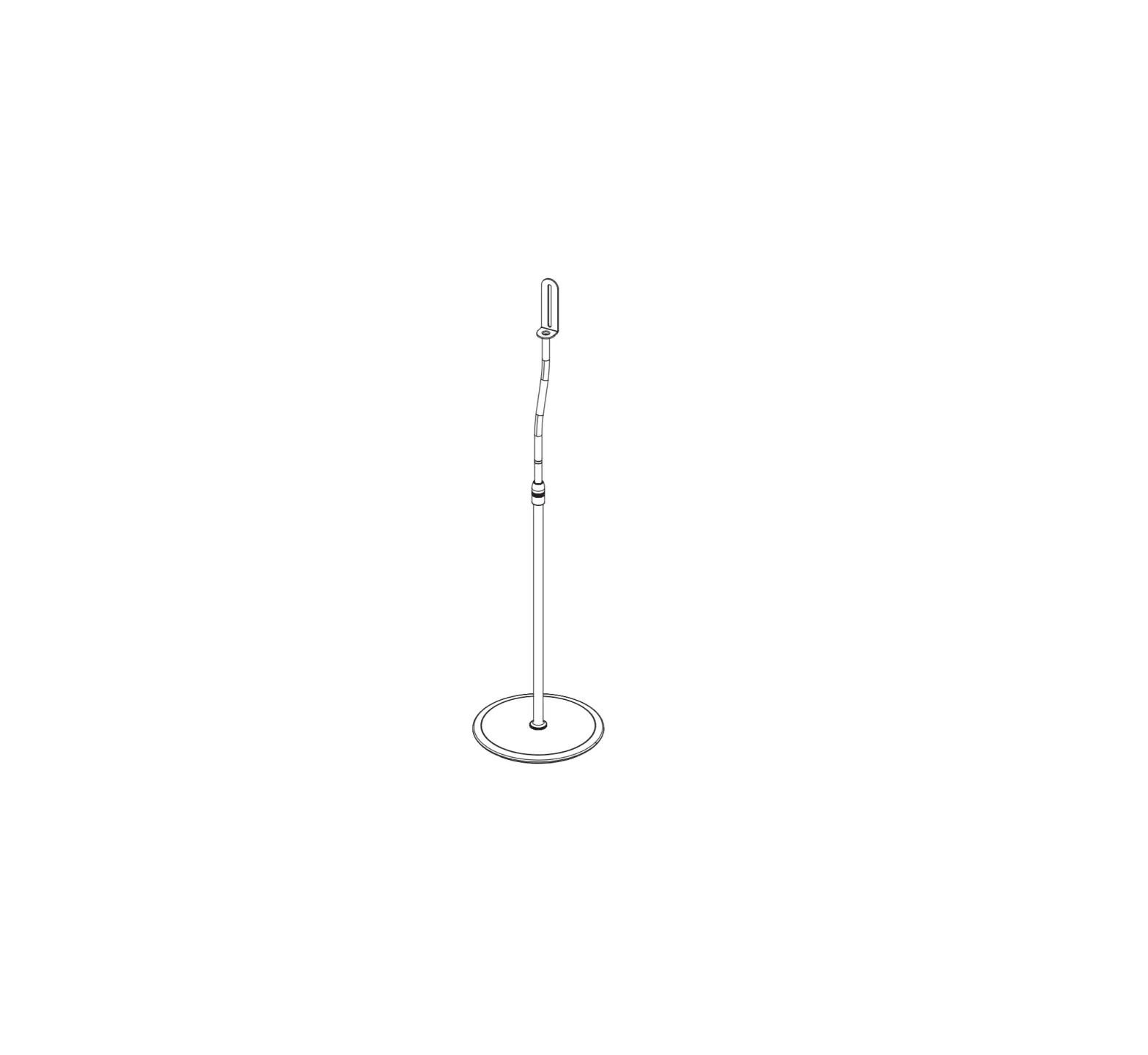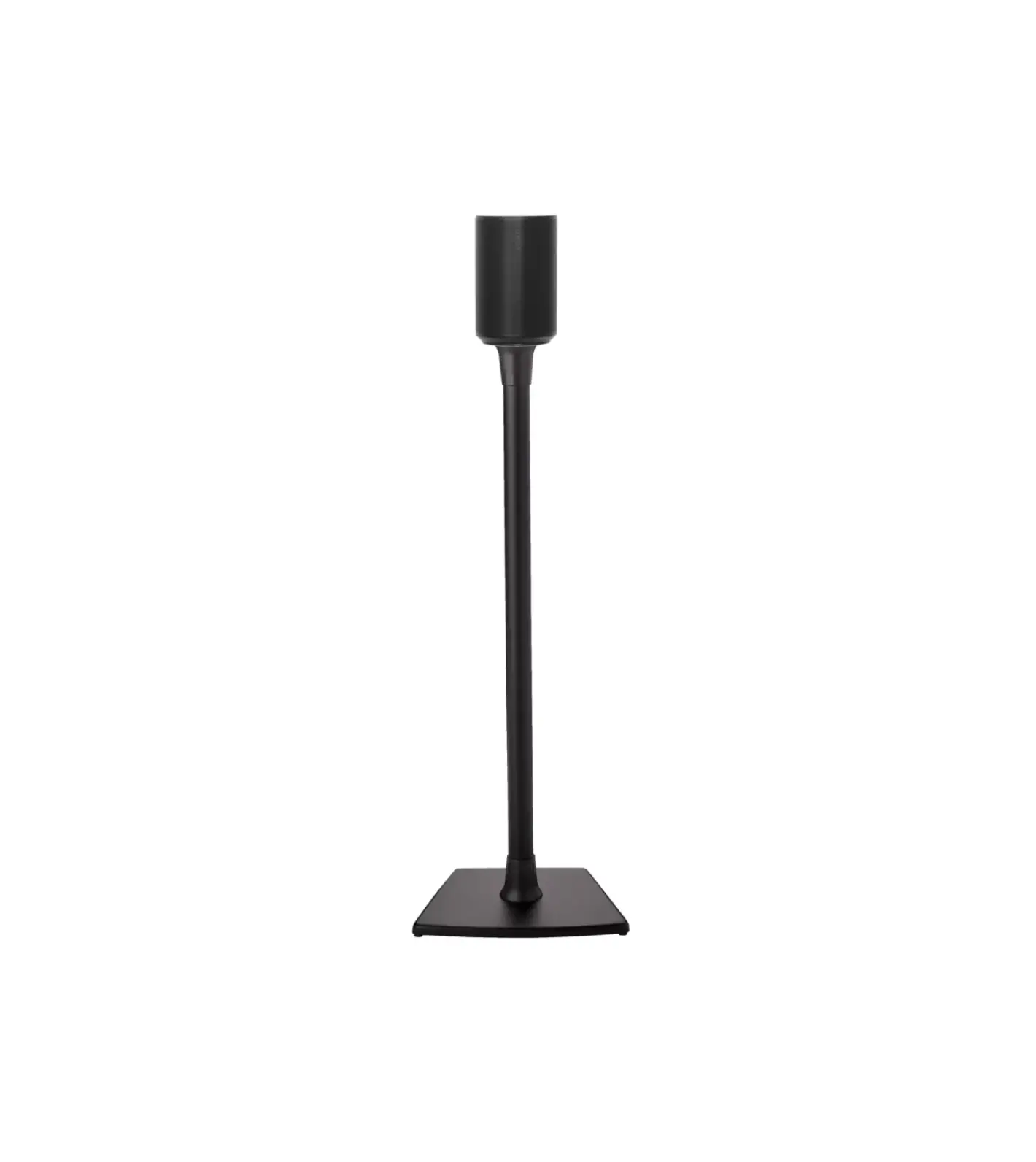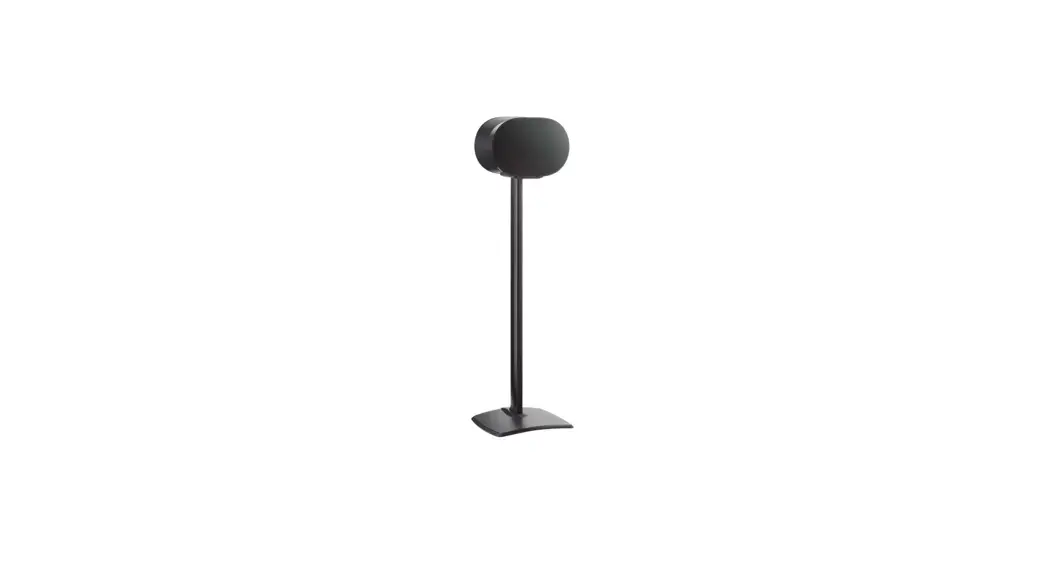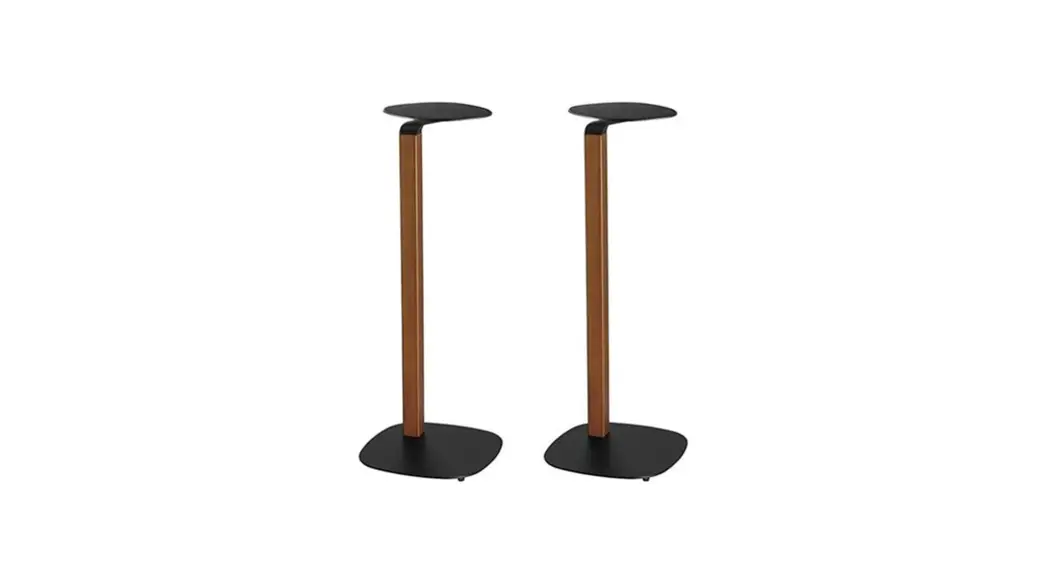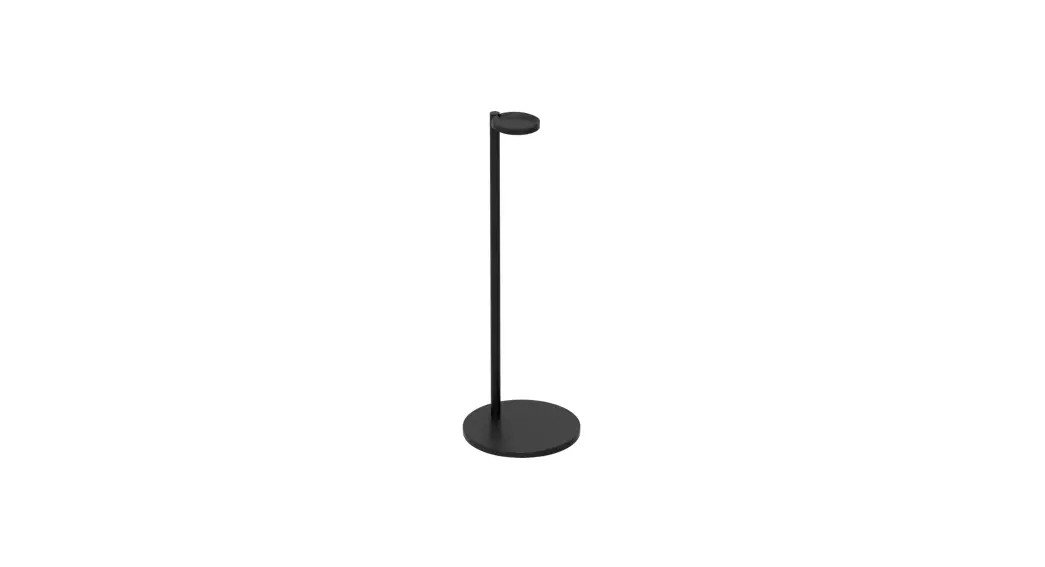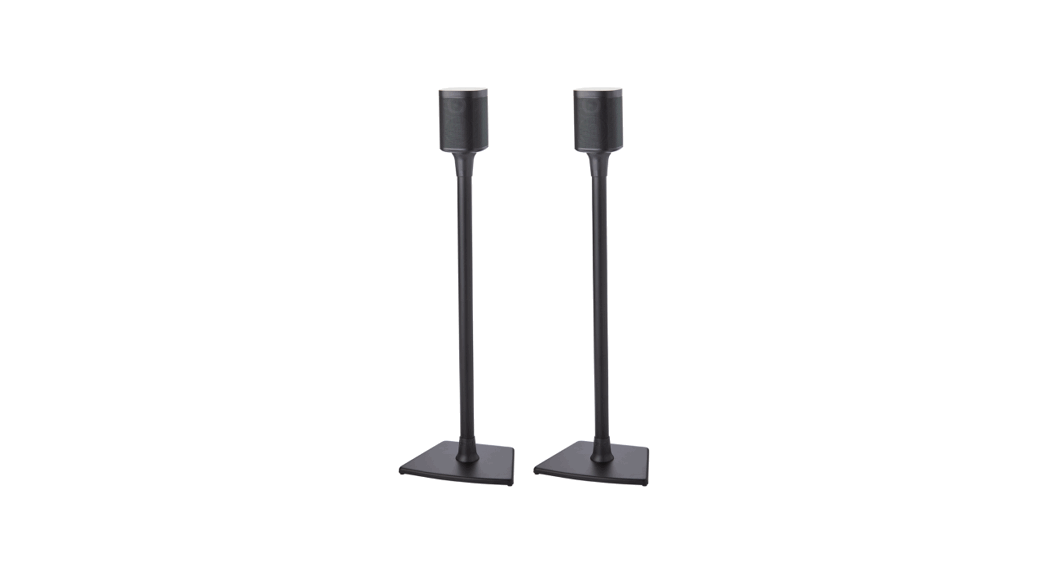

WSS21 / WSS22
SPEAKER STAND
INSTRUCTION MANUAL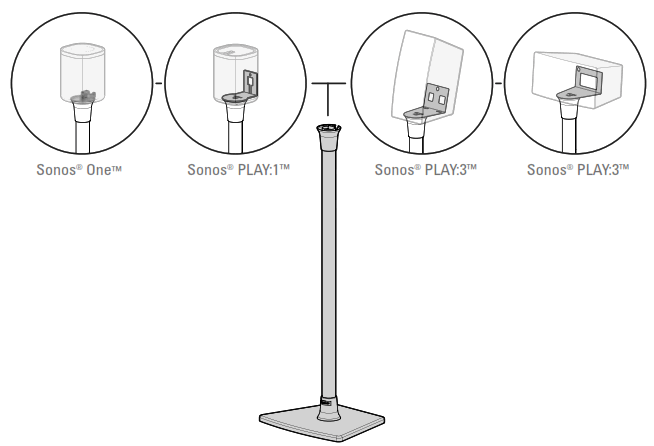
We’ll Make It Stress-Free
If you have any questions along the way, just give us a call. 1-800-359-5520. We’re ready to help!
WSS21, WSS22 Speaker Stand
IMPORTANT SAFETY INSTRUCTIONS – PLEASE READ ENTIRE MANUAL PRIOR TO USE – SAVE THESE INSTRUCTIONS
Before getting started, let’s make sure this product is perfect for you!
This stand is designed to support only Sonos® One™, PLAY:1™ and PLAY:3™ speakers.
 CAUTION: Avoid potential personal injuries and property damage!
- Check your speaker owner’s manual to see if there are any special requirements for mounting your speaker.
- Please read through these instructions completely to be sure you’re comfortable with this easy install process.
- Do not use this product for any purpose not explicitly specified by manufacturer.
- Manufacturer is not responsible for damage or injury caused by incorrect assembly or use.
- If you do not understand these instructions or have doubts about the safety of the installation, assembly or use of this product, contact Customer Service at 1-800-359-5520.
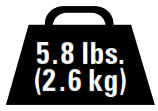
Speaker Weight Limit
DO NOT EXCEED
Tool Needed

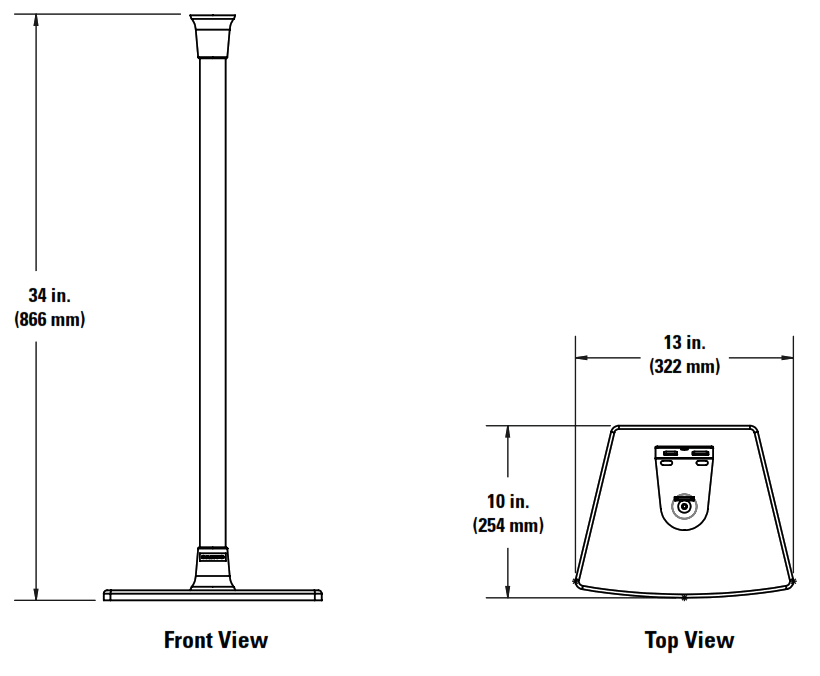
Dimensions
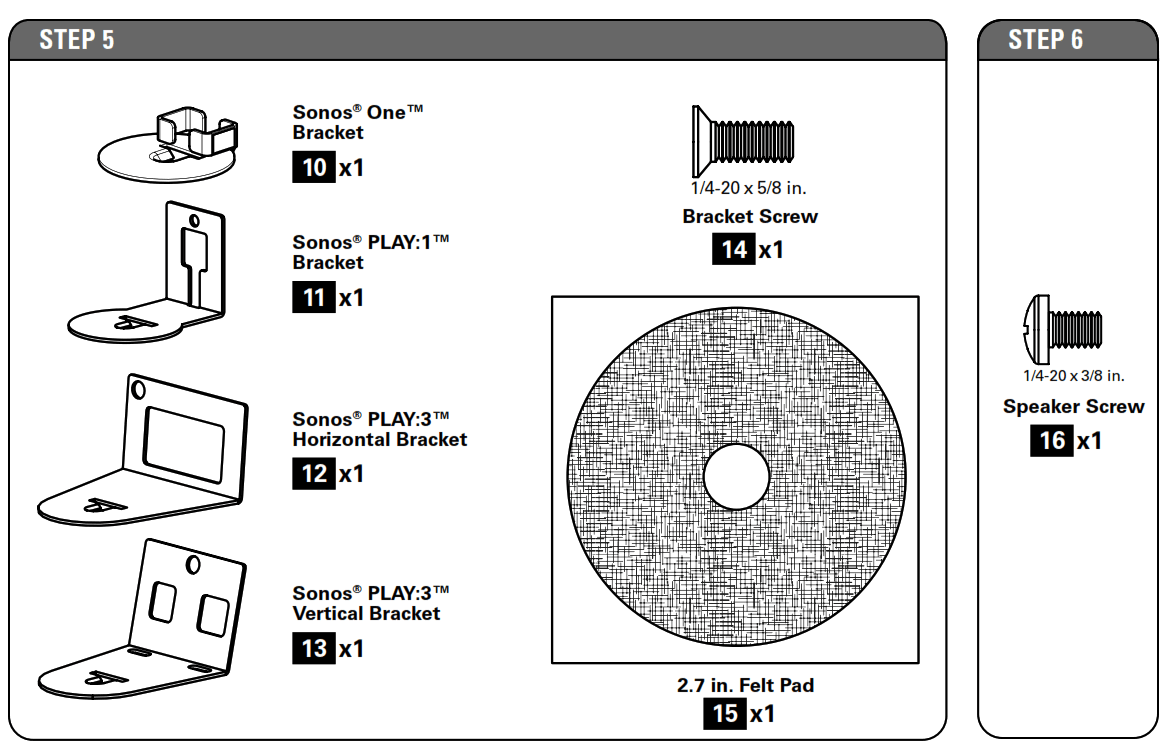
Parts and Hardware
WARNING: This product contains small items that could be a choking hazard if swallowed.
Before starting assembly, verify all parts are included and undamaged. If any parts are missing or damaged, do not return the damaged item to your dealer; contact Customer Service. Never use damaged parts! NOTE: Not all hardware included will be used.
Quantities shown are for one speaker stand.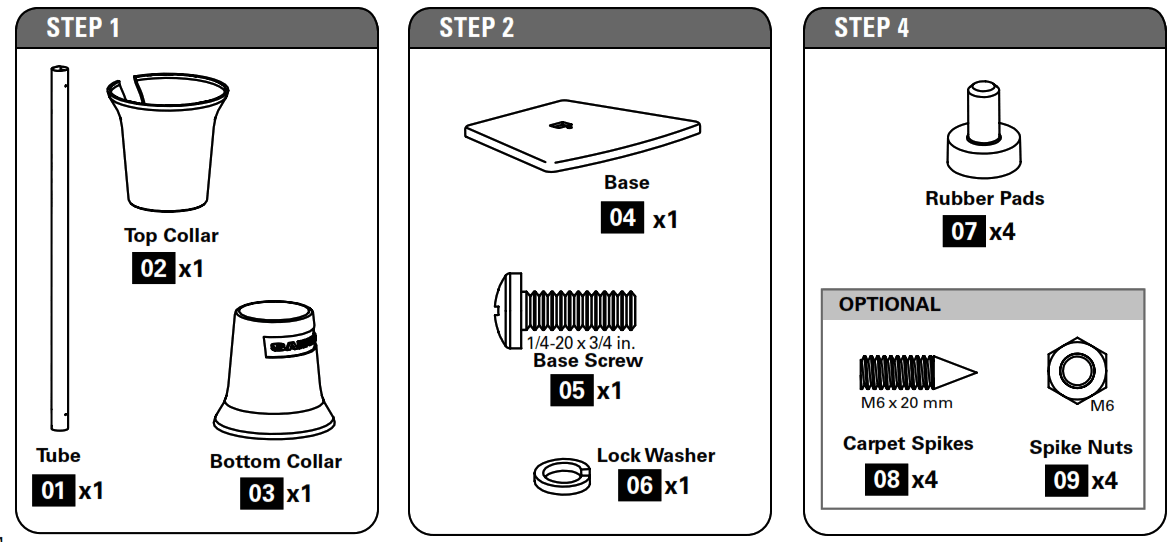
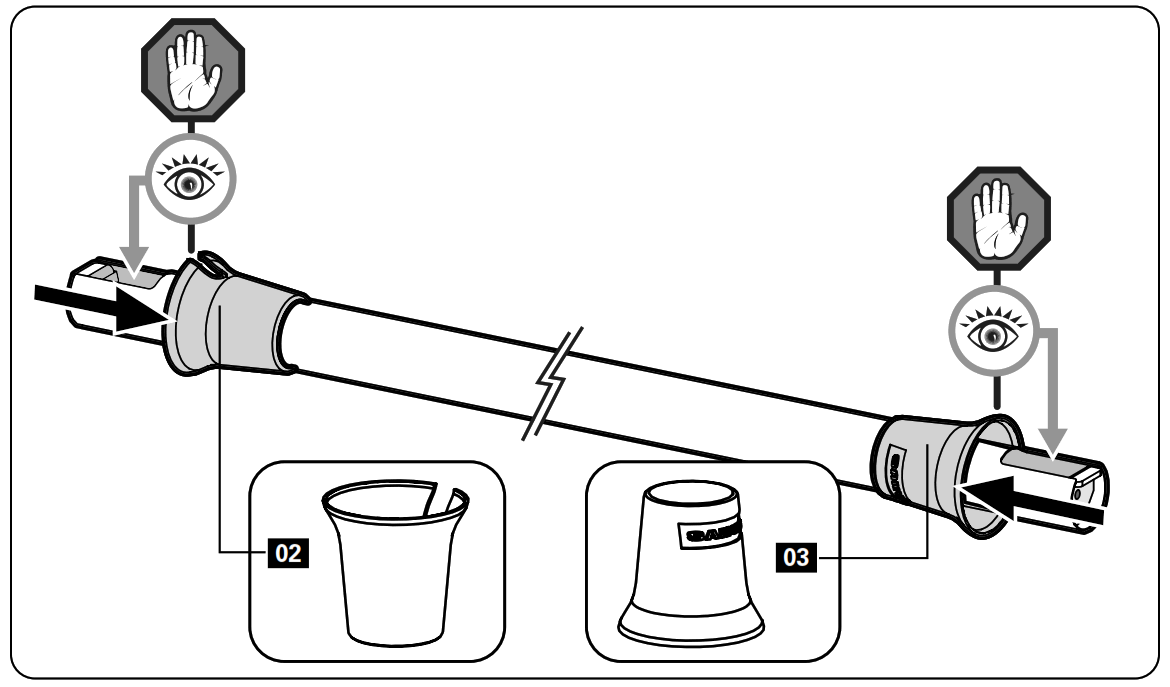
STEP 1 Slide Collars onto Tube
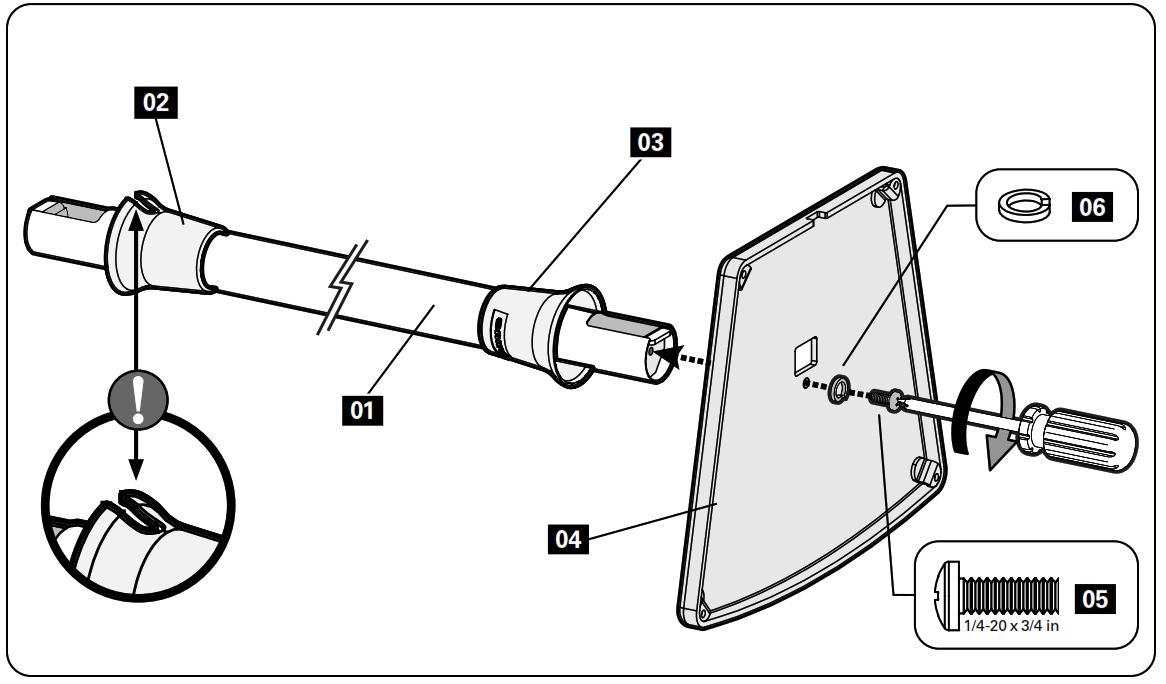
STEP 2 Attach Base to Tube
STEP 3 Route Speaker Power Cable
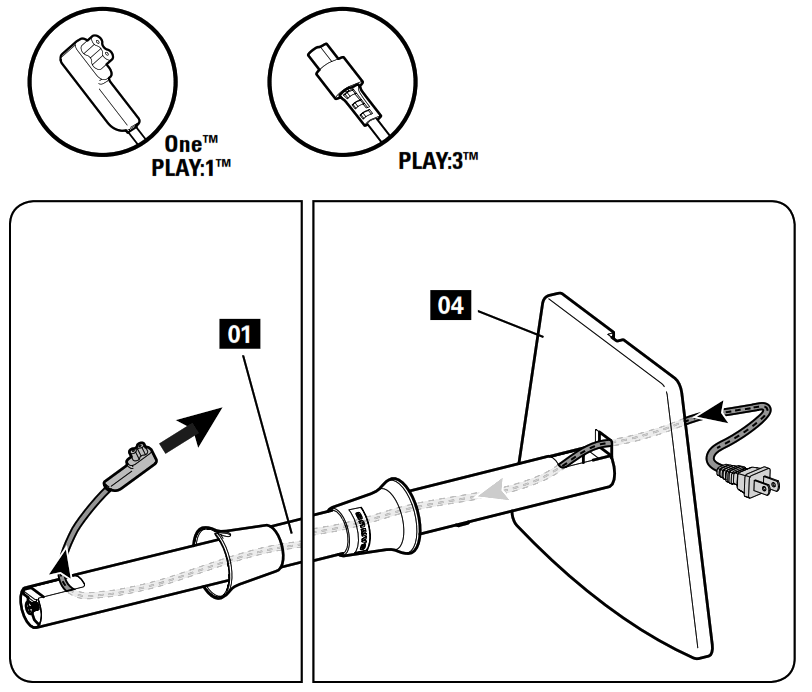
Ethernet [OPTIONAL] NOTE: Ethernet cable, if required (see your speaker manual), installs easier AFTER the power cable.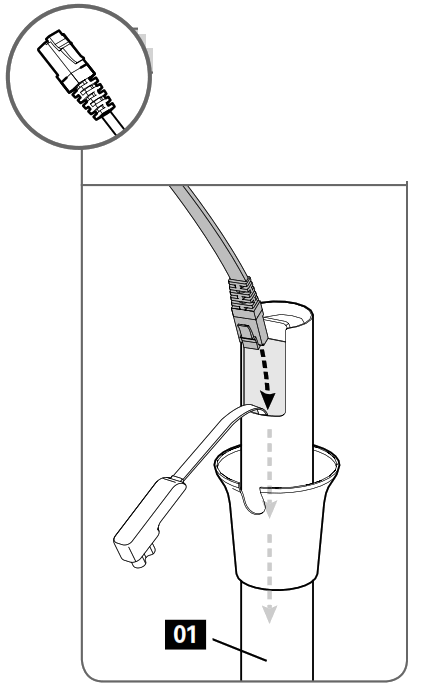
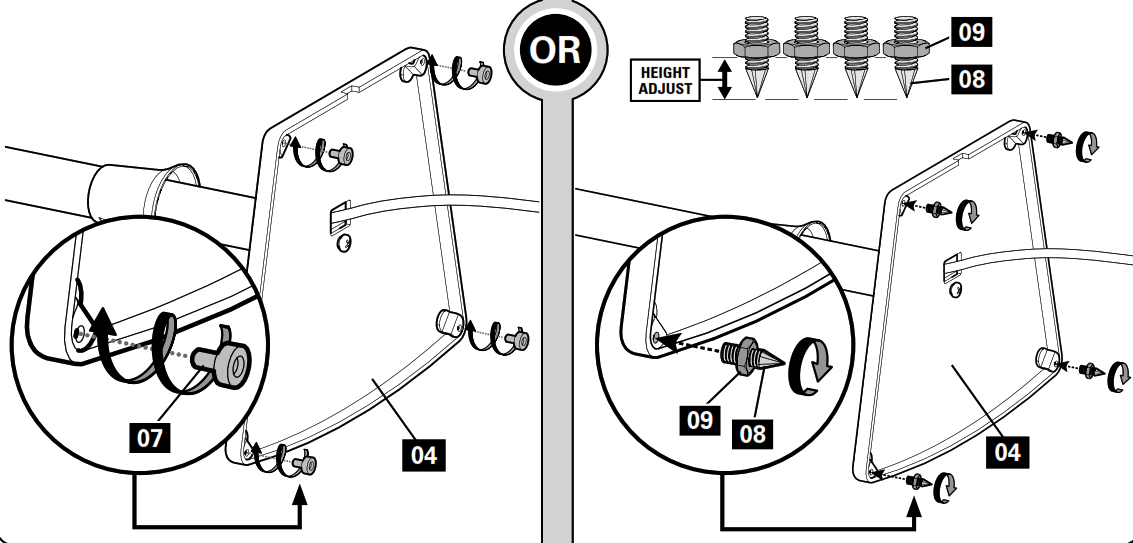
STEP 4 Install Rubber Pads -or- Carpet Spikes
Rubber Pads
Twist rubber pads 07 into the base 04 .
Optional Carpet Spikes
WARNING: The ends of carpet spikes 08 are sharp and may scratch flooring, damage wiring, or be hazardous to children.
Follow the next steps based on your speaker style.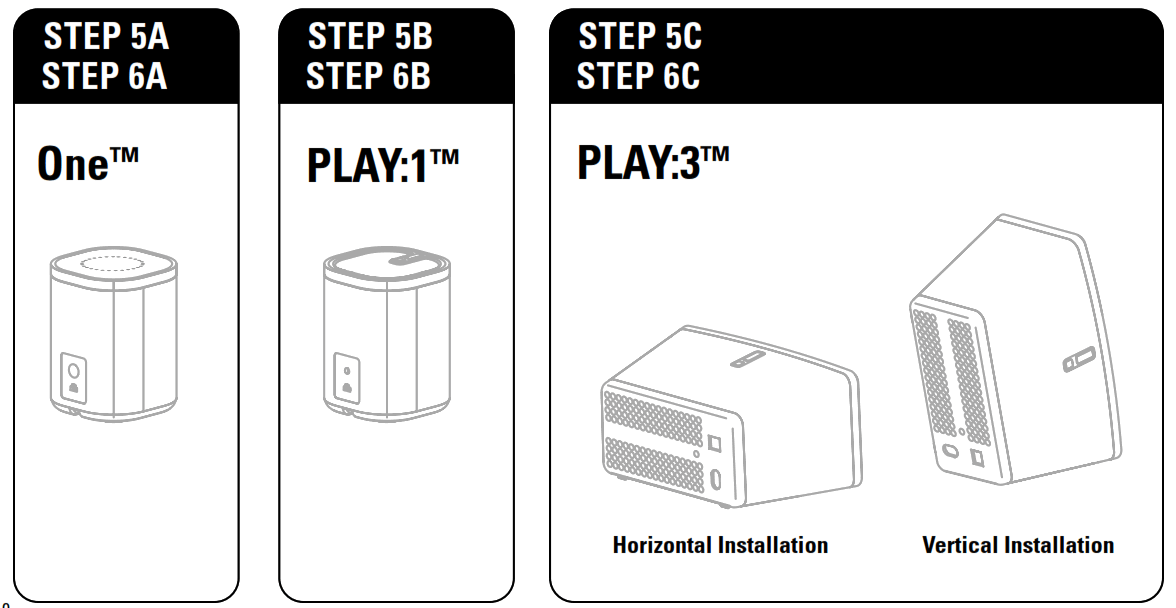
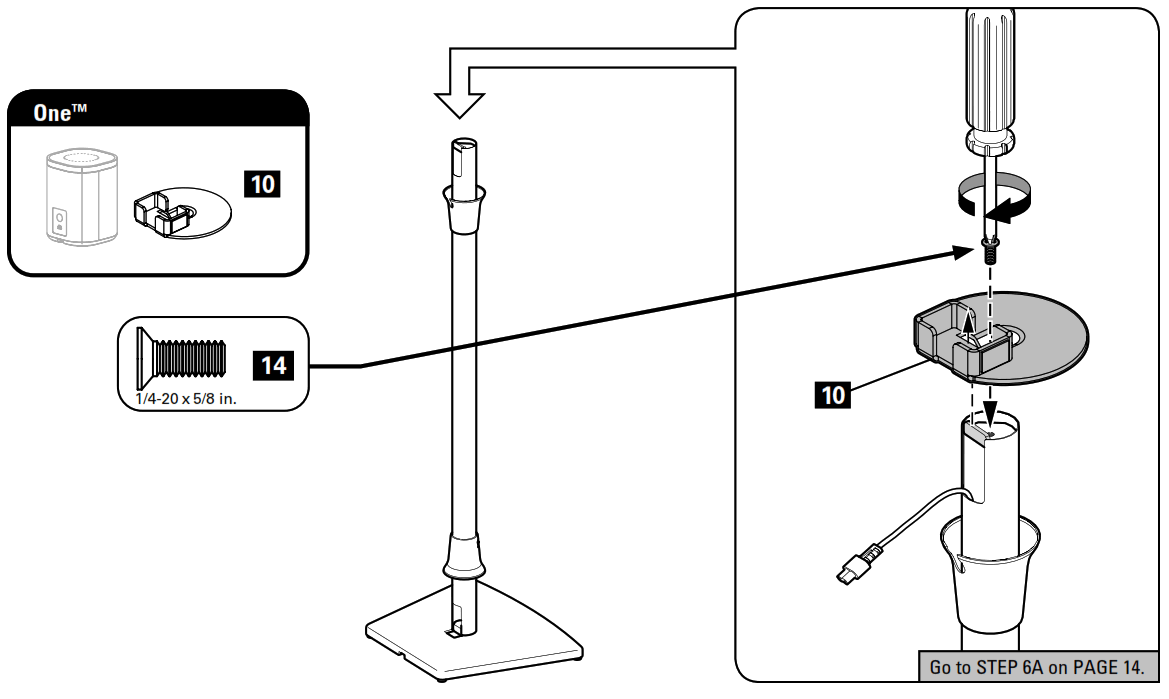
STEP 5A Attach Speaker Bracket to Pole One™
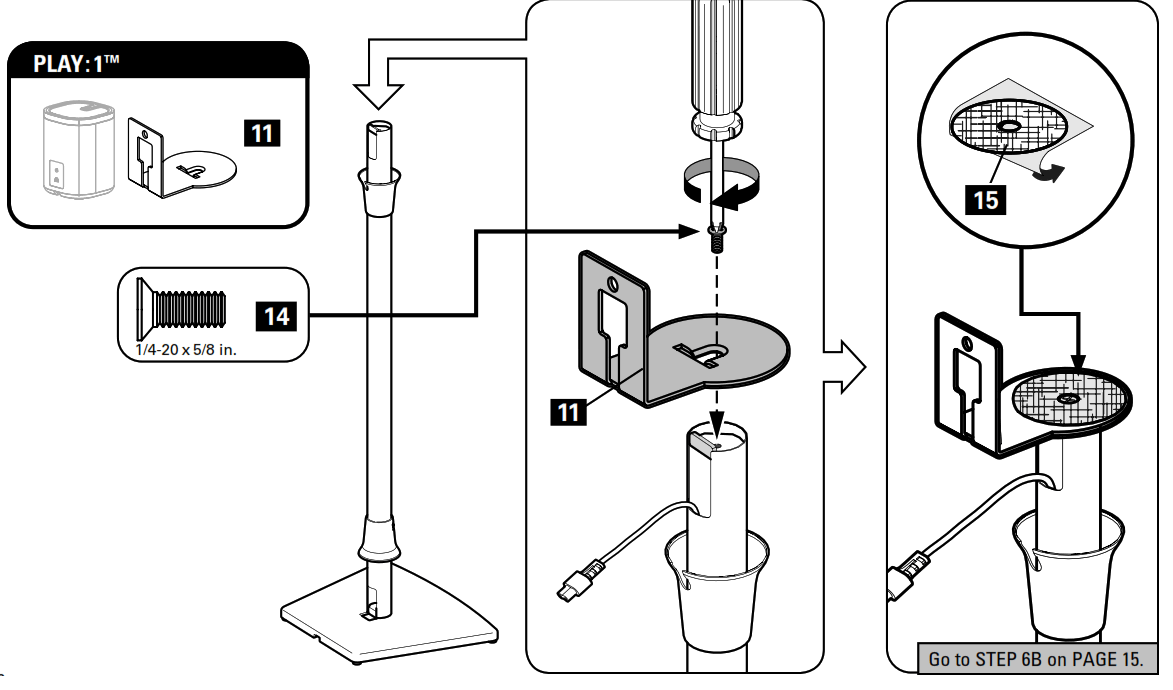
STEP 5B Attach Speaker Bracket to Pole PL AY : 1™
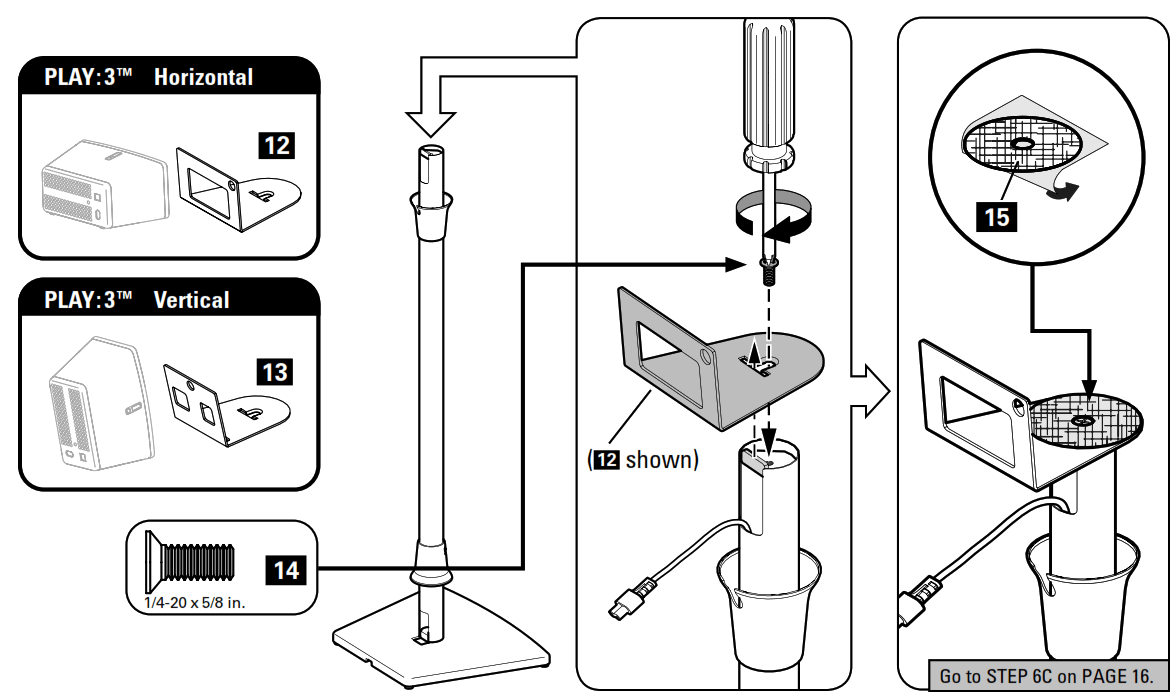
STEP 5C Attach Speaker Bracket to Pole PL AY : 3™
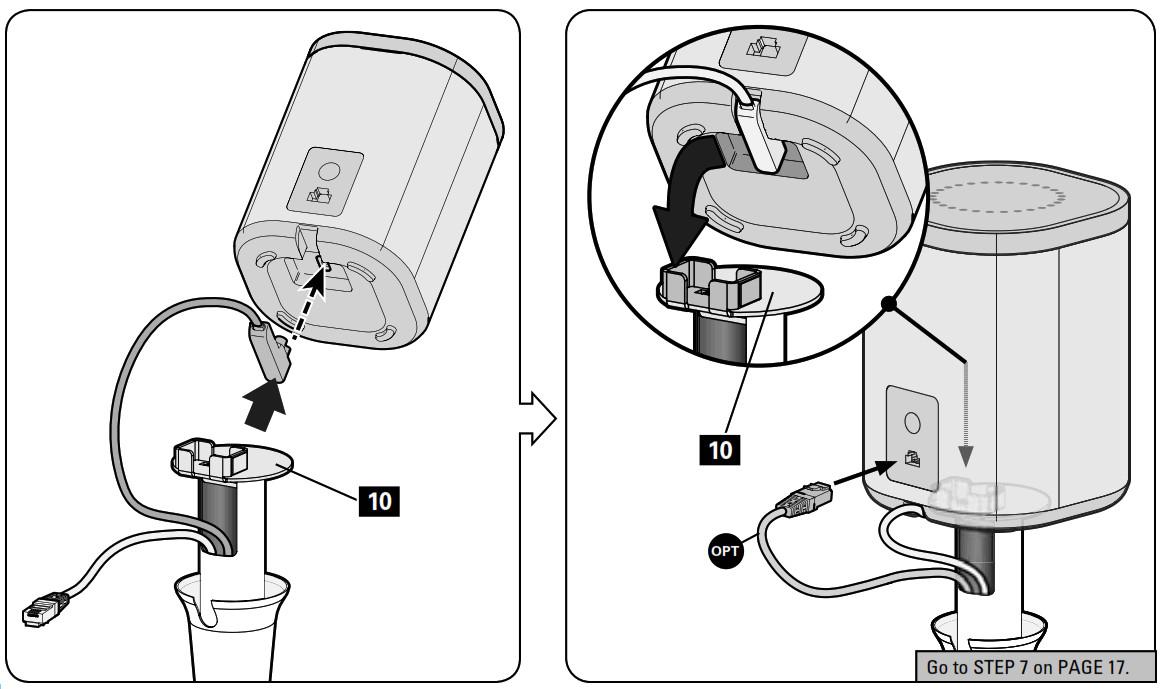
STEP 6A Install Speaker One™
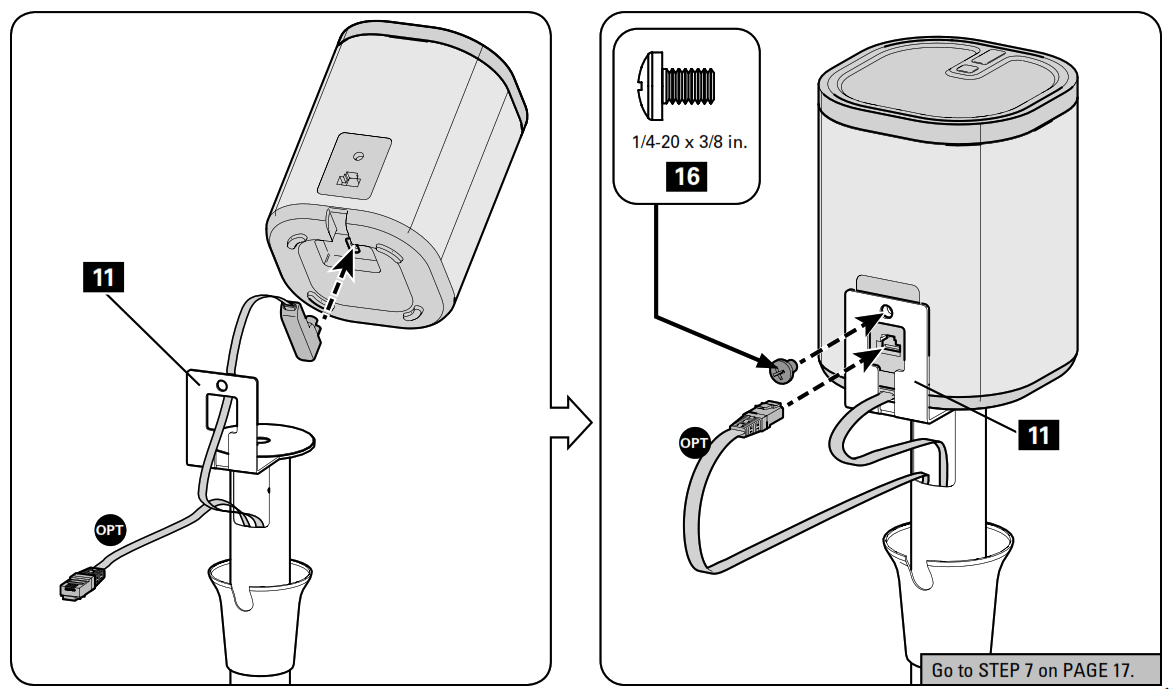
STEP 6B Install Speaker PL AY : 1™
STEP 6C Install Speaker PL AY : 3™ 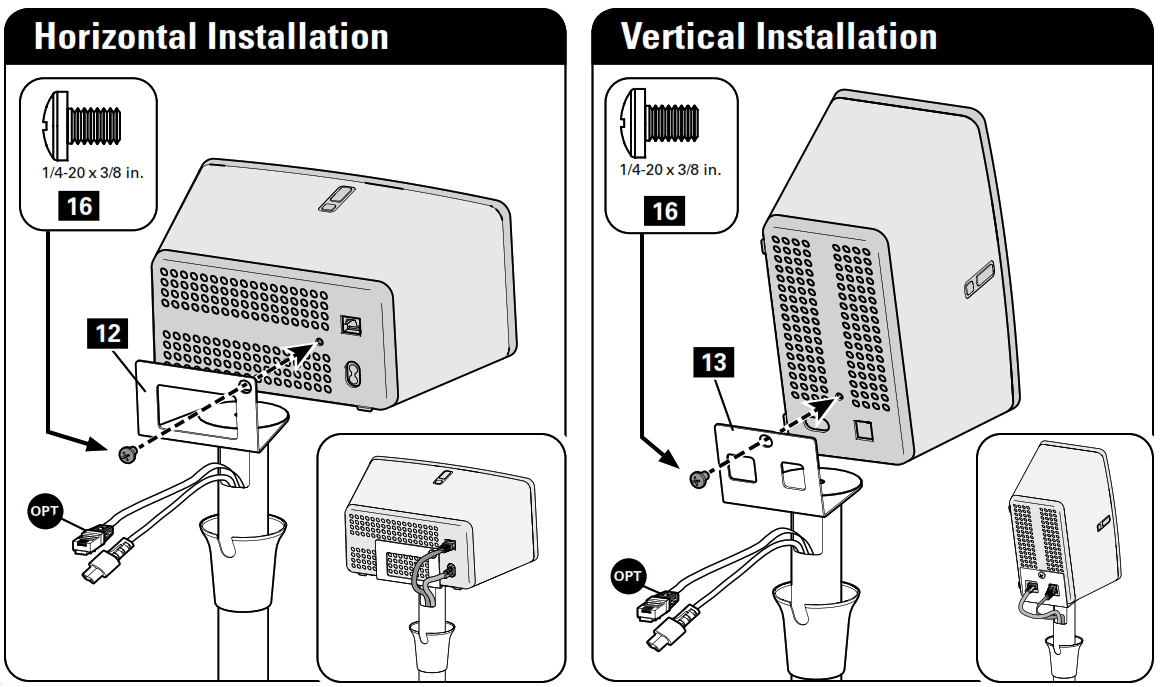
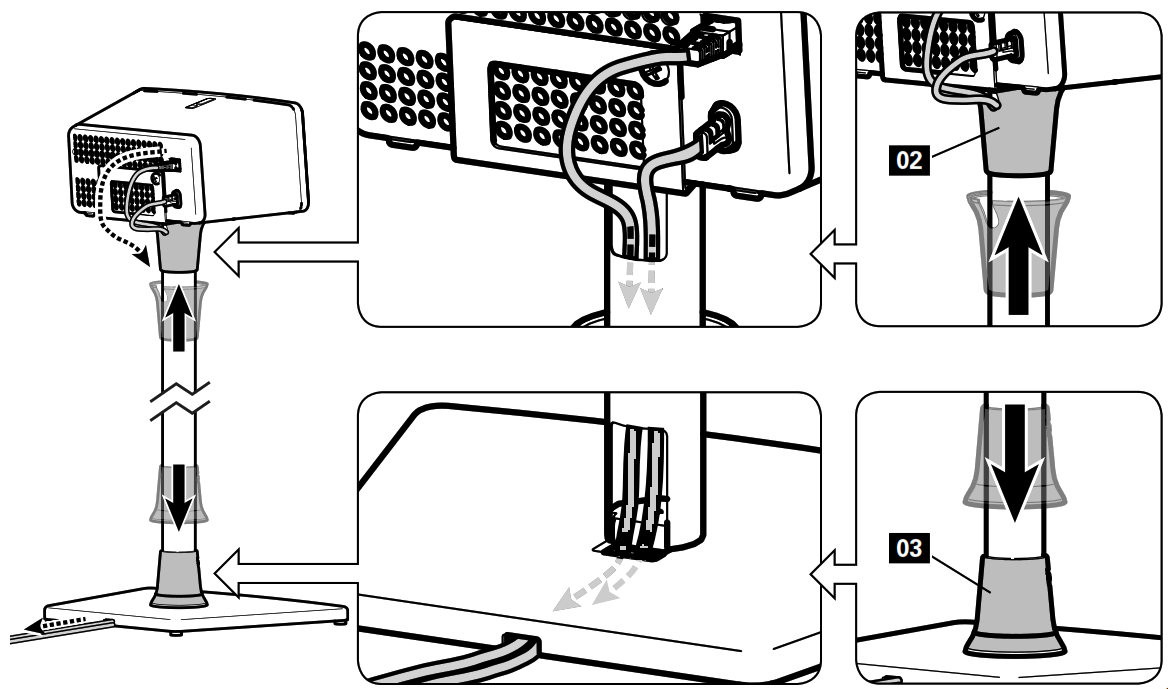
STEP 7 Adjust Cables and Position Collars
Thank you for choosing SANUS! Please take a moment to let us know how we did: Call us: 1-800-359-5520
 Email us: [email protected]
 Leave a review: sanus.com
Legrand AV Inc. and its affiliated corporations and subsidiaries (collectively, “Legrand”), intend to make this manual accurate and complete. However, Legrand makes no claim that the information contained herein covers all details, conditions, or variations. Nor does it provide for every possible contingency in connection with the installation or use of this product. The information contained in this document is subject to change without notice or obligation of any kind. Legrand makes no representation of warranty, expressed or implied, regarding the information contained herein. Legrand assumes no responsibility for accuracy, completeness or sufficiency of the information contained in this document.
©2020 Legrand AV Inc. All rights reserved. SANUS is a division of Legrand. SANUS and the SANUS logo are trademarks of Legrand.
Sonos and Sonos product names are trademarks or registered trademarks of Sonos, Inc.
Legrand AV Inc.
• 6436 City West Parkway
• Eden Prairie, MN 55344 USA
6901-602686 00
 SANUS | #1 Brand of TV Wall Mounts in the U.S.