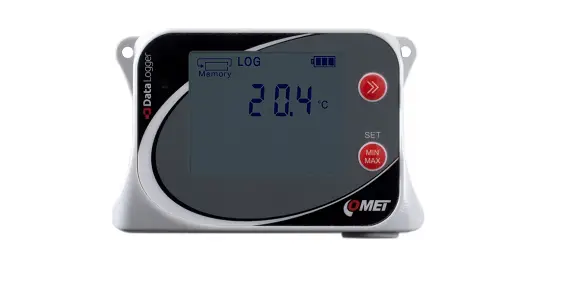
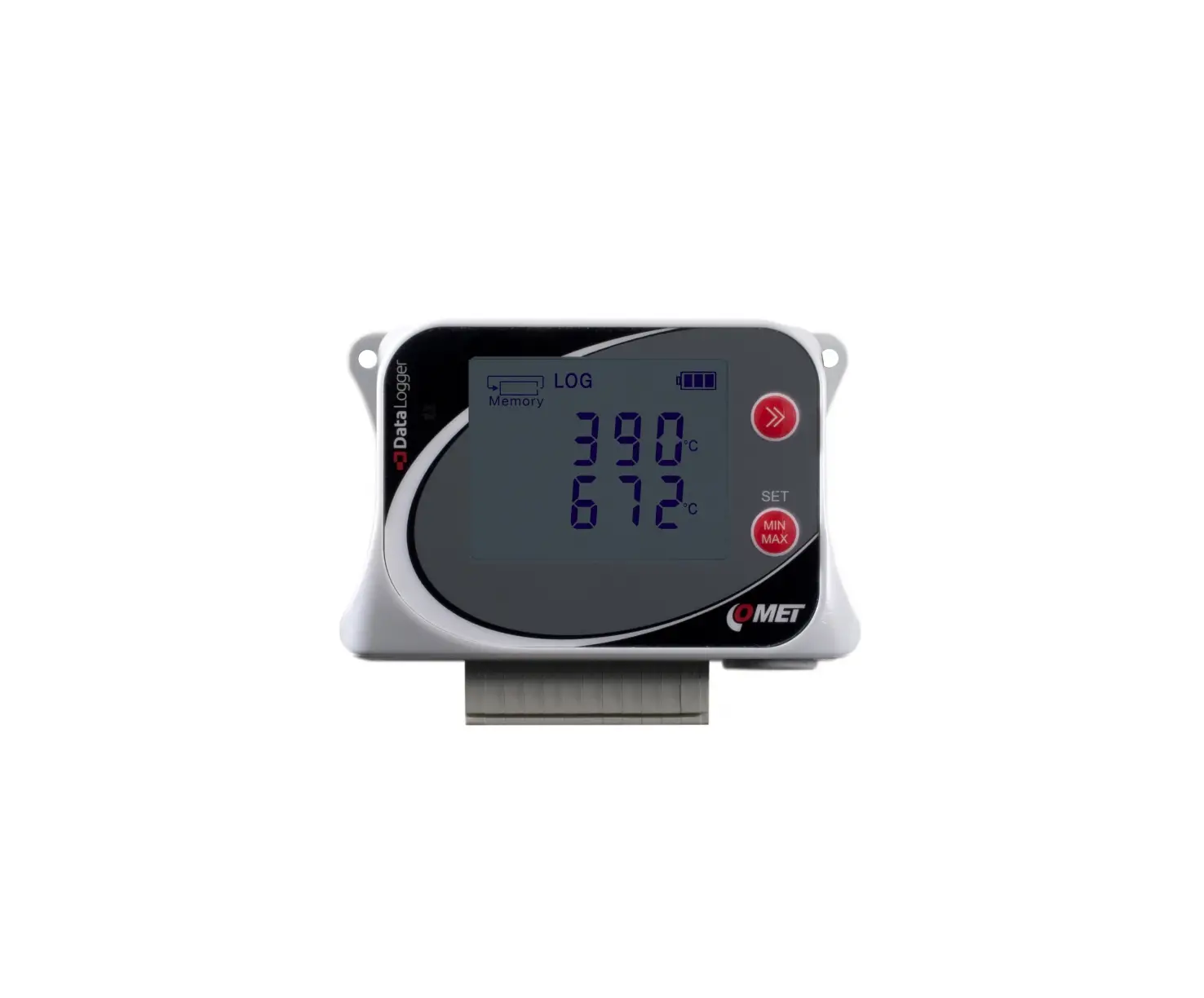
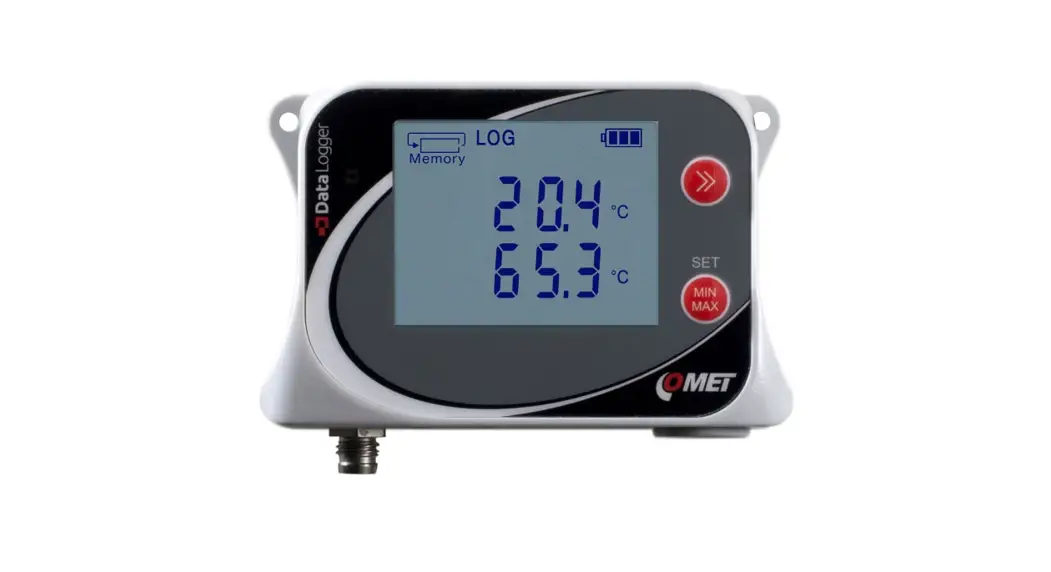
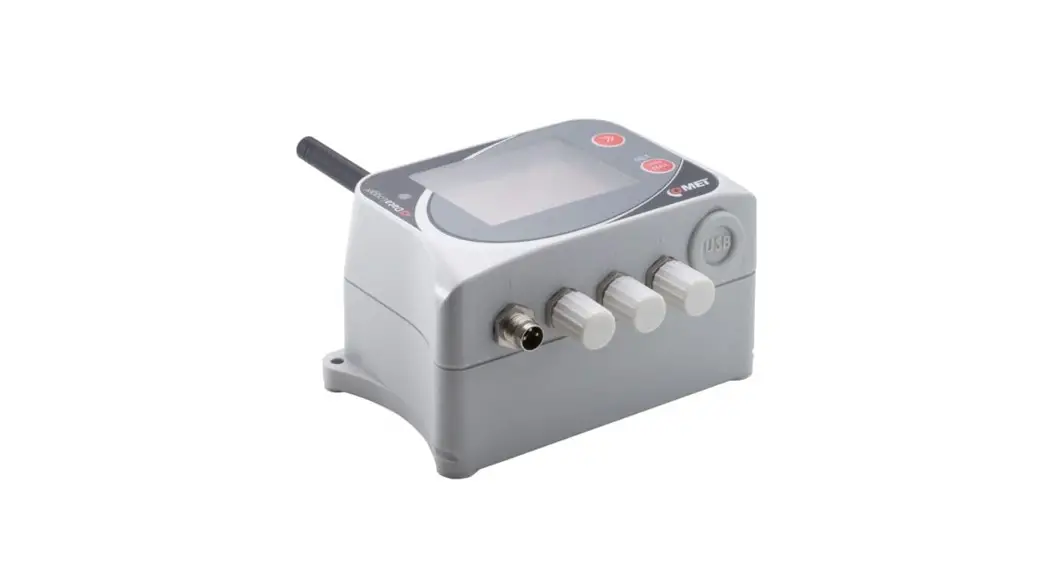
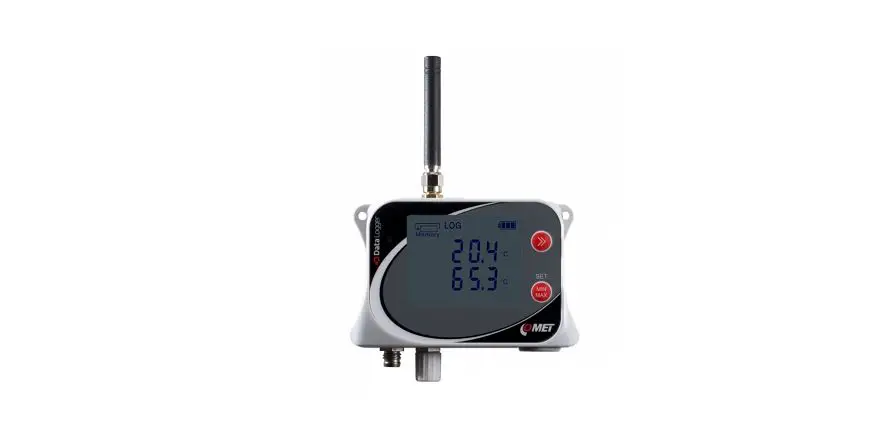
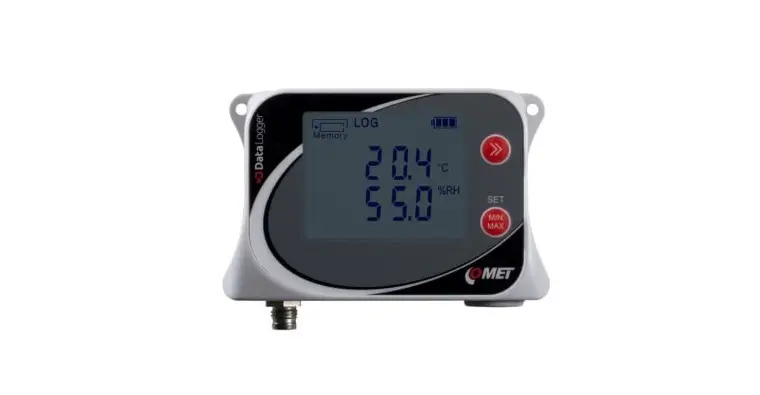
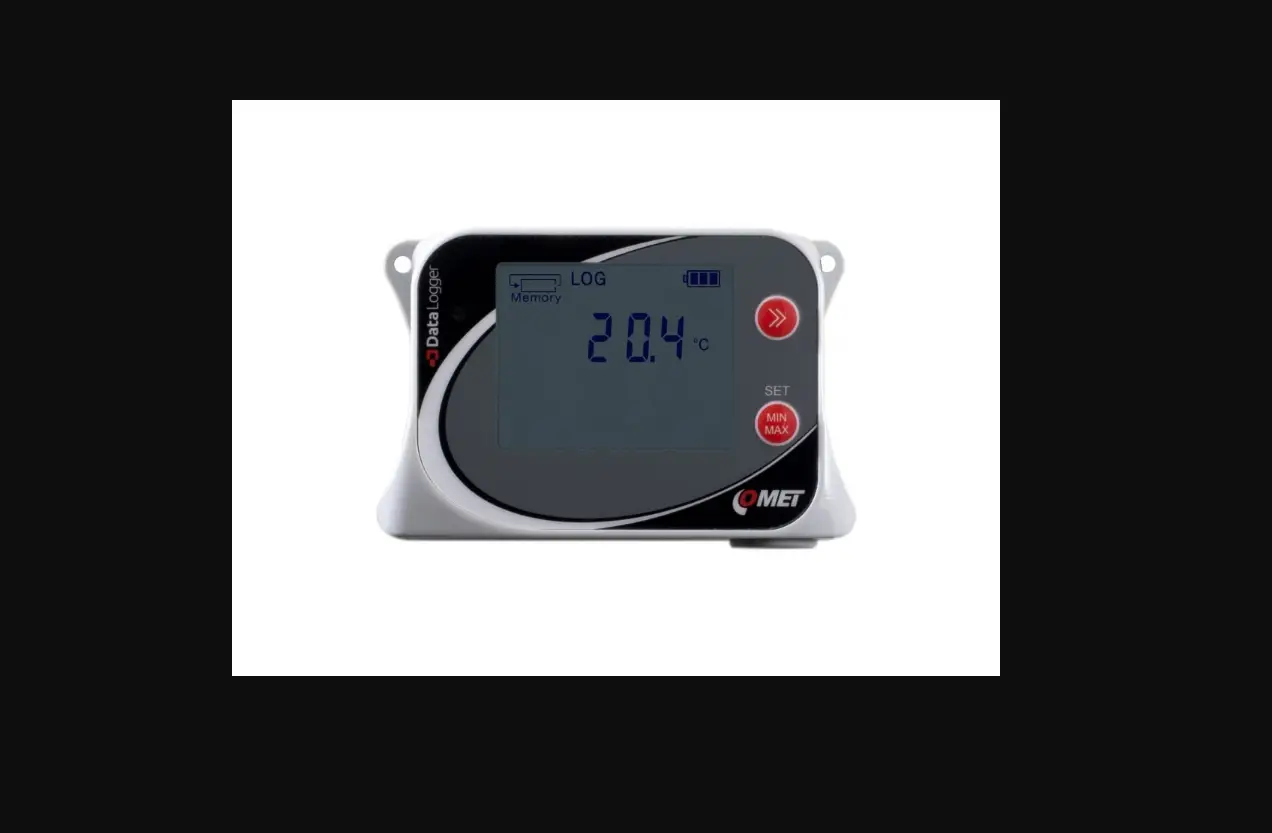
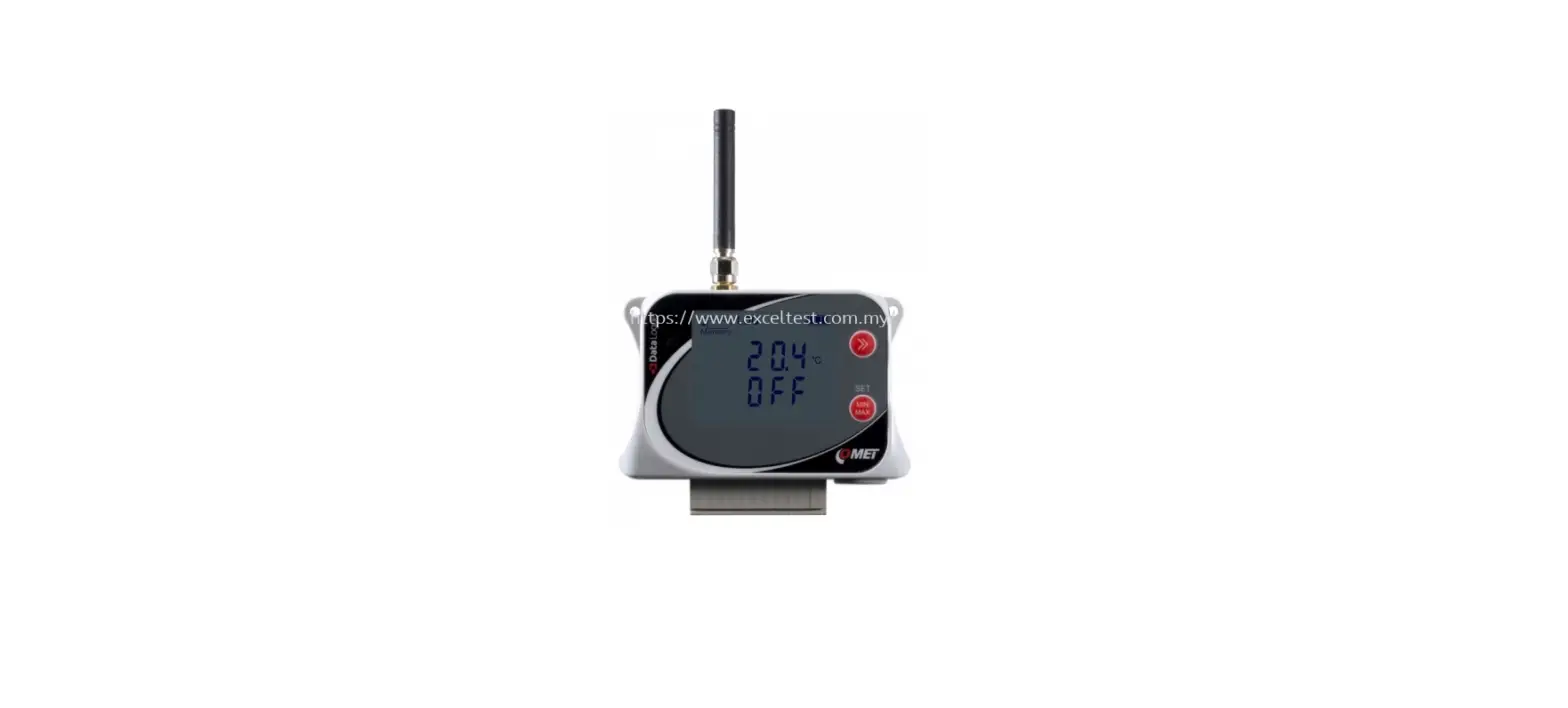
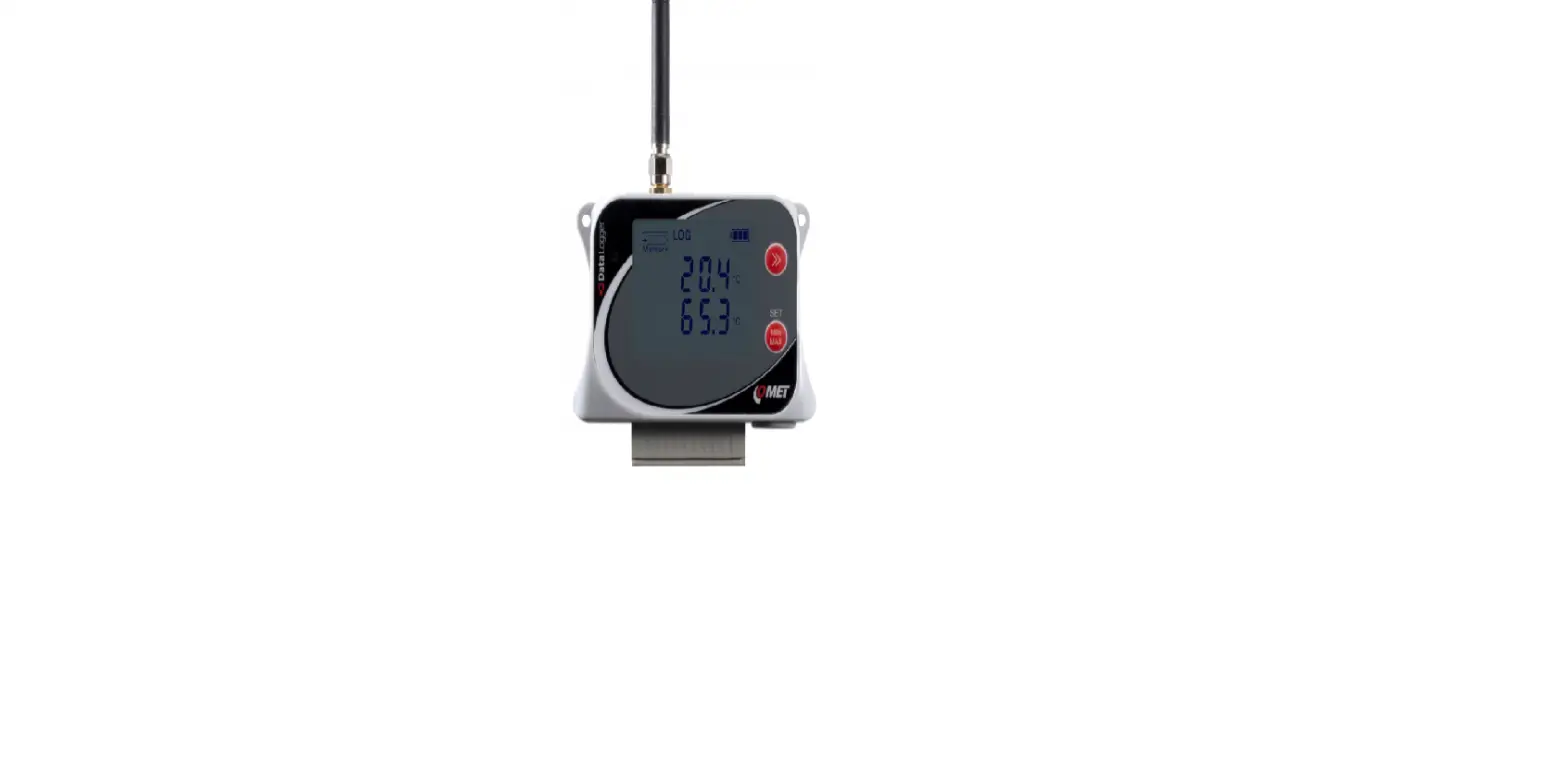
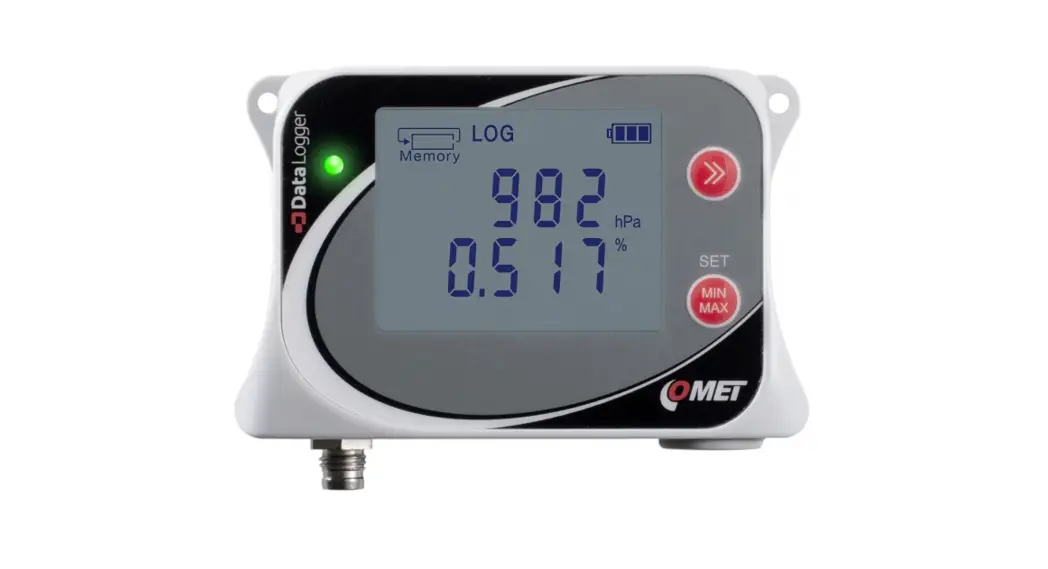
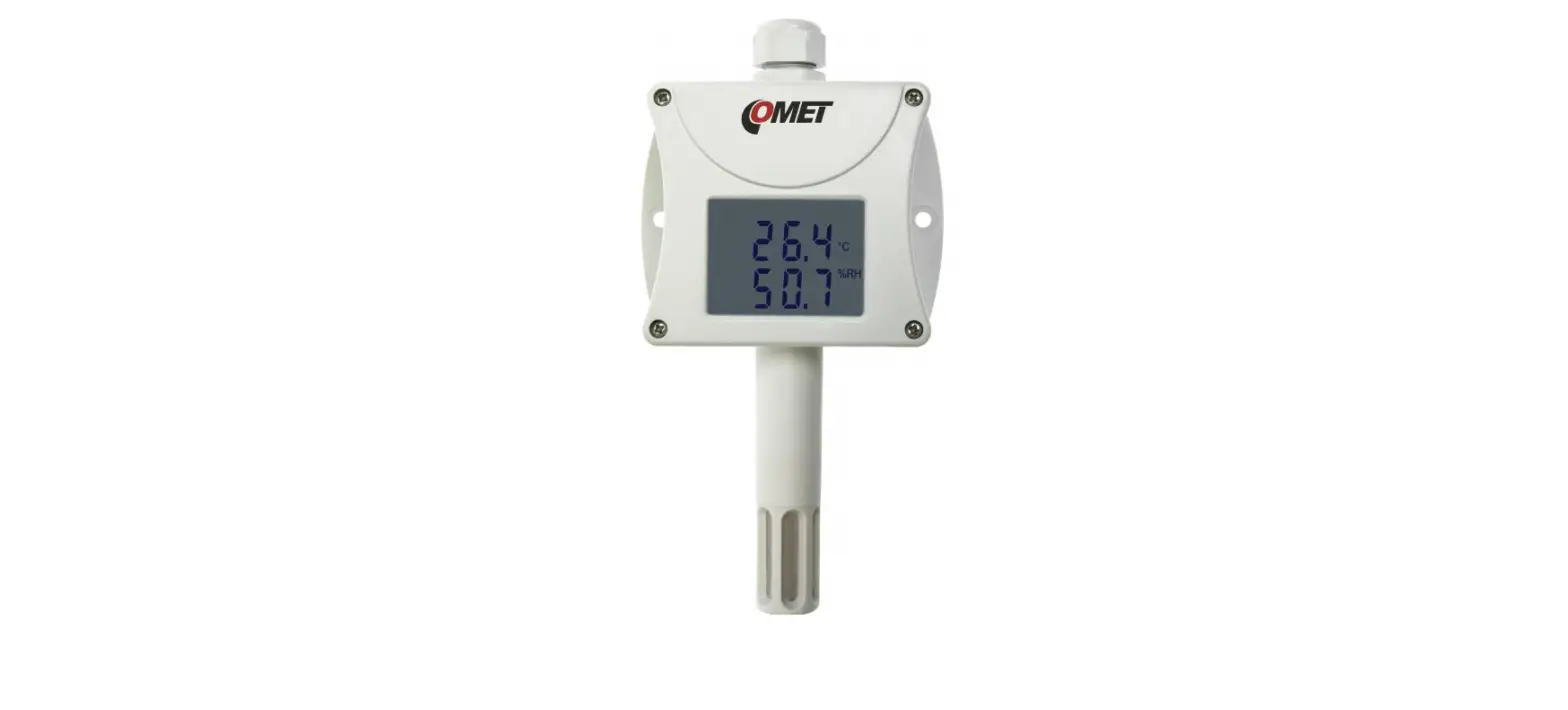
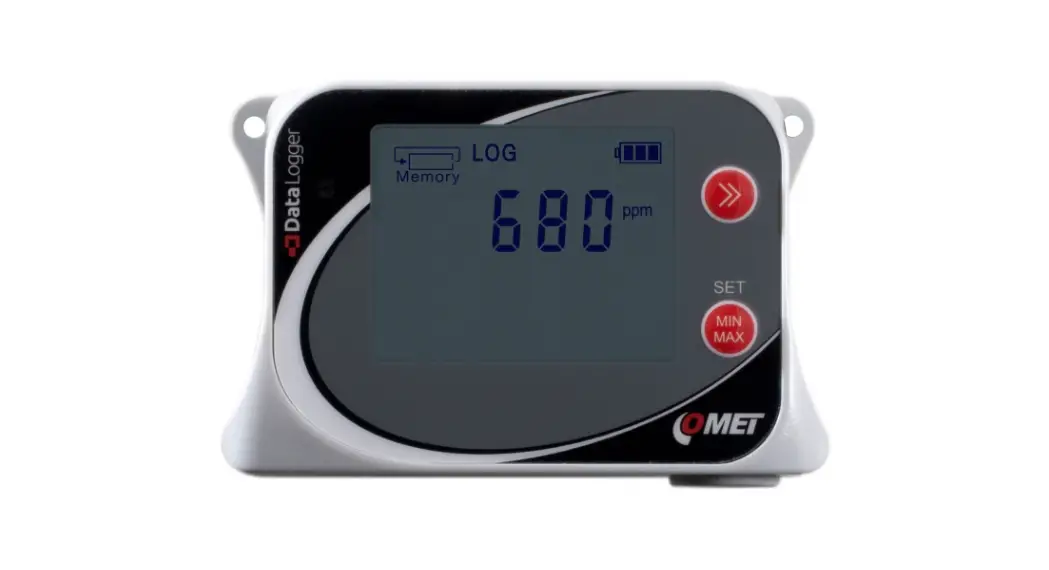
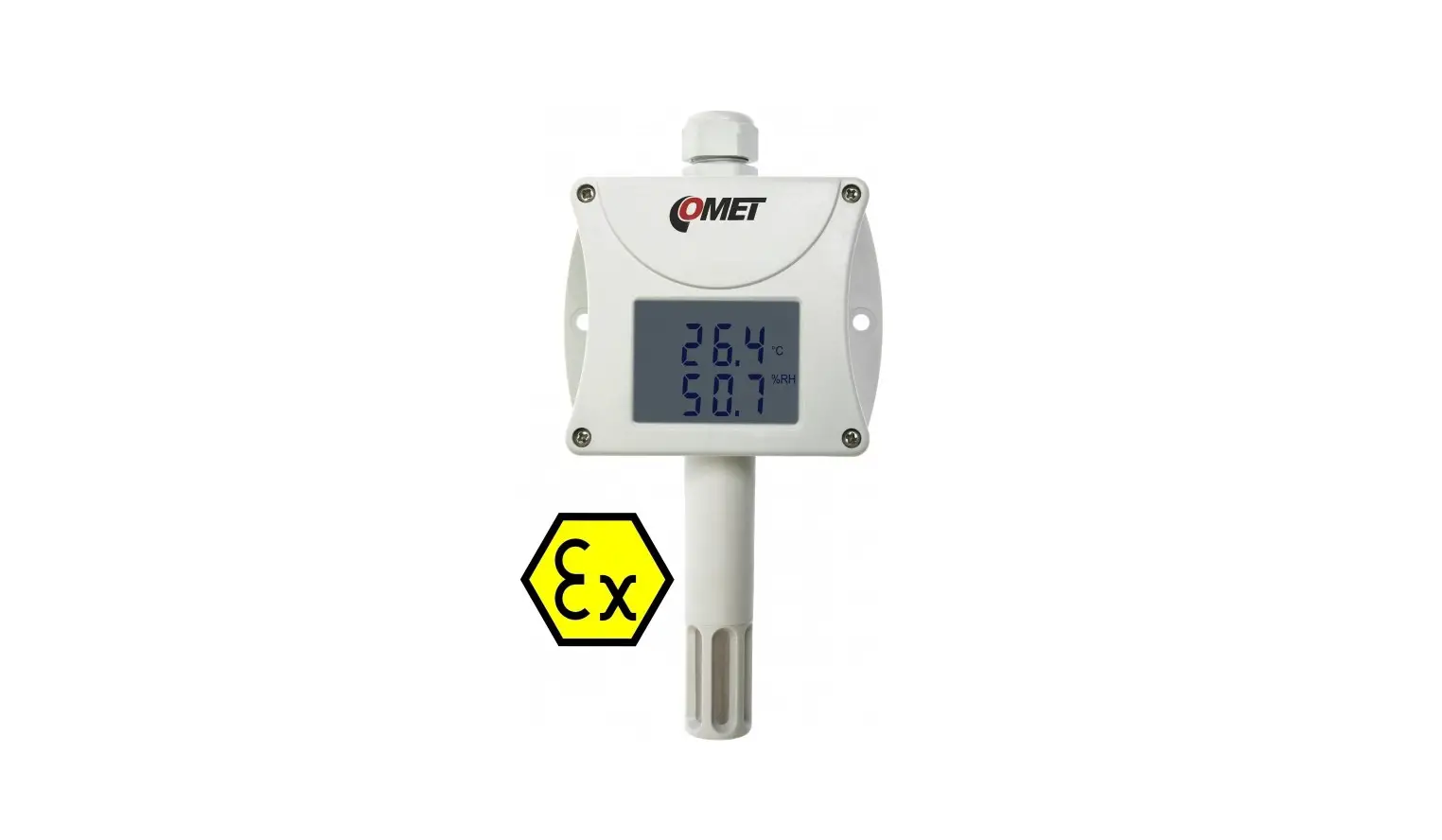
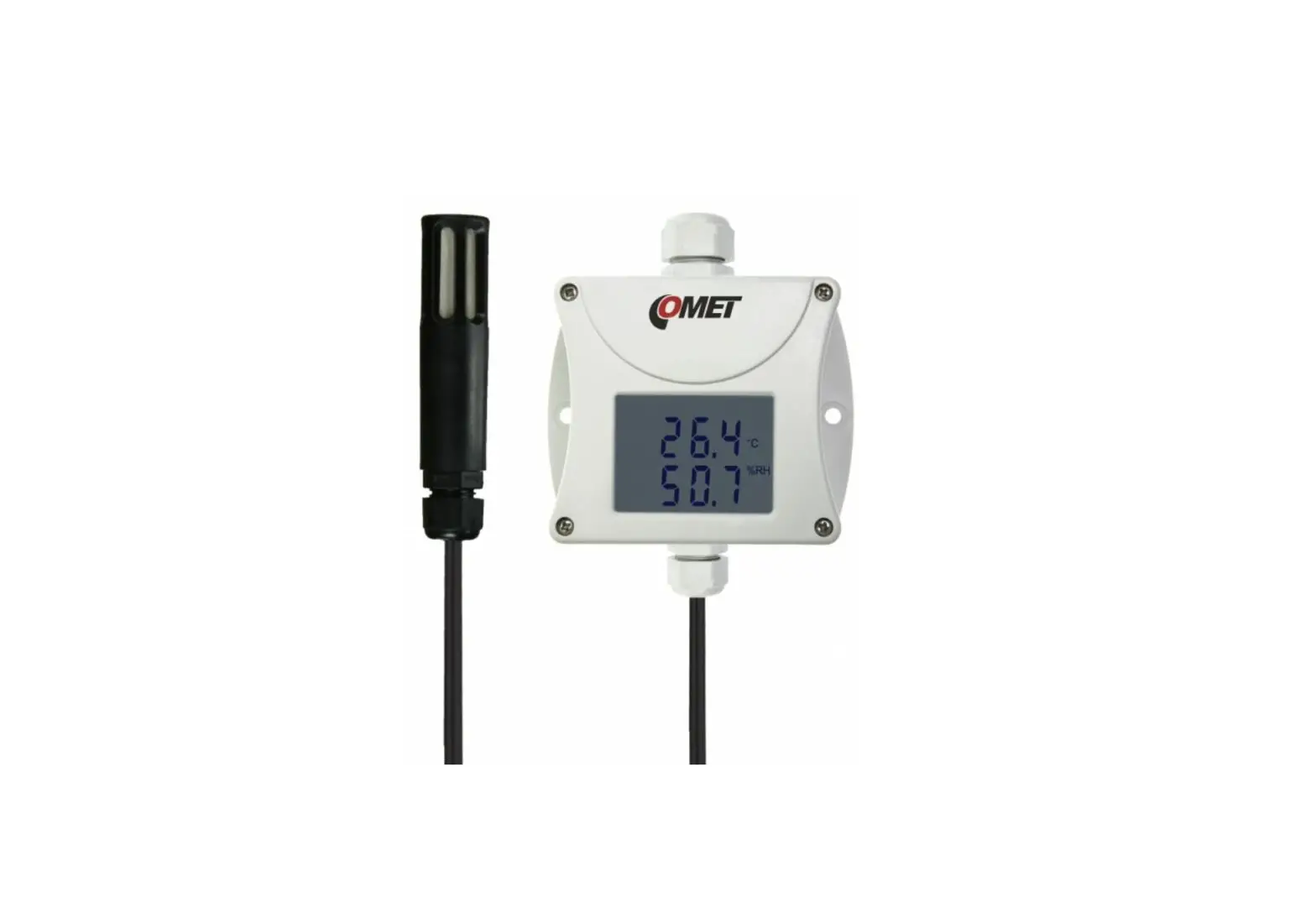
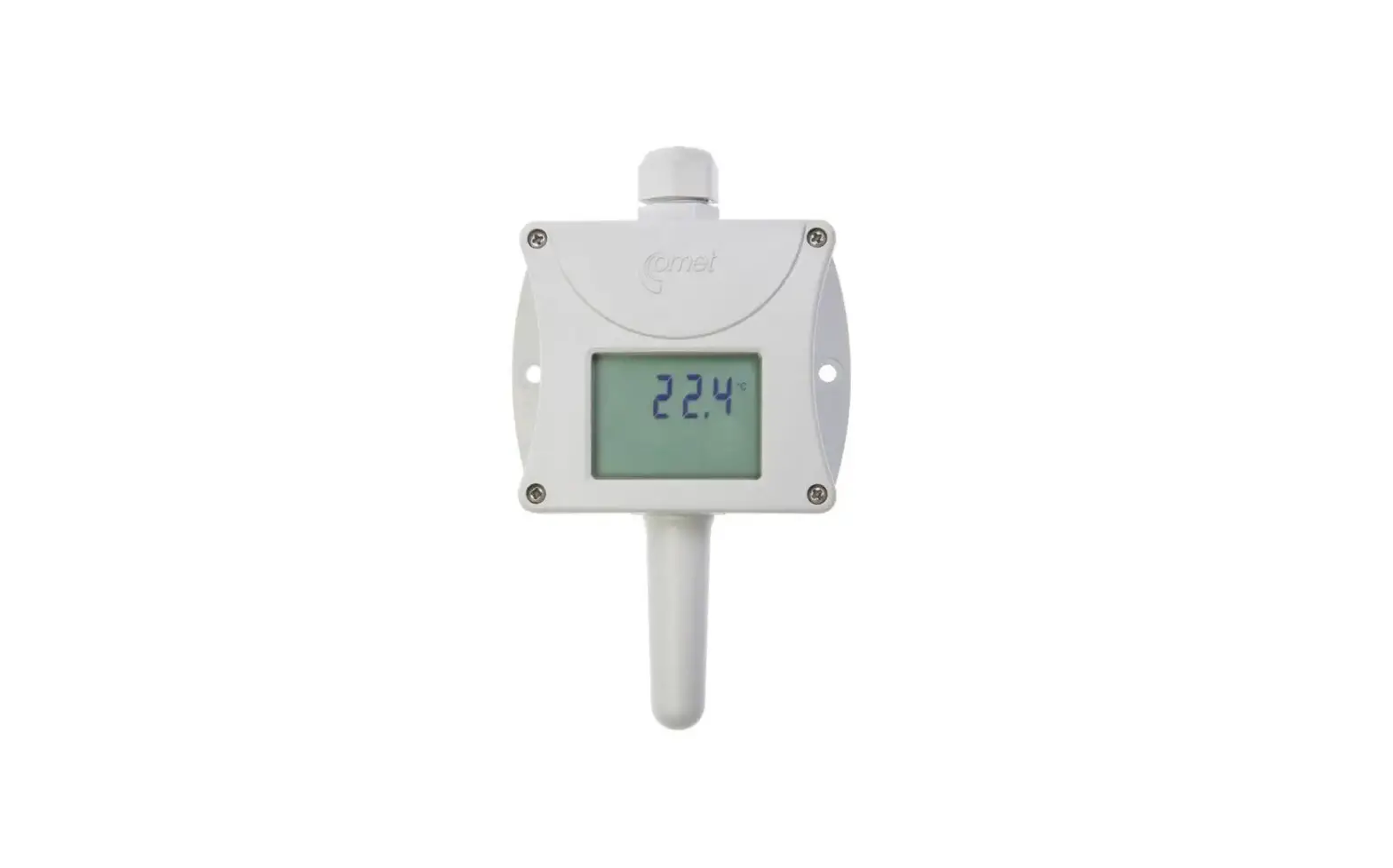
U0121 Data Logger
Dataloggers – Uxxxx Family Quick Start Manual
Product Description:
Device setting, recorded data downloading, and online monitoring
are carried out using a computer with COMET Vision software
installed. The USB interface is used to communicate with the
computer.
The following devices are available:
| Device | Measured Values | Construction |
|---|---|---|
| U0111 | Te | Ti, Te…Temperature, RH…Relative humidity, Td…Dew point temperature, Tdiff … temperature difference , P… Barometric pressure, CO2 …CO2 concentration cc… calculated channel, i.e. a channel that can be used to calculate and record the value calculated from the measured quantities according to the selected formula |
| U0121 | 2 x Te + Tdiff + 1x cc | Ti + Te + Tdiff + 1x cc |
| U0122 | 4 x Te + 2x cc | Ti + Te + RH + Td + Tdiff + 1x cc |
| U0141 | 4 x Te + 2x cc | P + CO2 |
| U0141T | Te + RH + Td + 1x cc | Ti + Te + RH + Td + Tdiff + 1x cc |
| U2422 | P + CO2 | cc… calculated channel, i.e. a channel that can be used to calculate and record the value calculated from the measured quantities according to the selected formula |
| U3121 | Te + RH + Td + 1x cc | Ti + Te + RH + Td + Tdiff + 1x cc |
| U3631 | 1x cc | Ti, Te…Temperature, RH…Relative humidity, Td…Dew point temperature, Tdiff … temperature difference , P… Barometric pressure, CO2 …CO2 concentration cc… calculated channel, i.e. a channel that can be used to calculate and record the value calculated from the measured quantities according to the selected formula |
Installation and Operation:
1. Fasten the device on the wall with two screws or insert it
into the wall holder LP100 (optional accessory). The working
position of the device is arbitrary, except for the U3631 which
should have the USB connector facing down. If used as a portable
device, protect it from falling and try to adhere to the working
position.
2. Pay attention to the device and probe mounting. The
inappropriate selection of the working position and measurement
location may adversely affect the accuracy and long-term stability
of the measured values.
3. Connect the probes to the device. The maximum cable length
for Digi/E probes should not exceed 30 m, the recommended maximum
cable length for Pt1000 probes is 15 m, and the maximum cable
length for CO2 probes is 4 m. Unused probe connectors should be
provided with a supplied closing cap.
4. Locate the devices with all cables as far as possible from
potential interference sources.
5. Set up the device using a computer with Windows 7 or a higher
operating system. Minimum hardware requirements are a 1.4 GHz
processor and 1 GB memory.
Safety Instructions:
- Installation, electrical connection, and commissioning should
only be performed by qualified personnel in accordance with
applicable regulations and standards. - The datalogger U2422 is equipped with an internal Li-Ion
battery. Observe the recommended operating and storage conditions.
In case of damage to the battery casing or destruction of the
device, carry it outside the fire, high-temperature, or
water-affected area to a safe fire-protected place. Protect
yourself and the environment against escaping gases and battery
electrolyte. - Devices contain electronic components that need to be disposed
of according to currently valid conditions. - To complement the information in this data sheet, read the
manuals and other documentation available in the Download section
for a particular device at www.cometsystem.com.
For more information and updates, please visit the COMET SYSTEM
website:
COMET SYSTEM, s.r.o., Bezrucova 2901 756 61 Roznov pod Radhostem,
Czech Republic
Specifications are subject to change without notice.
Dataloggers – Uxxxx family QUICK START MANUAL
PRODUCT DESCRIPTION
U0111 · U0121 · U0122 · U0141 · U0141T · U2422 · U3121 · U3631
The dataloggers Uxxxx with connectors for external probes connection are designed for measuring and recording physical and electric quantities with an adjustable logging interval from 1 second to 24 hours. The measured values, or the average values and min/max values over a recording interval are stored into the internal non-volatile memory. The data logging mode can be cyclic (when the data memory is completely full, the oldest data are overwrite by the new ones), or non-cyclic (the recording will stop once the memory is full). The device also allows to the evaluation of alarm states – exceeding the limit of the measured value or falling below this limit, exceeding the limit of memory filling, technical defects of the instrument or probes. The alarm signalling can be realised visually, optionally by a symbol appearing on the display or by a short blink of an LED, or acoustically. The data recording can be performed continuously or only when an alarm occurs. The devices are powered by internal a replaceable lithium battery (U2422 is powered by internal Li-Ion battery).
Device setting, recorded data downloading and online monitoring is carried out using the computer with the COMET Vision software installed (see www.cometsystem.com). The USB interface is used to communicate with the computer.
Device U0111 U0121 U0122 U0141 U0141T U2422 U3121 U3631
Measured values
Te 2 x Te +Tdiff + 1x cc Ti + Te + Tdiff + 1x cc 4 x Te + 2x cc 4 x Te + 2x cc P + CO2 Te + RH + Td + 1x cc Ti + Te + RH + Td + Tdiff + 1x cc
Construction
Connector for external Pt1000/E probe connection Connectors for up to four external Pt1000/E probe connection Internal temperature sensor and connector for external Pt1000/E probe connection Connectors for up to four external Pt1000/E probe connection Two part WAGO terminal block for up to four external Pt1000/0 wire probe connection Internal barometric pressure sensor and connector for external CO2 probe connection Connector for Digi/E probe connection Internal temperature/humidity sensor and connector for external Pt1000/E probe
Ti, Te…Temperature, RH…Relative humidity, Td…Dew point temperature, Tdiff … temperature difference , P… Barometric pressure, CO2 …CO2 concentration cc… calculated channel, i.e. a channel that can be used to calculate and record the value calculated from the measured quantities according to the selected formula
INSTALLATION AND OPERATION
Fasten the device on the wall with two screws or insert it into the wall holder LP100 (optional accessory). Working position of the device is arbitrary with the exception of the U3631, which place the USB connector facing down. Dataloggers can also be operated as a portable, in this case protect them from falling and try to adhere to the working position.
Please pay attention to the device and probes mounting. Inappropriate selection of the working position and the measurement location may adversely affect the accuracy and long-term stability of the measured values.
Connect the probes to the device (maximum cable length of the Digi/E probe should not exceed 30 m, recommended maximum cable length of the Pt1000 probes is 15 m, maximum cable length of the CO2 probe is 4 m). The unused probe connectors should be provided with a supplied closing cap.
The devices with all cables should be located as far as possible from potential interference sources Set-up the device
Device setup can be performed using the computer with the Windows 7 operational system or higher. Minimum HW requirements are 1.4 GHz processor and 1 GB memory.
Install the COMET Vision software into computer (the program is available free of charge at www.cometsystem.com) Connect the datalogger to the computer. Use an USB cable with USB-C connector (max. cable length 3 m). Click on the Configuration button. The device configuration will be downloaded and you can change the settings of some items Save the new configuration into the device and disconnect the device from the computer (close USB connector with a closing cap) Operating the device from the keypad Press and hold the lower key. After the light up the row with menu items, release the key and briefly press the upper key. Press the upper key to scroll through the menu items (device turning On/Off, deleting the Min/Max values in the device, …) Press the lower key to confirm (SET) The devices do not require special maintenance. We recommend verifying the measurement accuracy regularly by calibration.
SAFETY INSTRUCTIONS
– Installation, electrical connection and commissioning should only be performed by qualified personnel in accordance with applicable regulations and standards
– The datalogger U2422 is equipped with an internal Li-Ion battery. Observe the recommended operating and storage condition. Should the battery casing get damaged or should the whole device get destroyed, carry it outside the fire, high temperature or water affected area to a safe fire-protected place. Protect yourself and the environment against escaping gases and against being soiled with the battery electrolyte.
– The U2422 battery can be charged with an internal device temperature between 0°C to +40°C (the device has to be located in an indoor room with a relative humidity up to 85%). Fast charge mode can be run by turning off the device.
– Devices contain electronic components, it needs to liquidate them according to currently valid conditions. – To complement the information in this data sheet read the manuals and other documentation, which are available
in the Download section for a particular device at www.cometsystem.com
COMET SYSTEM, s.r.o., Bezrucova 2901 756 61 Roznov pod Radhostem, Czech Republic
Specifications are subject to change without notice. ie-lgr-n-Uxxxx-b-09
 Manufacturer of Dataloggers, Thermometers, Hygrometers,CO2 meters