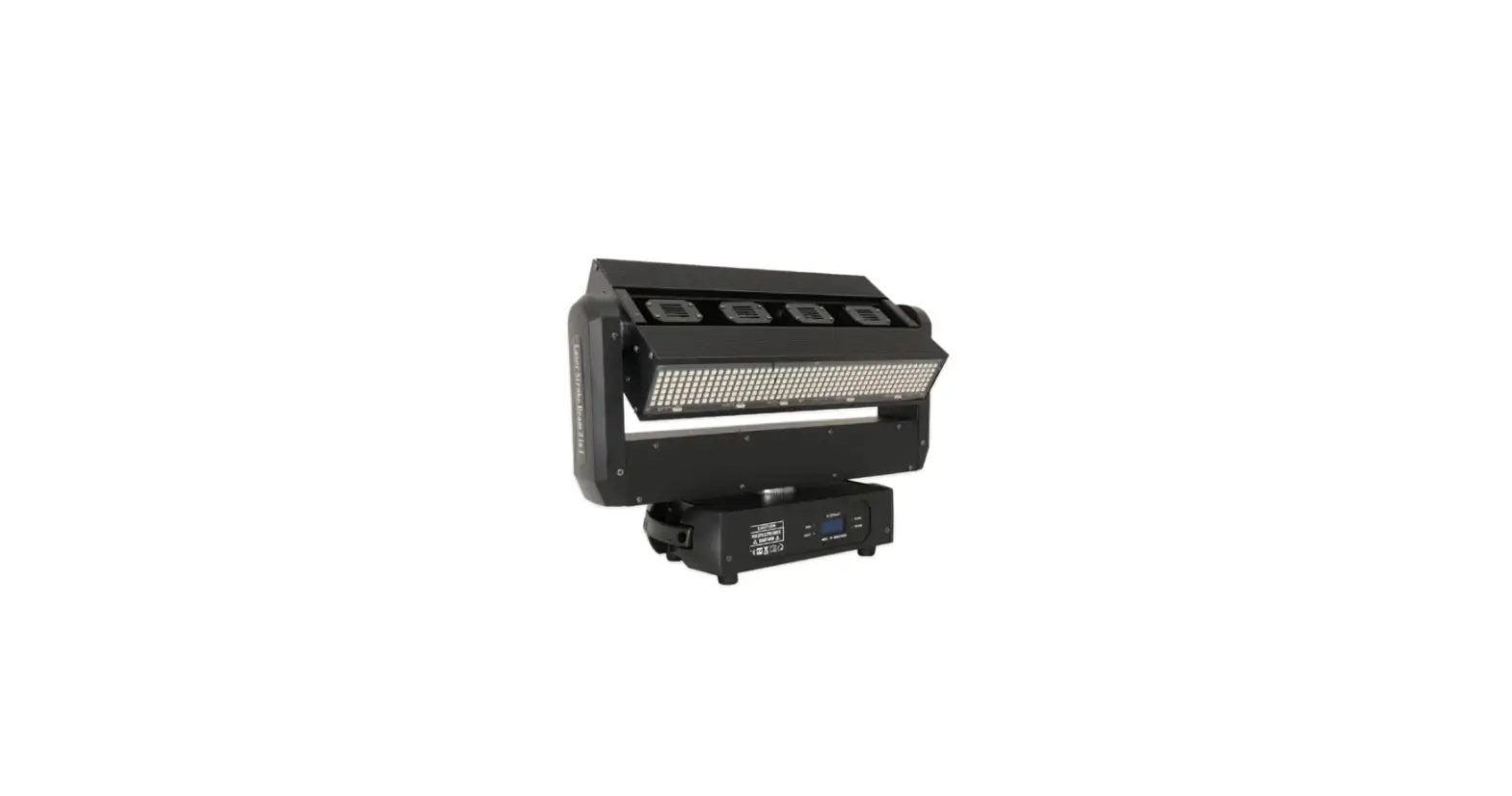
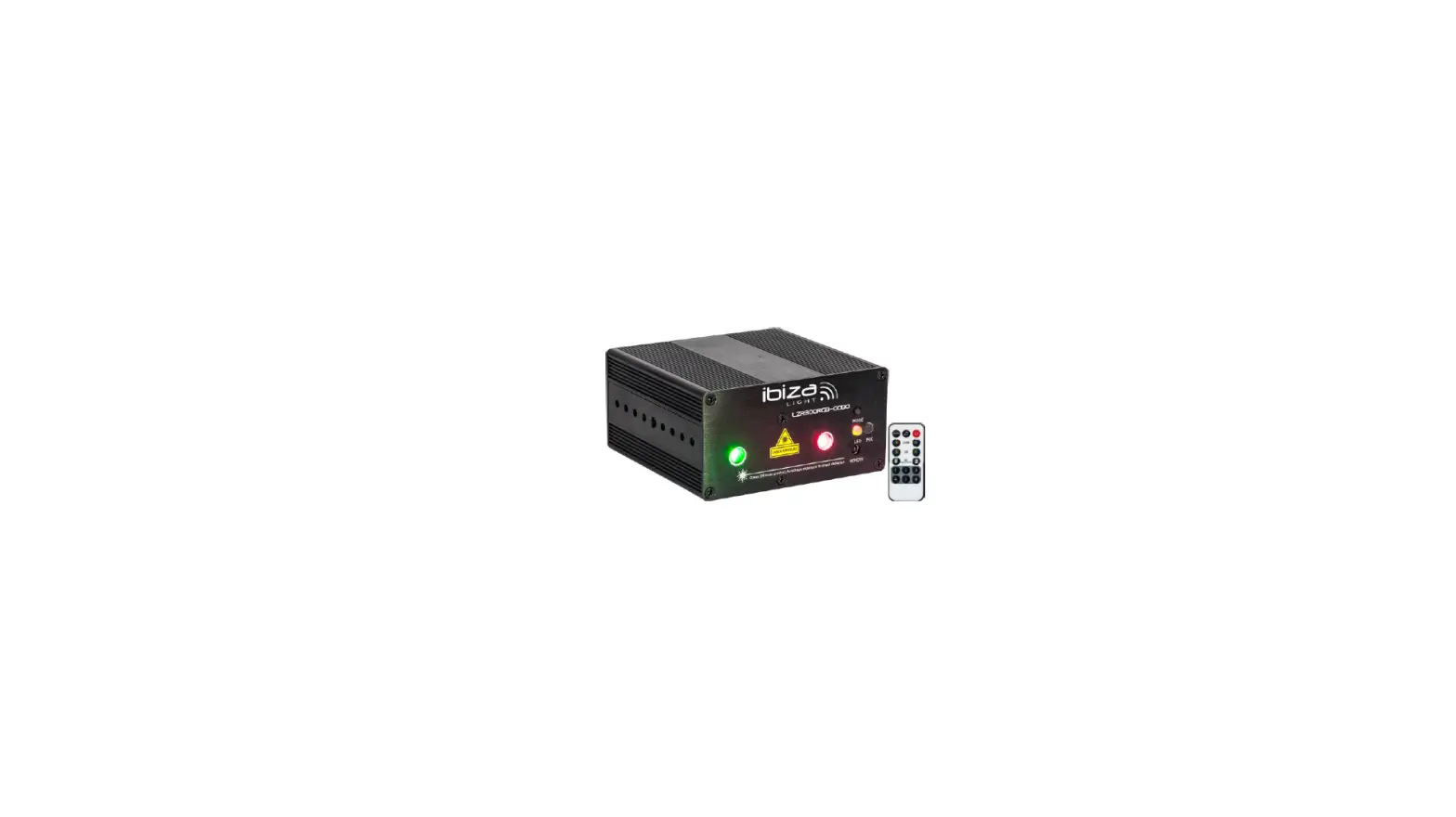
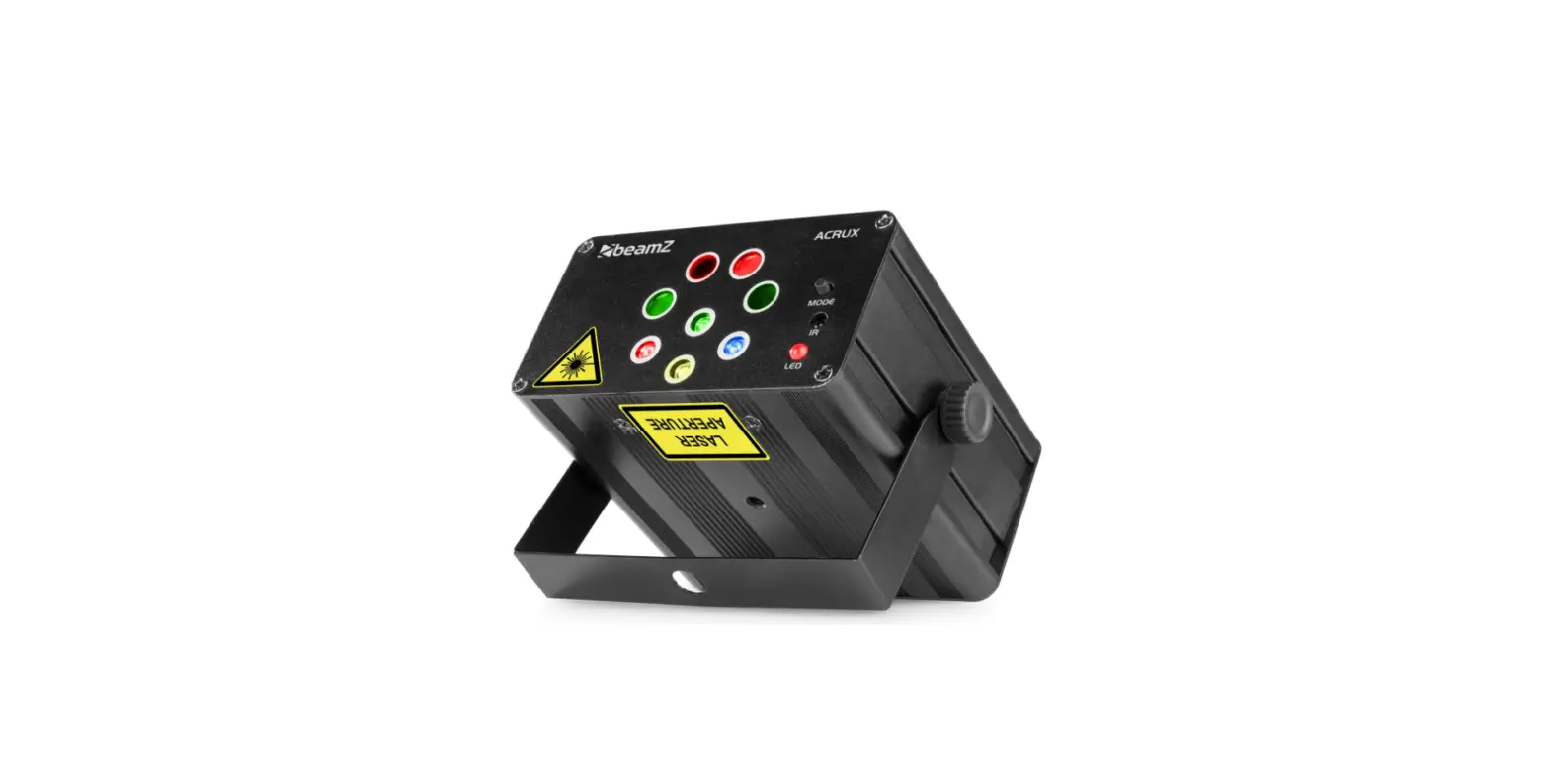
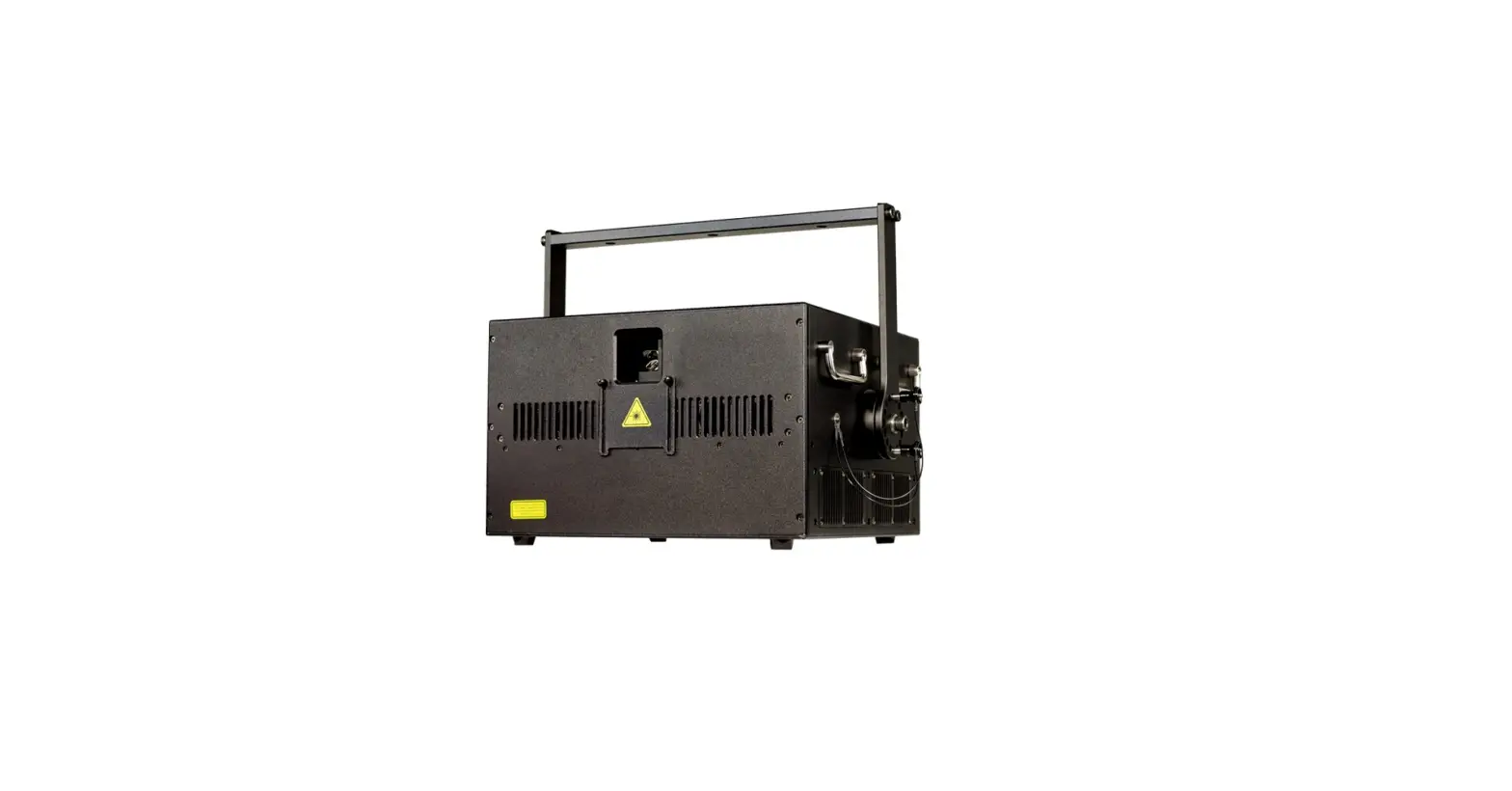
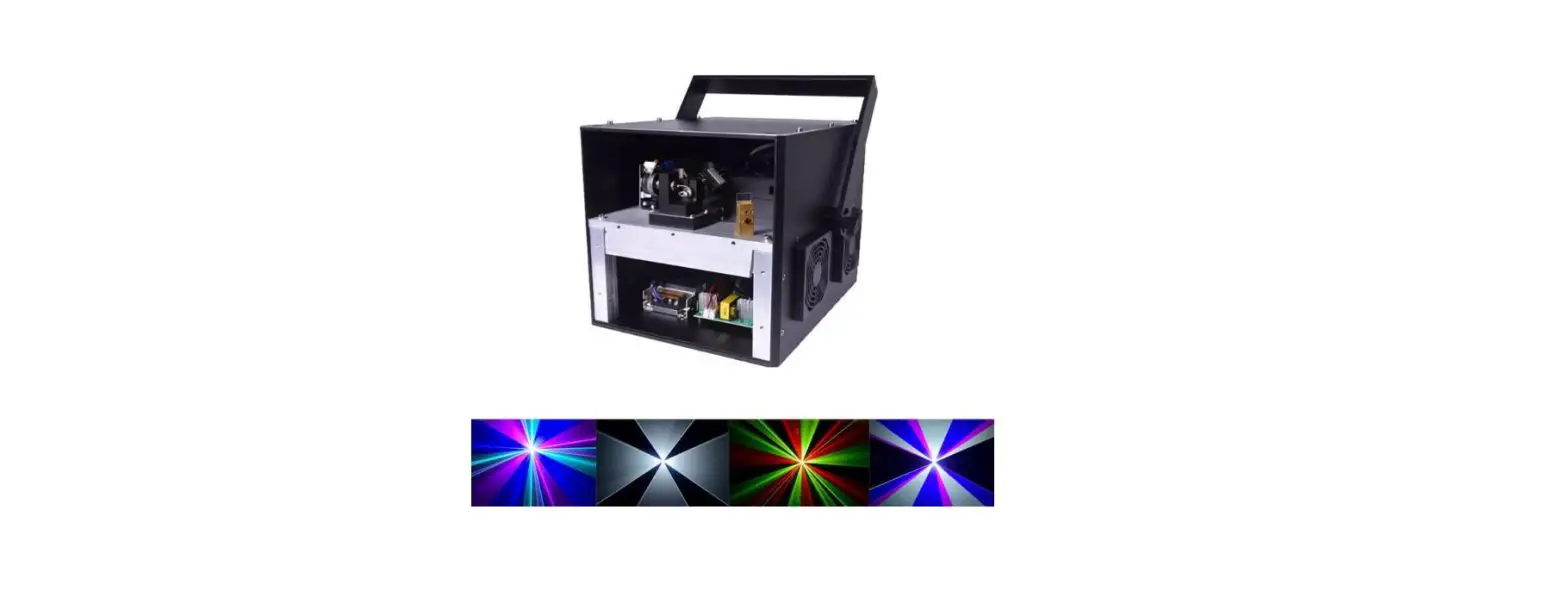
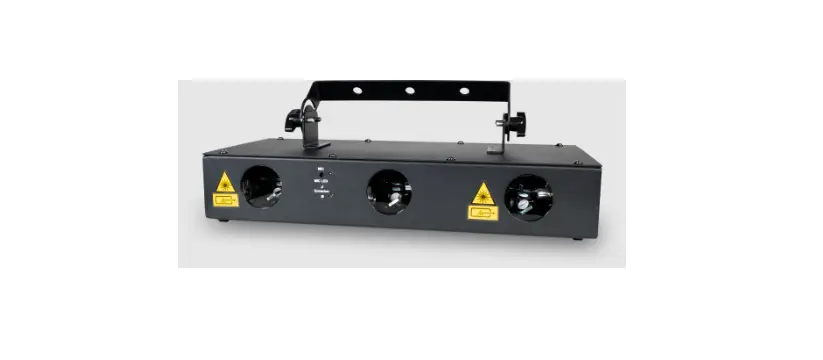
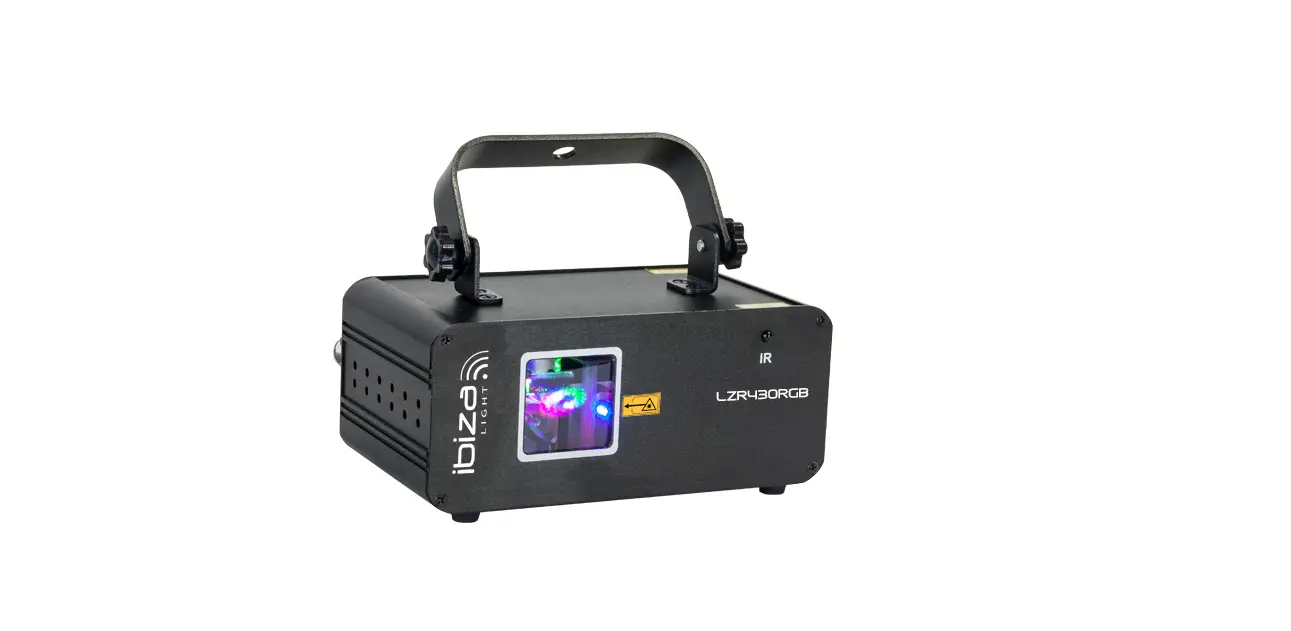
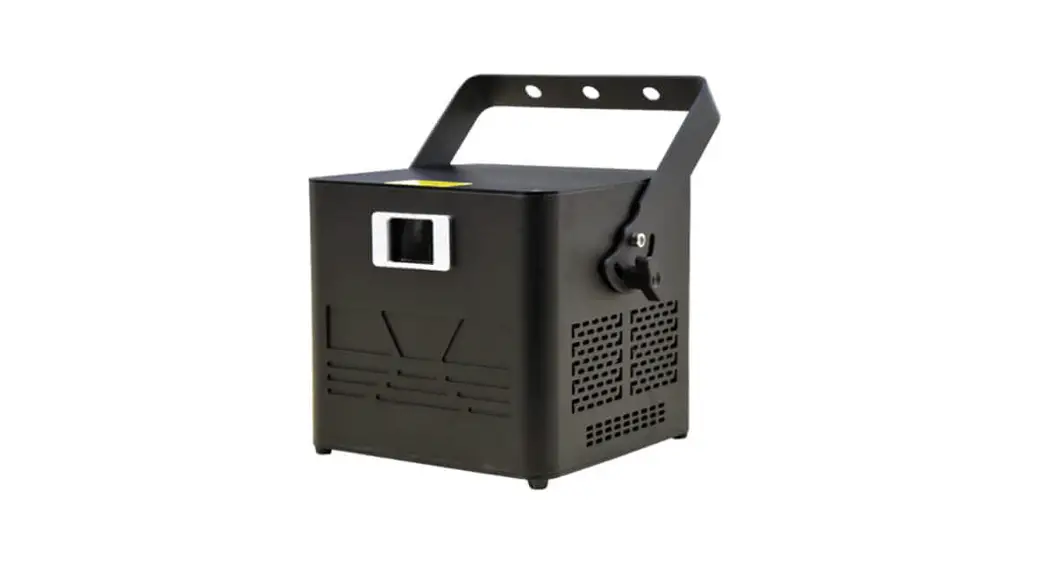
LASERARRAY6RGB 200W RGB R500+G500+B1W Laser Moving Array
Product Information
Product Name: LASERARRAY6RGB
Power: 200W
Color: RGB (Red, Green, Blue) + 1W White Laser
Type: Moving Array Laser
User Manual: Included
Product Usage Instructions
- Check the package contents to ensure all parts are included:
- 1 x Light
- 1 x Power cable
- 1 x User manual
- Ensure the product was not damaged during transportation.
- Install the product according to the provided installation
instructions. - Access the LCD Function Menu to adjust settings and modes:
- DMX address: Set the DMX address for individual control.
- Channel mode: Select between 14CH, 35CH, or 42CH DMX512
modes. - Mode select: Choose between different operation modes (Auto
Run, Sound mode, Sound sense, etc.). - Back lights: Turn on/off the back lights.
- Pan Inverse: Invert the pan movement direction.
- Tilt Inverse: Invert the tilt movement direction.
- Auto Test Fixture Time: Set the time for automatic testing of
fixtures. - Software Version: Check the software version of the
product. - Motor Reset Default: Reset the motor settings to default.
control.
specified in the user manual.
effects and features.
and light color information.
functions and values.
LASERARRAY6RGB
20 0 W RGB R50 0 +G50 0 +B1W Laser Moving Array
USER MANUAL
Introduction
Thank you for purchasing this product. To ensure proper operation, please read this manual carefully before using the product. After reading it, keep it in a safe place for future reference.
This product has been tested at our factory before shipping to you, there is no assembly required. Once after receiving this product , please take and put carefully. And check cautiously that whether the product was damaged or not during the transportation.
Checking Parts
Please check if the following parts are included: 1 x Light 1 x Power cable 1 x User manual Danger Light Radiation! Avoid direct eye exposure! Light radiation can cause eye damage or skin damage All protective measures for a safe operation of this light must be applied.
2
Installation
1. Please check the voltage whether is the same with the one showed on the equipment. 2. It must ask for the technical person and set the light safety when installation. And let the light beam at the suitable angle. 3. When install this equipment please make sure there’s no flammable surfaces (decorated things, etc) within at least 2.5M and maintain minimum distance of 0.5M from the equipment to the walls. 4. Please make sure that there’s no other equipment or decorating materials obstructed the exhaust fan and the vent-pipe. 5. Products should be install immobility. 6. In case of safety, it’s very important that to connect ground wire.
Attention
1. Please do not open the bottom cover yourself without permission. Operate it accord the user manual. Call the technician when the machine breaks down. 2. Please do not see the light beam directly to avoid any damage. 3. Before connect or disconnect the power, please adjust the luminance of the light diode to the least to avoid any damage to the light diode. 4. This unit should be keep dry, do not use in the rain and dusty environment. It can be use in the outdoor with the water-proof cover . 5. Set the light immobility and try to avoid strong shake or hit. 6. Prevent dust into the equipment to avoid problems.
3
7. Please keep that there’s no other equipment or decorating materials obstructed the exhaust fan and the vent-pipe when the equipment was working. 8. Before connect power, check the plug is immobility or not, power cable should be connect well. 9. Please do not open or close the equipment frequently that’s to avoid any affect to the life span of the light diode, and try the best to avoid the long time working. 10. Due to the characteristic of the light diode, after four hours working, it should be close at least 25 minutes until the light diode cooling then work again. 11. Don’t touch the light or draw the power line when your hand was wet. And do not pull the electronic power line. 12. Maintain the distance at least 3M above from the equipment to the object. 13. This equipment does not have any parts can repair for the users, please do not open the equipment. 14. When the light diode became dim or damaged please contact the dealer timely. 15. When you want to re-transfer the product, you’d better use the original package to shockproof.
4
LCD Function Menu
Menu DMX address Channel mode
Mode select
Auto Run mode Sound mode Sound sense Back lights Pan Inverse Tilt Inverse Auto Test Fixture Time
Software Version Motor Reset Default
Secondary menu DMX address 001-512
14CH/35CH/42CH DMX512 Master Slave 1 Slave 2 Auto 0-16 Speed 0-9 Show 0-16 0-100 On/Off Yes/No Yes/No Test 0-9999 Version Yes/No Reset
5
DMX Setting
Input DMX signal, DMX daisy chain picture as follow
DMX control, each light should has its own address. The fist light
address is 1, the second light address 15 or 36 or 43 (the first light
address 1 plus 14 or 35 or 42 channel), the third light address 29 or
71 or 85.
DMX – 512 control mode as following :
Number
Address
LCD display(No.)
1
1
001
2
15 or 36 or 43
015 or 036 or 043
3
29 or 71 or 85
029 or 071 or 085
Master-slave Setting
Link the lights as the following picture (the light which does not receive signal, only output signal, will be the master light)
6
LCD display panel, as following
Operation: Press “MENU” will cycle fourteen different effect.. Press”UP”, “DOWN” to select different features. Press “ENTER” to confirm. Using before please must be check power supply link with
earth wire correctly. The specification of the front and rear panel:
1. Input rated voltage 2. Fuse 3. Power switch button 4. Ground marking 5. DMX IN/ DMX OUT: DMX signal output and input
7
Technical Specifications
1. Power Supply: AC100~240V 50/60Hz 2. Rated Power: 250W 3. light color: W2000CR500mW+G500mW+B1000Mw)*6
W500C(R200Mw+G100Mw+B200Mw)*6 4. Y axis rotation angle: 0-240° 5. Z axis rotation angle: 0-140° 6. Working Mode: Sound/Automatic/DMX512/Master-Slave 7. Auto mode: 16 kinds of automatic dynamic effect/ 16 kinds of sound trigger dynamic effect 8. DMX Control Channel: 14CH/35CH/42CH 9. Cool system: forced air cooling system 10. Working temperature: 0 – 35 11. N.W./G.W.: 27kg / 31kg 12. Package size: 101 x 46 x 33cm
8
DMX-512 Channel Introduction 35CH / 42CH mode as following
Channel
Value
Function
000-007 Black, motor controllable
CH1
CH1
008-255 On
CH2
CH2
001-255 Strobespeed from slow to fast
000-007 Invalid
008-247 Each 14 value be one Y/Z axis macro
CH3
CH3
effect, total 16 effects (motor
controllable)
248-255 Sound triggermotor controllable
Y, Z speed from slow to fast only valid
CH4
CH4
001-255
for CH3 (008-247)
000-014 Invalid
CH5
CH5
015-255 Color chase( each 20 value be one
color chase effect, total 12 effects)
CH6 CH7 CH8 CH9
CH10
CH6 CH7 CH8
CH9
CH10 CH11
001-255 001-255 001-255
001-255
001-255 001-255
Color chase speed from slow to fast only valid for CH5 (015-255 Y axis rotation Y axis fine rotation Z axis rotation, only when CH9 value=0 6 motors Z axis individual control valid Z axis fine rotation Y, Z axis rotation speed only valid CH7/CH9
9
CH11
CH12 CH13 CH14 CH15
CH16 CH17 CH18 CH19
CH20 CH21 CH22 CH23
CH24 CH25 CH26 CH27
CH28 CH29 CH30 CH31
CH32
CH12 CH13 CH14 CH15 CH16 CH17 CH18 CH19 CH20 CH21 CH22 CH23 CH24 CH25 CH26 CH27 CH28 CH29 CH30 CH31 CH32 CH33 CH34 CH35 CH36 CH37 CH38 CH39
001-255 001-255 001-255 001-255 001-255 001-255 001-255 001-255 001-255 001-255 001-255 001-255 001-255 001-255 001-255 001-255 001-255 001-255 001-255 001-255 001-255 001-255 001-255 001-255 001-255 001-255 001-255 001-255
light 1 Z axis rotation light 1 Z axis fine rotation light 1 Red on/off light 1 Green on/off light 1 Blue on/off light 2 Z axis rotation light 2 Z axis fine rotation light 2 Red on/off light 2 Green on/off light 2 Blue on/off light 3 Z axis rotation light 3 Z axis fine rotation light 3 Red on/off light 3 Green on/off light 3 Blue on/off light 4 Z axis rotation light 4 Z axis fine rotation light 4 Red on/off light 4 Green on/off light 4 Blue on/off light 5 Z axis rotation light 5 Z axis fine rotation light 5 Red on/off light 5 Green on/off light 5 Blue on/off light 6 Z axis rotation light 6 Z axis fine rotation light 6 Red on/off
10
CH33 CH34
CH35
CH40 CH41
CH42
001-255 001-255 000-128 128-255
light 6 Blue on/off light 6 Green on/off Invalid Motor reset after 5s
The difference between 35CH and 42CH in same channel
Channel Value
CH35
CH42
CH7CH8CH9CH1 CH7CH8CH9CH11CH12C
CH1
000-007
0CH11CH15CH1 9CH23CH27CH3
H15CH16CH19CH20CH22 CH23CH27CH28CH32CH3
5 valid
3CH37CH38 valid
008-255 CH2-CH35 valid
CH2-CH42 valid
CH9
001-255
CH9=0, CH11/CH15/CH19/ CH23/CH27/CH31
valid
CH9=0, CH11CH12CH15CH16CH1 9CH20CH22CH23CH27C H28CH32CH33CH37CH38
valid
11
14CH mode as following
Channel
Value
CH1
CH2 CH3 CH4 CH5
CH6
000-007
008-255 000-255 000-255 000-255 001-255 000-007 008-247
248-255
CH7
001-255
CH8 CH9
000-014 015-255 001-255
CH10 CH11 CH12
CH13
001-255 001-255 001-255 001-255
CH14
000-127 128-255
Function Blackmotor controllable (CH10CH11CH12CH13CH14) CH2-CH14 on Red brightness ( 0% – 100%) Green brightness ( 0% – 100%) Blue brightness ( 0% – 100%) Strobe slow – fast Invalid Each 14 value be one Y/Z axis macro effect , total 16 effectsmotor controllable Sound triggermotor controllable Y,Z axis speed from slow to fastonly valid for CH6 (008-247) Invalid Color chase Color chase speed from slow to fast(only valid for CH8(015-117)) Y axis rotation Y axis fine rotation Z axis rotation Y,Z axis rotation speed only valid for CH10/CH12 Invalid Motor reset after 5s
12
Maintenance
Maintenance should be performed every 15day period, by using a sponge which is dipped with alcohol, rather than wet cloth or other chemical liquid, to clean the mirror. Always disconnect from the power when the device is not in use or before cleaning it.
Warning
Power must be disconnected before maintenance or repair. Do not look at the light source directly
Declaration
This device has left our premises in absolutely perfect condition. In order to maintain this condition and to ensure a safe operation, it is absolutely necessary for the user to follow the safety instructions and warning notes written in this user manual.
We cannot be made liable for damages caused by incorrect installations and unskilled operation!
13
Product common breakdown comparative chart
Breakdown cause
Major breakdown analysis and solution
The fixture no work
1. Check the power cable ensure the fixture connect the power correctly and the fuse is ok. 2. Check the input voltage whether to assign the voltage match with the fixture.
1. Check the address or the display whether
No sound control
establishes according to the instruction booklet is
the sound trigger mode.
The fixture can bright normally, but it not
controlled by controller
1. Please check the fixture DMX address setting correctly or not. 2. Please check the XLR signal cable whether be damage.
Master-slave mode, 1. Please ensure fixture 1 for the master and the
The master mode is master without DMX be connected, and to set
normal, but slave mode master as sound control or auto pattern.
is not normal
2. Master-slave set as DMX mode
The button malfunction 1. Check the buttons whether to have some button
does not work
not to have the normal reset.
The fixtures’ brightness 1. Check the internal and external optical system
obvious dim
whether to be clean.
14