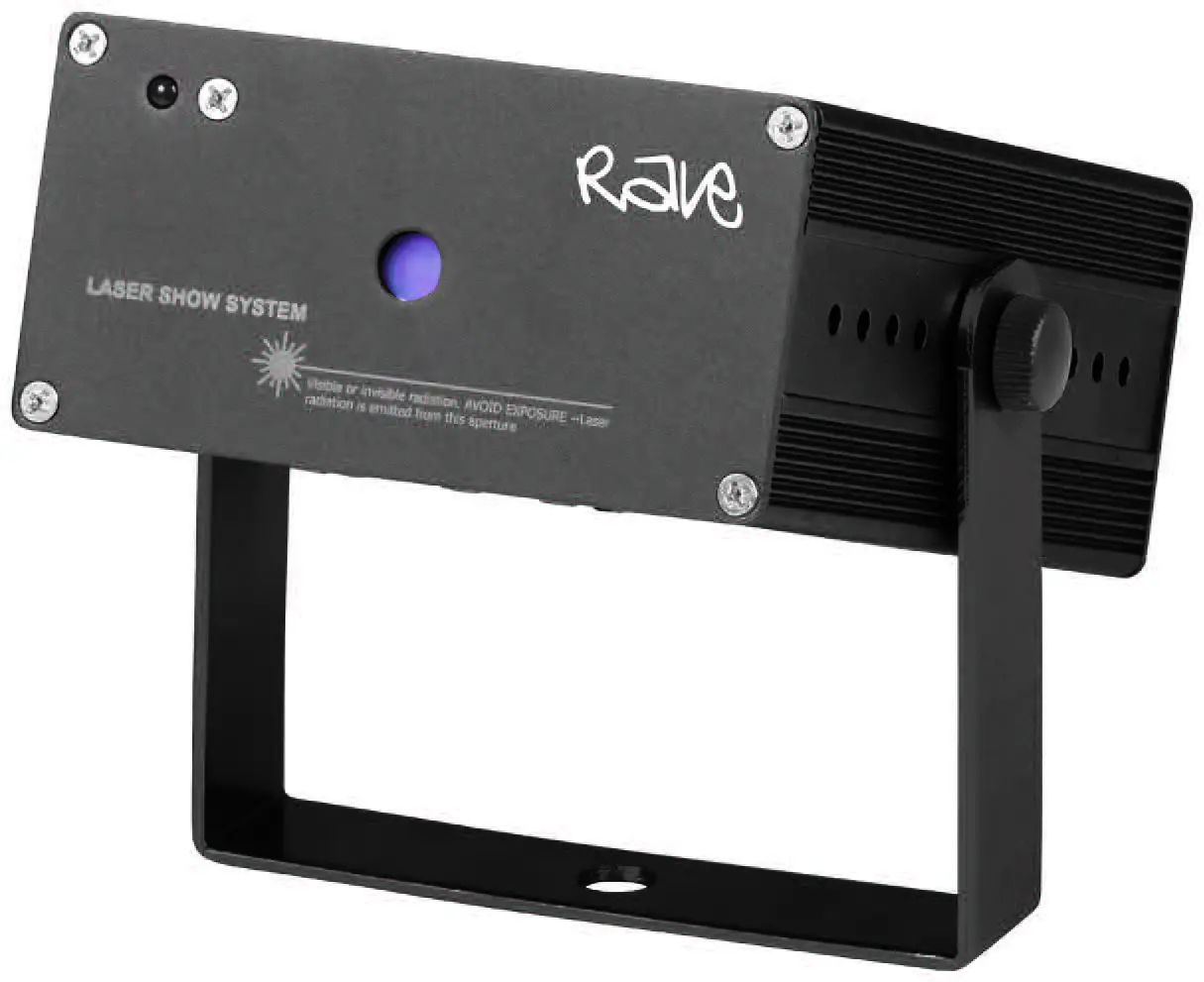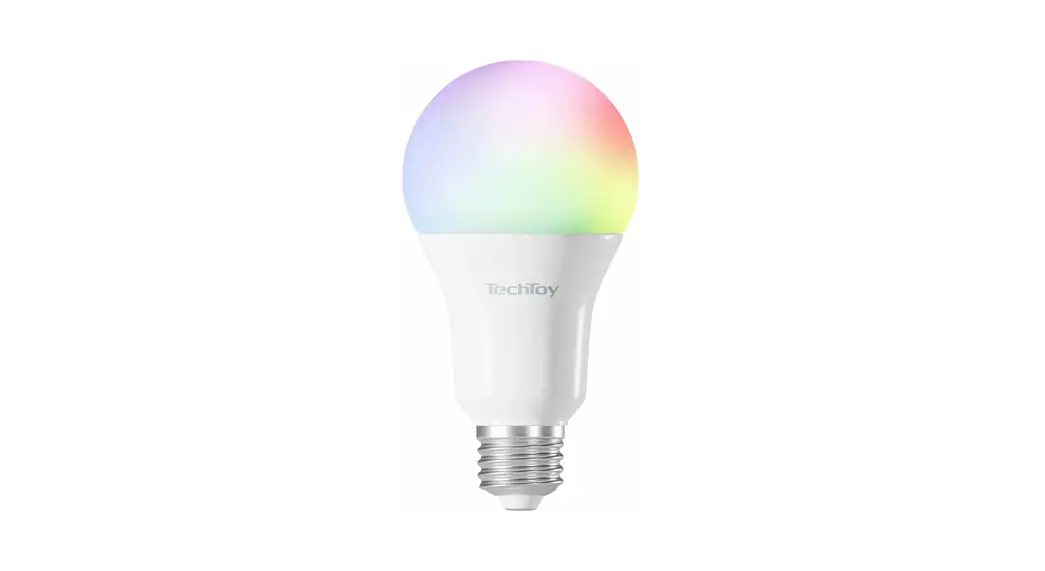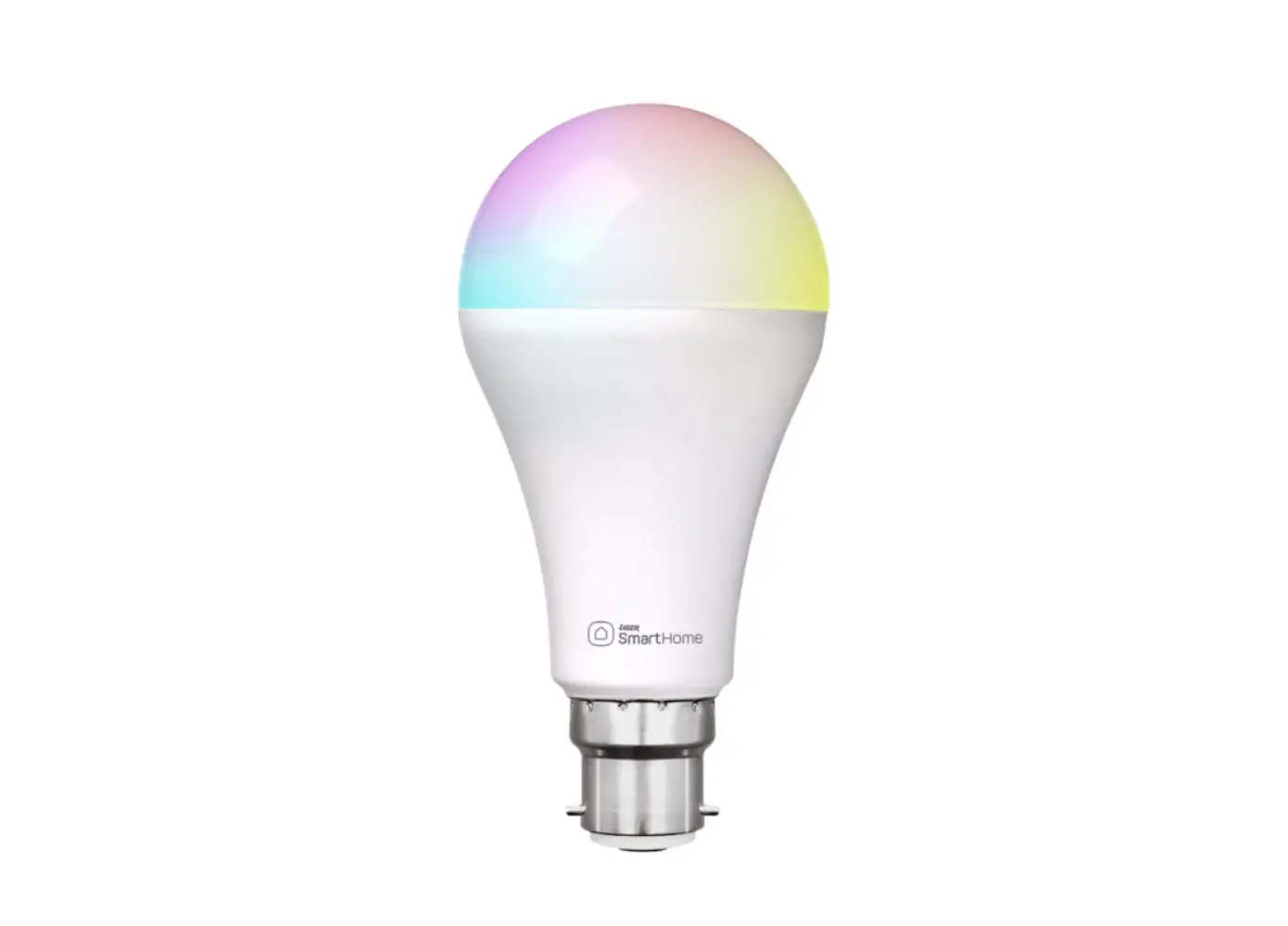
LASER RGB Smart Light User Manual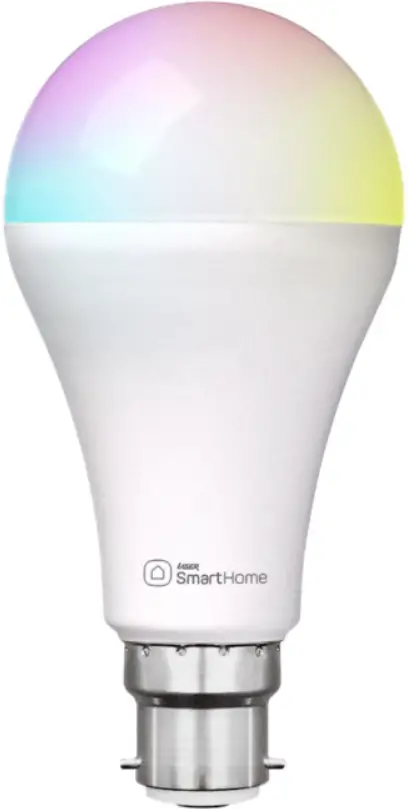
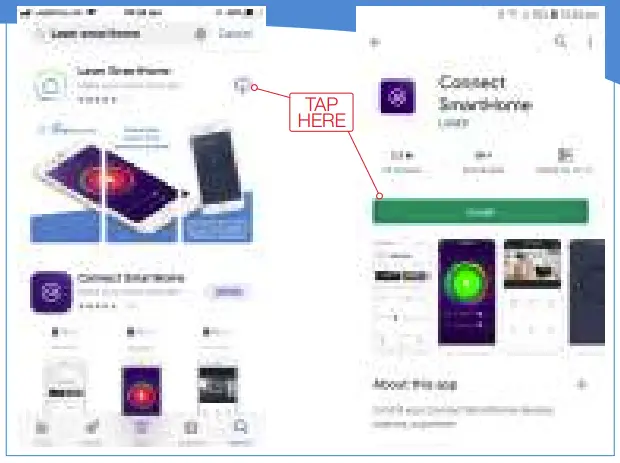
GET THE APP
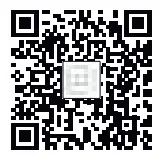
QR Codes for Downloading Apps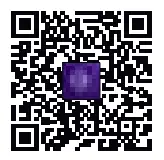
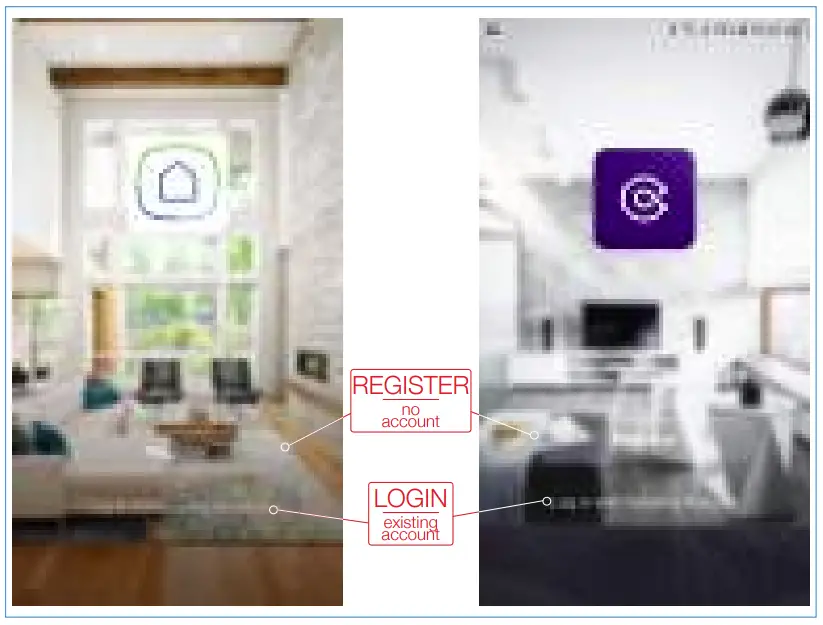
REGISTER OR LOGIN TO APP
RECOMMENDED APP SETTINGS
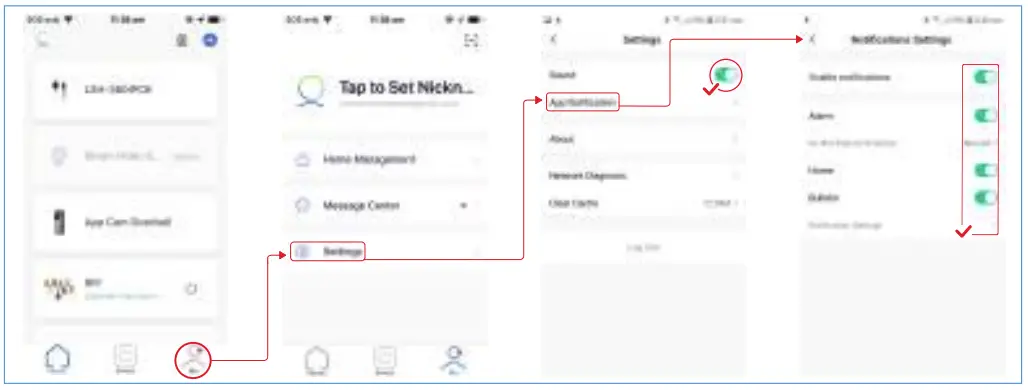
CONNECTING LIGHT TO APP
METHOD ONE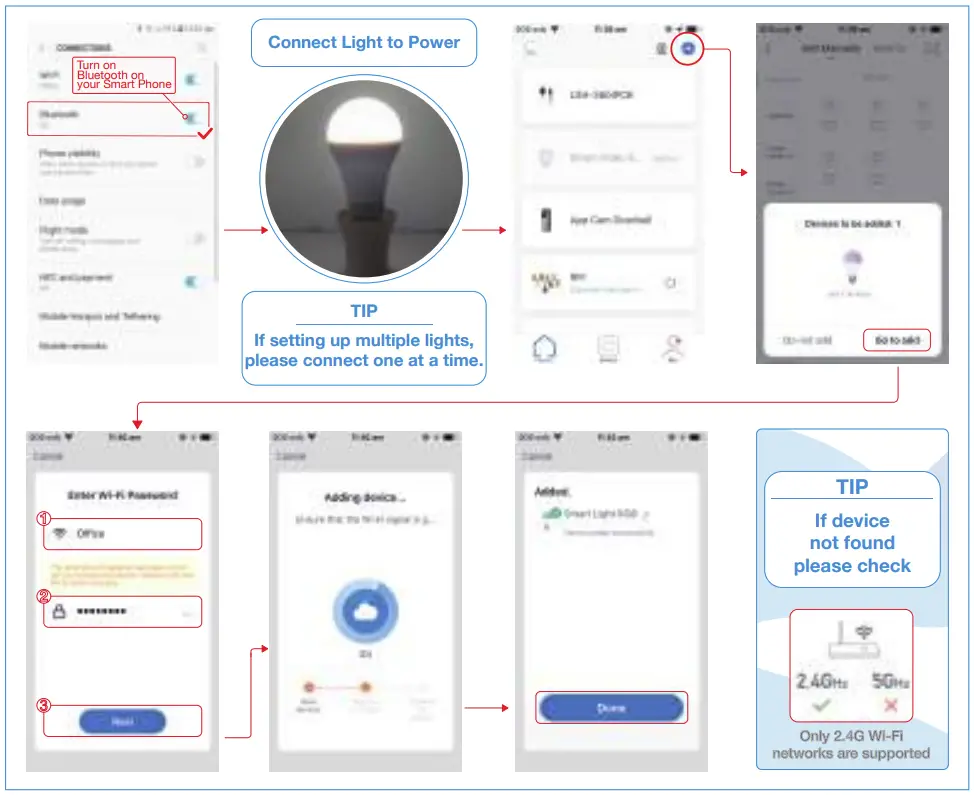
METHOD TWO
Devices with Batch Numbers 1902223 – 2002857 use Method TWO only.
If light not flashing turn ON/OFF 3 times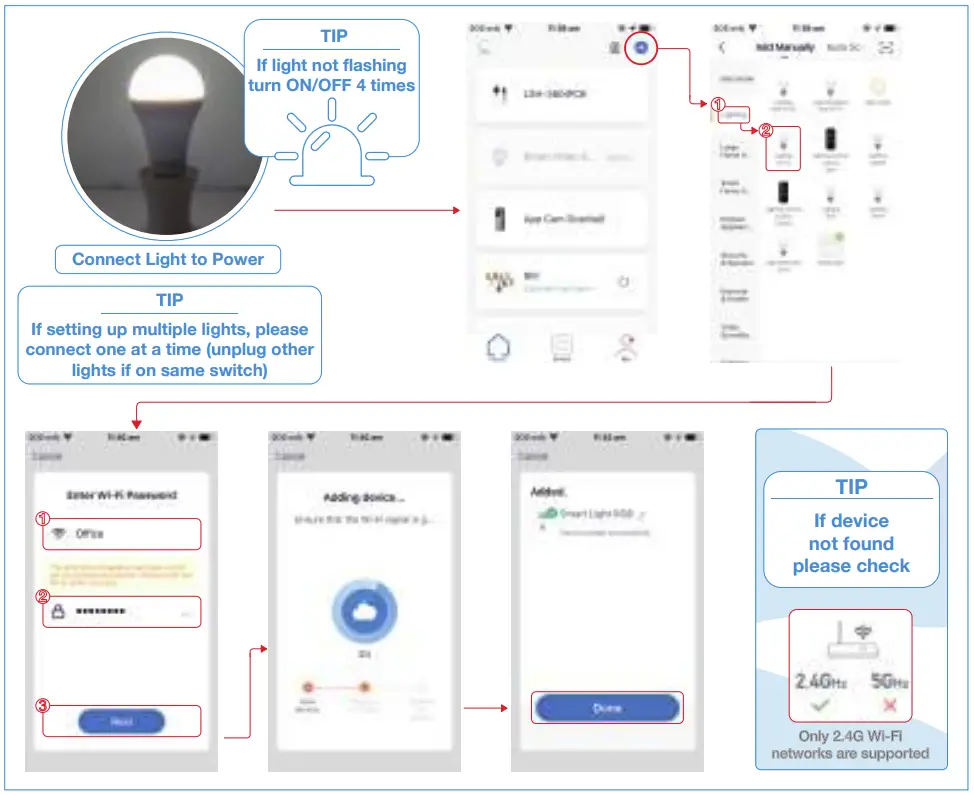
USING THE LIGHT
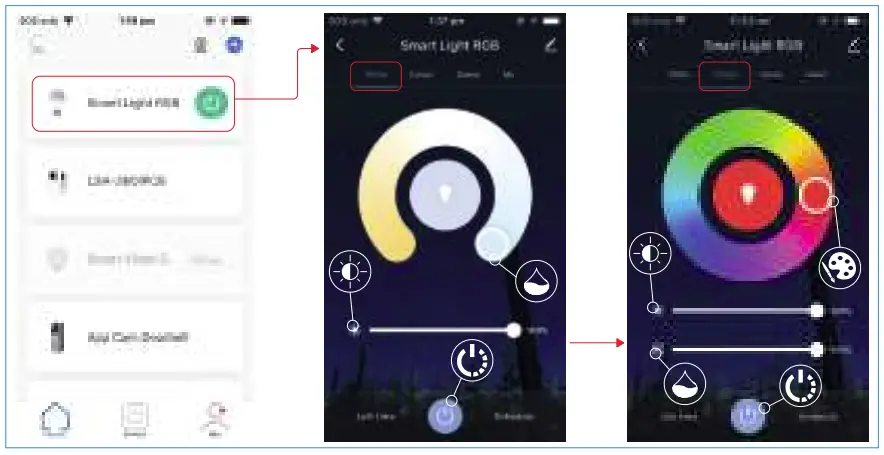
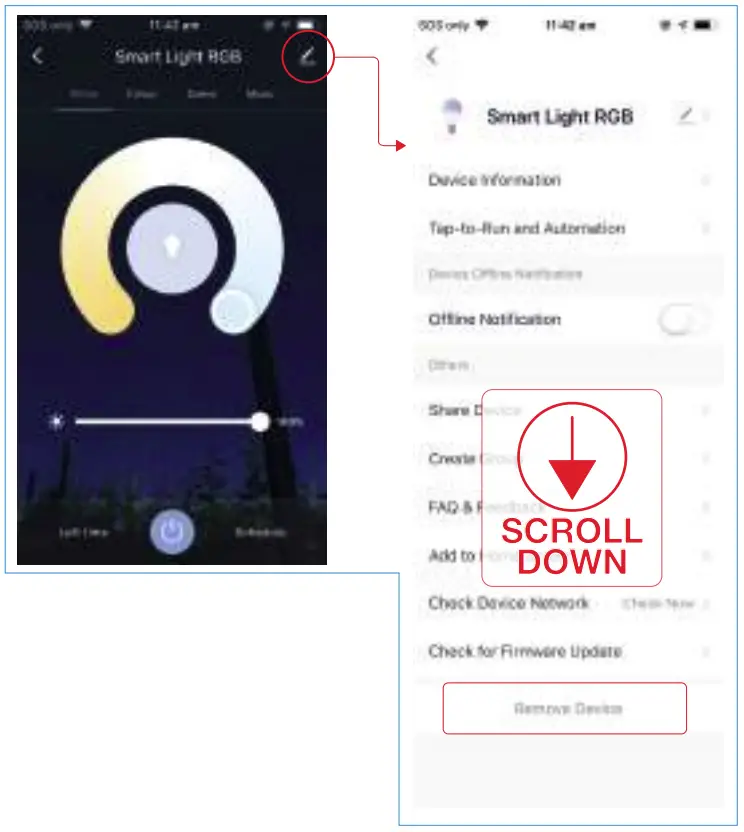
LIGHT SETTINGS
TROUBLESHOOTING
The device is not connecting to the APP:
- Check your Wifi username and password are correct and you are only using 2.4 Ghz WIFI connections as the 5Ghz band is not supported.
The light is blinking slowly and will not pair:
- The light might be in AP pairing mode.
You can pair the light in AP Mode by switching from EZ Mode to AP Mode on the “Reset the Device first” screen in the APP. - Stop pressing the pairing button and press and hold again to put the light into the fast blinking pairing mode.
For more helpful guides visit us at
LASER
www.youtube.com/LasercoAu
CONNECT
www.youtube.com/channel/UCCYzBiADapJN55Zzp3yfvLQ
WARRANTY
Our goods come with guarantees that cannot be excluded under the Australian Consumer Law. You are entitled to a replacement or refund for a major failure and compensation for any other reasonably foreseeable loss or damage. You are also entitled to have the goods repaired or replaced if the goods fail to be of acceptable quality and the failure does not amount to a major failure.
http://www.laserco.com.au/
http://www.connectsmarthome.com.au/
 Home - Connect SmartHome
 Laser Co | Technology for everyone