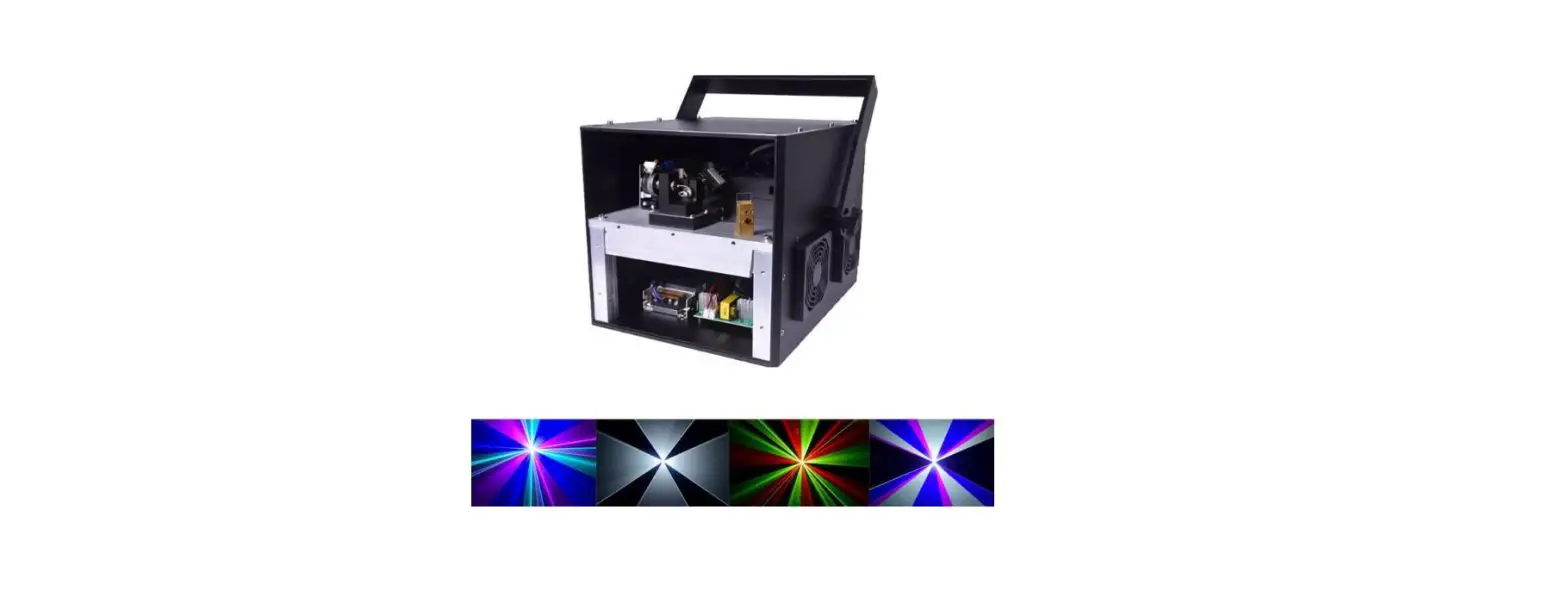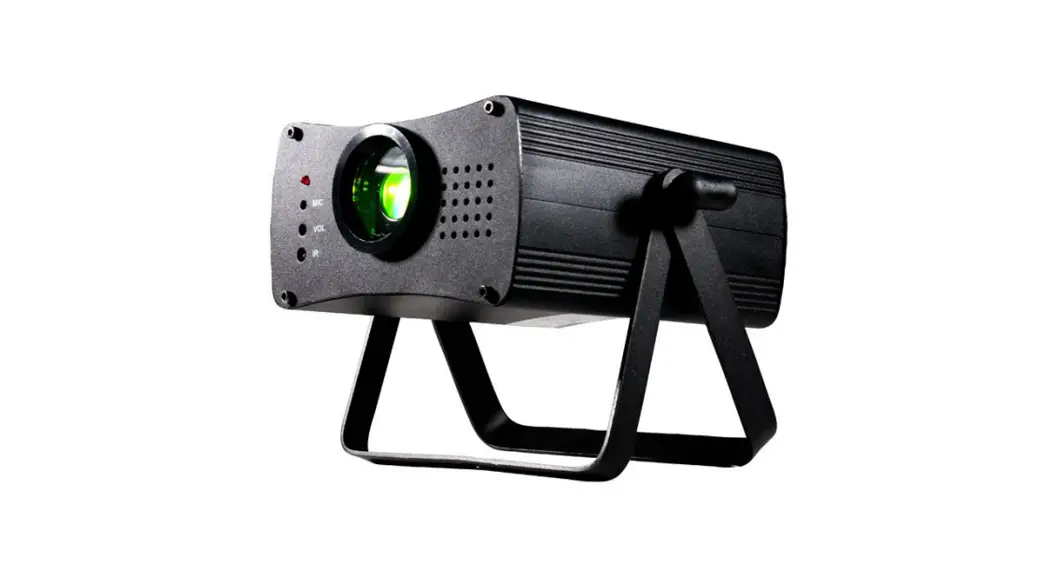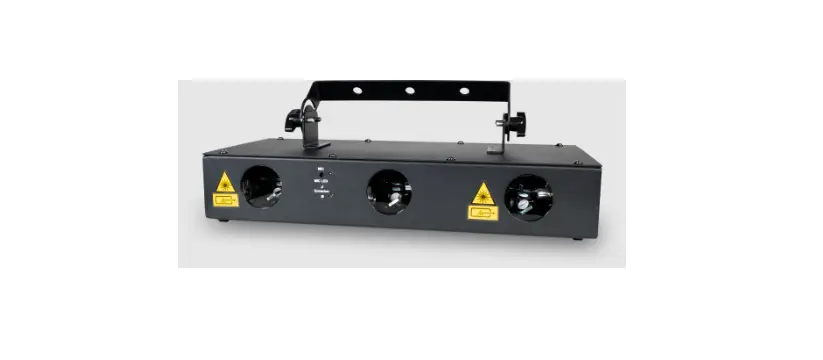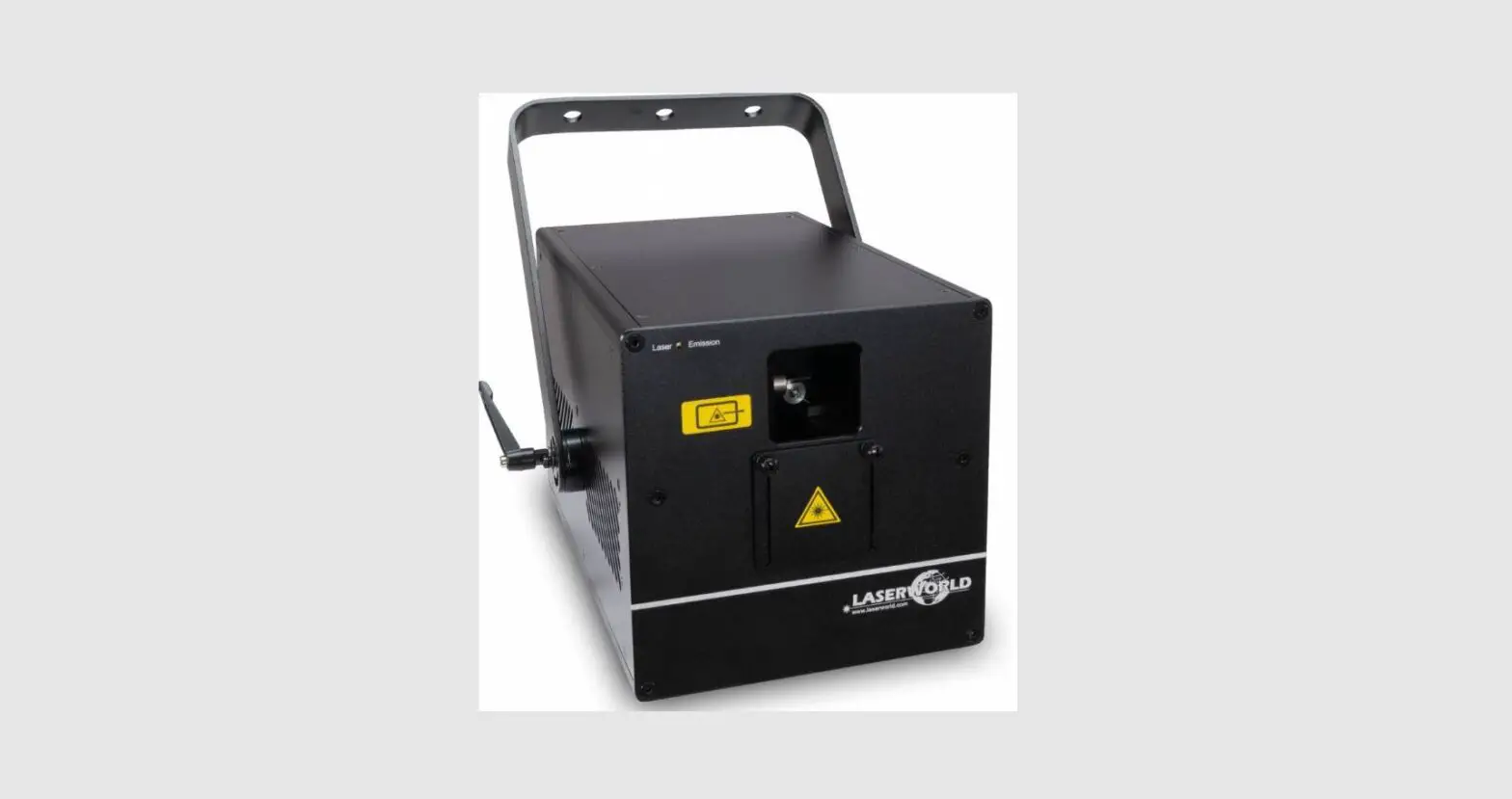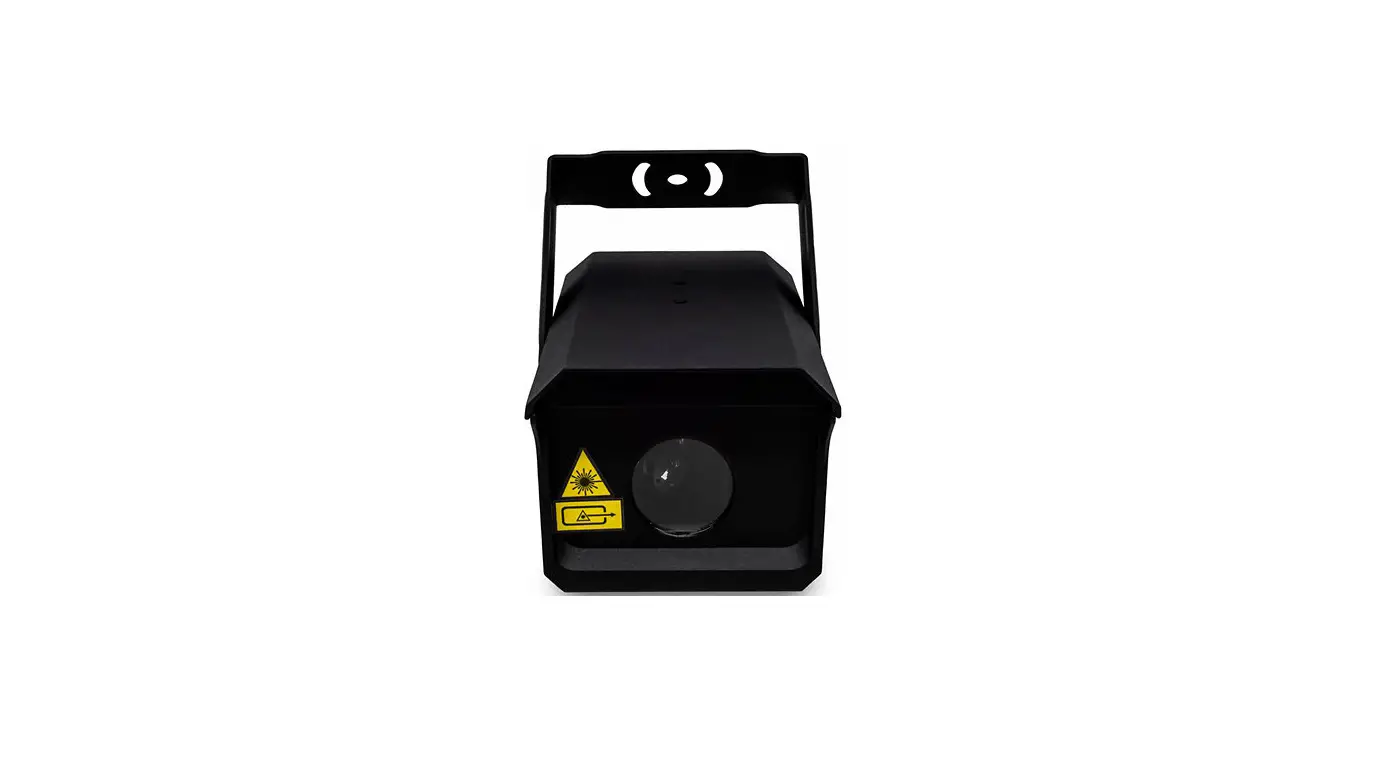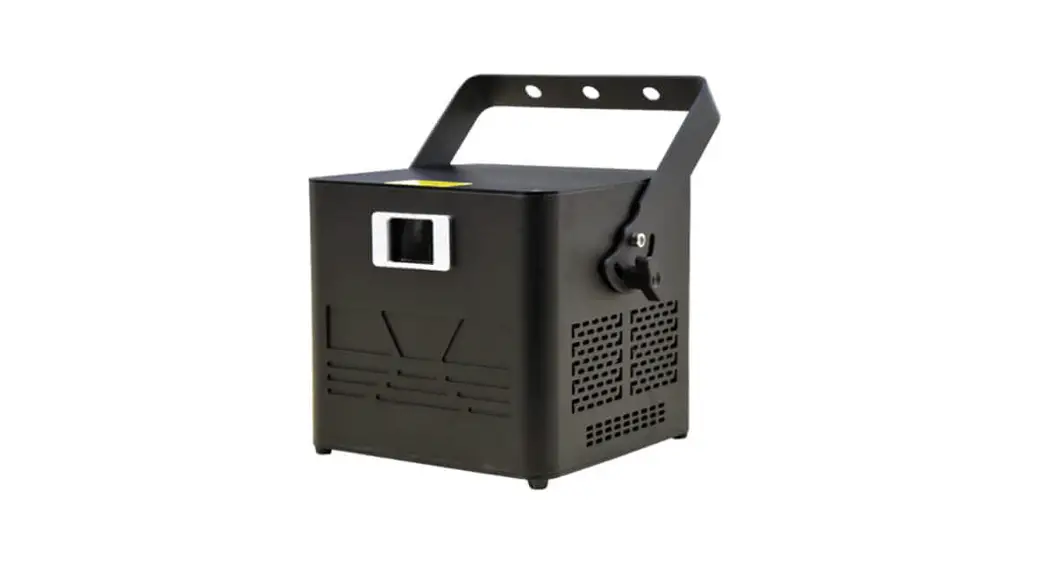
Full-Color Animation Laser Light
User Manual
Please read this user manual carefully before use.
Dear User,
This product combines many advanced technologies like optics, electronics, and digital graphic processing into one, especially suitable for dancing halls and DISCO. It can operate built-in beam effects according to music, and with smoke, it can create a light-curtain wall and time-tunnel effects; it can build a romantic colorful laser would.
Attentions:
The perfect working temperature of the laser is: 20 ~ 35ºC.
Don’t illuminate to eyes directly to avoid eye hurt.
Don’t use is beyond the voltage AC110V240V and make sure it’s grounded safely.
Don’t turn on and turn off frequently to avoid affecting the working lifespan of the laser.
Please avoid starting it for a long time based on an all-solid-state laser; Please turn off the light for 15minutes after 3-hour continuous work. You can turn on it after it’s completely cooled.
Don’t touch the lens in the projection window to avoid any effects of the operation.
Please ask the professional repairing person to repair when in faults. Don’t open the laser on yourself.
Attention: Man-made damage or tearing out warranty labels is beyond warranty. Please read warranty details carefully.
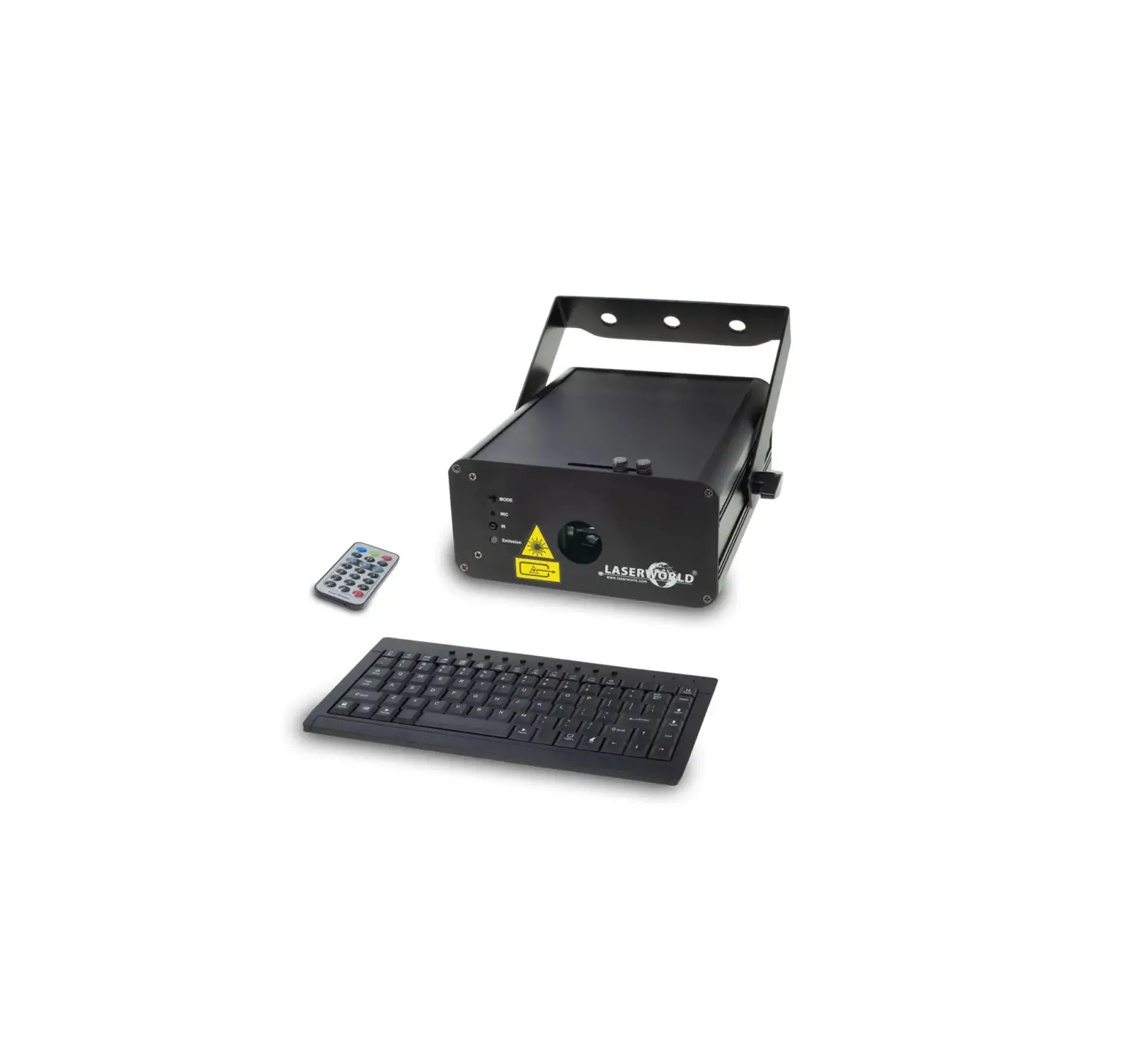
Operation panel
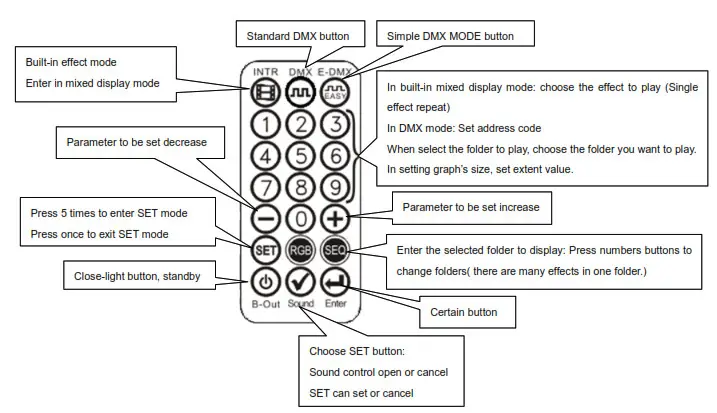
MENU: Mode selection
UP & DOWN : modify parameters
ENTER: Determine
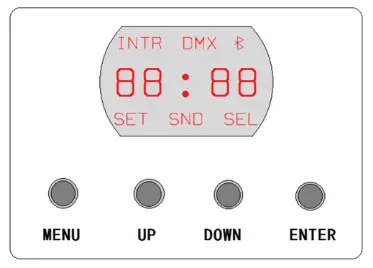
- Display and the corresponding functions:
| Value | Functions |
| RL+ INDR | Mixed display mode ( play all the effects in the file.) |
| RL+ SND | Sound control mode( In mixed display mode, press the CERTAIN button to enter or exit sound control, But in remote, you should press the SOUND button.) |
| R 1 + INDR + DMX | Simple DMX mode, the 1 after R is address code 1, it can be 1-512 |
| R 1 + DMX | Standard DMX mode, the 1 after R is address code 1, it can be 1-512 |
| SE- 1 +SET + SEL | The 1 after SE is the folder serial number, it can be 1-9( In mixed display mode, long-press the button MODE to enter, and press the buttons +.- to revise parameters; press the CERTAIN button to select or not. Long press the button MODE to save &exit.) |
| dr- II + SET | Press the button CERTAIN to revise X phase |
| dr- = + SET | Press the button CERTAIN to revise the Y phase |
| dr- =11 + SET | Press the button CERTAIN to revise the X phase and Y phase both. |
| II100 + SET | The 100 after ‘II’ means graph’s size, it can be 10-100. Press the CERTAIN button and the SEL lights on; press UP or DOWN to change X direction and its size’ after the change, please press the CERTAIN button, and then tum off the SEL light and save it. |
| = 100 + SET | The 100 after ‘ .’ means graphs’ size, it can be 10-100. Press the CERTAIN button and SEL |
| lights on, press UP or DOWN to change Y direction and its size; after the change, please press the CERTAIN button, and then turn off the SEL light and save it. | ||
| Roff | + SET | It means whether close remote control function when SEL lights on, long-press the button MODE to exit; and it close remote control function. Otherwise remote control function opens. |
| oR du | Test function |
Attention: In the SET mode, when increase or decrease to a certain folder, the SEL lights on, it means the effects in the folder can be transferred in AUTO or Sound control mode; If the SEL does not light on, the effects can not be transferred.
| S – 11 Vs-2000 Vs-4000 | Power: Power: Power: | Green150mw(532nm) Green500mw(520nm) Green1000mw(520nm) | Red 500mw(650nm) Red 500mw(650nm) Red 1000mw(650nm) | Blue 400mw(450nm) Blue1000mw(450nm) Blue2000mw(450nm) |
Play system: DMX512, Sound control, AUTO
Control system: High-speed scanner, scanning angle±20°
Effects: Beams, complicated graphs, animation
Programming: It can program beams, animations
Interface: RJ45 interface (DMX512)
Power supply: AC 110/220V 50/60HZ
Simple DMX mode
| CH | Channel value | Function |
| CH1 Turn on &off laser | 0 | close |
| 1-255 | open | |
| CH2 | 0-127 | AUTO |
| Sound control | 128-255 | Sound control |
| CI-13 graphs selection | 0-15 | No. 1 graphs library |
| 16-31 | No.2 graphs library | |
| 32-47 | No.3 graphs library | |
| 48-63 | No.4 graphs library | |
| 64-79 | No.5 graphs library | |
| 80-95 | No.6 graphs library | |
| 96-111 | No.7 graphs library | |
| 112-127 | No.8 graphs library | |
| 128-143 | No.9 graphs library | |
| 144-159 | No.10 graphs library | |
| 160-175 | No.11 graphs library | |
| 176-191 | No.12 graphs library | |
| 192-207 | No.13 graphs library | |
| 208-223 | No.14 graphs library | |
| 224-239 | No.15 graphs library | |
| 240-255 | No.0 graphs library | |
| CH4 scene selection | 0-255 | Each value corresponds to one graph; if the value is beyond the graphs’ quantity, the system uses the max. the graph to replace. |
| CI-15 Color selection | 0-31 | color |
| 32-63 | red | |
| 64-95 | yellow | |
| 96-127 | green | |
| 128-159 | Indigo | |
| 160-191 | blue | |
| 191-223 | purple | |
| 224-255 | white | |
| CH6 | 0 | Default speed |
| 1-255 | From slow to fast |
Professional DMX512 MODE Channel Form1
| CH | Channel | Function |
| CH1 Turn on &off the laser | 0 | All close |
| 1-99 | AUTO | |
| 100-199 | Sound control | |
| 200-254 | hold | |
| 255 | Graph A close, Graph B can light | |
| CH2 Graph outside & size | 0-49 | Outside pass |
| 50-99 | Outside reentry | |
| 100-149 | Outside disappear | |
| 150-199 | Graph enlarge, outside disappear | |
| 200-255 | hold | |
| CH3 Graph selection | 0-15 | No. 1 graphs library |
| 16-31 | No. 2 graphs library | |
| 32-47 | No. 3 graphs library | |
| 48-63 | No. 4 graphs library | |
| 64-79 | No. 5 graphs library | |
| 80-95 | No. 6 graphs library | |
| 96-111 | No. 7 graphs library | |
| 112-127 | No. 8 graphs library | |
| 128-143 | No. 9 graphs library | |
| 144-159 | No. 10 graphs library | |
| 160-175 | No. 11 graphs library | |
| 176-191 | No. 12 graphs library | |
| 192-207 | No. 13 graphs library |
| 208-223 | No. 14 graphs library | |
| 224-239 | No. 1 5graphs Wary | |
| 240-255 | No. 0 graphs library | |
| CH4 Graphs selection | 0-255 | Each value corresponds to one graph: if the value is beyond graphs” quantity the system uses the max. the graph to replace. |
| CHS Graphs zoom | 0 | No zoom |
| 1-31 | Zoom effect 1 | |
| 32433 | Zoom effect 2 | |
| 84-95 | Zoom effect 3 | |
| 98-127 | Zoom effect 4 | |
| 128-159 | Zoom effect 5 | |
| 180-191 | Zoom effect 6 | |
| 192-223 | Zoom effect 7 | |
| 224-255 | Zoom effect 8 | |
| CH6 Graphs rotation | 63 | Manual-operate rotation |
| 84-95 | Rotation effect 1 | |
| 96-127 | Rotation effect 2 | |
| 128-159 | Rotation effect 3 | |
| 160-191 | Rotation effect 4 | |
| 192-223 | Rotation effect 5 | |
| 224-255 | Rotation effect 6 | |
| CH7 Horizontal movement | 43 | Manual-operate graph horizontal move |
| 84-95 | horizontal Move effect 1 | |
| 96-127 | horizontal Move effect 2 | |
| 128-159 | horizontal Move effect 3 | |
| 180-191 | horizontal Move effect 4 | |
| 192-223 | horizontal Move effect 5 | |
| 224-255 | horizontal Move effect 8 | |
| CH8 Vertical movement | 43 | Manual-operate graph vertical move |
| 84-95 | vertical move 1 | |
| 96-127 | vertical move 2 | |
| 128-159 | vertical move 3 | |
| 160-191 | vertical move 4 | |
| 192-223 | vertical move 5 | |
| 224-255 | vertical move 8 | |
| CH9 Horizontal zoom | 43 | Manual-operate X zoom |
| 134-95 | X zoom effect 1 | |
| 96-127 | X zoom effect 2 | |
| 128-159 | X zoom effect 3 | |
| 180-191 | X zoom effect 4 | |
| 192-223 | X zoom effect 5 | |
| 224-255 | X zoom effect 6 | |
| CHIO Vertical zoom | 43 | zoom |
| Manual-operate V | ||
| 84-95 | Y zoom 1 | |
| 98-127 | Y zoom 2 | |
| 128-159 | Y zoom 3 | |
| 180-191 | Y zoom 4 | |
| 192-223 | Y zoom 5 | |
| 224. | Y zoom 6 |
| CH11 Forced segmentation e9 color | 0 | GRAPH ORIGINAL COLOR |
| 1-255 | SEGMENT COLOR LENGTH | |
| CH12 Great, color change | 0-7 | Original color (default) |
| 8-15 | red | |
| 16-23 | yellow | |
| 24-31 | green | |
| 32-39 | indigo | |
| 40-47 | blue | |
| 48-55 | gut* | |
| 56-63 | white | |
| 64-95 | Graph red/green/blue change | |
| 96-127 | Graph indigo/blue/purple change | |
| 128-159 | Seven colors changes | |
| 160-191 | Seven colors change | |
| 192-223 | Positive cursory color | |
| 224-255 | Negative cursory color | |
| CH13 Joint&break point control | 0-63 | Normal stroke |
| 64-127 | Graphs no stroke. retrace line stroke: the bigger the value is. the higher the joint brightness is. | |
| 128-159 | Graphs no stroke. retrace IS no stroke: the bigger the value is. the higher the joint brightness is. | |
| 160-255 | hold | |
| CH14 | Need to work with CH15 | |
| 0-255 | Manual drawing (when CH15 is 0-63) | |
| 0-255 | The time it can hold for graph dynamics drawing lay-out ( when CH 15 is 64-127 or 160-191.) | |
| 0-255 | The joint quantity of cursory drawing ( when CH15 is 192-255) | |
| CH15 Drawing control | CH 15 needs 10 work with CH 14 | |
| 0-31 | Positive manual drawing | |
| 32-63 | Negative manual drawing | |
| 64-95 | Extended drawing | |
| 96-127 | Zoom drawing | |
| 128-159 | Zoom drawing in two sides at the same time | |
| 160-191 | Zoom drawing in the ‘tat and in the end separate:e. , | |
| 192-223 | Cursory drawing | |
| 224-255 | ||
| CH 16 Distortion effect auxiliary | 0-255 | The bigger the value is. the snigger the distortion is. Mention: In zoom. rotation. move or roll distortion effects. CH16 can control the distortion range for the above distortion effects. |
| CH17 grating selection | NO use | |
| 0-51 | No grating | |
| 52-102 | Baby’s breath grating | |
| 103-153 | One-dimensional grating | |
| 154-204 | 3D face grating | |
| 205-255 | 3Dline grating | |
Form 2: CH18-Ch34, the channel function of graph B, these 17 channels can only control Graph B, except any special stated. Graph A can not be controlled by these:
Attention: For easy check, we mark it in Gray, which is different from Graph A.
| CH18 Turn on &off laser | 0 | close | |
| 1-99 | AUTO | ||
| 100-199 | Sound control | ||
| 200-254 | hold | ||
| 255 | Graph A close. graph B lights on | ||
| CH19 Graph outside & size | 0-49 | Outside pass | |
| 50-99 | Outside retrace | ||
| 100-149 | Outside disappear | ||
| 150-255 | hold | ||
| CH20 the distribution angle of each element of the array | ( c) | ||
| 0-99 | The smaller the segment is, the bigger the angle distribution gap of each unit is, | ||
| 100-199 | The smaller the segment is, the bigger the angle distribution gap of each unit is, | ||
| 200-255 | hold | ||
| CH21 | 0-255 | Each value corresponds to one graph: if the value is beyond graphs’ quantity, | |
| CH22 graph zoom | 0 | No zoom | |
| 1-31 | Zoom effect 1 | ||
| 32-63 | Zoom effect 2 | ||
| 64-95 | Zoom effect 3 | ||
| 96-127 | Zoom effect 4 | ||
| 128-159 | Zoom effect 5 | ||
| 160-191 | Zoom effect 6 | ||
| 192-223 | Zoom effect 7 | ||
| 224-255 | Zoom effect 8 | ||
| CH23 graph rotation | 0-63 | Manual graph rotation | |
| 64-95 | Rotation effect 1 | ||
| 96-127 | Rotation effect 2 | ||
| 128-159 | Rotation effect 3 | ||
| 160-191 | Rotation effect 4 | ||
| 192-223 | Rotation effect 5 | ||
| 224-255 | Rotation effect 6 | ||
| CH25 | 0-63 | Manual graph vertical move |
| 64-95 | vertical move 1 | |
| 96-127 | vertical move 2 | |
| 128-159 | vertical move 3 | |
| 160-191 | vertical move 4 | |
| 192-223 | vertical move 5 | |
| 224-255 | vertical move 6 | |
| CH26 | 0-63 | Manual X zoom |
| 64-95 | X zoom 1 | |
| 96-127 | X zoom 2 | |
| 128-159 | X zoom 3 | |
| 160-191 | X zoom 4 | |
| 192-223 | X zoom 5 | |
| 224-255 | X zoom 6 | |
| 0 | 0-63 | Manual Y zoom |
| 64-95 | Y zoom 1 |
| CH27 vertical zoom | 96-127 | Y zoom 2 |
| 128-159 | Y zoom 3 | |
| 160-191 | Y zoom 4 | |
| 192-223 | Y zoom 5 | |
| 224-255 | Y zoom 6 | |
| CH28 Forced | 0 | Default color |
| 1-255 | The segment color length | |
| CH29 graphs color change | 0-7 | Original color (default) |
| 15-Aug | red | |
| 16-23 | yellow | |
| 24-31 | green | |
| 32-39 | indigo | |
| 40-47 | blue | |
| 48-55 | purple | |
| 56-63 | white | |
| 64-95 | The graph red/green/blue color change | |
| 96-127 | The graph indigo/blue/purple color change | |
| 128-159 | Seven color change | |
| 160-191 | Seven color change | |
| 192-223 | Positive cursory color | |
| 224-255 | Negative cursory color | |
| (the red part means it’s a different channel function from Graph A.) | ||
| CH30 Joint&break point control | 0-63 | Normal stroke |
| 64-127 | Graphs no stroke, retrace line stroke | |
| 128-159 | Graphs no stroke, retrace line no stroke; | |
| 160-191 | Graph A array-based on Graph B, the color can be set like Graph A | |
| 192-255 | Graph A array-based on Graph B, the color can be set like Graph B joint color | |
| Attention: the bigger the value is, the higher the joint brightness is. | ||
| CH31 drawing control auxiliary | Needs to work with CH32 | |
| Manual drawing when CH32 is 0-63. | ||
| The graph dynamics drawing layout holding time when CH32 is 64-127 or 160-191 | ||
| Cursory drawing joint quantity when CH32 is 192-255 | ||
| Needs to work with CH31 | ||
| CH32 Drawing control | 0-31 | Positive manual drawing |
| 32-63 | Negative manual drawing | |
| 64-95 | Enlarge drawing | |
| 96-127 | Zoom drawing | |
| 128-159 | Zoom drawing in both sides at the same time | |
| 160-191 | Zoom drawing at the start and in the end separately | |
| 192-223 | Cursory drawing | |
| 224-255 | Turn-around cursory drawing | |
| CH33 Distortion control | 0-255 | The bigger the value is, the smaller the distortion is. |
| Attention: When in the zoom, rotation, movement, and rolling distortion effect, CH16 can control | ||
| (the red part means it’s a different channel function from Graph A.) | ||
| CH34 projection extent control | 0-255 | In each segment, the bigger the value is, the smaller the projection extent. |
| 20-39 | ||
| ……. | ||
| 220-239 | ||
| 240-255 | ||