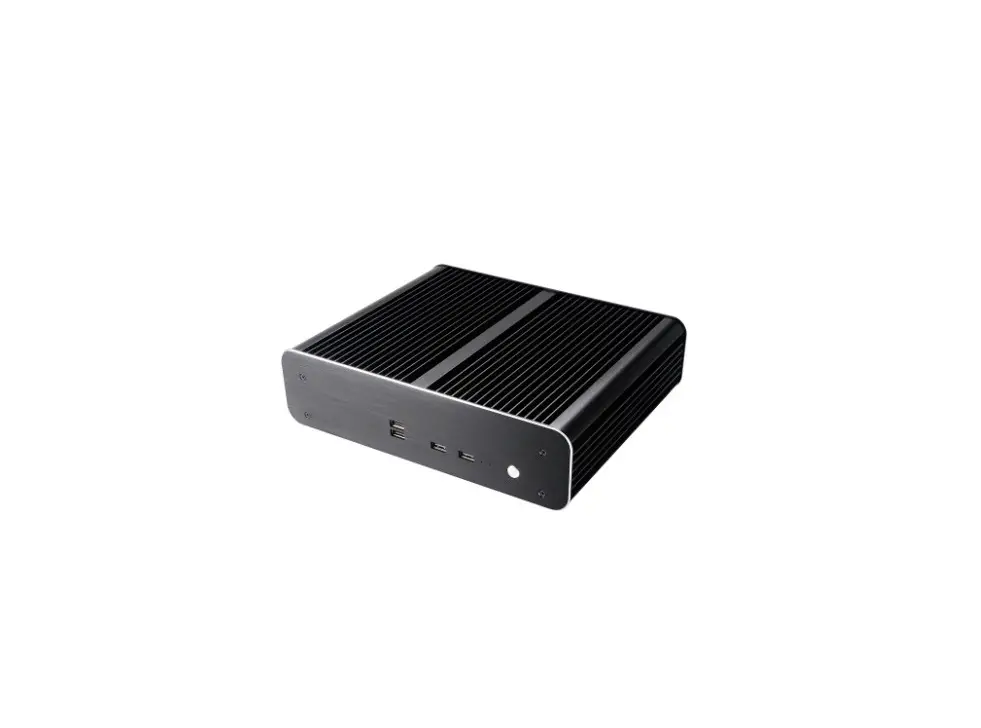
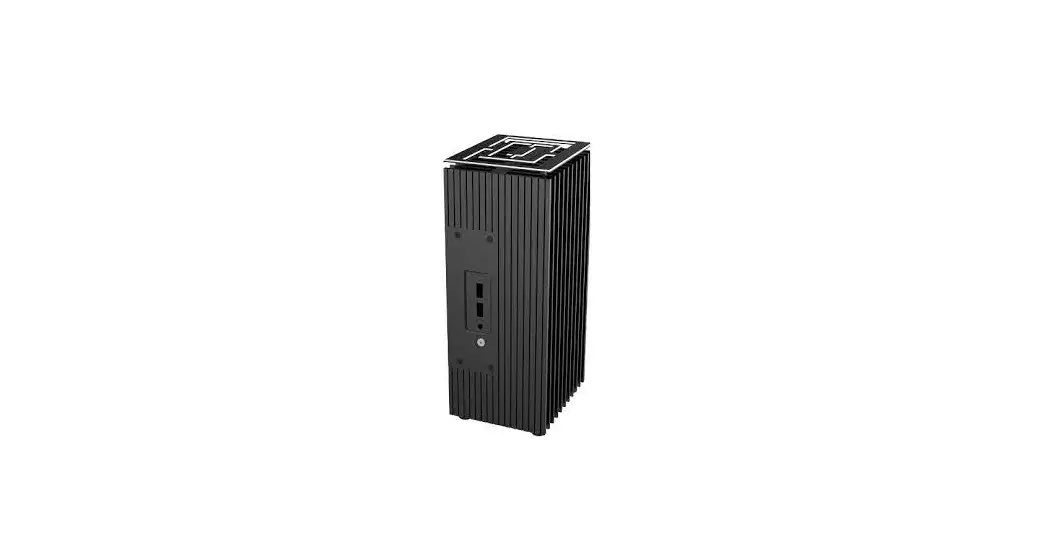
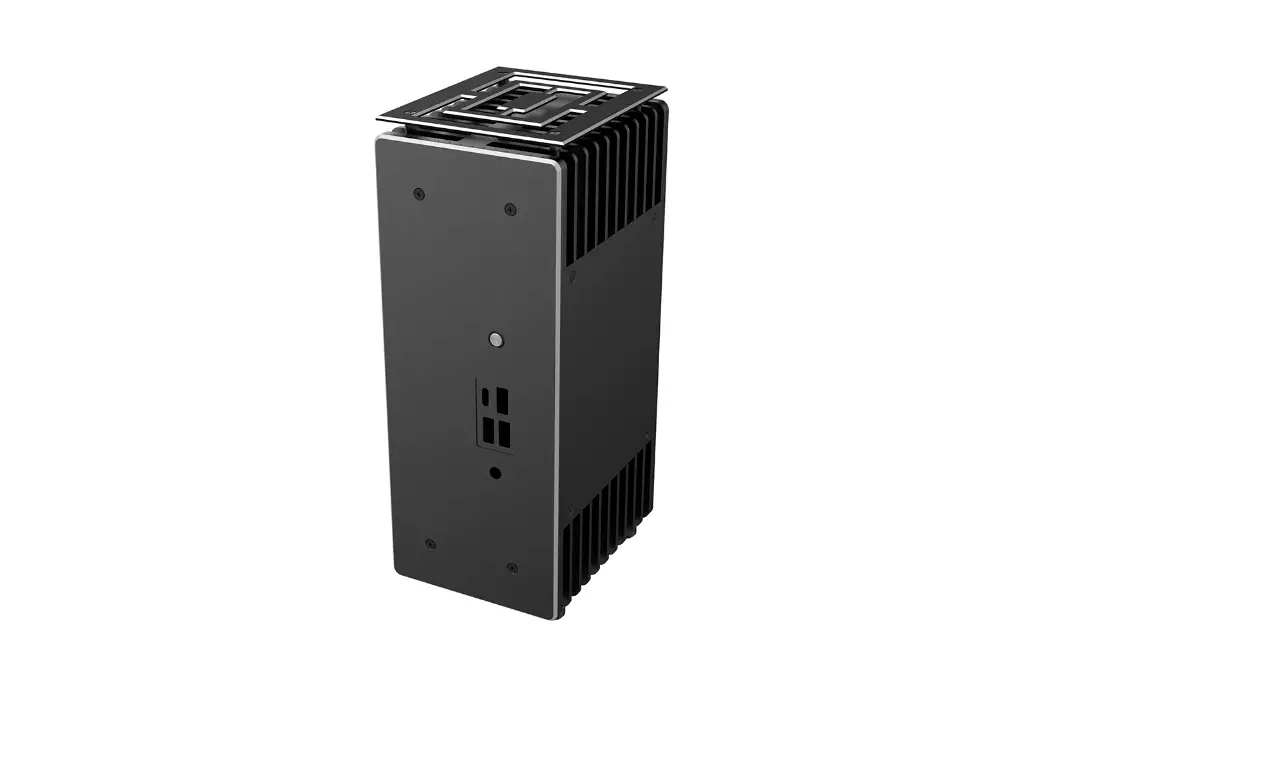
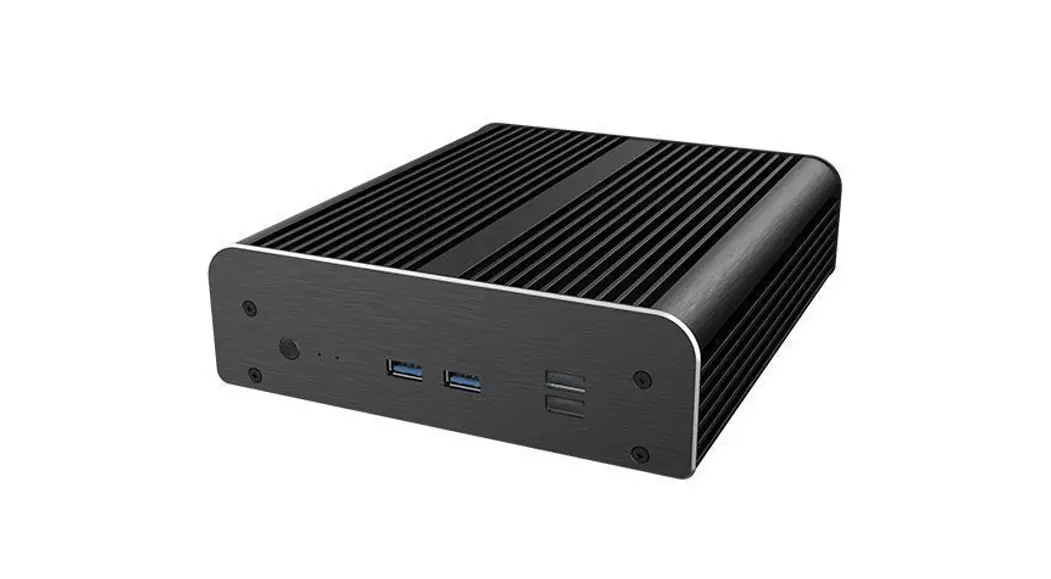
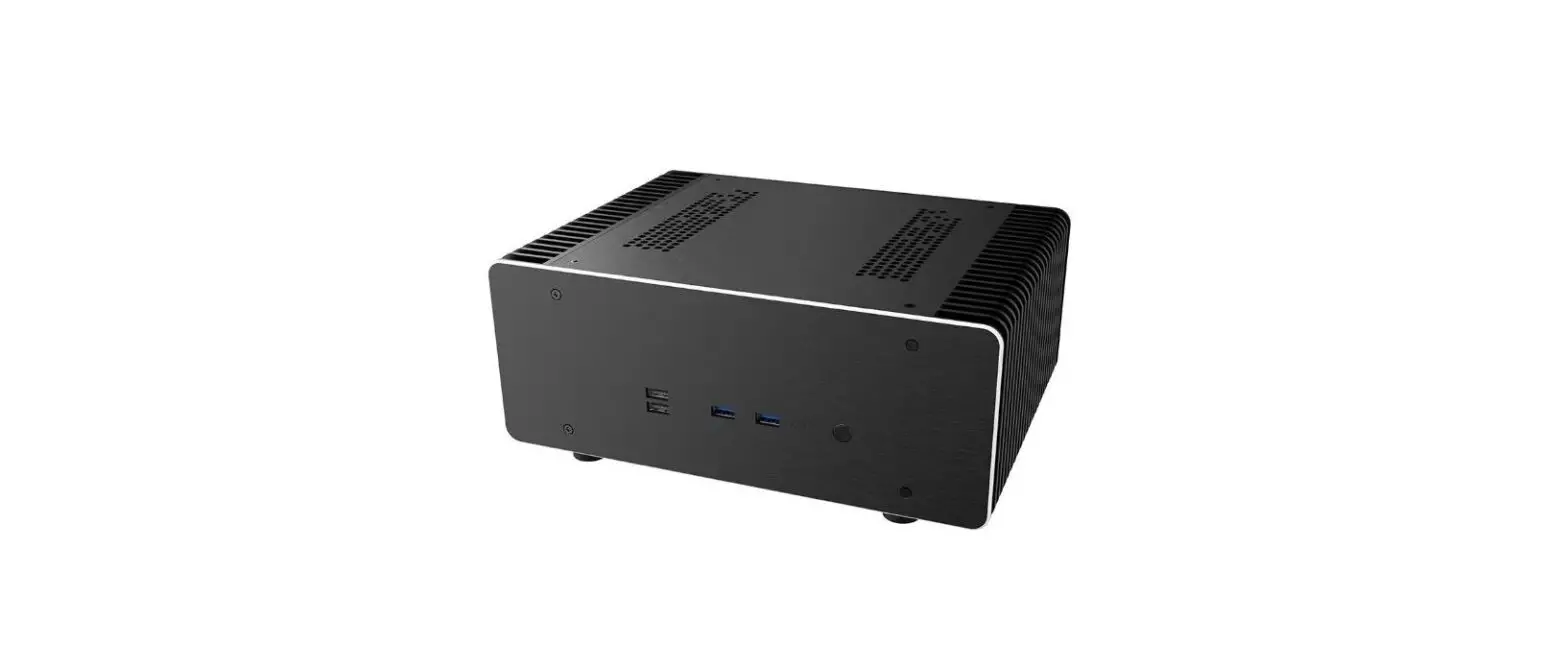
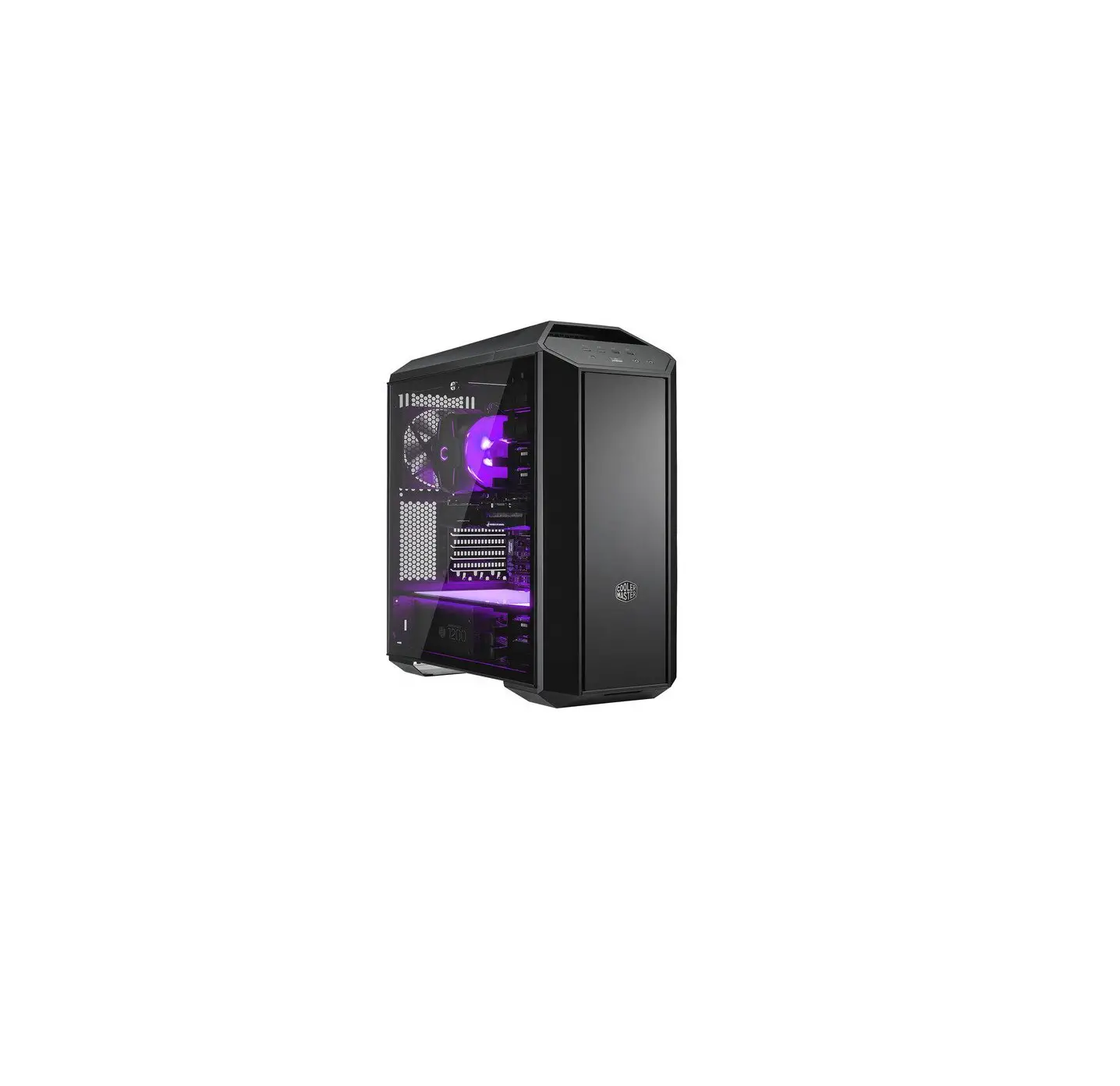
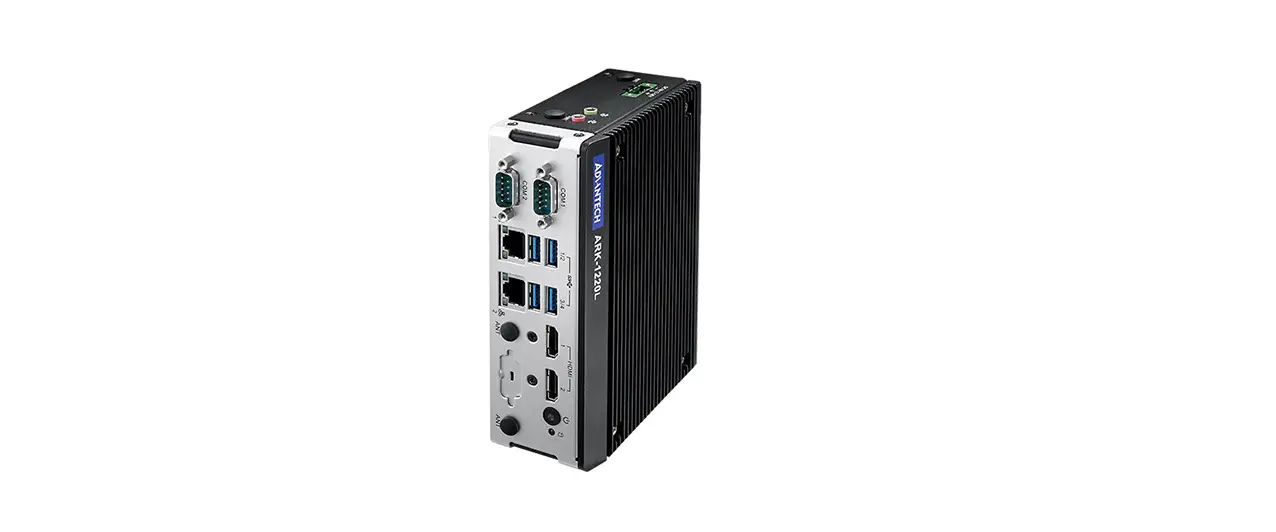
A-NUC85-A1B Plato WS Slim Fanless Case
Product Information
The A-NUC85 and A-NUC65 are computer kits designed for use in
various applications. The product comes with a superb design
engineering and is available in two different models, A-NUC85 and
A-NUC65, with different product codes (A-NUC85-A1B/M1B and
A-NUC65-A1B/M1B).
The product kit contains various components such as thermal
compound, thermal gap filler, screws for motherboard (M3), washer,
EMI gasket, thermal module (for M.2 SSD), serial cable, serial
cable screws, 2.5 HDD/SSD screws (M3), 2.5 HDD/SSD mounting
bracket, HDD protective film, SATA adapter cable, VESA mounting
screws, VESA mount bracket, VESA mount bracket screws (6#-32), case
feet kit, and motherboard standoffs.
Users are cautioned against electrostatic discharge (ESD) which
can damage system components. In the absence of an ESD-controlled
workstation, users are advised to wear an antistatic wrist strap or
touch an earthed surface before handling any PC components. The
product should also be handled with care during unpacking and
setting up to avoid injury due to metal edges.
Product Usage Instructions
Front Panel Layout
The front panel layout for A-NUC85 includes a power switch, hard
drive LED, power LED, USB 2.0 ports, USB 3.0 ports, and
headphone/microphone jack. The front panel layout for A-NUC65
includes a power switch, hard drive LED, power LED, USB 2.0 port,
and USB 3.0 port.
Internal Layout
The internal layout includes a Kensington lock hole, rear I/O
opening, aluminium heatsink for heat transfer, M/B mounting
standoffs, 2.5 HDD/SSD mounting holes, and front panel PCB. Users
should connect the case internal cable connectors to the
corresponding motherboard headers. If the connectors are not
apparent on the board, users should consult the motherboard manual.
Connecting the panel to the wrong headers may result in motherboard
damage.
Mounting for CoreTM i3 and i5 Boards
For mounting CoreTM i3 and i5 boards, users should remove the
pre-installed standoffs for CoreTM i7 and replace them with the
standoffs labelled for CoreTM i3/i5.
Installation
Users can install an M.2 SSD card by using the thermal gap
filler and thermal module provided in the kit. Power and HDD LED
connectors, USB 3.0 connector, USB 2.0 connector (for NUC65 only),
2.5 HDD/SSD, and serial connector can be connected according to the
motherboard manual instructions.
VESA Mounting Instructions
To mount the product using VESA, users should follow the
instructions provided in the user manual. The VESA mounting
instructions include three steps: attaching the VESA mount bracket
to the back of the product, attaching the VESA mounting screws to
the bracket, and attaching the bracket to the VESA mount.
Case Feet Installation
Users can install case feet by following the instructions
provided in the user manual. The case feet installation
instructions include two steps: applying pressure to insert the
feet into the holes on the bottom of the product and twisting them
clockwise until they lock into place.
SUPERB DESIGN ENGINEERING
User Manual
Product Code: A-NUC85-A1B / A-NUC85-M1B A-NUC65-A1B / A-NUC65-M1B
GB CAUTION Electrostatic discharge (ESD) can damage system components. If an ESD-controlled workstation is not available, wear an antistatic wrist strap or touch an earthed surface before handling any PC components. WARNING Please be careful when unpacking and setting up this product as metal edges can cause injury if not handled with care. Keep away from children.
FR ATTENTION Une décharge électrostatique (ESD) risque d’endommager les composants du système. Si vous ne disposez pas d’une station de travail avec protection contre l’ESD, portez un bracelet antistatique ou touchez une surface reliée à la terre avant de manipuler les composants de l’ordinateur. AVERTISSEMENT Faites attention lors du déballage et de l’installation de ce produit car il comporte des coins métalliques coupants qui risquent de vous blesser s’ils ne sont pas manipulés avec soin. Garder loin des enfants.
D Vorsicht Elektrostatische Entladungen (ESD Electrostatic discharge) können Systemkomponenten beschädigen. Sollte ein ESD geschützter Arbeitsplatz nicht vorhanden sein, tragen Sie ein antistatisches Armband oder berühren Sie eine geerdete Oberfläche bevor Sie mit den Arbeiten am Computer beginnen. Warnung Seien Sie vorsichtig beim Auspacken und beim Aufbau dieses Produktes. Scharfe Metallkanten könnten Verletzungen hervorrufen wenn ohne die nötige Vorsicht vorgegangen wird. Von Kindern fernhalten.
ES CUIDADO Descargas electrostáticas (ESD) pueden dañar los componentes de su sistema. Si no puede disponer de una estación de trabajo libre de electrostática, use una muñequera antiestática o toque una superficie que haga tierra antes de manipular los componentes del ordenador. PELIGRO Por favor sea cuidadoso cuando desempaquete y ensamble este producto. Los filos de metal pueden causarle cortes o heridas si no son manipulados adecuadamente. Aléjate de los niños.
PT CUIDADO Descargas Eletroestáticas (ESD) podem danificar componentes do PC. Caso não tenha uma bancada específica disponível, utilize uma pulseira anti-estática ou toque uma superfície aterrada antes de manusear qualquer componente. ATENÇÃO Por favor tenha cuidado ao desembrulhar e montar este produto, as extremidades de metal podem machucar, caso o mesmo não seja manuseado com cuidado. Manter fora do alcance das crianças.
RU () . , . . .
CZ POZOR Elektrostatický výboj (ESD) mze poskodit soucásti systému. Pokud není k dispozici pracovní stanice s kontrolou ped ESD, pouzívejte antistatický emínek na zápstí nebo se ped manipulací s jakýmikoli soucástmi pocítace dotknte uzemnného povrchu. VAROVÁNÍ Pi vybalování a nastavování tohoto výrobku dávejte prozor, protoze kovové okraje mohou pi neopatrném zacházení zpsobit poranní. Udrzujte mimo dosah dtí.
JP ESD
CN (ESD)ESD
5140267305 V1
Contents
x4
x2
x2
for NUC65 only
x2
x8
x4
x4
for i3/i5
x4
Front Panel Layout
For A-NUC85
x4
x2
Power Switch
Hard Drive LED
x2
Power LED
USB 2.0 ports USB 3.0 ports Headphone / Microphone
GB Thermal compound Thermal gap filler Screws for motherboard (M3) Washer EMI gasket Thermal gap filler (for M.2 SSD) Thermal module (for M.2 SSD) Serial cable Serial cable screws 2.5″ HDD/SSD screws (M3) 2.5″ HDD/SSD mounting bracket HDD protective film SATA adapter cable VESA mounting screws VESA mount bracket VESA mount bracket screws (6#-32) Case feet kit Motherboard standoffs
FR Composé thermique Pâte thermique vis pour carte mère (M3) Rondelle Joint de blindage EMI Pâte thermique (pour M.2 SSD) module thermique (pour M.2 SSD) câble série Vis pour câble série Vis de disque dur / SSD 2,5″ (M3) Support de fixation de disque dur / SSD 2,5″ Film protecteur de disque dur Câble adaptateur SATA Vis de fixation VESA Montage VESA Vis pour Montage VESA (6#-32) kit de pied de boîtier entretoises de carte mère
D Wärmeleitpaste Thermaler Lückenfüller Schrauben für das Motherboard (M3) scheiben EMI-Dichtung Thermaler Lückenfüller (für M.2 SSD) Thermo-Modul (für M.2 SSD) Serielles Kabel Serielles Kabel Schrauben 2.5″ HDD/SSD Schrauben (M3) 2,5″ HDD/SSD-Befestigungsbügel HDD-Schutzfilm SATA-Adapterkabel VESA-Montageschrauben VESA-Montagehalterung VESA-Montagehalterung Schrauben (6#-32) Gehäusefüße Zubehör mainboard Abstandshalter
PT Pasta térmica Película térmica parafusos para placa-mãe (M3) Arruela Junta EMI Película térmica (para M.2 SSD) módulo térmico (para M.2 SSD) cabo Serial Parafusos para cabo Serial Parafusos para HD e SSD (M3) suporte de fixação para HD e SSD película protetora para o HD Cabo adaptador SATA parafusos para instalação no suporte VESA suporte de montagem VESA Parafusos para suporte de montagem VESA (6#-32) Kit de fixação do gabinete Espaçadores para placa-mãe
ES Compuesto térmico Relleno térmico tornillos para la placa base (M3) Arandela Junta EMI Relleno térmico (para M.2 SSD) módulo térmico (para M.2 SSD) Cable serie tornillos para Cable serie tornillos para HDD/SDD de 2,5″ (M3) Soporte de montaje para HDD/SDD de 2,5″ Película protectora para HDD Cable adaptador SATA Tornillos de montaje VESA bracket de la montura VESA tornillos para bracket de la montura VESA (6#-32) kit de pies de la carcasa soportes para placa base
RU (M3) – ( M.2 SSD) ( M.2 SSD) (M3) 2,5″ HDD/SSD 2,5″ HDD/SSD HDD SATA VESA VESA VESA (6#-32)
CZ Tepelná sloucenina Teplotní výpln Srouby pro základní desku (M3) Podlozka Tesnení EMI Teplotní výpln (pro M.2 SSD) Module tepeln (pro M.2 SSD) Kabel SATA Srouby pro Kabel SATA Srouby pro 2,5″ HDD/SSD (M3) Upevnovací drzák pro 2,5″ HDD/SSD Ochranný povlak HDD Kabel adaptéru SATA Montázní srouby VESA Drzák VESA Srouby pro Drzák VESA (6#-32) gumové nozky souprava Stojany pro základní desku
JP (M3) Emi (M.2 SSD ) (M.2 SSD ) 2.5″ HDD/SSD (M3) 2.5″ HDD/SSD HDD VESA VESA VESA (6#-32)
CN (M3) (M.2 SSD) (M.2 SSD ) 2.5″ HDD/SDD (M3) 2.5″ HDD/SDD SATA VESA VESA VESA (6#-32)
For A-NUC65
Power Switch Hard Drive LED
Power LED
Rear Panel Layout
USB 2.0 port USB 3.0 port
Antenna fitting holes
Internal Layout
Kensington lock hole Rear I/O opening
Aluminium heatsink for heat transfer
M/B mounting standoffs 2.5″ HDD / SSD mounting holes Front panel PCB
Internal Cable Connectors
USB 3.0 A male connector
USB 2.0 connector
Power and HDD led connectors
GB Connect the case internal cable connectors to the corresponding motherboard headers. NOTE : If the connectors are not apparent on the board consult your motherboard manual. Connecting the panel to the wrong headers may result in motherboard damage.
FR Branchez les connecteurs de câble internes du boîtier aux embases de carte mère correspondantes. REMARQUE : Si les connecteurs ne sont pas apparents sur la carte, consultez le manuel de votre carte mère. Si vous connectez le panneau aux mauvaises embases cela risque d’endommager la carte mère.
D Schließen Sie die Gehäuseinternen Kabel-Anschlüsse an die entsprechenden Motherboard-Anschlüße. HINWEIS: Wenn die Anschlüsse auf dem Motherboard nicht ersichtlich sind, schauen Sie bitte in ihren Motherboard-Handbuch nach. Ein Anschluss des Panels an die falschen Anschlüße kann dazu führen, dass das Motherboard beschädigt wird.
PT Conecte os cabos internos do gabinete, nas entradas correspondentes da placa-mãe. NOTA : No caso das entradas não estarem marcadas na placa-mãe, consulte o manual da mesma. Conectar os cabos numa entrada errada, pode danificar a placa-mãe.
ES Conecte los conectores de los cables del interior de la carcasa en los correspondientes cabezales de la placa base. NOTA: Si los conectores no aparecen en la placa, consulte el manual de la placa base La conexión del panel en los cabezales equivocados podría dañar la placa base.
RU . : , . .
CZ Pipojte konektory vnitního kabelu skín k odpovídajícím konektorm základní desky. POZNÁMKA: Pokud nejsou konektory na desce patrné, prostudujte si pírucku k základní desce. Pipojení panelu k nesprávným konektorm mze zpsobit poskození základní desky.
JP :
CN , : ,,
1
2 For A-NUC85
For A-NUC65
3
Mounting for CoreTM i3 and i5 Boards
Remove the pre-installed standoffs for CoreTM i7 and replace with the standoffs labelled for the CoreTM i3/i5
For the following Intel® models: NUC11TNKi3 / NUC11TNHi3 / NUC11TNBi3 NUC11TNKi5 / NUC11TNHi5 / NUC11TNBi5 NUC11TNKv5 / NUC11TNHv5 / NUC11TNBv5
4
5
Installation
6
M.2 SSD card
7
Power and HDD led connectors
8
USB 3.0 connector
9
for NUC65 only
USB 2.0 connector
10
11
2.5″ HDD / SSD
Serial connector
12
Custom SATA Cable Connection
×
13
14
Custom SATA Cable Connection
×
15
16
VESA mounting Instructions
1
2
3
Case feet installation
2022/10