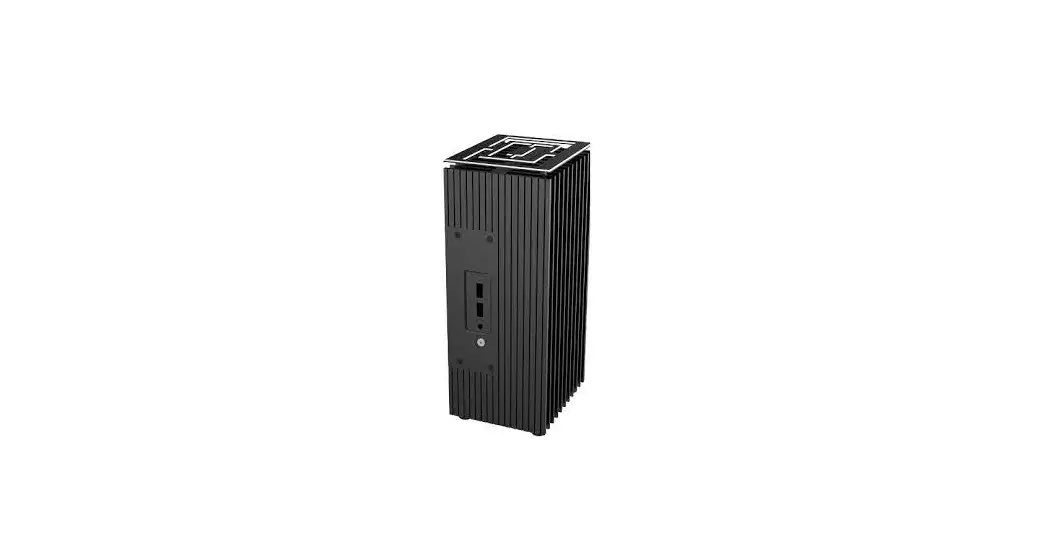
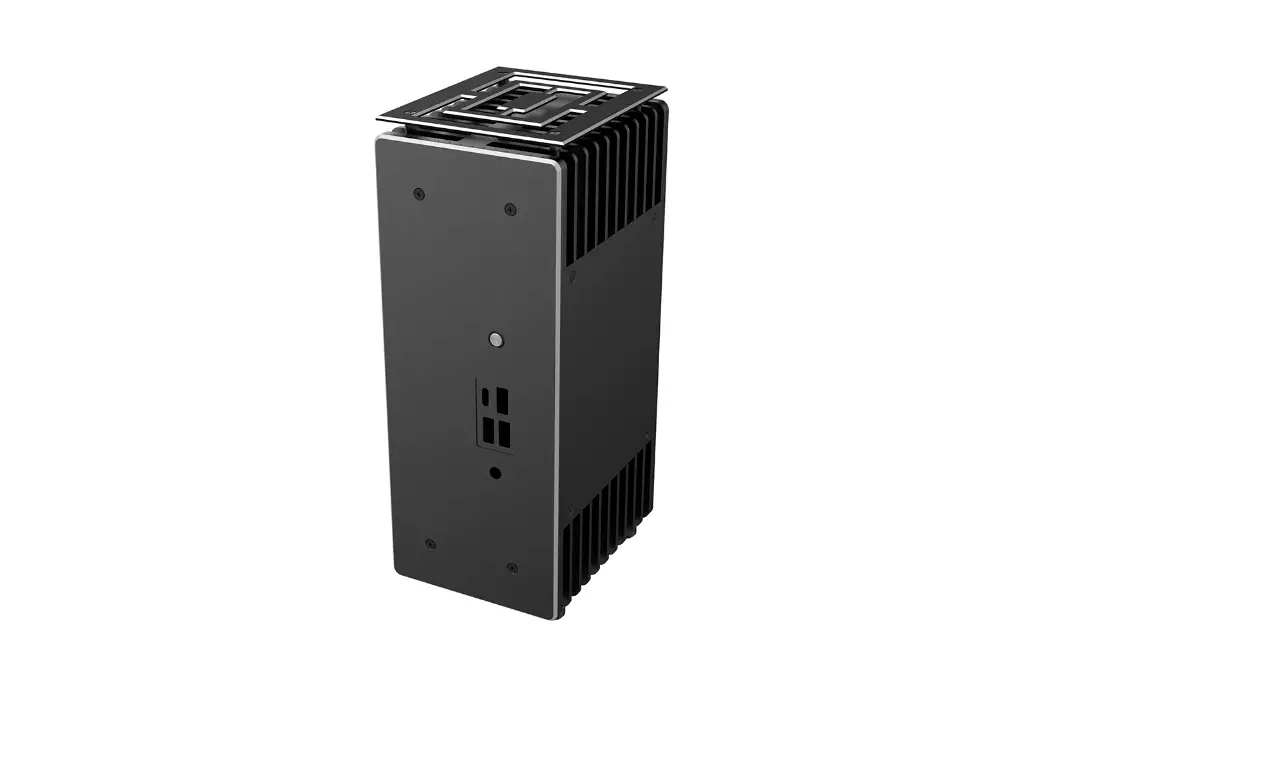
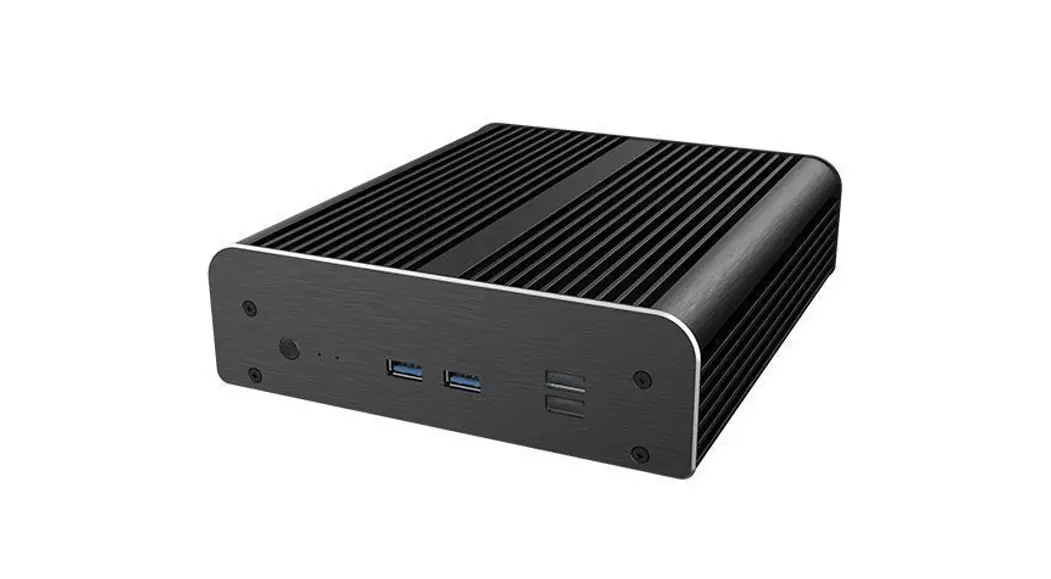
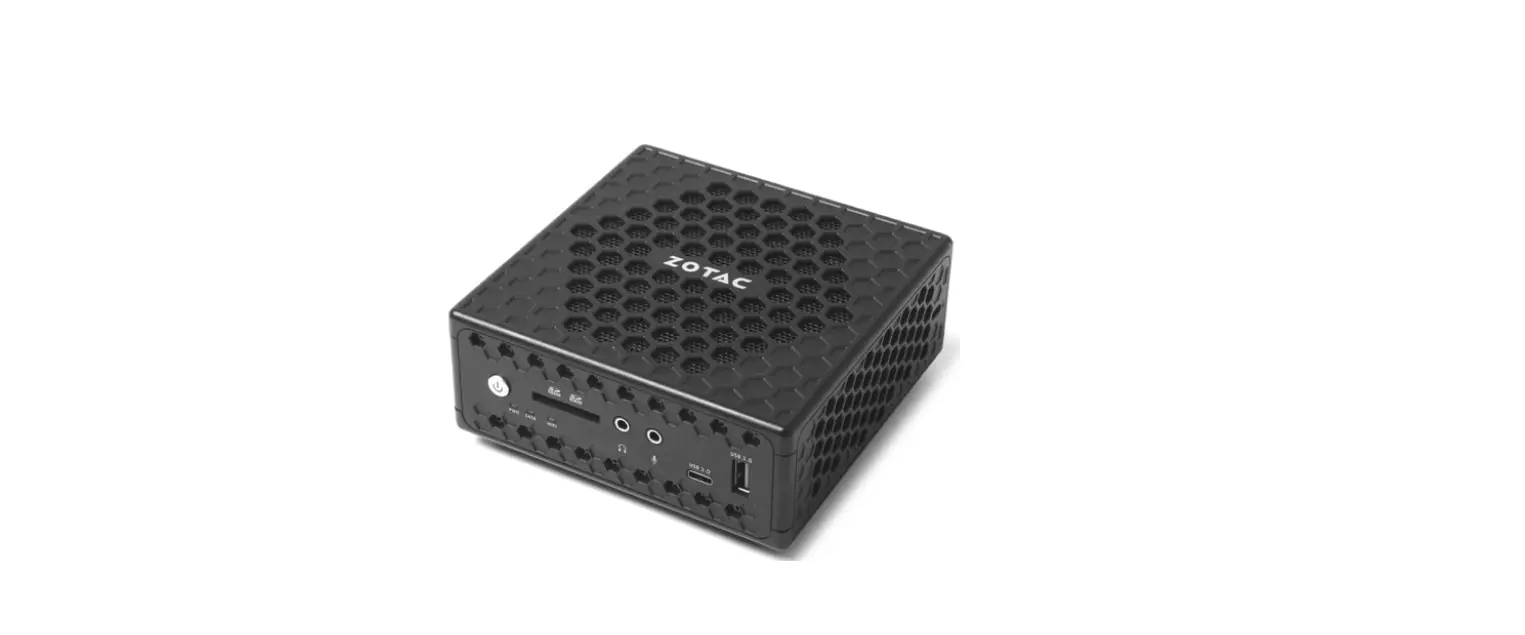
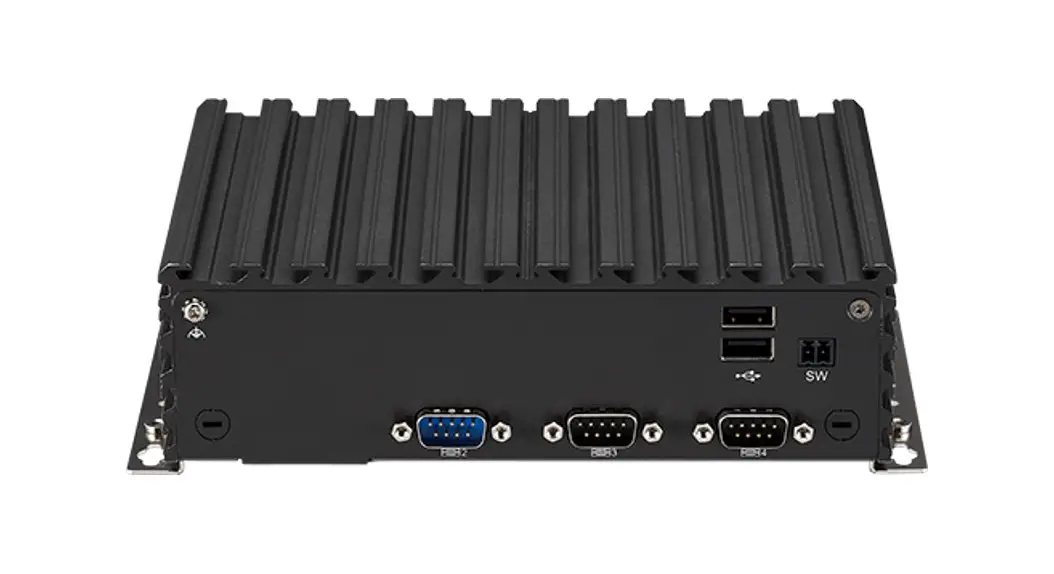
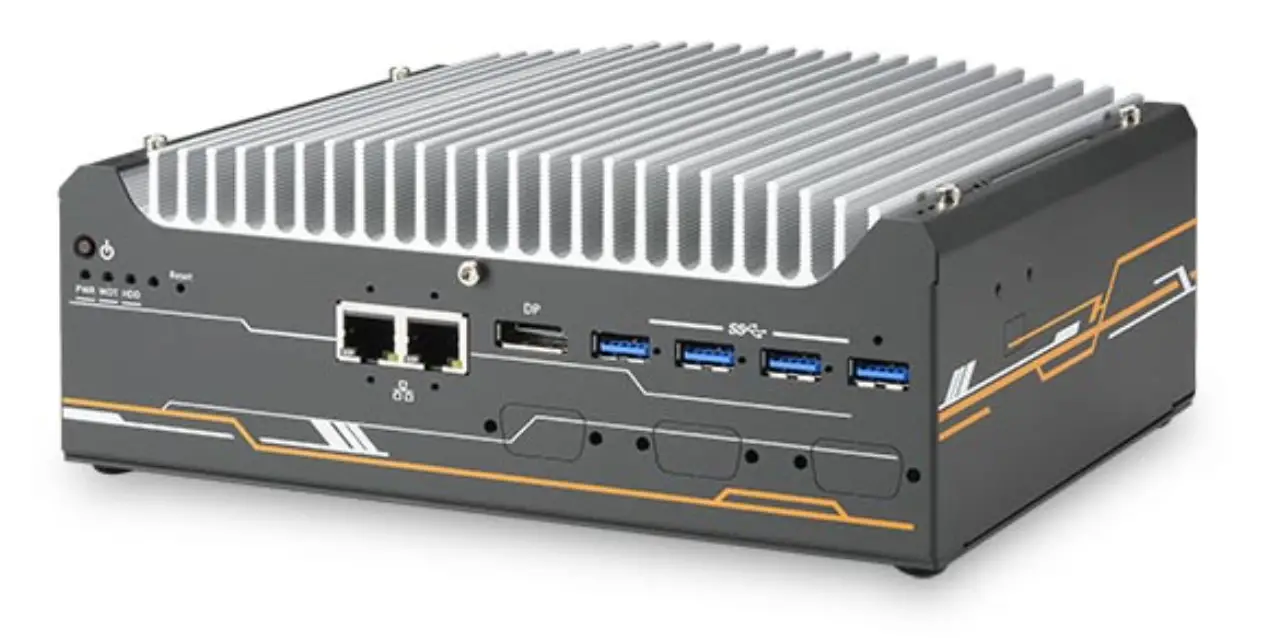
A-NUC95-A1B Turing AC Pro Compact Fanless 12/13th Gen NUC Chassis
Product Information
- Product Code: A-NUC95-A1B / A-NUC95-M1B
- Thermal gap filler
- Thermal compound
- Screws for motherboard (M3)
- Washer
- Thermal gap filler (for M.2 SSD)
- EMI gasket
- 2.5 HDD/SSD screws (M3)
- 2.5 HDD/SSD mounting bracket
- HDD protective film
- SATA adapter cable
- Screws
- End cover
- Standoffs
- Case feet kit
- USB 3.2 Gen 2 ports
- Power LED
- Power switch
- Kensington lock hole
- Rear I/O opening
- Antenna fitting holes
- Copper heatsink for heat transfer
- M/B mounting standoffs
Product Usage Instructions
- Before handling any PC components, ensure that you are in an
ESD-controlled workstation. If not available, wear an antistatic
wrist strap or touch an earthed surface to prevent electrostatic
discharge (ESD) damage to system components. - Be cautious when unpacking and setting up the product as the
metal edges can cause injury if not handled with care. Keep the
product away from children. - Refer to the provided installation guide for step-by-step
instructions on setting up the product. - For motherboard installation, use the screws provided (M3)
along with the washers and standoffs to securely mount the
motherboard. - Apply the thermal compound and use the thermal gap filler to
ensure proper heat transfer between the components. - Connect the custom SATA cable for HDD/SSD connection. Refer to
the installation guide for detailed instructions. - For HDD/SSD installation, use the provided screws (M3) and
mounting bracket to securely mount the drives. Use the HDD
protective film if required. - Install the end cover and case feet as per the installation
guide. - If applicable, connect the USB 3.2 Gen 2 ports to the
appropriate connectors on the motherboard. - Connect the power LED and power switch cables to their
respective connectors on the motherboard. - Securely fit the product using the Kensington lock hole if
available. - Ensure proper cable management inside the product for efficient
airflow and organization. - Refer to the product manual for any additional customization
options or specific usage instructions.
Note: The above instructions are a general guideline. Please
refer to the specific product manual for detailed instructions and
safety precautions.
6.50 6.50
User Manual
Product Code: A-NUC95-A1B / A-NUC95-M1B
GB CAUTION Electrostatic discharge (ESD) can damage system components. If an ESD-controlled workstation is not available, wear an antistatic wrist strap or touch an earthed surface before handling any PC components. WARNING Please be careful when unpacking and setting up this product as metal edges can cause injury if not handled with care. Keep away from children.
FR ATTENTION Une décharge électrostatique (ESD) risque d’endommager les composants du système. Si vous ne disposez pas d’une station de travail avec protection contre l’ESD, portez un bracelet antistatique ou touchez une surface reliée à la terre avant de manipuler les composants de l’ordinateur. AVERTISSEMENT Faites attention lors du déballage et de l’installation de ce produit car il comporte des coins métalliques coupants qui risquent de vous blesser s’ils ne sont pas manipulés avec soin. Garder loin des enfants.
DE Vorsicht Elektrostatische Entladungen (ESD Electrostatic discharge) können Systemkomponenten beschädigen. Sollte ein ESD geschützter Arbeitsplatz nicht vorhanden sein, tragen Sie ein antistatisches Armband oder berühren Sie eine geerdete Oberfläche bevor Sie mit den Arbeiten am Computer beginnen. Warnung Seien Sie vorsichtig beim Auspacken und beim Aufbau dieses Produktes. Scharfe Metallkanten könnten Verletzungen hervorrufen wenn ohne die nötige Vorsicht vorgegangen wird. Von Kindern fernhalten.
ES CUIDADO Descargas electrostáticas (ESD) pueden dañar los componentes de su sistema. Si no puede disponer de una estación de trabajo libre de electrostática, use una muñequera antiestática o toque una superficie que haga tierra antes de manipular los componentes del ordenador. PELIGRO Por favor sea cuidadoso cuando desempaquete y ensamble este producto. Los filos de metal pueden causarle cortes o heridas si no son manipulados adecuadamente. Aléjate de los niños.
PT CUIDADO Descargas Eletroestáticas (ESD) podem danificar componentes do PC. Caso não tenha uma bancada específica disponível, utilize uma pulseira anti-estática ou toque uma superfície aterrada antes de manusear qualquer componente. ATENÇÃO Por favor tenha cuidado ao desembrulhar e montar este produto, as extremidades de metal podem machucar, caso o mesmo não seja manuseado com cuidado. Manter fora do alcance das crianças.
RU () . , . . .
CZ POZOR Elektrostatický výboj (ESD) mze poskodit soucásti systému. Pokud není k dispozici pracovní stanice s kontrolou ped ESD, pouzívejte antistatický emínek na zápstí nebo se ped manipulací s jakýmikoli soucástmi pocítace dotknte uzemnného povrchu. VAROVÁNÍ Pi vybalování a nastavování tohoto výrobku dávejte prozor, protoze kovové okraje mohou pi neopatrném zacházení zpsobit poranní. Udrzujte mimo dosah dtí.
PL PRZESTROGA Wyladowanie elektrostatyczne (ESD) moe uszkodzi podzespoly systemu. Jeli stacja robocza przystosowana do pracy z wyladowaniami elektrostatycznymi nie jest dostpna, naley zaloy antystatyczny pasek na nadgarstek lub dotkn uziemionej powierzchni przed przystpieniem do obslugi jakichkolwiek podzespolów komputera. OSTRZEENIE Naley zachowa ostrono podczas rozpakowywania i ustawiania tego produktu, poniewa metalowe krawdzie mog spowodowa obraenia, jeli nie s obslugiwane z zachowaniem naleytej uwagi. Trzyma z dala od dzieci.
JP ESD
CN (ESD)ESD
Contents
x4
x2
x2
x4
x4
x8
x2
x8
black
silver
GB Thermal gap filler Thermal compound Screws for motherboard (M3) Washer Thermal gap filler (for M.2 SSD) EMI gasket 2.5″ HDD/SSD screws (M3) 2.5″ HDD/SSD mounting bracket HDD protective film SATA adapter cable Screws End cover Standoffs Case feet kit
FR Pâte thermique Composé thermique vis pour carte mère (M3) Rondelle Pâte thermique (pour M.2 SSD) Joint de blindage EMI Vis de disque dur / SSD 2,5″ (M3) Support de fixation de disque dur / SSD 2,5″ Film protecteur de disque dur Câble adaptateur SATA Vis Couvercle Stud Kit Pieds Caoutchouc
DE Thermaler Lückenfüller Wärmeleitpaste Schrauben für das Motherboard (M3) scheiben Thermaler Lückenfüller (für M.2 SSD) EMI-Dichtung 2.5″ HDD/SSD Schrauben (M3) 2,5″ HDD/SSD-Befestigungsbügel HDD-Schutzfilm SATA-Adapterkabel Schrauben Obere Abdeckung Stud Bausatz Gehäusefüße
PT Película térmica Pasta térmica parafusos para placa-mãe (M3) Arruela Película térmica (para M.2 SSD) Junta EMI Parafusos para HD e SSD (M3) suporte de fixação para HD e SSD película protetora para o HD Cable adaptador SATA Parafusos Acabamento Lateral Espaçador Kit de pés de caixa
ES Relleno térmico Compuesto térmico Tornillos para la placa base (M3)
Arandela Relleno térmico (paraFMr.2oSnSDt) paJnunetla ElMaIyout
Tornillos para HDD/SDD de 2,5″ (M3) Soporte de montaje para HDD/SDD de 2,5″ Película protectora para HDD Cable adaptador SATA Tornillos Tapa superior Stud kit de pies de la carcasa
RU (M3) ( M.2 SSD) EMI 2,5″ HDD/SSD (M3) 2,5″ HDD/SSD HDD SATA
CZ Tepelná výpl mezery Tepelná pasta Sroubky pro základní desku (M3) Podlozka Tepelná výpl mezery (pro M.2 SSD) Tsnní EMI Sroubky 2,5″ HDD/SSD (M3) Montázní drzák 2,5″ HDD/SSD Ochranná fólie HDD Kabel adaptéru SATA Sroubky Koncový kryt Stojánky Sada nozicek skín
PL Termoprzewodzcy wypelniacz szczeliny Pasta termoprzewodzca ruby do plyty glównej (M3) Podkladka Termoprzewodzcy wypelniacz szczeliny (dla M.2 SSD) Uszczelka EMI ruby do dysku HDD/SSD 2.5″ (M3) Uchwyt montaowy do dysku HDD/SSD 2.5″ Folia ochronna do dysku HDD Kabel adaptera SATA ruby Oslona kocowa mskie elementy dystansowe Zestaw nóek do obudowy
JP
.
.44%
&NJ z)%%44% .
z)%%44%)%%
CN
(M3)
(M.2 SSD ) 2.5″ HDD/SDD (M3) 2.5″ HDD/SDD SATA
USB 3.2 Gen 2 ports
Front Panel Layout
Headphone / Microphone Power LED Power switch
Rear Panel Layout
Kensington lock hole
Rear I/O opening
Antenna fitting holes
Internal Layout
5140281212 V1
Copper heatsink for heat transfer M/B mounting standoffs
1
6.50
2
3
4
5
Power led connectors
6
7
Installation
8
13
Custom SATA Cable Connection
9
×
2.5″ HDD / SSD
10
Custom SATA Cable Connection
14
black
×
11
silver
12
Case Feet Installation
OR
2023/05