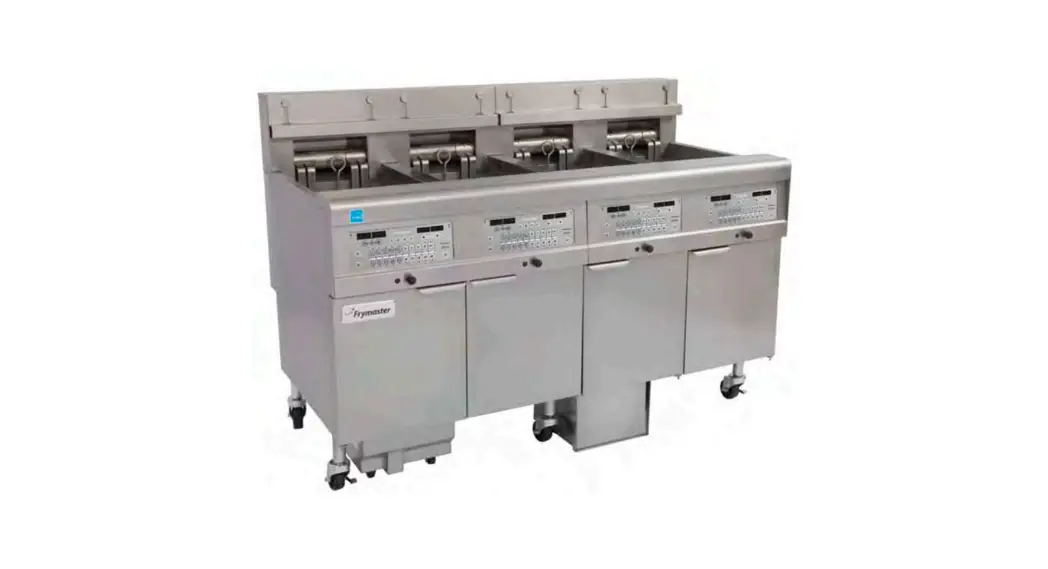
826-2554 Millivolt In-line Switch Installation Kit
Millivolt In-line Switch Installation Instructions
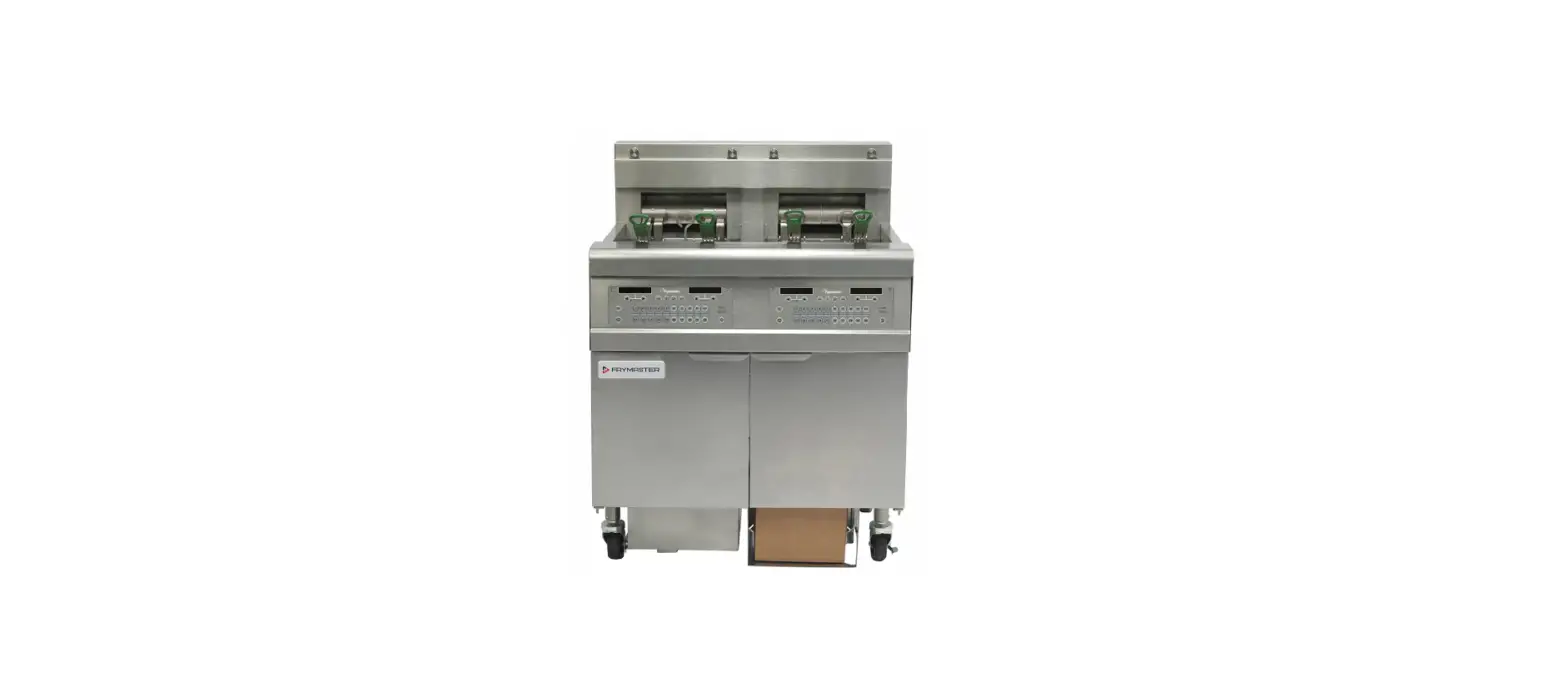
The Millivolt In-line Switch is a kit that allows you to add an
inline switch to a millivolt fryer. The kit contains the following
parts:
| Part No. | Description | Qty |
|---|---|---|
| 220-4789 | Mount, Millivolt Switch | 1 |
| 802-2276 | Label, ON/OFF | 1 |
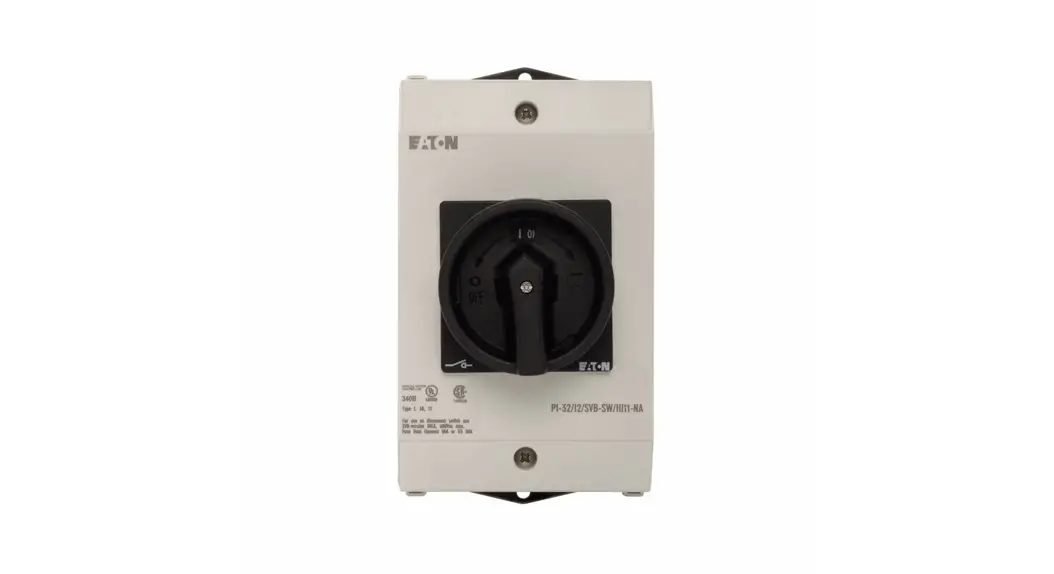
| 106-4386 | Mini Toggle Switch Assembly | 1 |
| 807-0015 | Inline Connector | 1 |
Product Usage Instructions
- On the gas valve, locate the white wire coming from the
thermostat and remove it. Note: Gas valves may differ in
appearance, refer to wiring diagrams on Page 2 & 3 of the
instructions for more information.
- Attach the red wire from the provided inline switch to the same
terminal where the white wire was removed in step 1. Note: Gas
valves may differ in appearance, refer to wiring diagrams on Page 2
& 3 of the instructions for more information. - Plug the white wire removed from the valve into the inline
connector opposite the red wire. - Mount the ON/OFF switch on the side of the fryer frame, just
inside the door. - Tuck the wiring behind the mounted switch to prevent tangling
and accidental wire breaks.


Wiring Diagrams
Refer to these wiring diagrams on Page 2 & 3 of the
instructions for more information on how to connect the Millivolt
In-line Switch:
Honeywell Wiring Diagram

Robertshaw Wiring Diagram

Millivolt In-line Switch Installation Instructions
Follow the instructions below to add an
In This Kit (826-2554)
inline switch to a millivolt fryer.
Part No.
Description
Qty
220-4789 Mount, Millivolt Switch
1
This kit puts an inline switch in series 802-2276 Label, ON/OFF
1
with the thermostat and the gas valve. 809-0449 Screw, #10-½ Phillips Truss Head
2
See the wiring diagram (Figure 6) for
106-4386 Mini Toggle Switch Assembly
1
Honeywell or (Figure 7) for
807-0015 Inline Connector
1
Robertshaw on Page 2 & 3 of these
instructions for more information.
1. On the gas valve, remove the white wire coming from the thermostat (Figure 1). NOTE: Gas valves differ in appearance. See wiring diagram on page 2 & 3.
2. On the same terminal, attach the red wire coming from the provided inline switch (Figure 2). NOTE: Gas valves differ in appearance. See wiring diagram on page 2 & 3
3. Plug the white wire removed from the valve into the inline connector opposite the red wire (Figure 3).
Figure 1: Unplug the white wire from the thermostat.
Figure 2: Attach the red wire to the gas valve.
4. Mount the ON/OFF switch on the side of the fryer frame, just inside the door (Figure 4).
5. Tuck the wiring behind the mounted switch to prevent tangling and accidental wire breaks (Figure 5).
Figure 3: Plug the white wire into the inline connector.
Figure 4: Mount the ON/OFF switch.
Figure 5: Tuck the wires behind the switch.
* 8196364*
05/2023
Figure 6: HONEYWELL WIRING DIAGRAM
Hi-Limit Thermostat
Pilot Generator
Line Splice
Operating Thermostat
2 of 3
Figure 7: ROBERTSHAW WIRING DIAGRAM
Hi-Limit Th erm osta t
TTPHTH TP
Pilot Generator (T her mop ile)
Switch
Line Splice
Operating Th erm osta t
3 of 3