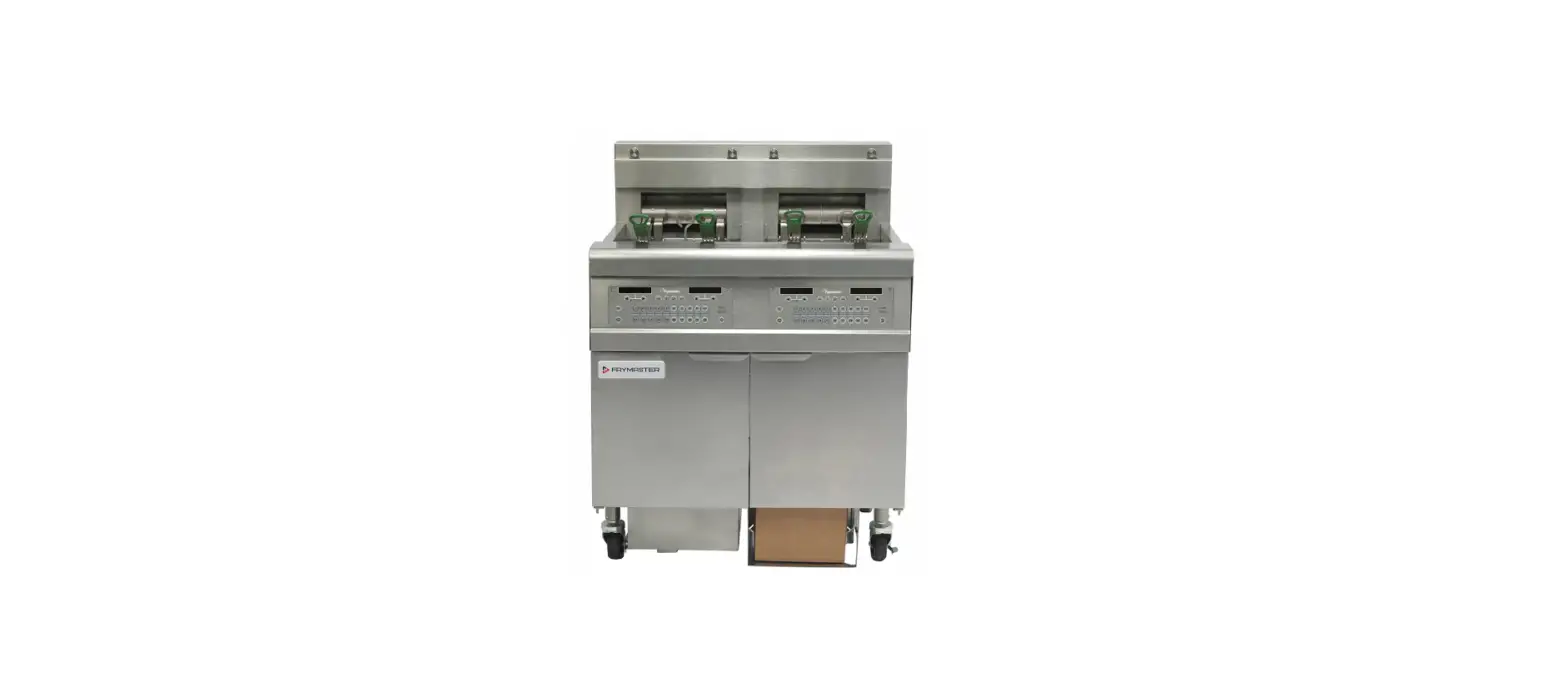
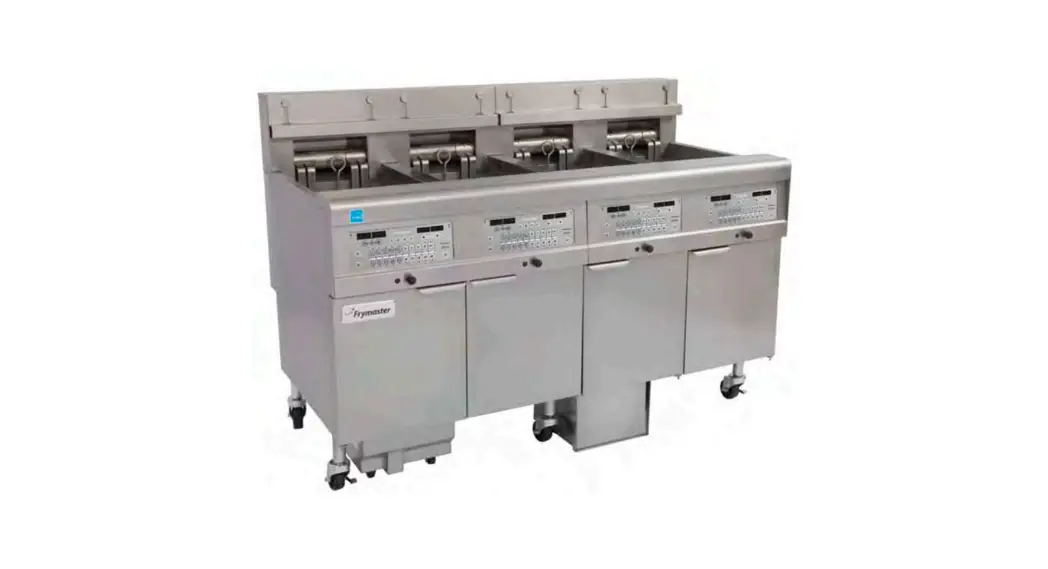
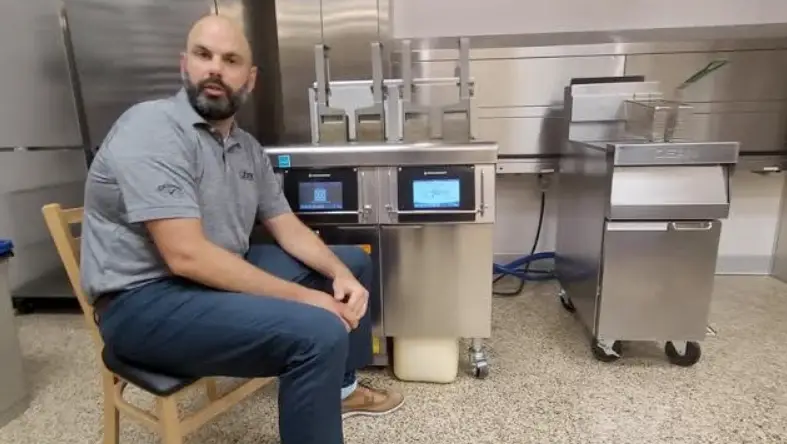
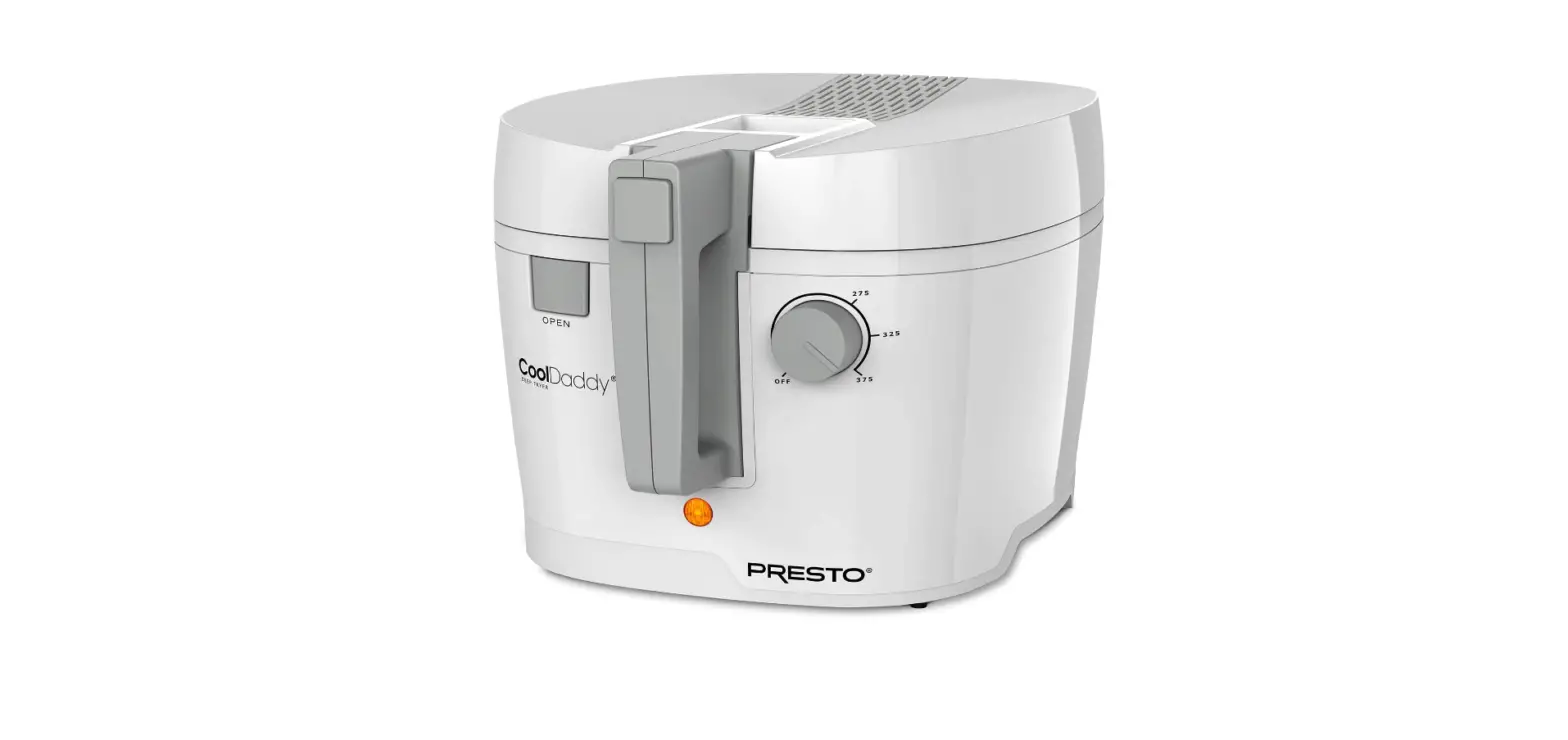
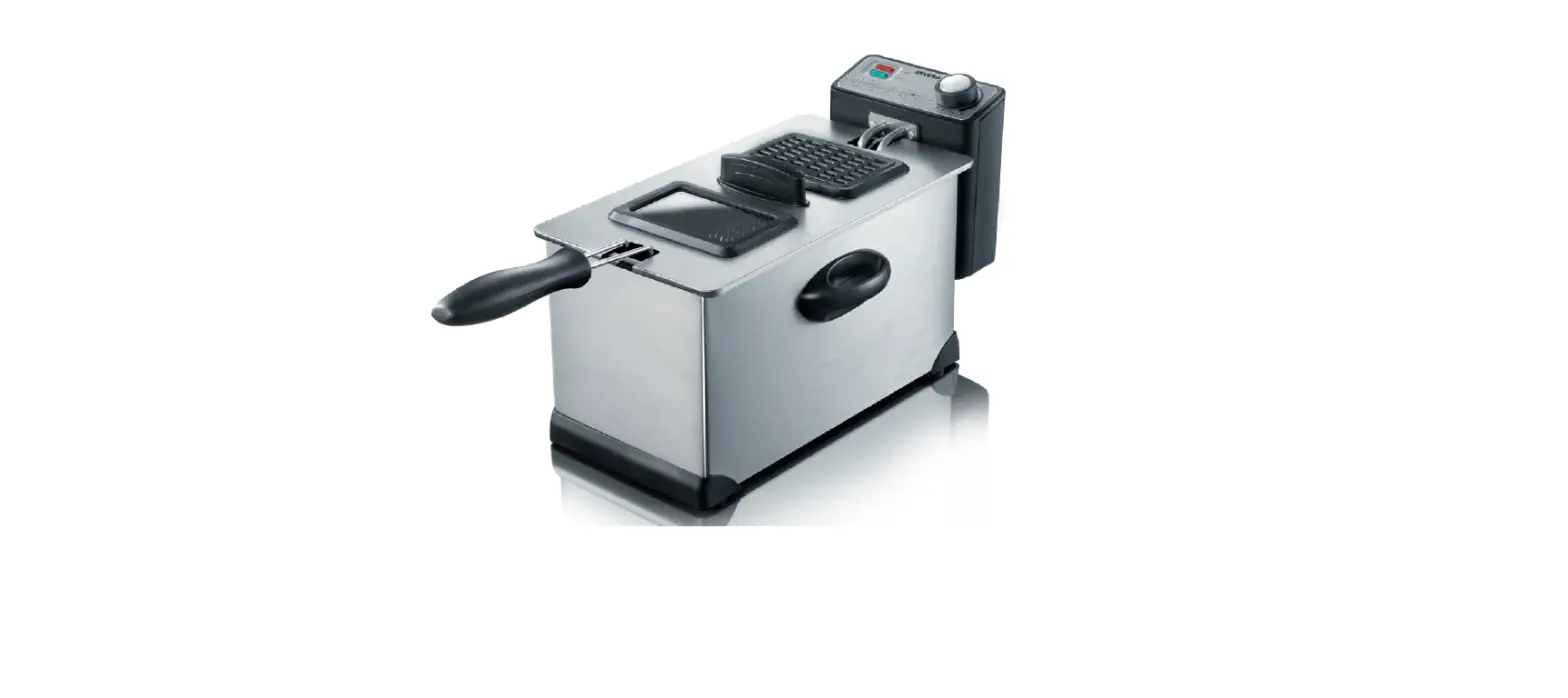
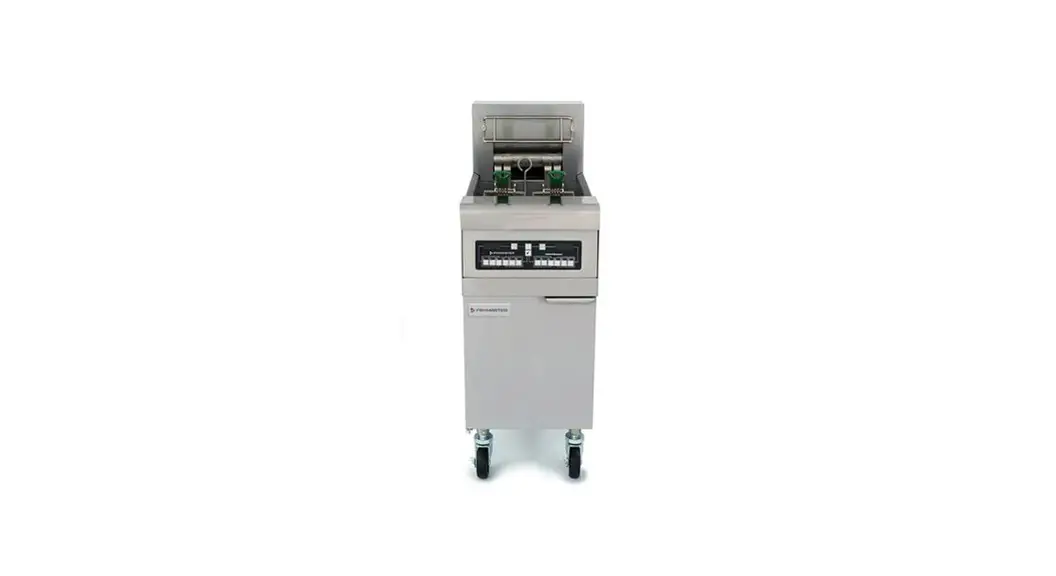
8074674 Touch Fryers
Product Information:
The product in question is the Control Products Touchscreen
Controller used in Frymaster Dean fryers. It is a component
responsible for controlling and managing the fryer’s operations.
The controller is equipped with a lithium coin battery that powers
the internal clock and maintains the time settings even when the
power is cycled off. The battery is a 3V 20MM lithium coin
battery.
Product Usage Instructions:
- Disconnect the fryer from the electrical power supply. For
individual control boxes, remove the fuse located under the bottom
of the control box or switch off the individual fryer. - Remove the two Phillips head screws from the upper left and
right corners of the controller to release it. - Slide the controller up to disengage it from the bottom of the
bezel. - Lift the controller out from the bezel and slide it up through
the protective cage. - Disconnect the RJ45 cable from the SIB board first.
- Disconnect other cables from the connectors on the back of the
controller, marking their position for reassembly. - Disconnect the lanyard tether from the frame.
- Place the controller on a flat surface.
- Using a Phillips screwdriver, remove the six screws attaching
the rear cover to the controller. Take note of the location of the
lanyard bracket for reassembly. - Gently use a small screwdriver to push the old battery out of
the battery holder. Be careful not to touch any other components
that could damage the board. - Insert a new battery into the battery holder, ensuring that the
positive (+) side is facing up. - Ensure the battery is completely inserted into the battery
holder. - Carefully push the cables back into their locations and
retainers. - Reattach the rear cover using the six screws and lanyard
bracket. - Push in on all grommets to ensure they are securely attached to
the rear cover. - Reverse steps 1-8 to return the controller to service. Reattach
the lanyard tether first to avoid damaging the SIB board. - Once the far left controller is booted up, press the
button. - Press the Settings button.
- Enter 1656.
- Press the Manager button.
- Scroll down to Date and Time and ensure the correct time and
date are entered. Press the check button when complete.
Instruction Sheet
Follow these instructions to replace the battery in the Control Products Touchscreen Controller. If time changes when power is cycled on the controller, the battery needs replaced. (This is only applicable to the Touch Screen controller below with the black surround.)
FRYMASTER DEAN 8700 LINE AVENUE, SHREVEPORT, LA 71106
318-865-1711 800-551-8633 WWW.FRYMASTER.COM EMAIL: [email protected]
Subject: 8263783 Touchscreen Controller Battery Replacement Instructions
Models affected: Touch Fryers manufactured prior to 05/2022.
In This Kit
Part #
Description
Qty
8074674 BATTERY, LITHIUM COIN 3V 20MM
2
8198005 INSTRUCTIONS
1
1. Disconnect the fryer from the electrical power supply. The fuse located under the bottom of Figure 1
the control box, can be removed, to remove
power from individual control boxes (see Figure 1). Turn
the fuse cap to remove. On electrical fryers, the
indivudual fryer can be switched off.
2. The controller is held in place by two screws in upper
corners.
3. Remove the two Phillips head screws from the upper left
and right corners of the controller (see Figure 2).
4. Slide the controller up to disengage it from the bottom of the bezel (see Figure 3).
Figure 3
5. Lift the controller out from the bezel and
The controller will slide up through the
protective cage (see Figure 4).
6. Disconnect the RJ45 cable from the SIB
board first (see Figure 5).
7. Disconnect the other cables from the
connectors on the back of the controller
marking their position for reassembly (see
Figure 6).
Figure 5
Continued on the next page.
Figure 2 Figure 4
Figure 6
*8198005*
Document Number: FRY_INST_8198005 06/2023 1 of 2
8. Disconnect the lanyard tether from
the frame (see Figure 7).
9. Relocate the controller to a flat
surface to remove the battery.
10. Using a Phillips screwdriver, remove
the six (6) screws attaching the rear
cover to the controller (see Figure 8).
NOTE: When removing the screw
attaching the lanyard bracket, note
its location for reassembly.
11. Carefully lift the rear cover off the controller (see Figure 9).
Figure 7
12. Gently use a small screwdriver to
push the battery out of the battery
holder (see Figure 10). NOTE: Use
caution to NOT touch any other
components which could damage
the board.
13. Insert the NEW battery, ensuring that
the positive + side is facing UP (see
Figure 11).
14. Ensure the battery is completely
inserted into the battery holder (see Figure 12).
Figure 9
15. Carefully push the cables back down into their
locations and into the retainers (see Figures 13 and
14).
16. Reattach the rear cover using the six (6) screws and
lanyard bracket (see Figure 8).
17. Push in on all grommets to ensure they are securely
attached to the rear cover (see Figure 15).
Figure 8 Figure 10
Figure 11
Figure 12
Figure 13
18. Reverse steps 1-8 to return controller Figure 14 to service. Reattach the lanyard tether FIRST. Failure to reinstall lanyard may result in damage to the SIB board.
Figure 15
19. Once the far left controller is booted up press the button.
20. Press the Settings button. 21. Enter 1656.
22. Press the Manager button. 23. Scroll down to Date and Time and ensure the correct time and date are entered. Press the check button when complete
and press the HOME button and Crew to return to the main screen. 24. CYCLE POWER TO ENTIRE FRYER SYSTEM ensuring that power is removed from the battery for at least 60 seconds.
2 of 2 Document Number: FRY_INST_8198005 06/2023
 Frymaster - Home