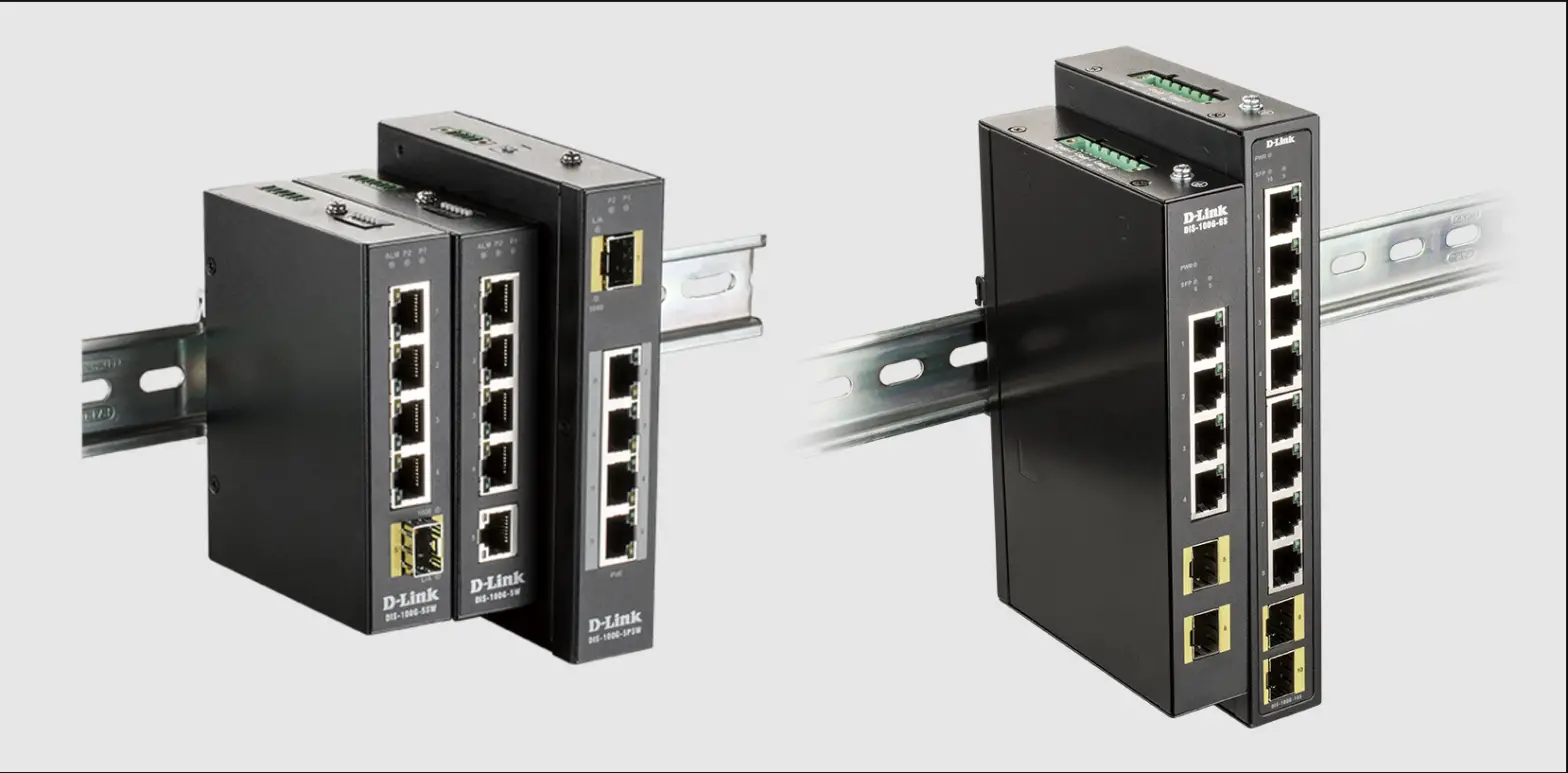
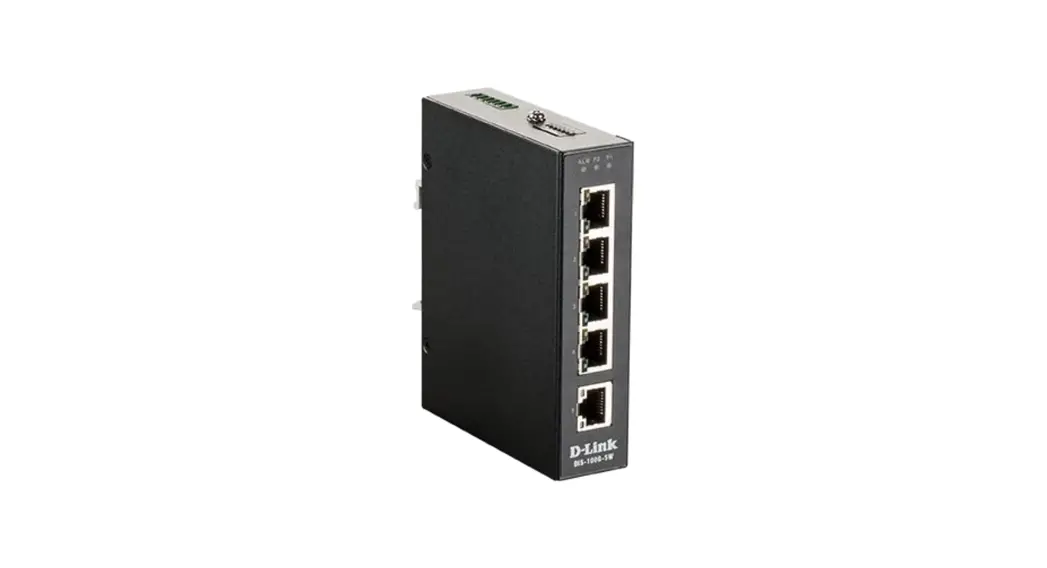
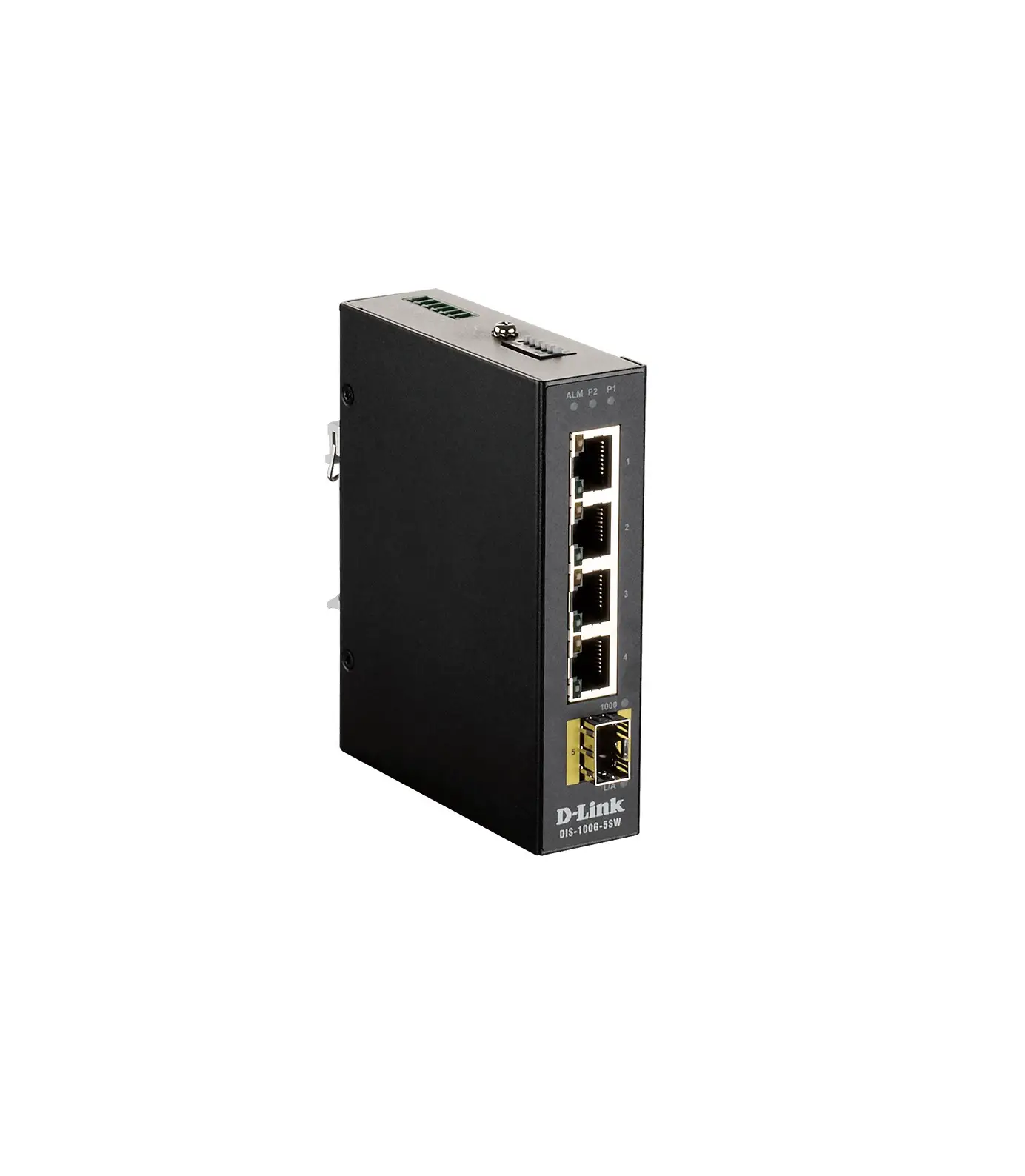
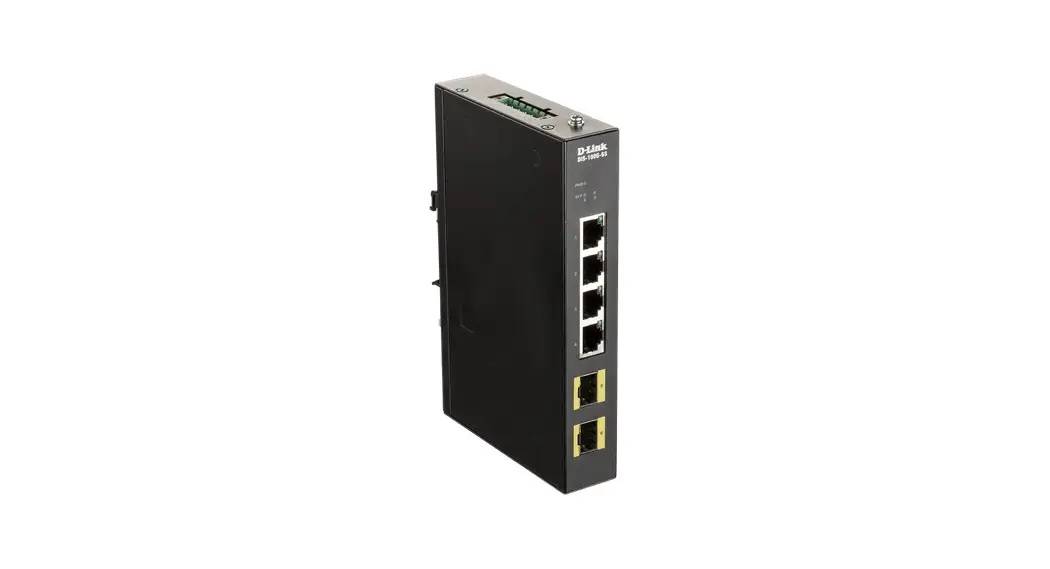
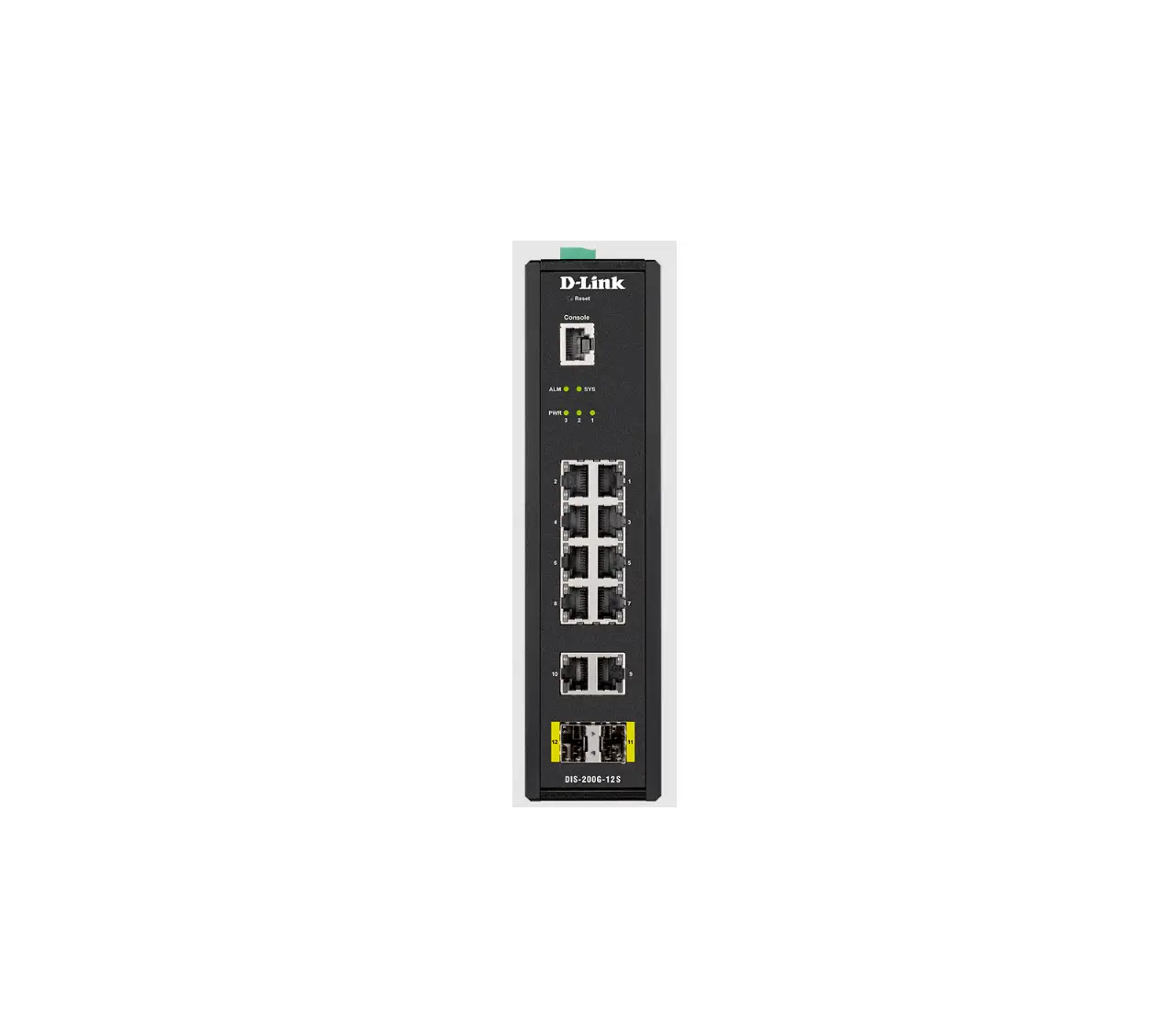
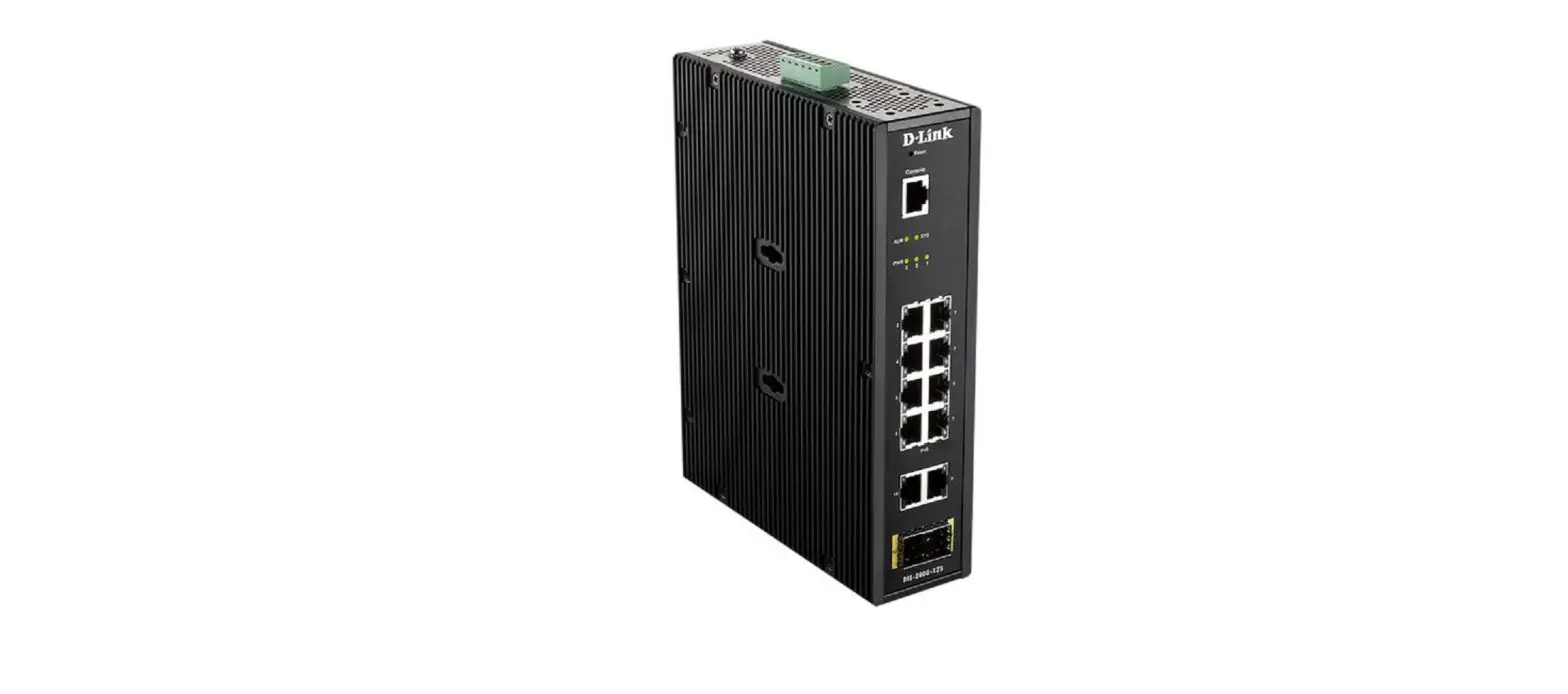
DIS-100G-5SW Industrial Unmanaged Switch
Product Information
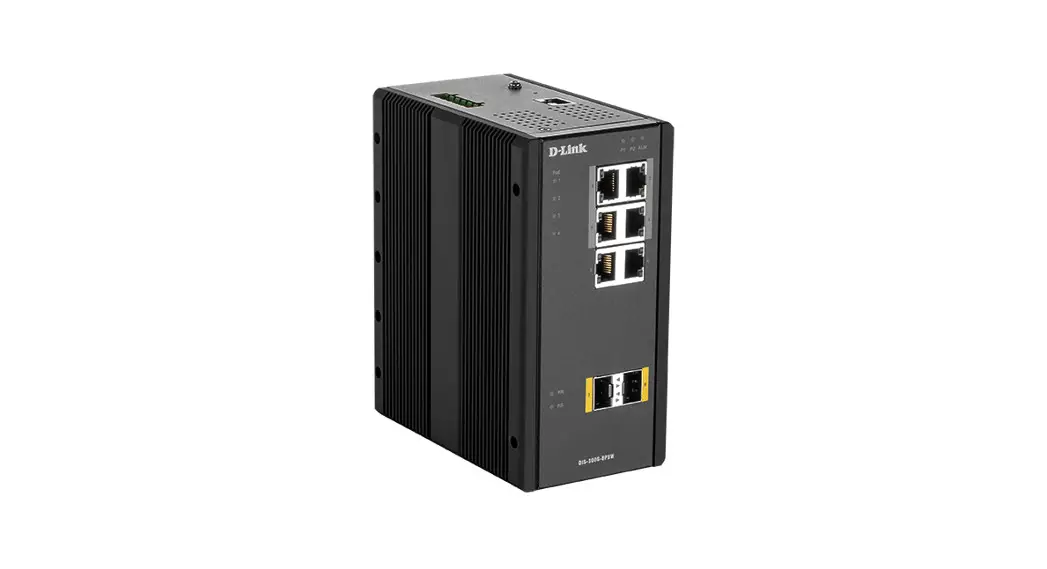
The D-Link DIS-100G-5SW is an Industrial Unmanaged Switch with 4
10/100/1000Base-T ports and 1 1000Base-X SFP port. It also features
QoS (Quality of Service) functionality.
Package Contents:
- DIS-100G-5SW switch
- DC power terminal block
- Wall mounting kit
- DIN-Rail mounting kit
- Quick Installation Guide
Hardware Overview:
Interfaces:
- Port 1-4: 1000Base-T ports
- Port 5: 1000Base-X SFP port
| LED | Status |
|---|---|
| ALM | On red |
| P1 | On green |
| P2 | On green |
| Link/Act (Ports 1-4) | On green (Blinking green for activity) |
| Link/Act (Port 5) | On green (On yellow for 1000) |
DIP-switches:
| Pin | State | Description |
|---|---|---|
| Pin 1 | ON | To enable the power alarm. |
| Pin 2 | OFF | To disable the power alarm. |
| Pin 3-6 | ON | To enable broadcast storm rate limit. |
| Pin 3-6 | OFF | To disable broadcast storm rate limit. |
| Not used | OFF | Not used. |
Product Usage Instructions
DIN-Rail Mounting:
To mount the switch on a DIN-Rail:
- Screw the DIN-Rail bracket on with the bracket and screws in
the accessory kit. - Hook the unit over the DIN-Rail.
- Push the bottom of the unit towards the DIN-Rail until it snaps
into place.

Wall Mounting:
To wall mount the switch:
- Screw on the wall-mount plate with the plate and M4 screws in
the accessory kit. - Attach brackets to the switch.

The switch with the attached wall mounting brackets should look
like this:

Grounding the Switch:
Use the grounding screw on the switch to ground it properly.

Connecting to a Power Source:
The switch can be powered by two power supplies with an input
range of 12 to 58 V DC. Follow these steps:
- Insert the positive and negative wires (AWG 14-26) into V+ and
V- contacts on the terminal block. - Tighten the wire-clamp screws to prevent the wires from being
loosened.
Alarm Relay Connecting:
The alarm relay output contacts are in the middle of the DC
terminal block connector. Follow these steps:
- Insert the wires and set the DIP switch of the respective Port
Alarm to ON. - The relay output alarm will detect any port failures and form a
short circuit. - The alarm relay out is Normal Open.

D-Link DIS-100G-5SW
Industrial Unmanaged Switch with 4 10/100/1000Base-T Ports and 1 1000Base-X SFP Port
4 10/100/1000Base-T, 1 1000Base-X SFP, QoS
Quick Installation Guide
Information in this document is subject to change without notice. © 2018 D-Link Corporation. All rights reserved.
Package Contents
Open the shipping carton of the switch and carefully unpack its contents. The carton should contain the following items:
DIS-100G-5SW switch DC power terminal block Wall mounting kit DIN-Rail mounting kit Quick Installation Guide
Hardware Overview
Interfaces Interface Ports 1-4 Port 5
Description 1000Base-T ports 1000Base-X SFP port
Table 1
LED Indicators
LED
Status
ALM
On red
Off
P1
On green
Off
P2
On green
Off
Link/Act (Ports On green
1-4)
Blinking green
Off
Speed 1-4)
(Ports On yellow Off
Link/Act (Port On green
5)
Off
1000 (Port 5) On yellow
Off
Description Power failure alarm occurs. No power failure alarm. P1 power line has power. P1 power line is disconnected or does not have power supply. P2 power line has power. P2 power line is disconnected or does not have power supply. Ethernet link is up. Ethernet link is up and there is traffic detected. Ethernet link is down. 1000 Mbps connection is detected. No link or 10/100 Mbps connection is detected. Ethernet link is up. Ethernet link is down. SFP port 1000 Mbps connection is detected. No link or SFP port 100 Mbps connection is detected.
Table 2
DIP-switches Pin Pin 1
State ON
Description To enable the power alarm.
2
Pin 2 Pin 3-6
OFF
To disable the power alarm.
ON
To enable broadcast storm rate limit.
OFF
To disable broadcast storm rate limit.
ON
Not used.
OFF
Not used.
Table 3
Hardware Installation
DIN-Rail Mounting Mounting steps: 1. Screw the DIN-Rail bracket on with the bracket and screws in the accessory kit. 2. Hook the unit over the DIN-Rail. 3. Push the bottom of the unit towards the DIN-Rail until it snaps into place.
Figure 1 — Mounting the switch on a DIN-Rail
Wall Mounting Screw on the wall-mount plate on with the plate and M4 screws in the accessory kit.
Figure 2 — Attaching brackets to the switch
3
Figure 3 — The switch with the attached wall mounting brackets
Grounding the Switch
Use the following instructions to ground the switch. Please complete these steps before powering on the switch. 1. Remove the grounding screw from the switch and place the grounding cable lug ring on top of the grounding screw opening. 2. Insert the grounding screw back into the grounding screw opening and use a screwdriver to tighten the grounding screw, securing the grounding cable to the switch. 3. Attach the terminal lug ring at the other end of the grounding cable to an appropriate grounding source. 4. Verify that the connection between the grounding connector on the switch and the grounding source is secure.
Figure 4 — The grounding screw on the switch
Connecting to a Power Source
The switch can be powered by two power supplies (input range 12 to 58 V DC). Insert the positive and negative wires (AWG 14-26) into V+ and V- contact on the terminal block and tighten the wire-clamp screws to prevent the wires from being loosened.
4
Alarm Relay Connecting
The alarm relay output contacts are in the middle of the DC terminal block connector shown as the figure below. By inserting the wires and set the DIP switch of the respective Port Alarm to “ON”, the relay output alarm will detect any port failures, and form a short circuit. The alarm relay out is “Normal Open”.
Figure 5 — Alarm relay connecting
5
. © 2018 D-Link Corporation. .
. , . , . . . -40 +75 °. , . ! . . / / . . , .
2 .
c . 2 , 6 () 7 () , . : 9 – 2009, A – 2010, B – 2011, – 2012, D – 2013, E – 2014, F – 2015, G – 2016, H 2017, I – 2018. : 1 – , 2 – , …, 9 – , A – , B – , – .
6
. , . – , .
DIS-100G-5SW DIN-
1-4 1000Base-T
5
1000Base-X SFP
1
ALM
.
.
P1
1 .
1 .
P2
2 .
2 .
Link/Act ( 1-4)
.
.
.
Speed ( 1000 /.
1-4)
, 10/100 /.
Link/Act ( .
5)
.
1000 ( 5) 1000 /.
7
, 100 /.
2
DIP-
1
ON
.
OFF
.
2
ON
.
OFF
.
3-6
ON
.
OFF
.
3
DIN- DIN-. 1. DIN- . 2. DIN-. 3. DIN.
1 — DIN-
. .
8
2 —
3 —
M4.
. . 1. , . 2. . 3. . 4. .
9
4 —
12-58 DC ( ). +/- , . , .
1 / 24 DC . , . DIP- “ON” . .
5 —
10
4 10/100/1000Base-T 1 1000Base-X SFP 1 / 24 DC
ALM P1/P2 Link/Activity/Speed ( )
DIP-
DC: 1 ( 12 58 DC)
( IP30)
IEEE 802.3 10Base-T ( ) IEEE 802.3u 100Base-TX ( ) IEEE 802.3ab 1000Base-T ( ) IEEE 802.3z 1000Base-X IEEE 802.3az Energy Efficient Ethernet IEEE 802.3x MDI/MDIX
// IEEE 802.1p QoS: 4
10 /
Store-and-forward
. 64
7,44 Mpps
MAC
2K
Jumbo-
9
0,32
( x x )
89,4 x 29,1 x 112,2
11
. MTBF
EMI EMC EMS
12-58 DC ( ( ))
3,82
13,03 /
25
: -40 75 °C : -40 85 °C
: 5% 95% : 5% 95%
UL/CE/FCC NEMA-TS2 EN50121-4
UL60950-1
47 CFR FCC Part 15 Subpart B (Class A) ICES-003 Issue 6 (Class A)
EN61000-6-2 EN61000-6-4
EN 61000-4-2 ESD Level 3 EN 61000-4-3 RS Level 3 EN 61000-4-4 EFT Level 3 EN 61000-4-5 Surge Level 3 EN 61000-4-6 CS Level 3 EN 61000-4-8
IEC 60068-2-27 Shock IEC 60068-2-32 Freefall IEC 60068-2-6 Vibration
1 DC .
12
– D-Link. D-Link . D-Link . D-Link , . . D-Link: 8-800-700-5465 : http://www.dlink.ru e-mail: [email protected] : – , 114, , , , 3-, 289 , : “- ” 390043, . , . , .16 .: +7 (4912) 575-305 : , , 14 .: +7 (495) 744-00-99 e-mail: [email protected]
1.0 2018-08-24
13
 D-Link Главная