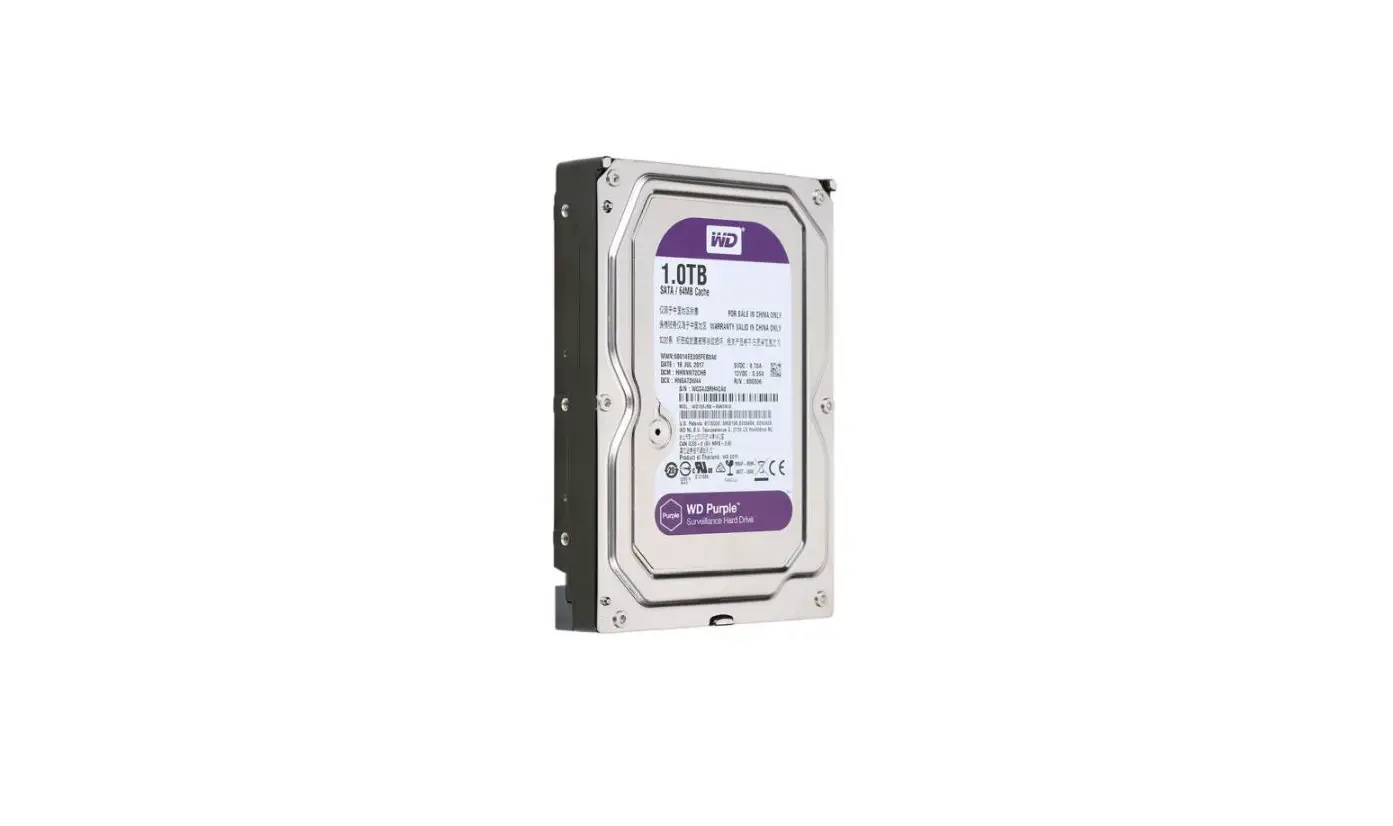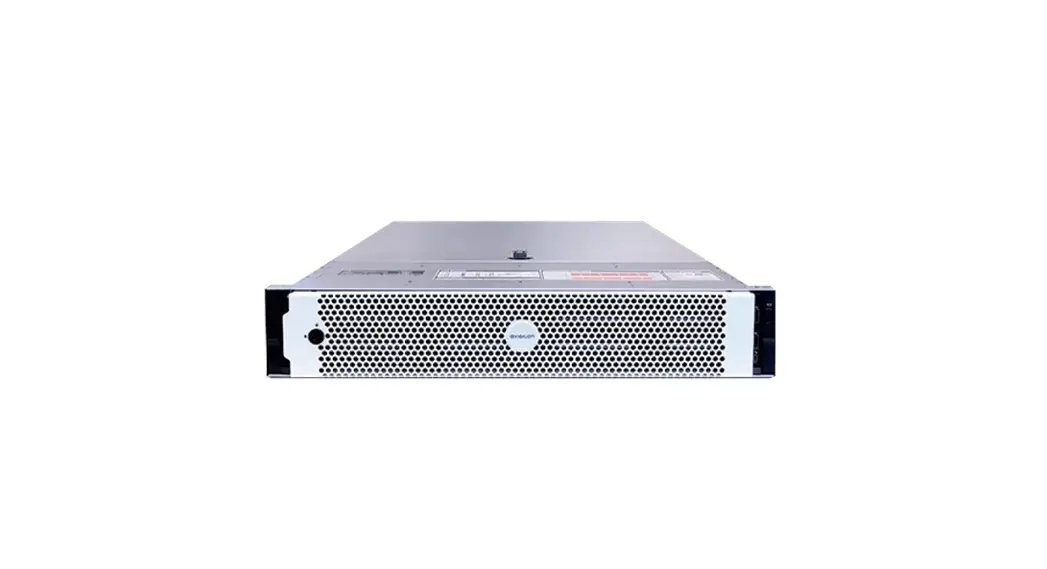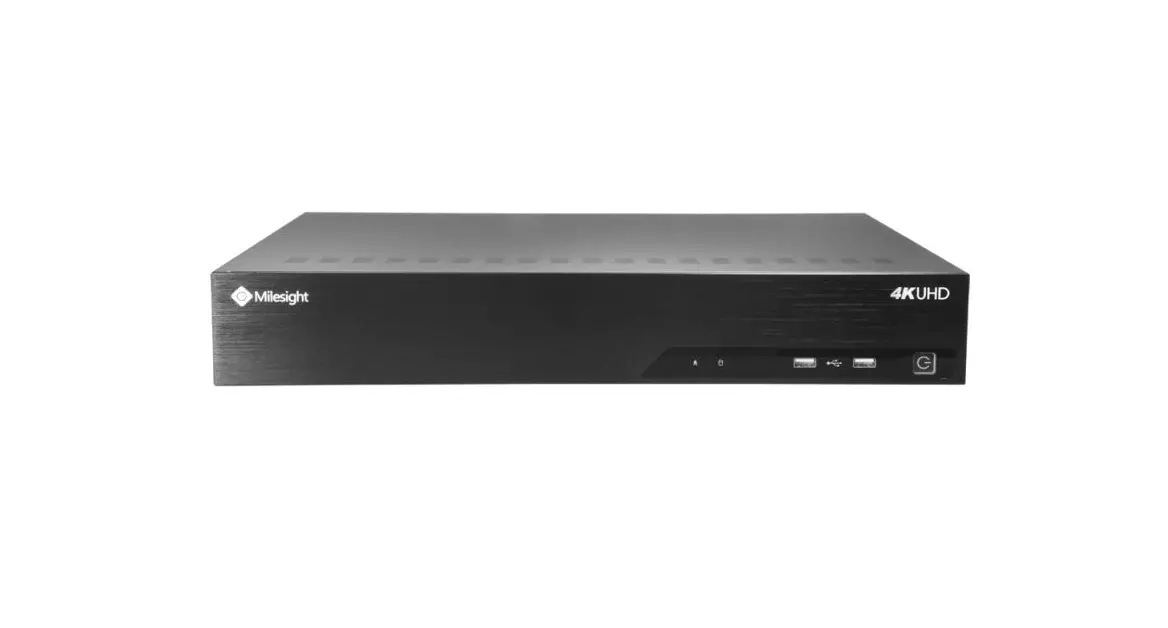
Milesight MS-N7016 NVR Hard Disk
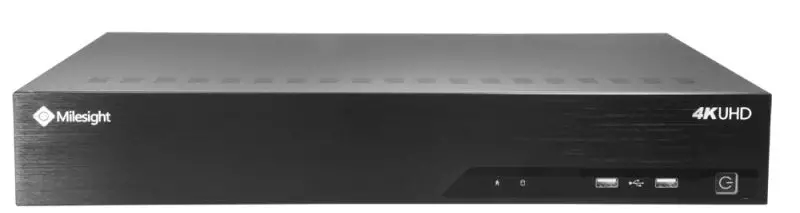
NVR Models | MS-N7016/MS-N8016 | Update | 2015.07.17 |
MS-N7000 series Hard Disk Installation
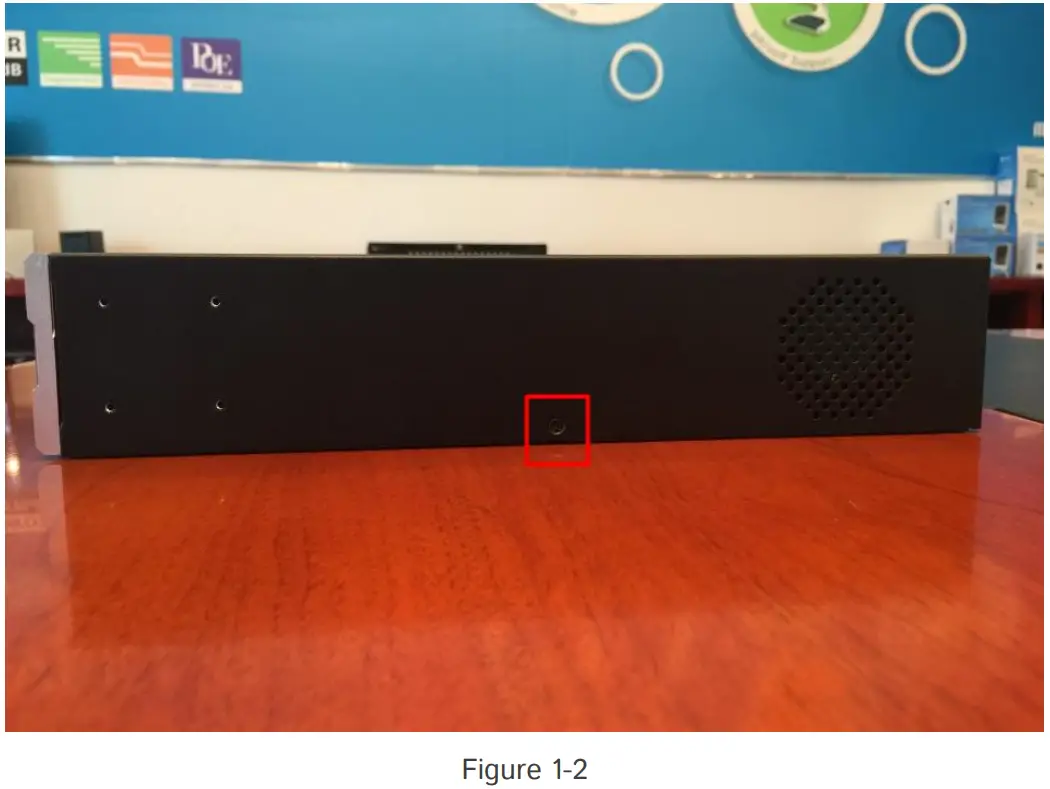
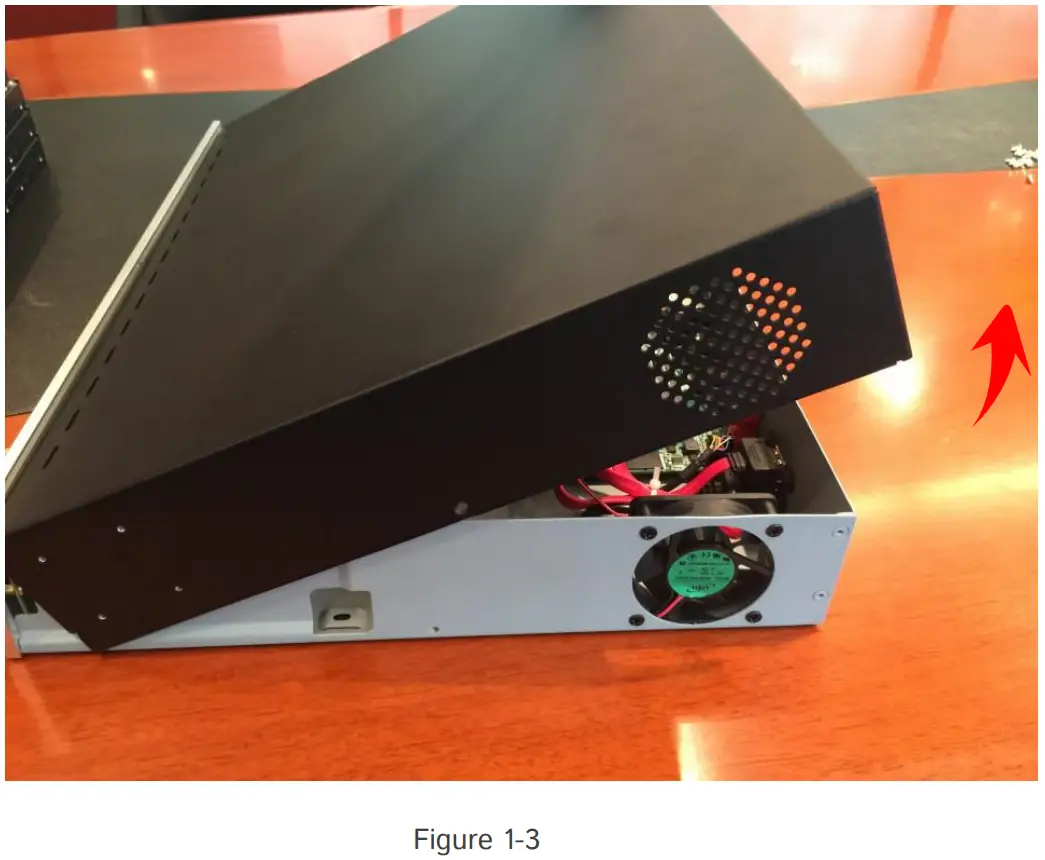
Step1: Unscrew the back and both sides’ screws to open the upper lid.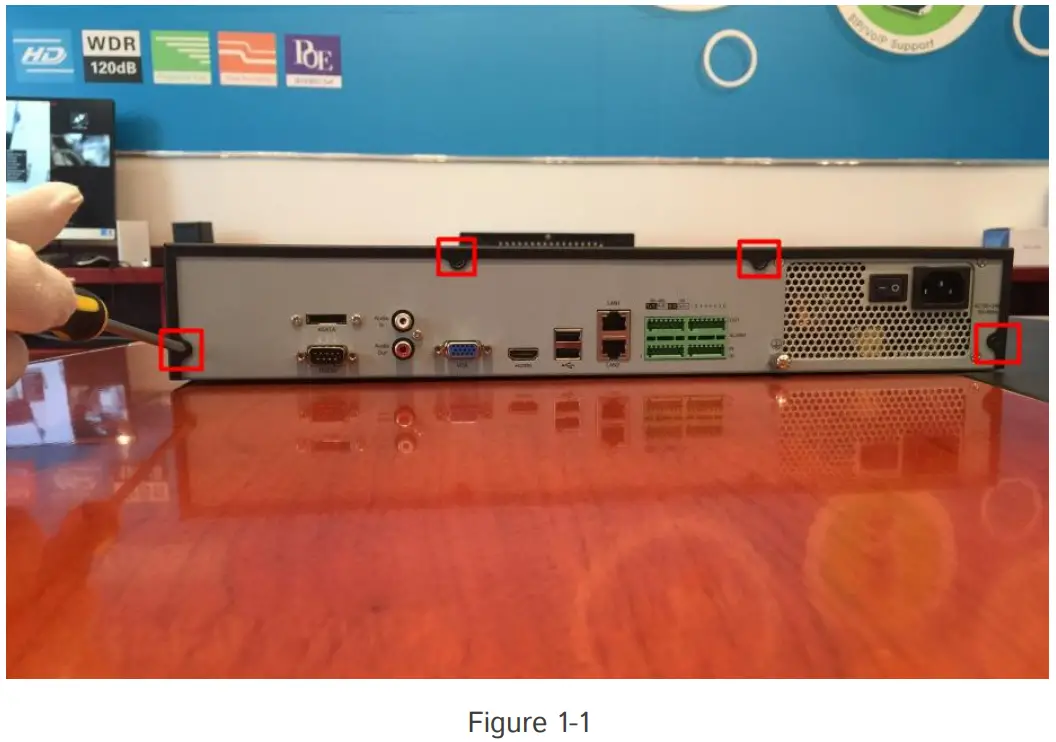
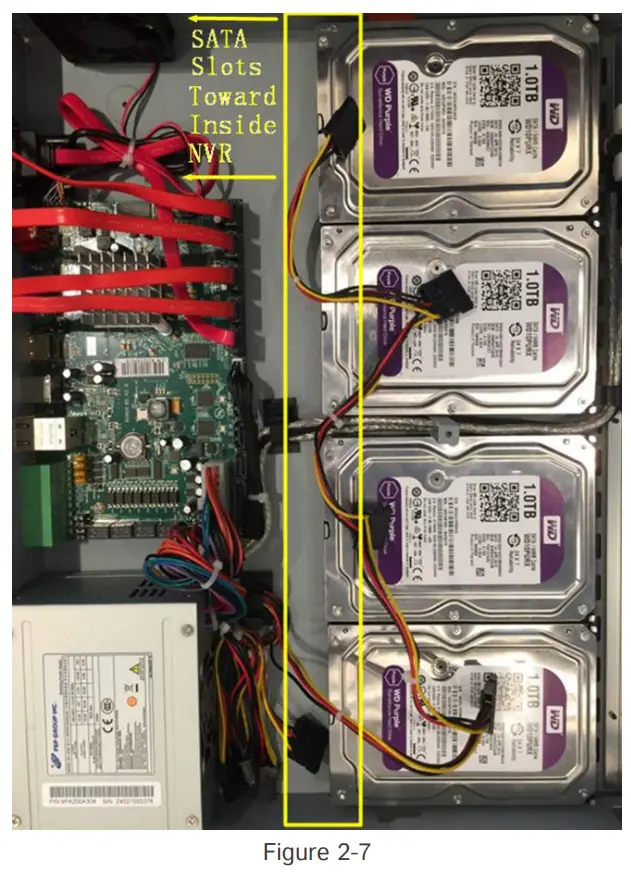
Step2: Install the hard disks into NVR with screws showed in below pictures.(SATA Slots of hard disk should be toward inside NVR.)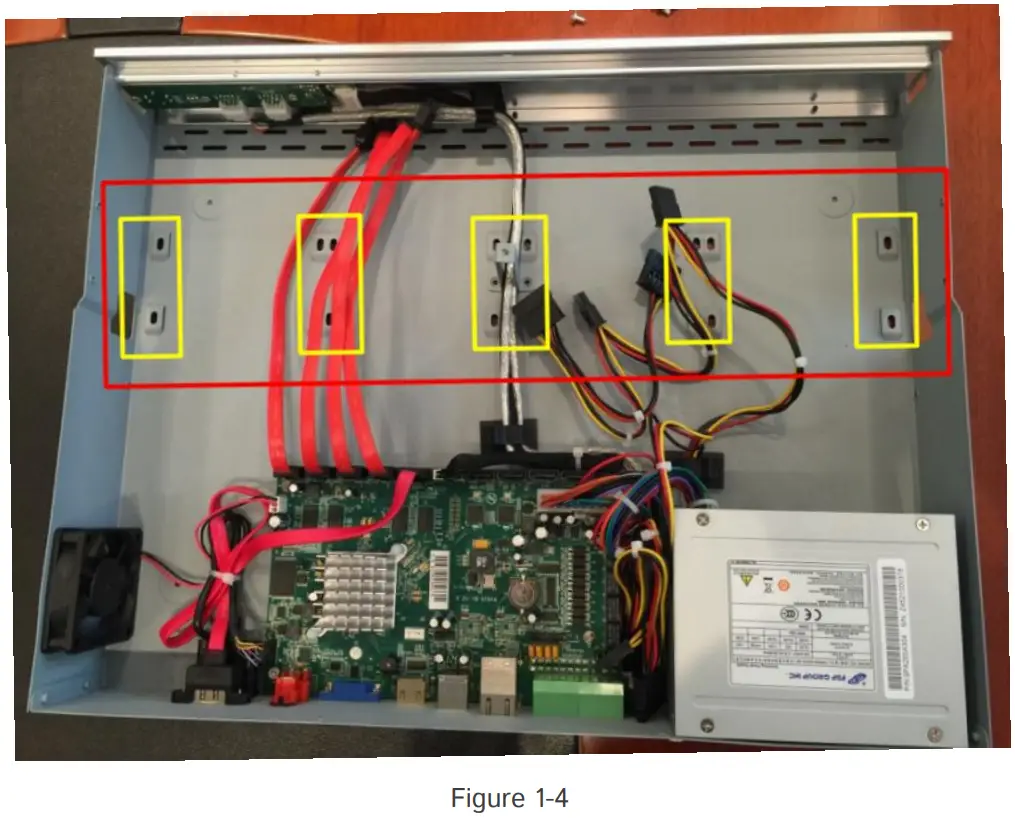
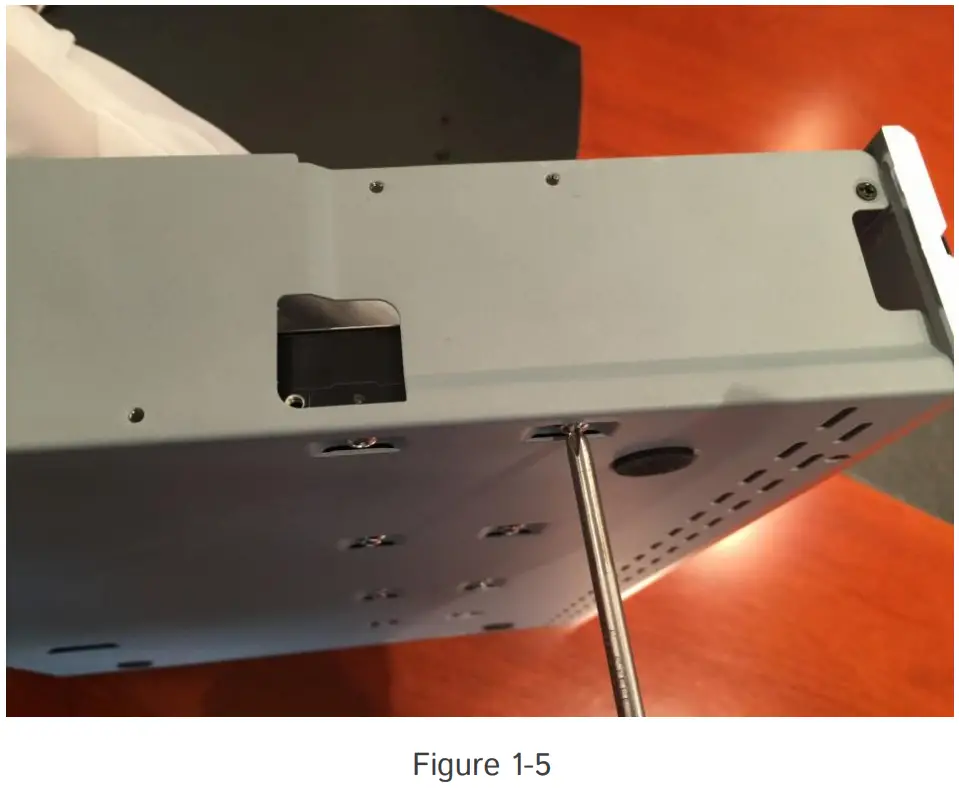
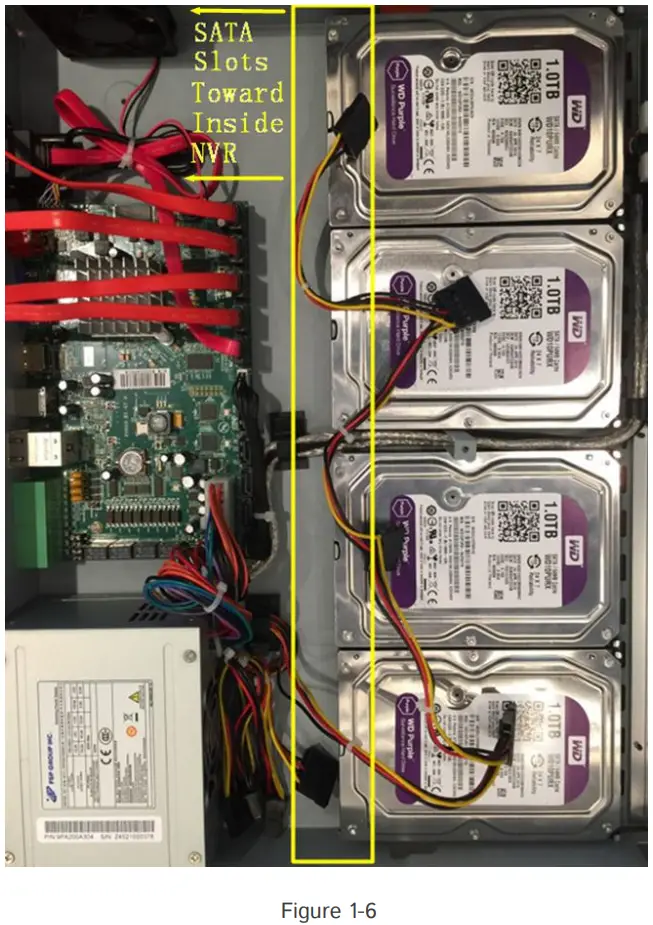
Step3: Join the power and data connectors to corresponding hard disk.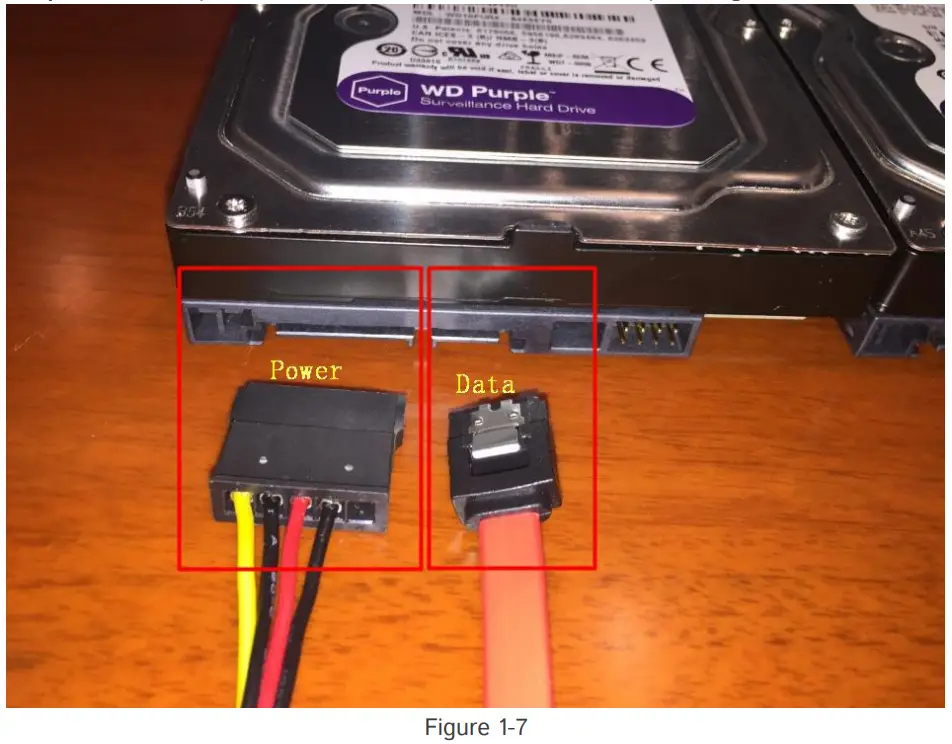
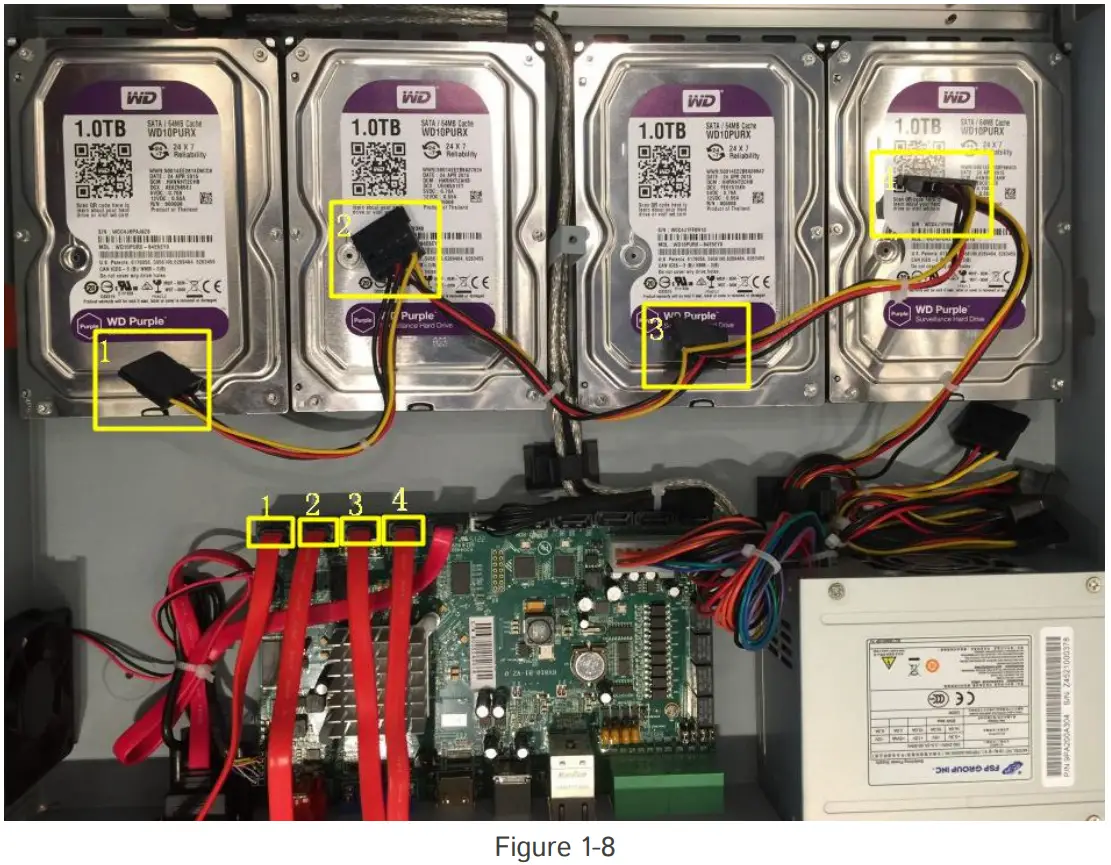
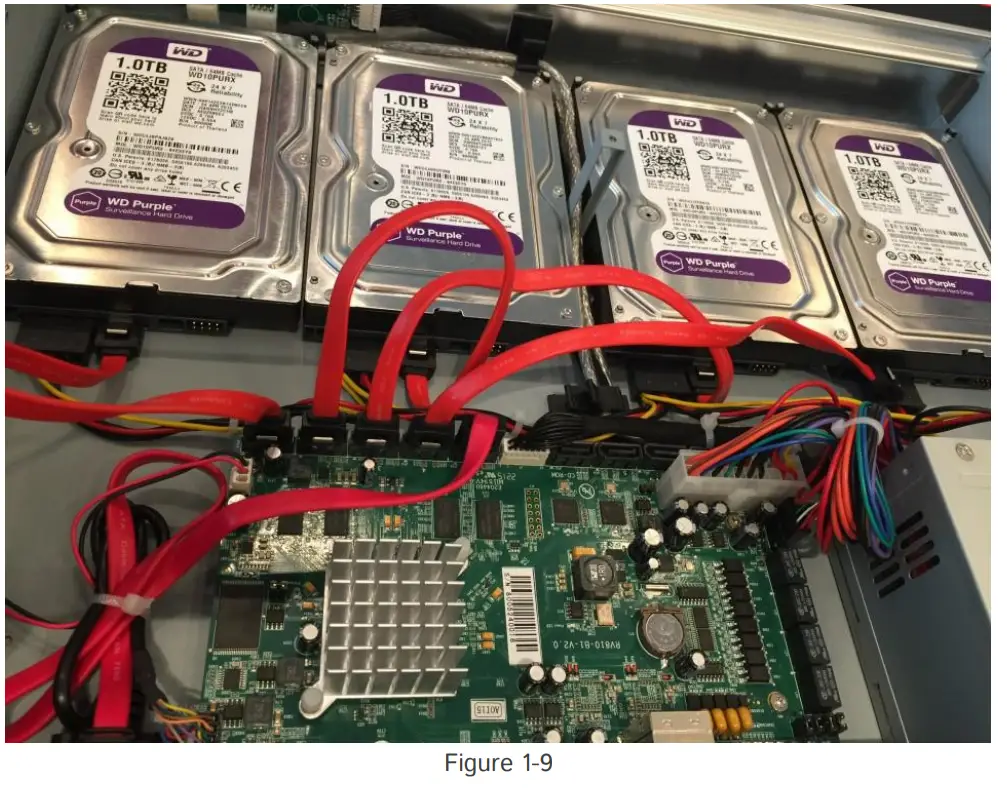
Note:
The data connector sequence of MS-N7000 series is different from MS-N8000 series’.
MS-N8000 series Hard Disk Installation
Step1: Unscrew the back and both sides’ screws to open the upper lid.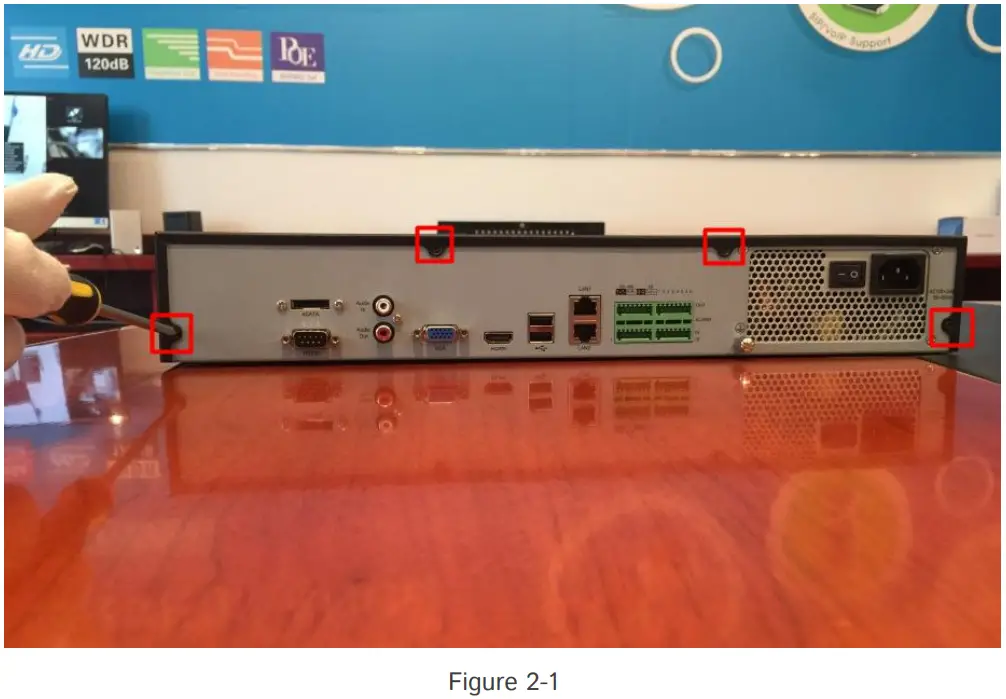
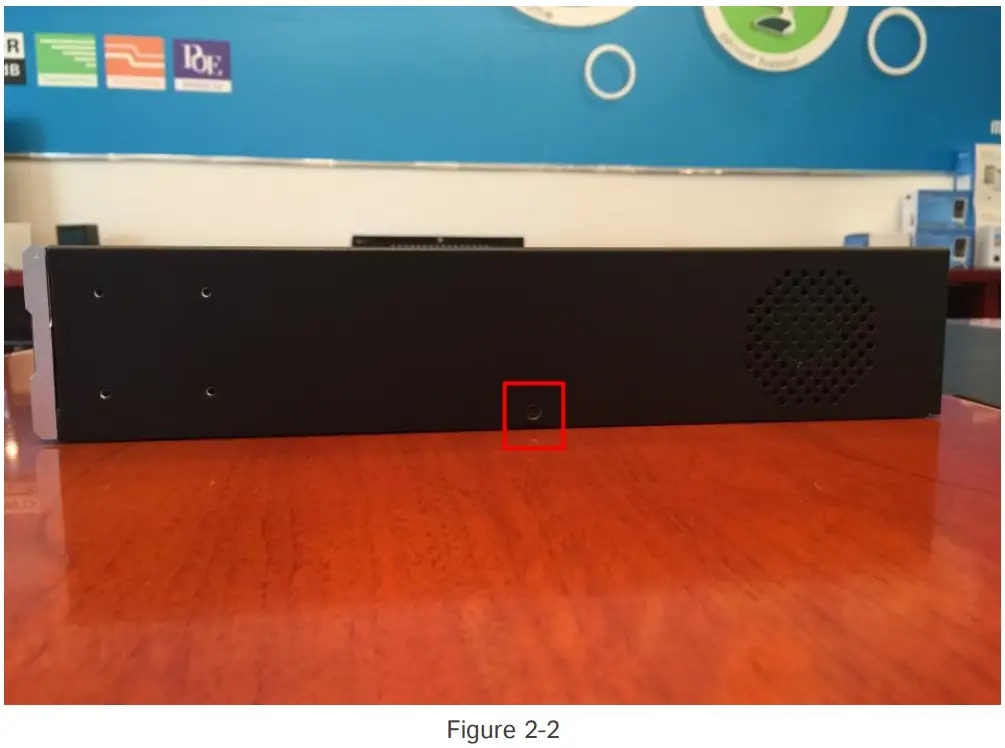
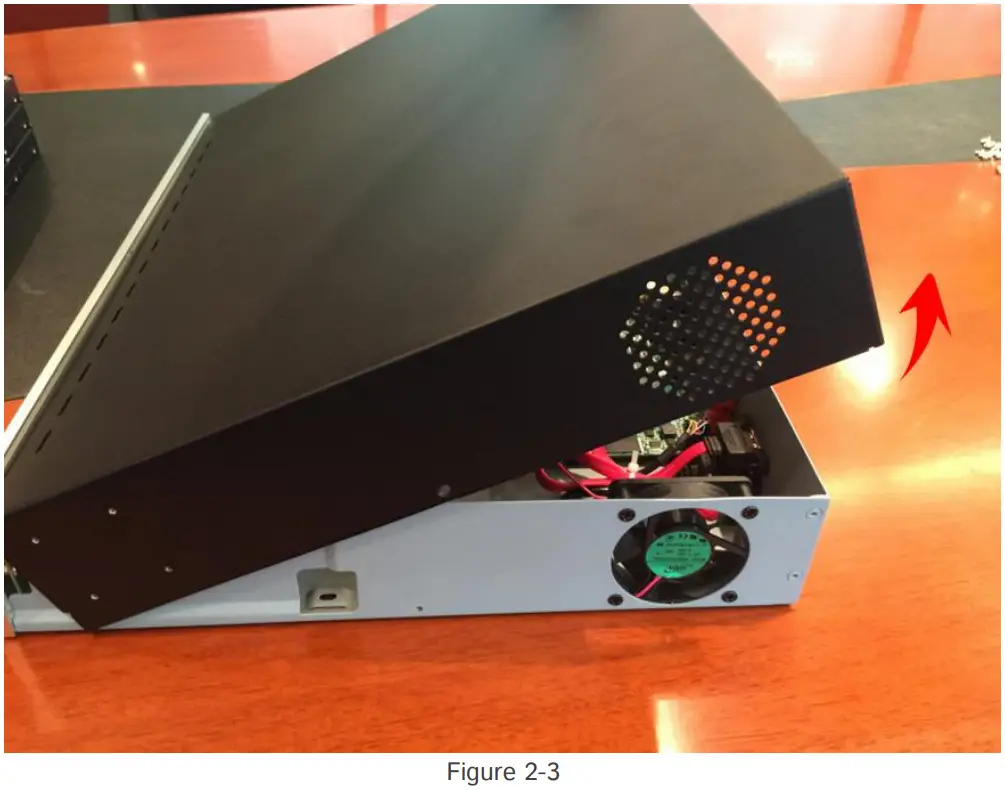
Step 2: Uninstall the upper hard disk panel.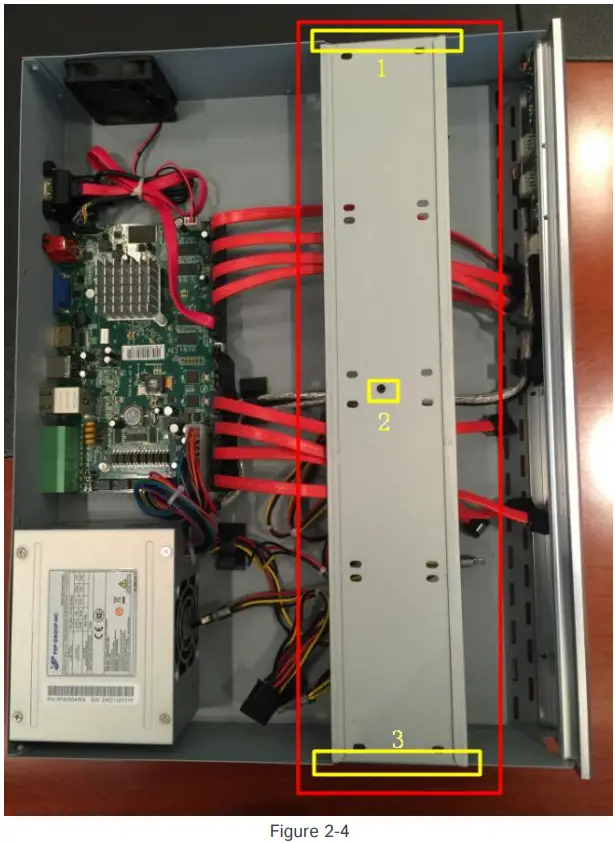
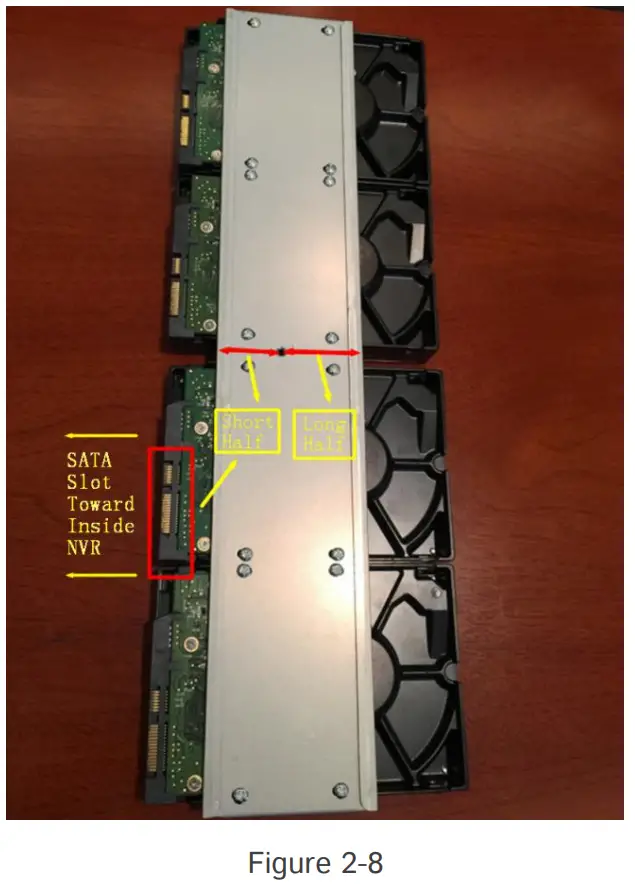
Step3: Install the hard disks into NVR with screws showed in belowpictures.
(SATA slots of hard disks should be toward inside NVR)
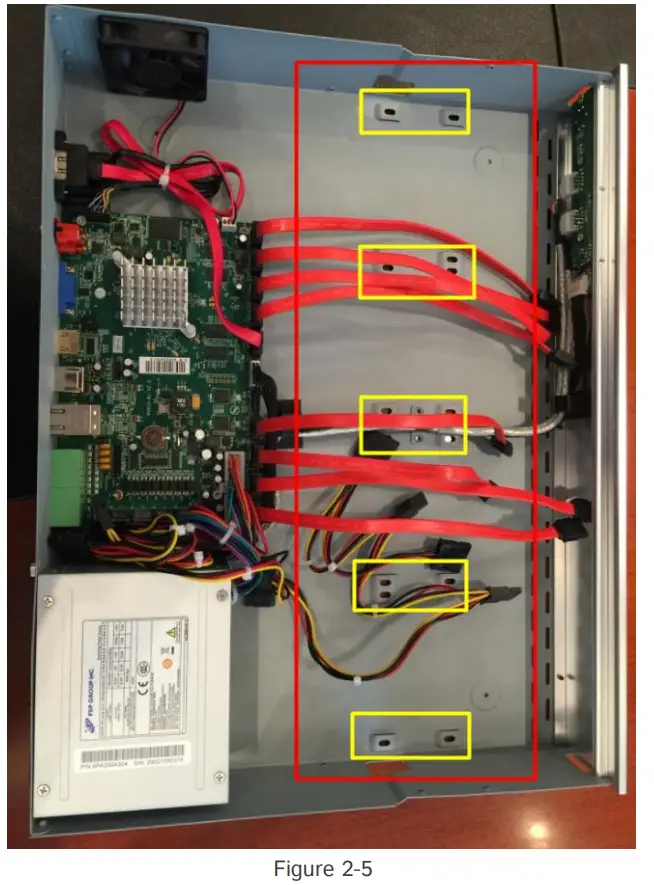
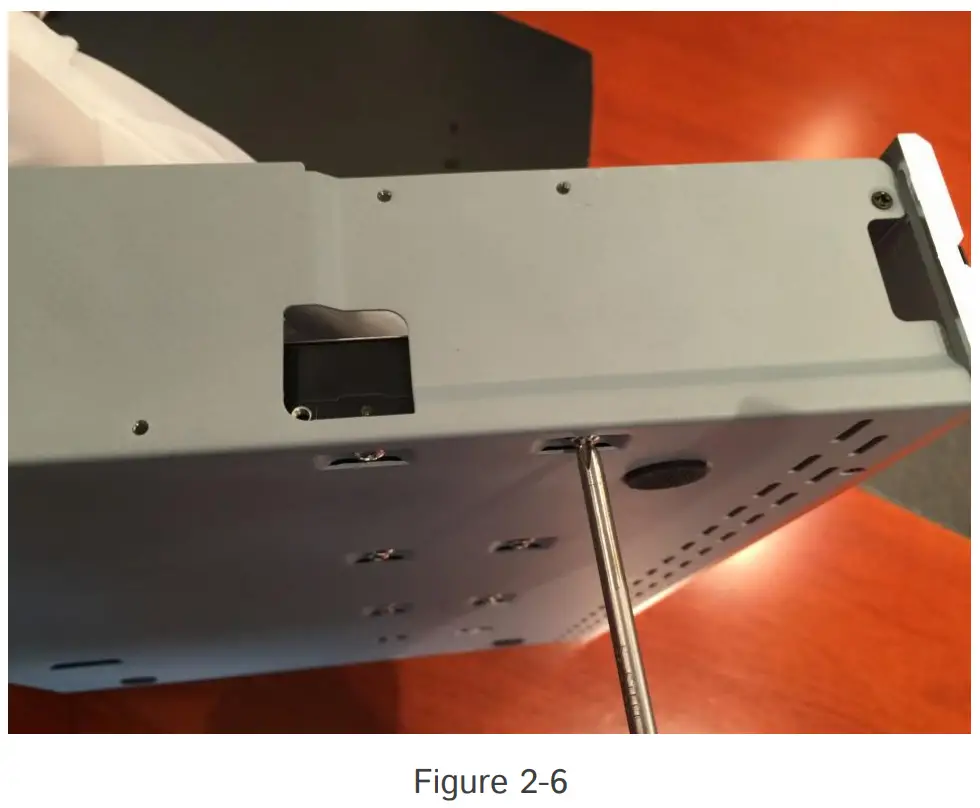
Note:
Make sure that the sata slots are in SHORT HALF side and the sataslot toward inside NVR.
Step4: Join the power connectors to corresponding hard disks.(Install lower hard disk panel before upper one)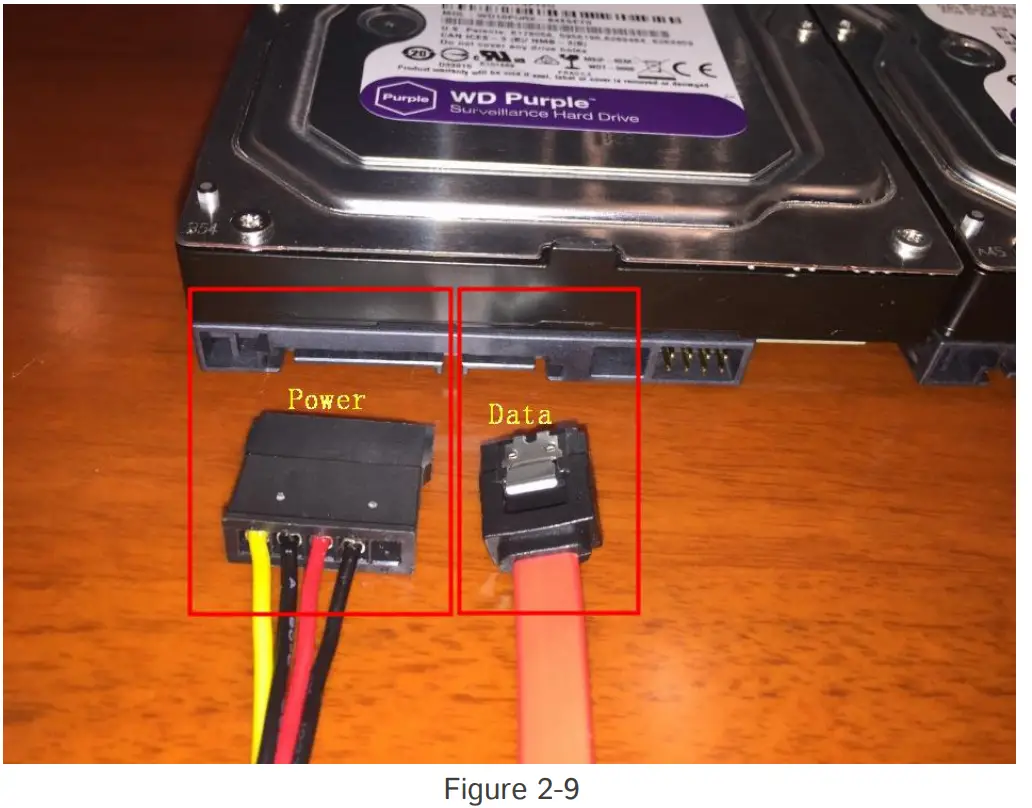
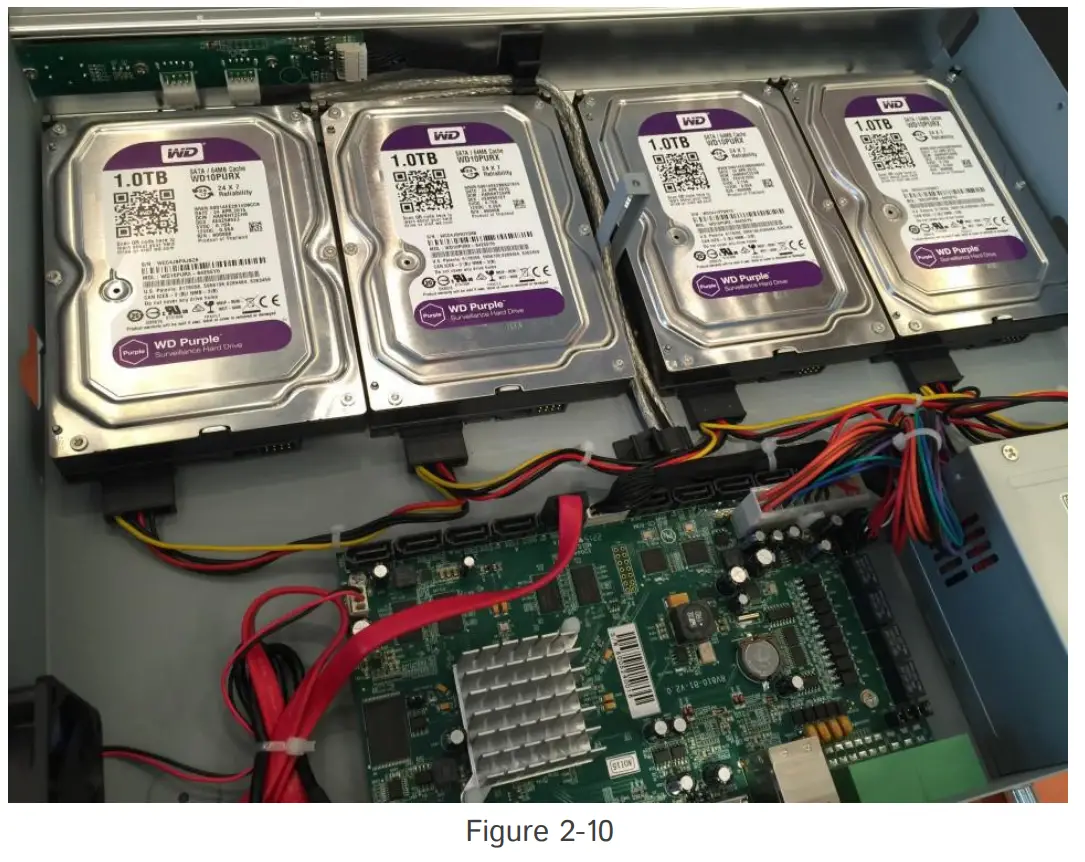
Step5: Join the data connectors to corresponding hard disk.(Check theconnection by below sequence)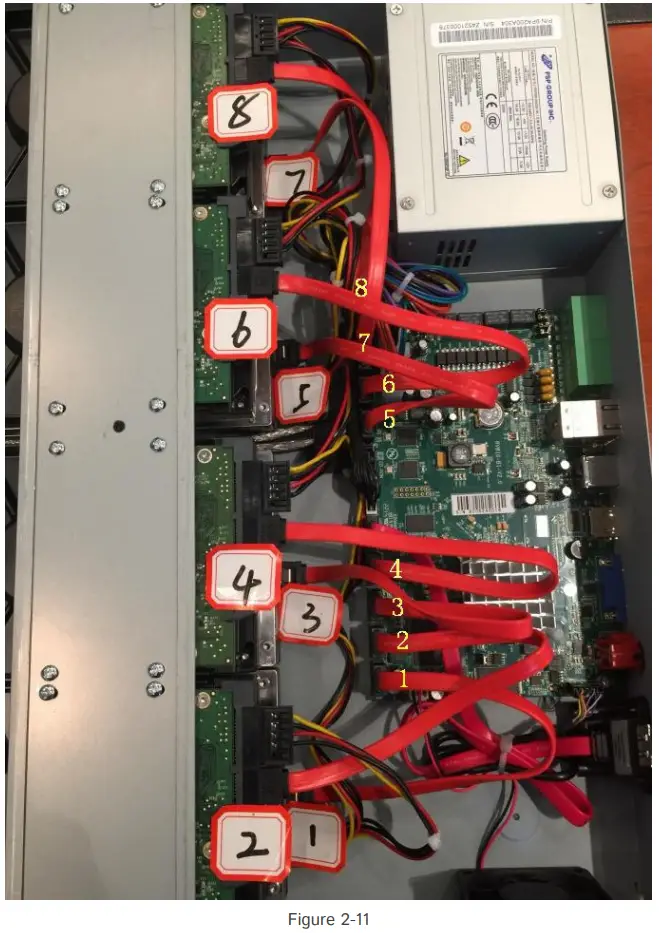
Note:
The data connector sequence of MS-N7000 series is different fromMS N8000series’.
-END-