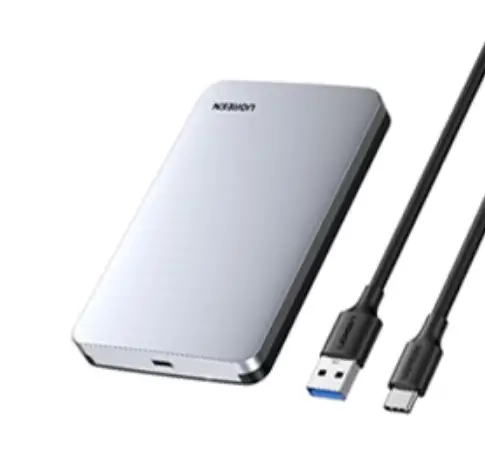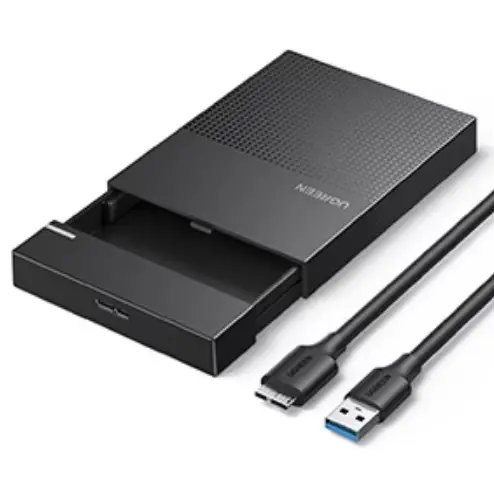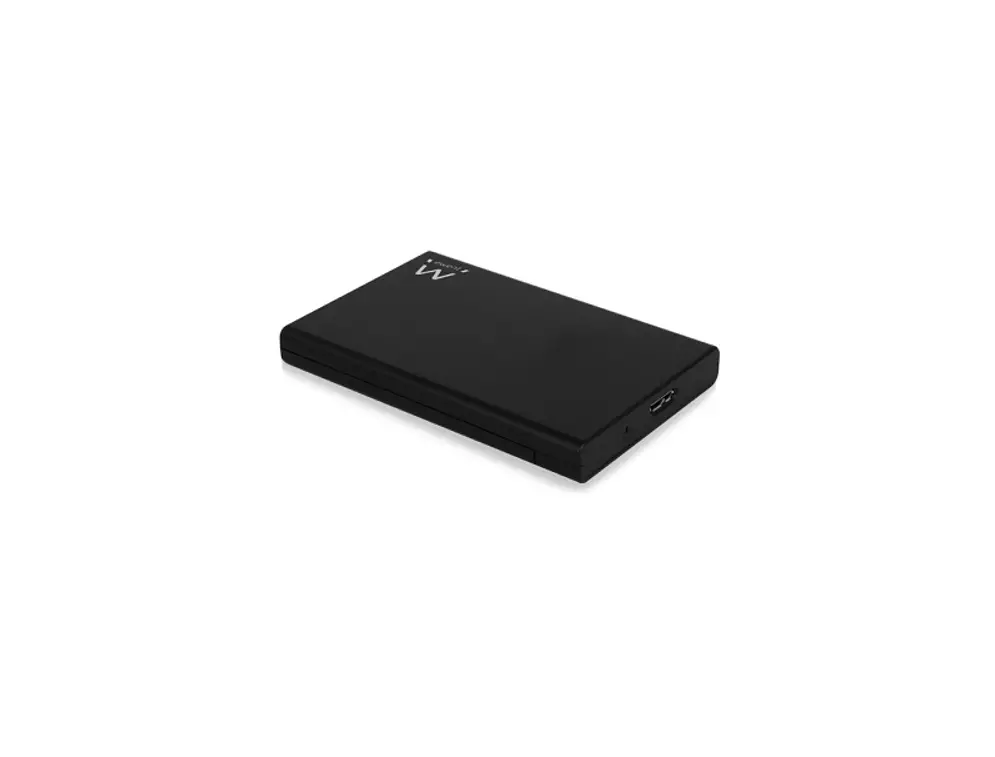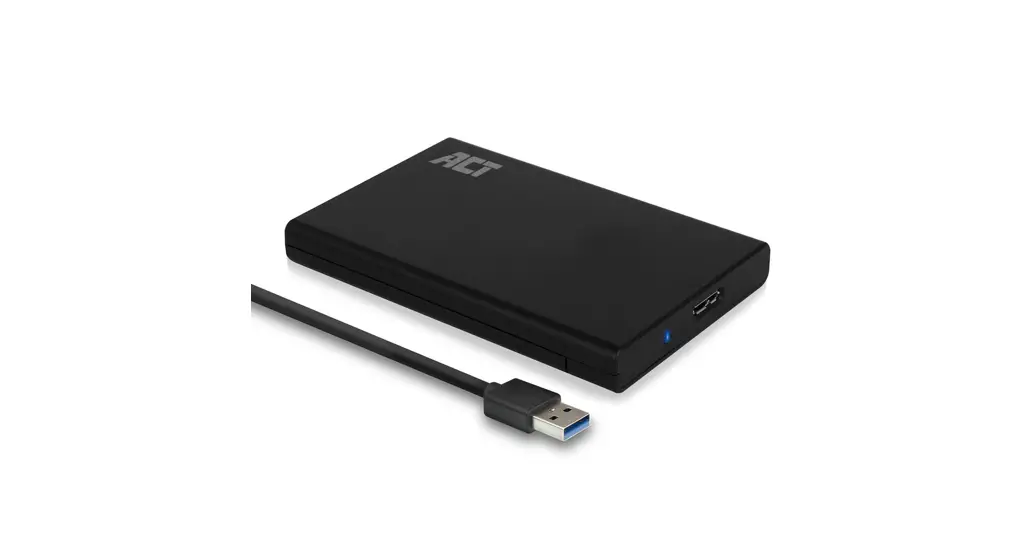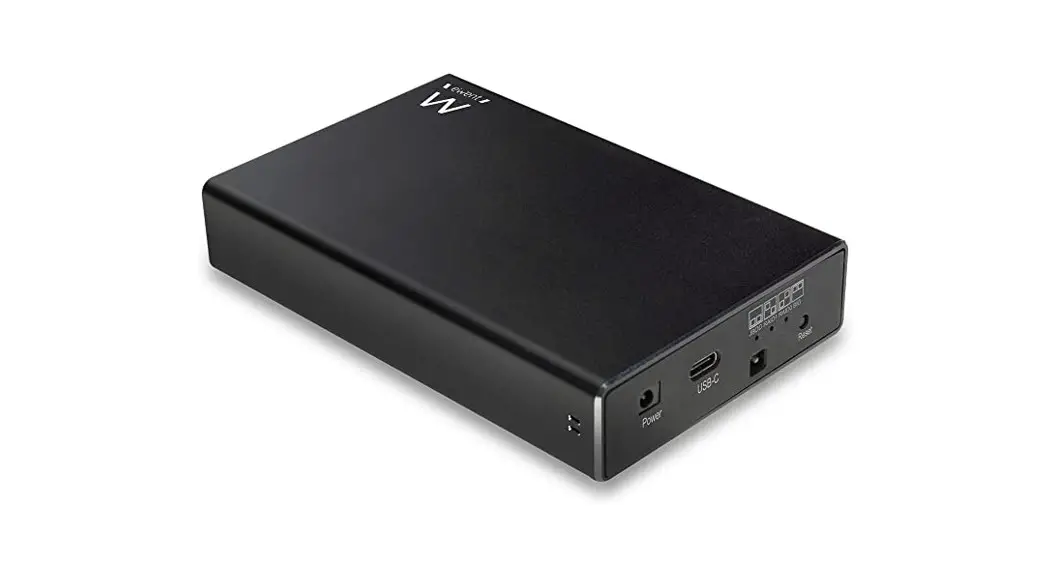

Ewent Ew7072 Usb 3.2 Hard Disk Enclosure Usb-c 2.5 Inch Sata Installation Guide

Ewent Ew7072 Usb 3.2 Hard Disk Enclosure Usb-c 2.5 Inch Sata Installation Guide

eWent - logo

USB 3.2 Hard Disk Enclosure USB-C 2.5” SATA
EW 7072
Quick Install

eWent EW7072 USB 3 2 Hard Disk Enclosure USB-C 2 5 Inch Sata - disposal

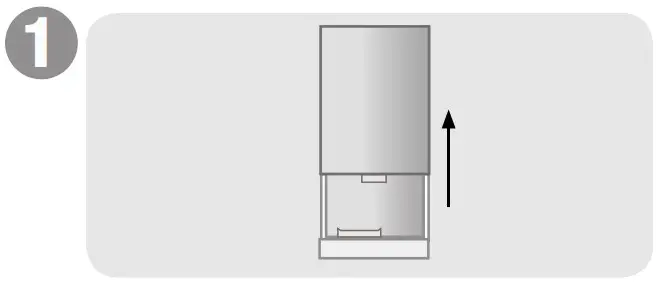
Open the Enclosure

eWent EW7072 USB 3 2 Hard Disk Enclosure USB-C 2 5 Inch Sata - overview 1

Connect the hard disk to the SATA connector
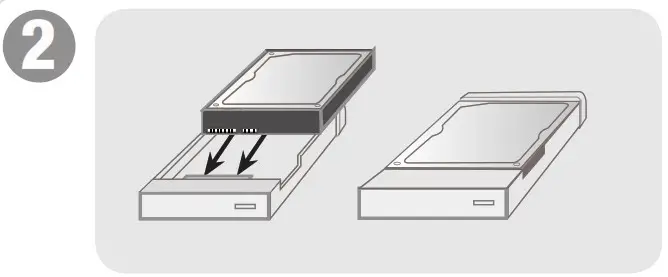
eWent EW7072 USB 3 2 Hard Disk Enclosure USB-C 2 5 Inch Sata - overview 2

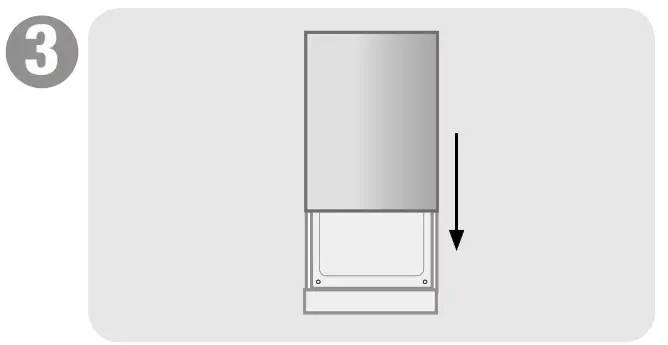
Close the enclosure with the cover.

eWent EW7072 USB 3 2 Hard Disk Enclosure USB-C 2 5 Inch Sata - overview 3

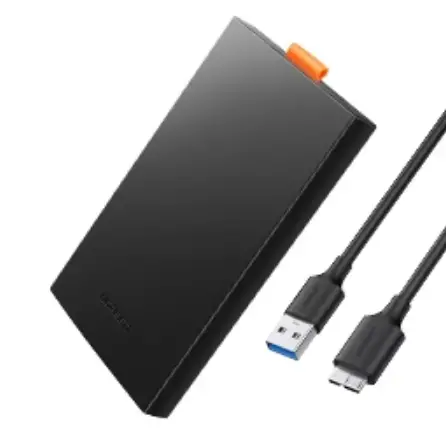
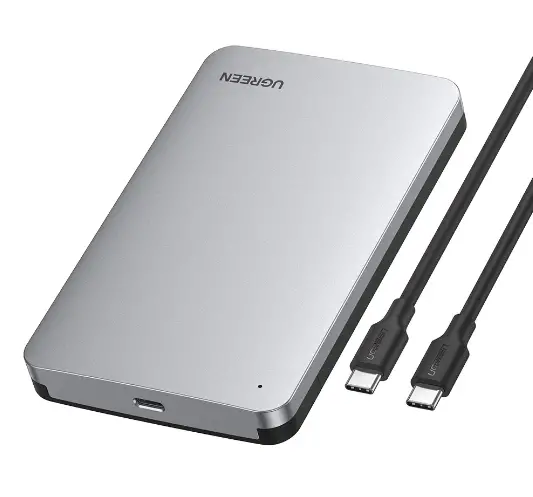
Attach the harddisk with the included cable to your computer
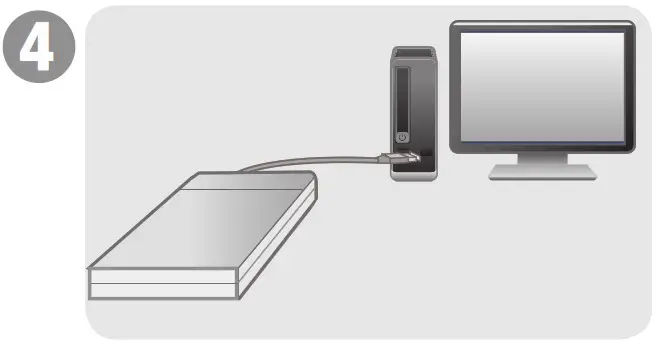
eWent EW7072 USB 3 2 Hard Disk Enclosure USB-C 2 5 Inch Sata - overview 4

For service, manuals,
firmware updates or support
visit www.ewent-online.com
Multilingual manual
5 Years Warranty

eWent EW7072 USB 3 2 Hard Disk Enclosure USB-C 2 5 Inch Sata - icon 1

WWW.EWENT-ONLINE.COM

References

Documents / Resouces

Download manual
Here you can download full pdf version of manual, it may contain additional safety instructions, warranty information, FCC rules, etc.


Related Manuals