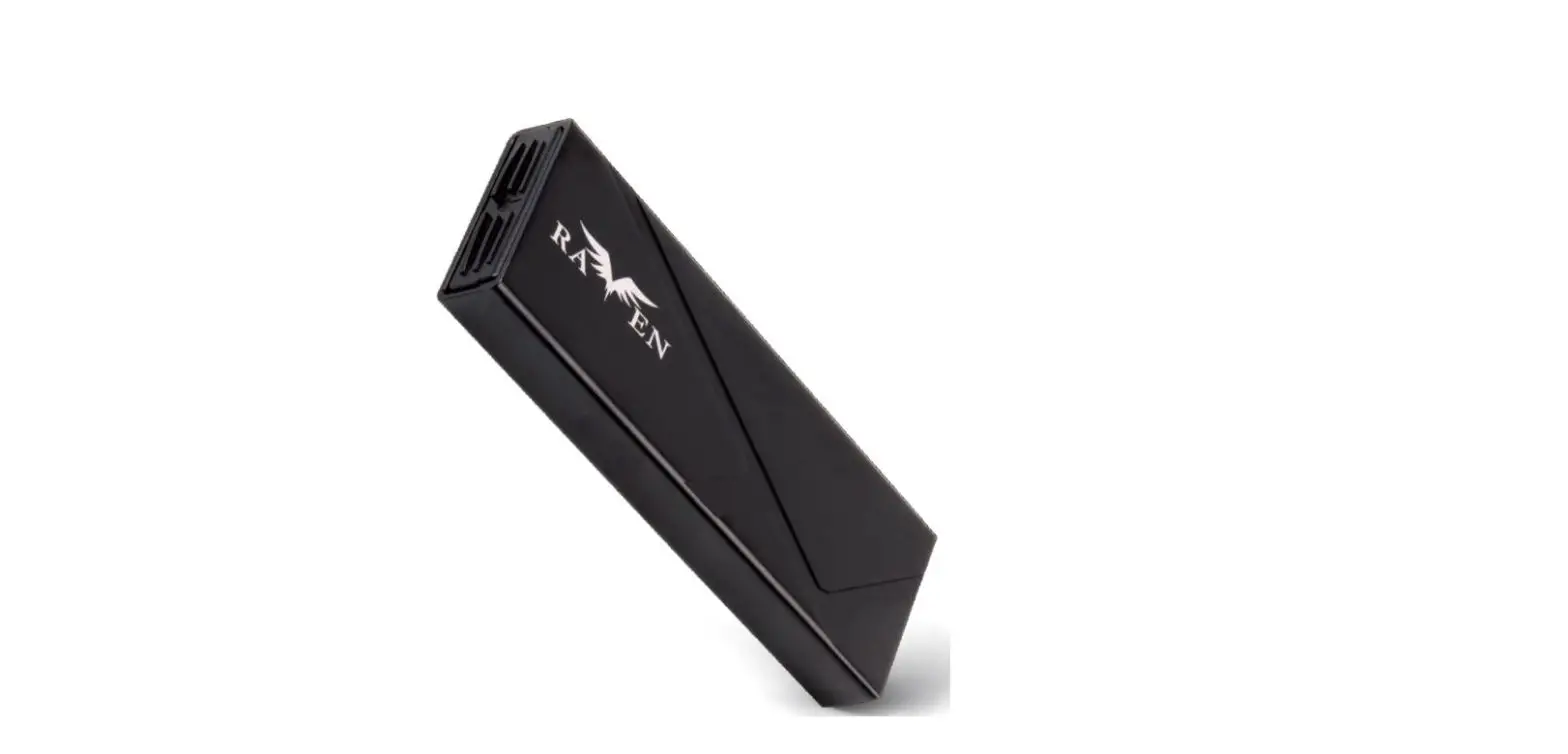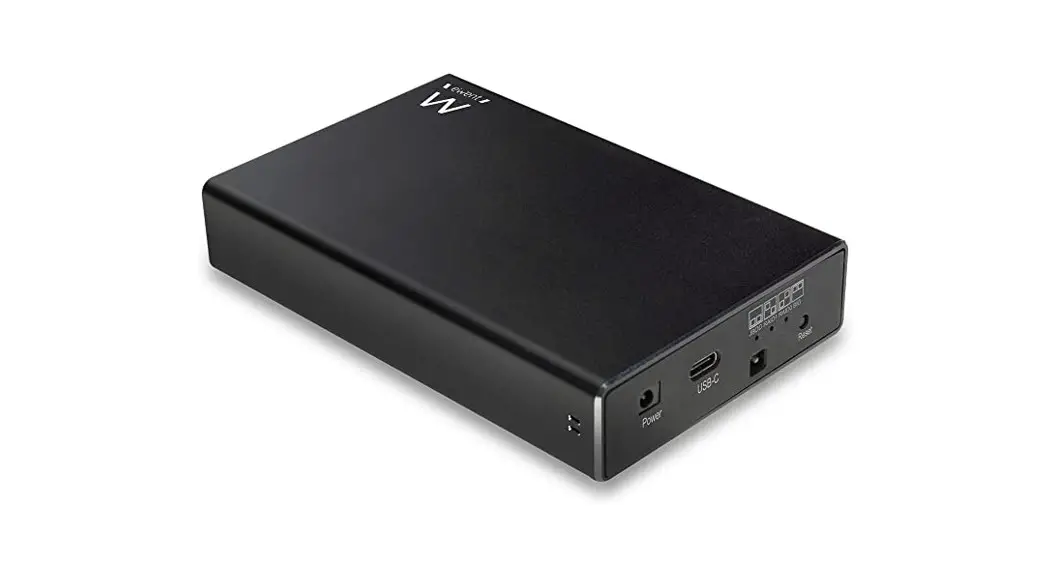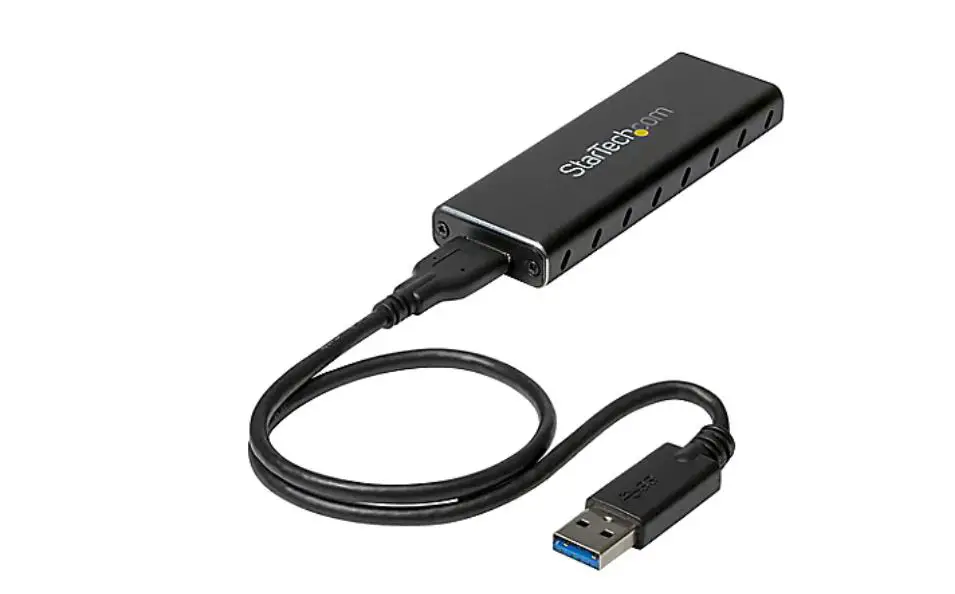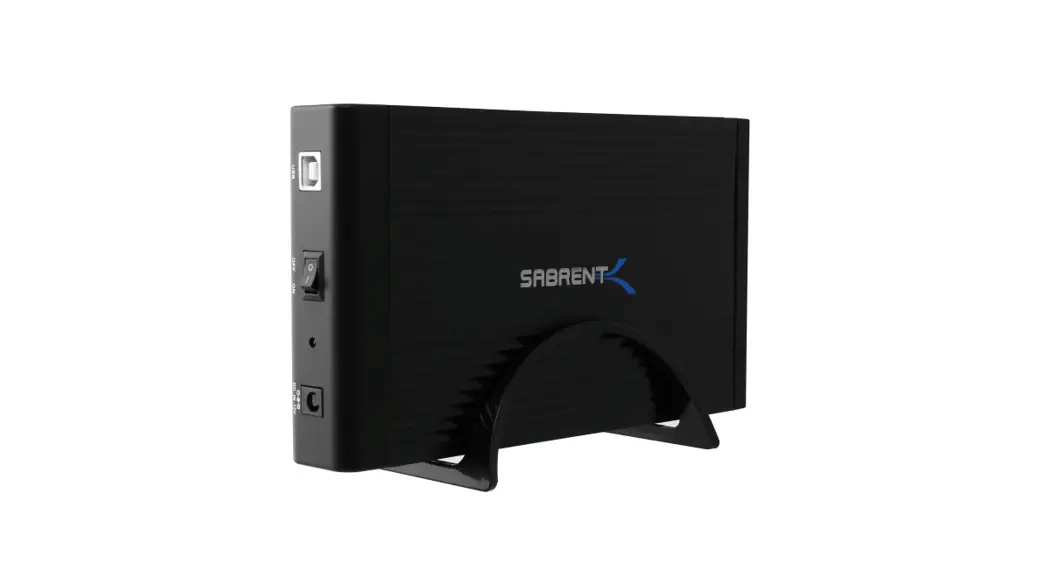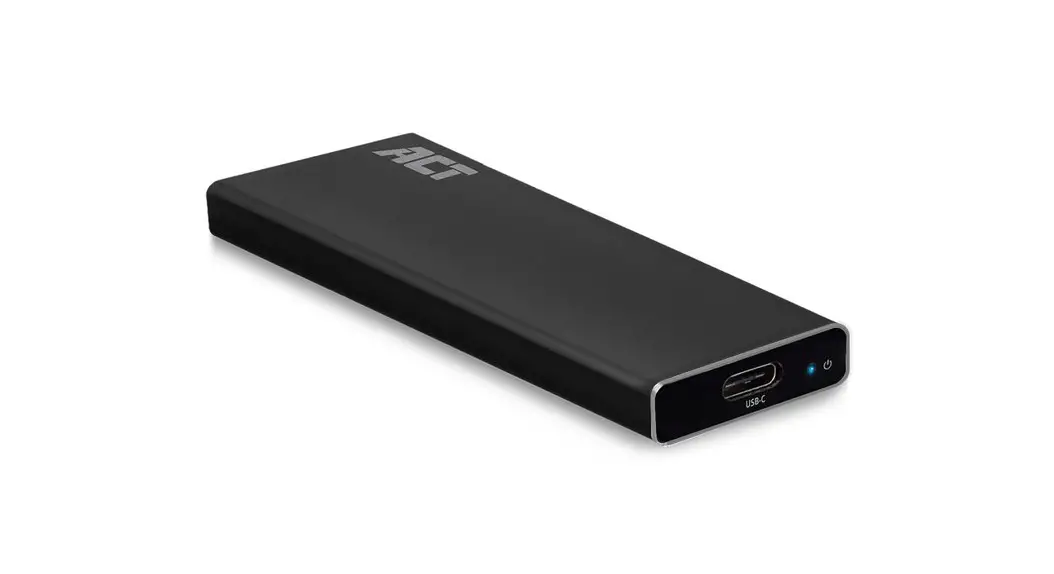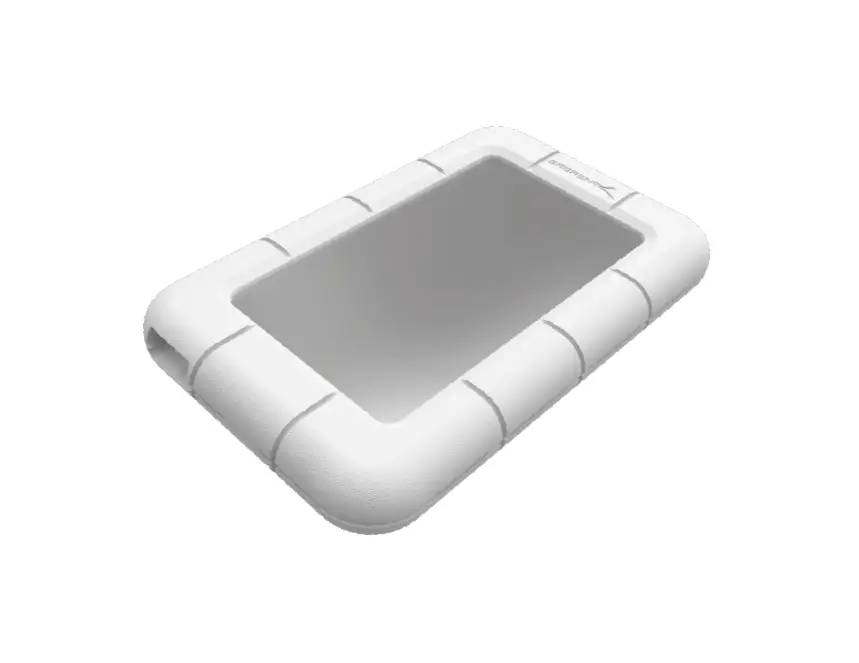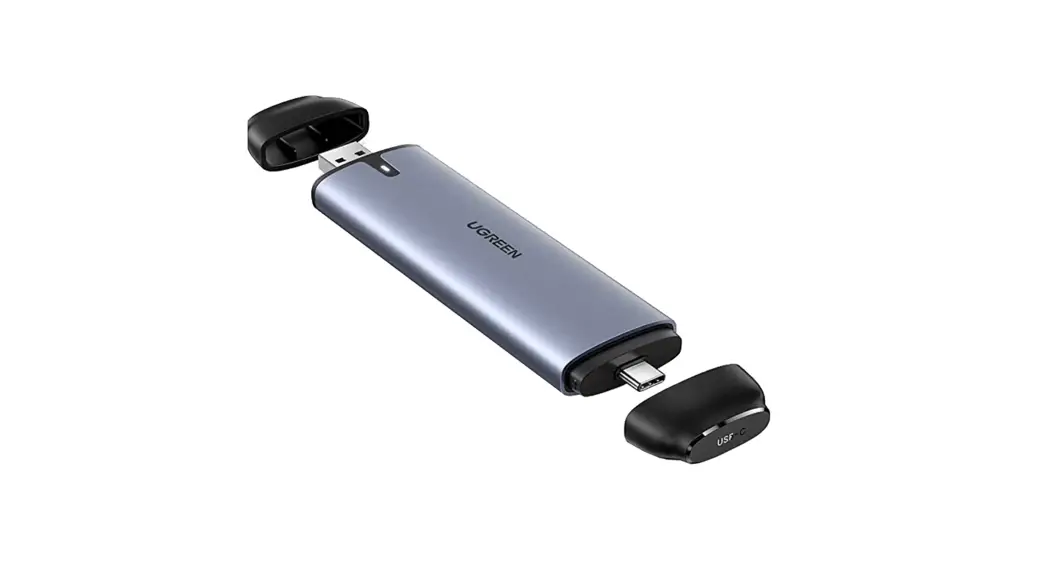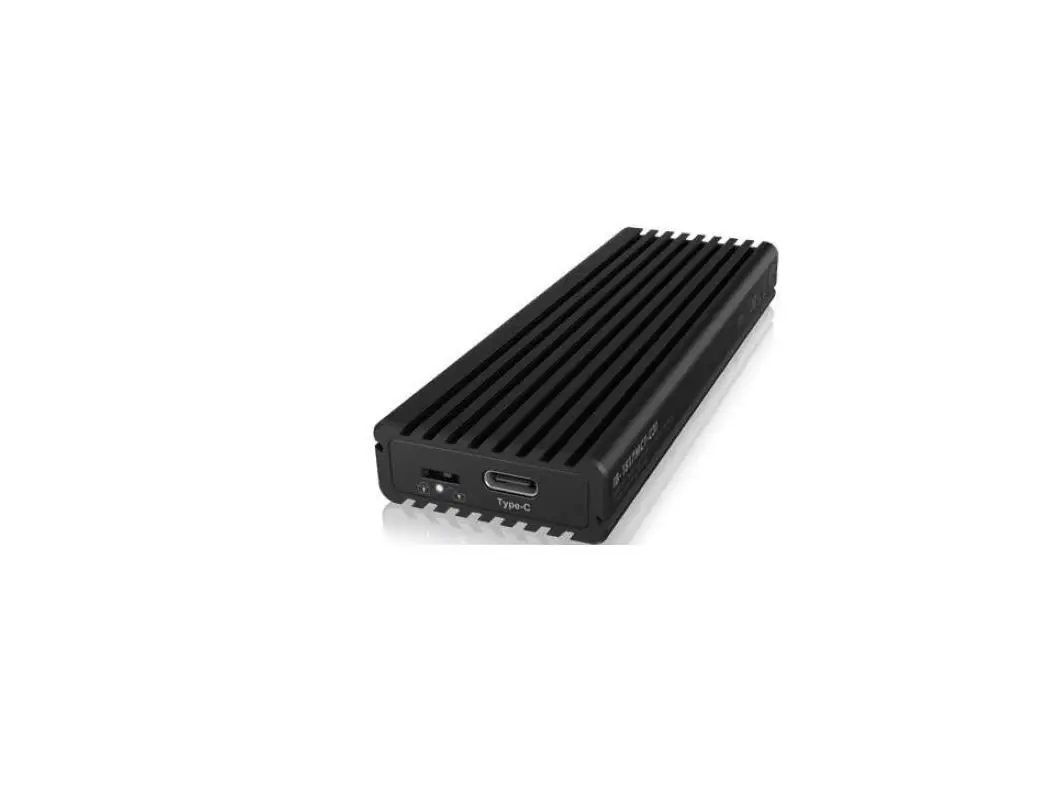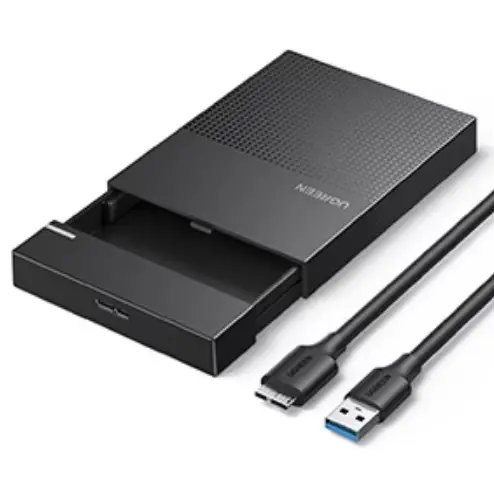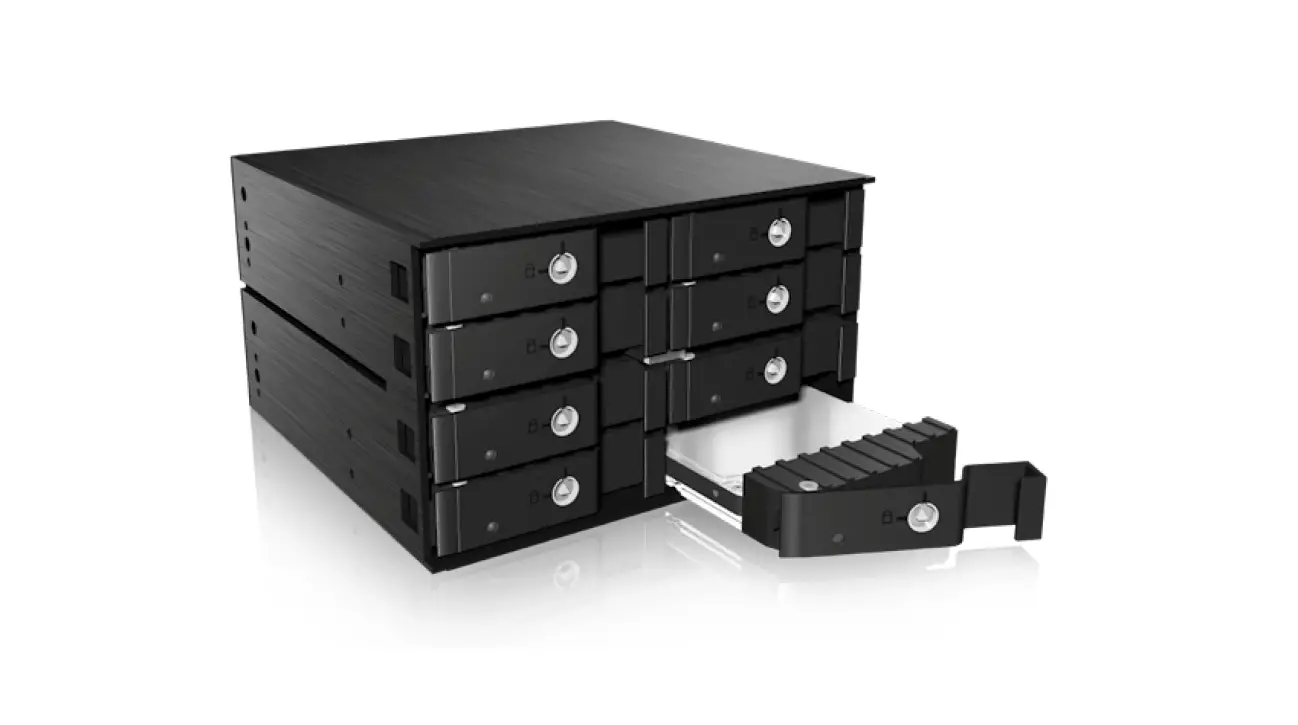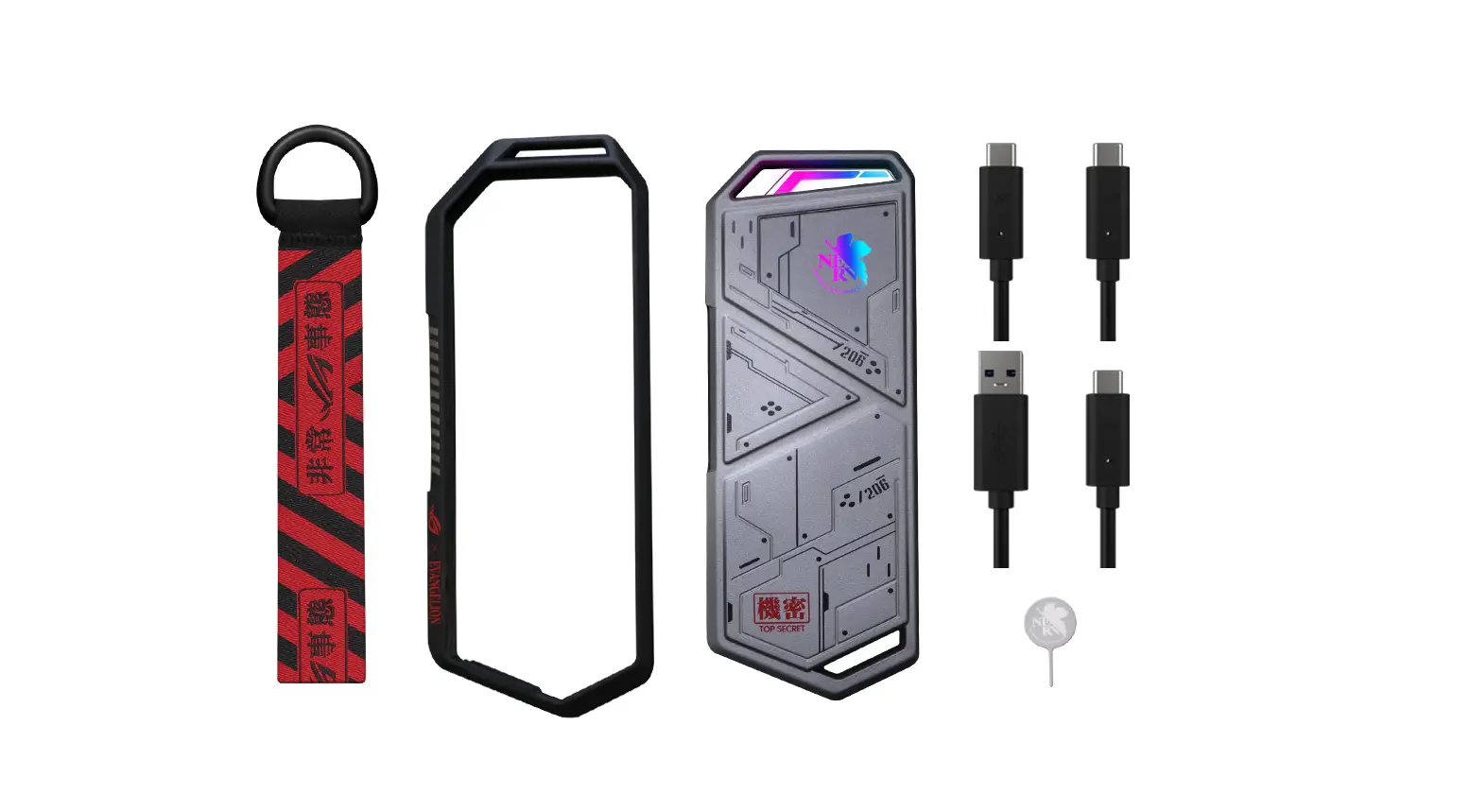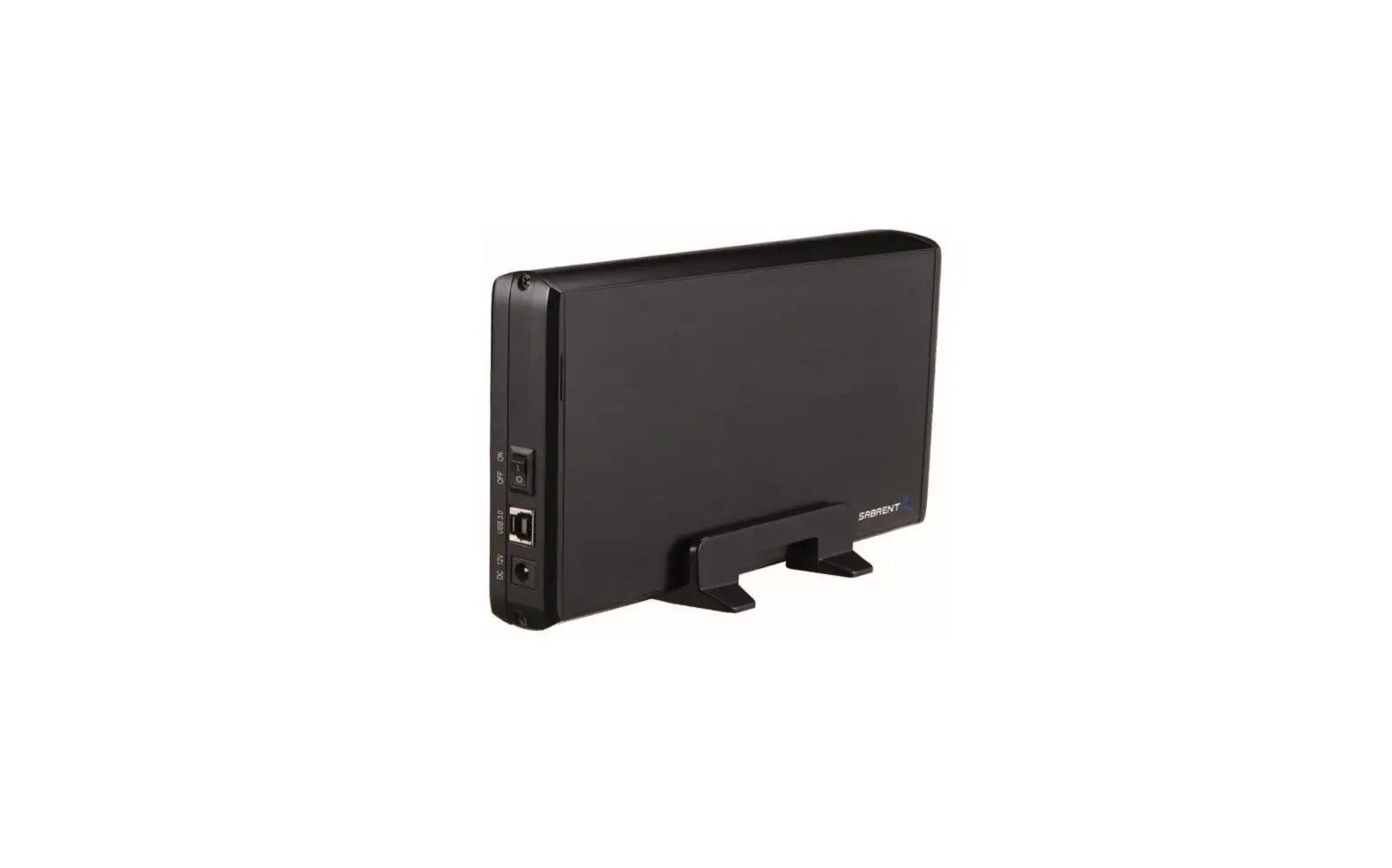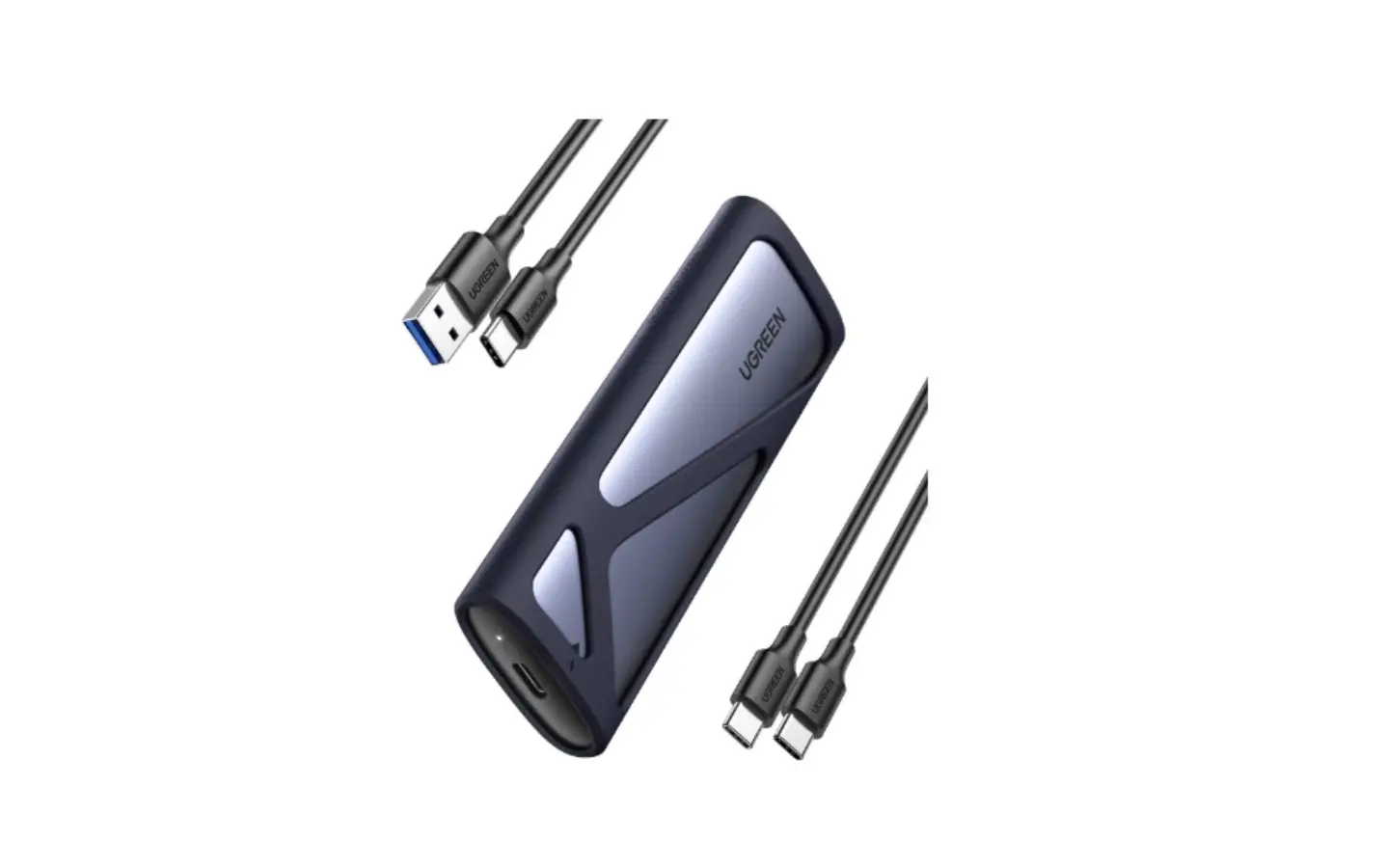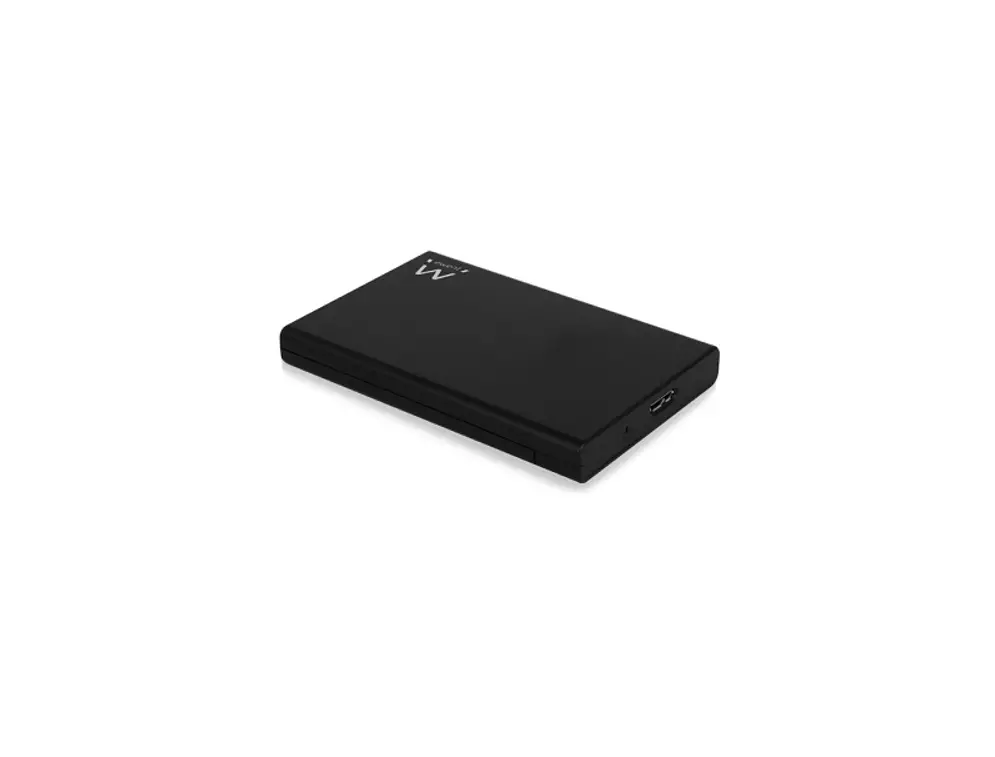
ewent 2.5″ SATA HDD/ SSD Screwless Enclosure Installation Guide

2.5″ SATA HOD/ SSD Screwless Enclosure
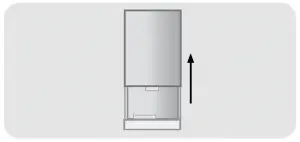
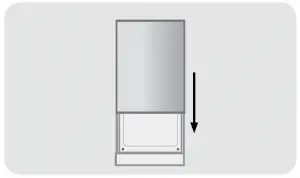
- Open the Enclosure

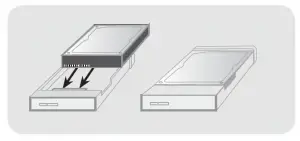
- Connect the hard disk to the SATA connector

- Close the enclosure with the cover

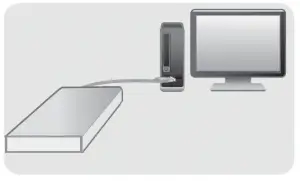
- Attach the harddisk with the included cable to your computer

For service, manuals, firmware updates or support visit www.ewent-online.com | Multilingual manual | 5 Years Warranty |
 Ewent - Choose your country