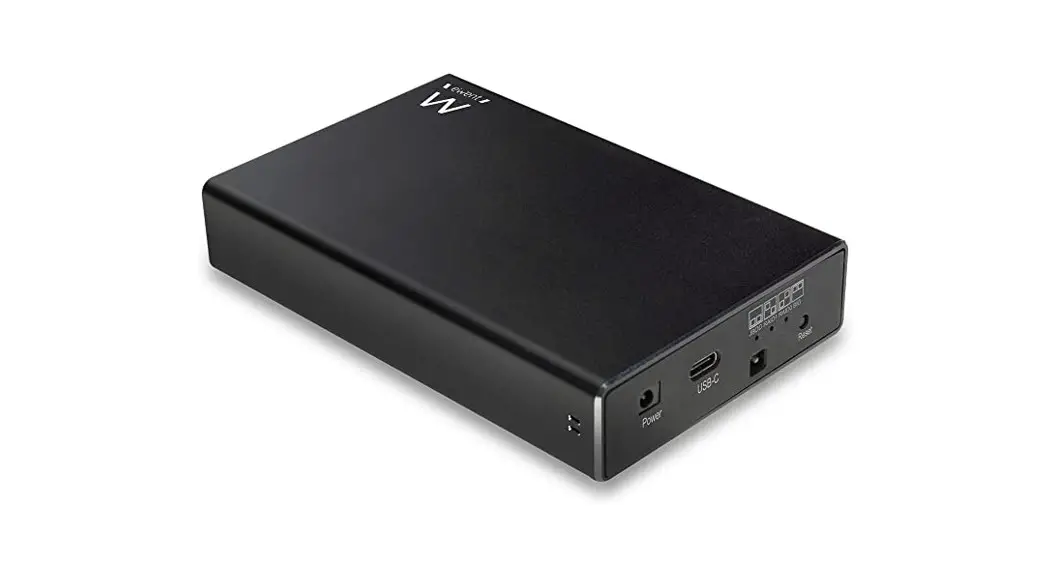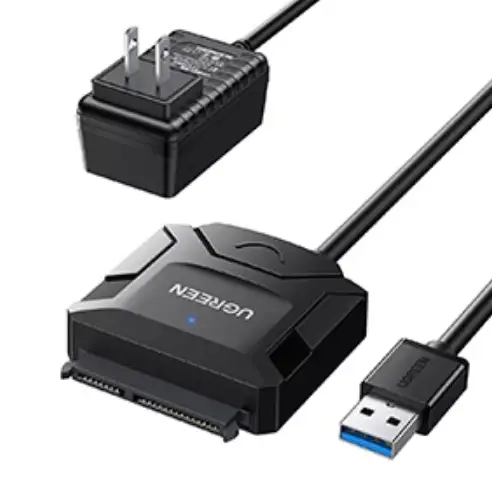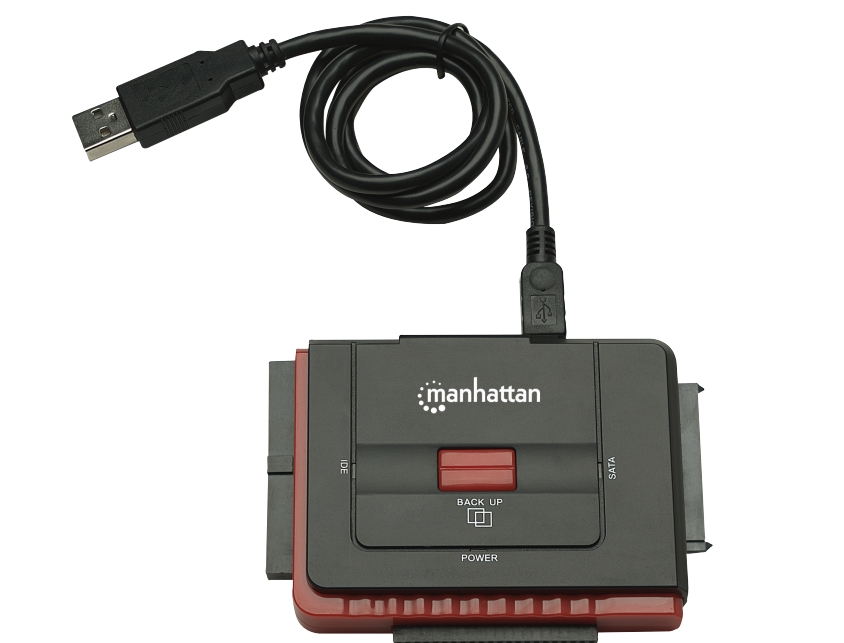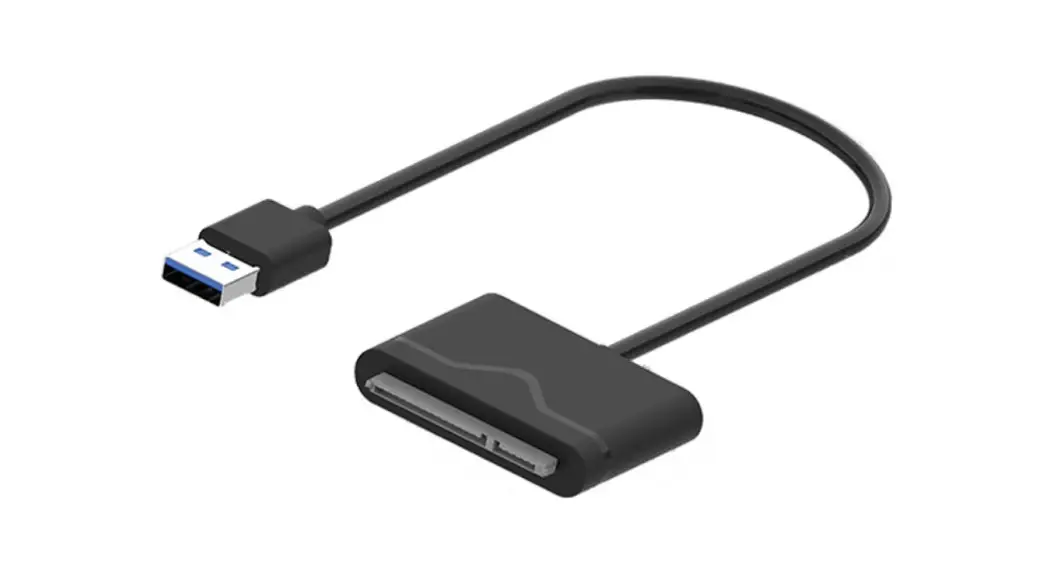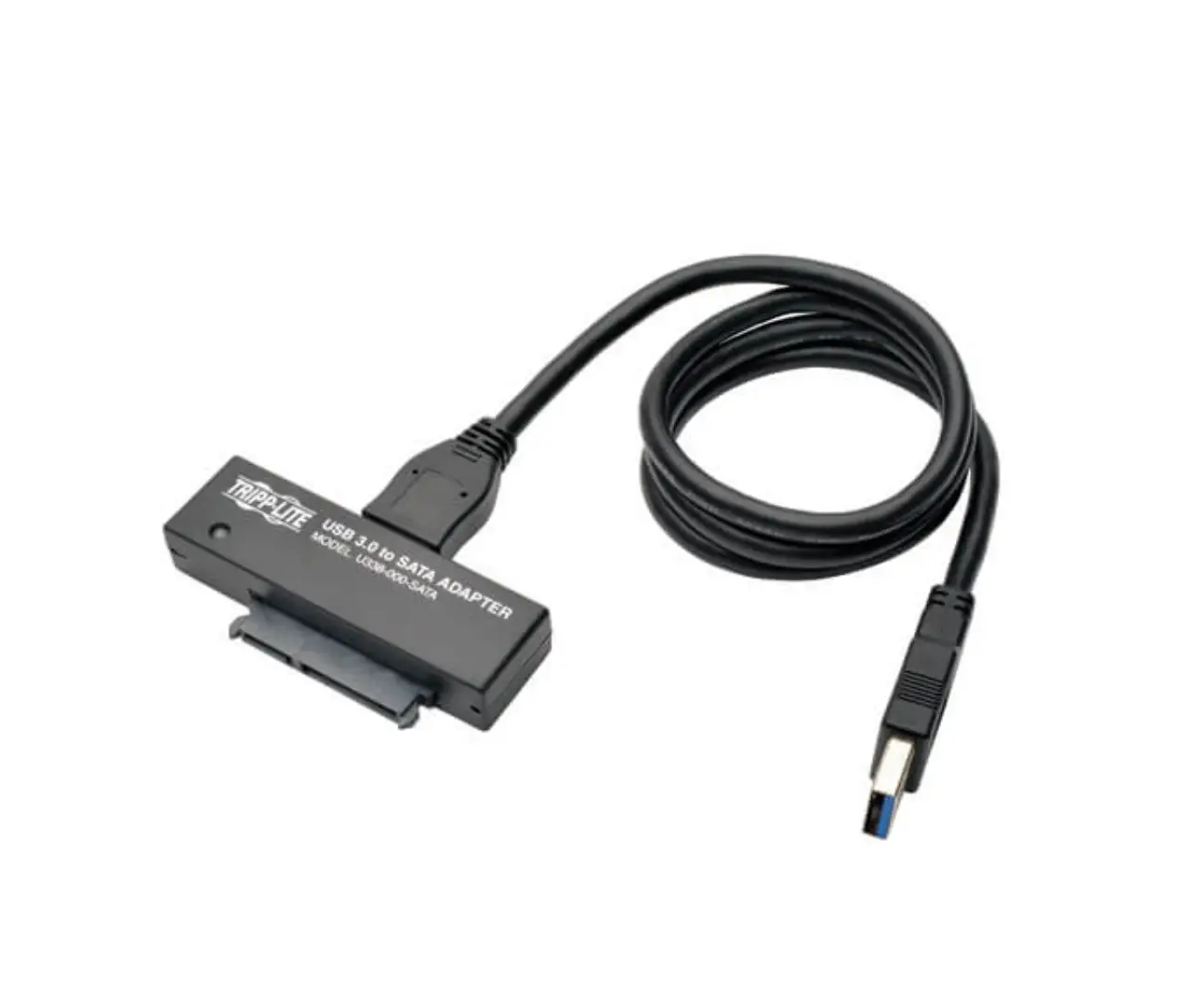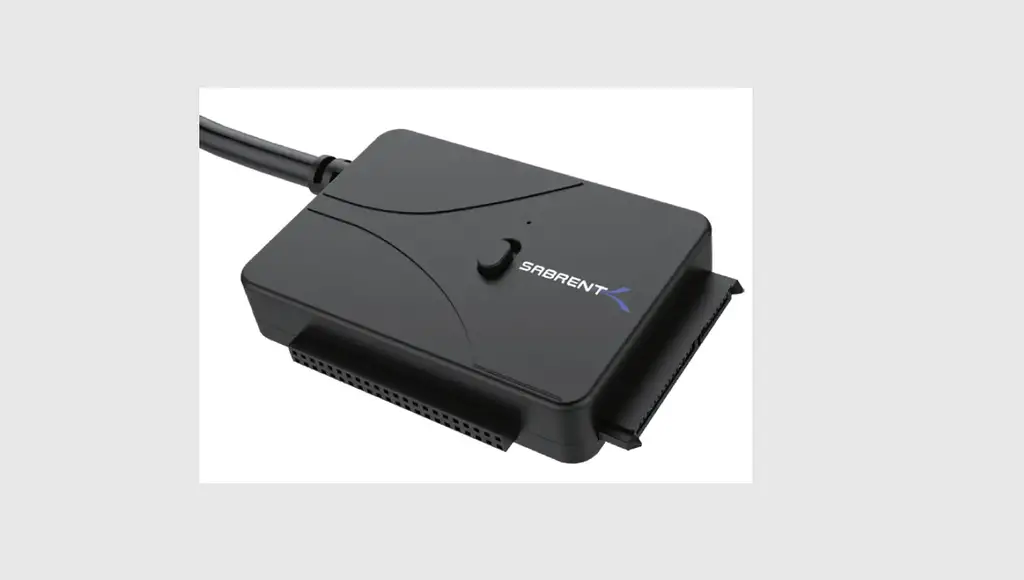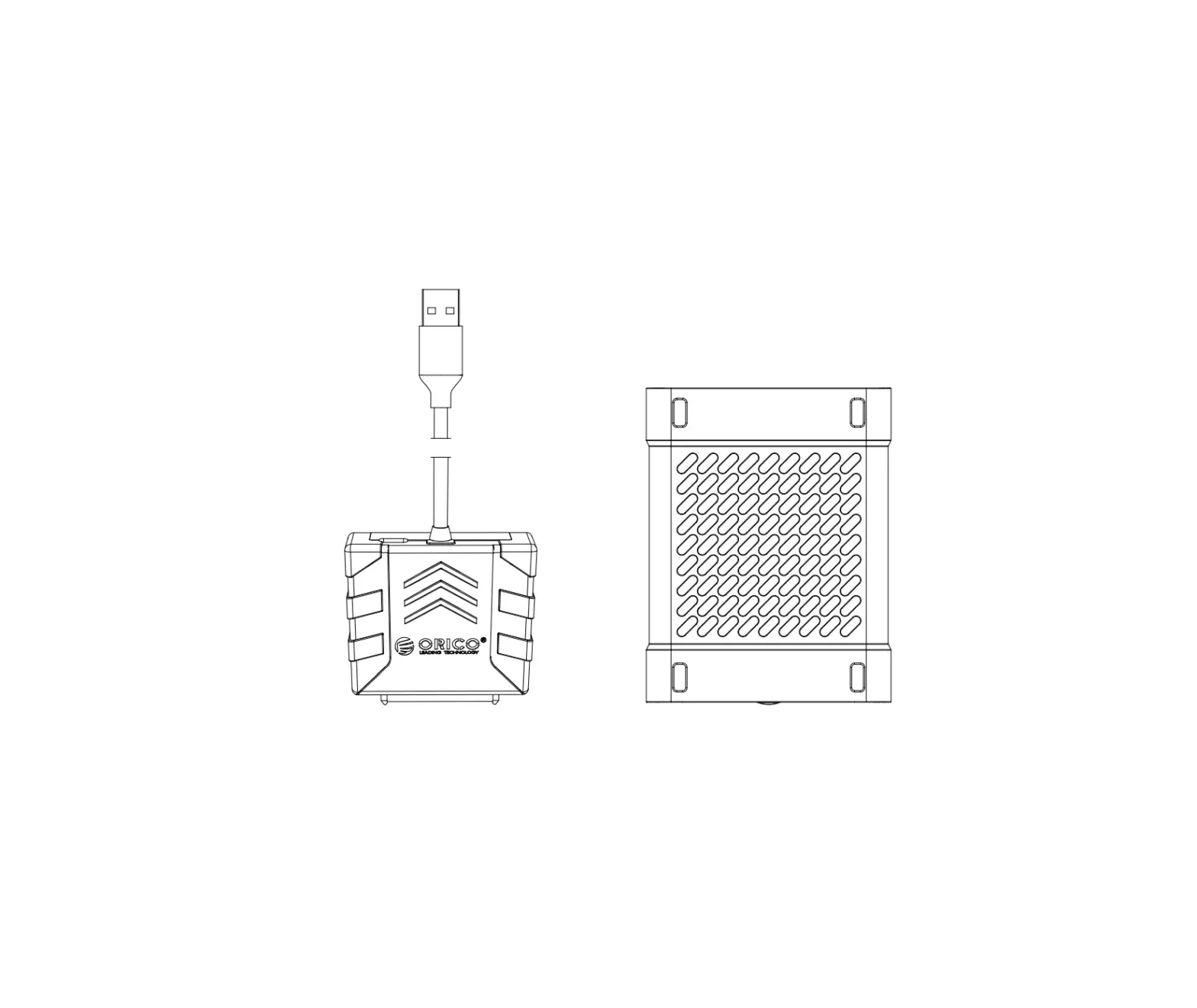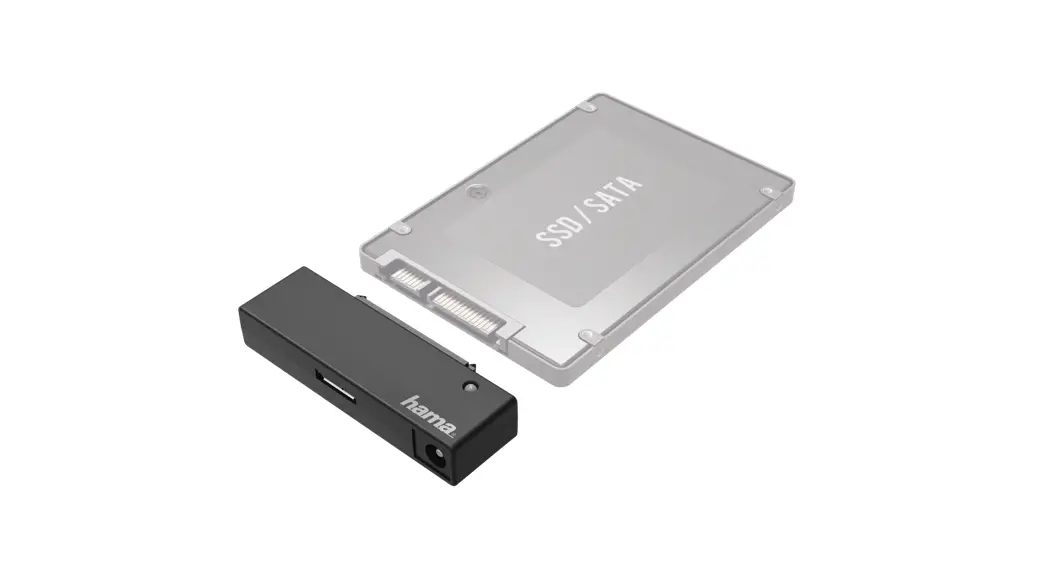

eWent EW7019 USB 3.2 Gen1 IDE SATA Adapter
For PLUGGABLE EQUIPMENT, the socket outlet shall be installed near the equipment and shall be easily accessible.
IDE
Connection
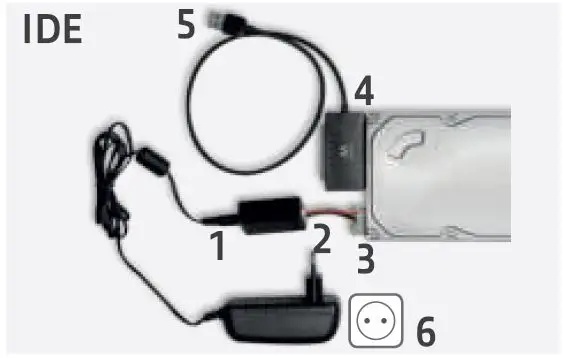
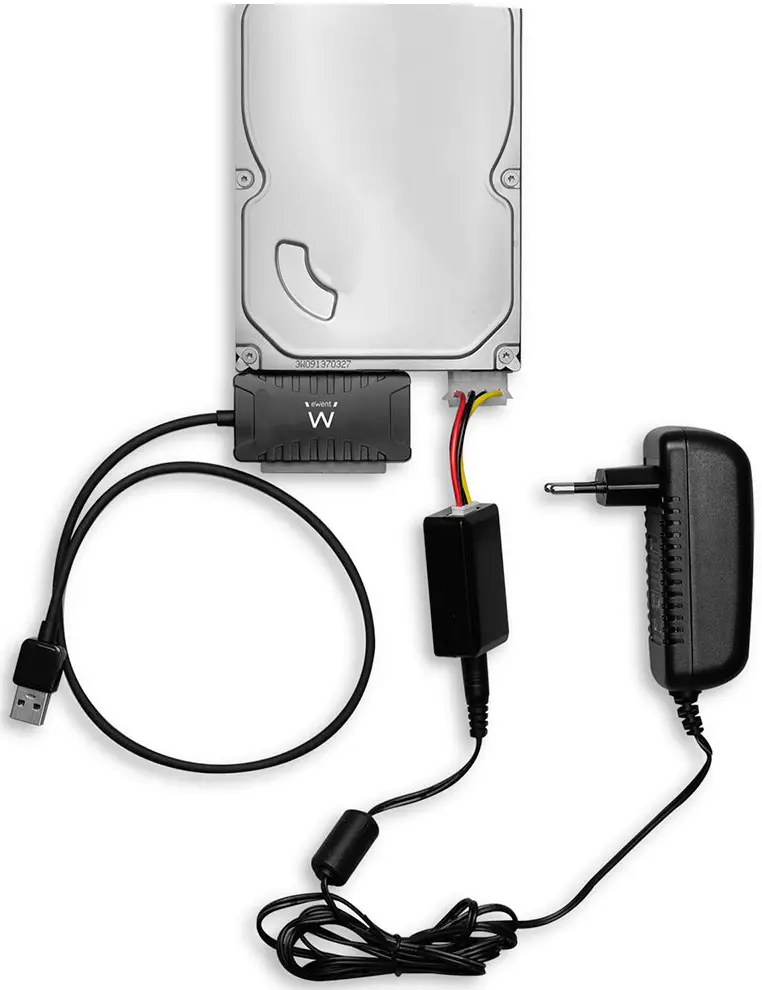
- Connect the power cable to the power converter.
- Connect the IDE power cable to the power converter.
- Connect the other side of the IDE power cable to the power connection of the IDE disk.
- Connect the EW7019 to the IDE hard disk
- Connect the USB 3.2 Gen1 cable to a free USB port of your computer.
- Connect the power adapter to a wall outlet.
SATA
Connection
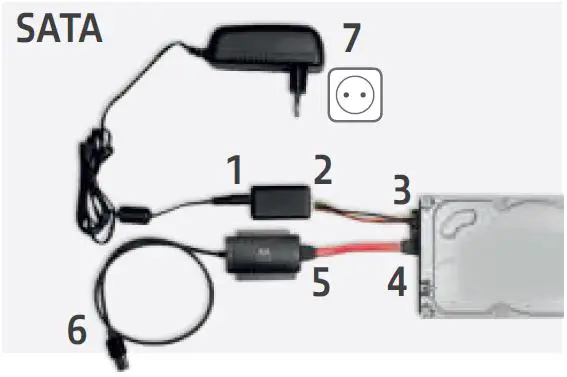
- Connect the power cable to the power converter.
- Connect the SATA power cable to the power converter.
- Connect the other end of the SATA power cable to the corresponding SATA connector of the hard disk.
- Connect the SATA cable to the corresponding SATA connector of the SATA hard disk
- Connect the other side of the SATA cable to the SATA connection of the EW7019.
- Connect the USB 3.2 Gen1 cable to a free USB port of the computer.
- Connect the power supply to a wall outlet.
Warranty
- 5 Years Warranty
For service, manuals, firmware updates, or support visit www.ewentonline.com Multilingual manual.
 Ewent - Choose your country
 Ewent - Choose your country